You finish a 90-page report, attach it to an email, hit send, and the dreaded bounce message lands a few seconds later: "Attachment too large." It is one of the most irritating small failures in modern work. The good news is that you have plenty of options, and several of them are better than email even when email would have worked. In this article you will see the best ways to share a large PDF without email size limits, how they compare, and when each one makes sense. One option, turning the file into an online page-turning publication with Flipbooks AI, also gives you tracking and password control that plain attachments never offer.
Why Email Rejects Large PDFs
Email was designed for short text messages, not for heavy documents. Every provider caps attachment size to protect its servers, and the cap is smaller than most people expect.
Here are the typical limits you will run into:
| Email Provider | Attachment Limit | What Happens Above It |
|---|
| Gmail | 25 MB | Prompts you to use Google Drive link |
| Outlook.com | 20 MB | Message fails to send |
| Yahoo Mail | 25 MB | Attachment blocked |
| Apple iCloud Mail | 20 MB (5 GB with Mail Drop) | Switches to a download link |
| Corporate Exchange | Often 10 MB | Bounced by the server |
The Hidden Size Penalty
Attachments are encoded for transport, which inflates them by roughly 33 percent. A 19 MB PDF can become a 25 MB message and get rejected even though it looks safe on your disk. That is why a file that "should fit" still fails.
Why Big PDFs Keep Growing
Most oversized PDFs share the same causes:
- High-resolution photos exported at print quality
- Embedded fonts repeated across many pages
- Scanned pages stored as uncompressed images
- Layered design files exported without optimization
- Embedded video or audio inside the document
💡 Pro tip: Before you pick a sharing method, check the file size in your folder. Anything under 10 MB can usually travel by email. Everything above deserves one of the methods below.
Quick Fix: Compress the PDF
Compression is the fastest answer when the file is only a little too big. It keeps the email workflow you already know and needs no new accounts.
How Compression Works
Compression tools downsample images, remove duplicate data, and strip hidden metadata. A 60 MB brochure often drops to 8 MB with no visible difference on a normal screen.
When Compression Fails
Compression has limits. A 400 MB catalog packed with photography will not shrink enough, and aggressive settings make images look blurry. If your reader needs to see fine detail, such as a product swatch or an architectural drawing, compress carefully or pick another route.
⚠️ Warning: Always keep the original file. Heavy compression cannot be undone, and a blurry copy sent to a client reflects badly on you.
Cloud Storage Links
Services like Google Drive, Dropbox and OneDrive let you upload the file once and send a link instead. The email stays tiny, and the recipient downloads the PDF from the cloud.
What Works Well
- Large free storage allowances
- Easy sharing with specific people
- Version history if you update the file
- Works on every device
What Gets Annoying
- Recipients may need an account to open the link
- Permission settings confuse non-technical users
- The file arrives as a download, so you lose control of copies
- Links sometimes break when someone reorganizes folders
✅ Best practice: Set the link to "view only" unless you actually want edits. Add an expiry date when the service allows it.
File Transfer Websites
Sites built for sending big files, like WeTransfer or Smash, accept uploads of several gigabytes without an account. You enter an email address, and the recipient gets a download link.
The Appeal
They are fast, simple, and ideal for one-time deliveries such as a final design proof or a signed contract bundle.
The Catch
Links usually expire within a week or two. Free tiers cap the size, and there is no way to see whether anyone read the document. You only learn whether the file was downloaded, not whether it was opened or understood by the reader.
Quick comparison of these first three options:
| Method | Max Practical Size | Account Needed | Tracking | Link Expires |
|---|
| Compression + email | About 20 MB | No | None | Never |
| Cloud storage link | 15 GB or more | Sometimes | Basic | Optional |
| Transfer website | 2 to 10 GB | No | Download alert | Yes, days |
Physical Drives and Local Networks
Sometimes the internet is simply the wrong tool. If you sit in the same building, or you are handing a file to someone at a meeting, a USB drive can beat any online service.
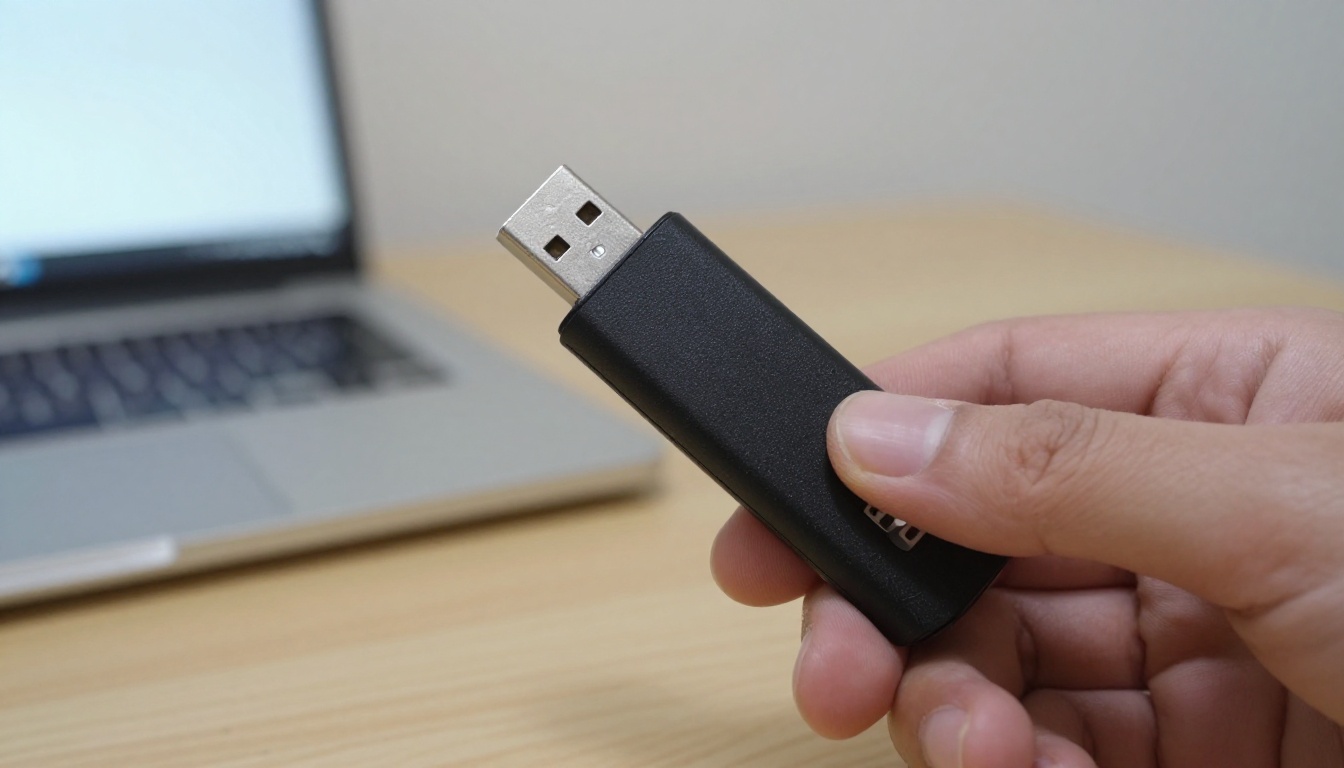
When a USB Drive Makes Sense
- Slow or unreliable internet connection
- Files in the multi-gigabyte range
- A secure environment where cloud tools are banned
- A face-to-face handoff
Why It Rarely Scales
A USB drive reaches one person at a time. You cannot update the file after handing it over, you cannot revoke access, and drives get lost. For anything beyond a single handoff, an online method is far safer and faster.
Turn the PDF Into a Flipbook
This is the option many teams overlook. Instead of sending a file at all, you send a link to an online, page-turning version of the document. The reader opens it in any browser on a phone, tablet or laptop. No attachment, no download, no size limit to worry about.

The PDF to Flipbook Converter handles large, image-heavy files that would choke an inbox. Because the document is streamed page by page, readers see the first pages almost instantly, even on mobile data.
Why It Beats a Plain Download
- No watermarks, ever, so the document looks professional
- Mobile-responsive reading with smooth page effects
- Custom branding with your logo and colors
- Password protection for private content
- Embed videos and audio directly inside pages
- Embed on your own website with a short code snippet
You can also embed the flipbook on your website, so visitors read the document without leaving your page.
Real-World Examples
A real estate agent has a 120 MB property brochure full of photography. Instead of sending three separate emails with compressed files, they send one link. Buyers flip through the pages on their phones, and the agent uses the Real Estate Brochure Creator to keep the layout polished.

A freelance designer needs to share a 200 MB portfolio with prospective clients. A link opens a clean, branded flipbook that looks great on any screen. The Digital Portfolio Creator is built for exactly this.

A small business sends a seasonal product list to wholesale buyers. The Digital Catalog Maker turns the heavy PDF into a shareable catalog that never bounces.
How to Send a Large PDF as a Flipbook
Here is the full process, step by step. Most people finish in under five minutes.
- Create your account. Go to Flipbooks AI and sign up. You can try it before committing to a plan.
- Upload the PDF. Drag the file into the converter. Large files are fine, and the conversion keeps text sharp and images crisp.
- Pick your layout. Choose single-page or two-page spread, background color, and page-turn effect.
- Add your branding. Upload your logo, set brand colors, and choose a custom thumbnail so the link looks good when shared.
- Add multimedia. Drop in videos, audio, or clickable links on any page.
- Set privacy. Turn on password protection if the document is confidential.
- Share. Copy the direct link, or copy the embed code to place the flipbook on a website.
💡 Pro tip: Put the link in the email body and write one sentence about what the reader will find on page one. People open links more when they know what to expect.
Sharing Options at a Glance
| Option | Best For | Needs Account to View |
|---|
| Direct link | Emails, chats, social posts | No |
| Embed code | Websites and landing pages | No |
| Password link | Contracts, internal reports | No, only a password |
| Offline download | Readers with poor connectivity | No |
Keep Control After You Send
Sending the file is only half of the job. What happens next decides whether the document does its work.

Password Protection
A password lets you share the same link with many people while keeping the content private. Change the password later and old copies of the link stop working for anyone who does not have it. A PDF attachment cannot offer that, because once it is downloaded you have no say in where it goes.
Know Who Reads It
Plain attachments give you silence. You never learn whether the client opened your proposal. With the Professional plan on Flipbooks AI pricing, you get analytics showing views, reading behavior, and even lead capture forms so interested readers leave their contact details.

Update Without Resending
Found a typo after sending? With an attachment, you must email everyone again and hope they delete the old copy. With a flipbook, you replace the source file and the same link shows the new version.
⚠️ Warning: If you share a document with prices or contract terms, make sure old attachments are not still circulating. A single shared link is much easier to control.
Which Method Should You Pick?
No single answer fits every situation. Use this table as a quick decision tool.
| Situation | Best Option |
|---|
| File is slightly over 25 MB | Compress, then email |
| One-off delivery to a single person | Transfer website |
| Team collaboration on a shared folder | Cloud storage link |
| No internet, same room | USB drive |
| Marketing material, catalogs, brochures | Flipbook |
| Confidential report with tracking needs | Flipbook with password |
| Public document on a website | Flipbook embed |
Three Common Mistakes
- Compressing too hard. Blurry images make your brand look careless.
- Sending links with open permissions. Anyone with the link can forward it. Use passwords or view-only settings.
- Forgetting the mobile reader. Most people open email on a phone. A raw PDF forces pinching and zooming, while a flipbook adapts to the screen.
A Simple Rule of Thumb
If the document is a one-time delivery, use a transfer site. If it is a working file others will edit, use cloud storage. If it is a document you want people to read, enjoy, and act on, use a flipbook. You can find more specialized options in the full list of flipbook tools, including menus, magazines, and annual reports.
Send the Link and Relax
Large PDFs no longer have to ruin your afternoon. Compression handles small overages, cloud links suit teams, transfer sites suit single deliveries, and a flipbook turns the file into a reading experience that works on every device and gives you control after you hit send.

Ready to stop fighting attachment limits? Get started for free on Flipbooks AI and convert your first PDF today. Browse the tools and templates to find the right fit for your document, or compare pricing plans to see which features match your needs. When you are ready to commit, pick your plan after signing in.



