You shot 4,000 frames, culled them to 600, and now a couple is waiting on an album that will sit on their coffee table for thirty years. The software you pick decides whether that job takes four hours or fourteen. This ranking of the best wedding album design software for photographers looks at what matters in a real workflow: layout speed, print lab compatibility, client approval, and how the finished story gets shared. We also look at how Flipbooks AI fits in as a digital companion to the printed album.
💡 Quick answer: If you design many albums a year, pick a dedicated album tool with auto-layout. If you design a few, a general layout app plus a digital flipbook for proofing is often enough.
What Photographers Actually Need
Most "top ten" lists compare feature checklists. Working photographers care about something simpler: how many hours of unpaid editing does this tool remove?
Before comparing names, decide which of these problems costs you the most time:
- Layout speed: turning 600 selects into 40 balanced spreads.
- Print accuracy: gutters, bleeds, and safe zones that match your lab's specs.
- Client proofing: getting approval without twelve email rounds.
- Revisions: swapping one image without breaking the whole spread.
- Delivery: giving the couple something to share the same week, not three months later.
Related search terms you will see throughout this article include wedding album software, photo album design software, album layout tools, auto layout wedding albums, album proofing, and digital wedding album.
The Ranking at a Glance
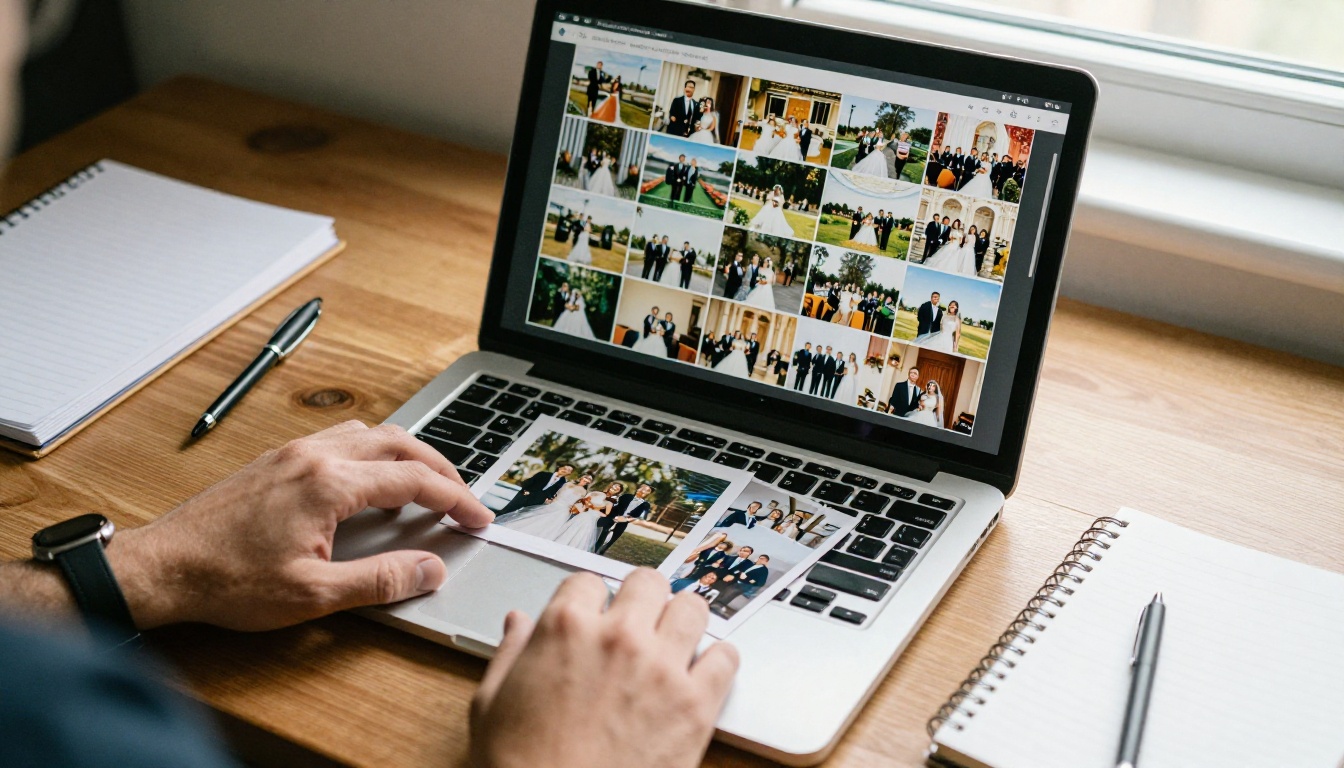
Here is the short version. Scores reflect typical workflow value for a working wedding photographer, not marketing claims.
| Rank | Software | Best For | Auto Layout | Client Proofing | Learning Curve |
|---|
| 1 | Dedicated album designers (Fundy Designer, SmartAlbums, Pixellu) | High-volume studios | Strong | Built in | Moderate |
| 2 | Adobe InDesign | Custom editorial layouts | Manual | External | Steep |
| 3 | Lightroom Classic books | Fast, simple books | Basic | Limited | Gentle |
| 4 | Canva | Occasional designers | Templates | Share links | Gentle |
| 5 | Lab-provided online designers | One-lab shops | Basic | Varies | Gentle |
| 6 | Flipbooks AI (digital companion) | Proofing and online delivery | PDF based | Link and password | Gentle |
The table mixes two categories on purpose. Items one through five design the album. Item six presents it online. Most photographers end up pairing one of each.
Dedicated Album Designers
Fundy Designer, SmartAlbums, and Pixellu sit at the top because they were built around one job: turning a gallery into a printed album fast. Their strongest shared feature is auto-layout that reads your selects and proposes balanced spreads, so you start at 70 percent instead of zero.
Why Auto Layout Saves Hours
An auto-layout engine groups images by orientation, color, and sequence. Instead of dragging 600 files onto blank pages, you review proposed spreads and fix the weak ones. For a studio doing two or three weddings a month, this is the biggest single time saver in the category.
Lab Templates and Specs
Good album software ships with templates from the major print labs, with correct spread sizes, bleeds, and gutter safe zones. That removes a whole category of reprint disasters, such as a bride's face disappearing into the fold.
Where They Fall Short
- Subscription or license costs add up for part-time photographers.
- Layouts can look similar if you never customize them.
- Proofing links are tied to the vendor's own viewer.
Adobe InDesign
InDesign is the tool for photographers who want total typographic and layout control. If your albums include handwritten vows, magazine-style captions, or unusual page sizes, nothing matches its precision.
Strengths
- Pixel-level control over every margin and object.
- Master pages for consistent folios and captions.
- Exports print-ready PDFs for any lab.
Weaknesses
- No auto-layout designed for wedding galleries.
- Every revision is manual.
- Client proofing happens outside the app.
⚠️ InDesign rewards patience. If you are designing more than a handful of albums a year, the hours spent placing images by hand will cost more than a dedicated tool.
Lightroom Classic Books
If you already live in Lightroom, the Book module is the lowest-friction option. You pick a collection, choose an auto-layout preset, and export. It is not built for complex spreads, but for a quick 20-page parent album or a minimalist book it is hard to beat.
Best used when: the budget is tight, the album is simple, and the couple does not need many rounds of revisions.
Canva works for photographers who design albums occasionally and want a friendly interface. Templates, drag and drop, and share links make it easy to send a draft to a client.
The trade-offs are practical rather than creative:
- Print specs need manual checking against your lab's requirements.
- Color management is limited compared with print-focused tools.
- Large image counts can slow the editor.
Lab-Provided Online Designers
Many print labs offer their own browser-based album builders. They guarantee correct specs and ordering is one click away. The downside is lock-in: your designs live on one lab's platform, and switching labs means starting over.
Use these if you have a single preferred lab and keep your albums simple.
Where Digital Flipbooks Fit In
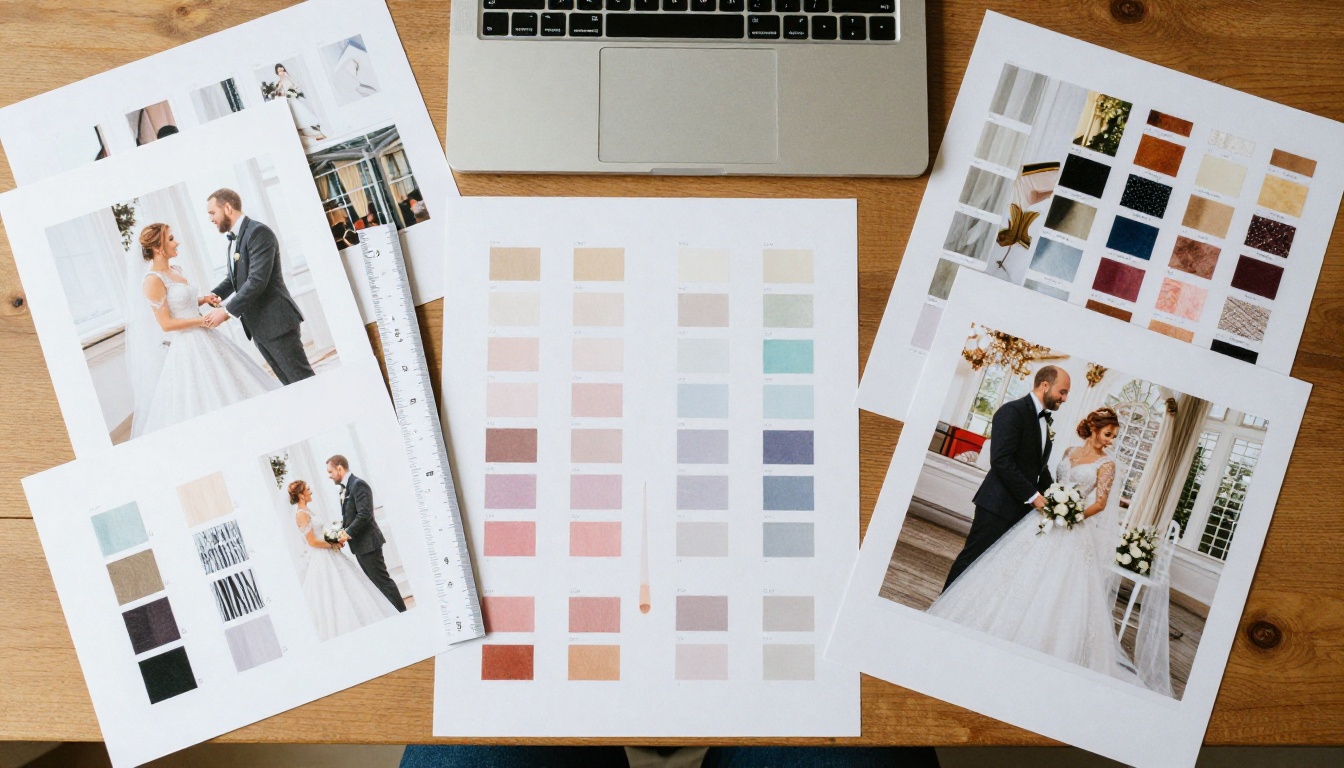
Print is the product, but the proofing and sharing stage is where many photographers lose days. Emailing a 90 MB PDF to a couple, then waiting, then receiving a list of changes in a text message, is a workflow nobody enjoys.
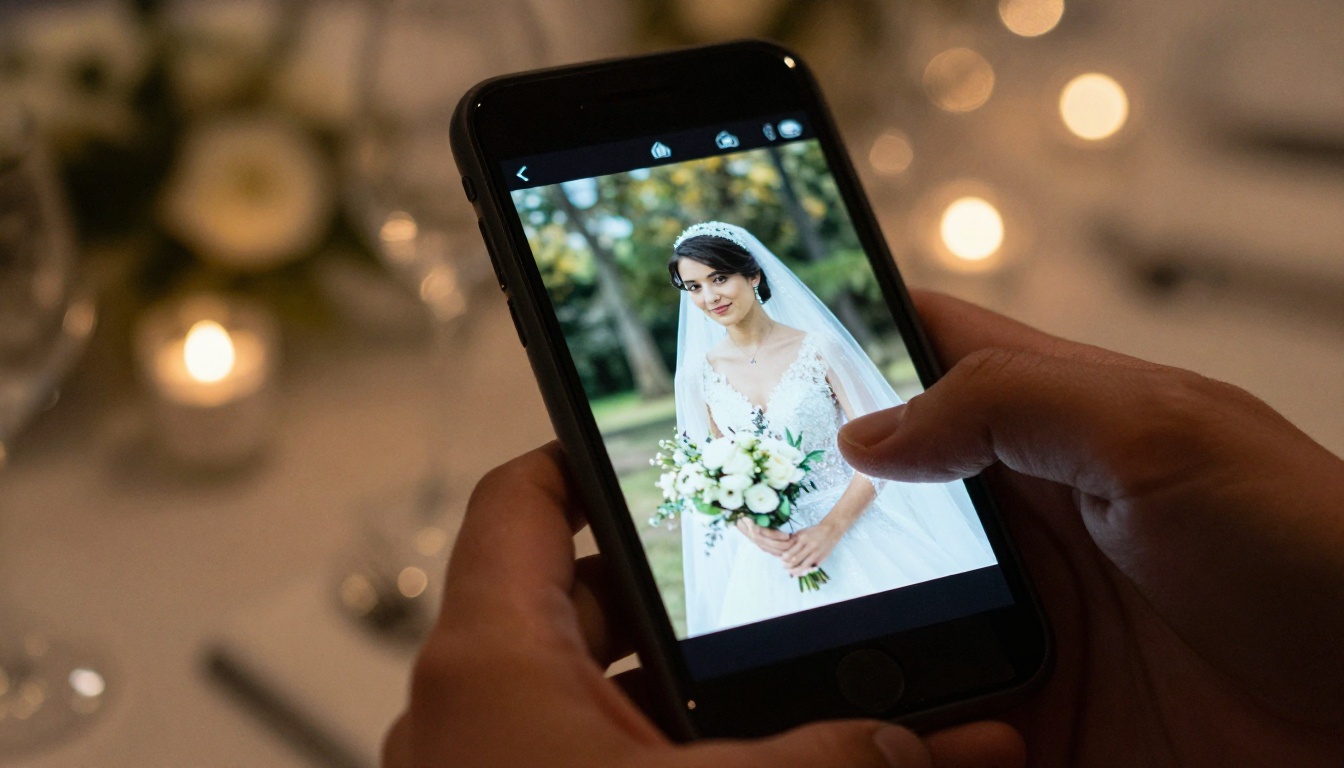
A digital flipbook solves the presentation half of the problem. Export your spreads as a PDF, convert it, and send a link. The couple flips through pages on their phone like a real album.
What Flipbooks AI Adds
Flipbooks AI turns a PDF into a page-turning online album with no watermarks. Relevant features for wedding work include:
- ✅ Password protection so only the couple and family see the album.
- ✅ Mobile-responsive viewing for guests on any device.
- ✅ Custom branding with your studio colors and logo.
- ✅ Embedded video and audio, useful for a vow recording or a highlight clip.
- ✅ Offline downloads for relatives with poor reception.
- ✅ Analytics and lead generation on the Professional plan, handy for seeing whether a couple actually opened the proof.
The dedicated Wedding Album Flipbook tool is built for exactly this use, and the Photography Portfolio tool works well for showing sample albums to prospective clients.
How to Create a Wedding Album Flipbook
Here is the workflow most photographers use after finishing layouts in any of the tools above.
- Export your spreads as a PDF. Use a screen-resolution export for proofing, not the print-resolution file. It loads faster and protects your full-size files.
- Open the converter. Go to the PDF to Flipbook Converter or create an account to start.
- Upload the PDF. Conversion takes seconds, and each spread becomes a page in the flipbook.
- Customize the look. Set your studio colors, add your logo, choose the page-turn effect, and optionally embed a short audio clip of the couple's first dance song.
- Set privacy. Turn on password protection for private galleries.
- Share. Copy the direct link, or use the Embed Flipbook on Website option to place the album on your client portal.
- Collect feedback. Ask the couple to note page numbers for changes, then update the PDF and replace the flipbook.
💡 Pro tip: Name your PDF with the couple's names and the draft number, like "Rivera Draft 2." It keeps revisions organized and prevents sending the wrong version.
Feature Comparison for Proofing
If client approval is your bottleneck, this table shows how each approach handles it.
| Approach | Link Sharing | Password | Mobile Friendly | Revision Speed | Branded Viewer |
|---|
| Dedicated album designer | Yes | Usually | Yes | Fast | Limited |
| InDesign PDF by email | No | No | Poor | Slow | No |
| Lightroom book export | No | No | Poor | Slow | No |
| Canva share link | Yes | Limited | Yes | Medium | No |
| Lab designer | Varies | Varies | Varies | Medium | No |
| Flipbook from PDF | Yes | Yes | Yes | Fast | Yes |
The pattern is clear. Tools that design well rarely present well, and the reverse is true too. Pairing them gives the best result.
Real Scenarios Worth Copying
The high-volume studio. A team shooting 40 weddings a year uses a dedicated album designer for auto-layout, then sends each proof as a branded flipbook. Revision rounds drop because couples can see the album on their phones without downloading anything.
The solo photographer with a side business. She shoots 12 weddings a year, designs in Lightroom for simple albums and InDesign for premium ones, and shares every draft through a password-protected flipbook. Her investment stays low while the client experience feels premium.
The destination photographer. Clients live in different countries, so print proofing by mail is out. A flipbook link, with an embedded audio message, lets everyone review the album on the same day.
How to Choose in Five Minutes
Answer these questions honestly:
- How many albums do you design each year? Over 15, choose a dedicated designer. Under 5, a simpler tool is fine.
- Do you need custom typography? If yes, add InDesign.
- Which lab do you print with? Check template support before buying anything.
- How painful is proofing today? If painful, add a digital flipbook step.
- Do clients want to share the album online? A flipbook link beats a PDF attachment every time.
| Your Situation | Recommended Setup |
|---|
| 15+ albums per year | Dedicated album designer plus flipbook proofing |
| 5 to 15 albums per year | Lightroom or Canva plus flipbook proofing |
| Premium custom albums | InDesign plus flipbook proofing |
| Single-lab studio | Lab designer plus flipbook proofing |
Common Mistakes to Avoid
- Buying for features you never use. Most photographers touch about a third of what premium software offers.
- Skipping lab templates. Always start from the lab's own spread size.
- Sending print-resolution files for proofing. It is slow for the client and risky for your images.
- Ignoring mobile. Couples will open your proof on a phone first.
- No version control. Label every draft clearly.
⚠️ Never approve a print order from a screen proof alone. Check bleed and gutter placement against the lab's template before you submit.
Workflow Tips From Busy Studios
A few habits that make any software faster:
- Cull before you design. Fewer, stronger selects create better spreads than 800 average ones.
- Design in story order. Getting ready, ceremony, portraits, reception. The couple remembers the day this way.
- Set a spread budget. Around 30 to 40 spreads fits most albums, so you avoid endless trimming.
- Use one hero image per spread. Support it with two or three smaller frames.
- Keep a revision cap. Include two rounds in your contract, charge for more.
Pick Your Setup Today
The best wedding album design software for photographers is the one that removes your biggest bottleneck. For most studios that means a dedicated designer for layouts and a digital flipbook for proofing and delivery.
Ready to try the presentation side? Get started for free on Flipbooks AI, browse all flipbook tools, or compare pricing plans to see which tier fits your studio. Your next couple deserves an album that is easy to design, easy to approve, and easy to share.