A publisher at a convention might see forty prototypes in a weekend. What they remember is rarely the best game. It is the one whose single page made the pitch obvious in ten seconds. This article walks through board game sell sheet examples that get publishers interested, explains why each section earns its place, and shows how to turn the finished page into a shareable digital pitch with Flipbooks AI.
What a Sell Sheet Actually Does
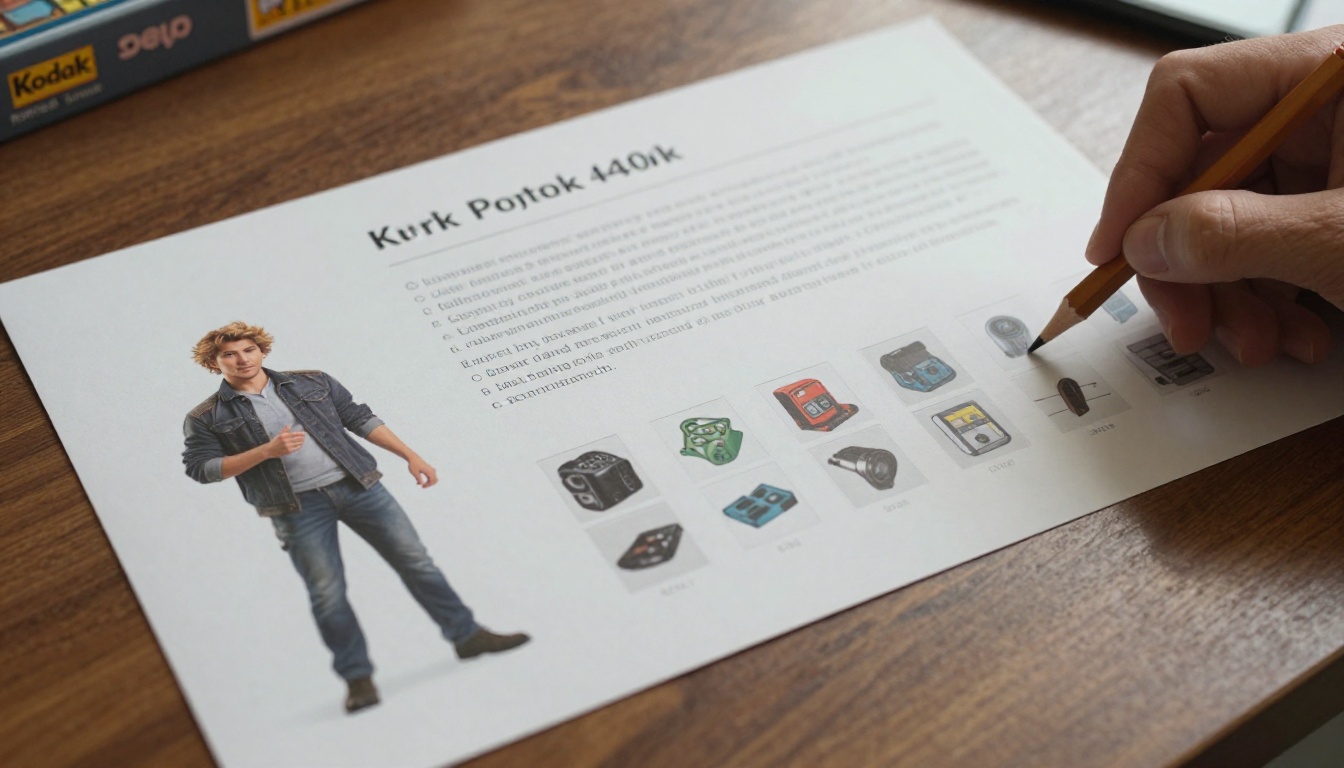
A sell sheet is a one page summary of your game, written for someone who decides whether your prototype gets a table, a meeting or a contract. It is not a rulebook, and it is not a Kickstarter page. Its only job is to earn the next conversation.
The ten second test
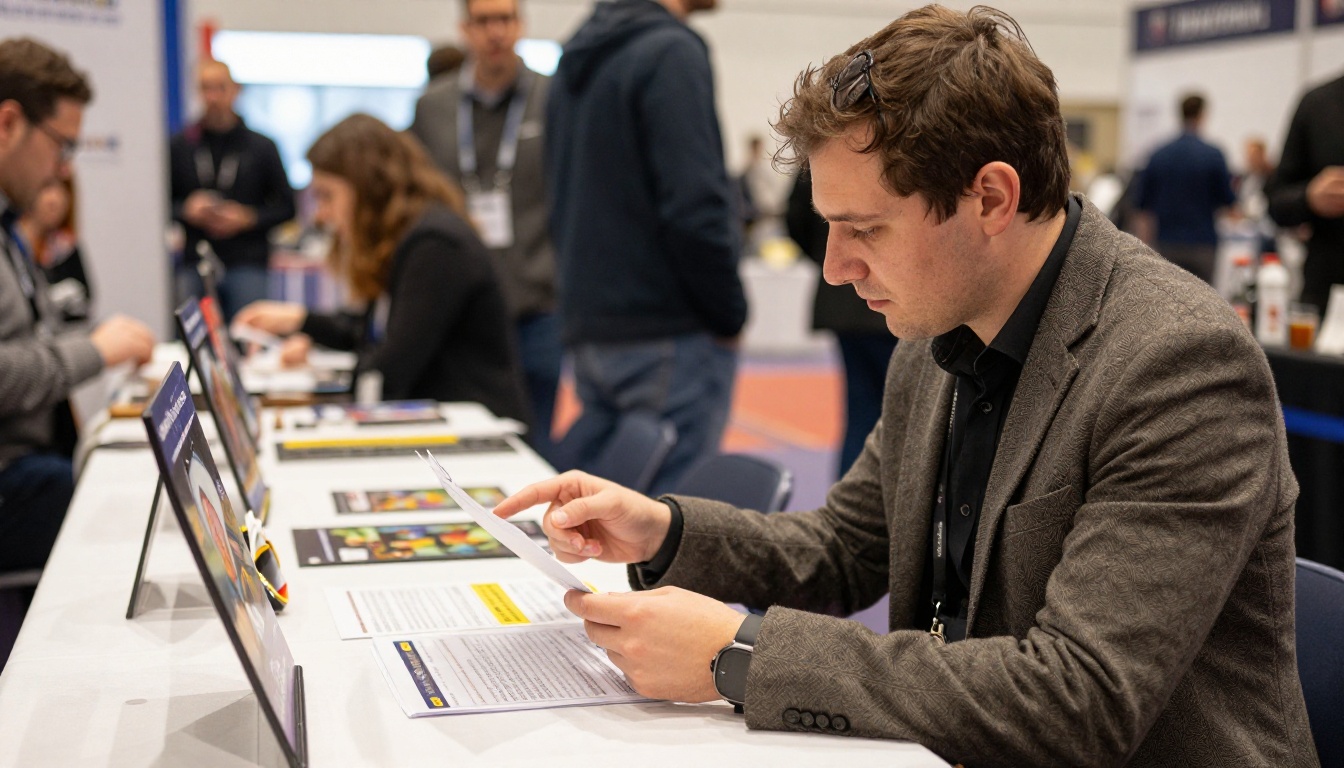
Publishers scan in a predictable order: the title and hook, the player count and play time, a picture of the game, and then the price or audience. If any of those is missing or buried, the page loses them. Treat the sheet like a shop window, not a warehouse.
Who reads it and why
Three readers matter, and each wants something different:
- Acquisitions editors want to know if the game fits their catalog and season.
- Marketing leads want a hook they can say in one sentence at a trade show.
- Distributors and retailers want a clear shelf price, box size and audience.
💡 Pro tip: Write the hook for the marketing lead. If they can repeat it at a booth, the editor will hear it again from them.
Anatomy of a Winning Sell Sheet
Strong board game sell sheet examples share the same skeleton, even when the styling differs wildly. Here is the order that tends to work.
Title, hook and tagline
Lead with the game name in large type, then one sentence that states the experience. "Race rival bakers to fill the town's biggest wedding order" beats "A strategic tableau building game with worker placement elements." The first sentence sells a feeling. The second lists mechanisms.
The core stats bar
Put the numbers in a tight strip near the top. Publishers use these to judge fit within seconds.
| Stat | What to include | Why publishers care |
|---|
| Players | Range plus best count | Signals market and solo or party potential |
| Play time | Realistic average, not the minimum | Sets expectation for family or gamer audience |
| Age | Minimum age | Affects retail category and safety rules |
| Weight | Light, medium or heavy | Positions it against existing catalog titles |
| Target price | Suggested retail range | Drives production cost calculations |
Hero image and component shots
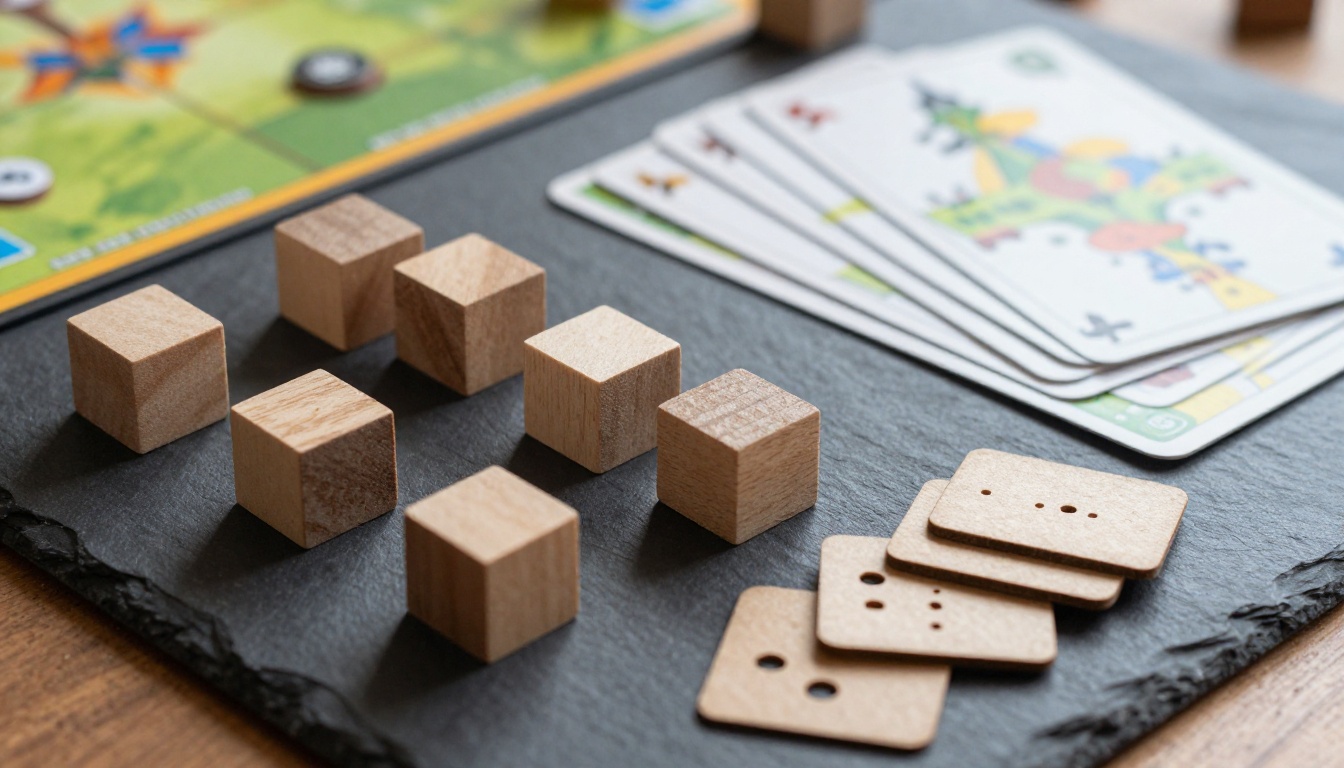
Use one strong image of the game in play or the finished box mockup, and two or three smaller shots of components. Real photographs of a physical prototype outperform rendered boxes because they prove the game exists.
A tight "how it plays" block
Three to five short bullets is plenty. Describe a turn, the main decision and the way a player wins.
- On your turn, draw two cards and place one on your board.
- Spend ingredients to bake orders for the town.
- Block rivals by claiming the market stall they need.
- First to fulfill five orders wins the festival.
Comparable titles
Name two or three published games your design sits near, and say how yours differs. This is the single fastest way to show a publisher you understand their market. Pick recent, well known comps, and avoid claiming your game is "like nothing else."
Three Layout Examples That Work
Rather than one perfect template, think in layout families. Each suits a different kind of game.
Example one: the hero box layout
A large box mockup fills the left third, with the hook and stats stacked on the right. This works for family and gateway games where shelf appeal matters. The eye lands on the box, then the tagline, then the stats bar.
Example two: the gameplay moment layout
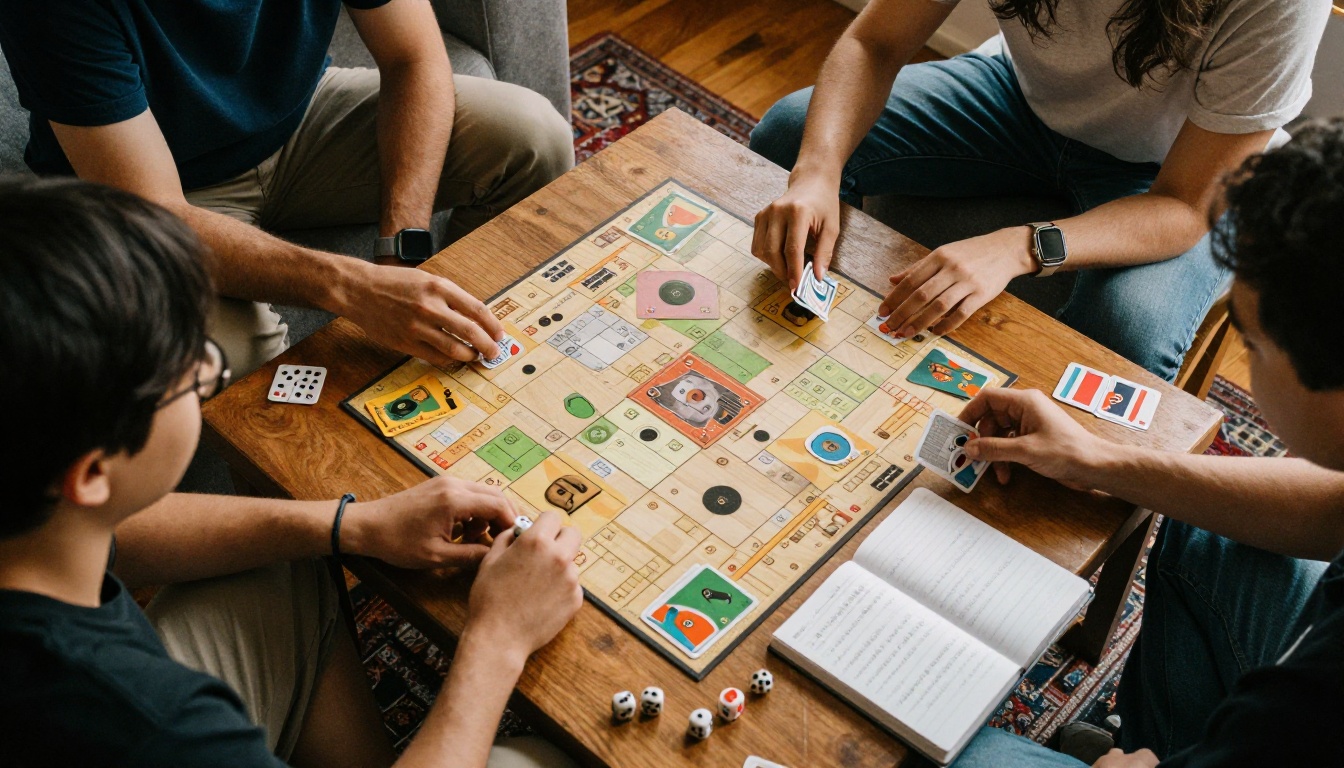
A full width photo of players mid-game opens the page, with the stats strip directly underneath and three columns of text below. This suits social and party games, where the table experience is the product.
Example three: the component showcase layout
A grid of crisp component photos surrounds a central logo, with short captions. Heavier strategy games and games with unusual production, like custom dice or large boards, benefit most here because the components are part of the pitch.
| Layout | Best for | Strength | Watch out for |
|---|
| Hero box | Family, gateway | Instant shelf appeal | Mockups can look fake |
| Gameplay moment | Party, social | Shows the fun | Needs good photography |
| Component showcase | Strategy, premium | Proves production value | Can bury the hook |
⚠️ Warning: Do not mix all three layouts on one page. A cluttered sheet reads as an unfocused game.
Words That Make Publishers Lean In
Copy matters as much as layout. Publishers read hundreds of pitches that describe games as "innovative," "unique" and "fun for everyone." None of those words say anything.
Show the decision, not the theme
Say what players agonize over. "Every round you choose between feeding your village and expanding its borders" tells a publisher the game has tension. A theme alone does not.
Use concrete numbers
Specific details feel honest. Compare these two lines:
- Weak: "Quick playtime and lots of replayability."
- Strong: "35 minute games, 12 event decks, 4 asymmetric factions."
Name your proof
If you have playtest results, awards from a design contest, or a prototype that sold out at a local event, put one line on the sheet. Even "Playtested with 140 players across 9 sessions" signals a finished design.
Design Rules for One Page
A sell sheet should look like it came from a studio that already ships games. You do not need a big budget for that, only discipline.
Typography and color
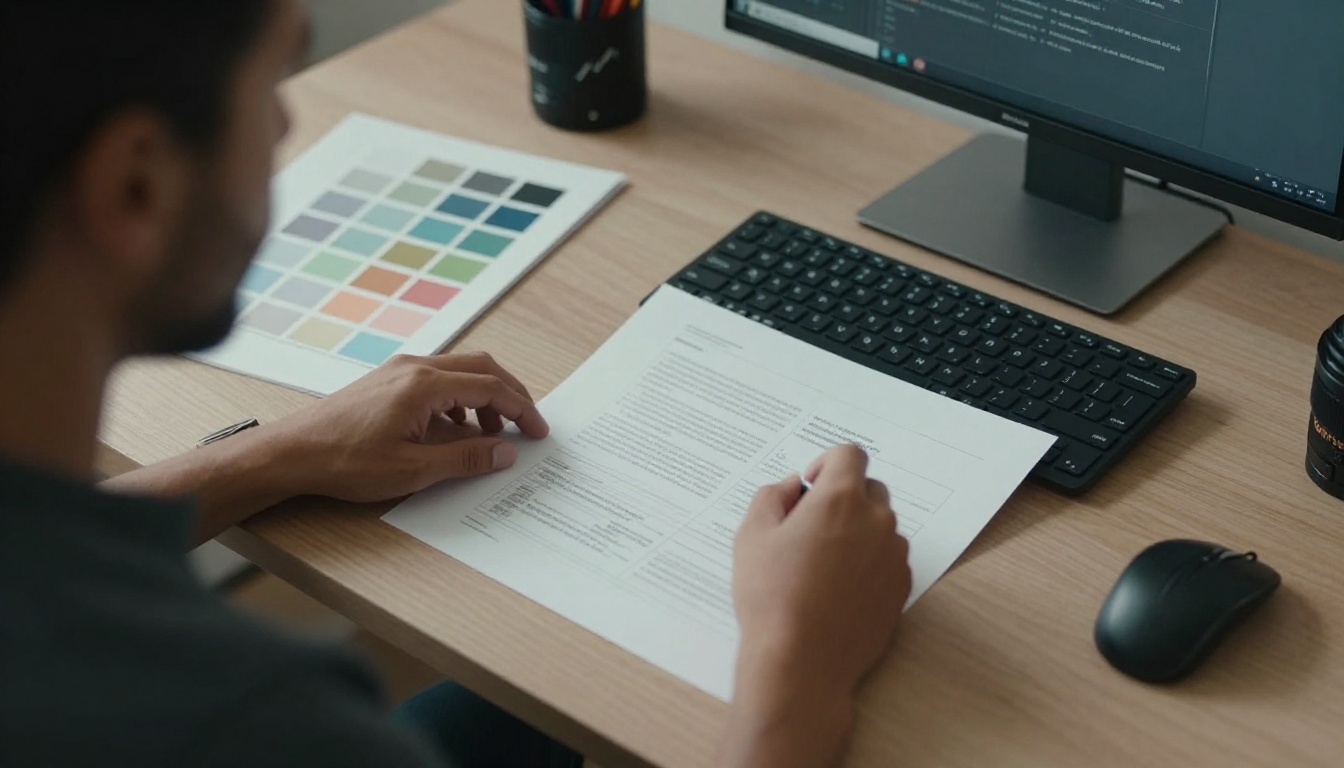
Use two fonts at most, one for headings and one for body text. Pull your color palette from the box art or logo, and keep body text dark on a light background. A readable sheet beats a stylish one every time.
White space and hierarchy
Leave breathing room around the hero image and between columns. If everything is bold, nothing stands out. Use size to rank information: title first, hook second, stats third, details last.
File format and size
Export a print ready PDF at letter or A4 size, and keep the file under a few megabytes so it opens quickly on email and phones. A sheet that takes ten seconds to load has already lost ground.
| Item | Recommended setting |
|---|
| Page size | Letter or A4, portrait |
| Resolution | 200 to 300 DPI images |
| File size | Under 5 MB |
| Fonts | Embedded, two families max |
| Contact line | Name, email and website at the bottom |
Mistakes That Get Pitches Ignored
Most rejections come from small, avoidable errors. These are the most common ones.
Too much text
If the page looks like a rulebook, nobody reads it. Cut anything that does not help a publisher decide to ask for a prototype.
Missing contact details
It sounds obvious, but sheets without an email address or website appear every month. Put contact information in the footer and repeat it in the PDF filename.
Overpromising on originality
Claims like "the first game to combine X and Y" invite a quick search that proves you wrong. Honest comps feel safer to a publisher than bold claims.
✅ Best practice: Show the sheet to three people who have never seen your game. Ask each to explain it back in one sentence. If their sentences differ, your hook is unclear.
Build a Digital Sell Sheet With Flipbooks AI
A static PDF works, but a page turning version lets you add more without cluttering the one pager. You can keep the sell sheet as page one, then add rules highlights, component photos, art samples and a playtest summary on following pages. The publisher decides how deep to go.

How to create the flipbook
- Open your account. Go to Flipbooks AI and sign in or create a free account.
- Upload your PDF. Use the PDF to Flipbook Converter to turn your sell sheet and supporting pages into an interactive flipbook. Conversion takes moments.
- Apply your branding. Match the colors, logo and background to your game's box art so the pitch looks like one consistent package.
- Add multimedia. Embed a short gameplay clip or a walkthrough audio note so a publisher can hear the pitch the way you would say it at a table.
- Set the page effects. Keep the page turn subtle so the focus stays on the content.
- Share it. Copy a direct link for email, or use the Embed Flipbook on Website tool to place the pitch on your designer site.
If you pitch more than one game, the Sales Presentation and Press Kit Designer tools suit a portfolio of titles. Designers with art samples can also try the Digital Portfolio Creator.
Protect unreleased designs
Prototypes are valuable, so use password protection for private pitches and send the password separately. There are no watermarks on the final flipbook, so it looks polished in front of a publisher. You can find the plan details on the pricing page.
Track who opens it
On the Professional plan, analytics show whether a publisher opened your pitch and which pages they spent time on. That tells you when to follow up and which page to improve. Lead generation forms can also capture contact details from anyone who views the flipbook at a convention or from a social post. Offline downloads let a publisher keep the pitch for their next committee meeting.
| Feature | Static PDF | Flipbooks AI version |
|---|
| Mobile friendly | Often pinch and zoom | Responsive, easy swipe |
| Video and audio | No | Yes |
| Password protection | Limited | Yes |
| View tracking | No | Yes (Professional plan) |
| Branding | Fixed | Custom colors and logo |
| Shareable link | Attachment only | Link or embed |
Your Pre-Send Checklist
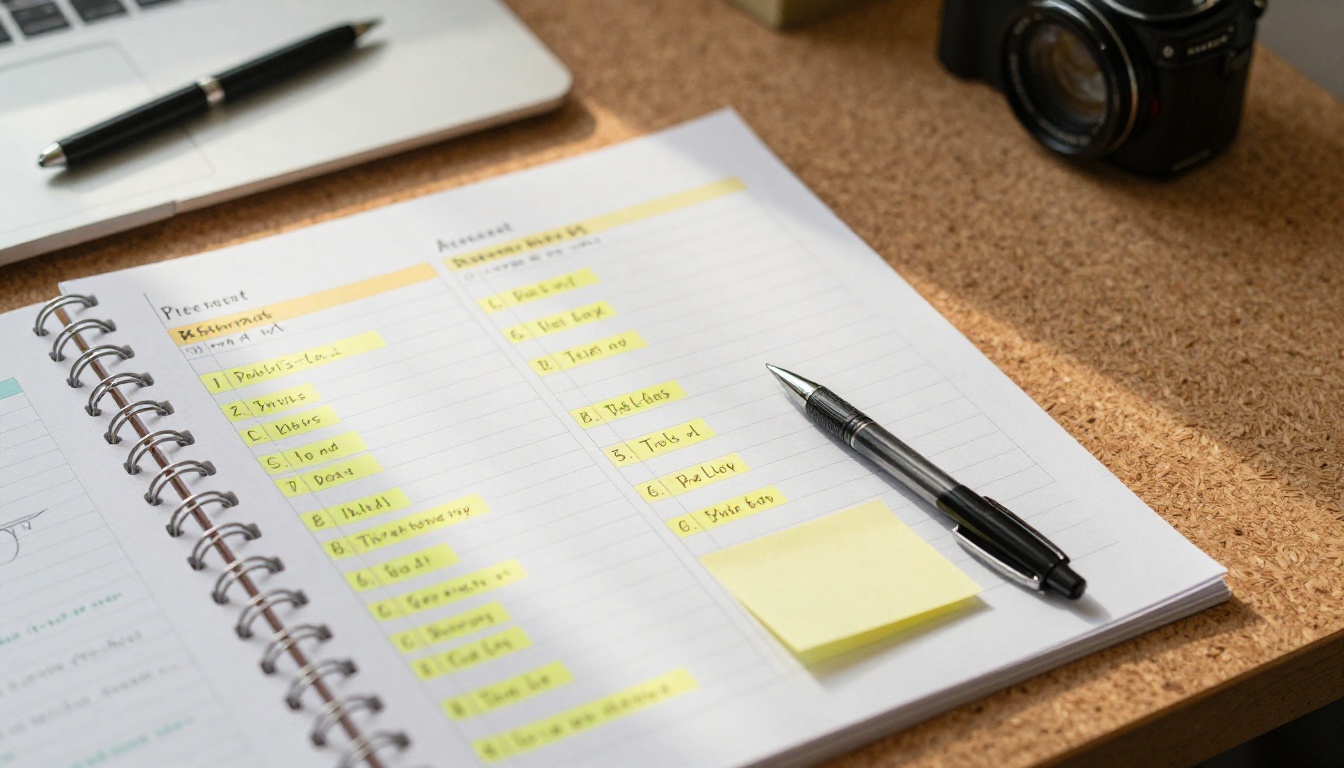
Before the sheet leaves your inbox, run through this list.
Content check
- Does the hook fit in one sentence?
- Are players, time, age and price visible without scrolling or squinting?
- Do you name two or three honest comparable games?
- Is there one line of proof, such as playtest numbers?
Presentation check
- Are images sharp, with real prototype photos where possible?
- Is the text short enough to scan in ten seconds?
- Is the file small and the filename clear, such as "GameName_SellSheet.pdf"?
- Do your name, email and website appear on the page?
Follow up plan
Send the sheet, then wait about a week before a short, polite check in. If you used a tracked flipbook, time your message to when you see it opened. A publisher who has just viewed your pitch is far more likely to reply.

Ready to Pitch Your Game?
A good sell sheet is short, specific and honest. Lead with a hook, show real photos, state the numbers, name your comps and make it easy to say yes to a prototype. Then give publishers a digital version they can open on any device.
Ready to build yours? Get started for free on Flipbooks AI, browse all flipbook tools for pitch decks and catalogs, or compare pricing plans to pick the one that fits your launch.