You have a message to share and a limited budget, and someone on your team asks the question every print project starts with: should this be a brochure or a booklet? The answer is rarely about taste. It comes down to how much you need to say, how long your reader will stay with you, and what you want them to do next. With Flipbooks AI, you can also publish either format digitally, which changes the math in interesting ways.
This article breaks the decision into practical pieces: page count, purpose, cost, and distribution. By the end you will know which format fits your project, and how to turn it into an interactive version people can open on a phone.
A brochure is a folded sheet, usually a single piece of paper folded into two, three, or four panels. A booklet is a set of pages bound together, most often with staples (saddle stitch) or a glued spine (perfect binding).
The difference sounds small, but it shapes everything: how people hold it, how long they read it, and what it costs to produce.
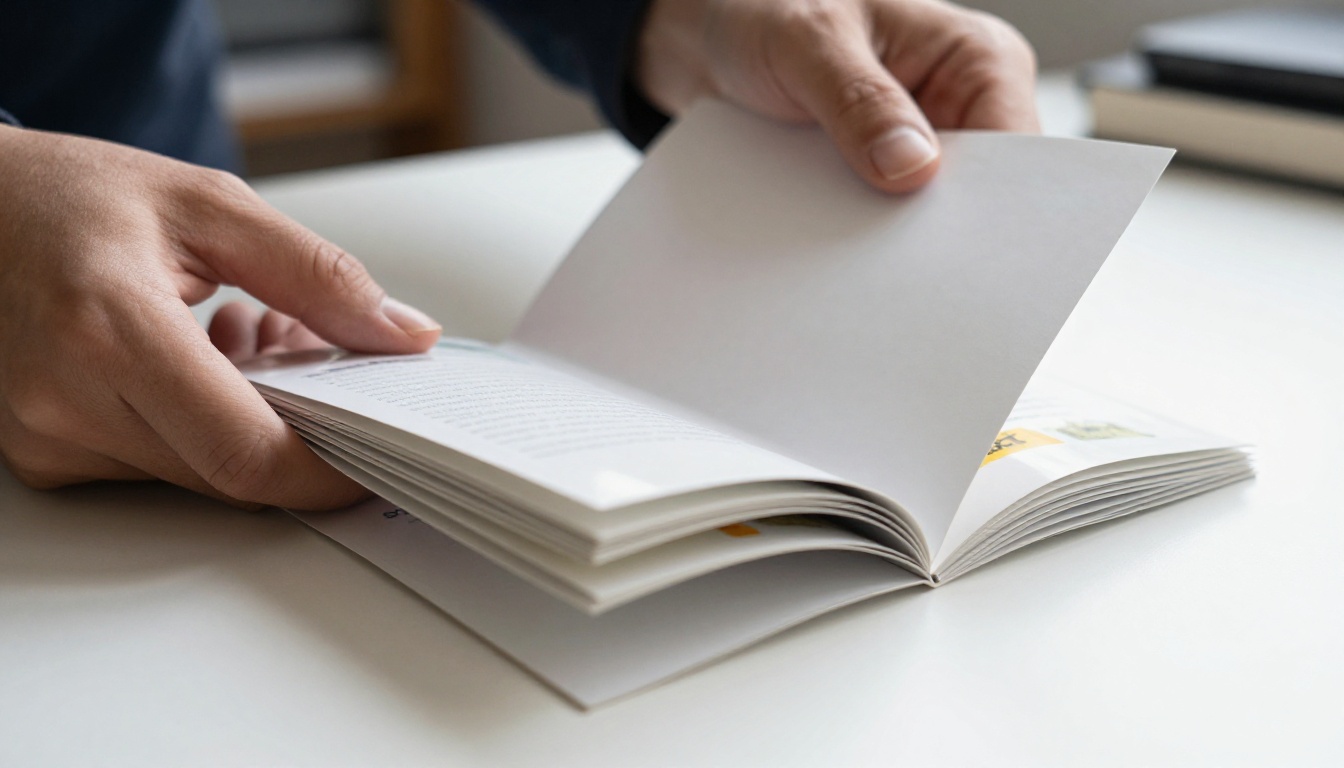
The Brochure in Short
Brochures are built for quick scanning. Most readers give one a few seconds before deciding whether to keep it. Common layouts include:
- Bi-fold: four panels, simple and sturdy
- Tri-fold: six panels, the classic for hotels and clinics
- Z-fold: six panels that open like an accordion
- Gate-fold: panels that open from the center like doors
The Booklet in Short
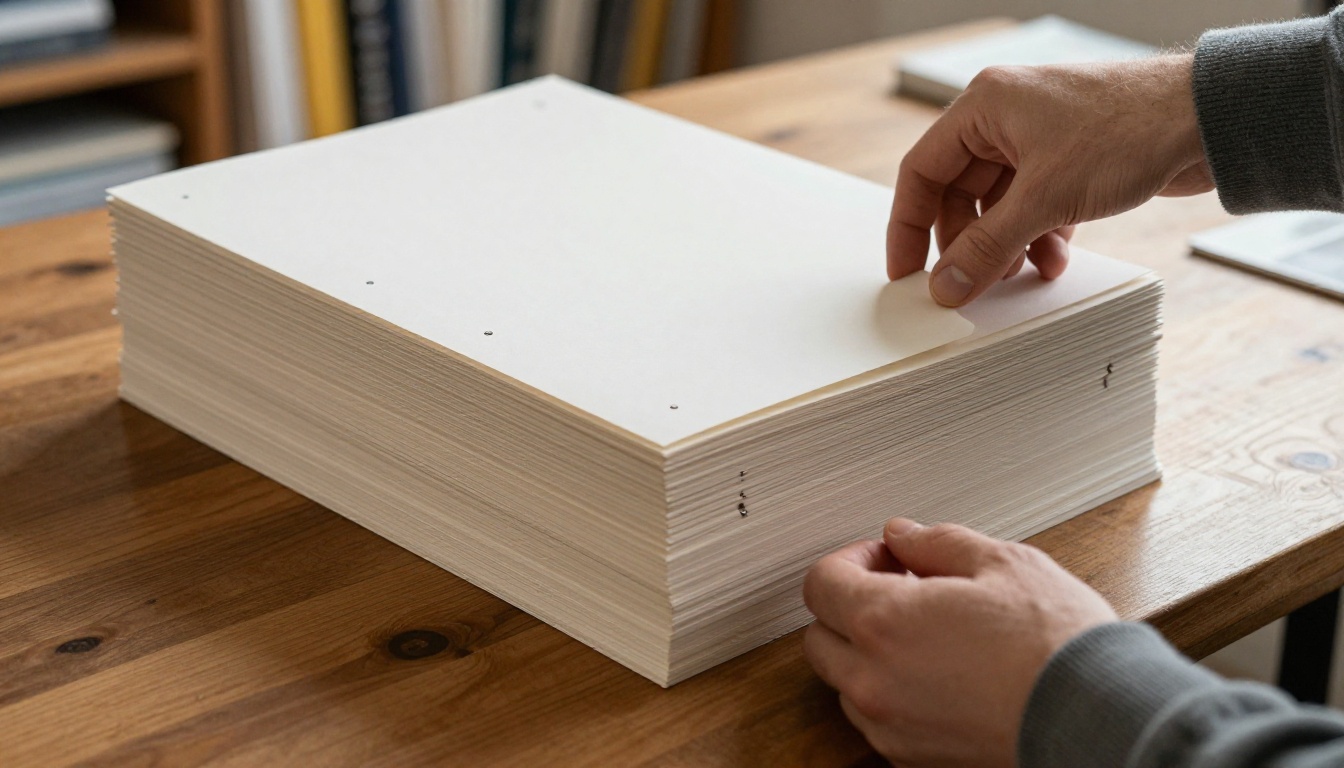
Booklets are built for sustained reading. Pages come in multiples of four, because each sheet folded in half creates four pages. A typical saddle-stitched booklet runs from 8 to 48 pages. Beyond that, the spine gets thick and you move to perfect binding.
Page Count Decides More Than You Think
Page count is the fastest filter. If your content fits on one folded sheet, a brochure is almost always the right call. If you keep cutting good material to make it fit, you have a booklet.
| Page or panel count | Best format | Typical use |
|---|
| 4 to 6 panels | Brochure | Service overview, event flyer, menu insert |
| 8 pages | Small booklet | Product line summary, short guidebook, program |
| 12 to 24 pages | Mid booklet | Catalog excerpt, onboarding pack, portfolio |
| 28 to 48 pages | Large booklet | Training manual, annual summary, lookbook |
| 50+ pages | Perfect bound book or digital flipbook | Full catalog, report, manual |
💡 Pro tip: Count your headings before you pick a format. Fewer than six distinct topics usually fits a brochure. Ten or more topics almost always needs booklet room.
The Four Page Rule
Because booklet pages must come in multiples of four, a 10 page draft forces you to either cut two pages or add two. Plan for 8, 12, or 16 early. It saves painful layout surgery later.
Word Count Reality Check
A comfortable brochure panel holds 40 to 80 words plus an image. A booklet page holds 150 to 250 words with room to breathe. Multiply by your panel or page count and you have a realistic ceiling.
Purpose: What Should the Reader Do?
Format follows intent. Ask what action you want after the reading ends.
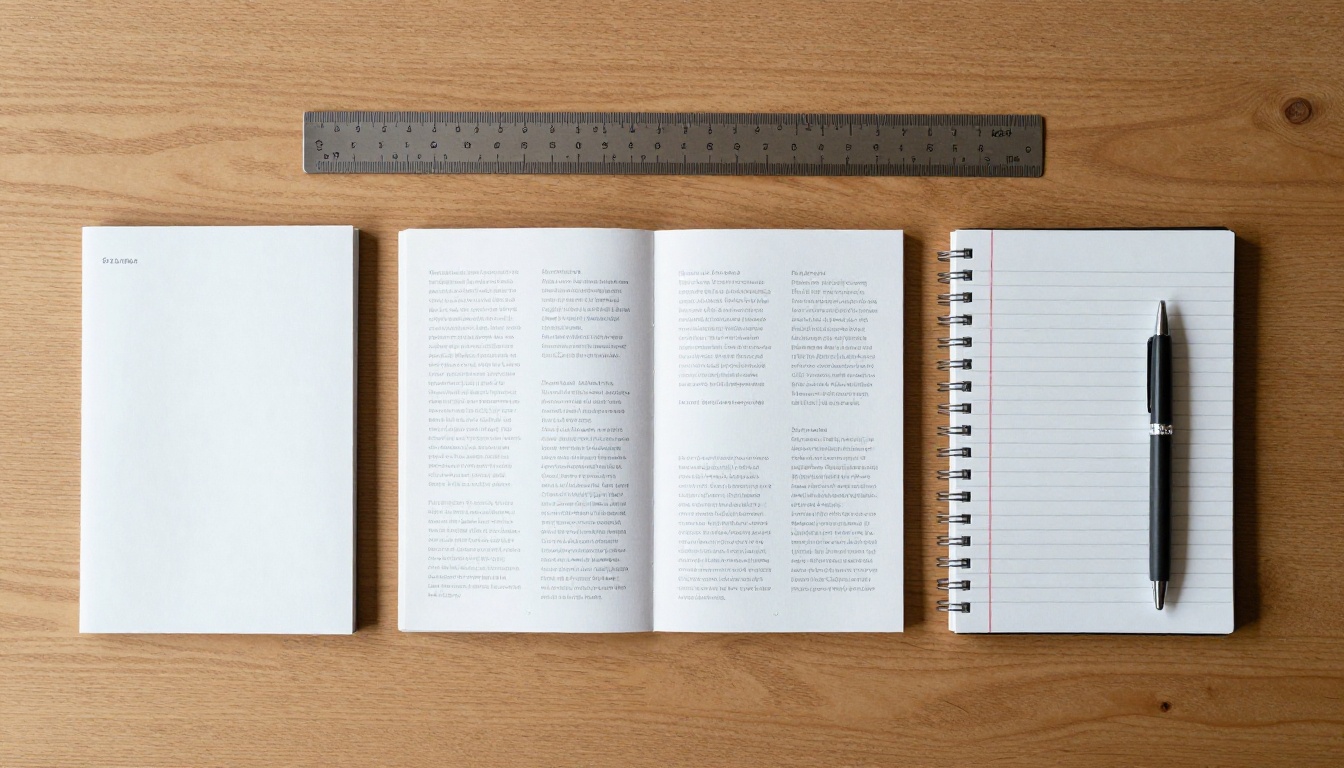
| Goal | Brochure | Booklet |
|---|
| Quick awareness | Excellent | Overkill |
| Explain a process in depth | Weak | Excellent |
| Hand out at events | Excellent | Good, costs more |
| Education or training | Weak | Excellent |
| Lead to a phone call or visit | Excellent | Good |
| Showcase many products | Limited | Excellent |
| Leave behind after a sales meeting | Good | Excellent |
When a Brochure Wins
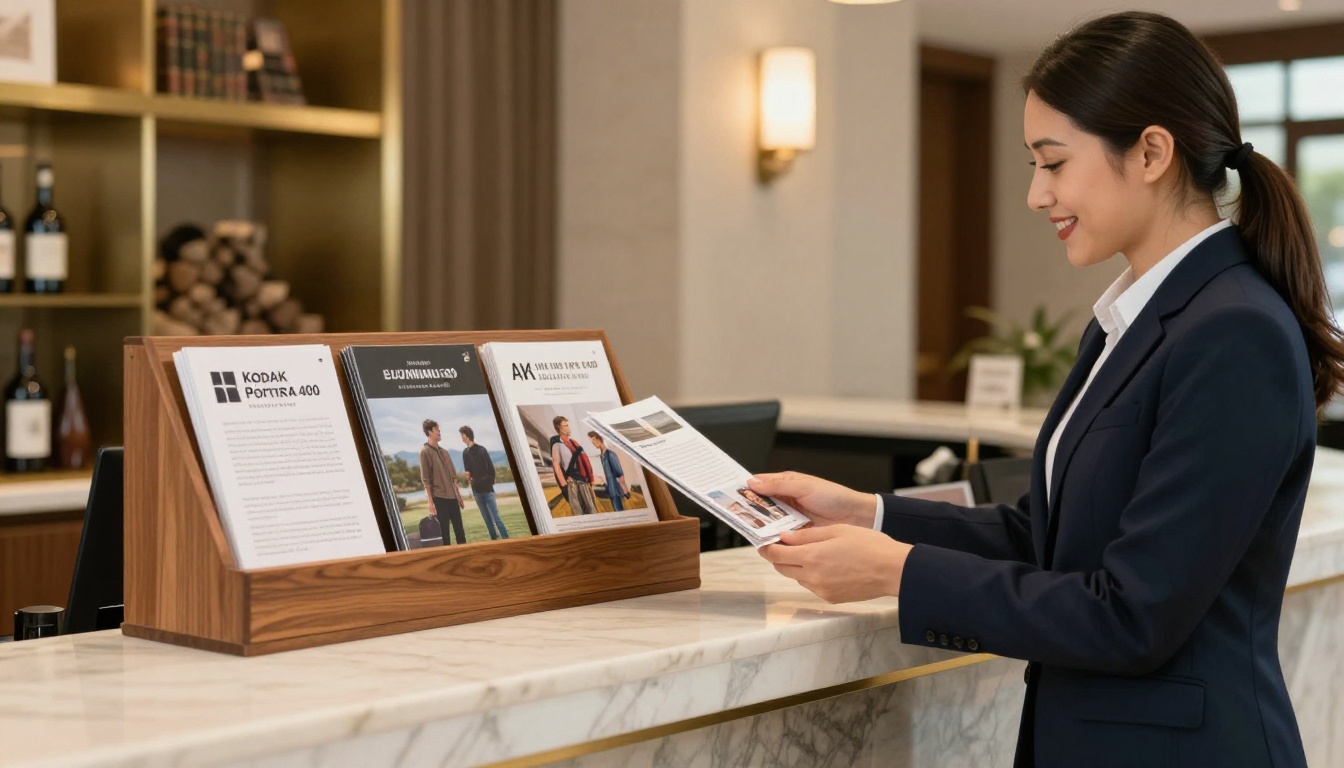
- A hotel front desk needs something a guest can grab in two seconds. A hotel brochure with a map, amenities, and a booking line does the job.
- A real estate agent can put a single property in a tri-fold with photos, price, and a contact panel.
- A dental clinic can explain three services and a phone number, nothing more.
When a Booklet Wins
- A software company onboarding new clients needs setup steps, screenshots, and a support section.
- A school sending a parents pack with schedules, policies, and contacts.
- A photographer presenting a 16 page portfolio to wedding clients.
- A nonprofit sharing impact stories and donor details in 24 pages.

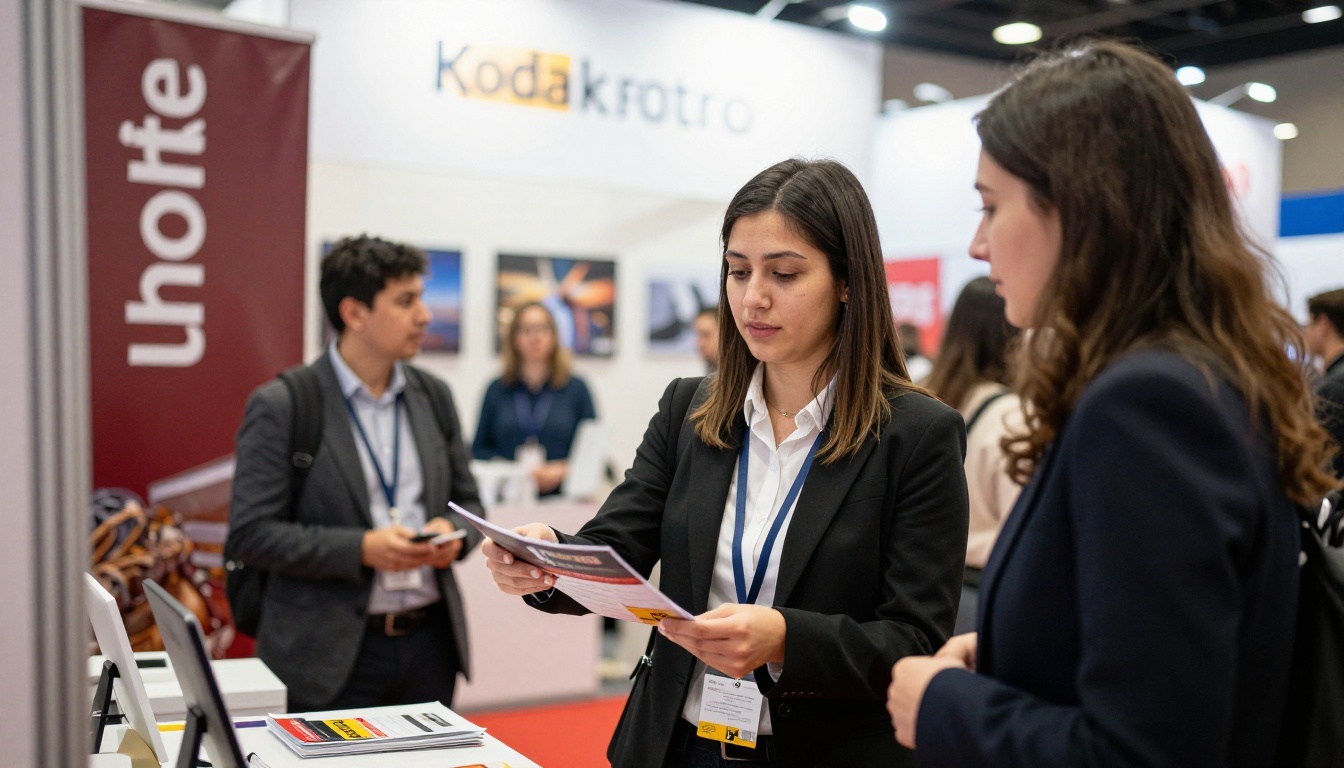
✅ Best practice: Match the reader's available attention to the format. A person standing at a trade show booth has seconds. A person at home with a coffee has minutes.
Cost is more than the print invoice. Design time, paper, folding, binding, shipping weight, and storage all add up.
| Cost factor | Brochure | Booklet |
|---|
| Design hours | Low to medium | Medium to high |
| Paper use | One sheet | Several sheets |
| Finishing | Folding | Stapling or gluing |
| Shipping weight | Light | Heavier |
| Cost per piece at 1,000 copies | Lowest | Moderate |
| Cost of a typo reprint | Low | High |
Hidden Costs People Forget
- Storage: Booklets take more shelf space than brochures.
- Updates: A changed price means reprinting the whole run.
- Waste: Unused print stock goes stale when contact details change.
- Postage: Weight thresholds can double mailing costs.
⚠️ Warning: Do not choose a brochure just because it is cheaper if your message needs ten pages. A cramped panel with 9 point text gets ignored, and then the savings are worthless.
Design Differences That Matter
Brochure Layout Rules
- Lead with a strong front panel, because it is the only panel seen first.
- Place the call to action on the back panel or inside right panel.
- Use one clear image per panel.
- Keep fonts at 9 points or larger.
Booklet Layout Rules
- Use a grid with consistent margins and a wider inner margin for the binding.
- Add a short table of contents beyond 12 pages.
- Repeat page numbers and section markers so readers can find their place.
- Reserve the back page for contact details and a clear next step.
Image Strategy
Brochures need large hero images that work at arm's length. Booklets can mix full page photos with smaller supporting visuals, charts, and captions. In both cases, use real photography when you can. Readers trust it more than stock illustrations.
Distribution Changes the Answer
Where the piece ends up matters as much as what is inside.
| Channel | Best format | Why |
|---|
| Trade show | Brochure | Fast to grab, easy to carry |
| Direct mail | Brochure or short booklet | Postage limits |
| Sales follow up | Booklet | Room for proof and detail |
| Email attachment | Digital flipbook | No printing, instant delivery |
| Website download | Digital flipbook | Mobile friendly, trackable |
| In store display | Brochure | Fits racks |
A Practical Scenario
A fitness studio wants to promote a new membership. At the front desk, a tri-fold brochure with prices and a class schedule works well. For people who ask for details, a 12 page booklet explains trainers, programs, and results. On the website, both can live as digital versions. One message, two formats, two moments in the customer journey.
The Digital Option: Flipbooks
Print is not your only choice. A digital flipbook keeps the page turning feel of a booklet while adding links, video, and tracking. For many teams it removes the brochure versus booklet debate entirely, because you can publish a 6 page brochure or a 60 page booklet with the same tool.
Benefits worth noting:
- ✅ No watermarks, ever
- ✅ Mobile responsive display on phones and tablets
- ✅ Password protection for private content
- ✅ Embedded video and audio
- ✅ Custom branding with your colors and logo
- ✅ Instant updates without reprinting
Print vs Digital at a Glance
| Feature | Printed piece | Digital flipbook |
|---|
| Update after publishing | Reprint needed | Replace the file |
| Reach | Local, physical | Anywhere with a link |
| Video and audio | Not possible | Supported |
| Tracking | Hard | Analytics on the Professional plan |
| Cost per additional reader | Rises with quantity | Near zero |
💡 Pro tip: Use both. Hand out a short brochure with a QR code that opens the full booklet as a flipbook. The brochure earns the click, the flipbook delivers the detail.
How to Create a Brochure or Booklet Flipbook
If your layout is already done in a design tool, this takes about five minutes. The Brochure Flipbook Maker and the Online Brochure Designer are built for exactly this.
Step by Step
- Open the platform. Go to Flipbooks AI and create an account.
- Upload your PDF. Use the PDF to Flipbook Converter. Export your brochure or booklet at its final page order. The upload converts each page into a flipping page automatically.
- Customize the look. Set your brand colors, add your logo, choose a background, and pick page effects such as a soft curl or a flat slide. Add links to your website, booking page, or product listings, and embed a short video on any page.
- Review on mobile. Open the preview on a phone. Check that text is readable and that links respond.
- Share it. Copy the direct link, or use the embed code to place it on your site. Turn on password protection if the content is private, such as a client proposal.
- Track and improve. On the Professional plan you get analytics and lead generation, so you can see which pages hold attention and capture contact details. Review the pricing plans to see what each tier includes. Offline downloads are available when readers need a copy without a connection.
Layout Tips for Digital
- Export pages as single pages, not printer spreads, for the cleanest flip.
- Keep the first page strong, because it is the cover readers see in the preview.
- Add a clickable table of contents for anything above 12 pages.
- Compress heavy images before exporting to keep load times short.

A Quick Decision Checklist
Run through these questions in order. The first firm answer usually settles it.
- Can the message fit in six panels? If yes, choose a brochure.
- Will readers sit down with it? If yes, choose a booklet.
- Will you update details often? Choose a digital flipbook.
- Is it handed out in passing? Choose a brochure, with a QR code to more.
- Does it need proof, steps, or many products? Choose a booklet.
- Do you want to measure results? Publish a digital version.
Three Common Mistakes
- Cramming: Forcing a booklet's worth of content into a tri-fold.
- Padding: Stretching thin content to fill 16 pages because it feels more serious.
- Ignoring the next step: Printing a beautiful piece with no link, phone number, or QR code.
| Industry | Common choice | Reason |
|---|
| Hotels and tourism | Brochure | Quick grab, map and offers |
| Real estate | Brochure plus booklet | Listing sheet and a detailed property pack |
| Education | Booklet | Schedules, policies, course details |
| Restaurants | Brochure or menu | One or two pages, easy to update digitally |
| Software | Digital booklet | Screenshots, steps, links |
| Healthcare | Brochure | Simple service and contact information |
| Photography | Booklet | Visual portfolio with many pages |
Real estate teams in particular benefit from the Real Estate Brochure Creator, while restaurants can use the Restaurant Menu Creator to keep prices current without touching a printer.
Choose a brochure when your message is short, your reader is on the move, and you want a single action. Choose a booklet when your message needs room, proof, and a calm reader. Choose a flipbook when you want either one to be updatable, trackable, and available everywhere.
Ready to turn your PDF into something people actually open? Get started for free on Flipbooks AI, browse all available tools and templates, or compare pricing plans to choose what works for you.



