You have a business to sell and a blank page in front of you. Do you design a brochure, a catalog, or both? Plenty of owners pick wrong, spend weeks on the wrong piece, and then wonder why customers ignore it. With Flipbooks AI you can turn either one into a page-turning digital publication, but the format you choose still decides whether people act on it. Let's sort this out in plain terms.
The short version: a brochure persuades, and a catalog informs a buying decision. One tells a story about who you are. The other lists what people can order. Everything below is about when each one wins.
The Core Difference
A brochure is a short, focused piece. It usually runs from 2 to 12 pages, often a tri-fold or a small booklet. Its job is to make one point: this is why you should care about us.
A catalog is a reference tool. It can run from 16 pages to several hundred. Its job is to let a buyer find a specific item, compare options, and place an order.
💡 Quick test: if your reader should finish the piece feeling "I trust this company," you need a brochure. If they should finish it knowing "I want item #4417 in blue," you need a catalog.
What a Brochure Does Best
Brochures work when the reader knows little about you. They introduce, reassure, and point to one next step: book a call, visit the store, request a quote.
- Introduce a service a customer can't see before buying, such as a spa treatment or a consulting package.
- Support a sales conversation as a leave-behind after a meeting.
- Announce a single offer, event or launch.
- Build trust with photos, short testimonials and a clear promise.
What a Catalog Does Best
Catalogs work when the reader already wants something and needs to choose. They reward people who like to browse and compare.
- Show a full product range with prices, sizes, colors and codes.
- Support repeat buyers who reorder from a familiar list.
- Serve wholesale and B2B customers who need specs and SKUs.
- Let seasonal collections live in one place, from fashion to furniture.
Side-by-Side Comparison
Here is how the two formats compare on the points that matter when you are deciding.
| Factor | Brochure | Catalog |
|---|
| Main goal | Persuade and build trust | Inform and drive orders |
| Typical length | 2 to 12 pages | 16 to 200+ pages |
| Content focus | Story, benefits, one clear offer | Products, specs, prices, codes |
| Reader mindset | Curious, still deciding | Ready to buy, comparing |
| Update frequency | Rarely, when the offer changes | Seasonally or when stock changes |
| Production effort | Low to moderate | Moderate to high |
| Best for | Services, introductions, events | Products, wholesale, large ranges |
| Shelf life | Months to years | A season to a year |
Where They Overlap
The line blurs with small ranges. A bakery with eight products can put them in a brochure and nobody will mind. A boutique hotel might make a catalog-style rate sheet of rooms and packages. Format follows the reader's task, not a rigid rulebook.
Ask Yourself Five Questions
Run your situation through these questions. Most owners get a clear answer by question three.
- How many items do you sell? Under 10, lean brochure. Over 30, lean catalog.
- Do customers need prices and specs side by side? If yes, catalog.
- Is your product a service or an experience? If yes, brochure.
- Will people order from the document itself? If yes, catalog.
- How often does your range change? Frequent changes favor a catalog that is easy to update, ideally digital.
✅ Best practice: write down your one sentence goal for the piece before you open any design tool. If the sentence contains the word "browse," pick a catalog. If it contains "understand why," pick a brochure.
Real Examples From Small Businesses
Abstract rules only go so far. Here are four situations you will probably recognize.
The Boutique Owner
A clothing boutique releases new looks every season, with dozens of items per collection. Customers want to see every piece, check sizes and note prices. That is a catalog problem. A Fashion Catalog lets shoppers flip through the season on their phone and send you the page they like.

The Real Estate Agent
An agent presenting a single property wants buyers to picture a life there. Floor plans, neighborhood highlights and a few strong photos are enough. That is a brochure, and a Real Estate Brochure is built for exactly this. Share it by link before the open house, then hand out a printed copy on the day.

The Furniture Maker
A workshop that sells 60 chairs, tables and shelves in several finishes needs a reference buyers can search and return to. Pick a catalog. A Furniture Catalog with clear dimensions and finish swatches reduces the "what size is this?" emails.
The Day Spa
A spa sells an experience. Customers need to feel the calm before they book. A short brochure with beautiful photography, three signature treatments and a booking link beats a 40-page menu. If the treatment list grows later, a Spa & Wellness Menu can sit alongside it.
Cost, Time and Effort
People often choose by budget alone, which is a mistake, but budget does matter. Here is a rough picture of what each format demands.
| Cost Area | Printed Brochure | Printed Catalog | Digital Flipbook (either) |
|---|
| Design time | 1 to 3 days | 1 to 4 weeks | Same design, no extra layout |
| Print run | Cheap per copy | Expensive per copy | None |
| Reprint when prices change | Rare | Often | Replace the PDF in minutes |
| Distribution | Mail, hand out, events | Mail, showroom, reps | Link, email, QR code, embed |
| Tracking | Almost none | Almost none | Page views and clicks |
The pattern is clear: printed catalogs carry the heaviest cost and the biggest risk of going out of date. That is the main reason many businesses now publish catalogs digitally first.
Common Mistakes to Avoid
Stuffing a Brochure Like a Catalog
If your brochure lists 40 products in tiny type, readers give up. Pick your three best and send the rest to a catalog or your website.
Hiding the Story in a Catalog
A catalog with no introduction feels cold. Open with one page about who you are and why your products exist. That single page does a brochure's job inside a catalog.
Skipping the Next Step
Both formats need a clear action. Put a phone number, a link or a QR code on the first and last pages. A beautiful document with no call to action is a lovely coaster.
Ignoring Where It Will Be Used
A printed brochure suits a trade show table. A digital catalog suits a sales rep who emails buyers. Think about the moment the piece reaches the hand, then design for that moment.
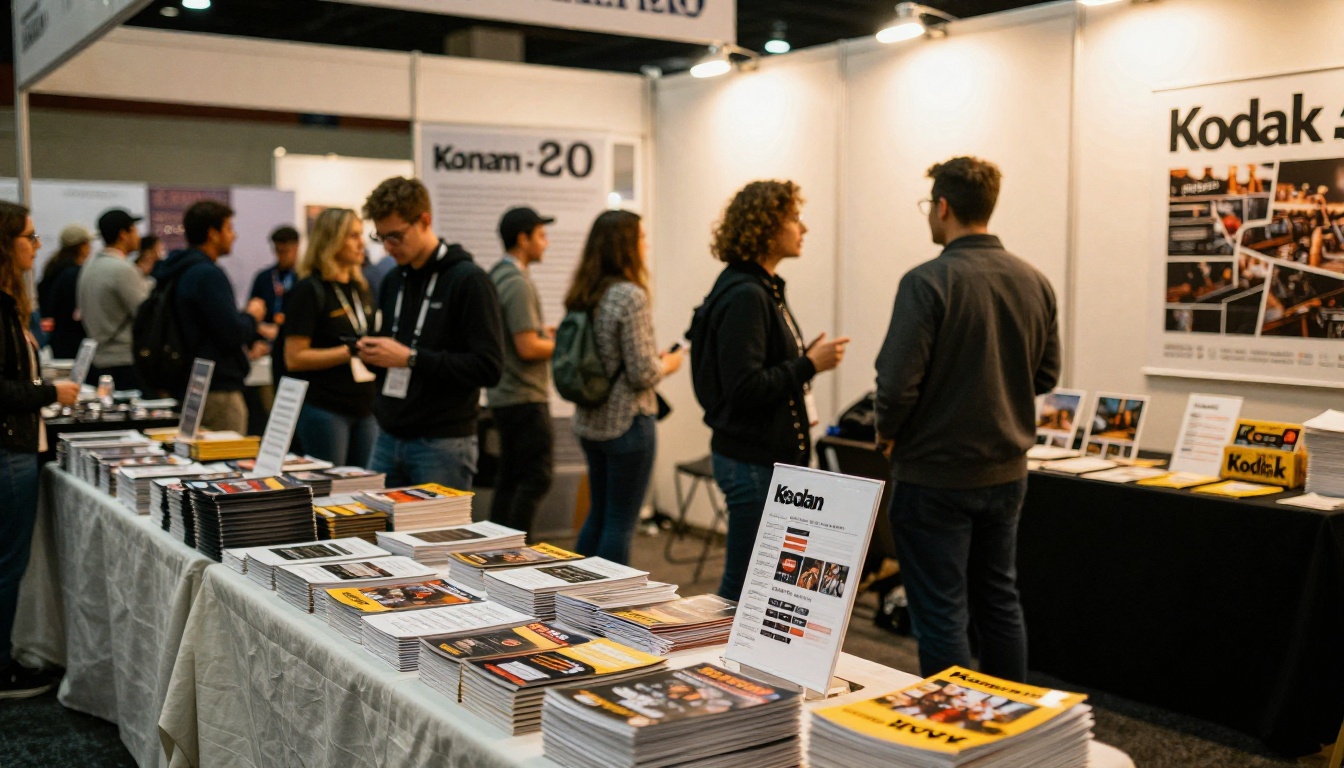
⚠️ Warning: printing 5,000 catalogs before confirming prices is the classic expensive error. Publish a digital version first, gather feedback, then print only what you need.
When You Need Both
Many businesses do best with a pair. The brochure opens the door, and the catalog closes the sale. A common flow looks like this:
- A prospect picks up your brochure at an event or receives it by email.
- They like what they see and click or scan to the catalog.
- They browse the range, find items and contact you or order.
Here is how that pairing maps to common business types.
| Business Type | Lead With | Follow With |
|---|
| Boutique or retailer | Brand brochure | Seasonal catalog |
| Manufacturer or wholesaler | Company brochure | Product catalog with SKUs |
| Hotel or resort | Experience brochure | Rates and packages sheet |
| Restaurant or caterer | Story brochure | Menu catalog |
| Home builder | Project brochure | Options and finishes catalog |
Make Either One Digital
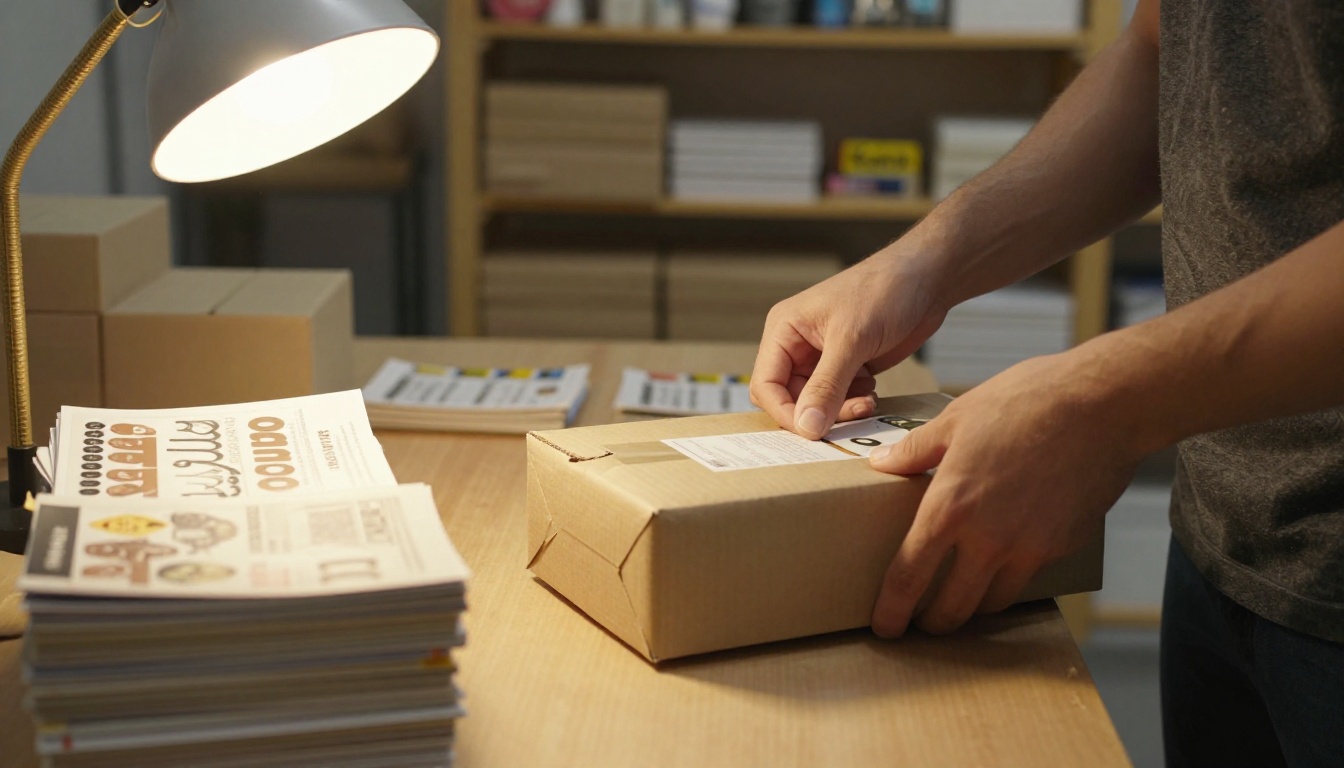
A PDF attached to an email is better than nothing, but it feels flat. A flipbook turns the same file into a page-turning experience that works on any phone. You don't redesign anything. You upload what you have.

How to Create It With Flipbooks AI
Follow these steps for either a brochure or a catalog:
- Open an account. Go to Flipbooks AI and sign in.
- Upload your PDF. Drag the file in. The PDF to Flipbook Converter turns each page into a flipbook page with a realistic turn effect.
- Customize the look. Add your logo, pick brand colors and choose page effects. Flipbooks never carry a watermark.
- Add media. Embed videos and audio, such as a short product demo on a catalog page or a welcome message in a brochure.
- Choose how to share. Copy a direct link, grab an embed code to place the flipbook on your website, or turn on password protection for wholesale price lists.
- Allow offline downloads so field reps can open the piece without a connection.
For specific formats, start from a purpose-built tool: the Brochure Flipbook Maker for short persuasive pieces, or the Catalog Flipbook Creator and Digital Catalog Maker for large ranges.
💡 Pro tip: the Professional plan adds analytics and lead generation. You can see which catalog pages get the most attention and capture an email before a buyer sees your wholesale prices.
Which Features Help Which Format
| Feature | Helps Brochures | Helps Catalogs |
|---|
| Mobile-responsive design | Yes, for easy sharing | Yes, for browsing on the go |
| Embedded video | Strong, tells the story | Useful, shows products in use |
| Password protection | Occasionally | Often, for trade pricing |
| Analytics | See what grabs attention | See which items interest buyers |
| Lead generation | Capture inquiries | Capture buyer details |
| Unlimited flipbooks | Create one per offer | Create one per collection |
A Simple Checklist to Decide
Tick the statements that apply to you.
Pick a brochure if:
- You sell a service, experience or single flagship product.
- You have under ten things to show.
- You need something to hand over after a conversation.
- You want people to book, call or visit.
Pick a catalog if:
- You sell more than thirty items or many variants.
- Customers compare prices, sizes or specs.
- Buyers reorder, or order wholesale.
- Your range changes with the season.
Make both if you tick boxes from each list. That is normal, and it usually means your business has a story worth telling and a range worth browsing.
Your Next Move
Decide on your single goal, choose the format, and publish a digital version this week. You can always print later once you know which pages work. Ready to try? Get started for free on Flipbooks AI and have your first flipbook live today. Browse every tool and template to find the closest match to your business, and compare pricing plans to see which one fits how many flipbooks you will publish. When you are set, pick your plan and start sharing.



