A camper rolls through your gate after six hours behind the wheel, and the first thing they get is a stack of loose paper that ends up under a windshield wiper. Sound familiar? The campground and RV park welcome packets campers open on arrival are the ones that answer questions fast, look good on a phone, and fit in one hand. With Flipbooks AI, you can turn a plain PDF into a page-turning digital packet that guests open the moment they scan a code at check-in.
This article walks through what to put inside, how to lay it out, and how to deliver it so it actually gets read.
Why Most Welcome Packets Get Ignored
Paper packets fail for predictable reasons. They are too long, they bury the Wi-Fi password on page four, and nobody can search them. A camper standing at a site with a trailer hitch half connected wants three answers: where do I park, how do I hook up, and when is quiet time.
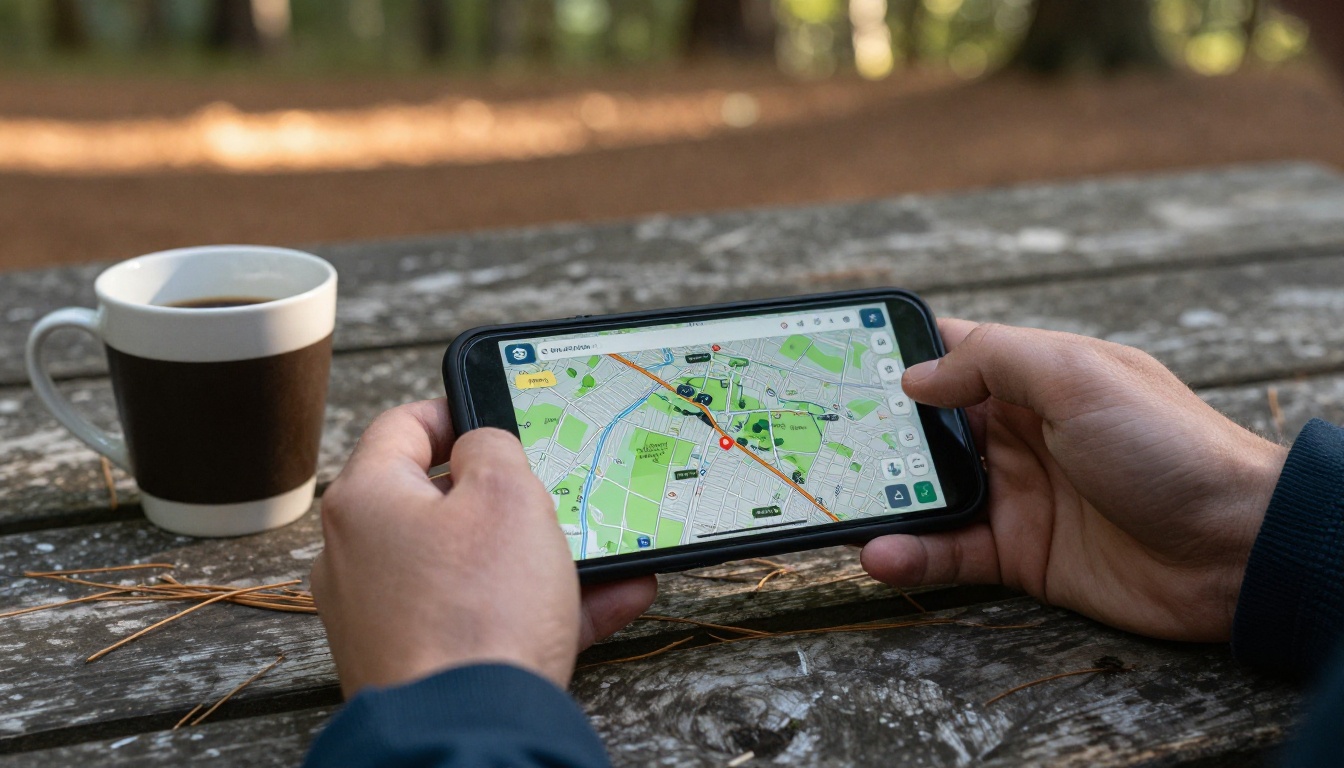
💡 Pro tip: Put the answer to the most common arrival question on the very first page. For most parks, that is the site number, the hookup type and the gate code.
Here is how the usual failures compare with what works:
| Problem | What campers do | What works instead |
|---|
| Ten stapled pages | Toss it in the truck | One scannable page up front, details behind |
| Tiny map photocopy | Ask the office again | Zoomable digital map with site labels |
| Wi-Fi code hidden | Wander to the office | Code on page one, tap to copy |
| Outdated rules | Break them by accident | Digital version you update in minutes |
| No language options | Guess | Separate flipbook per language |
The Three Minute Rule
Campers decide in about three minutes whether a packet is worth reading. If the first screen shows a map, a code and a phone number, they keep going. If it shows a long welcome letter, they close it.
Paper Still Has a Place
Keep a small printed card at the window with the QR code and the Wi-Fi name. Paper handles the handoff, and the digital packet handles everything else.
What to Put Inside the Packet
Think of the packet as the answers to every question your front desk gets between 2 PM and 6 PM. Start by logging the real questions for one busy weekend, then build around them.
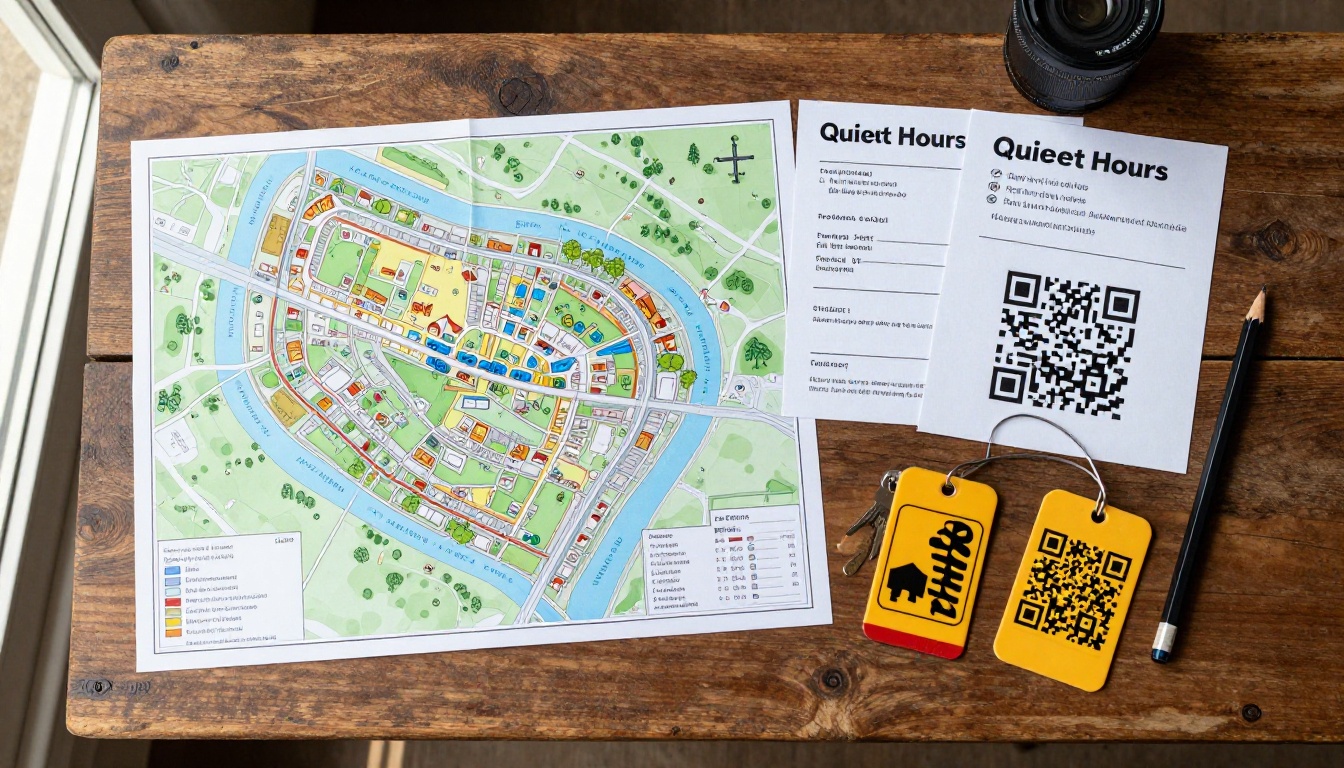
Page One: Arrival Essentials
- Site number and pull-through or back-in note
- Hookup details: 30 amp or 50 amp, water, sewer
- Gate code and how long it stays valid
- Check-out time and late fee policy
- Office phone and an after-hours emergency number
Park Rules Written for Humans
Rules get followed when they are short and explain the reason. Instead of "Quiet hours enforced," try "Quiet hours run 10 PM to 7 AM because sound carries across the lake."
Amenities and Hours
List the bathhouse, laundry, camp store, pool and playground with opening hours in a single table:
| Amenity | Hours | Where | Good to know |
|---|
| Camp store | 8 AM to 8 PM | By the office | Firewood and ice |
| Bathhouse | 24 hours | Loop B | Showers close at 10 PM |
| Laundry | 7 AM to 9 PM | Loop A | Coin and card |
| Pool | 10 AM to 7 PM | North side | Kids need an adult |
| Dump station | 8 AM to 6 PM | Exit road | Rinse hose provided |
Local Recommendations
Campers love a short list of nearby grocery stores, propane refills, diners and trailheads. Five good picks beat twenty mediocre ones. Add a line about why each is worth the drive.
Layout That Reads on a Phone
Most guests will open the packet on a phone, often in bright sunlight. Design for thumbs, not for a letter-size printer.
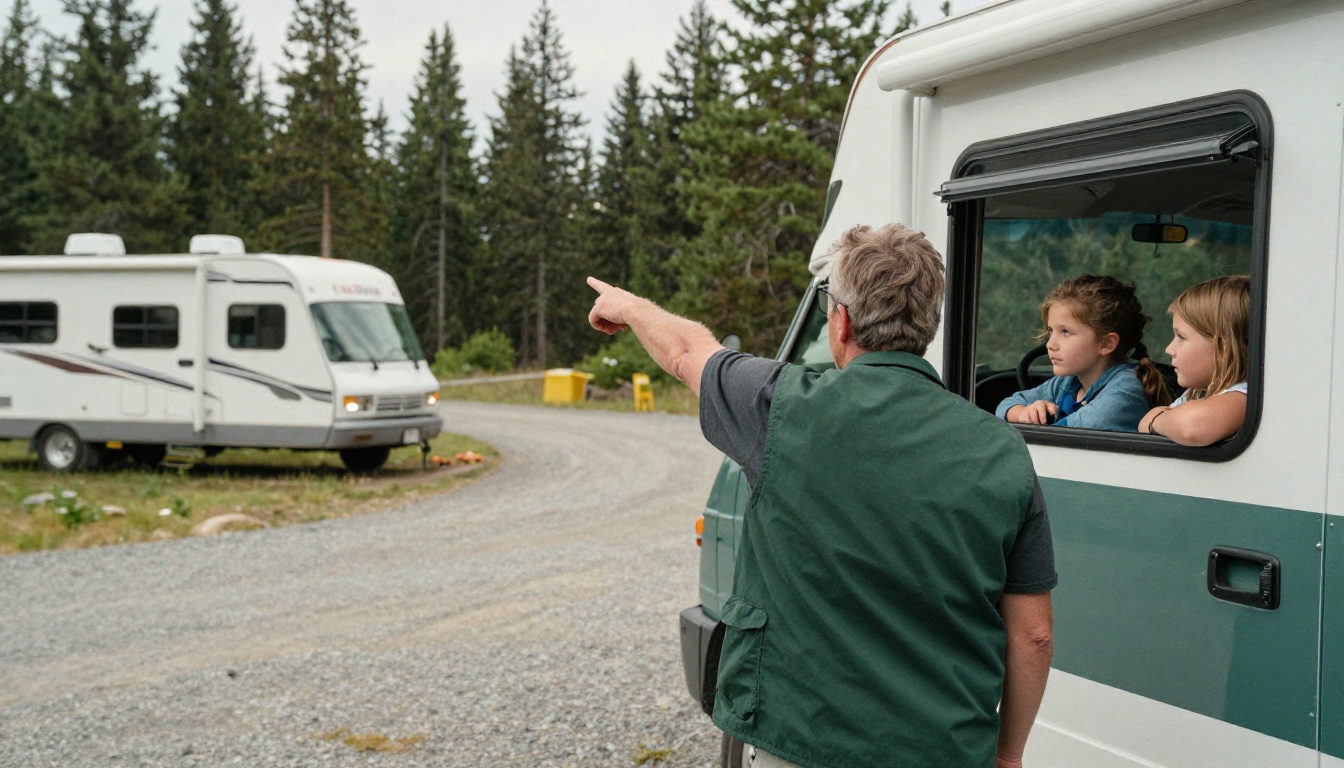
Keep Pages Short
One topic per page. A page about trash and recycling should not also hold the pet policy. Short pages turn quickly, and a page turn feels like progress.
Use Big Headings and Icons
Large type, plenty of white space and simple icons for water, power, wifi and trash help someone skim in seconds. Aim for body text that stays readable without pinching.
Show the Map Early
A site map is the single most opened page in most packets. Mark the office, bathhouse, dump station, playground and emergency exits. Circle the guest's own loop in a bright color if you generate packets per reservation.
⚠️ Warning: Do not use a map with tiny labels. If a camper has to zoom to find the bathhouse, they will call the office instead.
Digital Versus Printed Packets
Most parks end up with a hybrid. Here is a side-by-side comparison to help you pick:
| Feature | Printed packet | PDF attachment | Digital flipbook |
|---|
| Cost per guest | Paper and ink every time | Free | Free after setup |
| Updates | Reprint everything | Resend files | Edit once, live instantly |
| Works with QR code | No | Awkward download | Yes, opens in the browser |
| Looks good on mobile | Not applicable | Often cramped | Responsive pages |
| Tracks opens | No | No | Yes, with analytics |
| Embeds video | No | No | Yes |
A flipbook beats a raw PDF because it opens instantly in the browser with no download, flips like a real booklet, and stays up to date. You can embed the flipbook on your website so the same packet serves guests before they arrive.
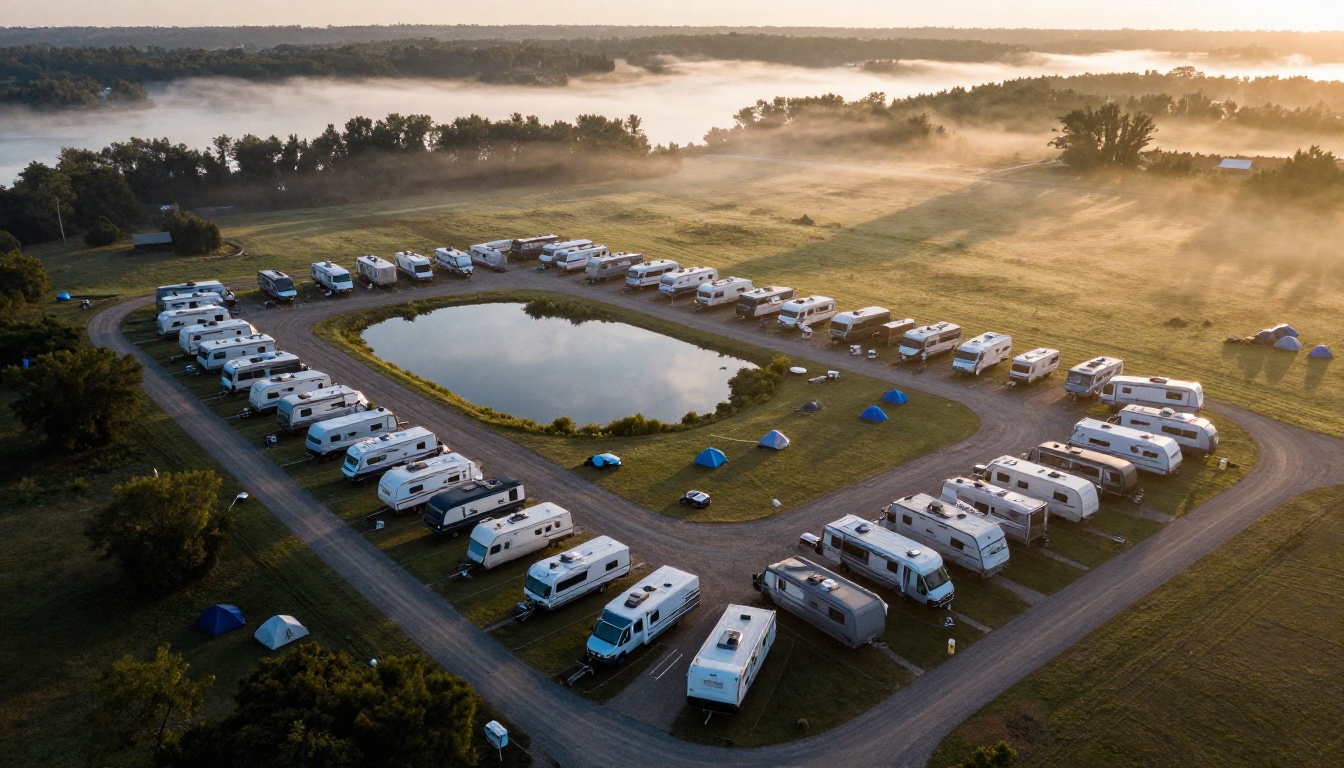
How to Create Your Welcome Packet with Flipbooks AI
If you already have a PDF from Canva, Word or InDesign, you are about ten minutes away from a live digital packet. For a more specific starting point, the Travel Guide Flipbook tool suits park and area information, and the Brochure Flipbook Maker works well for a simple folded layout.
Step by Step
- Sign up. Create an account on Flipbooks AI. You can start with the free plan and review the pricing plans later.
- Upload your PDF. Use the PDF to Flipbook Converter. Drag the file in and wait a few seconds while the pages convert.
- Customize the look. Add your logo, pick colors that match your signage, and choose a page-turn effect. Clean, calm effects suit a packet better than flashy ones.
- Add media. Embed a short video tour of the park or an audio clip welcome from the owner. Videos can show how to back into a tight site.
- Set sharing options. Copy the direct link, grab the embed code for your website, or protect the packet with a password if it holds private gate codes.
- Make the QR code. Generate a QR code for the link and print it on a small sign for the check-in window and on each site post.
- Test on a real phone. Open it outdoors in bright light and check that text is readable.
✅ Best practice: Keep two versions: a public one with rules and amenities, and a password-protected one with gate codes and the Wi-Fi password for confirmed guests.
Analytics and Lead Capture
On the Professional plan, you can see how many guests opened the packet and which pages they spent time on. If the dump station page gets the most views, move it earlier. You can also add a lead form so guests can join your email list for next season. See the pricing page for plan details.
Offline Downloads
Many campgrounds sit in valleys with weak cell service. Allow offline downloads so guests can save the packet while they still have signal at the gate.
Real World Examples
Different park types need different packets. Here are three scenarios.
The Family Resort
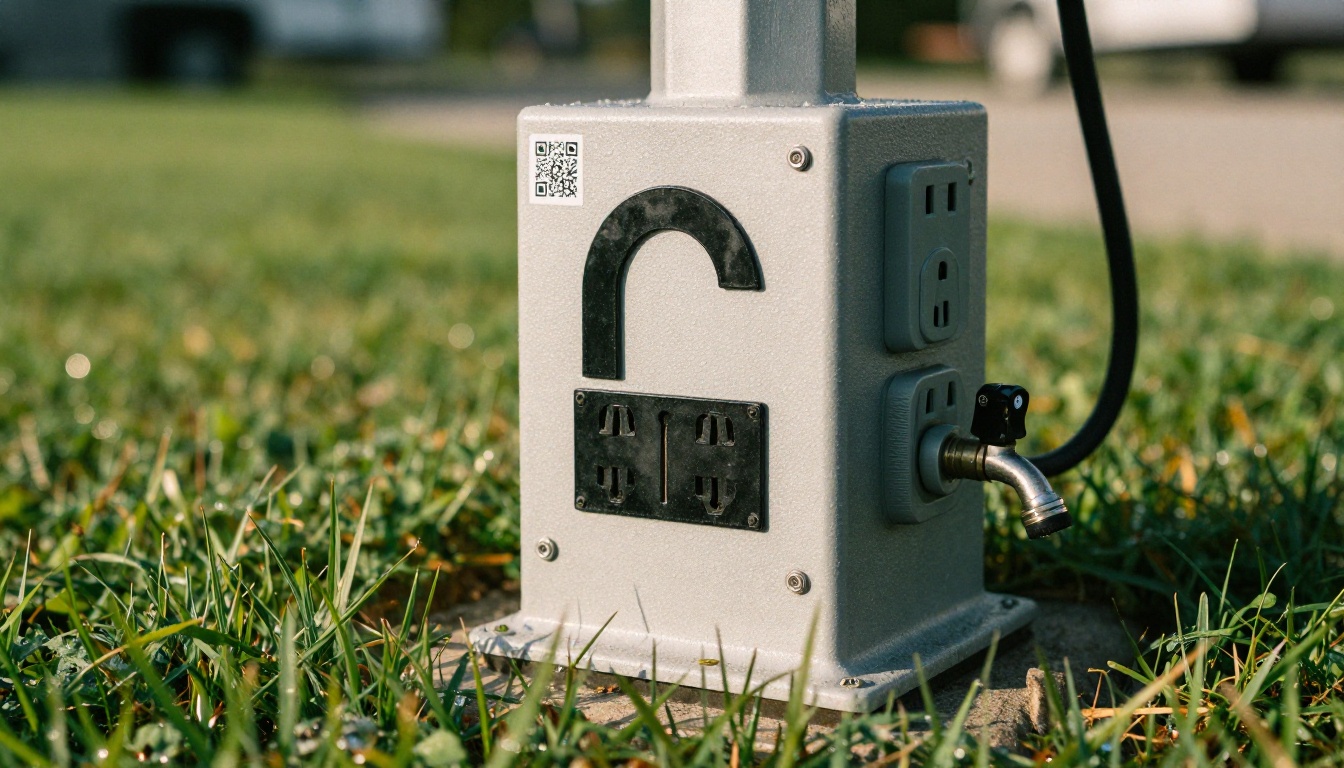
A lakeside park with a pool and playground builds a packet with a daily activity calendar, kid-friendly rules and a pickleball sign-up. The calendar page changes weekly, which is easy when you edit one page rather than reprint hundreds.
The Quiet Forest Park
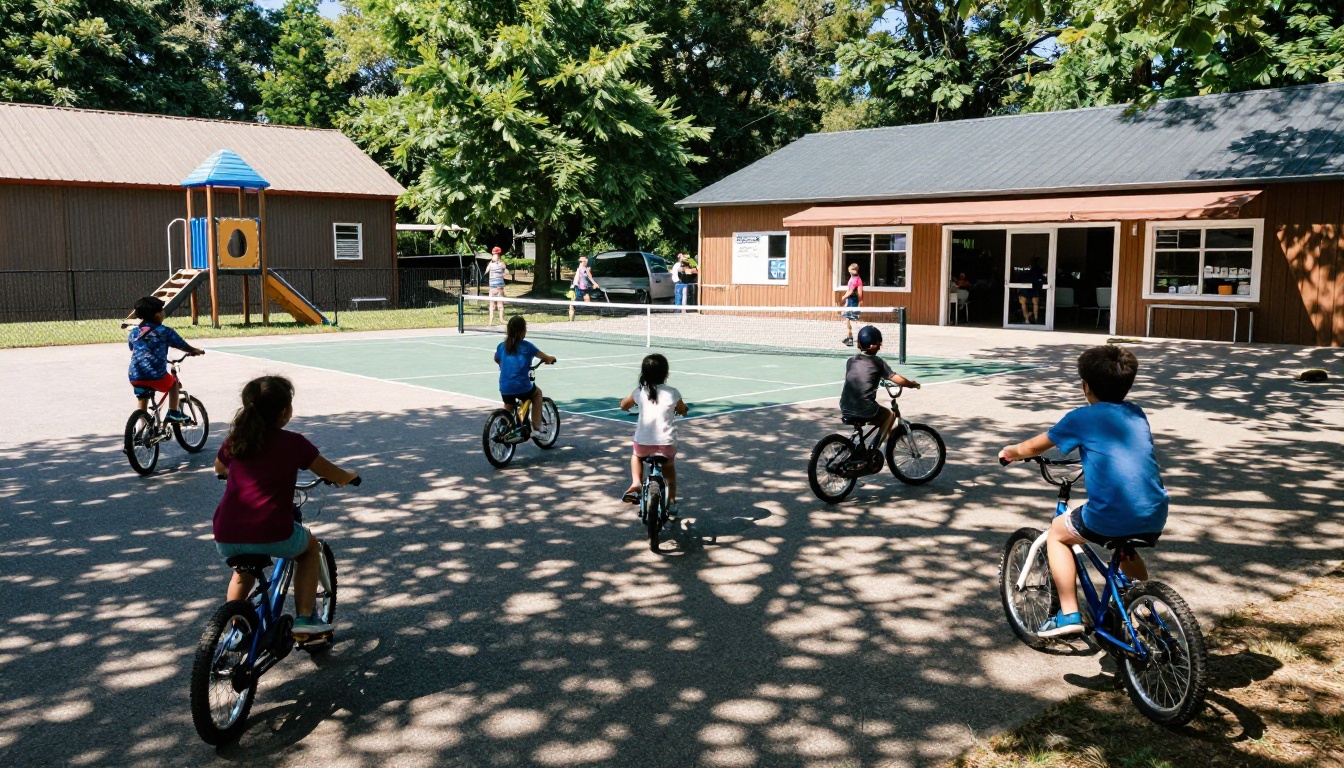
A small tent and RV park with twenty sites keeps its packet to six pages: map, hookups, fire rules, wildlife safety, quiet hours and local trails. Short and calm matches the vibe.
The Seasonal Long Stay Community
Parks with monthly guests need billing dates, mail pickup, trash schedules and community events. These packets run longer, so add a table of contents on page two and use tabs or section links.
Compare the three approaches:
| Park type | Page count | Top pages | Update frequency |
|---|
| Family resort | 12 to 16 | Activities, pool, store | Weekly |
| Quiet forest park | 6 to 8 | Map, fire rules, trails | Seasonal |
| Long stay community | 14 to 20 | Billing, mail, events | Monthly |
A good packet does more than answer questions. It can also make money and reduce complaints.
Upsell Without Being Pushy
Add a single page for firewood bundles, propane swaps, late check-out and rental bikes. Include prices and a one-tap contact link. Guests who see a clear price tend to buy more often than those who have to ask.
Safety and Weather
Include evacuation routes, the nearest hospital, storm shelter location and wildlife tips. Put a phone number you actually answer at night.
Reviews and Referrals
Close the packet with a polite request for a review and a link to your Google listing. Place it near the end, after guests have settled in.
Common Mistakes to Avoid
- Writing a novel. If it takes more than five minutes to read, trim it.
- Using stock photos of other places. Show your own sites, your own lake, your own staff.
- Forgetting accessibility. Use high contrast and readable type for older guests.
- Never updating. An outdated phone number is worse than no phone number.
- Hiding the QR code. Place it at the gate, the office window and every site post.
💡 Quick check: Hand your packet to a friend who has never visited. Time how long it takes them to find the dump station. If it takes more than 30 seconds, rework the layout.
A Simple Rollout Plan
You do not need to launch everything at once. Try this schedule:
| Week | Task |
|---|
| 1 | Collect common guest questions and draft the page list |
| 2 | Design the PDF with your map, rules and amenities |
| 3 | Convert it to a flipbook and test on three phones |
| 4 | Print QR signs and train staff to mention it at check-in |
| 5 | Review analytics and adjust the page order |
Train the front desk to say one sentence: "Scan this code and everything about your stay is in there." That single line increases opens more than any design tweak.
Ready to Build Yours?
Your guests are already holding a phone when they arrive. Give them a packet that loads fast, looks like your park and answers their questions before they walk to the office.
A welcome packet is the first impression of your park. Make it one campers open, keep, and mention in their reviews.



