It is 9 p.m., the textbook order is late, and the quiz is on Friday. You have a PDF of chapter four sitting on your laptop. One click would put it in front of all thirty students. So, can teachers legally share textbook PDFs with students, or does that click put you on the wrong side of copyright law? The honest answer is "sometimes, and it depends on how you do it." This article breaks down the rules in plain language, shows where the real risks sit, and points to safer ways to share lawful materials, including protected digital publications built with Flipbooks AI.
⚠️ Not legal advice. This article describes general principles, mostly from United States copyright law. Rules differ by country, and individual cases turn on specific facts. Ask your school's counsel or librarian before you rely on any of this.
The Short Answer
Most commercial textbooks are protected by copyright from the moment they are written. The publisher or author owns the exclusive right to copy and distribute them. Handing out a full PDF of a copyrighted textbook without permission is, in most cases, infringement, even when your motive is purely educational and nobody pays you.
That said, the law is not a flat ban. Several doctrines give teachers real room to work:
- Fair use allows limited copying for teaching, criticism, and similar purposes.
- Classroom exemptions protect certain in-person and distance teaching uses.
- Licenses let you share more when a publisher or school has paid for it.
- Open materials have no restriction at all, or very few.
The skill is knowing which bucket your PDF falls into before you hit send.
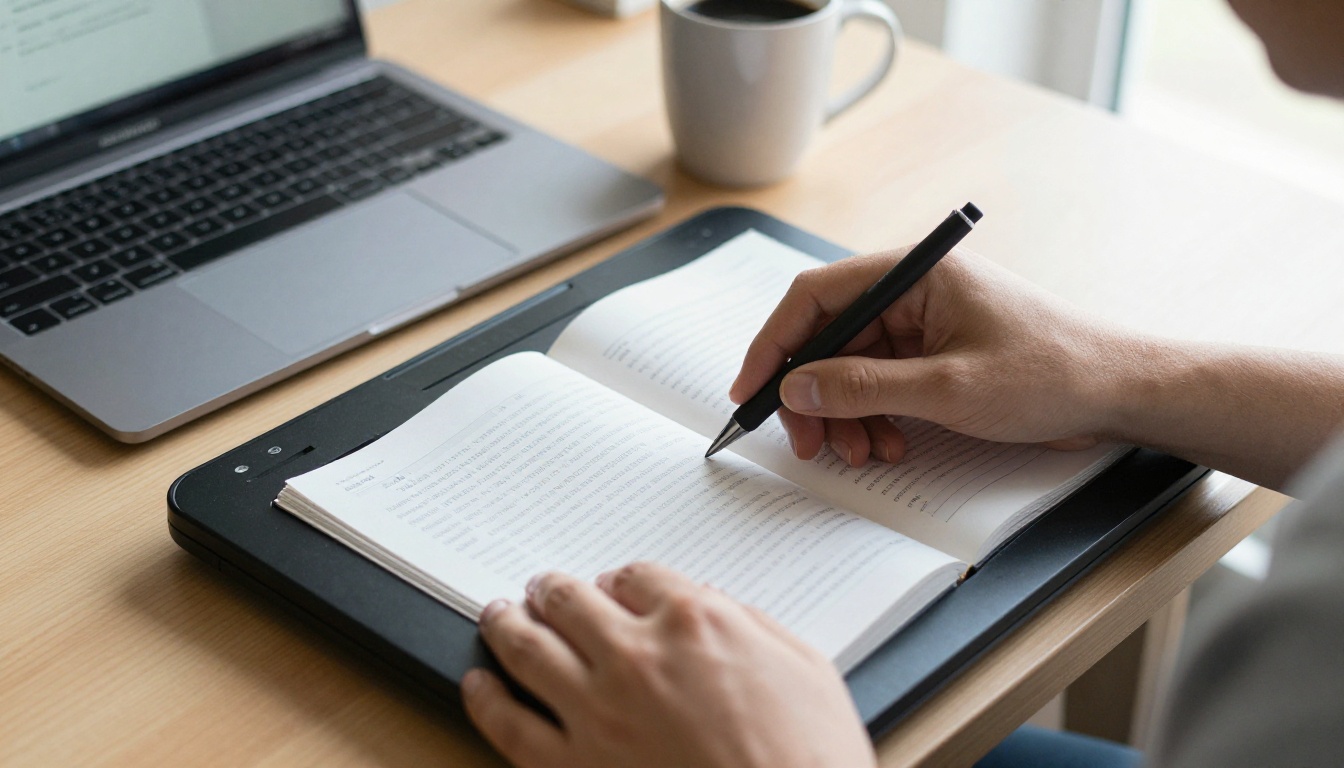
Why Copyright Applies to Schools
Many teachers assume that "it's for school" settles the question. It does not. Copyright law has no general school exception. Education is a factor that can tip a fair use argument, but it is never an automatic pass.
Who Owns the Rights
The publisher usually holds the rights to the text, layout, charts, and photographs. Some images inside a textbook belong to third parties who licensed them to the publisher. That means even a page you think is fine to share may contain a photo licensed only for the printed book.
Print Versus Digital
Owning a physical textbook gives you the right to lend or resell that copy. It does not give you the right to make new copies. Scanning a page creates a copy. Emailing it creates another. Each one is a separate act that needs its own justification.
Why Schools Still Worry
Publishers have sued over classroom copying, and many districts now train staff on the topic. The bigger practical risk for an individual teacher is usually not a lawsuit. It is a takedown notice, a disciplinary conversation, or a parent complaint. Those are avoidable.
What Fair Use Really Allows
Fair use is a defense, not a permission slip. A court weighs four factors together. No single factor wins on its own.
| Factor | What it asks | How it plays out in class |
|---|
| Purpose and character | Is the use educational, nonprofit, and transformative? | Helps teachers, but is not enough alone |
| Nature of the work | Is it factual or creative, published or not? | Factual textbooks lean slightly toward fair use |
| Amount used | How much of the work is copied? | A page or short excerpt is safer than a chapter or book |
| Market effect | Does the copy replace a sale? | The most important factor in practice |
The Market Effect Problem
Textbooks exist to be sold to students. If your PDF means a student no longer needs to buy or rent the book, the fourth factor weighs heavily against you. This is why sharing an entire textbook is almost always a poor fair use bet, while sharing one diagram for a single lesson is much easier to defend.
Small Excerpts Versus Whole Chapters
There is no magic number of pages or percentage that makes copying safe. Some schools post rules of thumb, such as "one chapter or ten percent," but those are institutional policies, not law. A court decides case by case.
💡 Pro tip: If you are weighing a fair use claim, write down your reasoning at the time: what you shared, why, with whom, for how long, and how you limited access. A documented, thoughtful decision looks very different from a casual mass email.
Classroom and TEACH Act Exemptions
Beyond fair use, US law includes specific exemptions for teaching.
Face-to-Face Teaching
Section 110(1) of the Copyright Act lets teachers display and perform works in a physical classroom at a nonprofit educational institution as part of regular instruction. Projecting a textbook page on the board during a lesson fits comfortably here. This exemption covers displaying material in the room. It does not authorize handing out copies for students to keep.
Distance and Online Teaching
The TEACH Act, found in Section 110(2), extends similar permissions to online instruction, but with strings attached:
- The institution must be an accredited nonprofit.
- The material must be directly related to the lesson and used under the teacher's supervision.
- Access must be limited to enrolled students.
- Technical measures should prevent students from keeping or redistributing the work.
- The institution must have a copyright policy and notify users of it.
The TEACH Act also generally excludes works made specifically for digital education, which can include some textbook materials and e-textbooks. Many teachers find the requirements hard to meet in practice, which is why licensing and open materials are often easier.
Comparing Your Options
| Situation | Likely status | Safer move |
|---|
| Projecting one page in class | Generally allowed | Cite the source on the slide |
| Emailing a full chapter PDF | High risk | Link to a licensed copy |
| Posting a scanned book to a class site | High risk | Use protected, access limited sharing |
| Sharing a single chart for a lesson | Often defensible as fair use | Keep it short and document it |
| Sharing an open textbook | Allowed under its license | Follow the attribution terms |
When You Need a License
If you want to give every student the whole book, the cleanest route is permission.
Publisher and School Licenses
Many publishers sell digital access directly to schools. Common models include:
- Site licenses that give an entire school or district access.
- Inclusive access programs, where the cost of a digital textbook is bundled into tuition or fees.
- Student subscriptions through platforms that deliver the book in a locked reader.
- Teacher editions and companion materials that come with specific permissions for classroom use.
These agreements usually spell out what you may do. Some allow printing a number of pages. Others bar downloads entirely. Read the terms before you post anything, because the license controls, not your assumptions.
Asking the Publisher Directly
Publishers receive permission requests all the time. A short email stating the title, the pages, the number of students, and the duration often gets a fast answer, and sometimes the permission is free for classroom use. If the answer is no, you have lost nothing but a few minutes.
What the School Library Can Do
Your librarian may already hold licenses for databases, e-book collections, and course reserves. Libraries also tend to know how to handle interlibrary loans and reserve copies lawfully. Treat them as your first call, not your last.
Materials You Can Share Freely
The simplest answer to the legality question is to pick material that is meant to be shared.
Open Educational Resources
Open textbooks, such as those released under Creative Commons licenses, are written so teachers can copy and distribute them. Many cover core subjects from high school through college. Each license has conditions, typically attribution, and some bar commercial use or changes. Check the license badge on the first page.
Public Domain and Government Works
Works whose copyright has expired are free to share. In the United States, most works created by federal government employees as part of their jobs are also in the public domain. That includes a lot of science, history, and civics material.
Your Own Original Work
Notes, slides, worksheets, and study guides you wrote yourself belong to you, subject to your employment agreement. Some districts claim ownership of work made on the job, so confirm the policy. Beyond that, you are free to distribute your own content in any format you like.
| Material type | Can you share it? | What to check |
|---|
| Open textbook (Creative Commons) | Yes | Attribution and any restrictions |
| Public domain work | Yes | That the work really is public domain |
| US federal government publication | Usually yes | Third party images inside it |
| Your own worksheets | Yes | District ownership policy |
| Commercial textbook PDF | Generally no | License or permission |
✅ Best practice: Keep a simple spreadsheet of every outside resource you share, with its source, license type, and date. It takes two minutes per item and saves hours if anyone asks questions later.
Safer Ways to Share With Students
Even when your material is lawful to share, how you share it matters. A loose PDF can be forwarded, reposted, and downloaded forever. A controlled format keeps you in charge.
Why Format Matters
When you attach a PDF to an email, you lose control the moment you hit send. When you share a link to a protected online reader, you decide who gets in, how long the link works, and whether files can be downloaded.
Turning Lawful Material Into a Flipbook
If you are sharing your own notes, open textbook chapters, or licensed excerpts, the PDF to Flipbook Converter turns a plain document into a page-turning online publication. Students open it in a browser on any device, with no app to install. The Course Material Publisher is built for exactly this kind of classroom resource.
Which Sharing Method Fits
| Method | Control over access | Easy for students | Best for |
|---|
| Email attachment | None | Yes | Nothing sensitive |
| Shared cloud folder | Limited | Yes | Your own editable files |
| Class website upload | Low | Yes | Open or public domain material |
| Protected flipbook link | High | Yes | Licensed or limited-audience content |
How to Share Lawful Materials as a Flipbook
Use this workflow only for material you have the right to share: your own work, open resources, public domain items, or content covered by a license that allows it.
- Confirm your rights. Check the license or permission for each file. If you cannot point to the reason you are allowed to share it, stop here.
- Prepare the PDF. Combine your worksheets or open chapters into one clean document. Remove pages you do not have rights to.
- Create an account. Sign up on Flipbooks AI and open the upload screen.
- Upload and convert. Drop the PDF in. The platform converts it into a flipbook with realistic page turns in moments.
- Customize it. Add your school colors, a cover, and a logo. Insert links, short videos, or audio notes where they help students.
- Set protection. Turn on password protection so only your class can open it. Share the password through your normal school channel.
- Share the link. Send the direct link or embed the flipbook on your class website.
- Review and update. Replace the file when your materials change, and the same link keeps working.
💡 Pro tip: Add a short line on the first page naming the source and license, for example "Adapted from an open textbook under CC BY." It models good citation for students and protects you.
Features Worth Using
- ✅ No watermarks, so your materials look clean and professional.
- ✅ Password protection for private class content.
- ✅ Mobile-responsive design, so students can read on a phone.
- ✅ Embedded video and audio for lesson extras.
- ✅ Offline downloads when your license allows students to keep a copy.
- ✅ Analytics and lead generation on the Professional plan, useful for seeing which pages students open. See the pricing plans for details.
Schools that publish newsletters, handbooks, and yearbooks can also use the School Newsletter Creator and Yearbook Flipbook Maker.
⚠️ Important: A flipbook is a delivery format, not a legal shield. Putting an unlicensed commercial textbook into a protected link does not make sharing it lawful. Protection helps you control access to material you already have the right to share.
Real World Scenarios
Scenario 1: The Late Textbook Order
A history teacher's class set has not arrived. She shares the two pages needed for tomorrow's lesson, projects them in class, and tells students the rest of the reading will follow when the books arrive. Limited amount, direct teaching purpose, and short duration make this a reasonable fair use position. Emailing the entire book would not be.
Scenario 2: The Open Textbook Switch
A biology department replaces a pricey commercial book with an open textbook. They download the Creative Commons PDF, add their own lab worksheets, and publish both as a password protected flipbook. Everything is lawful to share, and students save money.
Scenario 3: The Remote Learner
A student on a long absence cannot access the classroom copy. The teacher asks the school library, which holds a digital license, to give the student access. No copying by the teacher is needed, and the license handles everything.
Scenario 4: The Group Chat Surprise
A student posts a scanned textbook chapter in a class group chat. The teacher is not the one who shared it, but a quick, calm conversation about copyright and a pointer to the library's licensed copy usually resolves it. Having a clear class policy beforehand helps.
Common Mistakes to Avoid
- Assuming "educational" means "free to copy." It helps in a fair use argument but never settles it.
- Scanning the whole book "just this once." One copy is still a copy, and one email becomes fifty forwards.
- Ignoring license terms on e-textbooks. Many bar downloads, printing, or sharing logins.
- Forgetting third party images. Photos and charts inside open or licensed books may have separate rules.
- Posting publicly. A public website exposes the material to anyone, which weakens a fair use claim and widens the risk.
- Skipping the paper trail. Without notes on why you shared something, a question months later is hard to answer.
A Quick Checklist Before You Share
| Question | If the answer is "no" |
|---|
| Do I own it, or is it open or public domain? | Look for a license or permission |
| Does my license allow classroom distribution? | Ask the publisher or librarian |
| Am I sharing only what the lesson needs? | Trim it down |
| Is access limited to my students? | Use a password protected link |
| Have I recorded my reasoning? | Write two lines in a spreadsheet |
Building a Smart School Policy
Individual teachers should not have to guess. Schools and departments can make this easy with a short written policy.
- Name a contact. A librarian or administrator who answers copyright questions saves everyone time.
- List approved sources. Open textbook repositories, licensed databases, and publisher portals.
- Define sharing channels. Say which tools are approved for distributing materials.
- Train new staff. A fifteen minute briefing at the start of the year prevents most problems.
- Review yearly. Licenses expire and laws change.
Departments that keep materials in one organized place find policy easier to follow. Digital training and course publications built with the Training Manual Flipbook tool give teachers a consistent home for approved resources.
Ready to Share the Right Way?
Teachers can legally share many things: their own work, open textbooks, public domain material, short excerpts under fair use, and anything a license permits. What they generally cannot do is distribute a full copyrighted textbook PDF without permission. When in doubt, ask the publisher, check with your librarian, or choose open materials.
Once your content is cleared, present it well. Create your free account on Flipbooks AI and turn your own resources into polished, protected flipbooks. Browse all flipbook tools to find the right template, or compare plans to see which one fits your school.



