Short answer: yes. A flipbook can live on a USB drive or a CD, as long as you export it as an offline package rather than copying a web link. With Flipbooks AI you can convert a PDF into a page-turning publication, download it, and hand it over on a stick or a disc. The catch is that not every computer treats those files the same way, so the details matter.
This article walks through what actually goes on the drive, how to prepare it, what can go wrong at a trade show or in a corporate office, and when a link or QR code does the job better.
Why People Still Ask
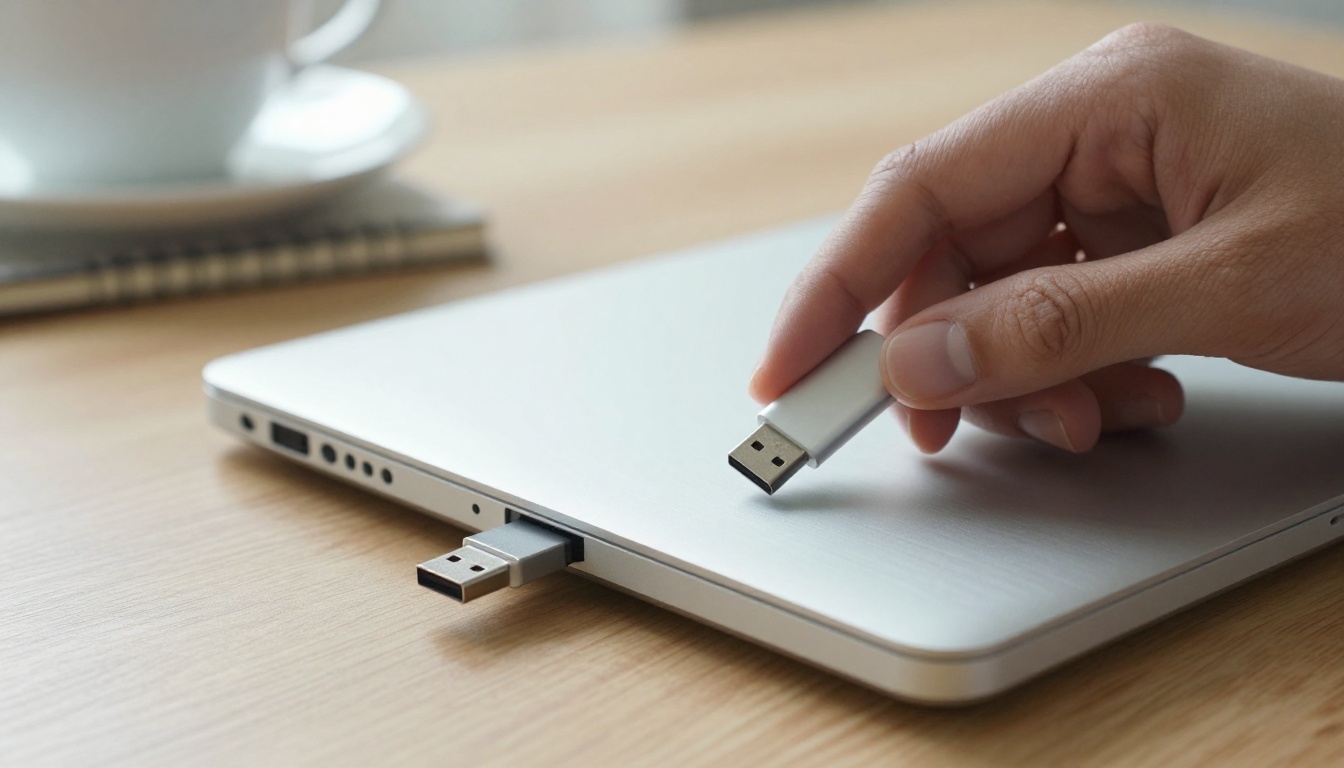
USB drives and CDs feel old, yet they still show up in real situations. A trade show visitor wants something to take home. A client works inside a network that blocks outside websites. A school computer has no reliable Wi-Fi. A government office insists on a physical copy for its records.
In each case the question is the same: can the interactive, page-turning experience travel without the internet?
💡 Pro tip: Before you burn a single disc, ask who will open it and on what device. That one answer decides whether a drive, a disc or a link is the right choice.
What a Flipbook Really Is
A flipbook is not a single file like a PDF. It is a small web application: an HTML page, scripts, styles and image assets for each page. When you view one online, your browser loads those pieces from a server.
To put it on a drive, you need all of those pieces together in a folder, and a browser to open them.
Online Versus Offline Versions
| Version | Needs internet | Where it lives | Best for |
|---|
| Hosted flipbook | Yes | Flipbooks AI servers | Websites, email, social sharing |
| Offline download | No | USB, CD, local folder | Events, locked networks, archives |
| Original PDF | No | Anywhere | Printing, simple reading |
The Short Answer for USB
A USB drive is the easier of the two options. It is fast, rewritable, and almost every laptop still has a port or an adapter. You can copy a flipbook package onto it in seconds and update it later without buying anything new.
What Goes on the Drive
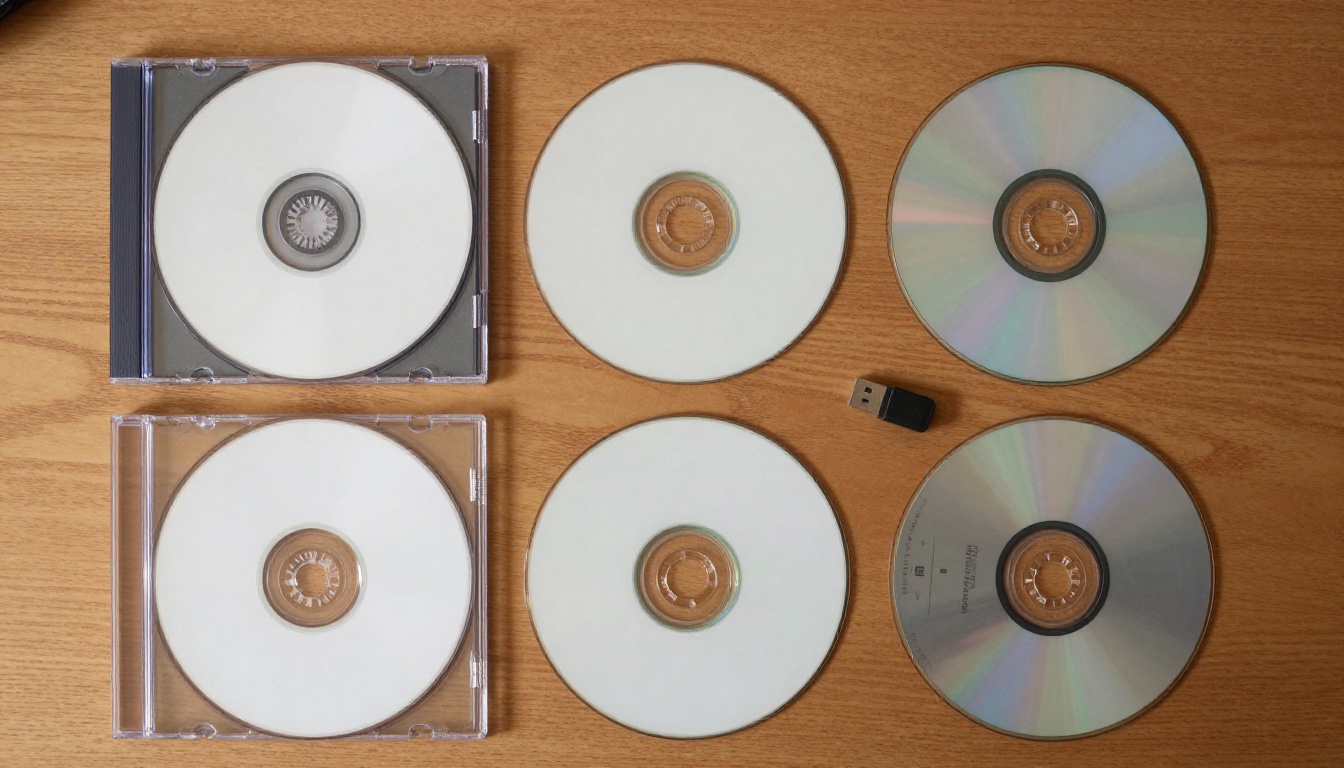
A reliable offline flipbook folder usually contains:
- An index.html file that launches the flipbook
- A folder of page images or page data
- Supporting scripts and style files
- Any embedded audio or video you added
Keep the folder structure exactly as downloaded. Moving a single file out of place is the most common reason a flipbook opens blank.
Capacity Is Rarely a Problem
Even a heavy catalog with hundreds of pages usually fits easily on a small drive. Video is the exception. If you embedded long clips, check the folder size before you buy a batch of cheap low-capacity sticks.
The Short Answer for CD
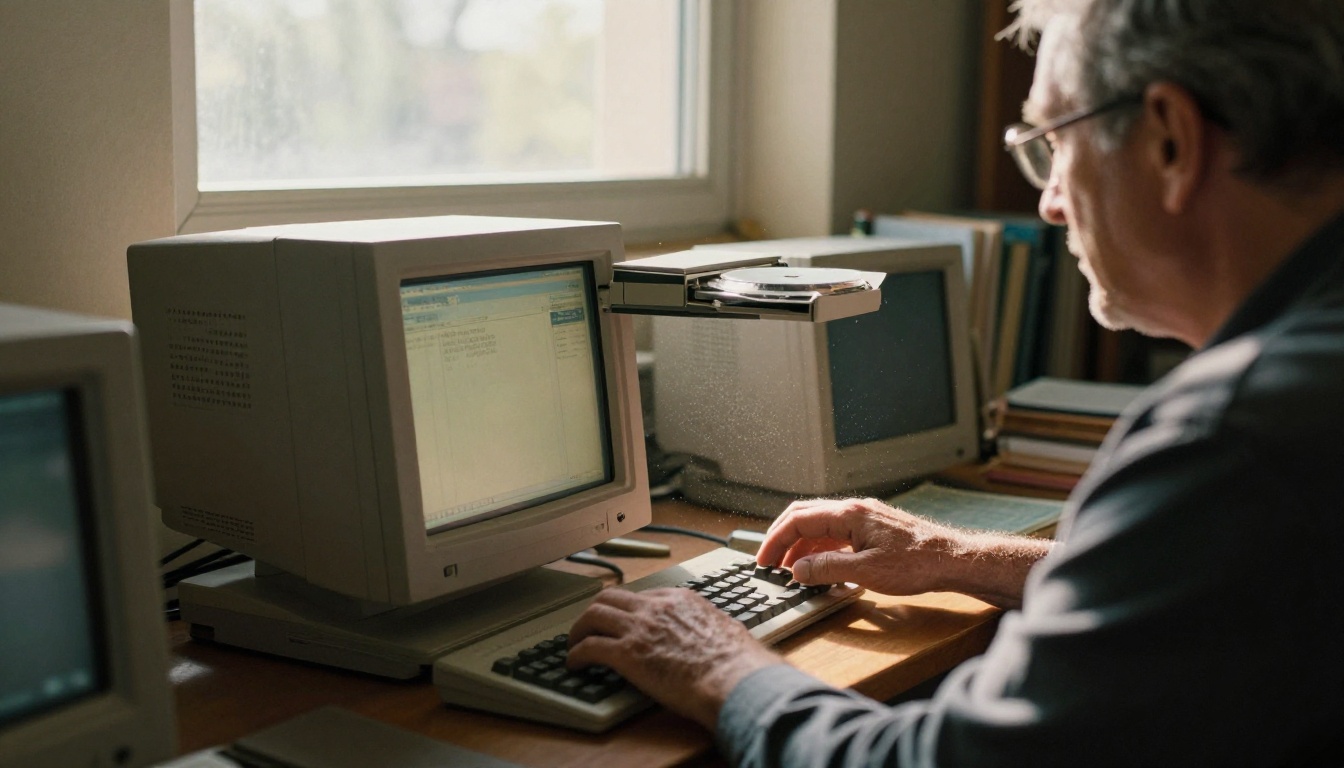
A CD works the same way in principle. You copy the same folder onto a disc and the viewer opens it in a browser. A standard CD holds about 700 MB, which is plenty for most documents.
Why CDs Are Fading
Many modern laptops no longer include an optical drive. If your recipient has a thin notebook, they will need an external reader, and many people simply do not own one. A disc also cannot be edited once finalized, so a typo means burning a new batch.
Where CDs Still Make Sense
- Libraries and archives with older equipment
- Formal submissions that require a physical, unchangeable copy
- Mailed packages to recipients you know still use optical drives
USB Versus CD at a Glance
| Factor | USB drive | CD |
|---|
| Speed to copy | Seconds | Minutes |
| Editable later | Yes | No (once finalized) |
| Works on new laptops | Usually | Often needs external drive |
| Cost per unit | Higher | Lower |
| Looks professional | Can be branded | Printed label or sleeve |
| Typical capacity | 8 GB and up | About 700 MB |
How to Create the Flipbook First
Before anything goes on a drive, you need a polished flipbook. Here is how to build one with Flipbooks AI.
Step by Step
- Open Flipbooks AI and create an account.
- Upload your PDF with the PDF to Flipbook Converter. The pages convert automatically into a page-turning layout.
- Customize the look: add custom branding, adjust colors, and choose page effects.
- Add multimedia such as audio or video where it helps the reader.
- Preview on desktop and phone. The design is mobile-responsive, so check both.
- Choose the offline download option and save the package to your computer.
- Copy the folder to your USB drive or burn it to a disc.
✅ Best practice: Always open the flipbook from the drive itself on a different computer before you hand it out. Testing from your own desktop proves nothing.
Pick the Right Tool for Your Content
Different content types suit different starting points. Browse all flipbook tools or jump straight to one:
What Can Go Wrong
Putting a flipbook on a drive sounds simple, and often it is. Still, a handful of problems come up again and again.
Browser Security Rules
Some browsers restrict how local files load scripts and data. A flipbook that works perfectly online may show a blank page when opened directly from a folder. Recipients can usually fix this by trying a different browser, or by running the file through a simple local viewer.
Locked Corporate Computers
Many companies block USB storage entirely, or disable autorun and unknown executables. A drive handed to someone at a large firm may never open at all. This is a security policy, not a fault in your file.
Lost and Unprotected Drives
A drive can be lost, copied or passed around. Anything on it is readable by whoever finds it, which matters for pricing sheets, internal reports or private catalogs.
⚠️ Warning: Never put confidential material on a loose drive without a plan. A hosted flipbook with password protection gives you control that a drive cannot.
Outdated Content
The moment you hand someone a disc, your content is frozen on their desk. A price change or a new product leaves them looking at old information with no way to know.
Common Mistakes Checklist
- Copying only the index.html and forgetting the other folders
- Testing only on your own machine
- Using a drive with too little capacity for embedded video
- Forgetting a label, so nobody knows what the drive contains
- Skipping a backup of the original source files
Smarter Ways to Share
For many situations, a drive is a fallback and not the best first option. Hosted sharing is faster, cheaper and updatable.

Direct Links and Email
Every flipbook gets a shareable link. Paste it into an email, a chat or a proposal. The reader always sees the latest version, and you can check who opened it.
Embedding on Your Website
Use the Embed Flipbook on Website tool to place the publication directly in a page. No download, no drive.
QR Codes on Printed Material
Put a QR code on a flyer, a poster or a business card. A visitor scans it and the flipbook opens on their phone. This often replaces the giveaway drive entirely.
Sharing Methods Compared
| Method | Cost | Updatable | Trackable | Works offline |
|---|
| USB drive | Medium | No | No | Yes |
| CD | Low | No | No | Yes |
| Direct link | None | Yes | Yes (Professional plan) | No |
| QR code | None | Yes | Yes (Professional plan) | No |
| Website embed | None | Yes | Yes (Professional plan) | No |
💡 Pro tip: Analytics and lead generation are part of the Professional plan. Check the pricing plans to see which tier fits your needs.
Real-World Examples
A Trade Show Booth
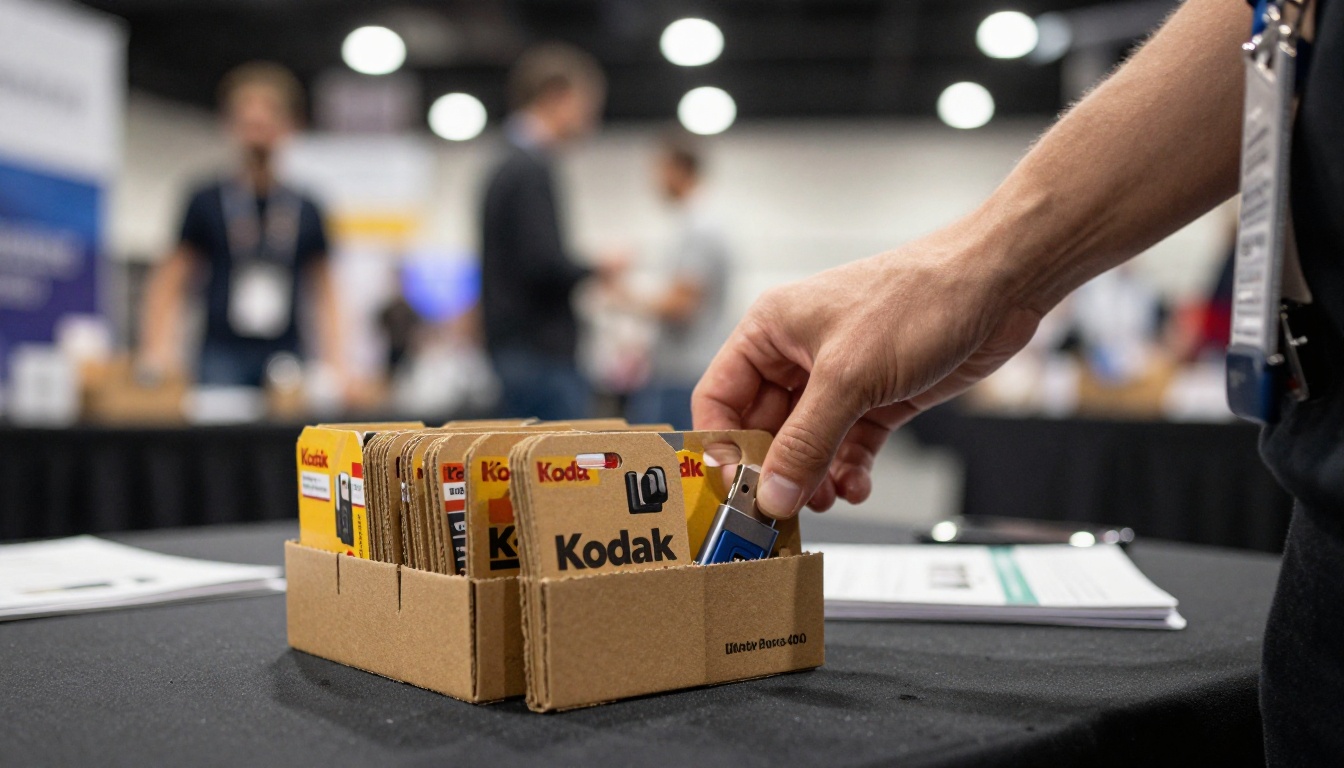
A furniture maker prints 200 cards with a QR code and also keeps 30 branded USB drives for buyers who ask for a physical item. The cards cost almost nothing. The drives go to the handful of serious buyers who want to review the furniture catalog offline on a plane home.
A Real Estate Agent
An agent meets a client who prefers something tangible. She hands over a printed brochure and a small drive holding the full property flipbook, built with the Real Estate Brochure tool. Later, she emails the live link so the client always sees current availability.

A Traveling Consultant
A consultant often works without a signal. She downloads her proposal for offline use, keeps it on her laptop, and reads it on trains. No disc required, because the offline package works straight from the hard drive.
Which Option Fits You
Use this quick decision table.
| Your situation | Best choice |
|---|
| Recipient has internet | Link or QR code |
| Recipient is offline | USB drive with offline download |
| Formal physical record needed | CD or USB, plus a printed copy |
| Content changes often | Hosted flipbook |
| Private or sensitive content | Password-protected hosted flipbook |
| Event giveaway | QR code first, drive for top prospects |
A Simple Rule
If you can rely on a connection, share a link. If you cannot, use a drive. If the content is sensitive, protect it either way.
Tips for a Professional Drive
- Label the drive with your brand name and a short title.
- Add a one-line readme text file explaining how to open it.
- Use a short folder name without spaces or special characters.
- Keep a second copy of the exact package on your own computer.
- Include the live link in the readme so recipients can find the latest version.
- Test on both Windows and Mac if your audience uses both.
✅ Best practice: Print the flipbook URL and a QR code directly on the drive sleeve. Even a recipient who cannot open the drive can still reach the content later.
Ready to Build Yours
Yes, you can put a flipbook on a USB drive or a CD, and it works well when the situation calls for it. The strongest approach is to build the publication once, then share it in whatever form your audience can actually open.
Ready to create your first flipbook? Get started for free on Flipbooks AI. Browse all available tools and templates to find the right fit, and compare pricing plans to see which features, such as unlimited flipbooks, offline downloads and analytics, suit your workflow. When you are ready to publish, visit Flipbooks AI and pick your plan.



