Timing is everything in digital publishing. Whether you're dropping a seasonal lookbook, launching a product catalog on a Tuesday at 9am sharp, or releasing a company report the moment your fiscal quarter closes, the ability to schedule exactly when your flipbook goes live separates reactive publishing from strategic content operations. So the short answer: yes, you absolutely can schedule a flipbook to go live later, and Flipbooks AI makes the entire process straightforward.
But the real question isn't just "can you?" It's "how do you do it well?" Scheduled publishing is one of those features that sounds simple but carries a lot of nuance when you dig into timezones, access controls, team workflows, and campaign timing. This article walks through everything you need to know, from how the scheduling mechanism works, to when it's worth using, to the mistakes that quietly burn content teams every single time.
What Scheduled Publishing Actually Means for Flipbooks

Scheduled publishing is not the same as saving a draft. A draft exists in a permanent state of "not yet." Scheduled content, by contrast, has a committed go-live date and time attached to it. The platform holds it privately until that moment arrives, then automatically flips visibility from private to public without any manual action needed.
Drafts vs. Scheduled vs. Live
The distinction matters more than people realize, especially when multiple team members are involved.
| State | Visibility | Requires Manual Action | Ideal For |
|---|
| Draft | Private only | Yes, to publish | Work in progress, revisions |
| Scheduled | Private until trigger | No, auto-publishes | Planned releases, campaigns |
| Live | Public | Yes, to unpublish | Active content |
A flipbook sitting in draft is safe but passive. A scheduled flipbook is committed. It will go live at the exact date and time you set, regardless of whether you're in front of your computer, on a flight, or asleep in a different timezone. That reliability is the entire point.
Why Timing Matters More Than People Admit
Content release timing is a legitimate performance variable. Sending an email newsletter at 6am EST on a Tuesday before linking to a new flipbook that isn't live until 10am EST is a classic mistake that creates dead links, confused readers, and a poor first impression. Scheduling closes that gap permanently.
Beyond that, there's the question of audience timezones. If your catalog is going out to retail buyers in London, New York, and Tokyo simultaneously, manually managing publish times across those regions is error-prone. A single scheduled release solves it in one step.
💡 Pro tip: Always set your go-live time 15 to 30 minutes before any promotional email or social post goes out. This buffer accounts for minor platform delays and gives search indexers time to register the page.
How to Schedule a Flipbook to Go Live Later with Flipbooks AI

Flipbooks AI handles scheduled publishing through its publication settings panel. The process takes under five minutes once your flipbook is built. Here's exactly how it works.
Step 1: Upload and Build Your Flipbook
Start by uploading your PDF to Flipbooks AI. The platform automatically converts it into an interactive flipbook with page-turning animations, zoom functionality, and mobile-responsive layout. If you're working from an existing design file, export it as PDF first and use the PDF to Flipbook Converter.
Once uploaded, configure your branding: add your logo, choose a background color, set the front page settings, and add any embedded multimedia (videos, audio, clickable links) inside the pages themselves. All of this can be done before you ever touch the publish settings.
Step 2: Open Your Publish Settings Panel
Navigate to the flipbook's settings and locate the Publish Settings section. This is where you control who can see your flipbook and when.
You'll see three primary options:
- Publish now: Makes the flipbook immediately visible to anyone with the link
- Schedule for later: Holds the flipbook private and sets an automatic go-live trigger
- Keep private: Restricts access to password-holders or specific users only
Select "Schedule for later" to activate the scheduling controls.
Step 3: Set Your Go-Live Date and Time
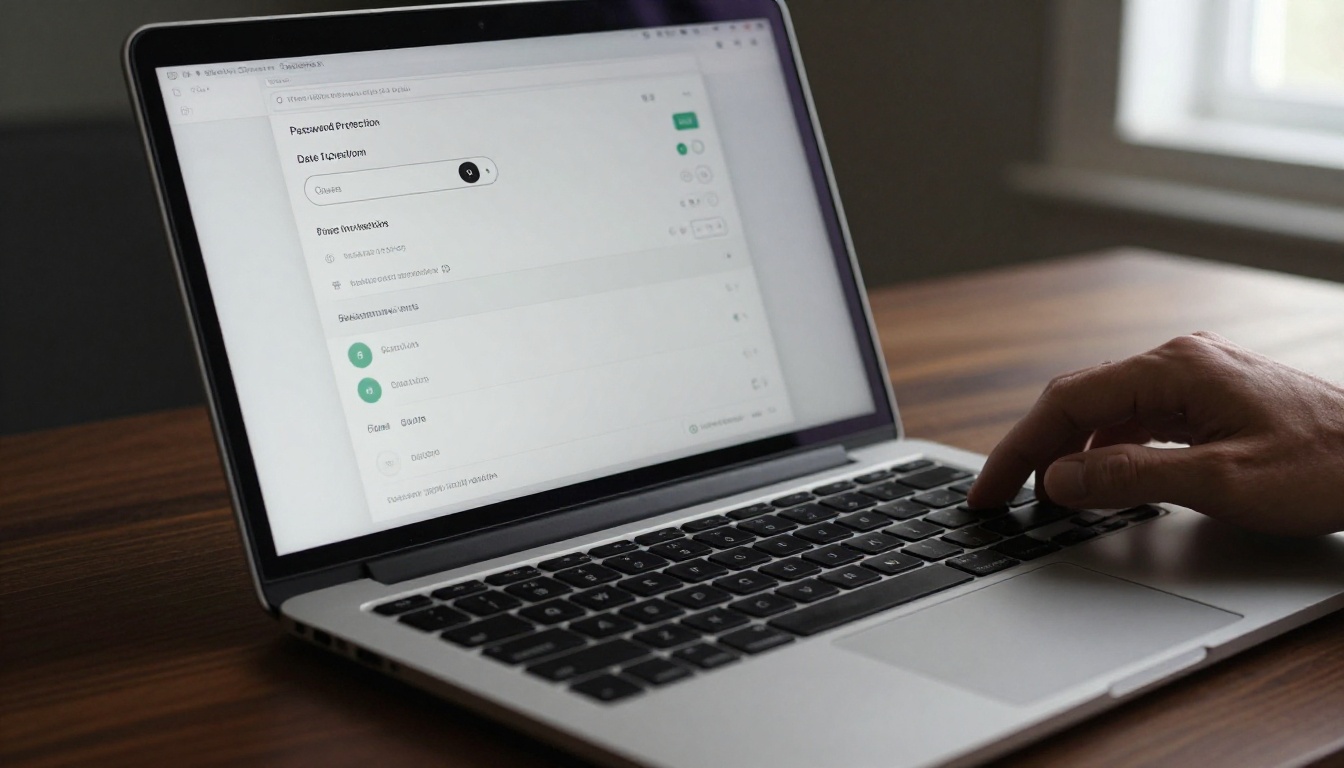
The scheduling panel opens with a calendar date picker and a time input field. Select your target date, then enter the exact hour and minute. Always double-check the timezone dropdown here. The platform will default to your account's set timezone, but you can override it per publication.
⚠️ Watch out: If your audience is global, choose UTC as your reference and communicate go-live times in multiple local zones in your marketing copy. This eliminates any ambiguity on the recipient side.
After setting the date and time, you can also configure:
- Password protection: Require a password even after go-live, for gated content or premium audience segments
- Expiry date: Set a date when the flipbook automatically returns to private status (useful for time-limited promotions)
- Access level: Control whether the flipbook is fully public, link-only, or restricted
Step 4: Preview and Confirm
Before finalizing, use the preview function to review the flipbook exactly as your audience will see it. Check that all embedded links are functional, all images are loaded, and the page transitions work correctly on both desktop and mobile.
Hit Save to lock in the schedule. The flipbook is now in a "scheduled" state. You'll see the countdown to go-live in your dashboard.
✅ Best practice: After scheduling, copy the flipbook's share link immediately. You'll need this URL for your email campaigns, social media posts, and any embed codes you plan to use ahead of the release.
When Scheduled Publishing Is Worth Using
Not every flipbook needs to be scheduled. A quick internal document or a one-off client deliverable can simply go live immediately. But for the following scenarios, scheduled publishing shifts from a convenience to a strategic necessity.
Product Launches and Seasonal Campaigns
Retail and e-commerce teams run on calendars. Black Friday, back-to-school, end-of-season clearance: all of these require content to be ready and live at a very specific moment. Building your product catalog or fashion catalog weeks in advance and scheduling it for the exact campaign start time removes launch-day scrambling entirely.
The entire marketing team can prepare promotional assets, email sequences, and social posts in advance, all pointing to a URL that will be live exactly when the audience clicks it.
Multi-Timezone Audiences
If you're publishing a corporate newsletter, an annual report, or an investor briefing to a global audience, timing requires precision. Scheduling for 9am EST on a Monday morning means the document is live at 2pm in London and 10pm in Tokyo simultaneously. No one on your team needs to be awake at 2am to manually publish anything.
Editorial Content Calendars
Content teams working on blog supplements, digital magazines, or school newsletters often produce material in batches and release on a regular cadence. Scheduling allows a team to produce several weeks of content in one focused production session, then set each piece to release on its designated date automatically.
Coordinated Multi-Channel Releases
When a flipbook release is part of a larger campaign involving email, paid ads, and social media, synchronizing all channels to a single published URL requires the link to be functional before your promotional assets fire. Scheduling the flipbook in advance, with the link already embedded across your campaign assets, makes this coordination seamless.
Real-World Scenarios Where Scheduling Pays Off

Abstract benefits are useful to understand in theory. Here's how scheduled publishing plays out for specific industries.
Restaurants and Seasonal Menus
A restaurant updating its menu for a new season faces a recurring coordination challenge: the printed menus are updated, the website needs to reflect the change, and the digital version used on tablets at the host stand needs to be current from day one of the season, not three days later when someone remembers to update it.
Using the Restaurant Menu Creator, a chef or restaurant manager can upload the new seasonal menu PDF, build the digital version, and schedule it to go live at midnight on the first day of the season. The old menu remains live until that moment. The new one appears automatically. Zero friction, zero delay.
Real Estate and Property Brochures
Property agents often work with a publication embargo: a new listing cannot go public until a specific date and time agreed upon with the seller. Using the Real Estate Brochure Creator, an agent builds the full property brochure in advance, shares the URL with the seller for approval, and schedules it to go live the moment the embargo lifts. The property appears on all channels simultaneously at the right moment.
Corporate Reports and Annual Releases
Finance and investor relations teams operate on strict disclosure schedules. An Annual Report Creator workflow that includes scheduling allows the IR team to finish the document days before the required disclosure date, have it reviewed and approved internally, then set it to publish at exactly the right time without requiring anyone to be logged into a platform at that specific moment.
Plan Comparison: What You Get for Scheduling

Scheduling availability and related features vary by plan on Flipbooks AI. Here's a breakdown of what's relevant across tiers.
| Feature | Free | Standard | Professional |
|---|
| Scheduled publishing | Limited | Yes | Yes |
| Password protection | No | Yes | Yes |
| Custom expiry date | No | Yes | Yes |
| Timezone control | No | Yes | Yes |
| Per-flipbook analytics | No | No | Yes |
| Lead generation forms | No | No | Yes |
| Offline downloads | No | Yes | Yes |
| Custom branding | No | Yes | Yes |
| Unlimited flipbooks | No | Yes | Yes |
| No watermarks | No | Yes | Yes |
For teams running regular content calendars or campaigns, the Standard plan is the minimum viable option for proper scheduled publishing. The Professional plan adds analytics and lead capture, which are particularly valuable when the flipbook is the centerpiece of a marketing campaign.
💡 Pro tip: The Professional plan's per-flipbook analytics let you see exactly when traffic spiked after your scheduled release, which helps you refine future go-live timing based on real audience behavior data.
Scheduling vs. Manual Publishing: A Real Comparison

Both approaches have legitimate uses. Here's an honest side-by-side.
| Factor | Scheduled Publishing | Manual Publishing |
|---|
| Requires availability at go-live | No | Yes |
| Supports global timezone coordination | Yes | Difficult |
| Allows advance campaign prep | Yes | Risky |
| Works with expiry dates | Yes | No |
| Suitable for last-minute changes | No | Yes |
| Error risk from human delay | Low | Medium to High |
| Ideal for | Planned campaigns, editorial calendars | Quick deliverables, ad-hoc content |
The only genuine advantage of manual publishing is flexibility at the last second. If you're making final edits right up until the moment of release, manual is your only option. For anything planned more than a few hours in advance, scheduling wins on every metric.
Common Mistakes That Derail Scheduled Flipbooks

Scheduled publishing eliminates many manual errors, but it introduces a few new ones if you're not careful.
Timezone Confusion
This is the most common scheduling mistake. Your account is set to Pacific Time, but your audience is in Central Europe. You set "9am" intending 9am CET, but the platform publishes at 9am PST instead, six hours later than planned.
Fix: always verify the timezone shown in the scheduling panel before saving. If in doubt, set the timezone explicitly to UTC and convert your local time to UTC before entering it.
Scheduling Without Final Approval
Scheduling a flipbook before it has been fully reviewed and approved internally is a fast track to a public-facing document with errors. Build an internal review step, with the flipbook shared via password-protected preview link, before any scheduling happens.
⚠️ Warning: Once a scheduled flipbook goes live automatically, it is public. If there's an error in the content at that moment, you need to manually intervene to take it back down. The scheduling mechanism does not include a second review step.
Forgetting to Test the Share Link
Schedule the flipbook, then immediately click the share link yourself. It will correctly show as "not yet available" before the go-live time. That's expected. But you're testing that the link format is correct and that it resolves to your flipbook rather than a 404 error. Do this before embedding the link in your promotional materials.
Not Setting an Expiry Date for Time-Limited Offers
A promotional flipbook advertising a 48-hour sale should not remain publicly accessible after the sale ends. Use the expiry date feature to automatically return the document to private status once the promotion is over. Leaving it live creates customer confusion and potential complaints about expired offers.
What Happens After Your Flipbook Goes Live
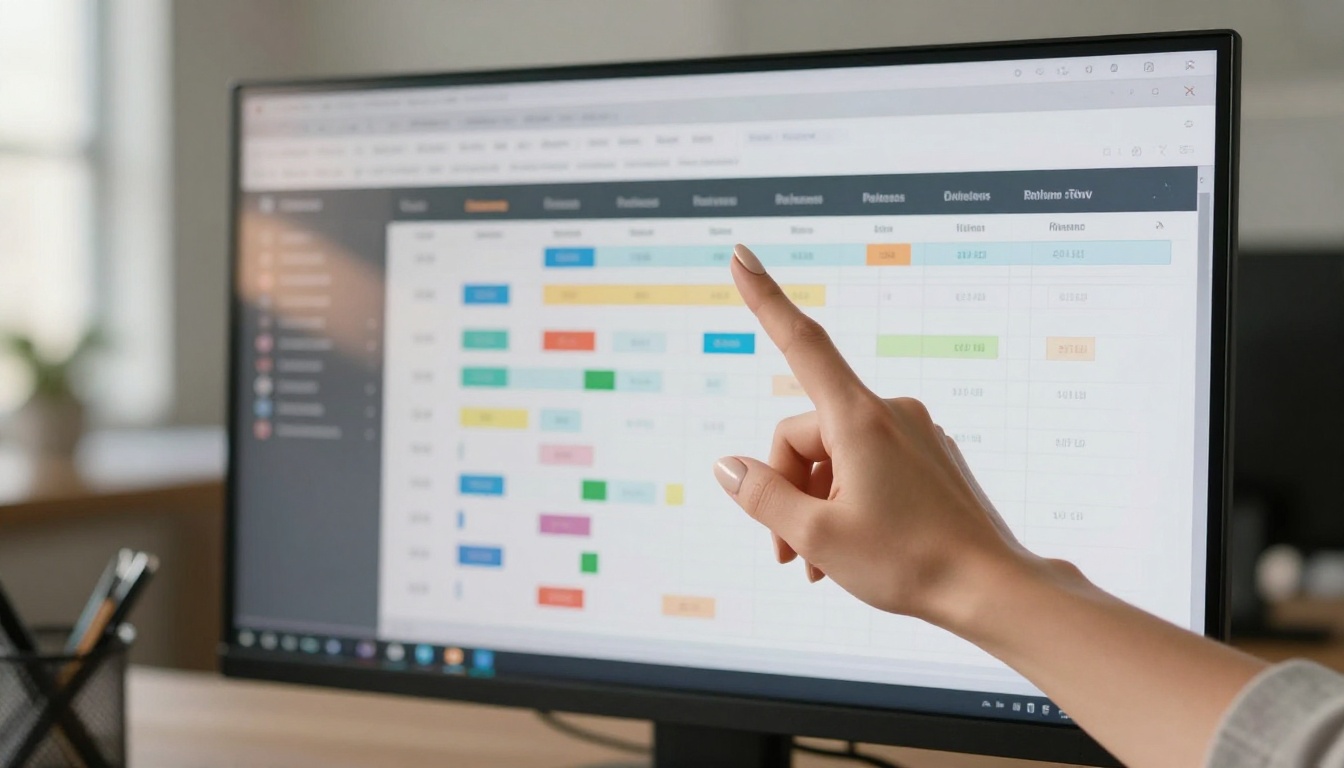
The moment your scheduled flipbook publishes, the work shifts from creation to measurement. If you're on the Professional plan, you have access to per-flipbook analytics that show:
- Total views and unique visitors since go-live
- Page-by-page interaction data: which pages readers spend the most time on
- Traffic sources: where your readers are coming from
- Geographic breakdown: particularly useful for multi-region campaigns
- Lead capture data: if you've added a lead form to the flipbook, submissions are tracked here
Reading Your Post-Launch Data
Within the first 24 hours after a scheduled release, your analytics dashboard will show the initial spike from your promotional push. Pay attention to:
- Drop-off points: which page causes readers to close the flipbook most often. This signals weak content or poor visual design on that page.
- Peak traffic time: compare this against your go-live time. If your audience connects most heavily 4 hours after release, your next campaign's go-live should reflect that.
- Return visits: a reader who comes back multiple times is highly invested. A high return visit rate on a catalog or menu suggests strong commercial intent.
Iterating for the Next Release
Every scheduled flipbook teaches you something about your audience's habits. Use that data to refine the timing, content structure, and format of your next release. Teams that treat each publication as a learning event consistently improve their reader metrics over time.
Putting It All Together
Scheduling a flipbook to go live later is not just a convenience feature. It's a fundamental part of operating a professional digital publishing workflow. It removes human error from the equation, enables coordinated multi-channel campaigns, and gives your team the freedom to finish content well in advance without sacrificing control over exactly when the world sees it.
Flipbooks AI builds scheduling directly into the platform alongside password protection, expiry controls, analytics, and the full suite of conversion and branding tools that make a digital flipbook more than just a PDF viewer. Whether you're running a fashion catalog, a hotel brochure with the Hotel Brochure Designer, or a corporate report with the Annual Report Creator, the scheduling infrastructure is the same.
Ready to stop publishing reactively? Create your free account on Flipbooks AI and set your first flipbook to go live exactly when it matters most. When you're ready for analytics, lead capture, and the full professional feature set, compare pricing plans to find the right tier for your publishing volume. Browse all available tools and templates to find the perfect format for your next scheduled campaign.



