The question comes up constantly in marketing teams, sales departments, and publishing circles: can you actually track who reads your flipbook, page by page? The answer is more nuanced than a simple yes or no, and it depends heavily on how your flipbook is set up, which platform you use, and whether you've gated the content in any way. Flipbooks AI gives you real, actionable analytics on the Professional plan, and understanding what's possible reshapes the way you publish digital content.
What "Tracking" Actually Means in a Digital Flipbook
Before diving into what's possible, it's worth separating two very different types of tracking that get lumped together constantly.
Aggregate Data vs. Individual Reader Data
Aggregate data is what almost every flipbook platform offers by default. It tells you how many total views a flipbook received, which pages had the highest exit rate, and what the average time spent per session was. Useful, sure, but it won't tell you whether your top sales prospect actually made it past page three.
Individual reader data is a different story. This means tying specific behavioral data, page turns, time spent, clicks, scroll depth, to a named or identified person. This is what sales teams, publishers, and HR departments actually want when they ask "can you track individual readers in a flipbook?"

Anonymous vs. Identified Readers
Here's the core split:
- Anonymous sessions: Most readers arrive via a shared link with no login required. The platform logs IP address, device type, and behavioral data, but can't attach it to a real name or email.
- Identified readers: When a reader passes through an email gate, logs in, or arrives via a personalized tracked link, the platform can now match all their behavioral data to a specific identity.
The moment you add an email gate to your flipbook, the tracking changes completely. You go from "someone in Berlin spent 4 minutes on page 7" to "martin@company.com spent 4 minutes on your pricing page."
What Flipbook Analytics Can Actually Measure
Even without identification, the data from a modern flipbook platform is substantial. Here's a breakdown of what's typically captured at the session level:

Page-Level Activity
The most valuable raw data is which pages got attention and which got skipped. Good flipbook analytics will show you:
- Pages turned: The full sequence of navigation through the document
- Time per page: How many seconds or minutes each page held a reader
- Exit pages: Where readers stopped and closed the flipbook
- Return visits: Whether the same session or device came back later
💡 A high exit rate on page two usually means your opening spread isn't delivering on its promise, not that your overall content is weak.
Session and Traffic Data
| Metric | What It Tells You |
|---|
| Total views | Overall reach of the flipbook |
| Unique sessions | Individual visits, de-duplicated |
| Avg. session duration | How long readers stay |
| Device breakdown | Mobile vs. desktop ratio |
| Traffic source | Where readers came from (direct, email, social) |
| Geographic data | Country or city of readers |
Click Tracking and Link Data
If your flipbook contains embedded hyperlinks, call-to-action buttons, or product links, a capable platform tracks every click. This is particularly powerful for catalogs, sales proposals, and marketing brochures, where knowing that a prospect clicked on a pricing button is a signal worth acting on immediately.
✅ On Flipbooks AI's Professional plan, click tracking is built into the analytics dashboard so you see exactly which interactive elements drove action.
How to Identify Individual Readers
This is where strategy matters. There are three reliable methods for converting anonymous sessions into identified reader data.
Email Gates and Lead Forms
The cleanest method. You configure the flipbook to show a short form before the content loads. The reader enters their name and email, hits submit, and their entire session is now attributed to that identity.

This works especially well for:
- Lead generation campaigns where the flipbook is the offer (an industry report, lookbook, or training manual)
- Gated sales materials where you want to qualify interest before passing a lead to a rep
- Newsletter publishers measuring whether subscribers actually read the full issue
⚠️ Gate friction matters. A form asking for name, company, phone, and email will cut conversion dramatically. Name and email alone is the sweet spot for most use cases.
Personalized Tracked Links
Instead of a single shared URL, you create unique links for individual recipients. Each link looks identical to the reader but carries a parameter that ties all activity to that specific person. Sales teams use this constantly: one link goes to Acme Corp, another to Globex, and the analytics dashboard shows exactly who interacted and when.
This method requires zero friction for the reader since there's no form to fill out, but it only works for direct outreach where you're sending to known individuals.
Password Protection with Named Access
Some platforms allow you to assign specific credentials or access tokens to individual readers. When they log in, every action is tracked against their profile. This approach suits HR teams running mandatory training modules, publishers offering subscription content, and agencies sharing drafts with specific clients.
Comparing What Different Plans Actually Offer
Not all flipbook analytics are created equal. Free plans typically give you the bare minimum, while paid tiers unlock reader-level data and integrations.
| Feature | Free Plan | Standard Plan | Professional Plan |
|---|
| Total view count | Yes | Yes | Yes |
| Page-level heatmaps | No | Basic | Full detail |
| Individual session data | No | No | Yes |
| Email gate / lead capture | No | No | Yes |
| Click tracking | No | Limited | Full |
| Traffic source breakdown | No | Yes | Yes |
| Export data (CSV/API) | No | No | Yes |
| CRM integrations | No | No | Yes |
💡 The jump from Standard to Professional is specifically where individual reader tracking becomes possible on Flipbooks AI. If reader-level data is your goal, that's the tier to target.

Privacy Considerations When Tracking Readers
Individual reader tracking is powerful, but it comes with responsibilities that are both legal and reputational.
What GDPR and Privacy Laws Actually Require

Under GDPR (and similar regulations like CCPA in California), tracking identifiable individuals requires a lawful basis. For most marketing scenarios, that basis is consent. This means:
- Cookie consent: If your flipbook uses cookies to track sessions, you need a compliant consent banner if readers are in the EU.
- Email gate disclosure: When you collect an email via a lead form, the privacy policy link and data use statement must be visible at the point of collection.
- Data retention: You can't store individual reader data indefinitely. Have a clear policy on how long you keep it.
- Right to deletion: If a reader asks you to remove their data, you need to be able to do it.

What You Can Collect Without Consent
Anonymous session data, aggregate statistics, and behavioral data that cannot be linked to an identifiable person generally falls outside consent requirements in most jurisdictions. The moment you attach a name or email to that data, the rules change.
⚠️ Even if you're using personalized tracked links, inform recipients that their activity within the document is being recorded. This is both a legal best practice and a trust-building move with high-value prospects.
Data You Should Not Collect Without Clear Justification
| Data Type | Risk Level | Typical Use |
|---|
| Name + email from gate | Low (with consent) | Lead generation |
| Individual page activity | Low (with disclosure) | Sales intelligence |
| Device fingerprinting | High | Generally not needed |
| Location tracking (precise) | High | Rarely justified |
| Cross-site tracking | Very High | Avoid entirely |
How to Set Up Reader Tracking in Flipbooks AI
Setting up individual reader tracking on Flipbooks AI is straightforward, even for teams with no technical background. Here's how to do it from scratch:

Step 1: Create or sign in to your account
Head to flipbooksai.com/account and sign in or create a new account. Make sure you're on the Professional plan to access lead capture and individual analytics.
Step 2: Upload your PDF
Use the PDF to Flipbook Converter to upload your document. The platform processes it automatically, converting each page into a responsive, interactive flipbook spread.
Step 3: Enable the email gate
Inside the flipbook settings, navigate to the "Lead Capture" section. Toggle on the email gate and customize the form fields (name and email are recommended at minimum). Add your privacy policy link to the form.
Step 4: Configure the analytics dashboard
Under the Analytics section, verify that page-level tracking and session attribution are enabled. Real-time data populates here once readers start interacting with the document.
Step 5: Generate sharing links
For personalized tracking, use the unique link generator to create individual URLs for specific recipients. Label each link with the recipient's name or company inside the dashboard so you can tell them apart at a glance.
Step 6: Monitor and act on the data
As readers interact, your dashboard shows who opened the flipbook, which pages they spent time on, what they clicked, and when they dropped off. For sales use cases, set up notifications so your team is alerted the moment a prospect opens the document.
✅ The Annual Report Creator and Sales Presentation tools are particularly well-suited for tracked distribution to identified stakeholders.
Real-World Use Cases for Individual Reader Tracking
The value of reader-level tracking varies significantly depending on what you're publishing and who you're sending it to.
Sales Teams Tracking Proposal Views
A sales rep sends a personalized proposal as a flipbook. The tracked link tells them the prospect opened it twice, spent three minutes on the pricing page, and clicked the "Book a Call" button. That's the signal to follow up immediately, armed with specific context about exactly what the prospect reviewed.
Compare that to sending a PDF attachment and waiting for silence: no data, no signal, no timing advantage.
Publishers Measuring Content Popularity
A newsletter publisher converts each monthly issue into a flipbook using the Newsletter Flipbook Publisher. Page-level analytics reveal that articles in the middle of the issue consistently outperform the opening story, information that directly shapes editorial decisions going forward.
HR Teams Monitoring Training Completion
A company distributes compliance training as a Training Manual Flipbook. With an email gate and individual session tracking, HR can confirm which employees completed the training, how long they spent on each section, and whether anyone skipped the critical safety chapters.
This isn't just useful data, it's documentation. In regulated industries, proof of training completion per individual is an operational requirement, not a nice-to-have.
Real Estate Agents Tracking Buyer Interest
An agent creates a property brochure with the Real Estate Brochure Creator and sends individual tracked links to each buyer. When a particular buyer views the property details page six times in two days, the agent knows exactly who to call and what to lead with.
Making Reader Data Work for Your Strategy
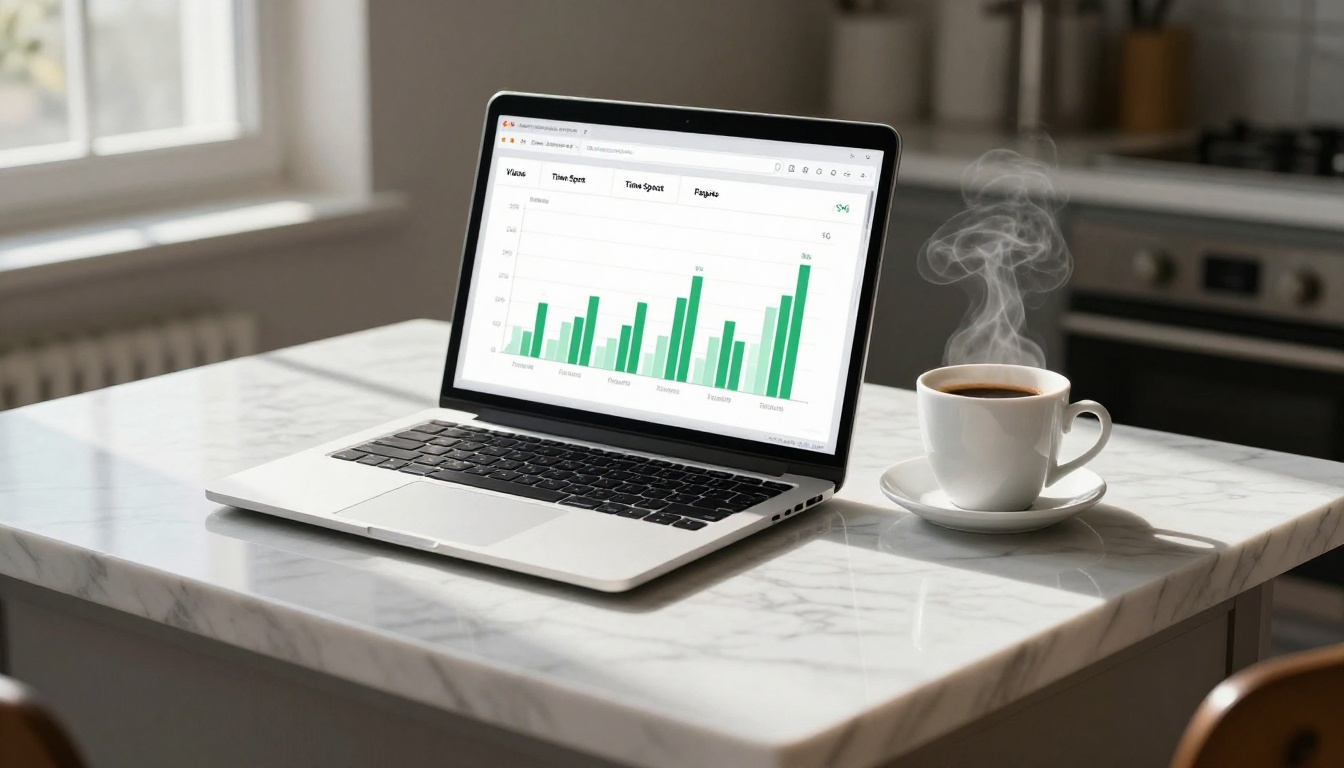
Raw data is only as valuable as the actions it triggers. Before setting up reader tracking, decide on three things:
- What action threshold matters: Is it "opened the flipbook" or "spent more than 2 minutes on the pricing section"? Define this before you launch.
- Who acts on the signal: A salesperson, a marketing automation trigger, or an email sequence? The answer changes how you structure the tracking setup.
- How you close the loop: If a reader downloads, clicks, or re-opens the flipbook, what happens next in your funnel?
The most effective use of flipbook tracking data comes from connecting it to the tools your team already uses. CRM integrations, webhook notifications, and CSV exports on the Professional plan mean the data doesn't stay trapped in a dashboard. It flows directly into your workflows.
💡 Browse the full range of flipbook tools to find the format that fits your specific use case, from product catalogs to interactive lookbooks and everything in between.
So yes, you absolutely can track individual readers in a flipbook. The sophistication of what you can see depends on your setup, your platform, and how you've structured access to the content. With the right configuration on Flipbooks AI, you move from guessing whether your content landed to knowing exactly who read it, what caught their attention, and when they were most active.
Ready to see it in action? Get started on Flipbooks AI and see how reader analytics reshapes the way you publish and distribute content. Compare pricing plans to find the tier that gives you the reader-level data your strategy actually needs.



