You picked a template, swapped the photos, changed the colors, and exported a PDF. The brochure looks fine. Then the questions start: who actually opened it, why does the file take forever to load on a phone, and how do you fix a typo after it has already been emailed to 400 people? If that sounds familiar, you have outgrown what a template library can offer, and it is time to look at Canva alternatives for brochures that need more than templates. Platforms like Flipbooks AI sit on the other side of the design step: they take your finished layout and turn it into something readers can flip, share, and measure.
This article compares the realistic options, shows where each one fits, and walks through a practical workflow you can copy today.
Why Templates Stop Being Enough
Templates solve one problem very well: a blank page. They do not solve distribution, tracking, or long-term maintenance. A brochure is rarely a one-time design job. It gets updated for new prices, new locations, new seasons, and new audiences.
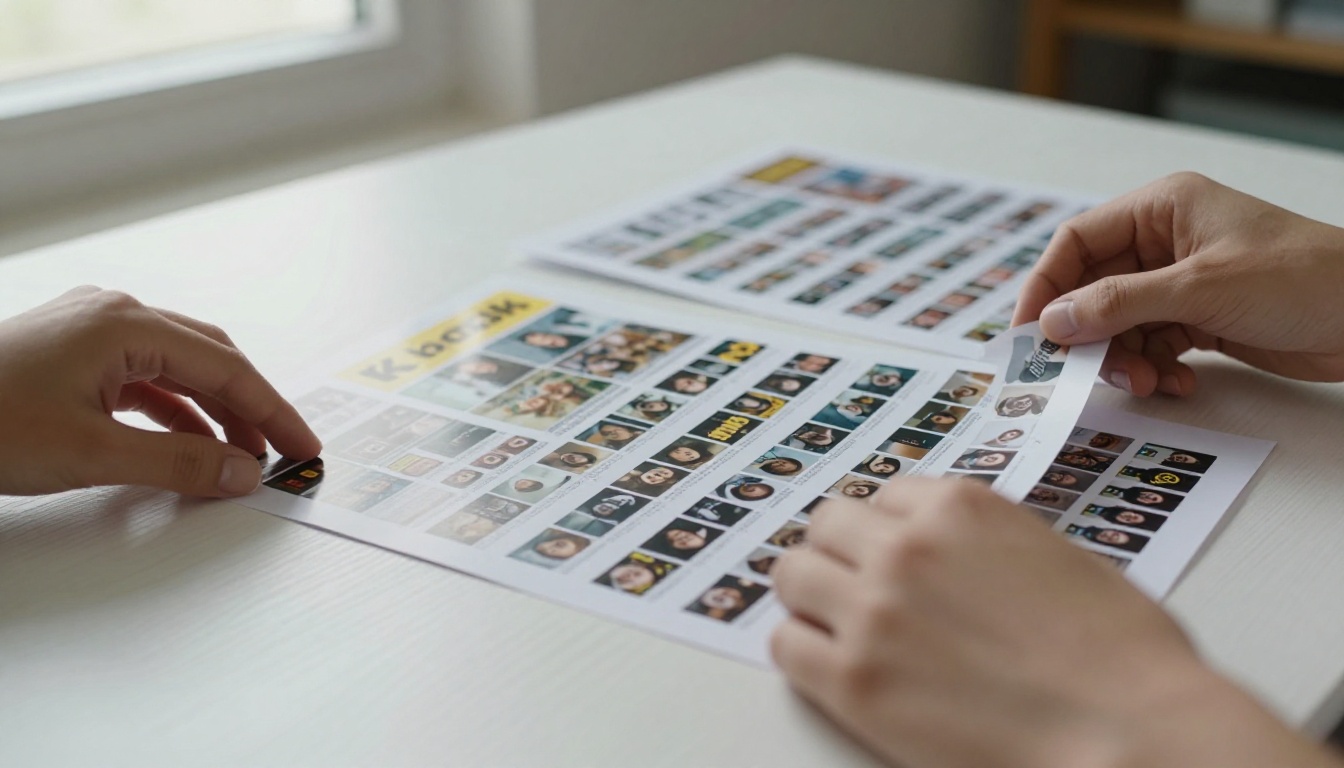
Here are the pain points teams report most often once a template-based brochure goes live:
- Static delivery. A PDF attachment is a dead end. No page turns, no embedded video, no clickable navigation.
- Zero visibility. You cannot tell which pages people read or where they dropped off.
- Version chaos. Old PDFs live in inboxes forever, with outdated prices.
- Mobile friction. Pinch and zoom on a print-sized page is a poor reading experience.
- Look-alike results. Popular templates are used by thousands of brands, so your brochure resembles everyone else's.
💡 Pro tip: Separate the two jobs in your head. Job one is designing the pages. Job two is publishing and measuring them. Different tools often do each job better.
The Template Trap
When every competitor in your niche starts from the same layout, differentiation disappears. A boutique hotel and a chain hotel end up with brochures that feel interchangeable. The fix is rarely a "better template." It is a different workflow with more control over structure, branding, and delivery.
What "More Than Templates" Really Means
For most teams it comes down to five capabilities:
- Full control over typography, grids, and brand assets
- A digital reading experience, not just a file download
- Easy updates without resending links
- Access control, such as passwords for private brochures
- Analytics that show reader behavior
Four Paths Beyond Canva
There is no single replacement. There are four approaches, and the right one depends on your team and your output volume.
Path One: Professional Layout Software
Desktop publishing tools give you precise control over grids, bleed, color profiles, and typography. They are the standard for print-first agencies. The trade-off is a steeper learning curve and a higher cost per seat. They also export to PDF, so the delivery problem remains.
Path Two: Browser-Based Design Rivals
Several web design platforms offer templates plus more flexible layout engines. They suit small teams who still want drag-and-drop but need extra export formats or collaboration controls.
Path Three: AI-Assisted Layout Builders
These generate a first draft from a prompt or a content outline. They are fast for first drafts, but you will usually still refine copy and spacing by hand.
Path Four: Design Anywhere, Publish as a Flipbook
This path keeps your favorite design tool (including Canva, if you like it) and swaps the delivery format. You export a PDF, then convert it to an interactive page-turning brochure with a tool like the PDF to Flipbook Converter. You get a shareable link, an embed code, and optional analytics without redesigning anything.
✅ Best practice: Most teams do not need to abandon their design tool. They need a better publishing layer.
Side-by-Side Comparison
The table below compares the four paths on the criteria that matter once a brochure leaves the design stage.
| Criteria | Pro Layout Software | Browser Design Rivals | AI Layout Builders | Design + Flipbook Publishing |
|---|
| Layout control | Very high | Medium | Low to medium | Depends on your design tool |
| Learning curve | Steep | Gentle | Gentle | Gentle |
| Interactive reading | No | Limited | Limited | Yes, page-turn effects |
| Shareable link and embed | Manual | Basic | Basic | Built in |
| Reader analytics | No | Rarely | Rarely | Yes on higher plans |
| Password protection | No | Sometimes | Rarely | Yes |
| Easy updates after sharing | No | Partly | Partly | Yes, replace the file |
| Best for | Print agencies | Small teams | Fast first drafts | Anyone sharing digitally |

Real-World Brochure Scenarios
Abstract comparisons only go so far. These are the situations where the extra capability earns its keep.
A Boutique Hotel
A hotel needs a seasonal brochure with rooms, spa services, and local activities. Prices change every quarter. With a flipbook, the front desk shares one link, and when rates change, the hotel replaces the source file instead of reprinting or re-emailing. The Hotel Brochure Designer is built around exactly this use.
A Real Estate Agent
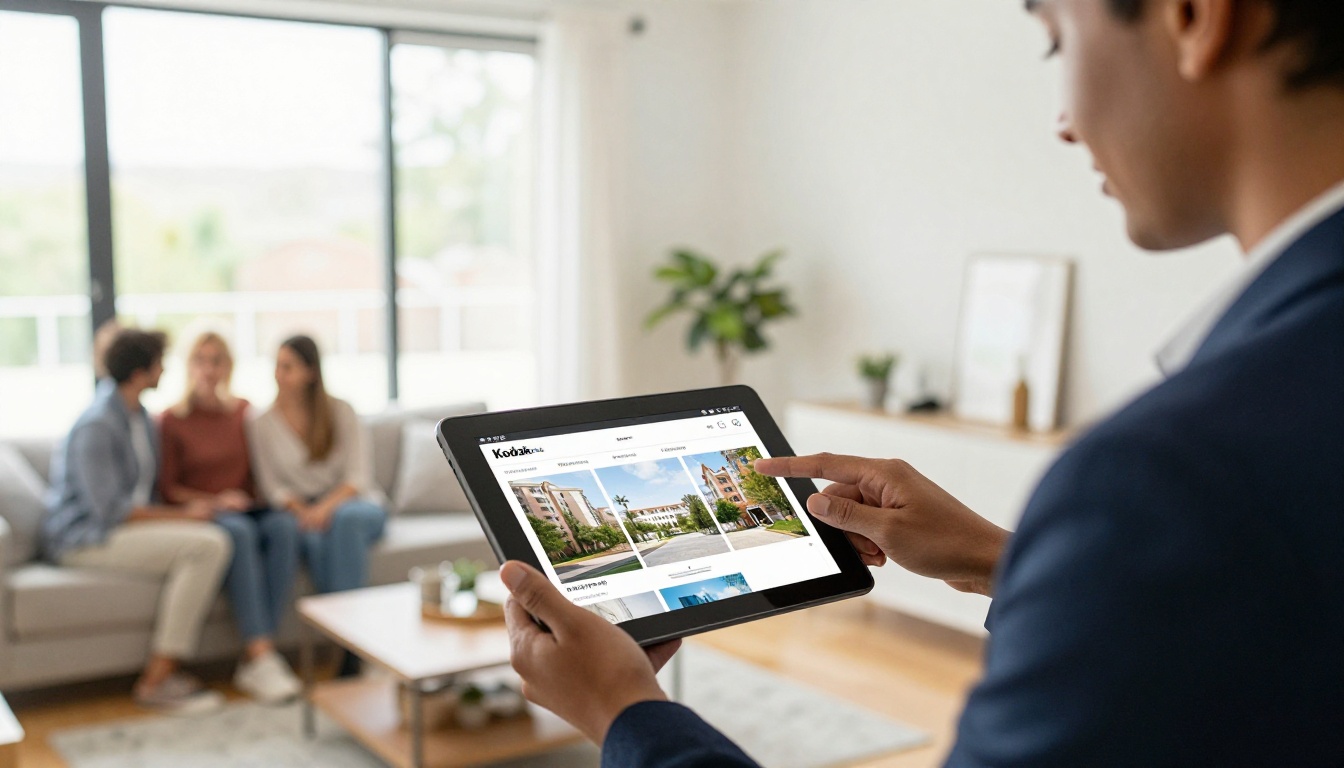
Agents send property brochures to buyers constantly. A mobile-friendly flipbook opens instantly in a message, and analytics reveal which listings a buyer actually opened. That tells the agent whom to call first. The Real Estate Brochure Creator is a good starting point.
A Trade Show Exhibitor
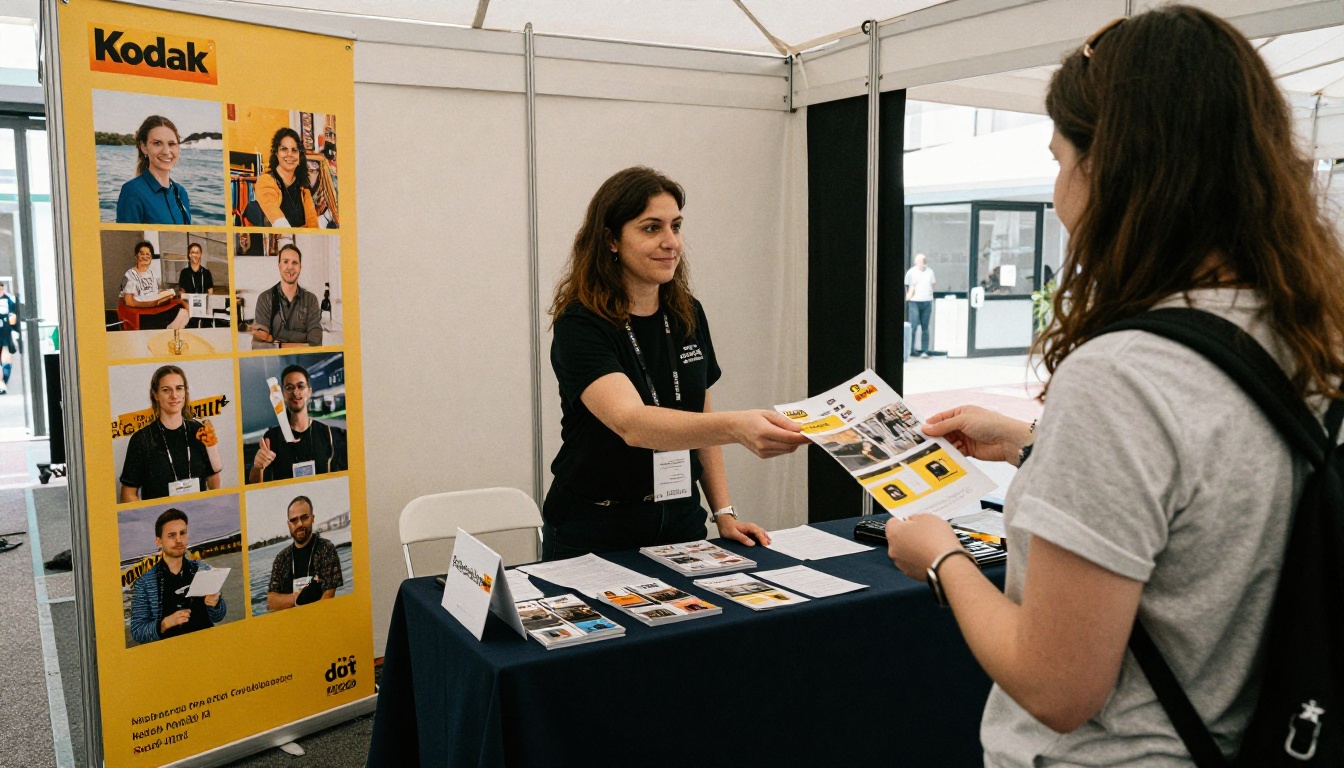
At a booth, you want printed copies for walk-ups and a digital version for everyone else. Put a QR code on the banner that points to the flipbook. Visitors scan, read, and you can see engagement afterward without collecting a single business card.
A Sales Team With Private Pricing
Some brochures should not be public. Wholesale price sheets and partner offers need access control. Password protection lets you share a brochure with specific clients only, which a plain PDF attachment cannot guarantee once it is forwarded.
What to Check Before You Switch
Before moving any workflow, run through this checklist. It saves weeks of regret.
- Export quality. Does the design tool export a clean, text-searchable PDF with fonts embedded?
- Brand control. Can you upload custom fonts and exact brand colors?
- File size. Heavy images slow every reader. Compress before you convert.
- Watermarks. Some free tiers stamp their logo on every page. That undermines a professional brochure.
- Link longevity. Will the shared link keep working if you update the file?
- Team access. Who can edit, and who can only view?
Pricing Patterns to Watch
Pricing tends to follow a predictable shape across tools, and the details matter more than the headline number.
| Plan Pattern | What You Usually Get | Watch Out For |
|---|
| Free tier | Basic creation, limited exports | Watermarks, page limits |
| Individual plan | Full exports, brand kit | Per-seat costs add up |
| Team plan | Shared libraries, permissions | Features locked behind approval flows |
| Professional or business plan | Analytics, lead capture, access control | Annual commitments |
For a clear view of what you get at each level on the flipbook side, check the Flipbooks AI pricing page.
⚠️ Warning: A cheap plan that adds a watermark to every page costs you credibility. Always preview the final output before sharing it with clients.
How to Create a Brochure Flipbook With Flipbooks AI
If your design is ready, publishing takes only a few minutes. Here is the full process, from file to shareable link.
Step 1: Create Your Account
Head to Flipbooks AI and create an account. You can start with a free flipbook to test the output before committing to a plan.
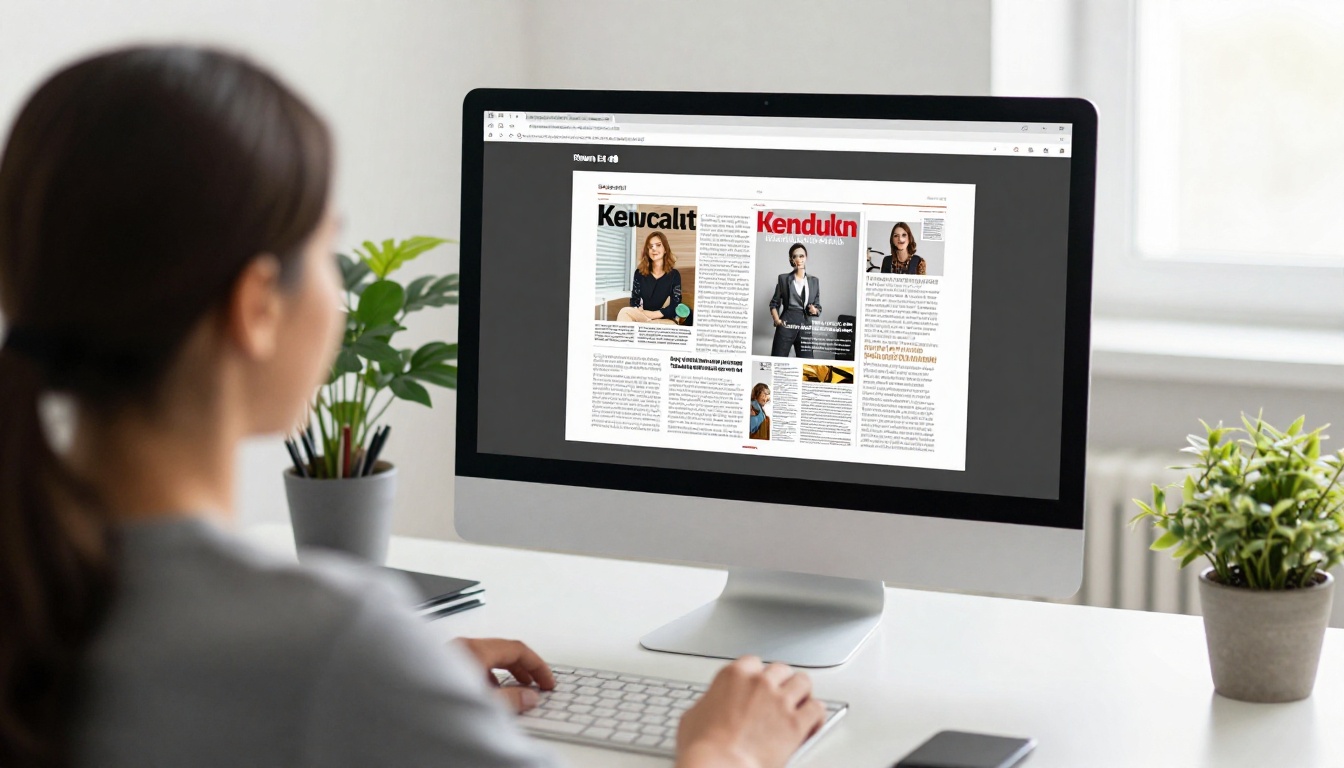
Step 2: Upload and Convert Your PDF
Export your brochure as a PDF from your design tool. Then upload it. The platform converts each page into a flip-ready spread. The Brochure Flipbook Maker handles tri-fold, bi-fold, and multi-page formats alike.
💡 Pro tip: Export at screen resolution rather than print resolution for digital sharing. Pages load faster and the reading experience stays smooth.
Step 3: Customize the Look
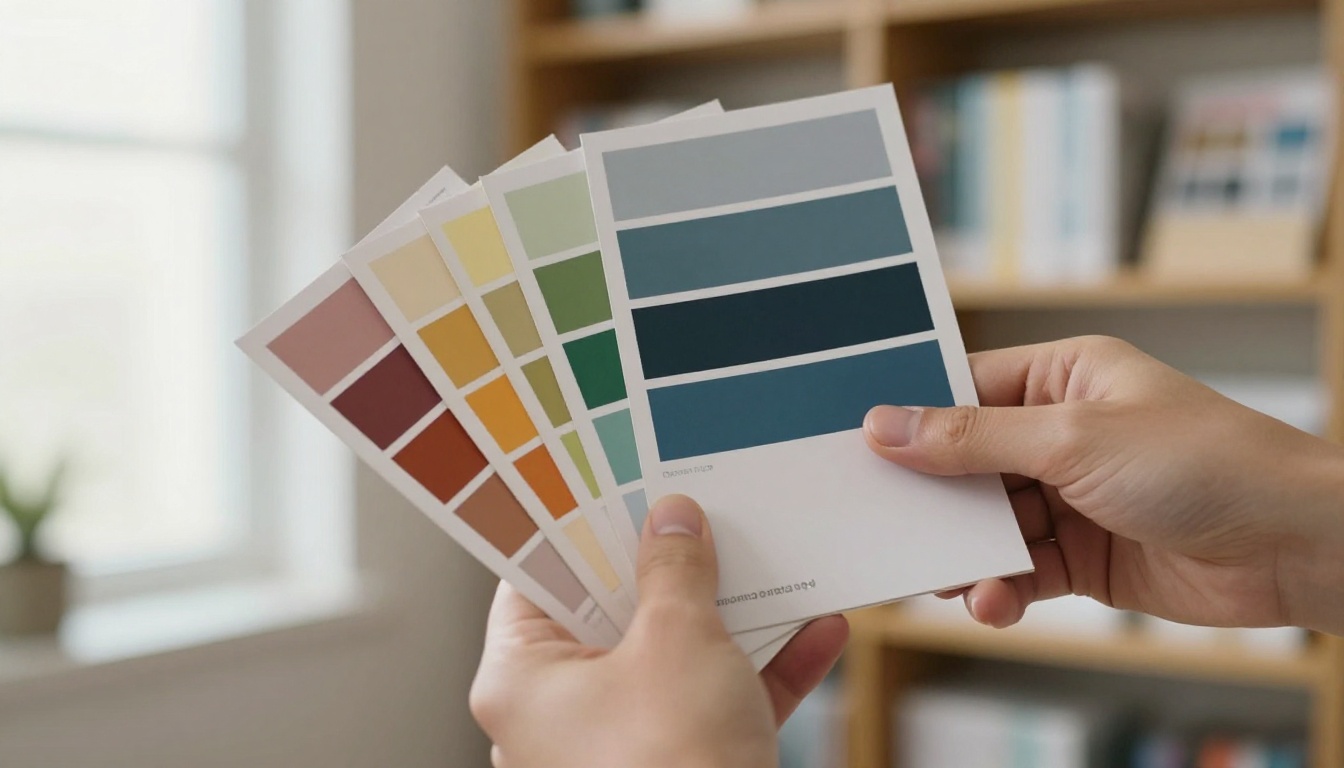
Set your brand colors, upload your logo, and choose page effects such as the flip animation and background. You can also add embedded video and audio to turn a static spread into a short product tour. Everything stays on brand, with no watermarks, ever.
Step 4: Choose How to Share
You have several options:
- Direct link for email, chat, and social posts
- Embed code to place the brochure inside a web page. See the Embed Flipbook on Website tool for details.
- Password protection for private brochures
- Offline download for readers with weak connections

Step 5: Track Results
On the Professional plan, analytics and lead generation show who opened the brochure, which pages held attention, and where readers left. Use that data to rewrite weak pages. A brochure becomes a living asset instead of a one-off file. See the Professional plan details for a full breakdown.

Print Versus Digital Delivery
Many teams ask whether digital brochures replace print. In practice, they work together. Print still wins for in-person moments such as reception desks and events. Digital wins for reach, updates, and measurement.
| Factor | Printed Brochure | PDF Attachment | Flipbook Link |
|---|
| Cost per copy | Ongoing | None | None |
| Update after sending | Reprint needed | Resend needed | Replace the file |
| Tracking | None | Rarely | Page-level on higher plans |
| Mobile reading | Not applicable | Poor | Responsive |
| Multimedia | No | No | Video and audio |
| Environmental footprint | Higher | Low | Low |
A Hybrid Approach That Works
Print a small run for in-person use. Add a QR code on every printed copy that points to the flipbook. Readers who want more detail, video, or the latest prices scan the code and land on the live version. You get the tactile feel of paper and the flexibility of digital.
Three Common Mistakes
Mistake One: Designing for Print Only
A layout with tiny body text looks great on A4 paper and terrible on a phone. Use at least a readable body size and avoid dense text blocks.
Mistake Two: Skipping the Preview
Always check the flipbook on a phone and a laptop before sharing. Cropped margins and missing fonts show up quickly.
Mistake Three: Ignoring the Data
If you never look at analytics, you are guessing. Review the page-level numbers monthly and adjust the brochure the way you would adjust a landing page.
Which Option Fits You
Use this quick decision list:
- Print agency or brand studio: Pro layout software for design, plus a flipbook for digital delivery.
- Small business owner: Keep your current design tool and publish as a flipbook for a professional finish.
- Sales or marketing team: Prioritize password protection and analytics. Look at the Sales Presentation tool for pitch-style material.
- Frequent updater: Choose anything that lets you replace a file without changing the link.
For more ideas on formats and use cases, browse all the flipbook tools, including the Online Brochure Designer.
Ready to Go Beyond Templates?
Templates will always be a fast way to start. They just are not the finish line. A brochure that readers can flip through, open on any device, and that tells you how it performs is worth more than a polished PDF sitting in an inbox.
Ready to publish your first brochure? Get started for free on Flipbooks AI, browse the tools and templates to find the right fit, or compare pricing plans to choose what works for you.



