Every December, inboxes fill up with company updates that nobody opens. A holiday newsletter can break that pattern, but only when it feels like something people want to read instead of another obligation. The best Christmas newsletter ideas for work focus on people, not announcements. This article lays out the sections that earn real attention, shows how to organize them, and explains how to publish the finished issue as a page-turning flipbook with Flipbooks AI so it looks as good as it reads.
Why Staff Skip Most Newsletters
Most workplace newsletters fail for the same three reasons. They open with a message from leadership, they bury anything fun on page four, and they arrive as a dense PDF attachment that looks like a legal memo.
Staff open a newsletter when it answers a simple question: what is in this for me? That might be a recipe, a laugh, a photo of a colleague's dog in a Santa hat, or a clear answer about holiday schedules.
The Attention Test
Before you write a single line, run each planned section through three questions:
- Would someone forward this to a friend?
- Does it feature a real person from the company?
- Can it be read in under two minutes?
If a section fails all three, cut it or shrink it to a paragraph.
What Readers Actually Want
Short internal surveys show a consistent pattern. People want practical details first, personality second, and corporate messaging last. Put the useful and the warm up front, and the company news slides in naturally afterward.
💡 Pro tip: Ask five colleagues from different departments what they would read first. Their answers beat any template.
Core Sections Staff Will Read
These are the building blocks. You do not need all of them. Pick six to eight and give each a consistent look.

Team Spotlights
Feature two or three employees with a short Q&A. Ask about their favorite holiday tradition, the best gift they ever received, or the strangest thing on their desk. Keep answers to three or four lines each.
Holiday Schedule and Logistics
This is the section people read first, whether you want them to or not. List office closures, shift coverage, payroll dates, and who to contact during the break. Putting it in a clean table makes it scannable.
A Year in Numbers
Skip the dense report. Pick five numbers that tell a story: projects shipped, customers helped, miles traveled to client sites, cups of coffee brewed. Humor works here.
Recipes and Potluck Favorites
Invite staff to submit one recipe each. A cookie swap section produces more replies than almost any other idea. Include a photo, ingredients, and the name of the person who contributed it.
Gratitude Wall
Collect short thank-you notes between colleagues. Publish them with first names only. This section tends to be the one people screenshot and share.
Charity and Volunteer Updates
Show what the team gave back this year: toys collected, meals packed, hours volunteered. Include a simple way to join next year's effort.
Word Games and Trivia
A crossword about company history, a holiday movie quiz, or a spot-the-difference photo puzzle gives readers a reason to linger.
Look Ahead Calendar
Close with January dates: return to office, kickoff meetings, training days. Staff keep this section for reference, which extends the life of the issue well beyond December.
Section Comparison Table
Not every section suits every workplace. Use this table to decide where to invest effort.
| Section | Effort to Produce | Reader Appeal | Best For |
|---|
| Team spotlights | Medium | High | Teams of 20 to 500 |
| Holiday schedule | Low | Very high | Every company |
| Year in numbers | Medium | Medium | Growing companies |
| Recipe swap | Low | High | Office-based teams |
| Gratitude wall | Medium | Very high | Remote and hybrid teams |
| Charity update | Low | Medium | Companies with giving programs |
| Trivia and games | Medium | High | Younger or larger teams |
| January calendar | Low | High | Every company |
Ideas for Different Workplaces
A hospital, a warehouse, and a software startup need different newsletters. Tailor the tone and the delivery.

Office-Based Teams
Lean into shared spaces. Feature the best decorated desk, a break room cookie leaderboard, and a photo roundup from the office party. Photos of the physical space make the newsletter feel local.
Remote and Hybrid Teams
Distance is the real challenge here. Ask remote staff to send a photo of their workspace, their pet, or the view from their window. A "Where in the World" map with pins for each teammate builds connection without forcing video calls.
Shift-Based and Frontline Workers
Frontline staff often have no desk and little inbox time. Design for phones. Short sections, large type, and a link they can open between tasks. Include shift swap reminders and holiday pay details prominently.
Small Businesses
With ten employees, the newsletter can be personal. A handwritten-style note from the owner, a group photo, and a shared playlist are enough.
A Sample Content Calendar
Planning backward from your send date keeps the project calm. Here is a four-week schedule that works for most teams.
| Week | Task | Owner |
|---|
| Week 1 | Pick sections, send call for submissions | Editor |
| Week 2 | Collect photos, recipes, and notes | Contributors |
| Week 3 | Write, edit, and design the issue | Editor and designer |
| Week 4 | Final review, publish, announce | HR and leadership |
⚠️ Warning: Do not wait until the week of the party to ask for photos. Contributors forget, and the issue ends up thin.
Making It Look Good
Content wins attention, but design earns the first click. A sloppy layout signals that nobody cared, and readers respond in kind.
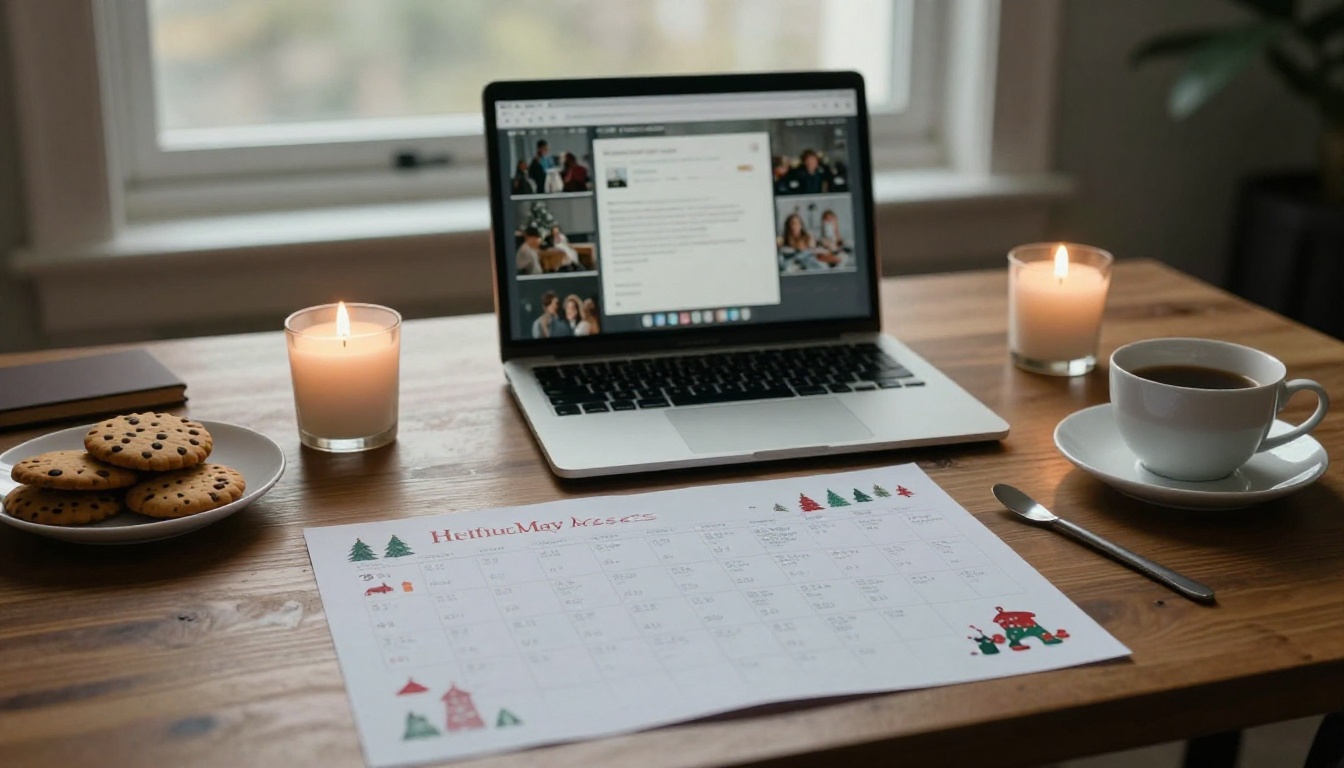
Visual Basics That Work
- Use two fonts at most. One for headlines, one for body text.
- Stick to three colors. Deep green, warm red, and a neutral background cover most holiday palettes.
- Use real photos. Photos of actual coworkers beat stock images every time.
- Leave white space. Dense pages feel like work.
Print Versus Digital
The format you pick affects how many people read the issue. Here is how the options compare.
| Format | Cost | Interactivity | Tracking | Reach |
|---|
| Printed handout | Medium to high | None | None | On-site staff only |
| PDF by email | Free | Links only | Limited | Everyone, low open rate |
| Intranet post | Free | Moderate | Basic | Logged-in staff |
| Digital flipbook | Low | Video, audio, links | Page-level analytics | Everyone, any device |
A flipbook gives you the feel of a magazine with none of the printing cost. Readers swipe through pages on a phone or flip them on a desktop, and you can see which pages got attention.
How to Create Your Newsletter Flipbook
If you already have the issue designed as a PDF, you can publish it in minutes. The Newsletter Flipbook Publisher is built for exactly this job.

Step by Step
- Create an account. Go to Flipbooks AI and sign up. No watermarks appear on your publications.
- Upload your PDF. Drag the file into the dashboard. The PDF to Flipbook Converter turns each page into a turnable spread.
- Customize the look. Add your company logo, match your brand colors, and choose a page-flip effect. Keep it subtle for a professional feel.
- Add multimedia. Embed a short video message from the team, a holiday playlist, or an audio greeting from the CEO.
- Set privacy. Turn on password protection if the issue contains internal photos or details not meant for the public.
- Share it. Copy the direct link for email and chat, or use the Embed Flipbook on Website option to place it on your intranet.
Features Worth Using
- Mobile-responsive design so frontline staff can read on their phones.
- Offline downloads for employees with spotty connections.
- Custom branding to keep the issue consistent with your company look.
- Analytics and lead generation on the Professional plan, useful if you also send the issue to clients and partners. See pricing plans for details.
✅ Best practice: Send the link in the morning of a normal workday, not Friday afternoon. Open rates are noticeably higher midweek.
Tone, Length, and Writing Tips
Write the way you talk at the coffee machine. Short sentences, specific details, no corporate jargon.

Keep It Short
An issue of eight to twelve pages is plenty. Each page should carry one idea, one image, and a small amount of text.
Be Inclusive
Not everyone celebrates Christmas. Frame the issue as a seasonal celebration, mention other winter holidays, and avoid assuming everyone has family nearby. A section for "How Our Team Celebrates" invites varied traditions.
Add Humor Carefully
Gentle humor lands well. Avoid jokes at the expense of a colleague, and always get permission before featuring someone's photo or story.
Common Mistakes to Avoid
| Mistake | Why It Hurts | Better Approach |
|---|
| Opening with a leadership letter | Readers close it immediately | Lead with a team story |
| Using only stock photos | Feels impersonal | Use real staff photos |
| Sending a huge attachment | Blocked or ignored | Share a link |
| Forgetting mobile readers | Frontline staff miss it | Choose a responsive format |
| No call to action | Nothing happens next | Add a clear next step |
Real-World Examples
A few scenarios show how these ideas play out.

A logistics company with three warehouses built its issue around shift photos and a "Driver of the Year" feature. Sharing it as a mobile-friendly link meant drivers could read it from the break room.
A marketing agency invited every designer to contribute one illustrated holiday card. The newsletter became a gallery, and clients asked for copies.
A regional clinic used its issue to publish holiday hours, flu shot reminders, and a gratitude wall from staff to nurses. The password-protected link kept patient-adjacent details private.
A remote software team ran a "Desk View" photo contest and a virtual cookie swap with shared recipes. Distributed colleagues finally saw each other's spaces.
Charity Features That Inspire
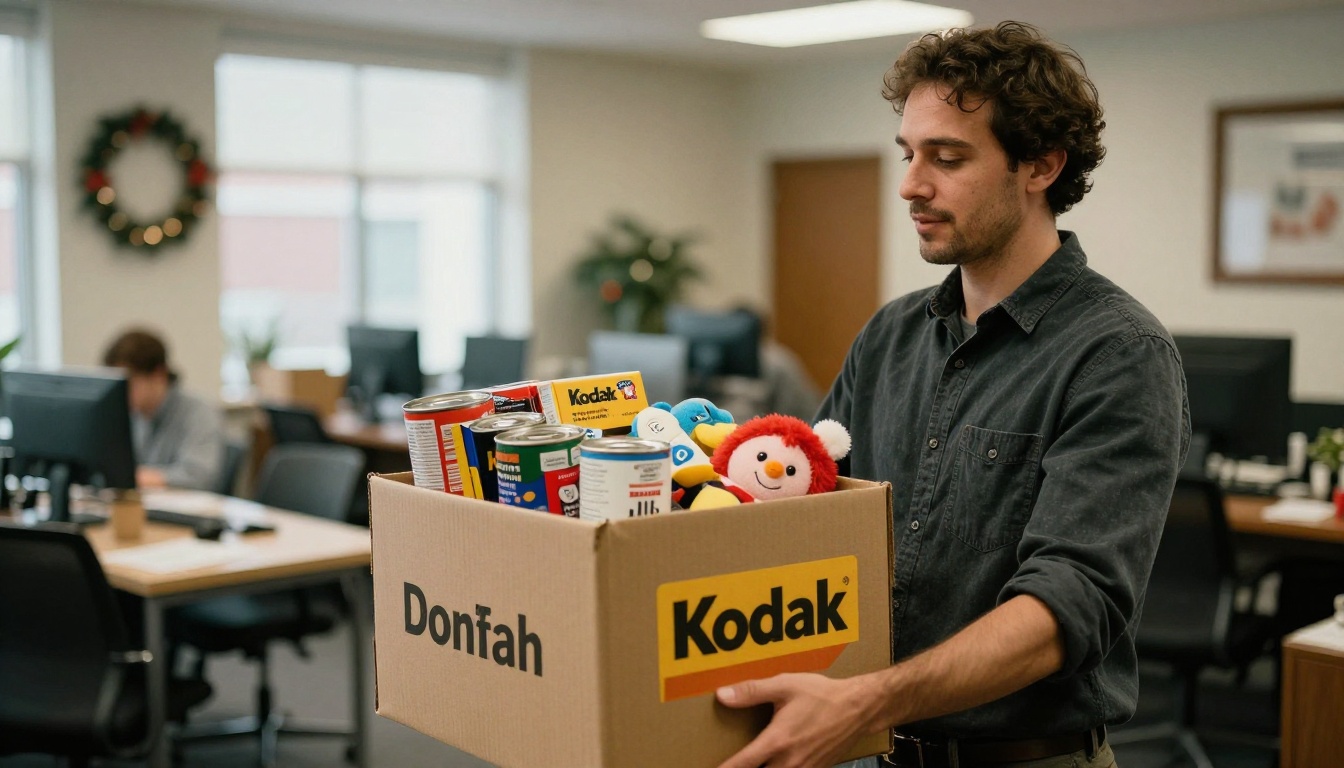
Charity drives work best when the newsletter shows results. Photograph the donation boxes, tally the numbers, and thank contributors by name. Then add a sign-up link for next year's event.
Recipes That Get Replies
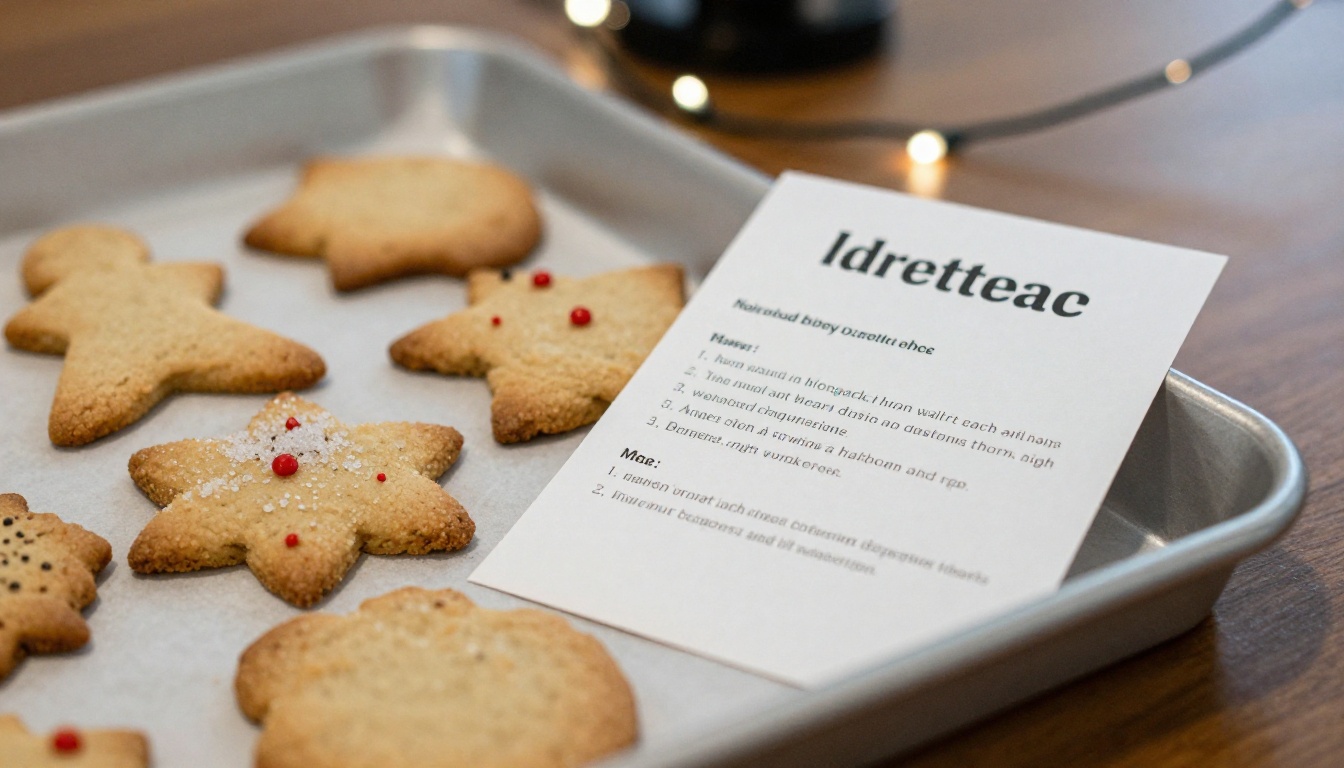
Recipe sections generate the most follow-up conversation. People ask for substitutions, share their own versions, and request the next batch. Consider turning the best recipes into a small Recipe Book Flipbook that staff can keep.
Reaching Remote Colleagues
Remote staff are the group most likely to feel left out of holiday traditions, so give them a starring role.
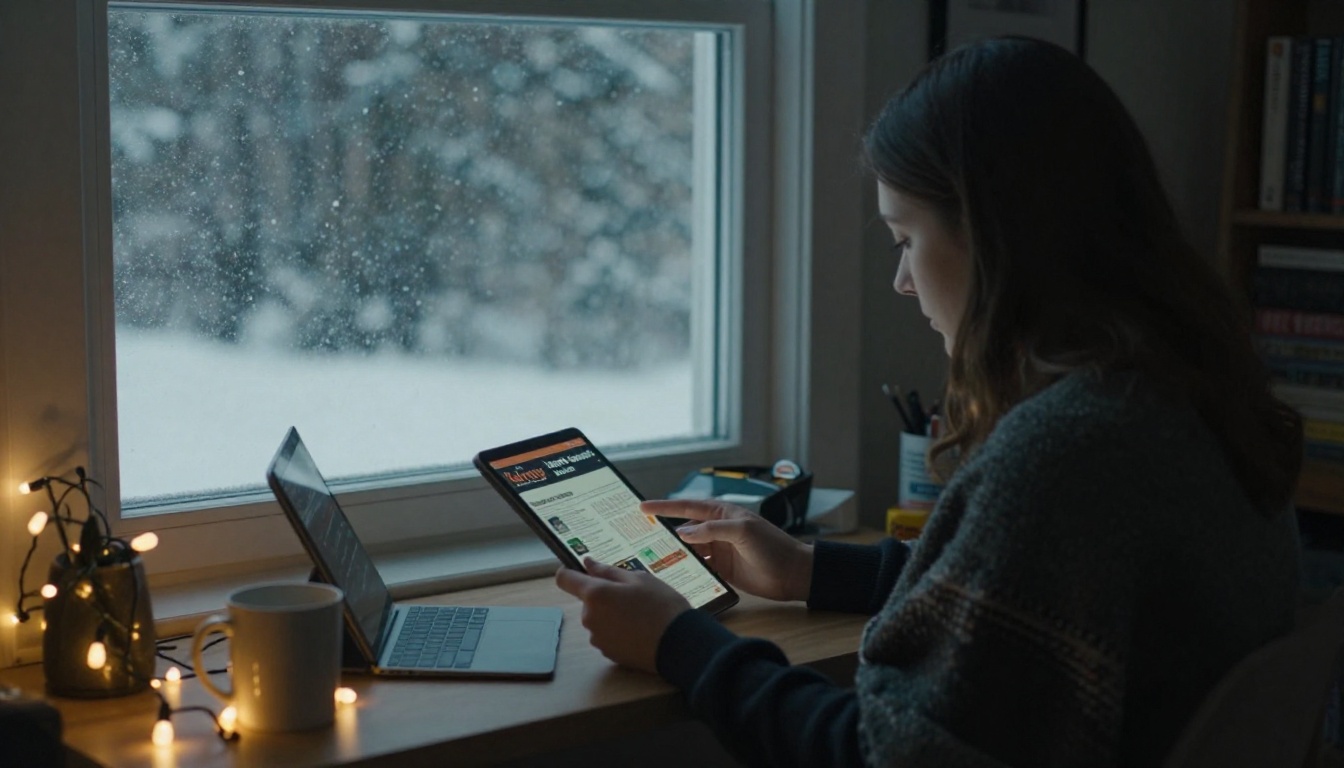
- Ask for a photo from every home office and publish them as a collage.
- Run a shared playlist where each person adds one song.
- Mail a small card or treat and mention it in the issue.
- Add a short video greeting that plays inside the flipbook.
You can also create a related Event Program Maker flipbook for a virtual holiday party, with the agenda, links, and games in one place.
Launch Checklist
Before you hit send, run through this list:
- Spell-check every name. Misspelled names hurt more than any design flaw.
- Confirm permission for every photo.
- Test the link on a phone and a laptop.
- Check that holiday dates and times are correct.
- Add a reply email so staff can send feedback and ideas for next year.
Ready to Publish Yours?
You now have the sections, the calendar, and the format. All that remains is collecting the stories. Create your free account on Flipbooks AI, upload your finished PDF, and share a link your whole team can open on any device. Browse more flipbook tools for related projects such as the School Newsletter Creator or the Digital Portfolio Creator, and compare pricing plans when you are ready to add analytics and unlimited publications.
A good Christmas newsletter will not fix a year of workplace problems. But it will remind people that behind every email address is someone with a favorite cookie recipe and a story worth telling. Start with the people, and the rest follows.



