Every church has the same quiet question hanging in the air each January: did our giving actually do anything? Members hand over their tithes and offerings week after week, and most of them never see a single page that answers it. A well-built report fixes that. In this article you will see how to build church annual reports that show members where giving went, and how a tool like Flipbooks AI turns a plain PDF into something people open on their phones and actually finish.

Why Members Want to See the Numbers
People rarely give because of a spreadsheet. They give because they trust the people who hold the money. A report is the clearest way to keep that trust alive.
Think about what happens without one. A family gives faithfully for ten years. Then a roof leak drains the building fund, and an announcement from the pulpit is the first they hear of any financial strain. Surprise breeds suspicion, even when nobody did anything wrong.
A yearly report removes the surprise. It tells members:
- How much came in, and from how many households
- Where it went, in categories they recognize
- What changed because of it, in people and places
- What is still needed, stated honestly
💡 Pro tip: Members forgive a tight year far more easily than a silent one. Tell them the hard parts too.
Trust Is a Giving Strategy
Churches that share their finances openly tend to see steadier giving. That is not a trick. It is a simple loop: people see impact, feel confident, and give again.
What Silence Costs You
When members have no information, they fill the gap with guesses. Some guess too high on salaries. Others assume the building eats everything. A report replaces guesses with facts.
What to Include in the Report
A church report is not a corporate filing. It needs to be accurate, but it also needs to be warm. Aim for a mix of hard numbers and human moments.
The Core Financial Pages
Start with the basics every member can follow without an accounting degree.
- Total giving for the year, with a comparison to last year
- Income sources: tithes, offerings, special campaigns, facility rentals
- Spending by category: staff, ministry, missions, facilities, administration
- Balance sheet snapshot: reserves, debts, restricted funds
- Next year's budget at a glance
The Story Pages
Numbers explain, but stories persuade. Pair every major budget line with one real example.
| Budget Line | The Number Alone | The Number With a Story |
|---|
| Benevolence fund | "$18,400 distributed" | "Twelve families kept their lights on this winter" |
| Youth ministry | "$9,200 spent" | "Forty teens repaired a neighborhood playground" |
| Missions | "$31,000 sent" | "A clean water project now serves 600 people" |
| Facilities | "$22,500 in repairs" | "The nursery has a new floor and safe heating" |

Pages Members Forget to Ask For
- A short thank-you letter from the pastor and the finance team
- A volunteer hours total, since time is giving too
- Baptisms, new members and milestones from the year
- A one-page FAQ answering the three questions leaders hear most
How to Show Giving Without Overwhelming People
Most reports fail on presentation, not accuracy. A table with forty rows of ledger codes will lose a reader by page two.
Use Percentages and Plain Labels
Show where each dollar went in terms people can picture. "For every $100 given, $41 supported staff and $27 supported local ministry" is easier to hold in your head than a column of totals.
A simple view looks like this:
| Category | Amount | Share of Giving |
|---|
| Staff and pastoral care | $186,000 | 41% |
| Local ministries | $122,000 | 27% |
| Missions and outreach | $68,000 | 15% |
| Facilities and utilities | $54,000 | 12% |
| Administration | $23,000 | 5% |
⚠️ Warning: Do not hide administration inside other categories to make it look smaller. Members notice, and it damages the trust the report is meant to build.
Keep Restricted Funds Clear
If a donor gave toward the youth van, say so and show that the money went to the youth van. Separate restricted gifts from general giving so nobody wonders whether designated money was redirected.
Limit Each Page to One Idea
One chart, one story, one takeaway. If a page needs a paragraph to explain the chart, the chart is too complicated.
Print, PDF or Flipbook?
Churches usually pick one of three formats. Each has trade-offs, and the best choice often combines two of them.
| Format | Cost | Reach | Tracking | Best For |
|---|
| Printed booklet | High per copy | Members who attend | None | Older members, mailed copies |
| Plain PDF email | Free | Anyone with email | Basic opens only | Quick distribution |
| Digital flipbook | Low | Phone, tablet, desktop | Page-level analytics | Wide sharing and stories with photos |
A printed booklet still has a place. Many longtime members like to hold the report in their hands. But print costs add up, and a few hundred copies can eat the budget the report is supposed to explain.
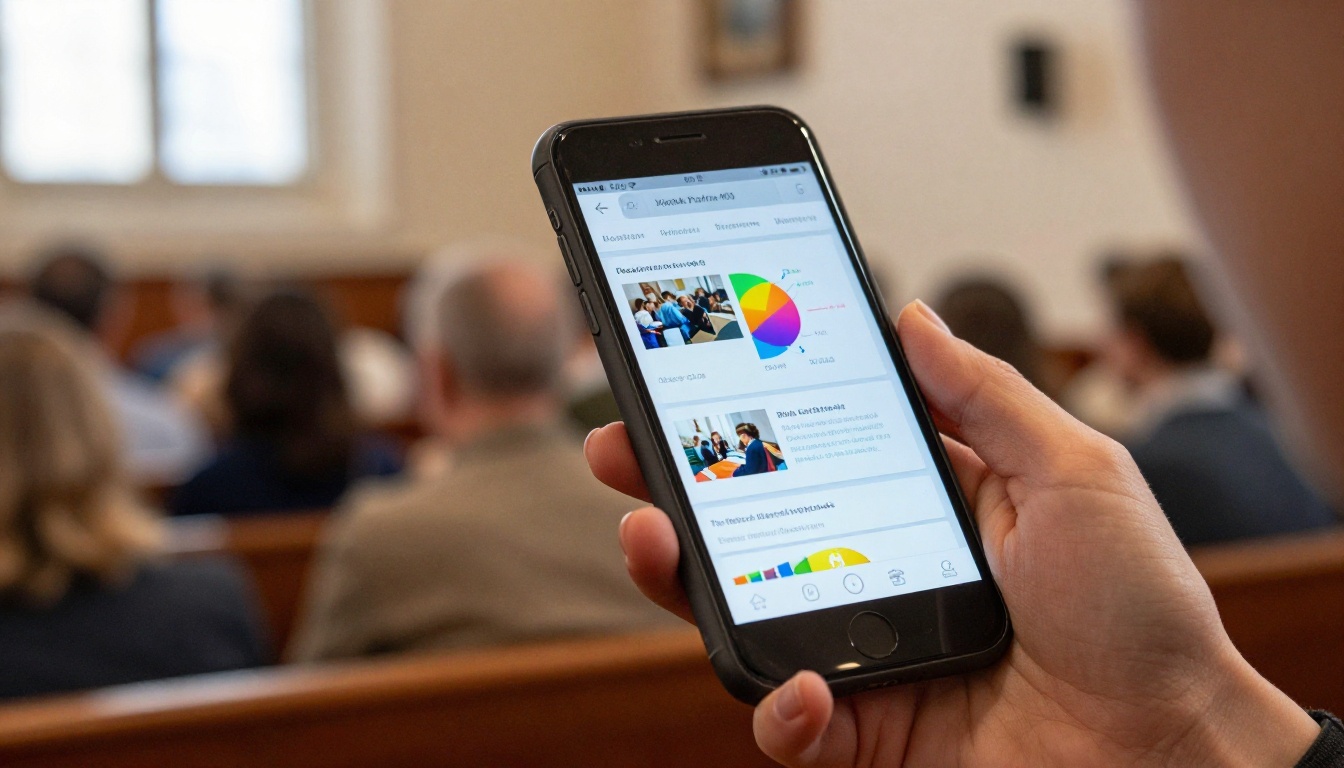
A PDF is cheap, yet it opens badly on a phone. Members pinch, zoom and give up. A flipbook keeps the familiar page-turning feel while fitting any screen, which matters because most of your congregation will open the link on their phone, probably in the parking lot.
How to Build the Report with Flipbooks AI
You do not need a designer or a big budget. If you can write a document and export a PDF, you can publish a polished report. The Non-Profit Annual Report tool is built for exactly this kind of project, and the general Annual Report Creator works well too.
Step-by-Step Setup
- Draft the content. Write the pastor's letter, finance summary, ministry stories and next-year budget in any word processor or design tool.
- Export a PDF. Keep photos at a reasonable size so pages load quickly.
- Create an account. Create your free account on Flipbooks AI.
- Upload the PDF. The PDF to Flipbook Converter turns it into a page-turning flipbook in moments.
- Add your branding. Use your church colors and logo so it feels like part of your community, with no watermarks.
- Add media. Embed a short video message from the pastor or audio from a mission trip story.
- Share it. Copy the direct link for email and text, or use the Embed Flipbook on Website option to place it on your church site.
Sharing Options That Fit a Church
| Method | When to Use It |
|---|
| Direct link | Email, text messages, WhatsApp groups |
| Embed code | Your church website's giving page |
| QR code in the bulletin | Sunday services and printed newsletters |
| Password protection | Detailed financials meant for members only |
✅ Best practice: Put a QR code in the weekly bulletin for the two Sundays after you publish. Most opens happen in that window.
Private Pages for Members Only
Some churches prefer that detailed numbers stay inside the congregation. Password protection lets you share the full report with members while publishing a lighter summary for the public. Both versions can come from the same source file.
Check Who Is Reading
On the Professional plan, analytics show how many people opened the report and which pages held attention. If nobody reaches the budget page, you know to move it forward next year. You can compare options on the pricing page.

A Real-World Example
Picture a congregation of 220 people, led by a small volunteer team. Their treasurer, Dana, used to read the numbers aloud at the annual meeting while half the room checked their watches.
This year the team changed approach. They built a twelve-page report with three pages of finances and nine pages of photos, stories and thank-yous. They published it as a flipbook and shared the link by text the week before the meeting.
The results were practical:
- Meeting attendance rose noticeably because members arrived with questions instead of confusion
- The budget vote took 15 minutes instead of an hour
- Two families who had never given regularly started a monthly gift after reading the benevolence story
- The pastor stopped fielding hallway questions about where the money went
None of that required a bigger budget. It required a clearer page.
Who Should Own the Project
Assign one person to gather numbers and another to gather stories. The treasurer should verify every figure, and a communications volunteer should handle layout. Splitting the work keeps it from stalling in one person's inbox.
Mistakes That Weaken a Church Report
Even careful teams trip over the same few problems.
- Burying the total. Put total giving on the first financial page, in large type.
- Using ledger language. Members do not need to see "6120 Misc Program Exp." Use plain category names.
- Skipping the thank-you. A report that only reports feels cold. Say thanks early and mean it.
- Publishing too late. A report in June feels like an afterthought. Aim for February at the latest.
- Stock photos only. Use real photos of your people, your building and your ministries. Familiar faces build trust faster than any chart.
💡 Pro tip: Ask members for permission before using photos of children, and keep a signed release on file.
A Simple Annual Calendar
A report is easier when it is not a January panic. Spread the work across the year.
| Month | Task |
|---|
| January | Close the books and gather final totals |
| February | Draft letters and collect ministry stories |
| March | Layout, review and treasurer sign-off |
| Late March | Publish the flipbook and share the link |
| April | Present at the annual meeting and answer questions |
| Throughout the year | Save photos and short quotes in a shared folder |
Keeping a running folder of photos and quotes saves hours. When a youth project wraps up, drop three pictures and one sentence into the folder that day.

Questions Leaders Ask Most
How Long Should the Report Be?
Ten to sixteen pages is a comfortable range. Shorter reports leave out the stories, and longer ones lose casual readers.
Should We Share Staff Salaries?
Many churches share the total for staff and pastoral care as one line, which protects individual privacy while staying open about the overall picture. Your governing board should decide the policy and apply it the same way every year.
Do We Need an Audit?
Not every small church can afford a formal audit, but an independent review by a trusted member with finance experience adds real confidence. Mention it in the report.
What About Online Giving Totals?
Break out online and in-person giving if you can. It shows how members prefer to give and helps plan your next steps.
Ready to Publish Yours?
The best church reports are honest, specific and easy to open. They show members where giving went, in numbers they can follow and stories they remember.
Here is a short path forward:
- Gather your totals and three stories this month
- Draft the pages in whatever tool you already use
- Create your account and upload the PDF
- Browse all flipbook tools for templates that match your project
- Compare pricing plans if you want analytics and password protection
Ready to build yours? Get started for free on Flipbooks AI, or see the plans that fit your church. When members open that first page and see their giving turned into real work in their own community, you will know the report did its job.