Every church has the same quiet problem: people sit in the same pew for three years and still cannot put a name to the family behind them. A well-built church directory template with photos and ministry pages fixes that in one document. Faces next to names, ministries next to the people who run them, and phone numbers that are actually current. With Flipbooks AI, you can turn that document into a page-turning digital book that members open on their phones instead of a PDF that gets lost in an inbox.
This article walks through the whole build: what belongs in the directory, how to lay out each page type, how to shoot and organize photos without a headache, and how to publish it privately so only your congregation sees it.
Why a Directory Still Matters
Churches grow by relationships, and relationships start with names. A directory is the cheapest tool you have for that.
Here is what a good one does in practice:
- Helps new families belong faster. A visitor who sees faces and ministries can find their place in weeks, not years.
- Gives volunteers a roster. Ministry leaders can reach their teams without asking the office.
- Supports pastoral care. Birthdays, anniversaries and addresses are in one place for visits and cards.
- Preserves history. A yearly edition becomes a photo record of the congregation.
💡 Pro tip: Treat the directory as a relationship tool, not an address book. Photos and short ministry blurbs do more than a list of phone numbers ever will.

What Goes Into the Template
Before you open any design tool, decide on the page types. Most successful church directories use six.
| Page Type | Purpose | What to Include |
|---|
| Welcome page | Sets the tone | Pastor's note, church photo, mission statement |
| Staff and leadership | Shows who to call | Portraits, titles, office hours, email |
| Family pages | The core of the book | Family photo, names, children, phone, email |
| Ministry pages | Connects people to service | Leader photo, meeting times, how to join |
| Calendar and services | Practical reference | Service times, annual events, small groups |
| Index and notes | Fast lookup | Alphabetical list, blank notes page |
Keep the Order Predictable
People flip to the family section by habit. Put leadership first, families alphabetically in the middle, and ministries after that. A short alphabetical index at the back lets someone find a name in seconds.
Decide How Much Data to Share
Not every household wants a street address printed. Build a simple opt-in form with three levels:
- Full listing: photo, address, phone, email.
- Limited listing: photo, names, email only.
- Name only: no photo and no contact details.
⚠️ Warning: Never publish children's full names alongside home addresses without written permission from a parent. Many churches list first names only for minors.
Planning the Family Pages
The family page is the repeating unit, so design it once and reuse it. A layout that works well at a standard page size is a large family photo on top, a name block below it, and a small contact strip at the bottom.
One Family Per Page or Two
Use the table below to decide.
| Layout | Best For | Pros | Cons |
|---|
| One family per page | Churches under 150 households | Large photos, room for notes | Longer book |
| Two families per page | Churches of 150 to 400 households | Compact, easier to print | Smaller photos |
| Four per page grid | Churches over 400 households | Fast to scan | Faces get small |
For a digital flipbook, page count matters less than it does in print, so one or two per page is usually the sweet spot. Phones zoom well, but a tiny face never becomes readable.
The Name Block
Keep the text block consistent:
- Family name in bold, larger type
- Adult first names, then children's first names
- Birthdays as month and day only, no year
- One phone number and one email as the default
Getting the Photos Right
Photos are where directories succeed or fail. Blurry phone snapshots shot in a dark hallway make the whole book look careless.
Option 1: A Photo Day
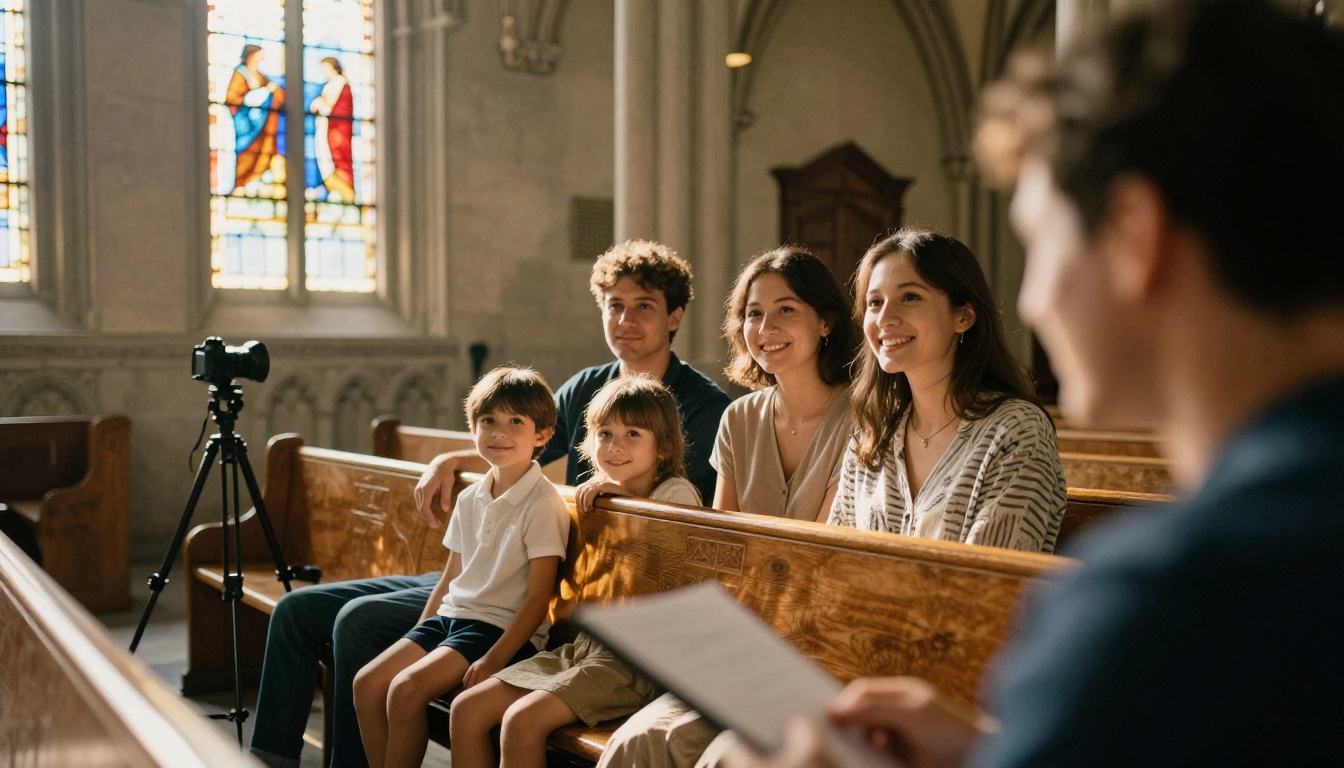
Schedule a Sunday with a volunteer photographer and a quiet corner. Use a plain wall or a sanctuary background, soft window light, and ten minutes per family. Shoot at a consistent distance so every family photo has the same scale on the page.
Option 2: A Professional Photographer
Some churches partner with a local studio that offers a free portrait session in exchange for print orders. This produces the best result but needs more scheduling.
Option 3: Member-Submitted Photos
This is the cheapest route, and the quality varies a lot. If you go this way, publish simple standards: landscape orientation, everyone's face visible, no sunglasses, minimum 1200 pixels wide.
| Photo Method | Cost | Quality | Time to Collect |
|---|
| Church photo day | Low | Consistent | 1 to 2 Sundays |
| Local studio partner | Free to moderate | Highest | 3 to 4 weeks |
| Member submissions | Free | Uneven | 4 to 6 weeks |
Naming Files So You Stay Sane
Name every file lastname_firstnames.jpg from day one. A shared folder with that pattern saves hours when you are placing 200 photos into pages.
✅ Best practice: Keep a spreadsheet with one row per household: name, photo filename, privacy level, and a checkbox for "confirmed." Do not publish until every box is ticked.
Building Strong Ministry Pages
This is the part most directory templates skip, and it is the part that turns a contact list into a living picture of your church.
The Anatomy of a Ministry Page
Give every ministry the same structure so readers know where to look:
- Ministry name and a one-line purpose
- Leader photo with name and role
- Meeting time and place
- Who it is for (age group, season of life)
- How to join with a phone number, email or sign-up link
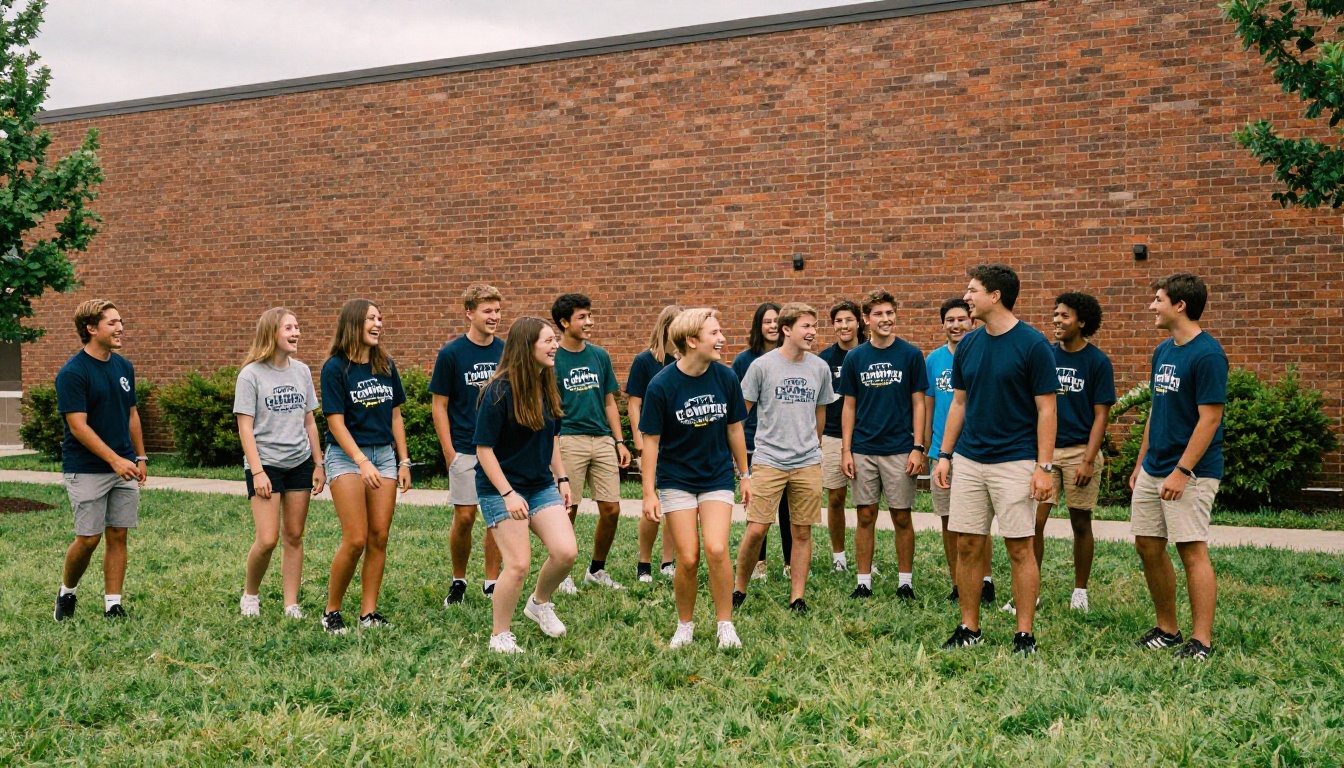
- One group photo showing real people mid-activity
Examples Worth Copying
- Youth ministry: A candid group photo, the Wednesday night schedule, and the youth pastor's email.
- Choir and worship team: Rehearsal day, no audition language, and a line like "all voices welcome."
- Food pantry: Distribution hours, volunteer shifts and a contact for donations.
- Seniors' fellowship: Monthly lunch date, transportation help and a friendly host.

Write Like a Neighbor
Short sentences. Plain words. Compare "Choir meets Thursdays at 7 in the loft, come early for coffee" with "The choral ministry convenes weekly for rehearsal." The first one gets people to show up.
💡 Pro tip: Add a line at the bottom of each ministry page: "Not sure where to start? Call the church office." It lowers the barrier for shy newcomers.
How to Build It with Flipbooks AI
Once the pages are designed, publishing is the easy part. Here is the full process.
Step 1: Create Your Account
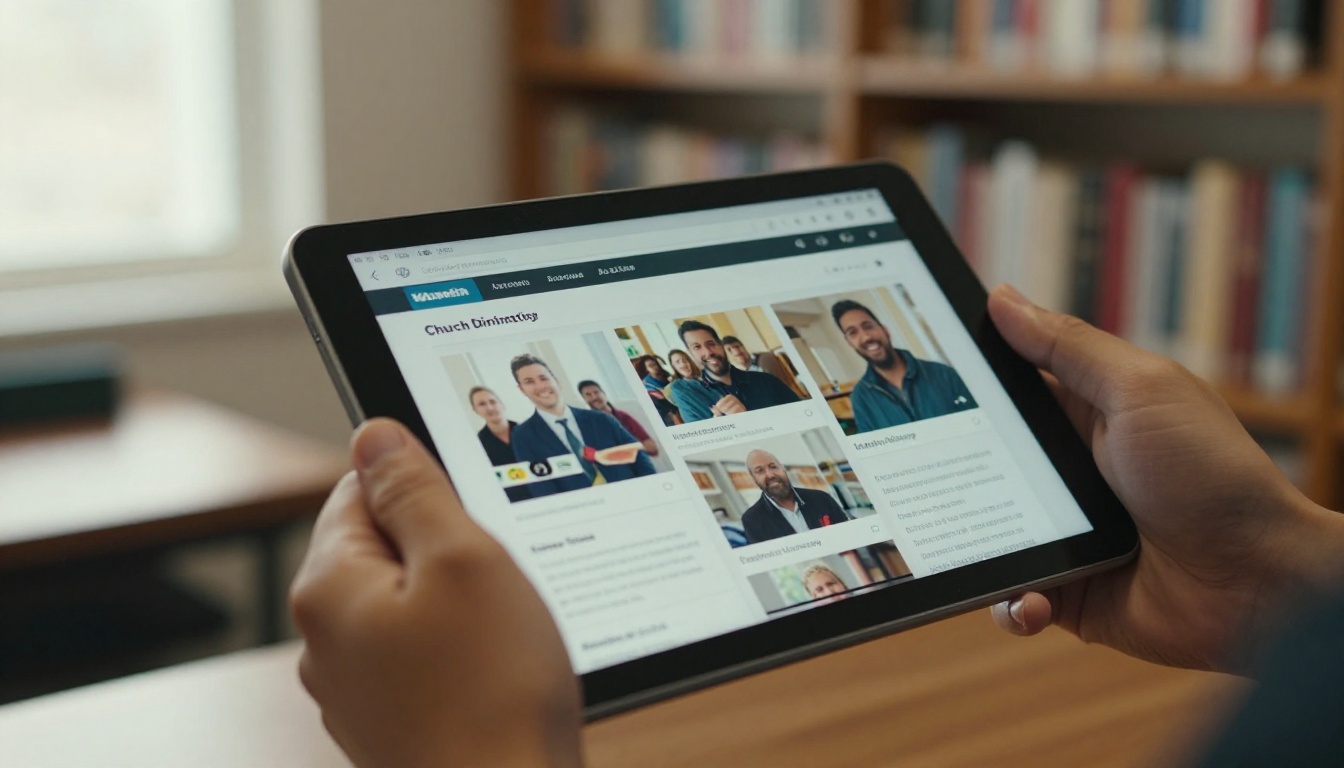
Go to Flipbooks AI and sign up. You can try the platform before choosing a plan, and you can review the pricing options whenever you are ready.
Step 2: Export Your Design as a PDF
Design the directory in whatever tool your office already uses, such as Canva, Word, Publisher or InDesign. Export it as a single PDF at a standard page size. Keep photos at 150 dpi or higher so they stay sharp when zoomed.
Step 3: Upload and Convert
Use the PDF to Flipbook Converter to upload your file. Each page becomes a flippable spread with realistic page-turn motion. For a book that works for a congregation, the Digital Catalog Maker layout is a good fit because it handles dense, image-heavy pages well.
Step 4: Customize the Look
- Add your church logo and brand colors.
- Choose a soft page-turn effect that matches the tone of your church.
- Add a link on each ministry page that jumps to a sign-up form.
- Embed a short welcome video from your pastor on the first page.
Step 5: Protect and Share
A directory holds personal details, so privacy comes first:
- Password protection keeps the book members-only.
- Direct links can be sent by email or text.
- Embed codes let you place it inside a members-only page on your church site, using the Embed Flipbook on Website tool.
- Offline downloads help members in buildings with weak signal.
Step 6: Track and Update
On the Professional plan, analytics show how many people opened the directory and which pages got the most attention. That tells you whether the ministry pages are working. When a family moves or a new one joins, update the PDF and republish. The link stays the same.
💡 Pro tip: Send a new link only once a year. Quietly replace the PDF behind the same link when corrections come in, so nobody is left holding an outdated copy.
Print Versus Digital
Many churches still want a printed copy for members without smartphones. You do not have to pick one.
| Factor | Printed Directory | Digital Flipbook |
|---|
| Cost per copy | Moderate to high | Near zero |
| Updates | Once a year | Anytime |
| Privacy control | Hard to limit | Password protected |
| Search | Manual flipping | Zoom and text search |
| Reach | In-hand only | Phone, tablet, desktop |
| Accessibility | Fixed type size | Zoomable pages |
A practical approach is to print a small run for seniors and visitors, and send the digital version to everyone else. The printed version is then a copy of the PDF, not a separate project.
Common Mistakes to Avoid
Directories fail for predictable reasons. Watch for these:
- Inconsistent photos. Mixed sizes and lighting make the book look patchwork. Set standards early.
- Skipping consent. Always collect a signed privacy preference before printing anything.
- Burying the ministries. If ministries are on the last page in tiny type, nobody joins anything.
- Publishing without a proofread. A misspelled surname in a church book is remembered for years. Ask two volunteers to read every page.
- Forgetting the update plan. Decide who owns corrections and how often you republish.
A Simple Yearly Calendar
| Month | Task |
|---|
| August | Announce the directory and open photo sign-ups |
| September | Photo days, privacy forms collected |
| October | Layout and proofreading |
| November | Publish the flipbook, print a small run |
| January | Quiet update for new members |
| June | Mid-year corrections |
Who Does What
A directory is a team project. One person cannot photograph, collect forms, design and proofread without burning out.

- Project lead: Keeps the calendar and answers questions.
- Photo coordinator: Schedules families and manages the files.
- Data steward: Owns the spreadsheet and privacy choices.
- Designer: Builds the pages from the template.
- Proofreaders: Two people who have not seen the pages before.
A realistic example: a church of 180 households can finish a first edition in about eight weeks with five volunteers, each giving two to three hours a week.
Using the Directory After Launch
Publishing is not the finish line. A directory earns its place when people use it.
Put It Where People Look
- Link it from the weekly email.
- Add a QR code in the bulletin.
- Mention it from the pulpit once, with the password.
- Show the QR code on the welcome desk.
Give Newcomers a Special Welcome
Hand new families a printed card with the flipbook link and a note that says, "We saved a page for you." Then add them in the next quiet update.

Reuse the Same Pages
The same photos and layouts can feed other projects. Use the Event Program Maker for a Christmas service, the Newsletter Flipbook Publisher for monthly updates, or the Non-Profit Annual Report to show giving and outreach results. Browse all the flipbook tools to see what fits your church.
Why a Flipbook Beats a Plain PDF
A PDF is fine for printing. For reading on a phone, it is clumsy: pinch, scroll, lose your place. A flipbook fixes this.
| Feature | Plain PDF | Flipbook |
|---|
| Page-turn feel | None | Realistic |
| Mobile layout | Fixed, tiny text | Responsive |
| Password protection | Basic or none | Built in |
| Branding | None | Custom colors and logo |
| Analytics | None | Available |
| Watermarks | Not applicable | None, ever |
And since there are no watermarks, the directory looks like it belongs to your church, not a software company.

Build Yours This Week
You do not need a design team. You need a page list, a photo plan, a privacy form and a place to publish. Start with the six page types above, design a single family page and a single ministry page, then repeat.
Ready to put your congregation in one book? Get started for free on Flipbooks AI, browse the full tools directory for matching templates, and compare pricing plans to pick the one that suits your church. When you want analytics on your directory, upgrade here.



