Walk into almost any church on a Sunday morning and you will notice something small but telling: fewer hands reach for the offering plate, and more reach for a phone. Reports from church software providers, nonprofit research groups, and denominational studies keep landing on the same point. Digital gifts are no longer a side option. They are becoming the main way many members give. If you publish stewardship updates or annual reports, a tool like Flipbooks AI can help you present those numbers in a format members actually open and read.
This article walks through the patterns that recent reports describe, what they mean for small and large congregations, and how to turn raw giving data into something your community understands at a glance.
What the Reports Agree On
Different studies measure different things, but the themes repeat. Treat any single percentage with care, since sample sizes and definitions vary. The direction, however, is consistent.
- Online giving keeps growing year after year, while cash and check totals flatten or shrink.
- Recurring gifts make up a rising share of total digital giving.
- Mobile devices now handle most digital gifts, not desktop browsers.
- Smaller average gift size, but more frequent gifts, is common among digital donors.
- Churches offering several methods tend to see steadier totals than those offering one.

💡 Pro tip: When you quote a statistic from a report, name the source and the year. Members trust numbers more when they can check where they came from.
Why Cash Keeps Fading
People simply carry less cash. A member who pays for groceries, coffee, and parking with a card has nothing to place in the plate. This is not a loss of generosity. It is a change in the tool used to express it.
The Rise of Recurring Gifts
Recurring giving is the quiet engine behind many church budgets. A member who sets up a monthly gift once tends to keep it going, which smooths income through summer slumps and holiday travel. Many reports note that churches with an active recurring program report fewer sharp dips in weekly totals.
Text and QR Code Giving
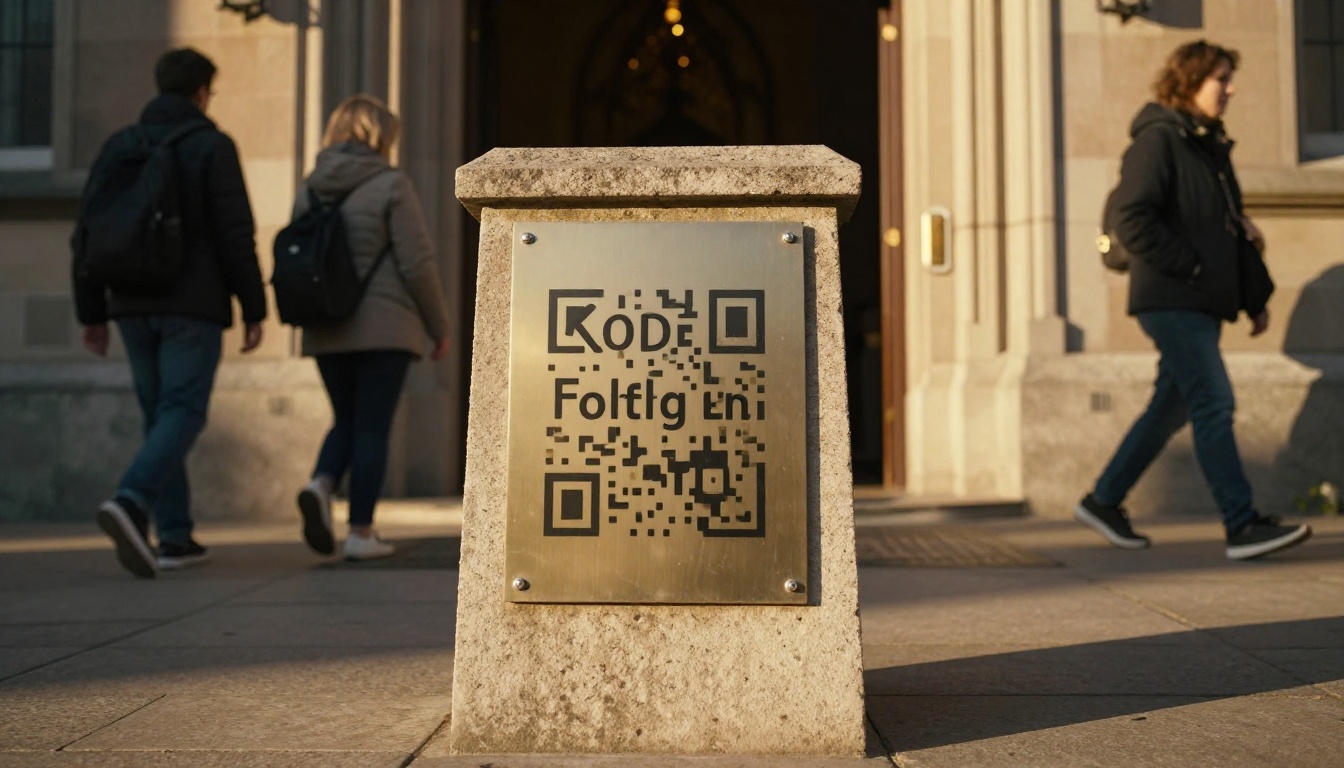
QR codes on bulletins, screens, and entrance signs lower the barrier to a first gift. A visitor can scan, choose an amount, and finish in under a minute without creating an account.
Who Gives Digitally Today
A common assumption is that only young adults give online. Reports suggest the picture is wider. Younger members lead in mobile and text giving, but older members adopt recurring bank drafts and online portals once someone shows them how.
| Age Group | Common Method | Typical Pattern |
|---|
| Under 35 | Mobile app, text, QR code | Small, frequent gifts |
| 35 to 54 | Recurring online gift | Monthly, tied to payday |
| 55 to 69 | Checks plus online portal | Mixed, often seasonal |
| 70 and older | Checks, some bank drafts | Weekly or monthly, steady |
These groupings are general patterns, not rules. Your own data matters more than any national average.
The Home Giver
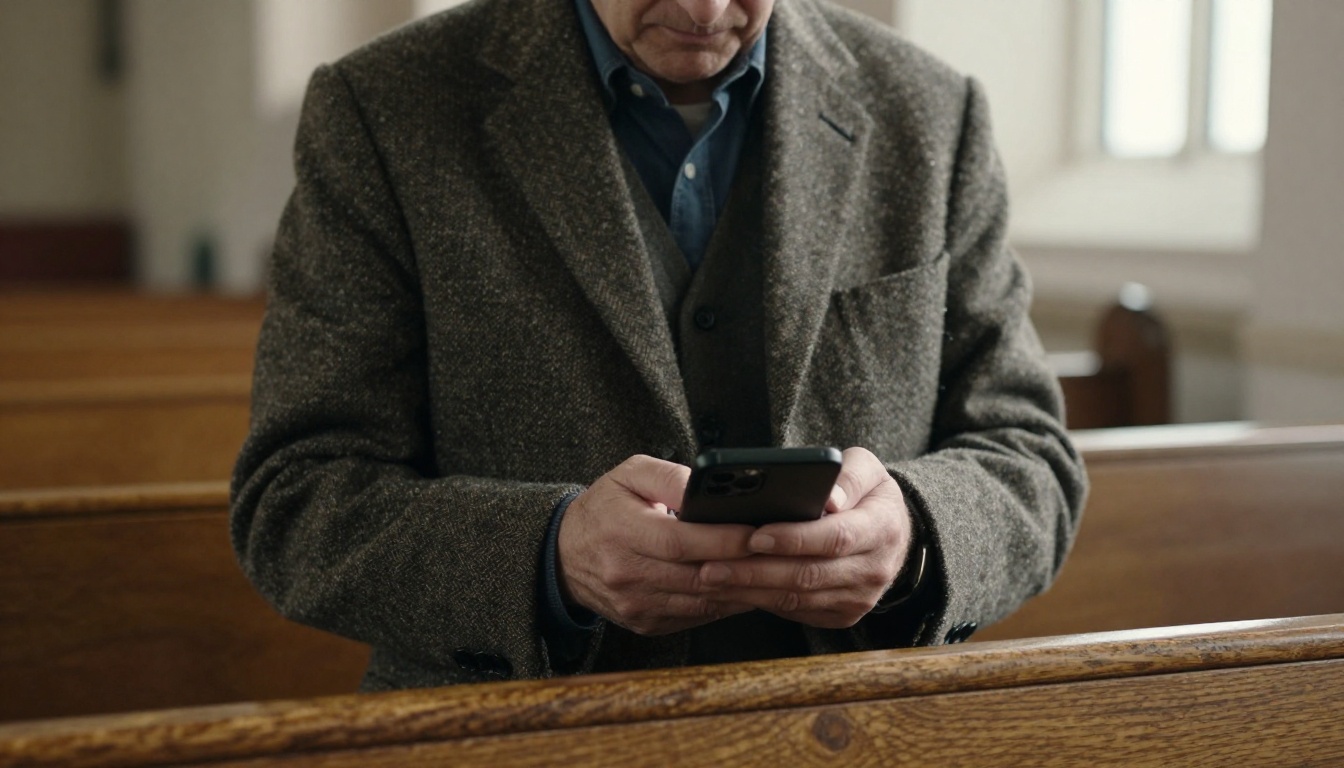
Many digital gifts never happen inside the building. A couple on the sofa on Tuesday evening, or a member traveling for work, can give without waiting for Sunday. That changes how you thank donors and how you report totals, since gifts arrive all week.

Comparing Giving Methods
Each method has costs and benefits. The right mix depends on your congregation, not on a trend.
| Method | Speed | Typical Fees | Best For | Watch Out For |
|---|
| Offering plate cash | Immediate | None | In-person tradition | Counting time, security |
| Paper check | Slow | Low | Older members | Deposit trips, delays |
| Online portal | Fast | Processing fees | Recurring gifts | Setup effort |
| Mobile app | Fast | Processing fees | Younger members | App fatigue |
| Text to give | Fast | Processing fees | Visitors | Needs clear instructions |
| QR code | Fast | Processing fees | Bulletins and signs | Broken or outdated links |
⚠️ Warning: Processing fees are real. Some churches invite donors to cover the fee at checkout. Others absorb it. Decide on a policy and state it plainly so no one feels surprised.
What Churches Are Doing Differently
Reports on congregations that grew digital giving describe a handful of repeated habits. None of them require a large budget.
- They keep the giving page simple. One screen, a few preset amounts, and a clear fund name.
- They offer a physical way to give too. Plates stay in the service for those who prefer them.
- They thank donors quickly. An automatic receipt plus a short human note works well.
- They share results openly. Members see where gifts go.
- They teach the process. A short demo during announcements helps first-time users.

A Real-World Scenario
Picture a mid-sized congregation of about 300 members. Their treasurer notices that weekly plate totals have slipped, yet overall income is holding. The reason is a growing share of recurring online gifts. Without a report that shows both streams side by side, the finance team worries about a decline that is not happening. A simple visual summary solves the confusion.
Another Scenario
A small rural church adds a QR code to its Sunday bulletin and a text number to its lobby sign. Within a few months, visitors and seasonal residents begin giving, people the church never reached with envelopes.
Why Reporting Matters As Much As Collecting
Collecting digital gifts is only half the task. Members give more confidently when they see clear proof of impact. The trouble is that many churches still share results as a dense spreadsheet or a single paragraph in the bulletin.

A better approach is a short, visual report that members can open on a phone. Think of a yearly stewardship report, a quarterly update, or a monthly newsletter that highlights ministry outcomes next to the numbers.
| Report Format | Effort | Member Reach | Mobile Friendly |
|---|
| Spreadsheet attachment | Low | Low | Poor |
| Plain PDF | Medium | Medium | Fair |
| Printed bulletin insert | Medium | Medium | None |
| Digital flipbook | Medium | High | Excellent |
What to Include in a Giving Report
- Total gifts for the period, split by method
- Recurring versus one-time gifts
- Number of active givers, without naming individuals
- Where the money went, shown in simple categories
- A story or two from the ministries funded
- A clear invitation to give
How to Build a Giving Report Flipbook
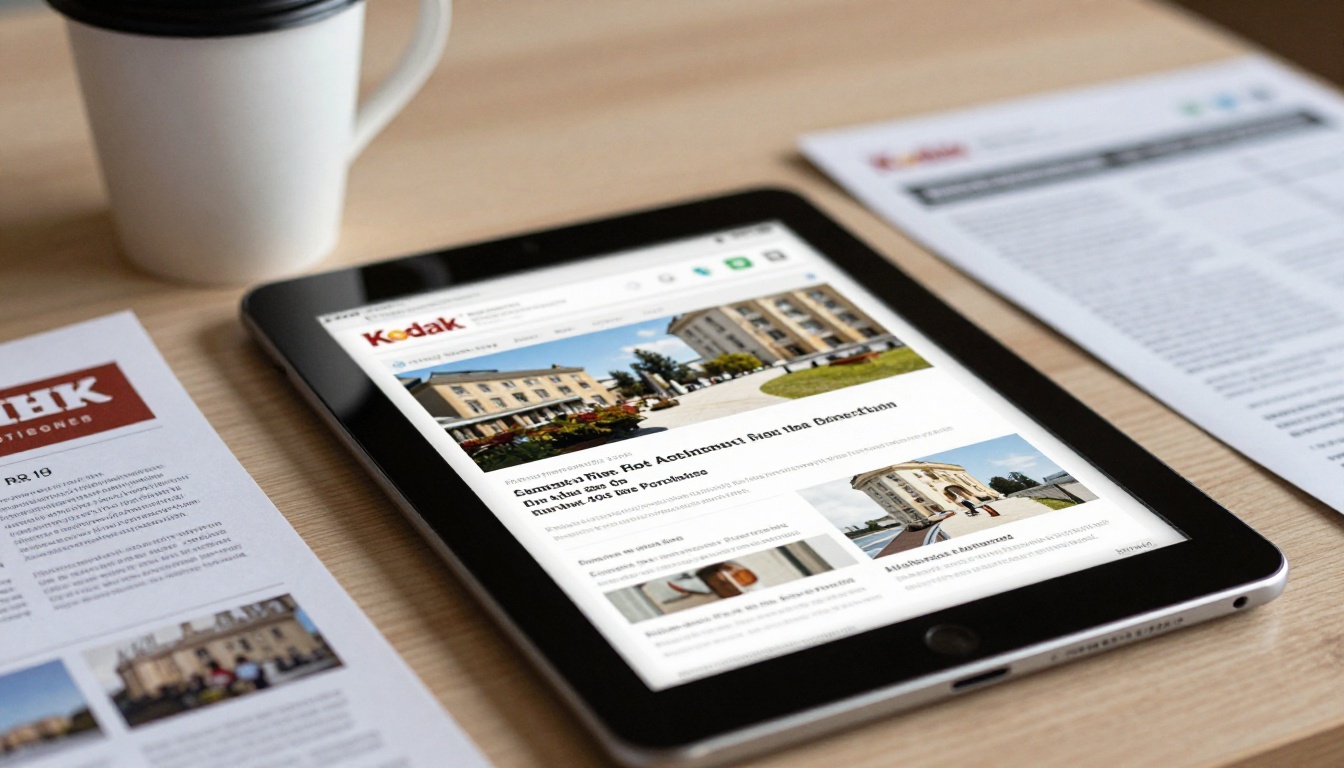
If you already have a PDF of your annual or quarterly report, you can turn it into a page-turning flipbook in minutes. Here is a simple process using Flipbooks AI.
- Prepare your PDF. Export your report from your word processor or design tool. Keep photos light and charts clear.
- Upload it. Create an account on Flipbooks AI and use the PDF to Flipbook Converter to turn the file into an interactive flipbook.
- Customize the look. Add your church colors, logo, and page effects so the report feels like your own. You can also embed a short video message from your pastor or audio from a service.
- Choose how to share. Copy a direct link for email and text messages, or place it on your website with the Embed Flipbook on Website tool. Use password protection if the report is for members only.
- Track what happens. On the Professional plan, analytics show how many people opened the report, and lead generation can collect contact details from new visitors. See the pricing plans for details.
✅ Best practice: Include a link or QR code to your giving page on the final page of the flipbook. Readers who feel inspired can act right away.
Tools Worth Knowing
Churches with a nonprofit structure often find the Non-Profit Annual Report tool a natural fit. For regular updates, the Newsletter Flipbook Publisher turns a monthly letter into a page-turning edition. Event-focused ministries may prefer the Event Program Maker for special services and fundraisers.
| Church Need | Suggested Tool | Result |
|---|
| Yearly stewardship summary | Non-Profit Annual Report | Branded digital report |
| Monthly ministry update | Newsletter Flipbook Publisher | Shareable newsletter |
| Capital campaign pitch | Presentation Flipbook Designer | Visual donor presentation |
| Holiday service booklet | Event Program Maker | Mobile-ready program |
You can also browse the full set of flipbook tools to find one that fits your congregation.
Common Mistakes to Avoid
Reports and practitioners point to several repeated missteps.
- Offering too many choices at once. Three or four options are plenty.
- Hiding the giving link. If a member needs more than two taps, many will stop.
- Skipping the thank-you. Silence after a gift weakens the habit.
- Ignoring privacy. Never publish donor names or amounts without clear permission.
- Forgetting offline members. Keep the plate, and keep paper options available.
- Using outdated QR codes. Test every code before printing.
💡 Pro tip: Once a quarter, give your own giving page a test run from a phone. You will spot broken links and confusing steps quickly.

Building Trust Through Clear Numbers
Digital giving rests on trust. Members who give online cannot see the plate being counted, so they rely on regular, honest reporting. Short, visual updates build that confidence. A member who sees that gifts funded a food pantry, a youth trip, and a building repair feels connected to the result.
Share Stories Beside Statistics
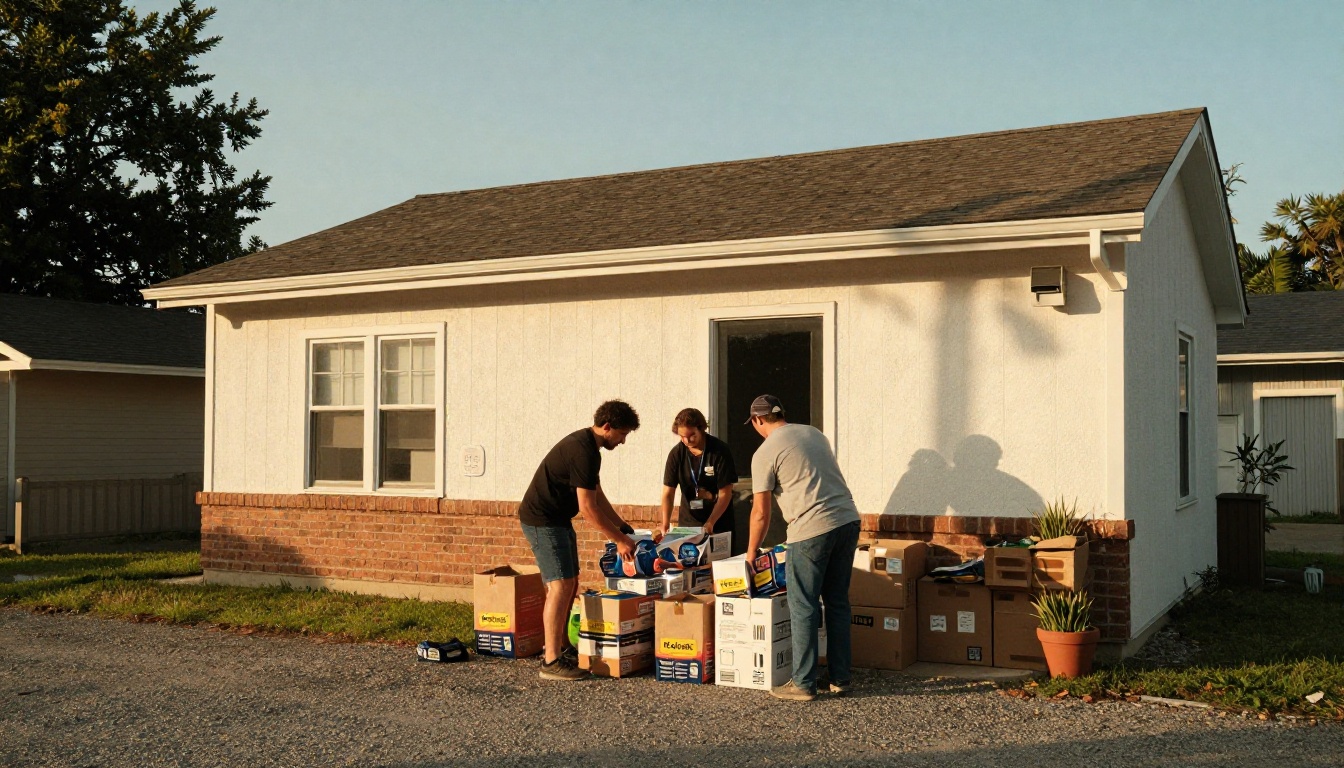
Numbers explain what happened. Stories explain why it matters. A photo of volunteers unloading groceries, paired with the amount raised that month, does more than a table alone.
Keep the Rhythm Steady
A predictable schedule helps. Many churches send a short monthly update and a fuller annual report. Members come to expect it, and giving tends to follow that rhythm.
A Simple Checklist for This Year
- Review your last twelve months of giving by method.
- Check how many gifts are recurring.
- Add one new method you do not offer yet, such as QR code giving.
- Write a short thank-you message that goes out automatically.
- Build a visual report and share it by link.
- Invite feedback from members of every age group.
Ready to Share Your Giving Story?
The reports are clear enough: digital gifts are here, and members respond well to simple options and honest updates. The next step is presenting your own numbers in a format people enjoy opening.
Ready to create your first flipbook? Get started for free on Flipbooks AI. Browse all available tools and templates to find the right fit, or compare pricing plans to choose what works for your congregation.



