Every church newsletter editor knows the feeling: the deadline is Friday, the inbox is empty, and the only thing you have is a half-written note about the potluck. Good news. A newsletter that people look forward to does not need a big staff or a big budget. It needs a calendar of ideas you can pull from, and a tool that makes publishing painless. This plan gives you both, and once the content is ready you can turn the PDF into a page-turning digital edition with Flipbooks AI.

Why a Monthly Plan Works
Most church newsletters fade because the editor invents every issue from scratch. A yearly plan fixes that. You decide the themes once, then spend each month filling in names, dates, and photos.
The Rhythm of the Church Year
Congregations already live by a calendar. Advent, Lent, Easter, Pentecost, harvest season, and back-to-school Sundays all hand you built-in stories. Lean on them. Readers recognize the rhythm and feel at home when the newsletter follows it.
One Anchor Article, Three Small Pieces
Each issue works best with a simple formula:
- One anchor article of 400 to 600 words tied to the season
- One member story with a photo
- One practical piece such as a volunteer sign-up, a prayer list, or a ministry update
- One short reminder box for dates and deadlines
💡 Pro tip: Write the anchor article first. Everything else is easier once the theme is set.
Twelve Months of Article Ideas
Here is the full year at a glance. Use it as a starting skeleton and swap in what is happening at your own church.
| Month | Anchor Theme | Member Story Idea |
|---|
| January | Fresh starts and yearly prayer goals | A member who began a new habit of service |
| February | Love in action and kindness | A couple married 50 years |
| March | Lenten reflection and giving | A family choosing a simple fast |
| April | Easter joy and renewal | A newcomer baptized this spring |
| May | Mothers, mentors, and graduates | A graduating senior and their plans |
| June | Summer programs and camps | A youth leader on vacation Bible school |
| July | Rest, Sabbath, and outdoor worship | A volunteer who runs the picnic |
| August | Back to school blessings | A teacher in the congregation |
| September | Fall kickoff and small groups | A new small group leader |
| October | Harvest, gratitude, and food drives | A pantry volunteer |
| November | Thankfulness and veterans | A veteran sharing their story |
| December | Advent, Christmas, and year in review | A long-time choir member |
January: New Year, Fresh Page
Open the year with a short reflection on a theme for the congregation. A simple "word of the year" for the church works well. Add a one-page list of ministries that need volunteers and let readers sign up straight from the newsletter.
February: Kindness in Action
Run a "Seven Acts of Kindness" challenge, one small act per day for a week. Feature a couple celebrating a milestone anniversary. Readers love stories of faithful, ordinary love.
March: A Season of Reflection
Share a daily devotional for Lent, or ask five members to each write a three-sentence reflection. Short pieces from many voices feel personal and take little editing.
April: Easter and New Beginnings
Publish service times, a short history of your Easter traditions, and photos from last year's celebration. A "meet our newest members" column makes newcomers feel noticed.

May: Mothers, Mentors, and Graduates
Honor the people who shaped your congregation. Ask for one-line tributes to mothers, grandmothers, and mentors. Add a graduate spotlight with a photo and a favorite verse.
June: Summer Programs Begin
Preview vacation Bible school, mission trips, and camp dates. A parent testimonial from last summer is the most persuasive thing you can print.
July: Slow Down Together
Summer attendance dips, so use July to stay close to people. Share a short Sabbath reflection, a list of outdoor worship dates, and a recipe from the church potluck.
August: Back to School Blessings
Feature a blessing of the backpacks, a note from your children's ministry, and a spotlight on teachers in your congregation. Include a clear list of fall program start dates.
September: Fall Kickoff
This is your biggest re-launch month. Promote small groups, Bible studies, and choir rehearsals. A simple table of group times and locations is more useful than three paragraphs of prose.
October: Gratitude and Harvest
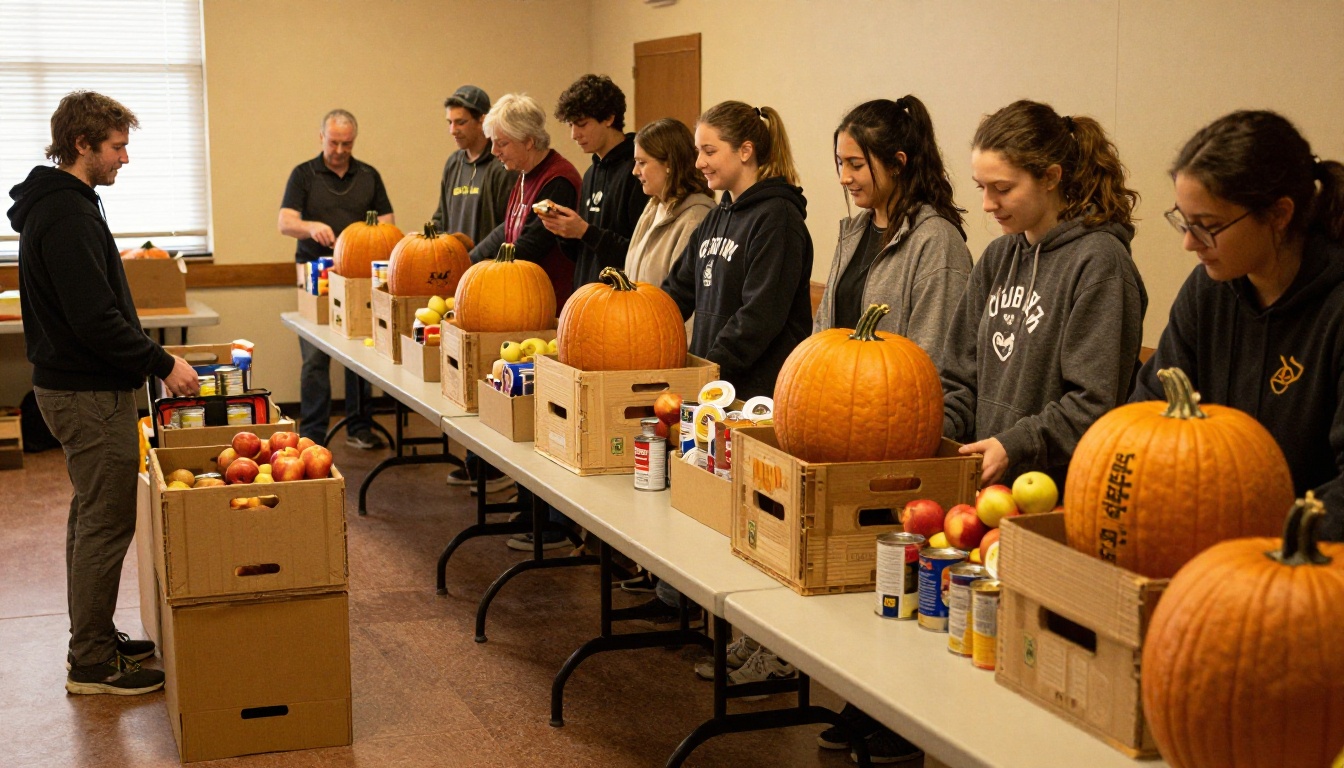
Plan a food drive and tell the story of where the donations go. Include a photo of volunteers at work and a clear drop-off schedule.
November: Thankful Hearts
Interview a veteran, run a gratitude wall, and publish a short list of Thanksgiving service opportunities. Add an early reminder about year-end giving.
December: Light in the Dark
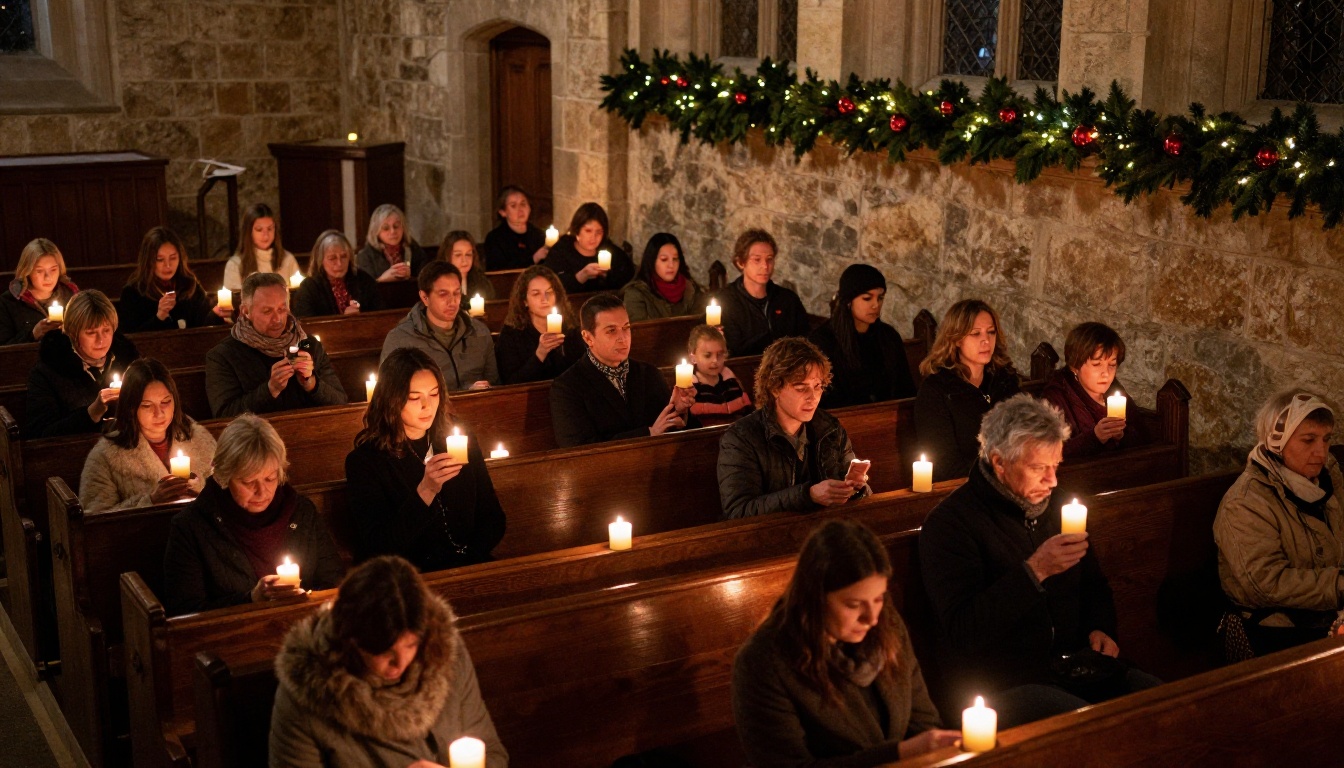
Pull together Advent devotionals, a Christmas Eve service schedule, and a look back at what the church accomplished. Close with a thank-you note to volunteers by name.
Evergreen Ideas for Any Issue
Some months are thin. Keep a list of evergreen pieces you can drop in whenever a page needs filling.
Member Spotlights
A short interview with one member, with a good portrait, is the most-read item in nearly every church newsletter. Ask three questions: how did you find this church, what is a moment you remember here, and what are you grateful for this month?

Ministry Updates
Give each ministry a rotating slot. Youth, music, outreach, and care teams each get a quarter-page every few months. Ask them for one story and one need.
Staff and Pastor Notes
A short, warm note from the pastor sets the tone. Keep it under 250 words and personal. A photo of the pastor doing something ordinary, like gardening or hosting coffee hour, beats a formal headshot.
Prayer Requests and Praise Reports
Publish a short list with permission from each person. Include a "praise report" section so the issue is not only about needs.
Photo Pages and Event Recaps
A two-page photo spread from a recent event gets people talking at coffee hour. Always label photos with first names and get consent before printing images of children.
⚠️ Warning: Never publish a prayer request, address, or photo of a minor without clear permission from the person or parent.
Where you publish matters almost as much as what you publish. Each format has strengths, and many churches use a mix.
| Format | Best For | Main Drawback |
|---|
| Printed handout | Members without email | Printing costs and distribution time |
| Plain email | Quick weekly notes | Hard to lay out photos and long stories |
| PDF attachment | Archival, simple sharing | Often goes unopened on phones |
| Digital flipbook | Photo-rich monthly issues | Needs a short setup the first time |
A digital flipbook keeps the polished look of print while working on any phone. Readers flip pages like a real magazine, and you can share one link by email, text message, or social post.

How to Publish Your Newsletter Digitally
Once your articles are written, publishing takes about ten minutes. The Newsletter Flipbook Publisher is built for exactly this, and the PDF to Flipbook Converter handles the conversion.
Step by Step
- Design your issue in any layout tool you already use and export it as a PDF.
- Create a free account on Flipbooks AI and choose to upload a PDF.
- Upload the file. Pages convert automatically into a flipbook with realistic page-turn effects.
- Customize the look. Add your church colors, logo, and a background that matches your sanctuary or website.
- Add extras. Embed a sermon video, a worship audio clip, or a link to your giving page.
- Share it. Copy the direct link, or use the Embed Flipbook on Website option to place it on your church homepage.
- Protect private issues. Turn on password protection for member-only content such as directories or prayer lists.

Features Churches Appreciate
- ✅ No watermarks, so your newsletter looks like yours
- ✅ Mobile-responsive design for members reading on a phone
- ✅ Embedded video and audio for sermon clips and music
- ✅ Password protection for private content
- ✅ Offline downloads for members with spotty internet
- ✅ Analytics on the Professional plan to see how many people opened each issue
💡 Pro tip: Send the link on Thursday evening and a reminder on Sunday morning. Churches see the most opens right after the weekend service.
Matching the Tool to the Church
| Church Size | Typical Issue Length | Suggested Approach |
|---|
| Under 75 members | 4 to 6 pages | One editor, monthly flipbook, email link |
| 75 to 300 members | 8 to 12 pages | Small team, shared calendar, password-protected extras |
| Over 300 members | 12 to 20 pages | Editor plus ministry contributors, analytics review |
A small congregation might use just one page of news and photos. A larger church can use the same system with a team of contributors. Churches running a mission fund or yearly report can also try the Non-Profit Annual Report tool to share finances and outcomes in the same flipbook style.
Tips to Keep the Newsletter Alive
Ideas are only half the battle. The other half is a workflow that survives busy weeks.
Build a Small Team
Recruit three to five volunteers: a writer, a photographer, a proofreader, and a distributor. Rotate roles every few months so nobody burns out.
Set One Deadline Calendar
Pick a fixed date each month for article submissions, a second for proofing, and a third for sending. Put them in a shared calendar at the start of the year.
Keep a Running Ideas File
Create a shared document where anyone can drop a story lead at any time. A sentence like "Mrs. Alvarez started a knitting group for new moms" is enough to spark a full feature next month.

Ask for Short Contributions
Most people will not write 500 words, but nearly everyone will write three sentences. Collect several short items and stitch them together.
✅ Best practice: Close every issue with one clear call to action, such as a sign-up link, a date to remember, or a way to help.
Quick Wins by Season
- Spring: Photo recap of Easter and a call for summer volunteers
- Summer: Short issues with lots of photos and recipes
- Fall: Ministry kickoffs and service projects
- Winter: Devotionals, gratitude notes, and a year in review
Ready to Publish Your First Issue?
You now have twelve months of article ideas, a simple structure for each issue, and a way to share it that works on every phone. Pick one month, write the anchor article, add a member story, and export a PDF.
Then create your free account on Flipbooks AI and turn it into a flipbook in minutes. Browse all flipbook tools to find templates for event programs, annual reports, and more, or compare pricing plans when you are ready for analytics and unlimited issues. For a more formal event schedule, the Event Program Maker is a good next stop.



