Every Thursday afternoon, a city clerk somewhere posts a scanned agenda packet to the town website, and every Thursday a resident who uses a screen reader opens it and hears nothing but silence. That gap is exactly what the Department of Justice targeted when it finalized its web accessibility rule under Title II of the Americans with Disabilities Act. If you run a city hall, a county office or a special district, this rule decides how your agendas, minutes and forms must be published. Tools like Flipbooks AI can help turn those PDFs into readable, mobile-friendly publications, but first you need to know what the rule actually demands.
This article walks through the rule in plain language, sorts your documents into "exempt" and "must fix," and gives you a workable plan for the three document types that cause the most trouble: agendas, minutes and forms.
What the Rule Actually Says
In April 2024, the Department of Justice published a final rule that adopts WCAG 2.1 Level AA as the technical standard for web content and mobile apps of state and local governments. Before this rule, Title II already required equal access, but it never named a measurable standard. Now it does.

Who Has to Comply
The rule applies to every state and local government entity covered by Title II. That includes cities, towns, counties, school districts, public libraries, special districts and the boards and commissions that sit under them. Compliance dates depend on population:
| Entity Size | Original Compliance Date | Typical Examples |
|---|
| 50,000 or more residents | April 24, 2026 | Large cities, counties |
| Under 50,000 residents | April 26, 2027 | Small towns, rural counties |
| Special district governments | April 26, 2027 | Water, fire, park districts |
⚠️ Compliance dates have been a moving target in policy discussions. Confirm the current dates on the Department of Justice ADA website before you set an internal deadline.
What WCAG 2.1 AA Means in Practice
WCAG is organized around four ideas: content must be perceivable, operable, understandable and robust. For a city clerk, that translates into concrete requirements:
- Text alternatives for every meaningful image, chart and map
- Real text, not a picture of text, so a screen reader can read it
- Logical heading structure so people can jump between sections
- Sufficient color contrast for body text and links
- Labeled form fields that assistive technology can announce
- Captions for prerecorded and live meeting video
- Tab order that follows the visual order of the page
Residents interact with city hall through a small set of documents. The council agenda tells them what will be decided. The minutes tell them what was decided. The forms let them act: pull a permit, request records, apply for a license, register for a program.
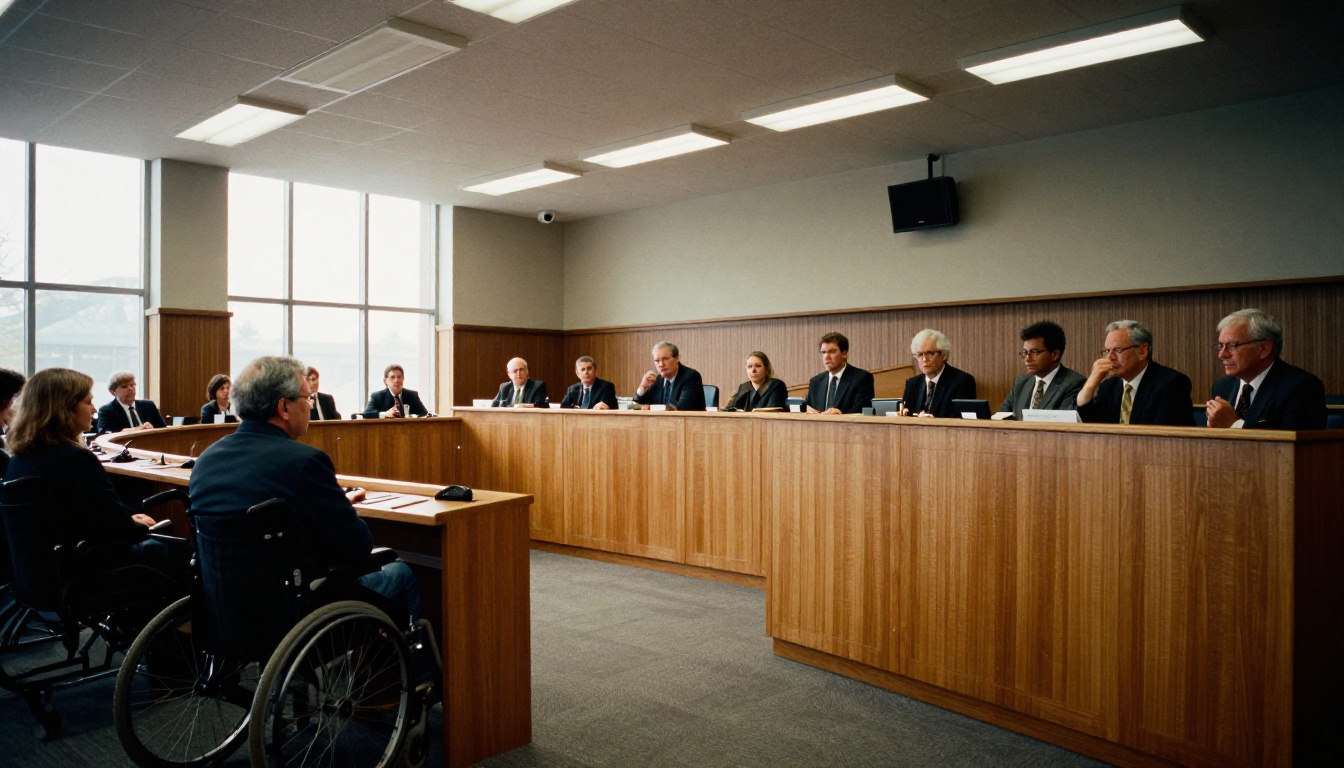
These three categories are also where the rule bites hardest, because the exceptions that protect old archived material do not protect documents residents need in order to take part in government.
Agendas and Packets
A meeting agenda is current, public and time sensitive. A resident who cannot read the agenda cannot comment on it, and public comment is a core way people participate in local government. Agenda packets are even harder: they often combine staff reports, scanned contracts, spreadsheets and slide decks into a single 300 page file.
Minutes
Minutes sit in a gray zone. Recent minutes are active content people consult regularly. Older minutes may qualify as archived web content, which the rule treats differently. The distinction matters, and we cover it in the exceptions section below.
Forms and Applications
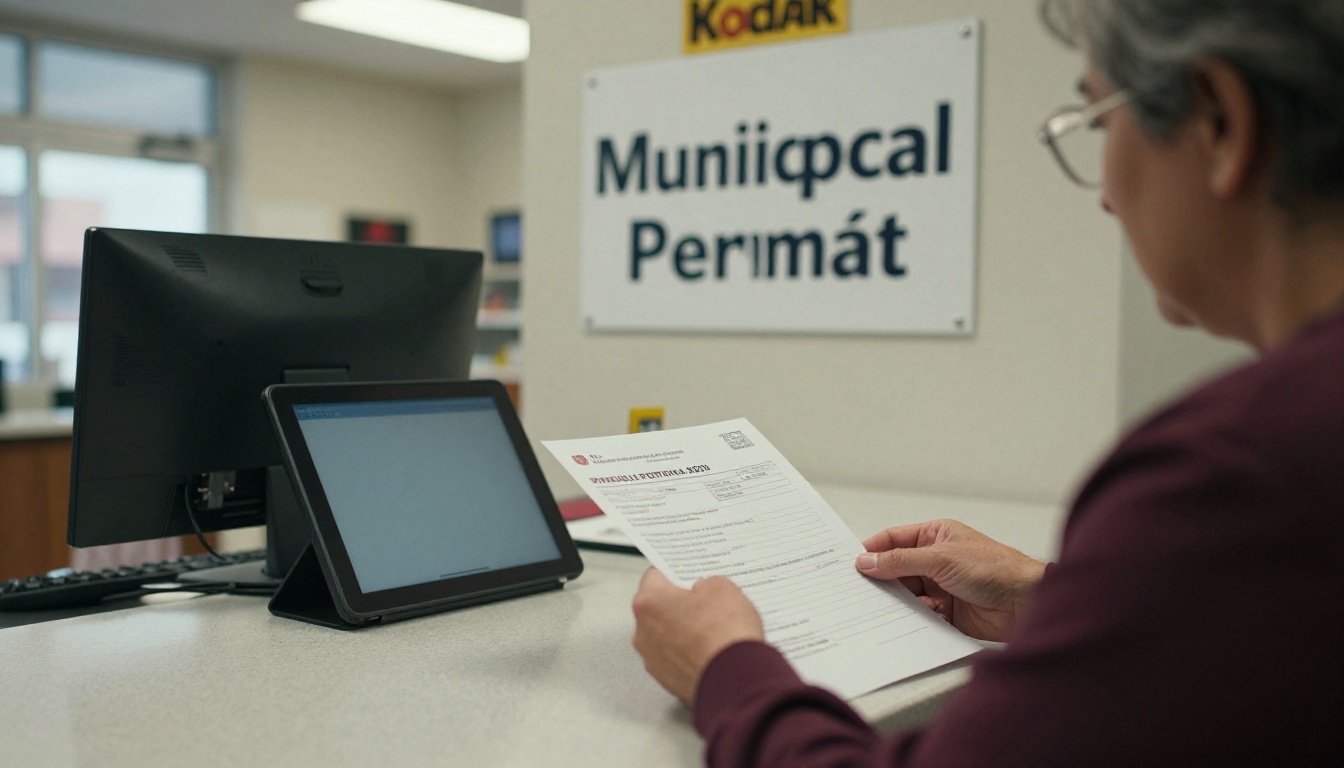
Forms are the clearest case. The rule specifically says that conventional electronic documents used to apply for, gain access to or participate in a government service must be accessible, even if they were posted before the compliance date. A permit application as an unlabeled, scanned PDF is the textbook violation.
The Exceptions You Can Rely On
The rule includes a short list of exceptions. They are narrower than most people hope, so read each condition carefully before you leave a file untouched.
Archived Web Content
Content is exempt if it is kept only for reference or recordkeeping, is stored in a clearly identified archive, is not altered after archiving, and was created before the compliance date. All four conditions must hold. A folder of 2019 minutes that sits in the same navigation as current minutes, with no archive label, may not qualify.
Preexisting Conventional Documents
Word files, PDFs, spreadsheets and slide decks posted before the compliance date are exempt unless they are currently used to apply for, access or participate in a service. That is why old forms are not safe, while an old newsletter generally is.
Individualized and Third Party Content
Password protected documents about a specific person, such as a utility bill or a permit status letter, are exempt from the web rule as long as they are tied to that individual. Content posted by third parties, such as public comments submitted by residents, is also exempt unless the government's contractor or agent posts it.
| Document Type | Likely Status | Reason |
|---|
| Agenda for next Tuesday's meeting | Must be accessible | New, current content |
| Minutes approved last month | Must be accessible | New content posted after the date |
| 2018 minutes in a labeled archive | Likely exempt | Archived web content |
| 2020 building permit application still on the site | Must be accessible | Used to access a service |
| Individual utility bill behind a login | Exempt | Individualized, password protected |
| Resident comment letter uploaded by a resident | Exempt | Third party content |
💡 If you are unsure whether a file is exempt, check how many residents still use it. If people still download it to do business with the city, treat it as live and fix it.
Why Scanned PDFs Fail Residents
The single most common problem in municipal websites is the scanned PDF. A scanner produces an image of a page. To a screen reader, an image of a page contains no words at all.

The Hidden Costs of Image Only Files
Image only PDFs fail on every front. They cannot be searched, they cannot be resized without blurring, they cannot be read aloud, and they are miserable on a phone. A resident on a small screen has to pinch and scroll sideways across a page designed for letter paper.
A Quick Test You Can Run Today
- Open the PDF and try to select a sentence with your cursor.
- If nothing highlights, the file is an image and needs OCR or a rebuild.
- If text highlights, run the built-in accessibility checker in your PDF editor.
- Open the file with a free screen reader and listen to the first page.
- Check that headings, tables and form fields are announced in a sensible order.
A Realistic Compliance Plan for a Small Clerk's Office
Most clerks do not have a dedicated accessibility team. They have a part-time deputy, a shared inbox and a meeting on Monday. A plan has to fit that reality.

Step One: Inventory What You Publish
List every document type on the site and rank it by traffic and by how directly it affects participation. Agendas, current minutes and active forms come first. Annual reports and newsletters come next. Archives come last.
Step Two: Fix the Source, Not the Output
The cheapest accessibility fix happens before the PDF exists. Write agendas in a word processor using real heading styles, real lists and real tables. Add alt text to images. Export with tags enabled. A document built correctly takes a few extra minutes; a document repaired afterward can take an hour.
Step Three: Set Rules for Staff and Vendors
Write a one page policy that says every new public document must meet WCAG 2.1 AA before posting. Add the same sentence to every vendor contract, including the agenda software provider and anyone who builds forms.
| Task | Owner | Frequency | Tool Needed |
|---|
| Build agenda with heading styles | City clerk | Every meeting | Word processor |
| Run accessibility checker on packet | Deputy clerk | Every meeting | PDF editor |
| Caption meeting video | IT or vendor | Every meeting | Captioning service |
| Audit active forms | Records manager | Quarterly | Screen reader |
| Review vendor contracts | City attorney | Annually | Contract template |
Step Four: Publish a Feedback Channel
Add a visible link or phone number where residents can request an accessible format or report a barrier. Respond quickly. A documented, fast response shows good faith and often resolves a problem before it becomes a complaint.
Publishing Accessible Documents With Flipbooks AI
Once your source files are clean, you still need a pleasant way to present them. A PDF link forces residents to download a file and open another application. A flipbook opens in the browser, scales to any screen and keeps text selectable.
How to Create an Agenda Flipbook
The process takes a few minutes per document:
- Create a free account at Flipbooks AI.
- Upload your tagged agenda PDF with the PDF to Flipbook Converter.
- Choose your city colors and logo so residents recognize an official source.
- Preview on a phone and on a desktop browser.
- Copy the direct link or the embed code and paste it into your agenda page.
- Add the link to your meeting notice and email list.
For packets with many attachments, the Report Flipbook Creator keeps long documents easy to scan, and the Embed Flipbook on Website tool places them directly on your existing page.
Features Worth Using
- No watermarks, so your city branding stays clean
- Mobile responsive design that fits any phone
- Password protection for internal drafts before public release
- Offline downloads for residents with limited connectivity
- Audio and video embeds for meeting recordings
- Analytics and lead generation on the Professional plan, so you can see which documents residents actually open
See pricing plans to compare the Standard and Professional tiers.
✅ A flipbook does not replace accessible source documents. Build the PDF correctly first, then use the flipbook as the friendly front door, and always keep an accessible download link beside it.
| Publishing Method | Mobile Friendly | Searchable Text | Works Without Download | Effort for Staff |
|---|
| Scanned PDF link | Poor | No | No | Low |
| Tagged PDF link | Fair | Yes | No | Medium |
| Tagged PDF as flipbook | Good | Yes | Yes | Medium |
| HTML page only | Excellent | Yes | Yes | High |
Forms deserve their own attention because the rule treats them as the highest priority.
Make Every Field Labeled
Each field needs a visible label that is programmatically tied to the field. Placeholder text that vanishes when someone starts typing does not count. Group related fields, such as a mailing address, so assistive technology announces the group name.
Offer More Than One Path
Not every resident will complete a form online, and that is fine. Provide a phone number, an in-person option and a way to request help. Accessibility is about equal access to the service, and a well-run counter is part of that.
Avoid These Common Mistakes
- Requiring a handwritten signature with no alternative
- Using color alone to mark required fields
- Setting a short timeout that logs people out mid form
- Posting a fillable form as a flat scan
- Hiding the submit button below an unlabeled image
💡 Replace "Print, sign and scan" with a typed name or an e-signature option wherever state law allows it. It helps residents with limited mobility and cuts your own scanning workload.
Meetings, Video and the Details People Miss
Documents are only part of the picture. Livestreams, recorded meetings and slide decks shown in the chamber also fall under the rule.

Captions and Transcripts
Prerecorded video needs captions and an audio description or equivalent. Live video needs live captions at the AA level. Posting a transcript or the approved minutes next to the recording is a smart supplement, though it does not replace captions.
Maps and Charts
Zoning maps and budget charts are frequent offenders. Provide a text summary or a data table beside every chart so that the information is not locked inside a picture.
Third Party Software
If your agenda platform, payment portal or online forms come from a vendor, you are still responsible for the result. Ask each vendor for a current accessibility conformance report and put your WCAG 2.1 AA expectation in the contract.
Your First 30 Days
You do not need to fix every document at once. A focused month can change what residents experience.

- Week one: inventory documents and mark each as live, archive or exempt.
- Week two: repair the next two agendas and every active form at the source.
- Week three: publish them through a flipbook or tagged PDF and test with a screen reader.
- Week four: adopt a short written policy, update vendor contracts and add a feedback link.
Cities that follow this order tend to see fewer complaints, because the documents residents touch most are fixed first.
Ready to publish your next agenda in a format residents can read on any device? Get started for free with Flipbooks AI, browse all flipbook tools for reports, newsletters and brochures, or compare pricing plans to pick the right tier for your office.



