You spent weeks polishing the brochure. The photography is sharp, the copy is tight, and the layout looks great. Then you attach it to a cold email, hit send, and hear nothing. The problem is rarely the brochure itself. Most of the time, it is the way the brochure travels. This article walks through the cold email mistakes when sending brochures to new prospects, shows what each one costs you, and gives you a cleaner way to deliver your offer, including a link based approach built with Flipbooks AI.
Cold outreach already starts with a handicap: the reader owes you nothing. Every extra click, every slow download and every vague sentence gives them a reason to delete your message. Let's fix that, one mistake at a time.
Why Brochures Fail in Cold Email
A brochure is a sales tool built for a warm moment: a trade show booth, a meeting, a showroom. A cold email is the opposite. The prospect is mid task, scanning a crowded inbox, and deciding in about two seconds whether you deserve attention.
The Trust Gap
Strangers do not open attachments from strangers. Security training has taught most office workers that unexpected files are a risk. A PDF from an unknown sender triggers the same alarm as a phishing attempt.
The Attention Gap
Even if the prospect trusts you, a 12 MB file asks for effort before it offers value. Compare the two paths:
| Step | Attached PDF | Brochure link |
|---|
| Open the email | 1 click | 1 click |
| Reach the brochure | Download, wait, open viewer | 1 click, loads in browser |
| Works on phone | Often clunky | Smooth, mobile responsive |
| You see what happens next | Nothing | Views and time on page |
| Update after sending | Impossible | Instant |
💡 Pro tip: Think of the email as the trailer and the brochure as the movie. The trailer's only job is to get the click.
Mistake 1: Attaching Heavy Files
The most common error is also the most damaging. Large attachments hurt you in three ways.
Spam Filters and Size Limits
Many corporate mail servers cap attachments at 10 MB or less, and some quarantine unknown PDFs entirely. Your message may never reach the inbox, and you will never know.
Slow Mobile Downloads
More than half of cold emails are first opened on a phone. A glossy 20 page PDF on a weak connection means a spinning wheel, then a closed tab.
Compressing Does Not Fix It
Shrinking images to save size often leaves the brochure looking blurry, which undermines the premium feel you worked hard to build. A hosted link keeps full quality without the weight.
Mistake 2: Sending a Generic Pitch
A brochure speaks to everyone, which means it speaks to no one. When the email body says "Please find our brochure attached," the prospect has to do the work of figuring out why it matters.
Lead With Their Problem
Open with one sentence about their situation. Reference a recent product launch, a new location, a hiring push or a competitor move. Then connect one specific page of your brochure to that situation.
Weak opener:
"Hi, I wanted to share our company brochure with you."
Stronger opener:
"Hi Dana, I saw your team just opened a second clinic. Page 6 of our brochure shows how three similar practices cut booking no shows by a third."
Point to One Page, Not the Whole Thing
Telling the reader exactly where to look turns a 20 page document into a 20 second read. If your brochure tool supports page links, send them straight to the relevant spread.
⚠️ Warning: Never paste a block of company history into the email body. The brochure exists so your email does not have to carry that weight.
Mistake 3: Writing Weak Subject Lines
A subject line that screams "brochure" is read as marketing material and filtered mentally before the email is even opened.
Subject Lines That Get Ignored
- "Our company brochure"
- "Product information attached"
- "Introduction and brochure"
- "Quick question" (overused and vague)
Subject Lines That Earn Opens
- "Idea for your new Austin clinic"
- "How [Competitor] cut onboarding time"
- "Two pages worth your 90 seconds"
Keep it under 50 characters, make it specific, and avoid anything that sounds like a mass mailing. A name or a concrete detail beats cleverness every time.
Mistake 4: Ignoring the Mobile Reader
Picture your prospect between meetings, standing in a hallway, reading on a phone. A desktop style brochure forces pinching, zooming and sideways scrolling.
Mobile Checklist Before You Send
- Open your own email on a phone and tap the link.
- Check that the first page loads in under three seconds.
- Confirm text is readable without zooming.
- Make sure buttons and links are big enough for a thumb.
- Test on both iOS and Android if you can.
A page turning viewer made with the Brochure Flipbook Maker adapts to any screen, so the reader never has to fight the layout.
Mistake 5: Sending Blind With No Tracking
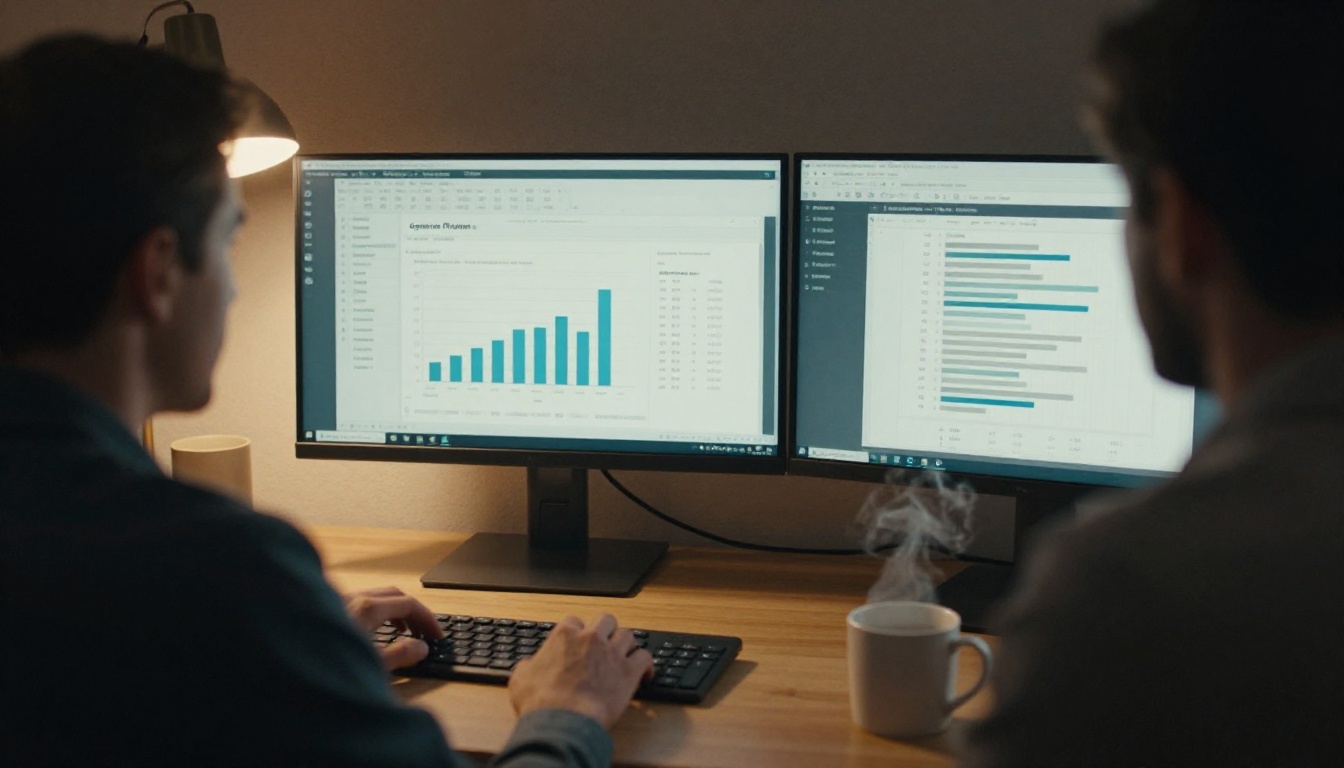
If you attach a PDF, you lose all visibility the moment you hit send. You cannot tell whether the prospect opened it, which pages held their attention or whether they forwarded it to a colleague.
What You Miss Without Data
| Signal | Why it matters | Attached PDF | Tracked link |
|---|
| Was it opened | Decides if a follow up is needed | Unknown | Yes |
| Pages viewed | Shows real interest | Unknown | Yes |
| Time spent | Separates skimmers from buyers | Unknown | Yes |
| Forwarded to others | Reveals the buying committee | Unknown | Often |
| Best follow up timing | Calls land when interest is hot | Guesswork | Informed |
Analytics and lead capture are available on the Professional plan, and you can compare the options on the pricing page.
✅ Best practice: Follow up within 24 hours of a second or third view. That is when curiosity peaks.
Mistake 6: Skipping the Follow Up
Most replies to cold outreach arrive after the second or third message, yet a large share of senders stop after one. A brochure with no follow up is a flyer dropped on a doorstep.
A Simple Three Touch Sequence
- Day 0: Short email with one brochure link and one clear ask.
- Day 3: Reply to your own message with a single useful detail, such as a case study page or a number.
- Day 7: A brief closing note that makes it easy to say "not now."

Vary the Angle Each Time
Never repeat "just checking in." Each follow up should add something new: a result, a quote, a short question or a relevant industry fact. If your brochure data shows they looked at pricing, mention it gently without sounding like surveillance.
Mistake 7: Asking for Too Much
A cold email that asks for a thirty minute demo, a signed form and a full needs assessment will almost always lose to one that asks a simple question.
Match the Ask to the Relationship
| Relationship stage | Reasonable ask | Poor ask |
|---|
| Complete stranger | "Is this relevant to you?" | "Book a 45 minute call" |
| Opened twice | "Want a quick walkthrough?" | "Sign this proposal" |
| Replied once | "Can we do 15 minutes Thursday?" | "Send me your full requirements" |
Low friction asks keep the conversation alive. You can always escalate once the prospect has said yes to something small.
How to Send a Trackable Brochure Link
Here is the practical fix for the first, fifth and sixth mistakes. Instead of attaching a file, you publish your brochure as an interactive flipbook and send a link. This works for hotels, dealers, agents and consultants alike, and there are dedicated tools such as the Real Estate Brochure Creator and the Hotel Brochure Designer.

Step by Step Setup
- Start an account. Create your account in under a minute.
- Upload your PDF. Drag the file in. The PDF to Flipbook Converter turns it into a page turning viewer automatically.
- Customize the look. Add your logo, adjust colors, pick page effects and embed videos or audio where they help. There are no watermarks, ever.
- Set access. Use password protection when a brochure contains private pricing.
- Copy the share link. Paste it into your email, or embed the flipbook on your website for a landing page.
- Turn on tracking. On the Professional plan, switch on analytics and lead generation to see views and capture contact details.
- Offer a download. Enable offline downloads for prospects who want to read on a flight.
💡 Pro tip: Update the flipbook anytime. Every prospect who already has your link sees the latest version, so an outdated price never reaches a buyer.
Attachment Versus Flipbook Link
| Feature | PDF attachment | Flipbooks AI link |
|---|
| File size worry | High | None |
| Mobile friendly | Inconsistent | Always |
| Page turn experience | No | Yes |
| Password protection | Limited | Built in |
| View tracking | None | Professional plan |
| Edit after sending | No | Yes |
| Watermarks | Depends | Never |
A Real World Example
Consider a regional furniture maker selling to boutique hotels. The team used to send a 15 MB catalog PDF with the line "Please see attached." Replies were rare.

They rebuilt the process using the Furniture Catalog Maker. Each email now opens with a detail about the hotel's recent renovation, links to the relevant collection page and ends with a single yes or no question. When analytics show a second visit, a salesperson calls the same day.
The result: shorter emails, fewer bounces and conversations that start with the buyer already informed.
Before and After
| Metric | Attached PDF era | Link plus follow up |
|---|
| Email length | 180 words | 70 words |
| Replies per 100 sends | 2 | 9 |
| Follow ups sent | Rarely | 3 touch sequence |
| Calls timed to interest | None | Same day |
These figures are illustrative, but the pattern is consistent: lighter emails, smarter timing, better responses.

Quick Pre-Send Checklist
Run through this list before every cold send:
- ✅ Brochure shared as a link, not a heavy file
- ✅ Subject line is specific and under 50 characters
- ✅ First sentence is about the prospect, not you
- ✅ One page or section is highlighted
- ✅ One simple, low friction ask
- ✅ Link tested on a phone
- ✅ Tracking switched on
- ✅ Follow up dates scheduled
If you want a deeper look at how decks and proposals behave in outreach, the Sales Presentation tool uses the same link and tracking approach.
Ready to Send Better Brochures?
Cold email will always be a numbers game, but you decide how much each message is worth. Drop the heavy attachments, write to one person, ask for one small thing and watch what happens after the send.
Ready to try it? Get started for free on Flipbooks AI, browse all flipbook tools to find the right template for your industry, or compare pricing plans to see which tier includes analytics and lead generation.



