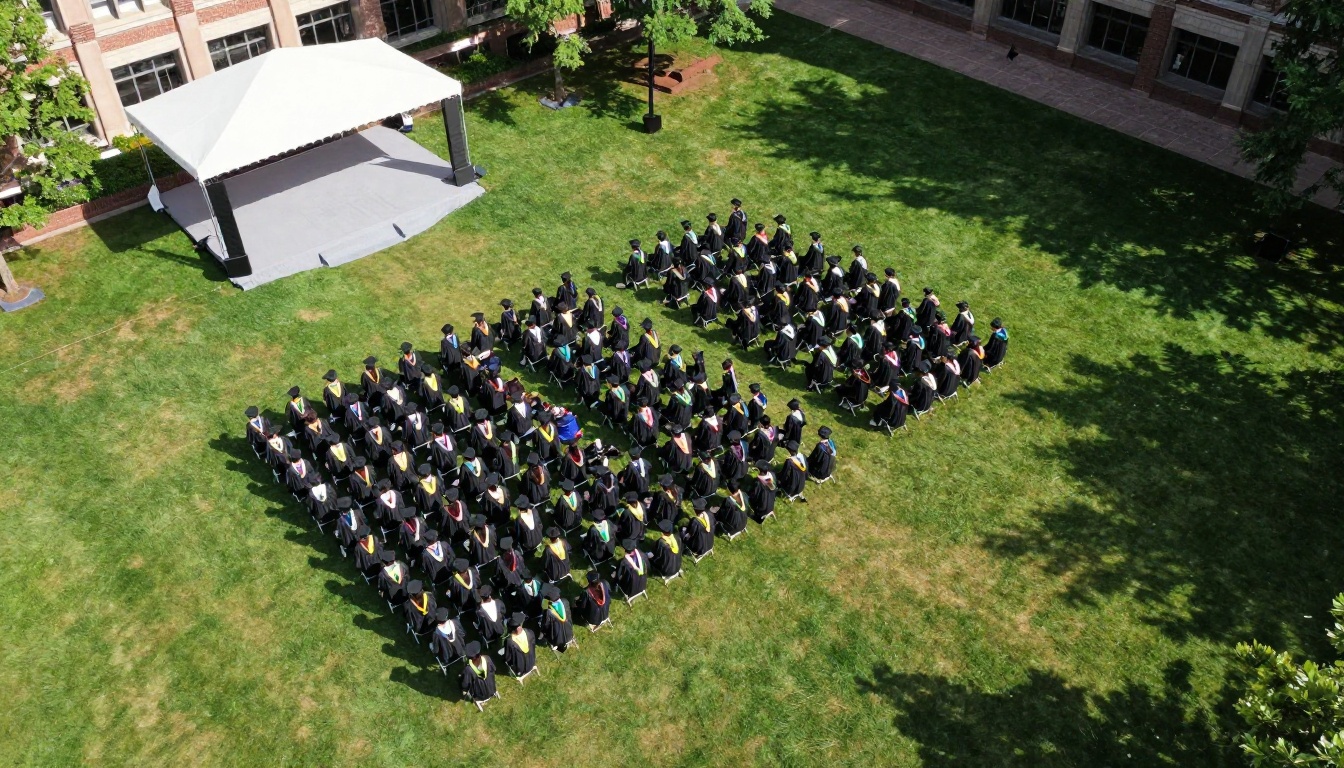
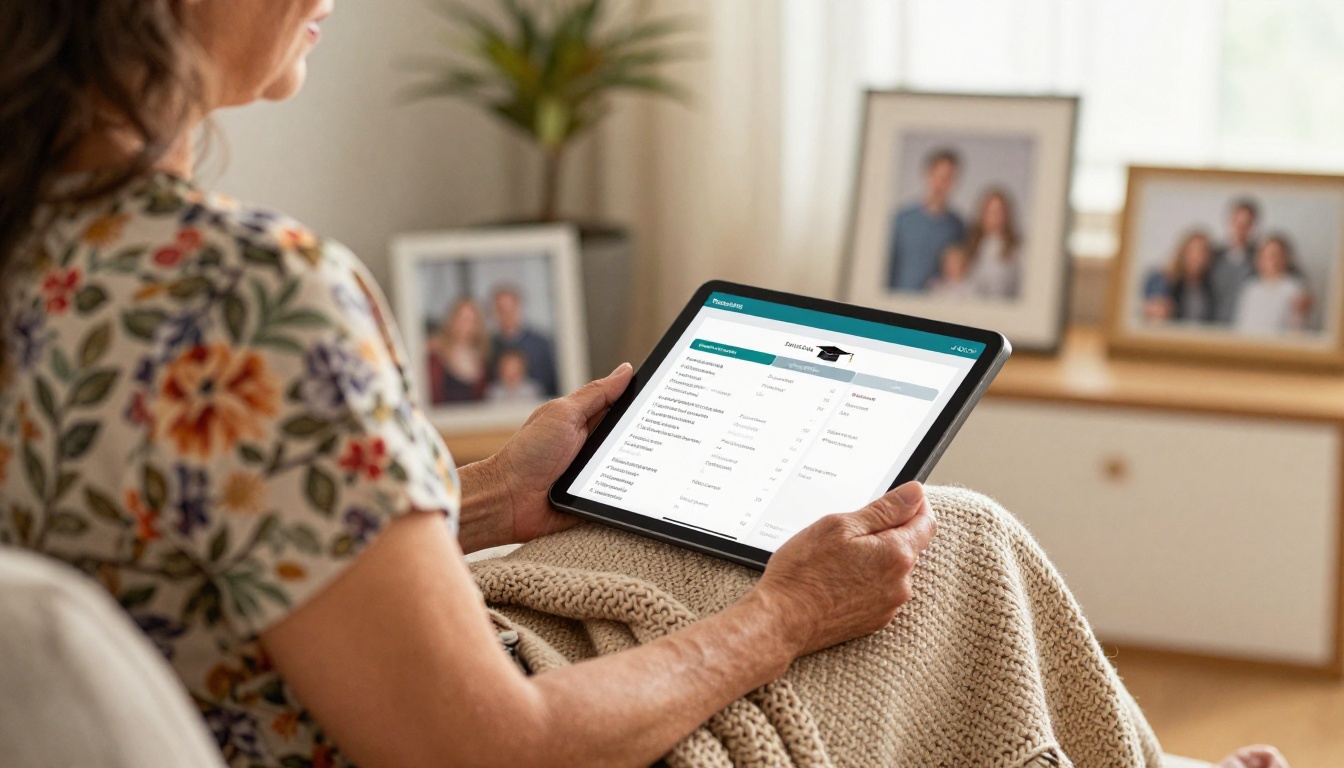
Every spring, the same scene repeats in school gyms and football fields: a stack of folded programs runs out before the last family walks in, a name is misspelled in print, and a grandmother three states away has no idea what is happening. Putting commencement programs online fixes all three problems at once. With Flipbooks AI, you can turn your program PDF into a page-turning digital booklet that holds every graduate name, every honor and every speech behind one link.
This article walks through what belongs in the program, how to build it, how to share it, and what mistakes to avoid. It is written for school administrators, registrars, student council advisors and anyone who has been handed the job of "the program" two weeks before the ceremony.

Why Paper Programs Fall Short
Paper has charmed families for a century, and it still has a place. But it carries limits that become obvious on ceremony day.
- Print runs are guesses. Order 400 and 520 people show up. Order 600 and you pay for 200 programs that go to recycling.
- Corrections are impossible. A name changes the night before, a student earns a late honor, or a speaker cancels. The printed page cannot be updated.
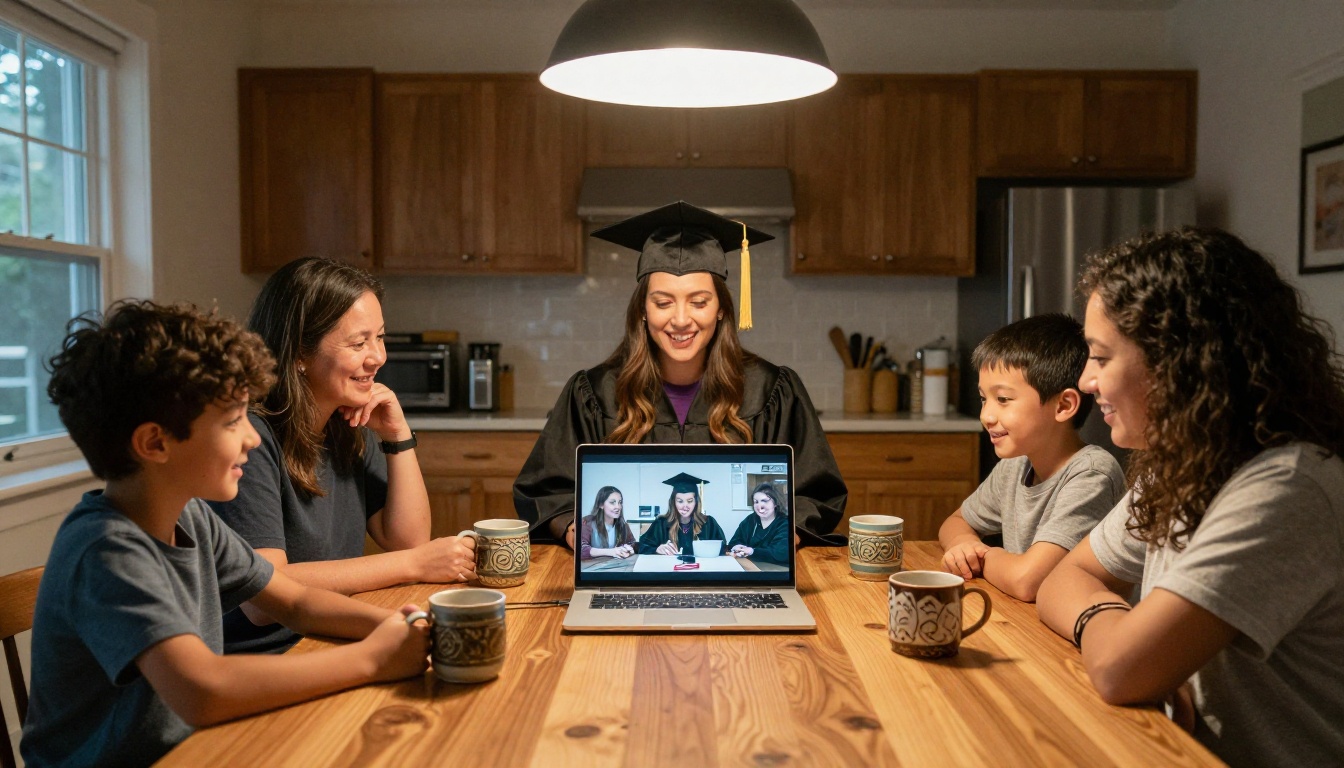
- Remote relatives are left out. Families abroad, deployed parents and grandparents who cannot travel only see the stage, if they see anything at all.
- Programs get lost. They are folded into pockets, used as fans and left on bleachers.
- Printing costs add up. Color pages, heavier paper and rush fees can push a single run well past what the budget expected.
💡 Pro tip: You do not have to abandon paper. Print a short one-page schedule and let the digital flipbook hold the full names, honors and speeches. Families get a keepsake and the school saves pages.
What Belongs in the Program
A good online program is more than a list. Because there is no page-count penalty, you can include material that a printed booklet would never afford.
Graduate names and diplomas
The core of any program is the roll of graduates. Group them by diploma type, program or school, and keep the order identical to the order of the ceremony. Families scan for one name, so alphabetical sections inside each group help.
Honors, awards and scholarships
Honors lists tend to be where printed programs make the most mistakes, because they change late. Online, you can publish the final list the morning of the ceremony. Typical sections include:
- Summa, magna and cum laude lists
- Honor society members
- Departmental awards
- Scholarship recipients and sponsors
- Perfect attendance and service recognitions
Speeches and remarks
Printing a full speech is rarely practical. Online, you can include the valedictorian address, the principal's welcome and the guest speaker's remarks as readable pages, or embed an audio recording after the event.

Order of events and acknowledgments
Include the processional, the national anthem, musical performances, the moment of silence and the recessional. Add a thank-you page for staff, volunteers, sponsors and the facilities team who set up the chairs.
Print Versus Online at a Glance
The table below compares the two formats on the points that matter most to a school office.
| Factor | Printed program | Online flipbook |
|---|
| Cost per additional reader | Higher with every copy | Zero |
| Late corrections | Not possible | Re-upload anytime |
| Reach for remote family | None | Anyone with the link |
| Page limit | Set by budget | Set by you |
| Speeches in full | Rarely | Yes |
| Audio and video | No | Yes |
| Lead time before ceremony | 1 to 3 weeks | Hours |
| Keepsake feel | Strong | Strong with download option |
Real Scenarios That Show the Difference
Numbers help, but stories help more. These examples show how different schools use one link.
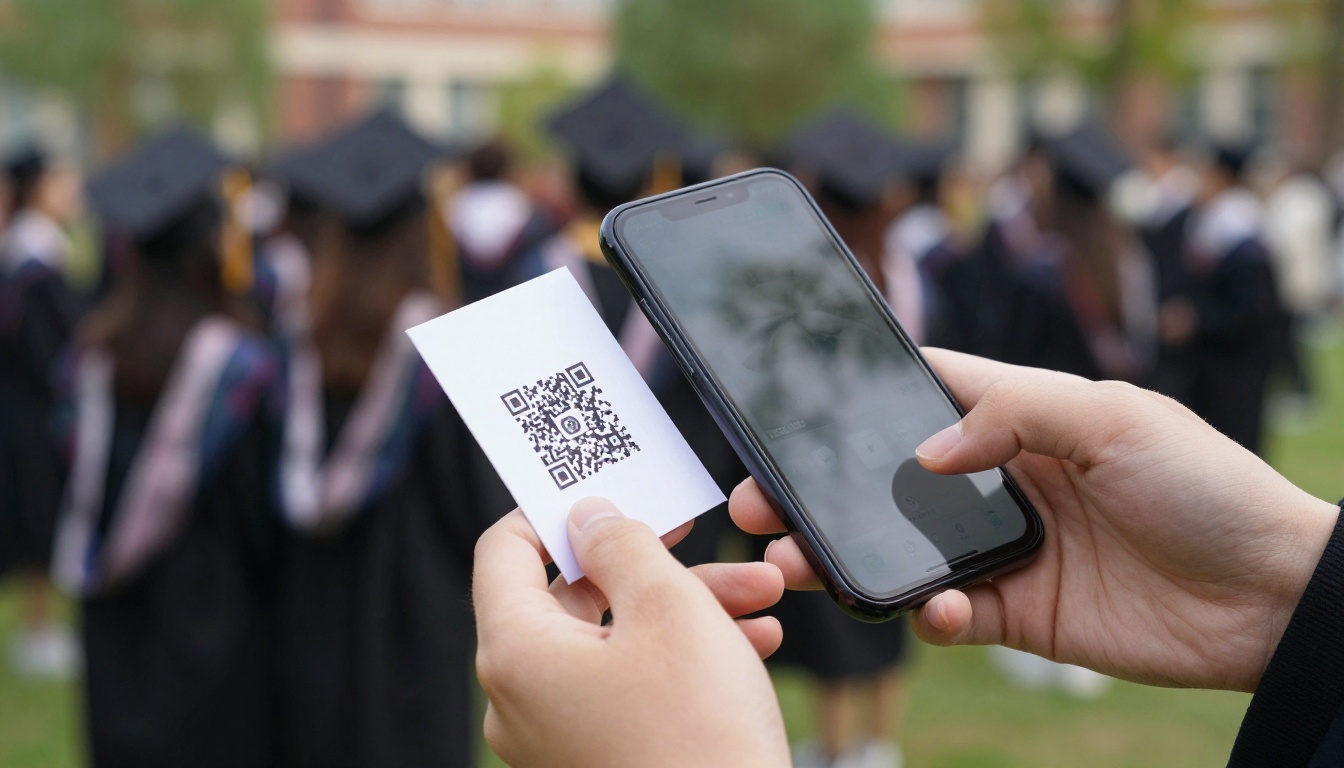
A small public high school has 180 graduates and a gym that seats 600. Instead of printing 700 programs, the office prints 50 for faculty and platform guests, and places a QR code on every seat. Families scan, read and follow along on their phones.
A community college hosts three ceremonies in one day. Each has its own flipbook, and the links are posted on the college website so guests arrive at the correct one the first time.
A private K-8 school holds an eighth grade promotion ceremony with songs, skits and class awards. The flipbook includes student photos and a short farewell note from each homeroom teacher.
A university department publishes a graduate school program with abstracts of each doctoral dissertation, so visiting relatives can see exactly what their graduate researched.
How to Build It With Flipbooks AI
If you can export a PDF from Word, Google Docs or Canva, you can publish a flipbook. This process takes about 30 minutes for a first-time user.
Step 1: Assemble the program in your usual tool
Write or lay out the program as you would for print. Keep each section on its own page: welcome, order of events, graduate roll, honors, speeches, acknowledgments. Use a consistent font and large enough type for phone reading.
Step 2: Export a PDF
Save the file at a reasonable resolution. A 40-page program with images should stay under a few dozen megabytes so it loads fast on mobile data in a crowded stadium.
Step 3: Upload and convert
Create an account and upload your file to the PDF to Flipbook Converter. The pages become a flip-style booklet with realistic page turning.
Step 4: Customize the look
Match the school identity:
- Add the school logo and set the brand colors.
- Choose a background that matches the school's palette or the ceremony theme.
- Pick the page effect and sound that feel right for a formal event.
- Add a cover that shows the year, school name and ceremony date.
For more structured layouts, the Event Program Maker gives you a purpose-built starting point, and the Yearbook Flipbook Maker pairs well if you also publish a class memory book.
Step 5: Add multimedia
Embed the school choir recording, a welcome video from the principal or an audio file of the national anthem. Photos of the senior class slideshow work well here too.
Step 6: Set the sharing options
You get several choices, and each fits a different audience:
- Direct link for emails, texts and social posts
- Embed code to place the program on your school website with the Embed Flipbook on Website tool
- QR code printed on seat cards, tickets and banners
- Password protection for programs that include private details, such as scholarship amounts
⚠️ Warning: Check your district's policy on publishing student names and photos before the link goes public. Some families opt out, and a password can protect a flipbook while still reaching every invited guest.
Step 7: Review on a phone
Open the link on at least two phones, one iPhone and one Android if possible. Flip through every page, check that names are readable and make sure audio plays.
Choosing a Sharing Method
Different channels reach different groups. Use this table to plan.
| Channel | Best for | Setup time | Notes |
|---|
| QR on seat cards | Guests in the venue | 10 minutes | Print large, test from the back row |
| Email to families | Parents and guardians | 5 minutes | Send two days before |
| School website embed | General public | 10 minutes | Keeps program searchable |
| Text message blast | Last-minute reminders | 5 minutes | Include only the link |
| Social media post | Alumni and friends | 5 minutes | Pin it on ceremony day |
| Livestream description | Remote viewers | 2 minutes | Paste the link beside the video |
Designing Pages People Will Read
A digital program is read on a small screen, often in bright sunshine. A few design habits make a large difference.
Keep type big and contrast high
Use at least 14 point text and dark type on a light background. Avoid thin decorative fonts for names, since a misread letter feels personal to the family.
Break the roll into chunks
Twenty names per page reads better than sixty. Add a clear heading for each diploma group at the top of the page.
Use photos with care
A senior class photo on the cover and a few candid shots between sections add warmth. Compress them before exporting.
Add a short table of contents
On page two, list the sections and their page numbers. Guests then jump straight to the honors list or the speeches they care about.
Three Mistakes to Avoid
- Publishing too early. Send a draft link only to staff. Families should receive the final one so they do not bookmark an outdated version.
- Forgetting accessibility. Read the names aloud once, and keep a plain text version on the school site for guests who use screen readers.
- Ignoring the venue's signal. Stadiums often have weak coverage. Offer the download option and mention it in the announcements so guests can save the program before they arrive.
✅ Best practice: Post the link and QR code on the school website a week ahead. Families can plan photos, seat their relatives and prepare for the names they are waiting to hear.
After the Ceremony
The program does not have to vanish when the caps hit the air. Many schools keep the same link live as an archive.
- Replace the speech pages with embedded recordings once the video is edited.
- Add a final page with a link to the photo gallery.
- Send the link to graduates in the alumni newsletter.
- Keep it in the school's history page for next year's seniors to read.
With the Professional plan, analytics show how many people opened the program, which pages they spent time on and what devices they used. That information helps next year's planning, for example when you notice most readers came from phones and the team can set larger type from the start.

What It Costs and What You Get
Plan selection depends on how many ceremonies you run and which features you need.
| Need | Suitable plan feature | Why it matters |
|---|
| One program a year | Entry plan | Low cost, no watermarks |
| Several ceremonies and class books | Standard plan with unlimited flipbooks | Publish every program without limits |
| Track readers and gather contacts | Professional plan | Analytics and lead generation |
| Private programs | Password protection | Share only with invited guests |
Every plan keeps your flipbooks free of watermarks, and the design is responsive, so it reads well on phones, tablets and laptops. See the current pricing plans for details.
Once you have the workflow, the same method works for other school publications:
A school that publishes all of these ends up with a tidy digital library, and families come to expect one place to look.

Ready to Publish Your Program?
A graduate only crosses the stage once, and every family wants to find that name quickly. Give them a program that never runs out, never misspells a name after the fact and travels across any distance.