A client with a six-figure budget will spend about ninety seconds with your company profile before deciding whether you make the shortlist. The best company profile examples for construction firms earn those ninety seconds with proof: finished projects, hard numbers, safety records and real faces. This article breaks down what strong profiles contain, shows layouts for different firm sizes, and explains how to publish yours as an interactive flipbook with Flipbooks AI so it opens fast on any phone.
💡 Pro tip: Procurement teams skim first and read later. Build your profile so the first two pages answer three questions: who you are, what you have built, and why you are safe to hire.
Why Your Profile Decides Shortlists
Most bids are not lost on price alone. They are lost because a decision maker could not picture your firm doing the job. A company profile is the document that paints that picture before you ever walk into the room.

What Clients Actually Look For
Owners, developers and public agencies read profiles with a checklist in mind. They want:
- Proof of similar work: projects of the same type, size and complexity
- Financial and legal stability: years in business, bonding capacity, insurance
- Safety performance: incident rates and certifications
- People: named leaders and the crews who will run the site
- Process: how you handle schedule, cost control and communication
Where Profiles Usually Fail
The weak ones share the same habits. They open with a long history of the founder, bury project photos at the back, use stock images of strangers, and give no numbers. A profile that says "we deliver quality" says nothing. One that says "42 projects delivered on schedule in the last 5 years" says a lot.
Core Sections Every Profile Needs
Whether you build a 4-page leaflet or a 40-page presentation, the same building blocks apply.
| Section | Purpose | Ideal Length |
|---|
| Company overview | Who you are, where you work, what you build | 150 to 250 words |
| Services and sectors | Match your offer to the client's project | 1 page |
| Featured projects | Prove capability with photos and results | 4 to 10 projects |
| Leadership and team | Put faces and credentials on the firm | 1 to 2 pages |
| Safety and compliance | Reduce perceived risk | 1 page |
| Equipment and capacity | Show you can handle the scale | Half page |
| Client references | Third party validation | 3 to 5 quotes |
| Contact and next step | Make it easy to reach you | Half page |
The Overview That Gets Read
Keep it short and specific. State your founding year, your service region, your headcount and your main project types. Add one line on your approach, such as "design-build for mid-size commercial and healthcare projects across the Southeast."
Services Written Around Client Needs
Do not list trades like a phone book. Group services by what the client is trying to achieve: new build, renovation, tenant fit-out, civil works, or maintenance contracts. Under each group, add one sentence describing a typical project.
Project Pages That Prove It
Each featured project deserves a consistent block: a hero photo, location, contract value range, delivery method, schedule result and one sentence about a challenge you solved. Consistency lets a reader compare projects at a glance.

Company Profile Examples by Firm Type
A one-size template does not work. A residential remodeler and a civil contractor win work in different ways, so their profiles should look different.
Example 1: Small Residential Contractor
A crew of 8 to 25 people sells trust above all. The profile should be short, warm and photo-heavy.
- Length: 6 to 8 pages
- Opening: a photo of the owner on site, with a two-line story
- Centerpiece: before and after pairs from 5 or 6 homes
- Proof: homeowner quotes and a license and insurance badge row
- Call to action: a free site visit offer
Example 2: Commercial General Contractor
Developers and property managers want repeatable delivery. Lead with metrics and sector focus.
- Length: 16 to 24 pages
- Opening: a stat strip with projects delivered, total value built and on-time rate
- Centerpiece: sector pages for retail, offices, healthcare and industrial
- Proof: a client logo wall and a safety record page
- Call to action: a prequalification package request
Example 3: Civil and Infrastructure Firm
Public agencies grade bids against formal criteria. Your profile should mirror those criteria.
- Length: 20 to 40 pages
- Opening: capabilities matrix and bonding capacity
- Centerpiece: equipment list, workforce certifications and project controls
- Proof: agency references and compliance statements
- Call to action: a named bid contact with direct phone and email
Example 4: Specialty Subcontractor
Electrical, mechanical, steel and concrete subs are chosen by general contractors who need reliability. Keep it technical and tight: capacity per month, crew sizes, certifications, and three recent jobs where you protected the general contractor's schedule.

The format you choose changes how often your profile is opened and shared.
| Format | Strengths | Weaknesses | Best For |
|---|
| Printed brochure | Great at meetings and trade shows | Costly to reprint, no tracking | Face to face pitches |
| Static PDF | Easy to attach | Heavy files, plain reading experience | Formal bid packages |
| Website About page | Searchable | Limited space for project depth | Inbound leads |
| Digital flipbook | Page-turning feel, light, trackable, easy to update | Needs a short setup | Email, social and tenders |
A flipbook gives you the polish of a brochure with the reach of a link. You can update a project page next month without reprinting anything, and you can see who opened it. That is why many firms convert their existing PDF with the PDF to Flipbook Converter instead of starting from scratch.
Numbers That Build Trust
Specific figures are the fastest way to separate your firm from competitors who only describe themselves in adjectives.
Metrics Worth Publishing
| Metric | Example Phrase | Why It Matters |
|---|
| Projects delivered | "186 projects since 2009" | Shows experience |
| On-time completion | "94% finished on or before schedule" | Reduces schedule fear |
| Total value built | "$410 million in completed work" | Signals scale |
| Safety rate | "TRIR of 0.8 over three years" | Lowers risk perception |
| Repeat clients | "71% of revenue from returning clients" | Proves satisfaction |
| Bonding capacity | "Single project limit of $60 million" | Qualifies you for large jobs |
⚠️ Warning: Only publish numbers you can back with documents. Inflated claims surface during prequalification and can end a bid immediately.
Showing Safety Without Boring Readers
Safety pages often read like legal text. Make yours visual: one strong site photo, a short list of certifications, your incident rate, and a single sentence on how crews are trained. Add a quote from a client's safety officer if you can.

Photography and Design Choices
Construction is a visual trade. Your profile should look like your finished work: clean, solid and well proportioned.
Photos That Earn Trust
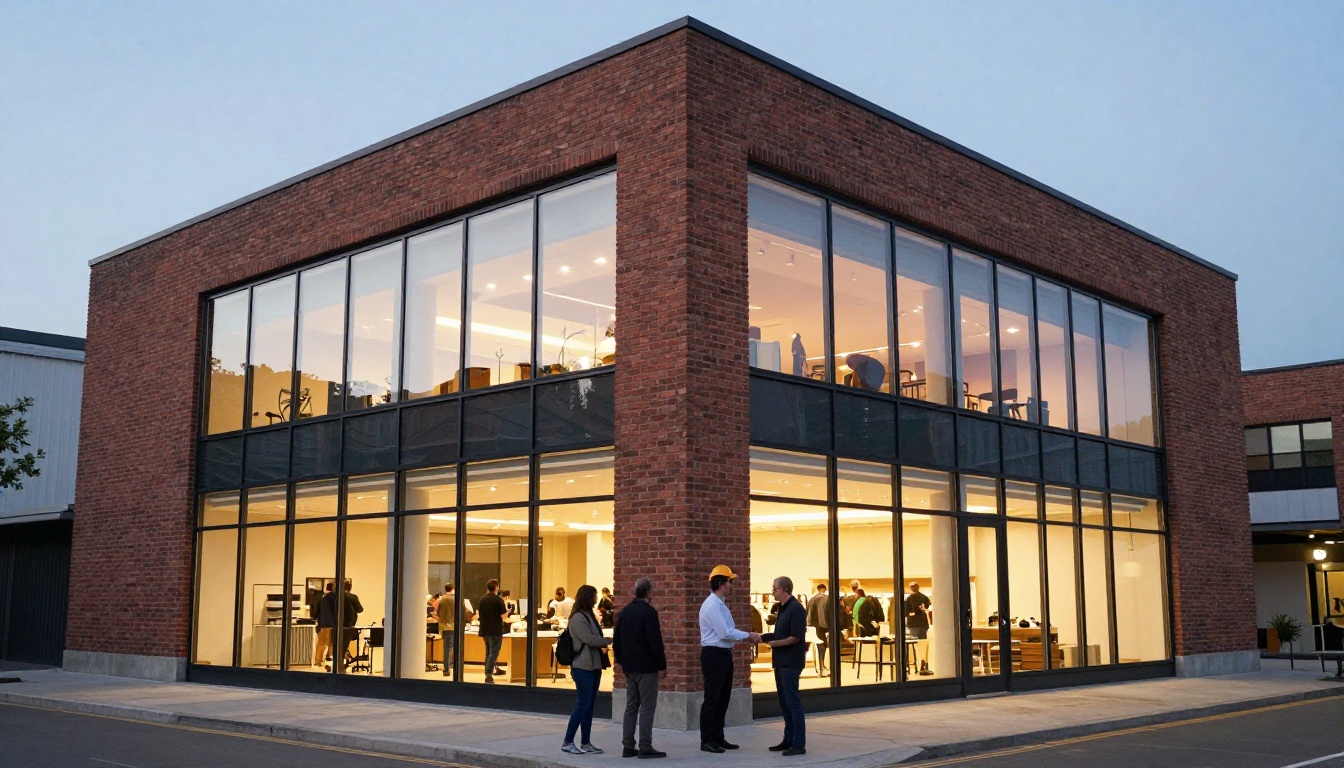
Use real photographs of your own projects and crews. Mix three shot types: wide exteriors that show scale, close details that show craft, and people at work that show culture. Avoid generic stock images, since evaluators spot them instantly.
- Shoot finished buildings at golden hour or dusk
- Capture progress shots from the same angle over several weeks
- Photograph your crew with consent and names
- Add short captions with location and contract type
Layout Rules That Hold Up
- Use one accent color from your logo and keep the rest neutral
- Limit body text to two font sizes
- Keep one idea per page
- Put the contact block on the last page and in the footer
- Leave generous white space around photos

Case Studies in One Page
A good case study follows a fixed order: the challenge, the approach, the result. For example, "A hospital wing renovation had to stay open during construction. We phased the work into 6 zones, ran noisy tasks at night and finished 3 weeks early." Three sentences, one photo, one metric.
How to Create a Profile with Flipbooks AI
If your firm already has a PDF, you can have an interactive profile online in minutes. Here is the process, step by step.
Step 1: Open an Account
Go to Flipbooks AI and create an account. You can review each plan on the pricing page before you commit.
Step 2: Upload and Convert
- Export your profile from your design tool as a PDF
- Upload it to the PDF to Flipbook Converter
- Wait a few seconds while pages are converted into a page-turning flipbook
- Check that every page and image looks sharp
Not sure which tool suits you? Browse the full list of flipbook tools. The Corporate Report Maker and Brochure Flipbook Maker both work well for contractors.
Step 3: Customize the Look
- Branding: add your logo and choose colors that match your identity
- Page effects: pick the page-turn style and background
- Multimedia: embed a site walkthrough video or crew introduction audio
- Links: turn project names into buttons that lead to your website
No watermarks appear on your flipbook, and the layout is mobile-responsive, so it reads well on a phone in a site trailer.
Step 4: Share It Your Way
| Sharing Option | When to Use It |
|---|
| Direct link | Email signatures, proposals, social posts |
| Embed code | Your website, using the Embed Flipbook on Website tool |
| Password protection | Private bid packages and confidential client work |
| Offline download | Remote sites with weak connectivity |
Step 5: Track Interest on Professional
On the Professional plan, analytics show how many people opened your profile and which pages held attention. Lead generation forms let you capture a name and email before a prospect reads a gated document, such as a prequalification pack. See the plan comparison to choose the right level.
✅ Best practice: Create one general profile and a second, password protected version tailored to each major bid. Swap the featured projects and keep everything else identical.
Mistakes to Avoid
Even strong firms repeat the same errors. Check your draft against this list.
Three Common Mistakes
- Too much history: Clients care about what you can build for them, not the story of your first truck
- No project numbers: Photos without values, dates or results do not prove anything
- Outdated content: A profile that lists 2019 as your latest project signals a quiet company
A Quick Pre-Send Checklist
- Are the contact details correct on every page?
- Do licenses and insurance dates match current certificates?
- Does each featured project have a photo, location and result?
- Is the file small enough to open quickly on mobile data?
- Has someone outside the company read it for clarity?
Keeping Your Profile Fresh
A profile is a living sales tool. Review it every quarter and after every major project handover.
A Simple Update Rhythm
| When | What to Update |
|---|
| After each project handover | Add a new project page and update totals |
| Every quarter | Refresh safety rate and headcount |
| Every year | Revise leadership bios, certifications and references |
| Before a major bid | Tailor featured projects to the client's sector |
Using Your Equipment as an Asset
Heavy equipment ownership signals control over your schedule. A short, photo-led page that lists your fleet, with age and capacity, helps subcontractor-heavy competitors look weaker by comparison.

Presenting Your Profile in Person
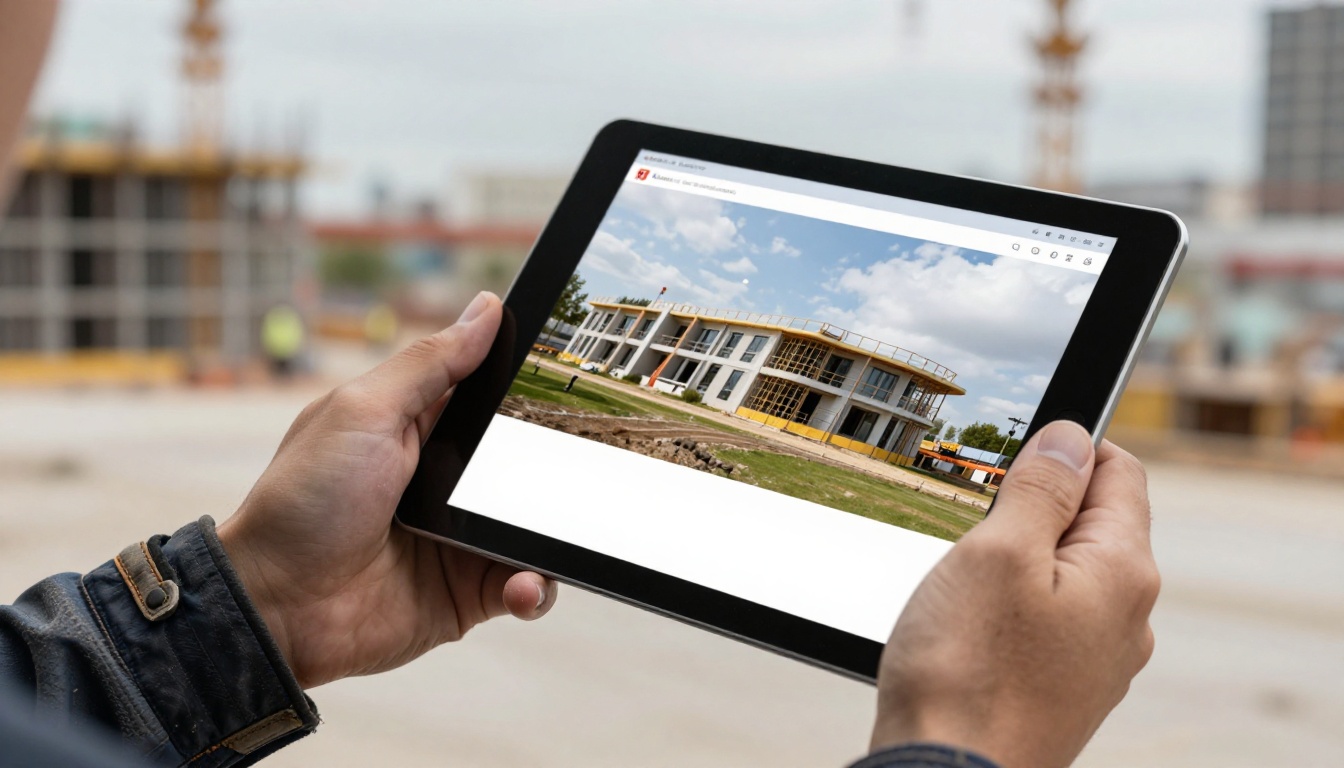
Even the best digital profile works harder when you use it in a meeting. Open the flipbook on a tablet, walk the client through two relevant projects, and leave the link behind so others in their team can review it later.

Marketing teams can also reuse the same material for other documents. A Sales Presentation can pull from your project pages, while a Digital Portfolio Creator showcases finished builds for a wider audience.

Ready to Publish Yours?
A strong profile is short on claims and long on proof. Lead with your best projects, back every statement with a number, and keep the document easy to open and easy to update.
Turn your existing PDF into an interactive profile today. Get started for free on Flipbooks AI, browse all tools and templates, and compare pricing plans to choose what fits your firm.



