Ten minutes. That is how long a typical conference break lasts, and it is the window in which most attendees decide which talk they will walk into next. If your abstract book is a 300-page printed brick sitting in a tote bag, they will not read it. If it opens instantly on a phone, with pages that turn and text that can be searched, they just might. This article looks at how to build conference abstract books attendees can browse between sessions, using a page-turning format from Flipbooks AI as the working example.
You will see why printed books lose the break-time battle, which digital formats work, how to structure the content, and a step-by-step setup you can finish in an afternoon.
Why Printed Abstract Books Fall Short
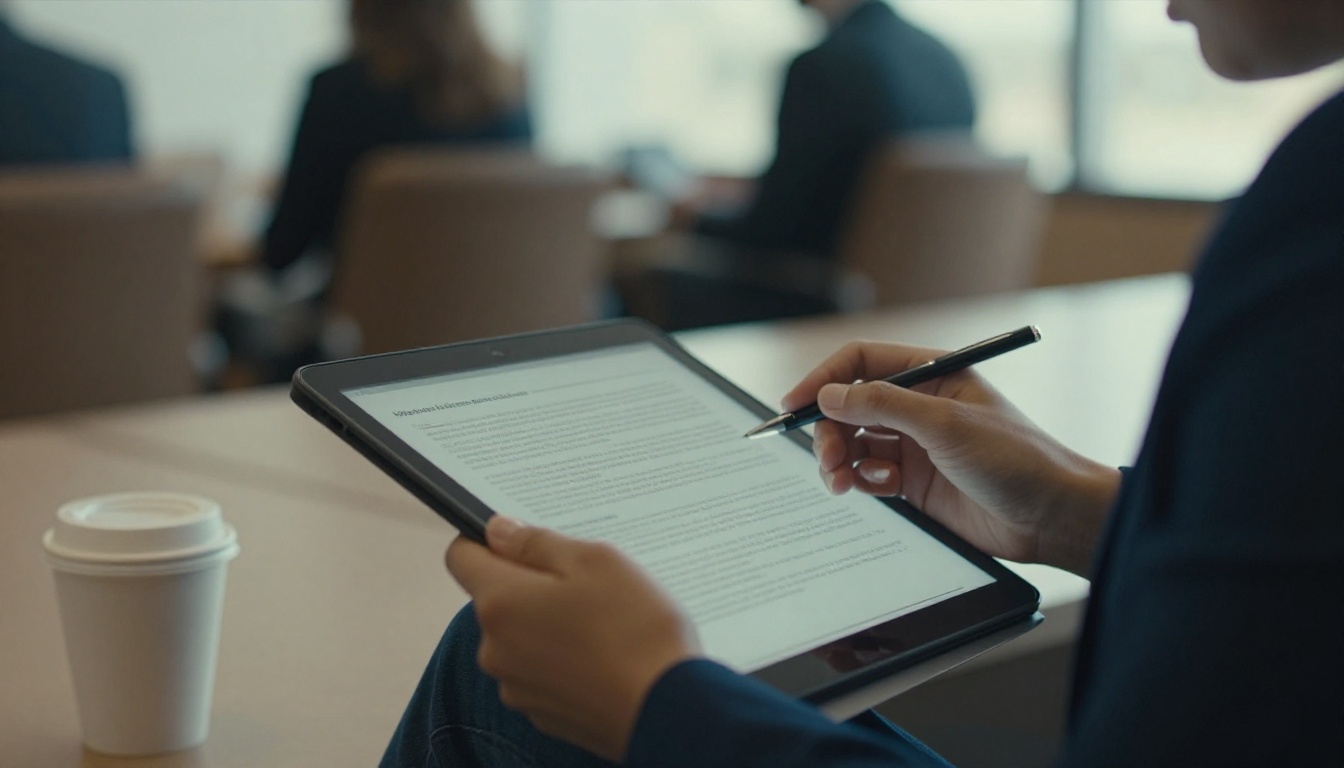
Printed proceedings have a long history, and they still feel good in the hand. But at the actual moment of use, a coffee break with a cup in one hand, they struggle.
The Weight and Waste Problem
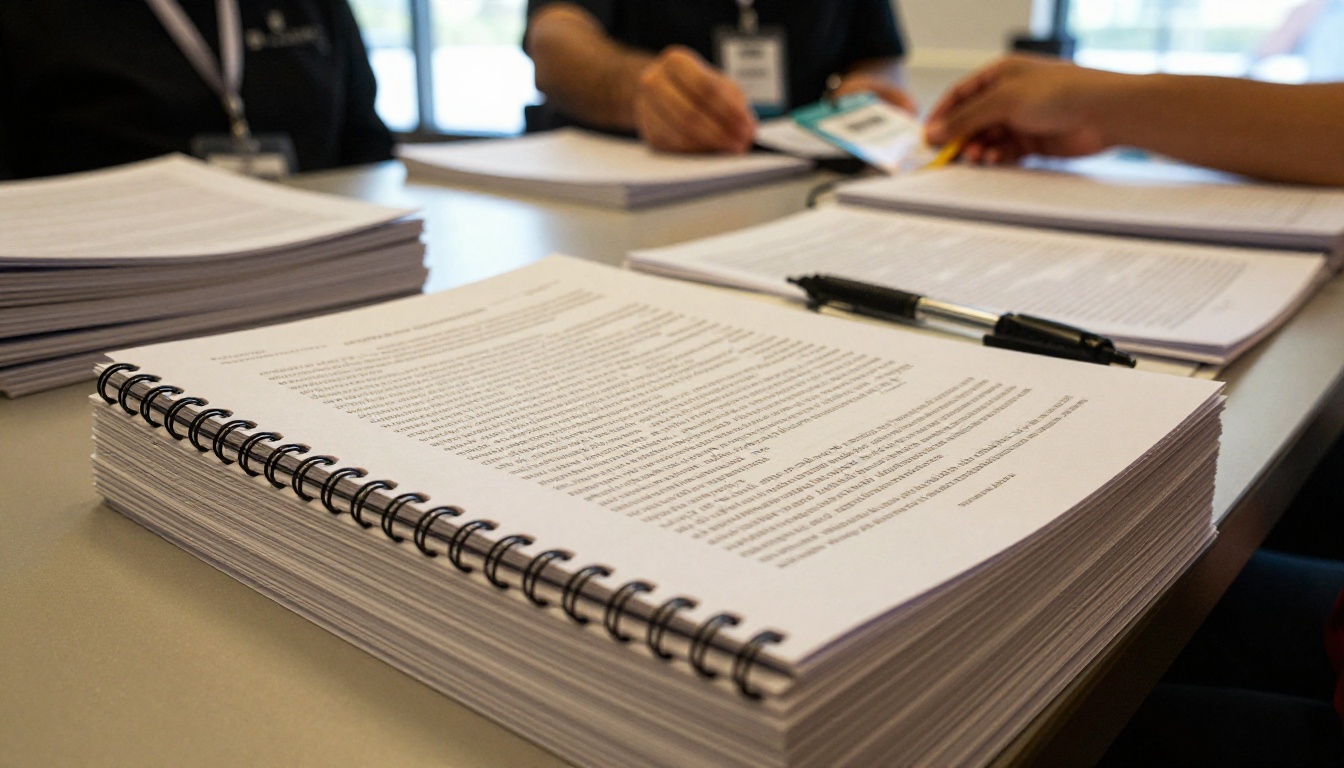
A 400-attendee event with a 250-page book means roughly 100,000 printed pages. Many of those copies are left on chairs, forgotten in hotel rooms, or recycled at the airport. Shipping alone can eat a surprising share of a small society's budget.
Late Changes Break Everything
Speakers withdraw. Rooms change. A title gets corrected two days before the opening. A printed book freezes the program at the print deadline, often weeks before the event. Attendees then carry a document that is already wrong.
Nobody Can Search Paper
Ask an attendee what they want from the book and the answer is usually specific: "Which sessions mention machine translation?" or "When is the poster on soil microbes?" Paper forces them to flip through an index. A digital copy answers in seconds.
💡 Pro tip: Survey last year's attendees with one question: "Did you open the printed book during the event?" The answer often makes the budget conversation easy.
What Attendees Actually Do Between Sessions
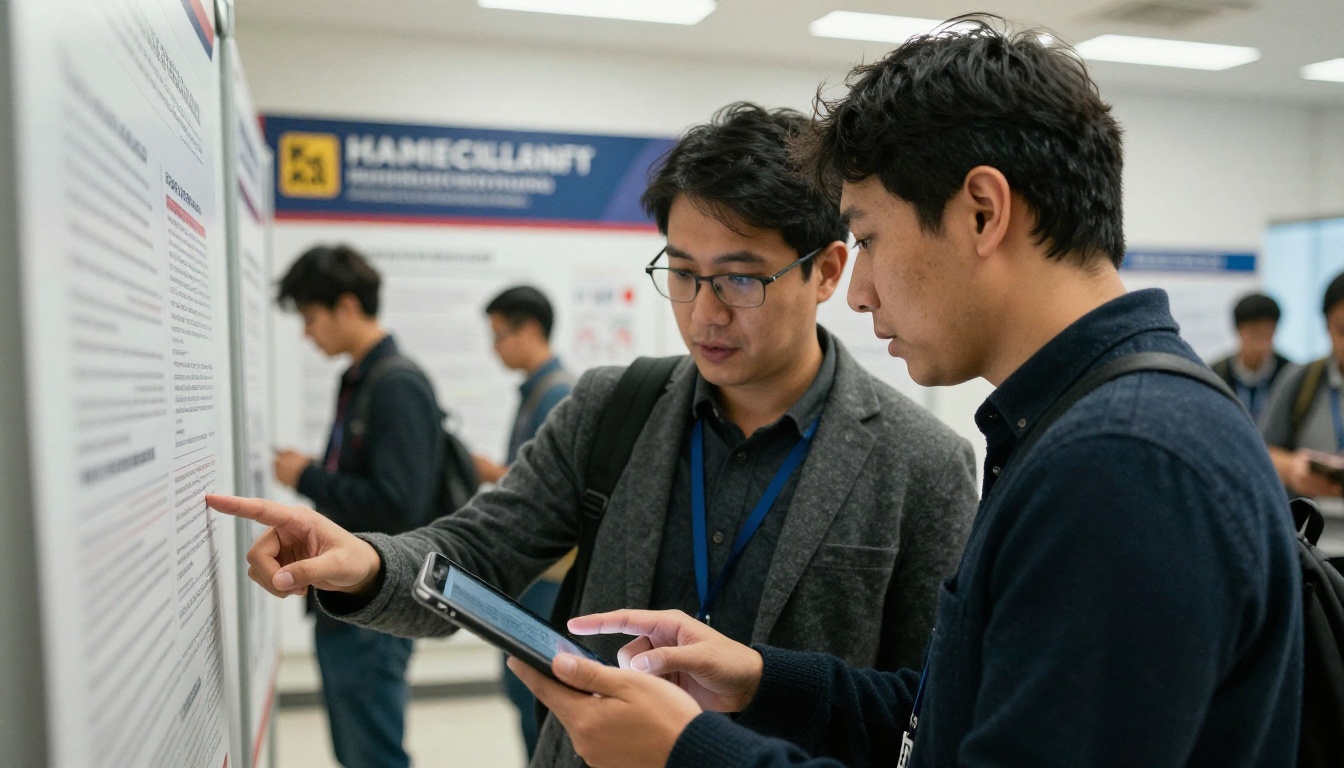
Before choosing a format, watch behavior. Break time is short, noisy, and usually spent standing up.
Three Reading Patterns
Most attendees fall into one of three patterns:
- The scanner: reads titles and the first two lines of each abstract, looking for the next talk.
- The networker: looks up a specific author before approaching them.
- The note taker: saves a page to revisit on the train home.
A good abstract book serves all three. That means fast loading, clear page numbers, a working table of contents, and the ability to open the same link later.
Phone First, Not Desktop First
Most break-time reading happens on a phone held in one hand. That rules out a PDF that needs pinching and zooming to read 9-point type. A mobile-responsive flipbook reflows the viewing experience so a single page fills the screen cleanly, and a swipe turns it.
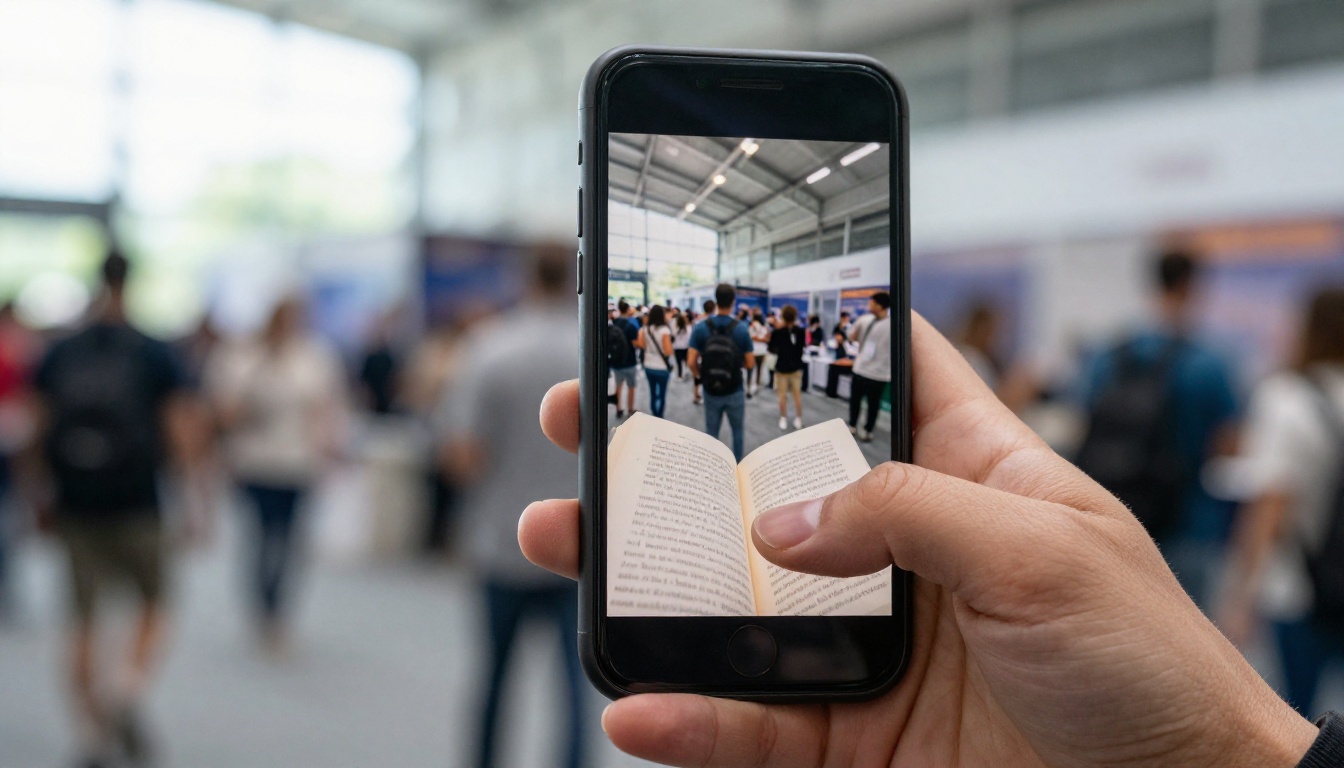
⚠️ Watch out: Hotel and venue Wi-Fi often struggles at peak break times. Choose a format that loads one page at a time and that supports offline download, so a crowded lobby does not block access.
You have four realistic choices. Each has a place, but they differ sharply in break-time usability.
| Format | Phone Reading | Search | Late Updates | Offline Use | Setup Effort |
|---|
| Printed book | Not applicable | Index only | Impossible | Always | High (print lead time) |
| Plain PDF download | Poor, needs zooming | Yes, after download | Re-upload and re-send | After download | Low |
| Event app module | Good | Yes | Fast | Depends on app | High, often costly |
| Page-turning flipbook | Good | Yes | Fast, same link | Yes, if enabled | Low |
The flipbook format sits in a useful middle ground. It keeps the familiar feeling of turning a page, which older and more traditional audiences appreciate, but it lives at a single link that never changes. You can embed that link in a QR code, an email, a conference app, and the registration page, and all of them stay current.
✅ Best practice: Keep one canonical link for the abstract book and use it everywhere. Update the file behind it, never the link.
Structuring the Book for Quick Reading
A digital book is read differently from a printed one. Small structural choices decide whether someone finds their talk in five seconds or gives up.
Lead With the Schedule
Put a one-page program at a glance right after the cover. Rooms, times, and session codes should fit on a single spread. Attendees open the book, check the grid, and jump to the abstract they need.
Use Session Codes Consistently
Give every talk a short code such as A3-02, meaning track A, session 3, talk 2. Use the same code in the schedule, the abstract page, the poster board, and the app. Searching for the code then lands on exactly one page.
Keep Abstracts Scannable
Use the same layout for every abstract:
- Title in bold
- Authors and affiliations in italics
- The abstract in a short block of 150 to 250 words
- Topic tags at the bottom
Consistency matters more than design flourishes. When every page looks the same, the eye learns where to land.
Add an Author Index and Topic Index
Include both at the back, and link them from the table of contents. Networkers use the author index. Scanners use the topic index.
Here is how different sections compare in terms of how often attendees use them during a break:
| Section | Typical Use at Break | Placement | Format Tip |
|---|
| Program at a glance | Very high | Page 2 to 3 | One spread, large type |
| Abstracts | High | Main body | Uniform layout |
| Author index | Medium | Back | Clickable page links |
| Topic index | Medium | Back | Grouped by track |
| Sponsor pages | Low to medium | Between tracks | One page each, with a link |
| Venue map | High on day one | Early | Large, high contrast |
Bringing the Book to Attendees
A great book that nobody opens is a wasted effort. Distribution at the venue deserves as much thought as the content.
QR Codes Where People Stand
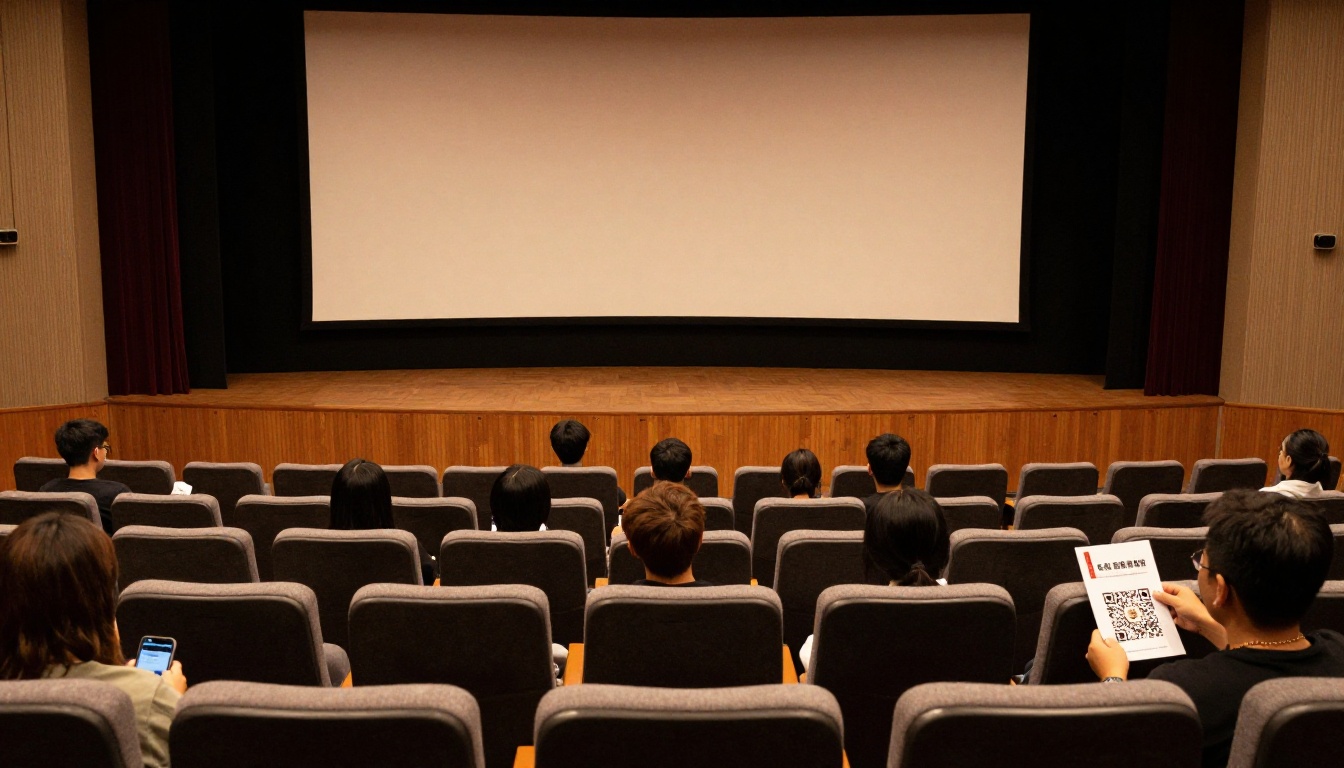
Put QR codes on badges, on the back of the printed schedule card, on signs at registration, and on the slides that run between talks. A short line such as "Scan for the abstract book" is enough. Test the code from three meters away before printing.
Email and Registration Pages
Send the link three days before the event and again on the morning of day one. Include it on the confirmation page that attendees see after registering, so they can save it early.
Password Protection for Private Programs
Some meetings need to keep unpublished results behind a gate. Flipbook platforms support password protection, so only registered delegates can read the abstracts. Share the password in the welcome email and on the badge.
How to Build One With Flipbooks AI
If your abstracts already live in a PDF exported from Word, InDesign, or a submission system, the conversion takes minutes. Here is a practical walkthrough using the Event Program Maker and the PDF to Flipbook Converter.
Step 1: Prepare Your PDF
Export a clean PDF at page size A5 or US Letter, with embedded fonts. Make sure the table of contents uses real links if your layout software supports them. Name the file clearly, for example "Annual Meeting Abstract Book".
Step 2: Create Your Account and Upload
Create an account, then upload the PDF. The platform converts each page into a smooth, page-turning flipbook. Conversion for a 250-page book typically finishes quickly, and you can check each spread afterward.
Step 3: Customize the Look
Add your conference logo, pick brand colors, and choose a page-turn effect. Keep it subtle. Heavy animation slows loading and distracts from reading. If you work with sponsors, you can add clickable banners on their pages.
Step 4: Add Multimedia Where It Helps
You can embed videos and audio into specific pages. A short welcome message from the program chair on page one, or a two-minute video abstract for a keynote session, adds warmth without bloating the book.
Step 5: Choose Sharing Options
Pick how attendees reach the book:
- Direct link for emails and the app
- Embed code for the conference website
- Password protection for private programs
- QR code for badges and signs
The Embed Flipbook on Website tool shows how to place the book directly on your event page.
Step 6: Turn On Offline Downloads and Analytics
Offline downloads mean attendees can save the book before they arrive, which helps when Wi-Fi is weak. On the Professional plan, you can also track which pages get opened and capture leads from sponsors who want to know who looked at their page. Compare options on the pricing page.
💡 Pro tip: Upload a first draft of the book two weeks early and share it only with the program committee. Corrections are easier when people can flip through the real thing.
Another useful detail: there are no watermarks, and plans from Standard upward include unlimited flipbooks. That matters if you publish a separate book for each annual meeting, workshop, or satellite event.
Real-World Scenarios
Different meetings have different needs. A few examples show how the same format adapts.
A University Symposium
A 150-person symposium prints only a one-page schedule card with a QR code. The abstract book lives online as a flipbook. The organizers update two titles on the morning of day two, and every attendee sees the change without a reprint.
A Medical Society Annual Meeting
A larger meeting uses a password-protected flipbook, since the abstracts include unpublished data. After the event, the same flipbook stays online as an archive for members, and the society publishes the next year's book at a new link.
A Poster-Heavy Workshop
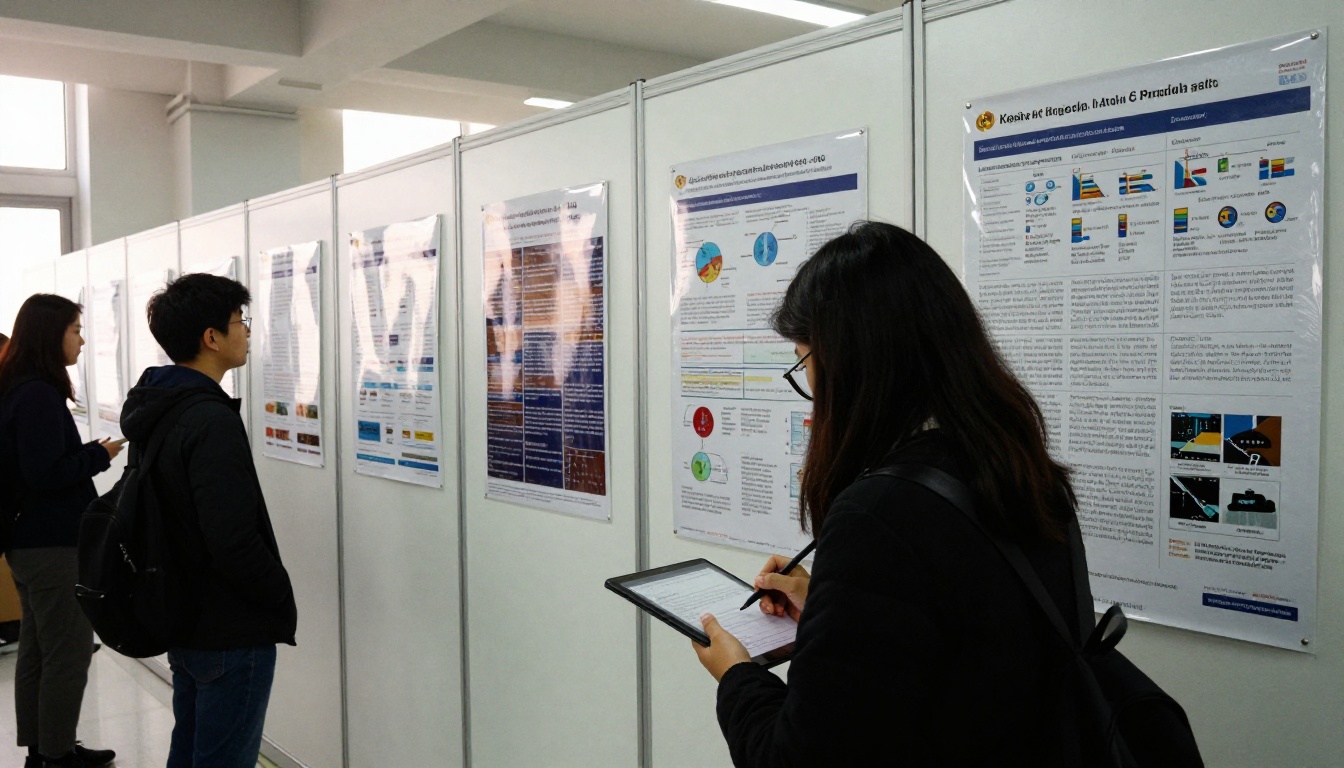
For a workshop built around posters, the organizers add a QR code next to each poster that opens the matching abstract page. Attendees at the poster hall can read the full text while the presenter is busy with someone else.
A Corporate Research Forum
A company's internal forum uses analytics to see which sessions were opened most before the event. The following year, the organizers give popular topics larger rooms.
Here is a quick comparison of how those scenarios map to features:
| Scenario | Main Need | Feature to Use | Plan Level |
|---|
| University symposium | Late title updates | Same link, replaced file | Standard |
| Medical society | Privacy | Password protection | Standard |
| Poster workshop | Poster to abstract link | QR codes per page | Standard |
| Corporate forum | Interest tracking | Analytics | Professional |

Common Mistakes to Avoid
Even a good format can fail through small oversights. These are the ones that show up again and again.
Publishing Too Late
If the book appears on the first morning, attendees will have already built their plans from the schedule card. Aim to release it at least three days before the opening.
Ignoring Accessibility
Check that text is real text, not a scanned image, so screen readers and search both work. Use sufficient contrast, and avoid light gray text on white.
Forgetting the After-Event Life
The abstract book is a lasting record. Keep the link live, add it to your society's archive page, and reference it in the post-event email. Authors often cite it, and indexing services may pick it up.
Skipping a Mobile Test
Open the book on an older phone, on a tablet, and on a laptop before sending it. Check the table of contents links and the first five abstracts. Five minutes of testing prevents a day of support emails.
⚠️ Warning: Do not rely on one device in the office. Ask two colleagues to open the link on their own phones, on mobile data and on Wi-Fi.
Ready to Publish Your Book
A conference abstract book earns its place when attendees reach for it between sessions without thinking. That takes a phone-friendly format, a clean structure, a stable link, and a few well-placed QR codes. The printing budget you save can go toward better coffee, which attendees will also appreciate.

Here is what to do next:
- Get started for free on Flipbooks AI and upload your current abstract PDF.
- Browse all flipbook tools to find templates for programs, posters, and proceedings.
- Compare pricing plans to see which one includes analytics and lead capture.
- When you are ready to publish, create your account and pick a plan.
Your next conference break is only ten minutes long. Give attendees a book they can actually open.



