You already have the content. A brochure, a menu, a report, a portfolio. The only thing missing is a way to share it that doesn't feel like a static file nobody actually opens. That's exactly what Flipbooks AI was built to fix. No design degree required, no software to install, and no credit card needed to get started. Just a PDF and five minutes, and you walk away with a polished, page-flipping digital publication anyone can view on any device, anywhere in the world.
Why Static PDFs Are Killing Your Content
PDFs were designed for printing. Online, they're a dead end. They don't animate. They don't embed reliably. They feel passive in a world where people expect to interact with content. When you send a static PDF, most recipients scroll through it once, if at all, then close it and move on.
A digital flipbook changes the entire experience. Pages turn with a realistic animation. Readers navigate intuitively. On mobile, it works without pinching and zooming. And when you embed it on a website or share it via a direct link, the person on the other end actually opens it, and actually reads it.
The difference isn't just aesthetic. It's functional.
The average time someone spends with a shared PDF link is under 30 seconds. The average time spent with an interactive flipbook is over two minutes. That gap is not a coincidence. It's the page-turn effect in action.
💡 Pro Tip: A flipbook shared via link has a significantly higher open rate than a PDF attachment because it previews directly in the browser, with no download required and no "do you trust this file" prompts.
What You Need Before You Start
The barrier to entry here is genuinely low. Here's what you actually need:
- A PDF file: Any document you want to convert. Quality matters here; a well-formatted PDF becomes a sharp, crisp flipbook.
- A free account: Sign up at flipbooksai.com/account in under 60 seconds.
- A modern browser: No software download. Works in Chrome, Firefox, Safari, and Edge.
That's it. No design tools, no video editing software, no coding knowledge required. If you can attach a file to an email, you can create a flipbook.
✅ Best Practice: Before uploading, make sure your PDF is under 100MB and uses standard fonts. This ensures the fastest conversion and sharpest page renders on all screen sizes.
How to Create a Flipbook for Free in Under 5 Minutes
This is the actual process, timed. Follow these four steps and you'll have a shareable flipbook ready before your coffee gets cold.
Step 1: Create Your Free Account (60 seconds)
Go to flipbooksai.com/account and sign up with your email address. The free plan activates immediately. No credit card required, no trial period that expires in seven days, no upsell screen blocking your path. You're in and ready to create.
Step 2: Upload Your PDF (90 seconds)
Click "New Flipbook" and drag your PDF into the upload zone, or click to browse files from your computer. The platform processes it automatically, converting each page into a crisp, web-ready format. For a standard 20-page document, this typically takes under 30 seconds.
The conversion handles most PDF types cleanly, including those exported from Microsoft Word, Google Docs, Adobe InDesign, Canva, and PowerPoint.
⚠️ Watch Out: If your PDF contains complex vector graphics or non-standard embedded fonts, conversion may take slightly longer. For best results, stick to standard PDF exports from common design tools.
Step 3: Customize Branding and Style (60 seconds)
Once the conversion is complete, you can immediately customize the look and feel:
- Background color or image behind the flipbook viewer
- Cover page display (auto-spread or single cover)
- Page flip direction (left to right or right to left for different reading formats)
- Autoplay settings for hands-free kiosk or presentation modes
- Custom logo placement in the viewer toolbar
You don't have to change a thing. The defaults look clean and professional. But if you want your flipbook to match your brand identity exactly, all these options are a single click away and take under a minute to adjust.
Step 4: Share or Embed (30 seconds)
Click "Share" and you'll get three options instantly:
- A direct link you can paste into emails, messages, or social media bios
- An embed code to drop directly into any website or CMS like WordPress, Webflow, or Squarespace
- A QR code for print materials, flyers, or packaging
Four steps. Under five minutes total. Your flipbook is live, accessible to anyone with the link, and looks every bit as professional as publications that took hours to build.

Free vs Paid Plans: What You Actually Get
Flipbooks AI offers a free plan that is genuinely useful, not just a teaser to get you in the door. Here's a full breakdown of how the tiers compare:
| Feature | Free | Standard | Professional |
|---|
| Number of flipbooks | 3 | Unlimited | Unlimited |
| Watermarks | None | None | None |
| Custom branding | Limited | Full | Full |
| Password protection | No | Yes | Yes |
| Analytics | No | Basic | Advanced |
| Lead generation forms | No | No | Yes |
| Offline downloads | No | Yes | Yes |
| Embed on website | Yes | Yes | Yes |
| Video and audio embeds | No | Yes | Yes |
| Mobile-responsive | Yes | Yes | Yes |
💡 Worth Noting: Unlike nearly every competing free tool, Flipbooks AI never adds a watermark to your flipbook, even on the free plan. That's a rare and meaningful difference when you're sharing content professionally.
The free plan covers the complete creation workflow from start to publish. When you need password protection for private documents, analytics to track reader engagement, or offline download capability for presentations without internet access, those start on the Standard plan. See full pricing details to compare options.
5 Content Types That Work Best as Flipbooks
Not every document benefits equally from the flipbook format. These five content types see the biggest impact:
1. Product Catalogs: Shoppers flip through catalogs intuitively. The page-turn interaction mirrors how people browse physical catalogs, which drives more page views per session. The Product Catalog Generator has purpose-built templates for this.
2. Restaurant Menus: A PDF menu attached to an email or buried in a website is annoying. A flipbook menu linked in an Instagram bio or QR code on a table card is effortless for customers.
3. Real Estate Brochures: Property presentations are about creating desire. A static PDF doesn't do that. An interactive brochure with page-turn animations and embedded property photos does.
4. Educational Materials: Course content, study guides, and training manuals presented as flipbooks increase completion rates because they feel structured and purposeful, not like a document dump.
5. Portfolios and Lookbooks: Creatives and agencies use flipbooks to present their work in a format that feels curated and premium, exactly the impression you want to make on a potential client.
Real-World Scenarios: Who Uses This Daily

Restaurants and Cafes
A restaurant uploads its weekly menu PDF and shares the flipbook link in its Instagram bio and Google Business profile. Customers flip through the menu before they arrive. No printing costs, no outdated paper menus, and no awkward PDF download prompts. The Restaurant Menu Creator makes this even faster with industry-specific templates.
Real Estate Agents
An agent exports a property brochure from Canva, uploads it to the platform, and sends the flipbook link to a prospective buyer within minutes. The property presentation feels premium without a premium production budget. The Real Estate Brochure Creator provides ready-to-use layouts optimized for property showcasing.

Teachers and Educators
A teacher converts a study guide or course packet into an interactive flipbook. Students access it from any device without downloading anything or needing a PDF viewer installed. The Course Material Publisher adds structure and formatting presets designed for educational content.

Photographers and Creatives
A photographer turns a portfolio PDF into a flipbook and drops the link into their email signature. Every potential client who clicks gets a cinematic, page-flipping portfolio experience that a standard PDF cannot replicate. The Photography Portfolio Flipbook tool adds visual templates optimized for image-heavy presentations.

Beyond the core PDF converter, Flipbooks AI offers purpose-built tools for specific industries and content formats. Here's a comparison of the most popular:
Every tool follows the same simple workflow: upload or build, customize, share. The difference is in the templates and formatting presets that make industry-specific content look immediately polished and professional.
The Page-Turn Experience That Changes Everything

There's a reason physical books and magazines still feel satisfying to flip through. The tactile act of turning a page creates a sense of progression and ownership in the reading experience. Digital flipbooks replicate that response with HTML5 animation that works smoothly across all browsers and devices without any plugins.
When a reader lands on your flipbook, they see a familiar publication format with realistic page shadows, smooth curl animations, and intuitive navigation. They can click page corners to flip, use arrow keys on desktop, or swipe naturally on mobile. No instructions needed. The interaction is instinctive.
This is the difference between a document someone scrolls and a publication someone actually reads.
Works Perfectly on Every Device
One of the most practical advantages of a properly built flipbook is device compatibility. A PDF requires a PDF viewer app or plugin to render correctly. A flipbook requires only a browser, and every device has one.
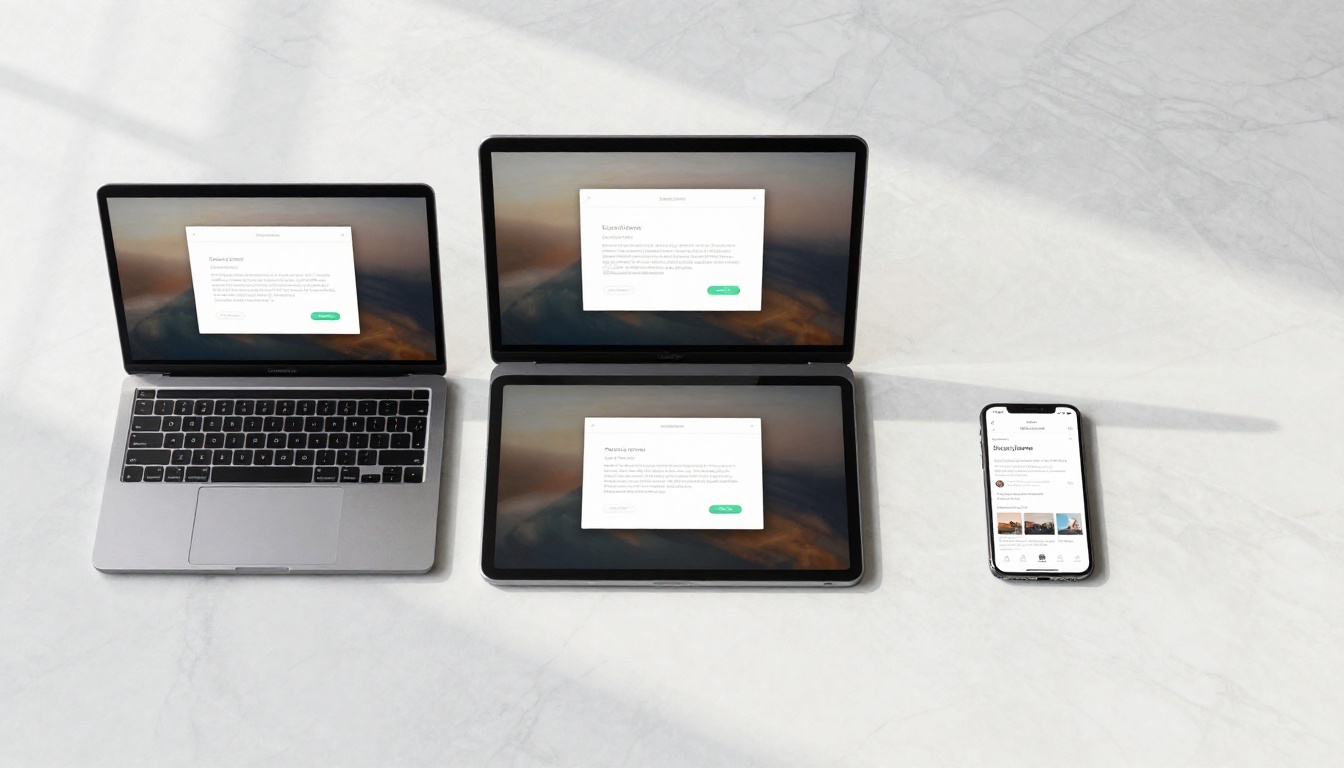
| Device | PDF Experience | Flipbook Experience |
|---|
| Desktop | Requires PDF app or browser plugin | Opens instantly in any browser tab |
| Tablet | Pinch-to-zoom required to read | Tap corners to flip, native reading feel |
| Smartphone | Columns often too small, frustrating | Responsive, auto-scales pages correctly |
| Embedded in website | Often breaks page layout | Clean iframe embed, renders reliably |
| Shared via link | Forces a download prompt | Opens immediately in browser, no download |
The mobile-responsive design is not an optional add-on. It's built into every flipbook created on Flipbooks AI, free plan included, from the very first publish.
Embedding Your Flipbook on a Website
If you run a website, embedding a flipbook is one of the highest-impact additions you can make to a product page, blog post, or portfolio section. The Embed Flipbook on Website tool generates a clean iframe code you paste directly into your HTML or CMS editor.
The embedded viewer inherits your flipbook's branding. It loads fast, renders crisply, and requires no JavaScript configuration on your end. If you've ever tried embedding a PDF directly in a webpage, you know how unreliable and visually broken that usually looks. A flipbook embed just works, every time, on every browser.
✅ Best Practice: Use the responsive embed option so the flipbook scales automatically to the width of its container. This keeps it looking sharp on both desktop and mobile without any additional CSS adjustments.
Frequently Asked Questions
Is it really free with no watermark?
Yes. The free plan includes up to 3 flipbooks with zero watermarks. Most competing free tools place a branded watermark on every page unless you pay for a premium plan. Flipbooks AI does not do this, even at the free tier.
Can I password-protect my flipbook?
Password protection is available on the Standard plan and above. If you need to share private documents such as employee handbooks, confidential reports, or exclusive content, that's the plan to look at. Compare features on the pricing page.
What file formats can I upload?
PDF is the primary supported format. Most professional tools export to PDF natively, including Canva, Adobe InDesign, Microsoft Word, Google Docs, and PowerPoint. If your content is in one of those tools, you're one export away from upload-ready.
How do I track who's reading my flipbook?
Analytics are available on the Standard and Professional plans. The Professional plan adds advanced tracking including lead capture forms embedded inside the flipbook itself, which is a powerful feature for sales and marketing teams capturing contact information directly from publication readers.
Can I download the flipbook for offline use?
Offline download capability is available on the Standard plan and above. This lets you present your flipbook in locations without internet access, which is particularly useful at trade shows, in-person client meetings, and corporate presentations.
How many flipbooks can I create for free?
The free plan includes 3 flipbooks. The Standard plan and above include unlimited flipbooks with no cap on pages per document.
Start Publishing in Minutes
You now have the full picture. A free account, a PDF, five minutes, and you have a shareable, professional digital publication that works on any device, embeds cleanly on any website, and never expires or gets taken down.
Create your first flipbook free and see the result yourself in the next five minutes. Browse all available tools and templates to find the format that fits your content type. When you're ready to add password protection, analytics, lead generation, or offline downloads, compare plans and upgrade at your own pace with no pressure.
The only thing between you and a better-looking publication is the five minutes it takes to build one.



