Your birthday only comes once a year, and how you celebrate it says everything about how much it means to you and the people you love. A digital flipbook takes that celebration beyond the party itself, giving your guests something they can revisit, share, and treasure long after the cake has been eaten and the balloons have deflated. Whether you are planning an intimate gathering or a large milestone event, Flipbooks AI makes it straightforward to build a stunning interactive birthday flipbook in minutes.
What a Birthday Flipbook Actually Does
A digital flipbook is a web-based publication that mimics the feel of flipping through a real book or magazine, but with the convenience of being shareable via a simple link. For birthday parties, this format is ideal because it captures the multi-dimensional nature of a celebration: the decorations, the food, the people, and the emotions.
More Than Just a Photo Album
Standard photo albums are static. A birthday flipbook can include:
- Photos from before, during, and after the party
- Personal messages from guests or family members
- Party programs or itineraries styled like a magazine spread
- Collages and timelines showing the birthday person through the years
- Embedded video clips of toasts, speeches, or funny moments
This is not a scrapbook you tuck away in a drawer. It is a living, shareable document that your friends and family can open on any device, at any time.
Why Digital Beats Printed
Printing a party photo book takes days, costs money, and only one person ends up with it. A digital flipbook is ready the same day, costs a fraction of the price, and can be shared with every guest simultaneously.
| Feature | Printed Photo Book | Digital Flipbook |
|---|
| Turnaround time | 3-10 business days | Same day |
| Sharing | Physical copy only | Unlimited link sharing |
| Cost per copy | $20-$80+ | One subscription covers all |
| Edit after publishing | Not possible | Editable anytime |
| Embedded video | Not possible | Fully supported |
| Password protection | Not available | Available |
| Analytics (who viewed it) | Not available | Professional plan |
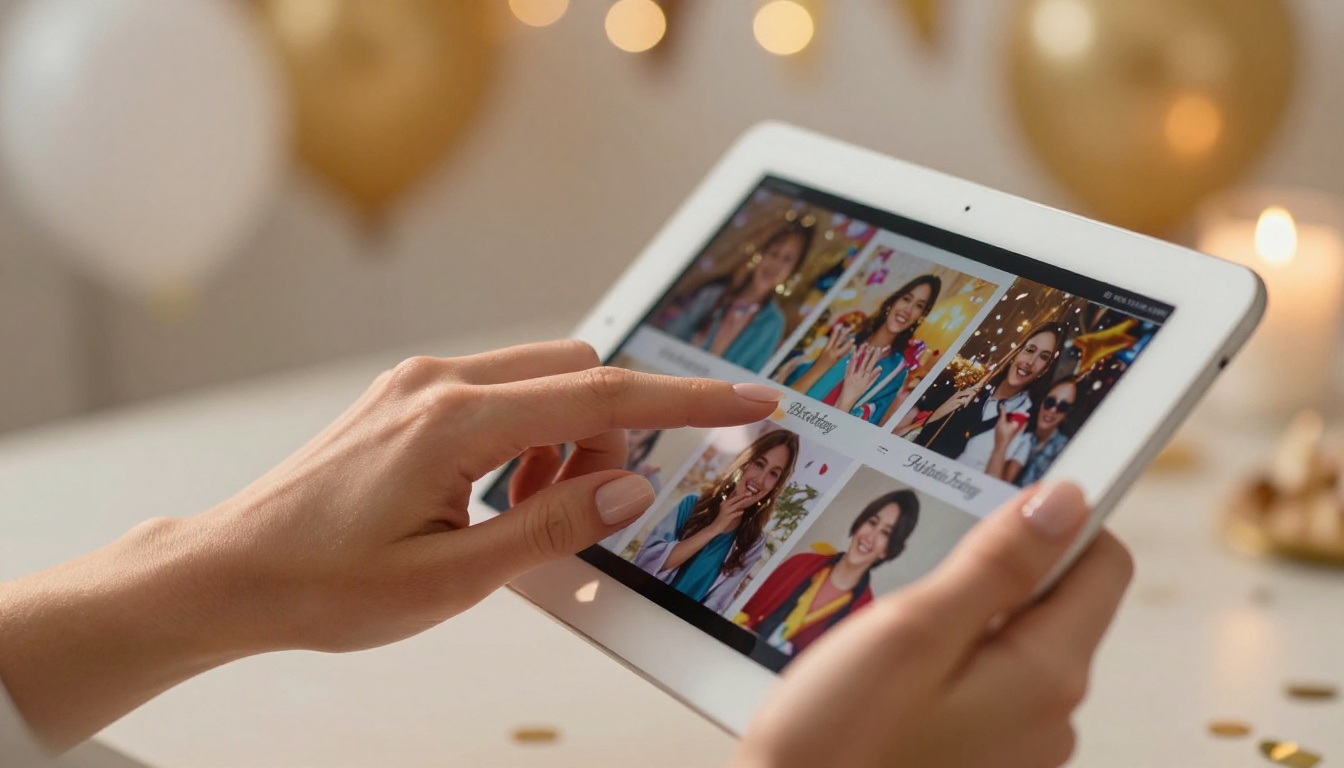
The numbers speak for themselves. For birthday parties especially, the ability to share instantly with remote family members or guests who could not attend is invaluable.
What to Put in Your Birthday Flipbook
Before you start building, it helps to plan your content. A well-organized flipbook tells a story, and birthday stories have natural chapters.
The Opening Spread
This is your title page. Think of it like the front page of a magazine dedicated entirely to the birthday person. Include:
- A striking full-page photo of the guest of honor
- The name, date, and milestone age (if applicable)
- A short, punchy quote or dedication
The Timeline Section
This is often the most emotionally resonant part of any birthday flipbook. A photo timeline showing the birthday person at various ages, from childhood through today, makes for something people scroll through slowly and with a smile.
💡 Pro tip: Ask family members to send their favorite old photos a week before the party. You will be surprised what surfaces from old phone galleries and forgotten shoeboxes.
Party Highlights
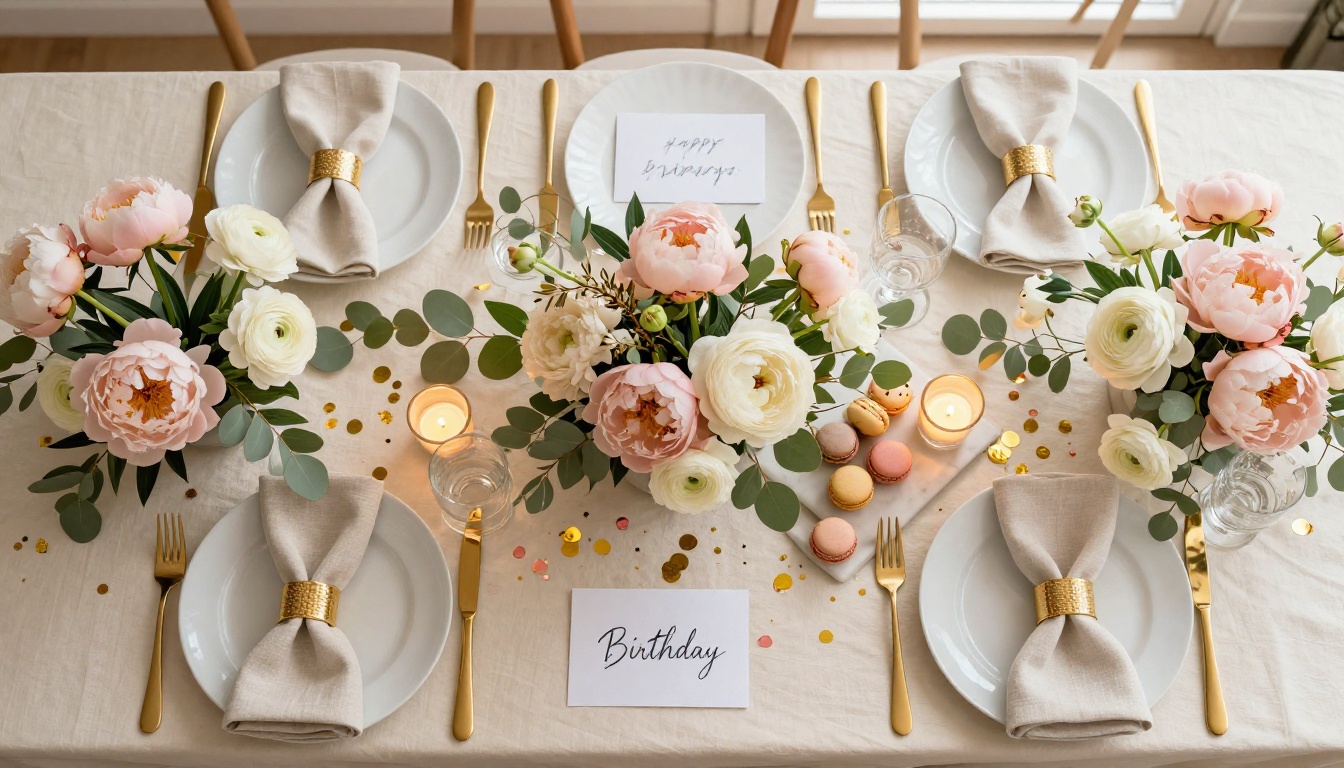
Candid shots from the party itself: the decorations, the food spread, the cake moment, the group photos, and the dancing. These are the images that capture the actual energy of the day.
Guest Messages
One of the most meaningful things you can include is a dedicated section for written messages. Before or during the party, ask guests to write a note to the birthday person. These can be typed into the flipbook design directly or handwritten and photographed.
✅ Best practice: Set up a simple Google Form before the party asking guests to submit their name and a personal message. You will have content ready to paste directly into your flipbook design.
The Thank-You Page
Close your flipbook with a warm personal message from the birthday person to their guests. It wraps the experience up neatly and gives the flipbook a clear beginning, middle, and end.
How to Create a Flipbook for Your Birthday Party with Flipbooks AI
Flipbooks AI is built for exactly this kind of project. You do not need design experience, and you do not need to install any software. Here is how to do it from start to finish.
Step 1: Prepare Your PDF
Flipbooks AI converts PDF files into interactive flipbooks. Your first step is creating a PDF with your birthday content. You can use:
- Canva (free, beginner-friendly, excellent templates)
- Adobe InDesign (professional, more control)
- Google Slides (simple, familiar interface)
- Microsoft PowerPoint (great for adding photos quickly)
Design your pages in landscape orientation (16:9 or 4:3) for the best flipbook experience. Add your photos, messages, and design elements, then export as PDF.
Step 2: Sign Up and Log In
Head to flipbooksai.com/account and create your account. The process takes under two minutes. Once inside the dashboard, you will see options to upload and manage all your flipbooks in one place.
Step 3: Upload and Convert
Click "New Flipbook" and upload your PDF. Flipbooks AI processes it automatically and converts each page into a beautiful, interactive flipbook. The page-flip animation is smooth and realistic, and the result looks nothing like a plain PDF viewer.

Step 4: Customize the Experience
This is where things get personal. Inside the editor, you can:
- Set a custom front page with a photo of the birthday person
- Choose your color theme to match the party palette (blush and gold, vibrant tropical, or dark and moody)
- Add background music that plays as guests flip through the pages
- Embed a video message from someone who could not attend in person
- Enable a table of contents for longer flipbooks with multiple sections
💡 Pro tip: Use the background music feature to add the birthday person's favorite song. It changes the viewing experience from something ordinary into something genuinely moving.
Step 5: Set Sharing Preferences
Before you share, decide who should have access:
- Public link: Anyone with the URL can view. Perfect for sharing on social media or in a WhatsApp group.
- Password-protected: Only people with the password can open it. Ideal for personal or private content.
- Embedded: Drop the flipbook directly into a personal website or blog post.
For a birthday party flipbook, a password-protected link shared privately with guests is usually the right call. It keeps the content personal without the complexity of managing individual permissions.
Step 6: Share With Your Guests
Once live, copy your flipbook link and send it via:
- WhatsApp or iMessage group chat
- Email, especially useful for older relatives
- Instagram Stories or posts
- A printed QR code displayed at the party itself
The QR code idea is particularly effective. Print it on a small card near the entrance or on each table setting. Guests scan it on arrival and see photos from earlier in the day already loading into the flipbook, right in real time.

Choosing the Right Plan
Flipbooks AI pricing is tiered to fit different needs. Here is what matters specifically for a birthday party flipbook:
| Plan Feature | Free | Standard | Professional |
|---|
| Number of flipbooks | 1 | Unlimited | Unlimited |
| Watermark | Yes | No | No |
| Password protection | No | Yes | Yes |
| Custom branding | No | Yes | Yes |
| Embed video and audio | No | Yes | Yes |
| Analytics dashboard | No | No | Yes |
| Lead generation tools | No | No | Yes |
| Offline downloads | No | No | Yes |
For a one-time birthday party flipbook, the Standard plan gives you everything you need: no watermarks, password protection, custom branding, and multimedia embedding. The Professional plan becomes worth it if you plan to create flipbooks regularly or want to track exactly how many guests viewed it and for how long.
⚠️ Note: The free plan adds a Flipbooks AI watermark to your flipbook. For a polished, personal birthday gift, upgrading to at least the Standard plan makes a noticeable difference.
Birthday Flipbook Ideas by Occasion
Not all birthday flipbooks are the same. The content, tone, and design should reflect the specific milestone and the personality of the person being celebrated.
Milestone Birthdays (30, 40, 50, 60+)
These deserve the full treatment: a timeline spanning decades, tributes from close friends and family, and a retrospective feel. Go deep on the personal history.
- Include decade-by-decade photo sections
- Add quotes from people who have known them throughout each phase of life
- Close with a section looking at what is ahead for them
Children's Birthday Parties
Keep it bright, colorful, and simple. Parents love receiving a flipbook of their child's party as a keepsake they can return to every year.
- Focus on candid shots of the kids having fun
- Include drawings or messages from the child's friends
- Use playful fonts and bold colors in your design
Teen and College Birthday Parties
Humor and authenticity matter here. Think yearbook-meets-Instagram aesthetic.
- Use candid, unposed photos
- Include inside jokes in captions
- Add a playlist-style section with song recommendations from friends
Virtual Birthday Celebrations
For friends scattered across different cities or countries, a flipbook doubles as the event itself.
- Collect video messages from each guest beforehand
- Embed the videos directly into the flipbook
- Create a shared experience guests can open simultaneously during a video call
Using a Flipbook as a Birthday Invitation
The flipbook format works beautifully as an invitation, not just a post-party keepsake. An interactive digital invitation is far more memorable than a flat image sent via text.
A birthday invitation flipbook might include:
- An opening page with the event details (date, time, location, dress code)
- A "What to expect" spread with photos from past celebrations or the venue
- An RSVP page with contact details or a short form
- A teaser of what is planned (food, entertainment, surprises)
You can use the Event Program Maker to build something structured and polished, or start from a blank PDF for a fully custom look tailored to your party theme.
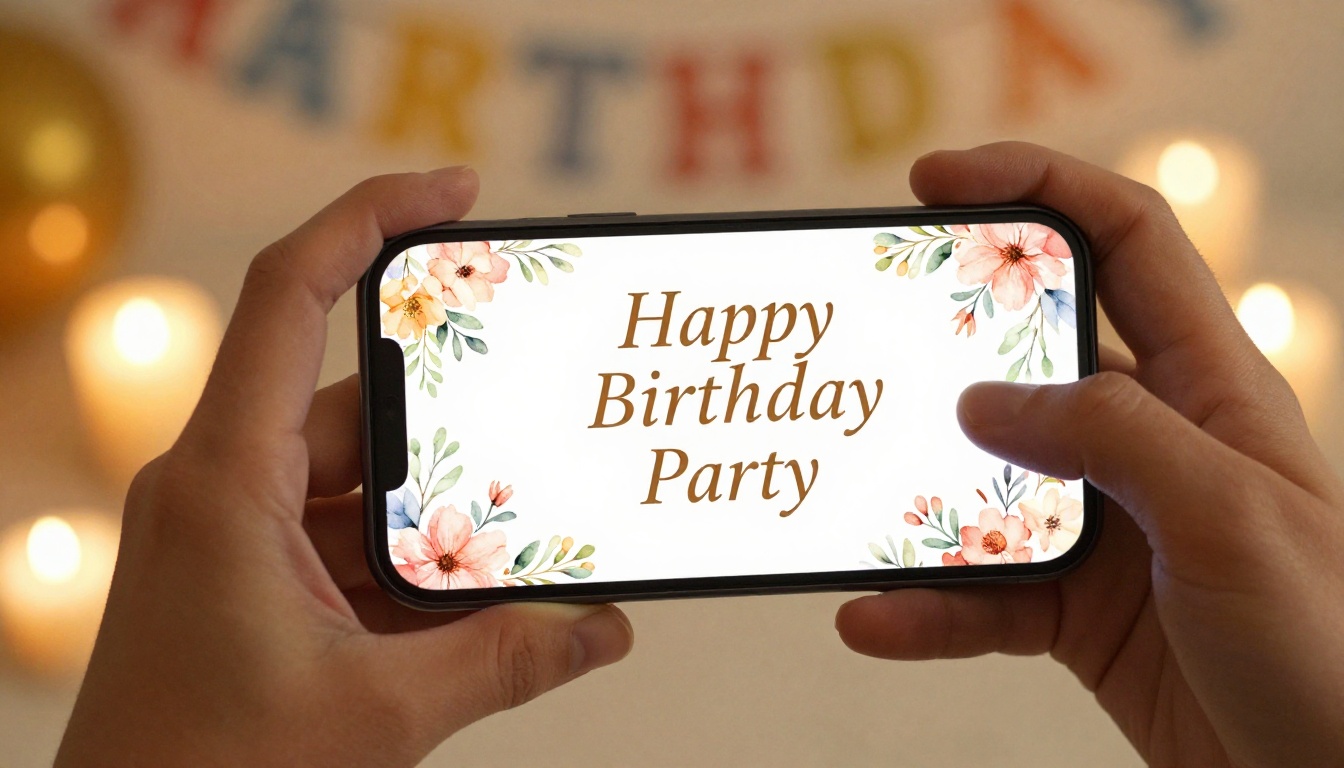
It is worth knowing how a birthday flipbook stacks up against other popular formats for sharing party content.
| Format | Interactivity | Shareability | Visual Impact | Personalization |
|---|
| Digital flipbook | High | High | High | High |
| Instagram highlight | Low | Medium | Medium | Low |
| Google Photos album | Low | High | Medium | Low |
| Slideshow video | Medium | High | Medium | Medium |
| Printed photo book | None | Very Low | High | High |
The flipbook format wins on the combination of visual impact and interactivity. A slideshow video has similar shareability, but it plays passively. A flipbook puts the viewer in control, which creates a more personal and memorable experience. You decide the pace, and every page turn feels intentional.
Beyond the birthday flipbook itself, there are several other tools within Flipbooks AI that come in handy for events and celebrations throughout the year:
All of these follow the same PDF-to-flipbook workflow. Once you have done it once for a birthday, you will be ready to apply it to any occasion without thinking twice.

Tips That Make the Real Difference
A few things separate a forgettable flipbook from one people will actually share and return to for years:
- Quality over quantity on photos: Twenty excellent photos beat a hundred mediocre ones every time. Curate ruthlessly.
- Tell a story with the page order: Do not dump photos randomly. Think of your flipbook like a short film with a narrative arc.
- Use white space: Crowded pages look amateurish. Let your photos breathe and give the design room.
- Proofread everything: Names spelled wrong or dates off by a year will be noticed by someone.
- Test on mobile before sharing: Most guests will open it on a phone. Make sure it looks right at that scale.
- Send a preview to one trusted person first: Fresh eyes catch things you have become blind to after hours of editing.
✅ Best practice: Build your flipbook at least two days before the party. That buffer gives you time to gather last-minute photos and make adjustments without stress.
Make It Something Worth Keeping
Every birthday deserves more than a temporary Instagram story or a shared photo dump nobody returns to. A digital birthday flipbook gives you something permanent, shareable, and genuinely personal that guests will open again months and even years later.
Get started for free on Flipbooks AI, upload your PDF, and have a polished birthday flipbook ready in under an hour. For a fully-featured experience with no watermarks and password protection, compare the pricing plans to find what works for your budget.
Browse all available flipbook tools to see what else you can build, from event programs to digital albums and beyond. Your birthday party is worth the effort, and with the right tools, it takes far less effort than you think.



