Every week, your specials change. Your stock rotates. Your prices shift. And your customers, the ones who really care about where their meat comes from, want to know what's available before they make the trip. A printed leaflet ends up in a recycling bin within hours. A PDF attachment never gets opened. But a digital flipbook, one that lives on your website, your social media profile, and your WhatsApp group, gets seen. And it gets shared.
That's exactly why more independent butcher shops are choosing to create a flipbook for their butcher shop, a digital catalog that looks as premium as the cuts inside their display cases.
Flipbooks AI makes this process fast, professional, and entirely print-free. No design degree required, no minimum order, no printer's deadline.
Why Butcher Shops Need Digital Catalogs Now
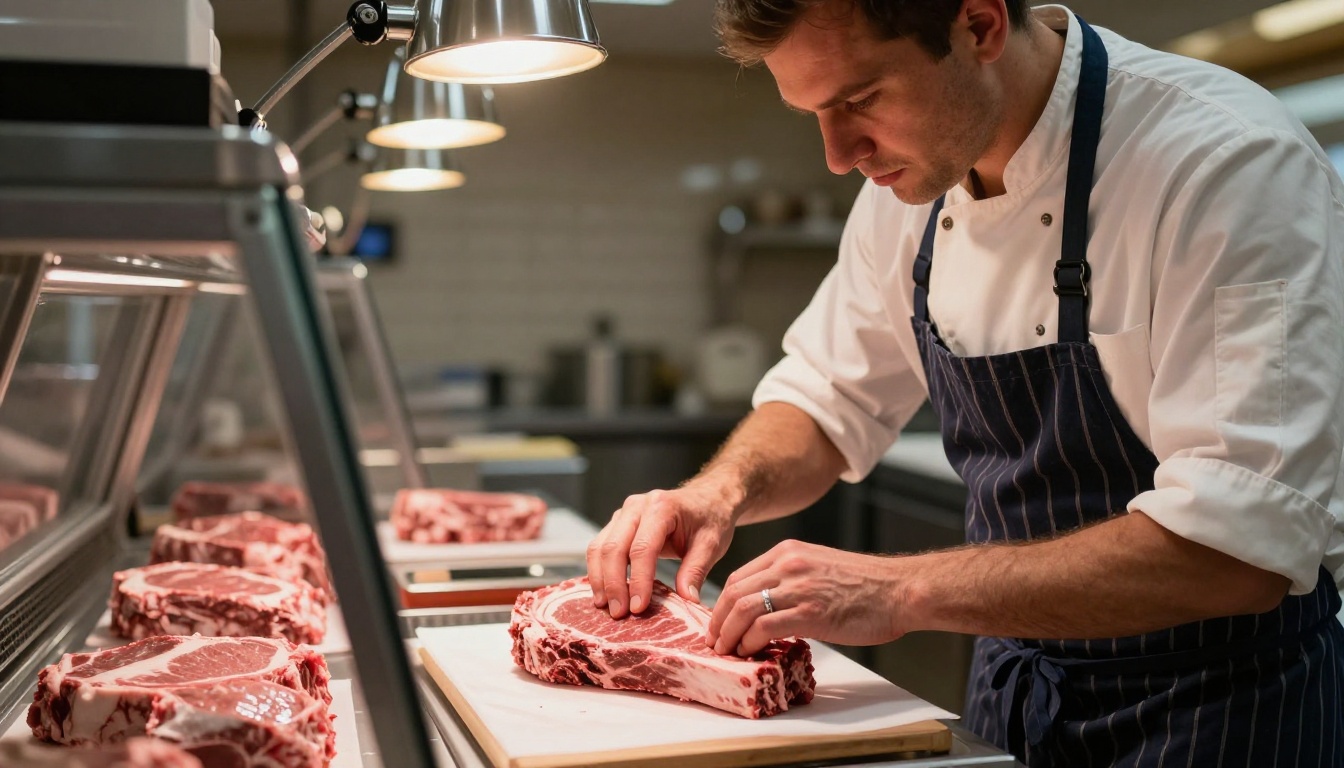
The retail food landscape has shifted. Customers research their purchases online before they leave the house. A family planning Sunday roast wants to know if you have bone-in rib of beef before driving across town. A catering client needs your full price list before committing to an order. If that information isn't available digitally, you're invisible to a growing segment of the market.
The butcher shops winning right now are the ones combining old-world craft with modern visibility. Your craft is already there, in your display case, in your sourcing relationships, in your custom cuts. The visibility part is where a digital flipbook earns its place.
Print Is Expensive and Out of Date Fast
A print run for a seasonal specials leaflet might cost a few hundred dollars, take a week to produce, and be outdated the moment your supplier changes a price. Digital flipbooks cost a fraction of that, publish instantly, and can be updated anytime without reprinting anything.
Consider the real costs:
| Format | Average Cost | Update Time | Shelf Life |
|---|
| Printed leaflet (500 copies) | $150-$400 | 5-10 business days | Single season |
| PDF via email | $0 (design time only) | Minutes | Until next price change |
| Digital flipbook | From $0 (free plan) | Instant | Permanent, always current |
The math is clear. A digital flipbook pays for itself the first time you avoid reprinting a seasonal flyer. And unlike a print run, an update to a digital flipbook takes minutes, not days.
Customers Browse on Their Phones
Over 70% of local business research now happens on mobile devices. When a customer searches "butcher shop near me" and clicks through to your website, what do they see? A wall of text? A static photo? Or a beautifully paginated digital catalog showing your premium cuts, your sourcing story, and your weekly specials with the same quality feel as a high-end food magazine?
A mobile-responsive flipbook does more selling than any Instagram post, because it tells the full story with context, pricing, and options, not just a single image.
What Goes Into a Great Butcher Shop Flipbook
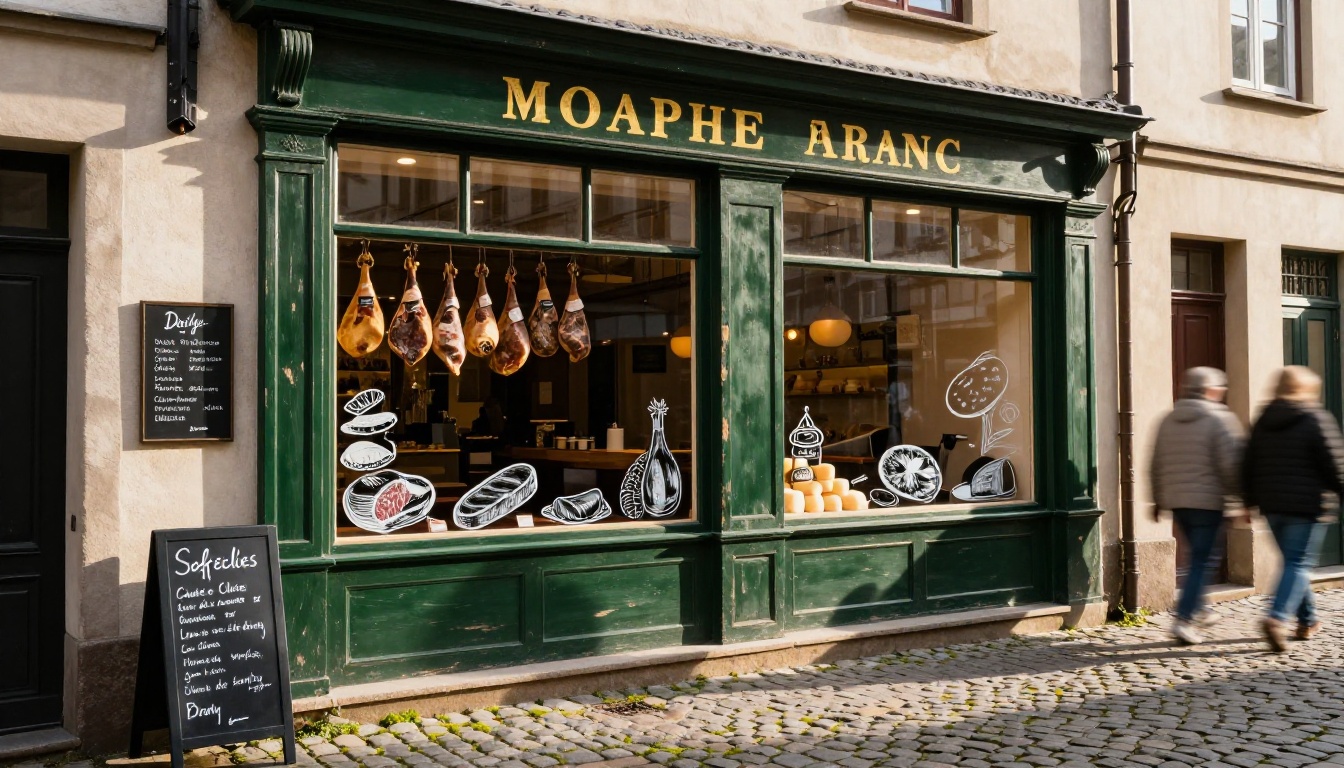
Before you open Flipbooks AI and start uploading, it helps to think about what content makes a butcher shop flipbook actually useful rather than just decorative. The best ones combine three elements: pricing information, product storytelling, and a reason to act now.
Weekly Specials and Pricing
This is the bread and butter of any butcher shop catalog. Customers want to know:
- What's in stock this week and what's seasonal
- Price per kilo or per cut for full transparency
- Special bundle deals (BBQ packs, Sunday roast sets, bulk buy discounts)
- Pre-order options for busy holiday weekends
- Limited-time offers on slow-moving or featured cuts
A flipbook lets you dedicate a full two-page spread to your weekly specials, with full-bleed product photography and clean pricing tables that are far more compelling than a handwritten sign in the window. The page-turning interaction makes it feel like browsing a premium food magazine, which is exactly the positioning independent butchers want.
Cut Breakdowns and Cooking Tips
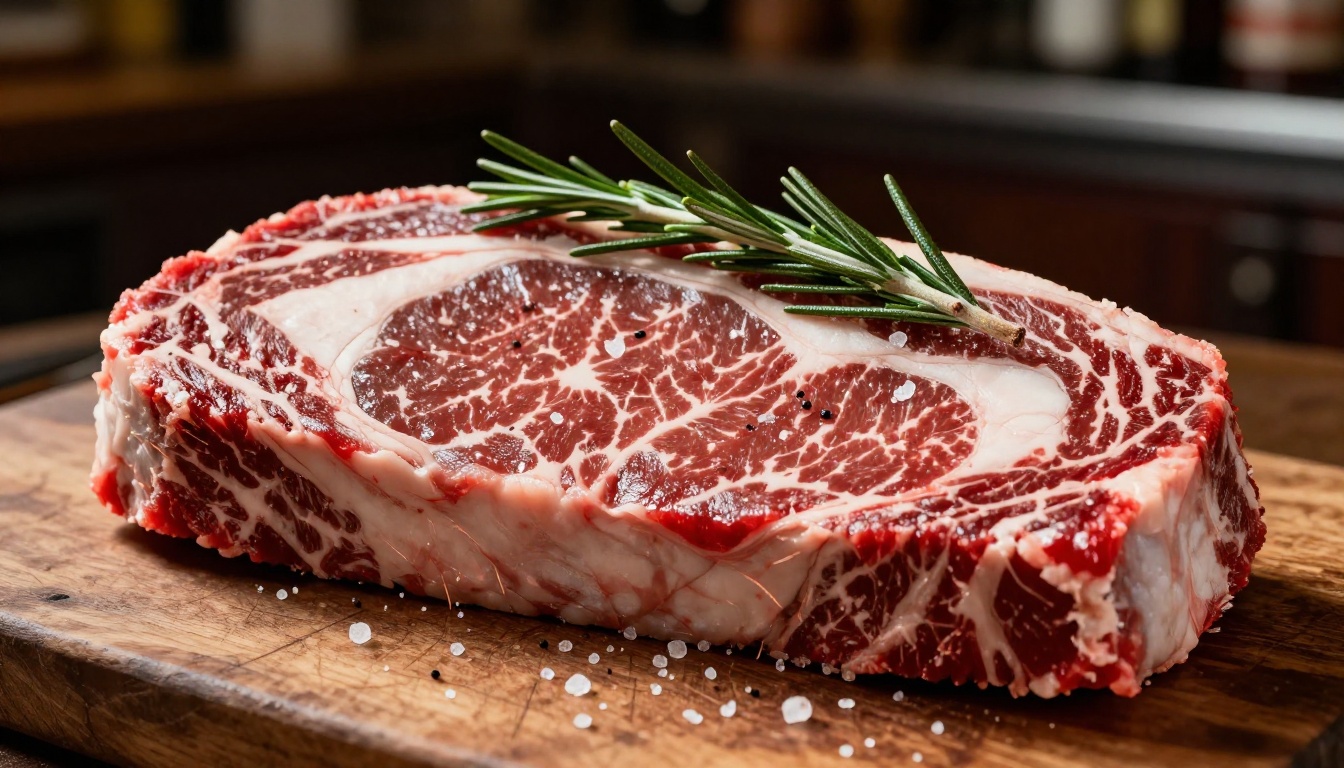
Here's where independent butchers have a real advantage over supermarkets: knowledge. Your team knows the difference between a flat iron and a feather blade. You know which cut works for a slow braise versus a screaming hot cast iron pan. Put that expertise into your flipbook as a short cooking reference and you give customers a reason to keep it bookmarked all year.
💡 Pro tip: A two-page "Cut of the Month" spread with cooking instructions turns your catalog into a reference customers actually save and share, extending your reach far beyond those who already know your shop.
Practical content ideas for this section:
- A visual diagram of the animal with cuts labeled and prices annotated
- Recommended cooking methods per cut (roast, braise, grill, pan-fry)
- Serving size calculations ("allow 250g per person for bone-in cuts")
- Pairing suggestions with wines, sides, or sauces
Farm-to-Table Sourcing Stories
If you work with local farms, heritage breed suppliers, or have specific animal welfare commitments, your flipbook is the perfect place to tell that story with photos and a short paragraph. This is the kind of content that builds loyalty and commands premium pricing. Customers who understand where their meat comes from, and why yours is better, become advocates.
How to Build Your Butcher Shop Flipbook
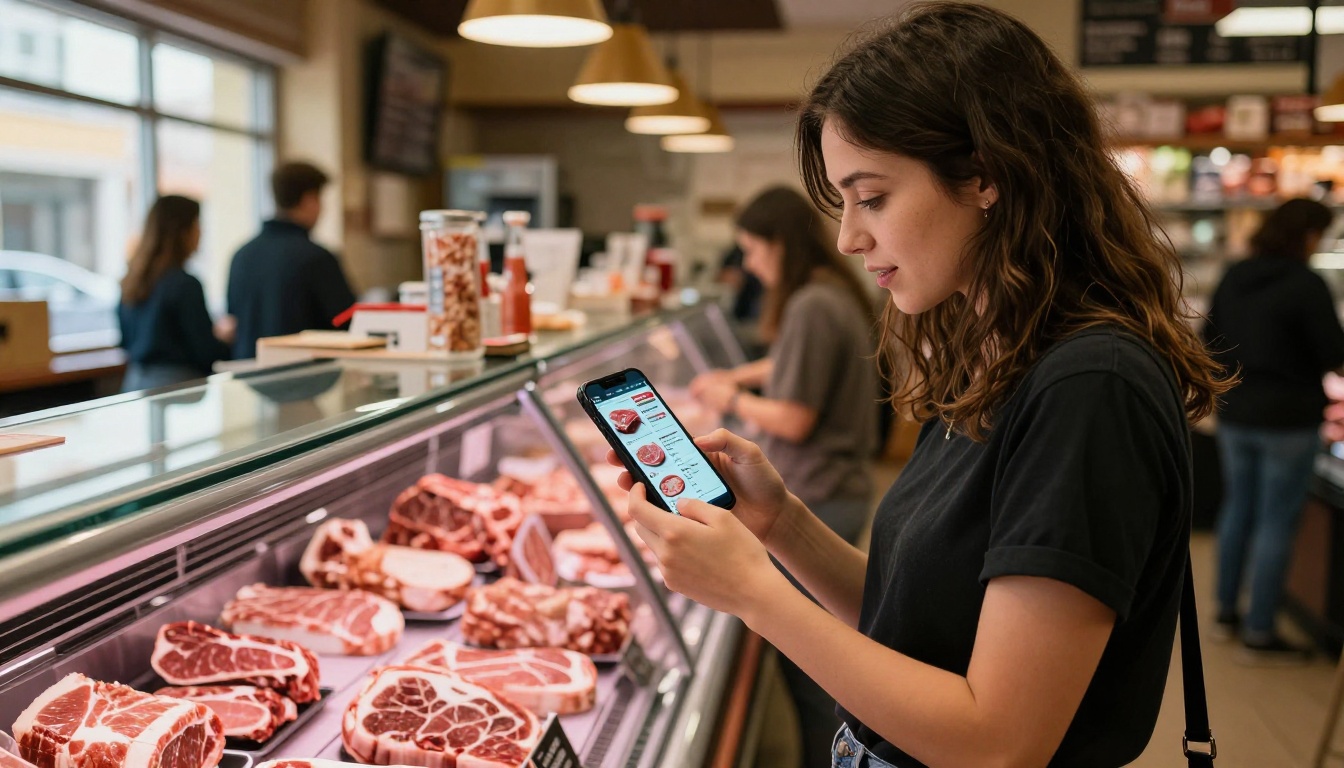
Here's a direct walkthrough of how to create a flipbook for your butcher shop using Flipbooks AI. The process takes less than 30 minutes for a polished, professional result.
Step 1: Plan Your Content
Before touching any design tool, decide what your flipbook covers. A focused 8-12 page catalog is far more effective than a bloated 40-page document. A solid structure for a butcher shop flipbook:
- Opening page: Your shop name, logo, and a striking hero image of your best cut
- About us: One page on your story, sourcing, and what makes you different
- Premium cuts section: Beef, pork, lamb, game, each with photography and price per unit
- Weekly specials: Current offers and limited-time pricing
- Charcuterie and prepared products: Sausages, cured meats, marinades, ready-to-cook items
- Ordering and contact: How to pre-order, click-and-collect options, phone and address
- Back page: Social media handles and website URL
Step 2: Design Your PDF
Use any design tool you already have. Canva, Adobe InDesign, Microsoft Publisher, or even Google Slides all work. The key is exporting a clean, high-resolution PDF at A4 or US Letter size with embedded fonts. Make sure your photography is high quality, since it will be the dominant element on each page.
✅ Best practice: Use a white or light cream background for your pages. It reads better on all screen sizes and gives your product photography the clean backdrop it deserves.
Step 3: Upload and Convert
Head to Flipbooks AI and create your account. Once logged in:
- Click New Flipbook from your dashboard
- Drag and drop your PDF file (up to 200MB on Standard and above)
- The platform converts every page to a high-fidelity interactive flipbook in seconds
- Preview your flipbook in the built-in viewer before publishing
Page-turn animations, zoom functionality, and mobile swipe support are all added automatically. You configure nothing on the technical side.
Step 4: Customize and Brand
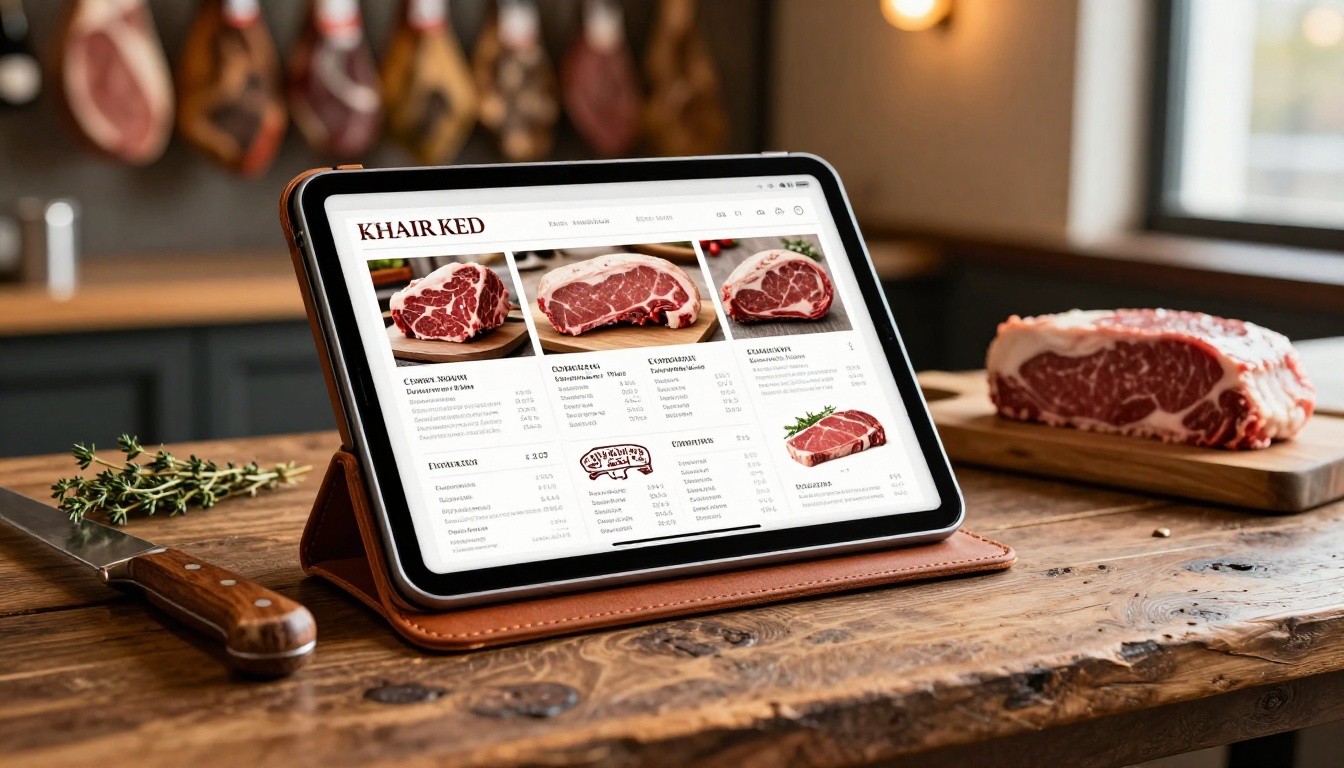
This is where your flipbook stops looking like a generic document and starts feeling like your shop. The customization panel in Flipbooks AI lets you:
- Add your logo to the viewer toolbar so every page reinforces your brand
- Set brand colors for the flipbook chrome and background
- Choose a custom thumbnail for your flipbook's public listing
- Add a title and description for SEO and social sharing previews
- Enable or disable page controls based on preference
✅ Best practice: Match your flipbook's accent color to the dominant color in your shop's visual identity. Consistency across every customer touchpoint builds the kind of recognition that keeps people coming back.
Step 5: Share and Embed
Once your flipbook is live, Flipbooks AI gives you multiple ways to get it in front of customers:
- Direct link: A clean shareable URL for Facebook, WhatsApp groups, Google Business Profile, and email newsletters
- Embed code: Drop a single snippet into your website and the flipbook loads inline, no redirect needed. The Embed Flipbook on Website tool walks you through the setup
- Password protection: Lock your wholesale price list so only trade customers can access it (Standard plan and above)
- QR code: Print it on your shop window, counter, or paper bags so walk-in customers can pull up the digital catalog on the spot
Flipbook vs. Print: The Real Numbers
Here's the practical side-by-side comparison every butcher shop owner needs before committing to a new format:
| Feature | Printed Catalog | PDF Email | Digital Flipbook |
|---|
| Update frequency | Seasonal at best | Anytime | Anytime, instant |
| Sharing ability | Hand-to-hand only | Email only | Link, embed, QR, social |
| Analytics | None | Basic open rates | Page views, time on page, leads |
| Mobile experience | Not applicable | Pinch-zoom PDF | Fully responsive, swipe-native |
| Cost per update | Full reprint | Design time only | $0 on most plans |
| Professional appearance | High if well printed | Low | High |
| Customer saves/bookmarks | Rare | Uncommon | Yes, via browser and favorites |
The one area where print still wins is tactile feel. For reach, updatability, and measurable results, a digital flipbook is the clear choice for most independent butcher shops operating today.
Flipbooks AI offers tools that map directly to butcher shop use cases. Here are the most relevant ones:
What Butcher Shops Are Using Flipbooks For
The range of applications is wider than most butcher shop owners initially realize. Here are the most effective real-world uses:
Seasonal Promotions
Christmas, Easter, and Thanksgiving are the three biggest trading weeks of the year for most butchers. A dedicated seasonal flipbook, published two to three weeks before the holiday, gives customers everything they need to plan their order: cut options, sizes, estimated feed counts, pricing, and a pre-order form link.
Send it via your email list. Pin it to your Facebook page. Drop the link in your Google Business profile. That's three channels activated in ten minutes, with a single shareable URL.
BBQ Season Packages
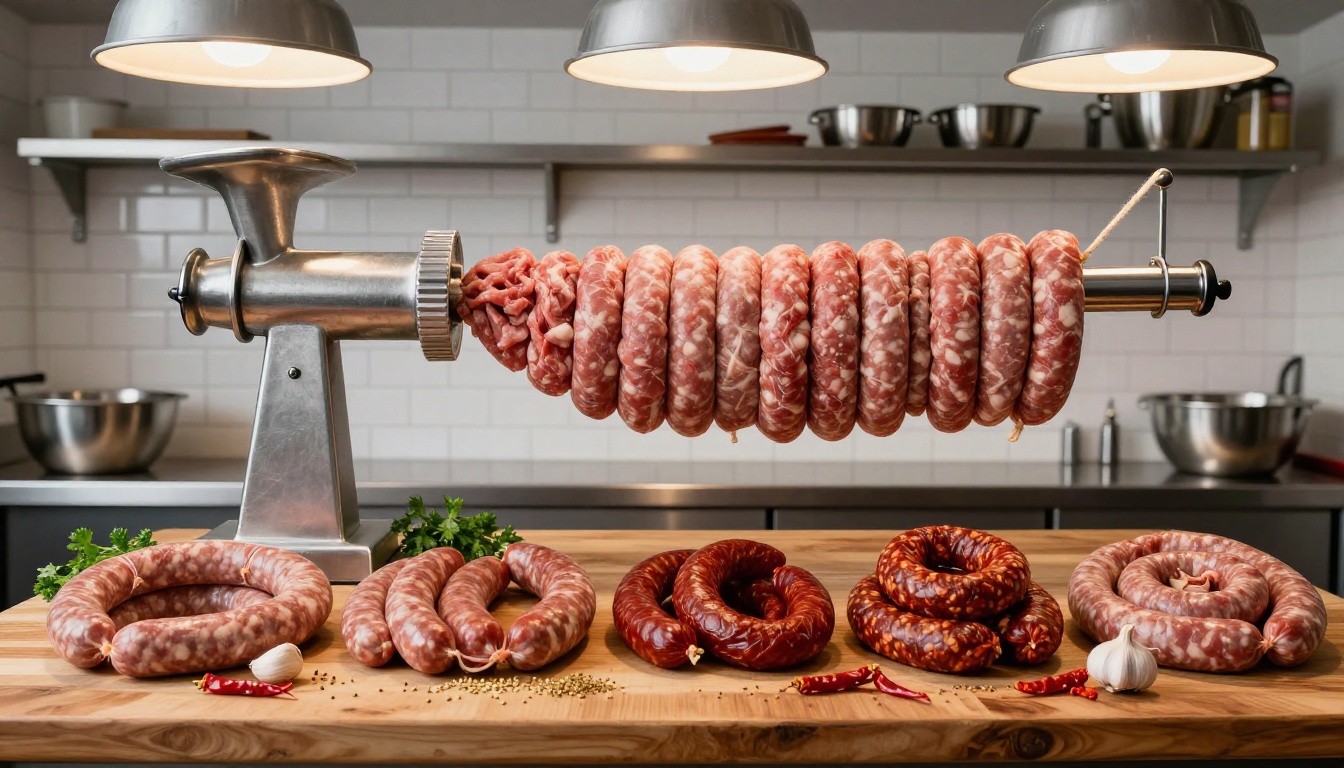
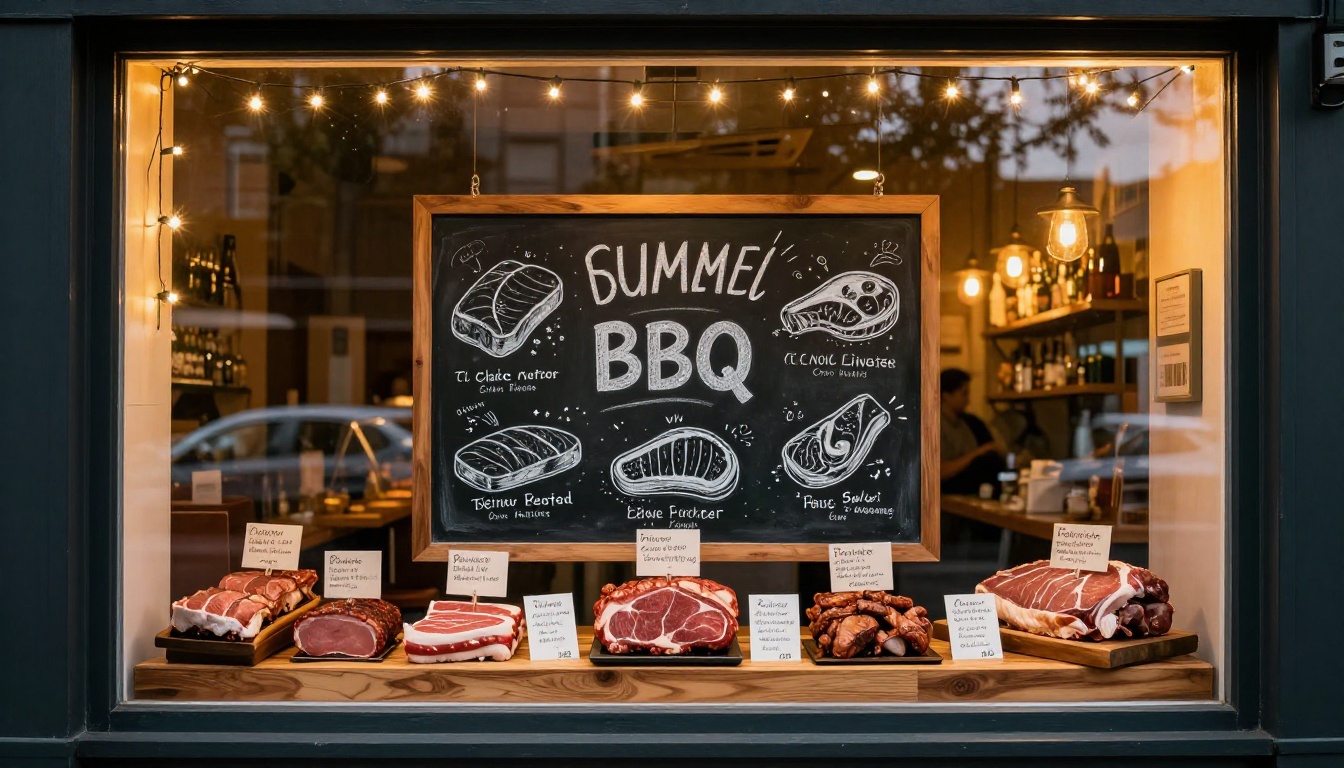
Summer is sausage and burger season. Create a flipbook focused entirely on BBQ packages: mixed grill boxes, marinated skewer sets, sausage variety packs, and premium burger patty bundles. Include cooking times, preparation tips, and optional add-ons. A well-designed BBQ season flipbook can double as a planning resource that customers return to all summer.
💡 Pro tip: Add a FAQ page. "How many sausages for 10 people?" or "How long do I marinate chicken thighs?" Customers will share your flipbook as a cooking reference all summer long, not just a price list.
Custom Order Forms for Trade Clients
For wholesale clients, catering companies, restaurants, and hospitality buyers, a separate password-protected flipbook with your wholesale pricing and order specifications is a professional-grade alternative to emailing spreadsheets. It looks better, reads better on any device, and can include photography of your production facilities and quality certifications.
⚠️ Note: Password-protected flipbooks with advanced access controls require at least the Standard plan. Check pricing plans to see which tier fits your operation.
Features That Make a Difference
Here's what separates a good flipbook platform from a great one, and how Flipbooks AI delivers on each:
No watermarks, ever. Your catalog represents your brand. No platform branding, no forced logos, no "Powered by" footers cluttering the viewer.
Unlimited flipbooks on Standard plans and above. Create separate flipbooks for beef, pork, game, and charcuterie without hitting a document limit. Running a seasonal promotion? A new wholesale catalog? No extra cost.
Analytics and lead generation on the Professional plan, so you can see which pages customers spend the most time on. If everyone lingers on your ribeye pricing page, that's a data point worth acting on. See the Professional plan details to find out more.
Offline downloads let customers save your catalog as a PDF for use without internet, useful for trade clients reviewing orders in a walk-in freezer or cold store.
Mobile-responsive design out of the box. No separate mobile version to maintain. The same flipbook works perfectly on a 27-inch desktop monitor and a 5-inch phone screen.
Custom branding means your colors, your logo, and your domain if you want it. The flipbook feels like an extension of your website, not a third-party tool.
Start Selling More Meat Online
The independent butcher shop has something supermarkets can never replicate: a direct relationship with customers built on trust, craft, and quality. A digital flipbook extends that relationship beyond the four walls of your shop to wherever your customers are. On their phones on Tuesday morning planning the week's meals. On a laptop placing a bulk catering order. On a tablet at the counter deciding between a ribeye and a striploin.
The content is already in your head. The expertise is on display every day in that glass case. A flipbook puts it somewhere everyone can see it, at any time, on any device, without a single print run.
Ready to put your shop's best cuts in front of more customers? Get started for free on Flipbooks AI and have your first butcher shop flipbook live before the weekend.
Want to see every available tool before you commit? Browse all flipbook tools and find the format that fits your shop's style. If you're ready to access analytics, lead generation, and wholesale catalog features, compare pricing plans and pick the tier that works for your operation.



