Your coffee brand has a story worth telling, and a flat PDF is not the way to tell it. Whether you run a specialty roaster, a neighborhood coffee shop, or a subscription box service, the way you present your brand matters as much as the coffee itself. Flipbooks AI lets you turn any PDF into an interactive, page-turning digital flipbook that customers actually want to browse.
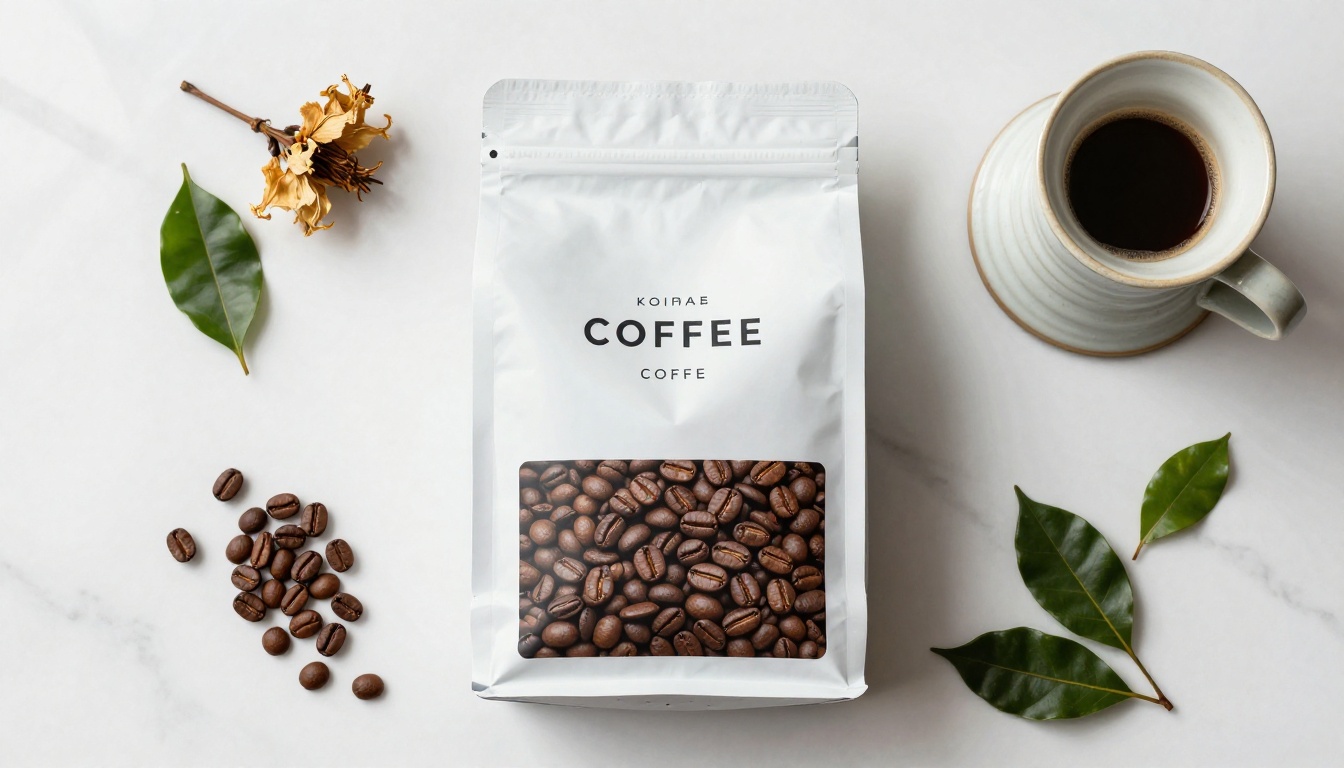
Coffee is one of the most visual, tactile industries on earth. The color of a roast, the texture of a bag, the steam rising from a cup. None of that comes through in a static file attached to an email. A digital flipbook preserves the richness of your brand photography, adds smooth page-turn animations, and makes your catalog or menu feel like a premium editorial experience rather than a document.
In this article, you will see exactly what to put in a coffee brand flipbook, how to build one step by step, which type fits your business, and the design decisions that separate a forgettable PDF from a flipbook that generates real attention.
Why Your Coffee Brand Needs a Flipbook
The Problem with Static Files
Most coffee brands invest heavily in design, sourcing, and photography. Then they share that work as a PDF that opens in a browser tab, displays with no animation, and gets closed within seconds. Static files have no built-in pull. Customers cannot browse them the way they would browse a magazine or a well-designed online shop.
The average PDF open rate for marketing materials sits below 30%. More importantly, dwell time is minimal. People scroll to the end and leave. A flipbook changes that dynamic entirely. The page-turn mechanic invites browsing. Readers linger on product pages, tap back to compare options, and spend more time with your brand.
What the Data Says About Digital Catalogs
Interactive digital catalogs generate up to 3x more views per session compared to their static PDF equivalents. For coffee brands specifically, where discovery and visual storytelling drive purchase decisions, that attention gap is the difference between a browser and a buyer.
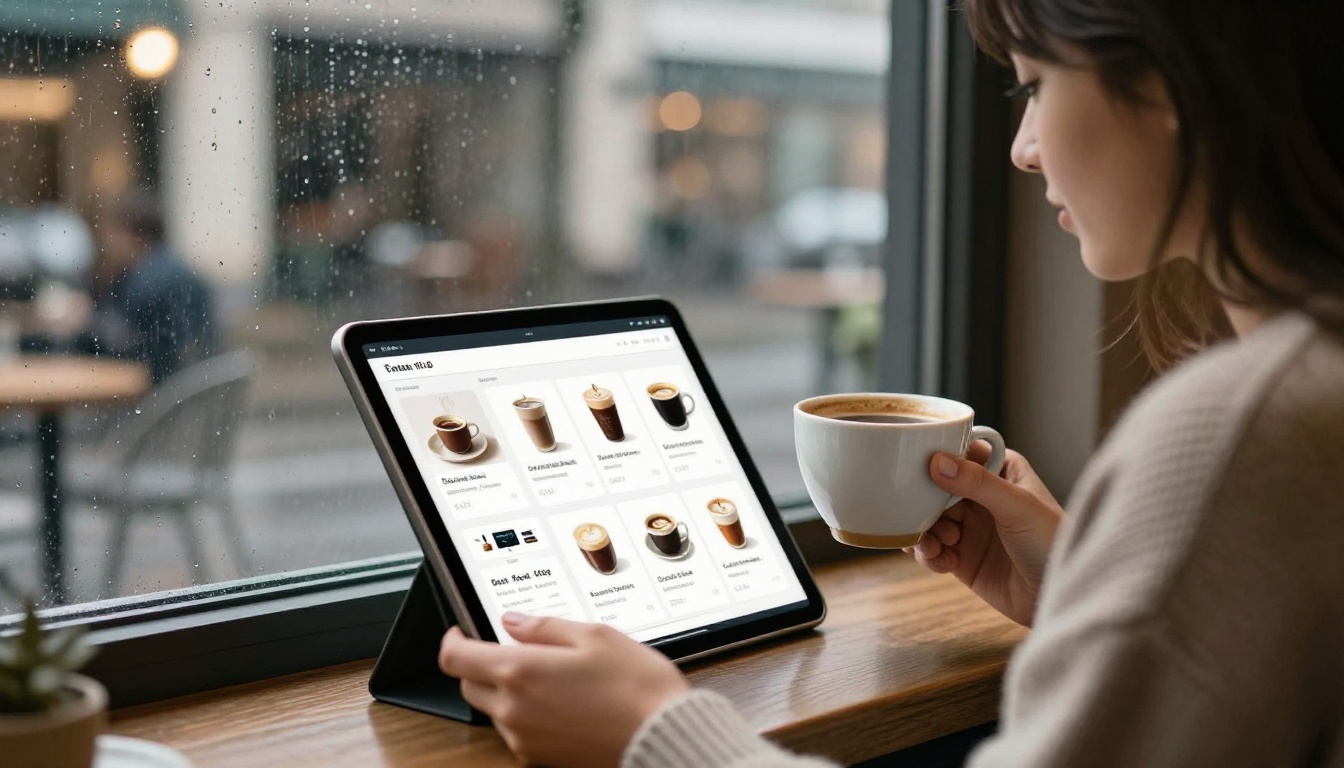
Beyond views, flipbooks solve a practical distribution problem. Instead of attaching a file to an email (which many spam filters block) or uploading to a file host, you share a single link. That link works on any device, loads instantly, and can be embedded directly on your website or in a social media bio.
💡 A flipbook link can go in your Instagram bio, your email footer, your Google Business profile, and your wholesale inquiry response, all pointing to the same living document you update once.
What Goes in a Coffee Flipbook
Your Origin Story and Brand Values
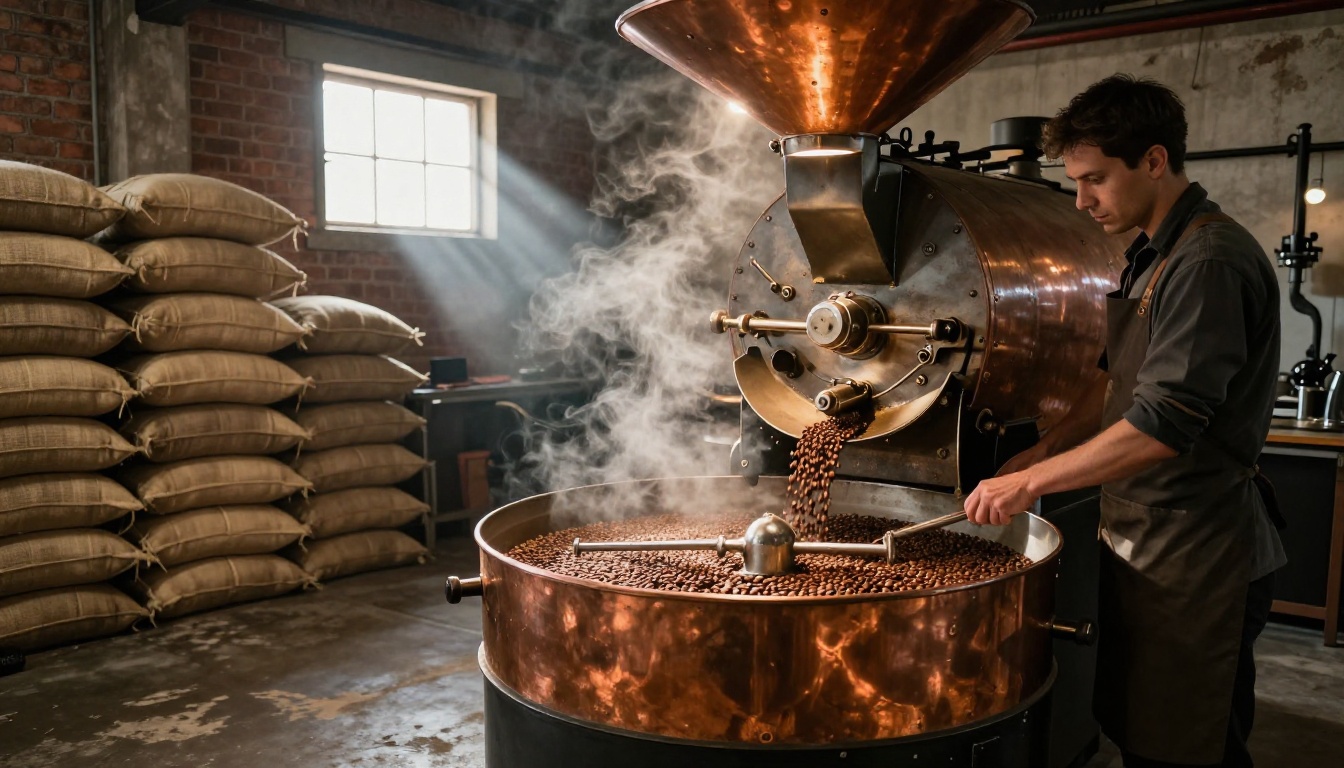
The first section of any coffee brand flipbook should tell the story behind the beans. Where are they sourced? Who are the farmers? What makes your roasting process distinct? Customers who connect with a brand story spend more and return more often.
This section works best with full-bleed photography, short punchy paragraphs, and a clear brand voice. Think of it as the "About" page of your website, designed like a magazine spread.
Product Pages That Convert

Each coffee product deserves its own spread or at minimum its own section. Include:
- Roast level (Light, Medium, Dark) with tasting notes
- Origin (country, region, farm or cooperative)
- Process (washed, natural, honey)
- Brewing recommendations (French press, pour-over, espresso)
- Price per bag or per subscription tier
A well-designed product page in a flipbook functions like a product page on your website, but with the feel of a premium print catalog. The combination is powerful.
Seasonal Menus and Limited Offerings
Coffee is seasonal. Single-origin lots come and go. Limited roast releases drive urgency. A digital flipbook is perfect for seasonal content because you can update it without reprinting anything. Simply revise your design, re-upload the PDF to Flipbooks AI, and the link stays the same.
Coffee shops can use a seasonal flipbook menu to replace printed table cards. Roasters can send a "New Arrivals" edition to wholesale buyers each quarter. Subscription brands can include a link in their box inserts that opens to a digital tasting booklet with flavor profiles and brew ratios.
Types of Coffee Brand Flipbooks
Not every coffee business needs the same type of flipbook. Below is a breakdown of the most common formats and who each one serves best.
| Flipbook Type | Best For | Core Content | Ideal Frequency |
|---|
| Product Catalog | Roasters, wholesale sellers | Full product range, pricing, origin details | Quarterly or seasonal |
| Coffee Shop Menu | Cafes, espresso bars | Drink menu, food pairings, seasonal specials | Seasonal or monthly |
| Brand Lookbook | DTC brands, subscription boxes | Brand story, lifestyle photography, product highlights | Annually or bi-annually |
| Brew Notes Booklet | Subscription boxes, specialty roasters | Brew ratios, flavor profiles, food pairings per roast | Per shipment or quarterly |
| Wholesale Deck | B2B sales, farmer's market vendors | MOQ, pricing tiers, origin certifications | Annually, updated as needed |
✅ A single Flipbooks AI account can host unlimited flipbooks (Standard plan and above), so you can maintain a product catalog, a seasonal menu, and a wholesale deck all under one account without extra cost.
How to Build Your Coffee Brand Flipbook
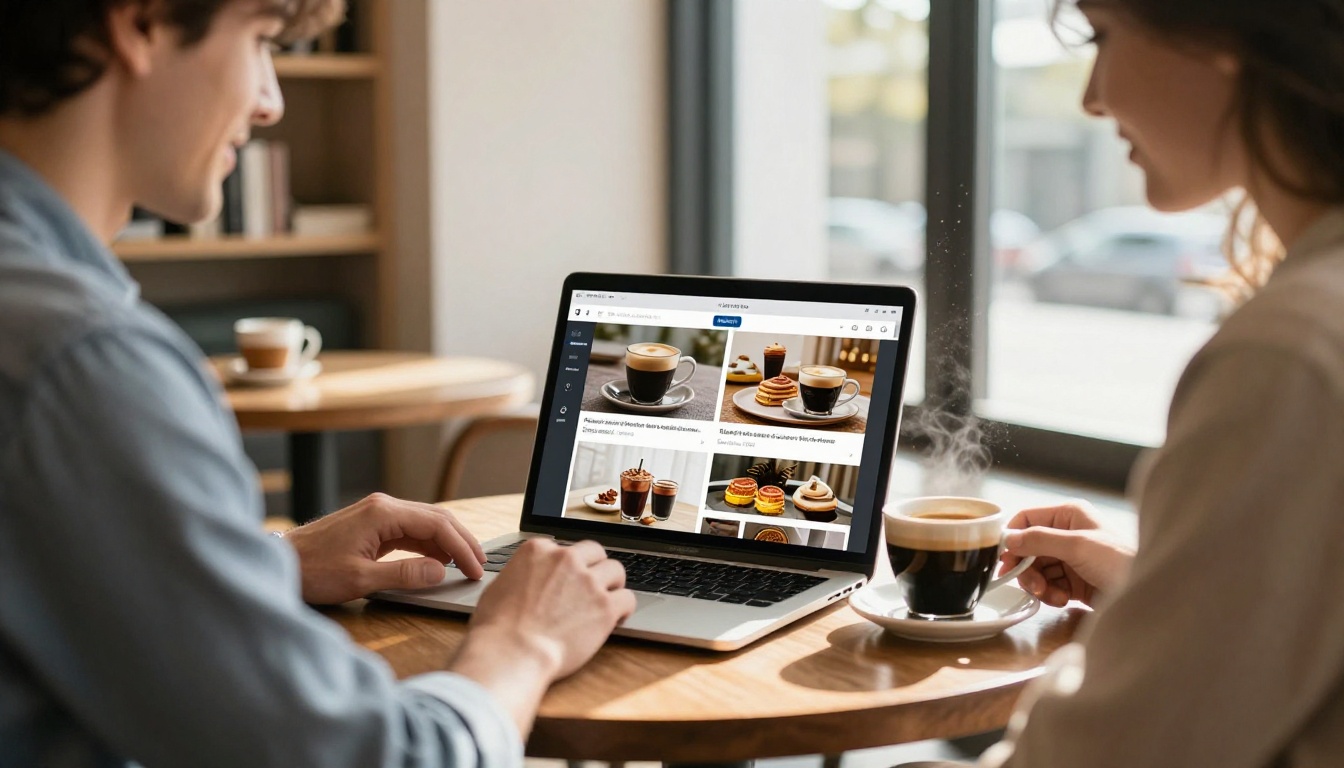
Creating a flipbook for your coffee brand takes less than ten minutes once your PDF is ready. Here is the exact process.
Step 1 - Create Your Account
Go to Flipbooks AI and create a free account. No credit card required to start. You can upload your first flipbook immediately after signing up. The free plan lets you test the platform and see how your design looks in the flipbook format before committing to a paid tier.
Step 2 - Upload Your PDF Design
Prepare your coffee brand PDF in any design tool you already use: Canva, Adobe InDesign, Figma, or even Google Slides exported as a PDF. Requirements before uploading:
- Resolution: Export at 150 DPI minimum, 300 DPI for print-quality sharpness
- Page size: Standard A4 or Letter works perfectly; double-page spreads are supported
- File size: Up to 500MB accepted on paid plans
Once ready, drag and drop the PDF into the Flipbooks AI upload area. The conversion happens automatically, usually within 30 to 60 seconds depending on page count.
Step 3 - Brand It Completely
This is where your identity takes shape. After conversion, you can:
- Set your brand colors for the flipbook background and interface elements
- Add your logo to the viewer so it appears when customers open the link
- Customize the preview thumbnail for social sharing
- Enable or disable the table of contents, download button, and social sharing options
- Add a password if the flipbook is for private wholesale buyers or VIP members
💡 Coffee brands with strong visual identities should match the flipbook interface color to their primary brand color. A roaster with a deep brown and cream palette can recreate that feel entirely in the viewer UI.
Step 4 - Share It Everywhere
Once published, Flipbooks AI gives you several distribution options:
- Direct link: A clean URL you can paste anywhere
- Embed code: Drop it into your website's product page, about section, or any landing page using the Embed Flipbook on Website tool
- QR code: Print on packaging, table cards, or event signage so physical touchpoints lead to the digital experience
- Password-protected link: For wholesale buyers, press kits, or private VIP catalogs
⚠️ If you update your PDF (new season, new products), re-upload and replace the existing flipbook. The link stays identical, so anyone who has bookmarked or embedded it sees the updated version automatically.
Flipbooks AI Plans for Coffee Businesses
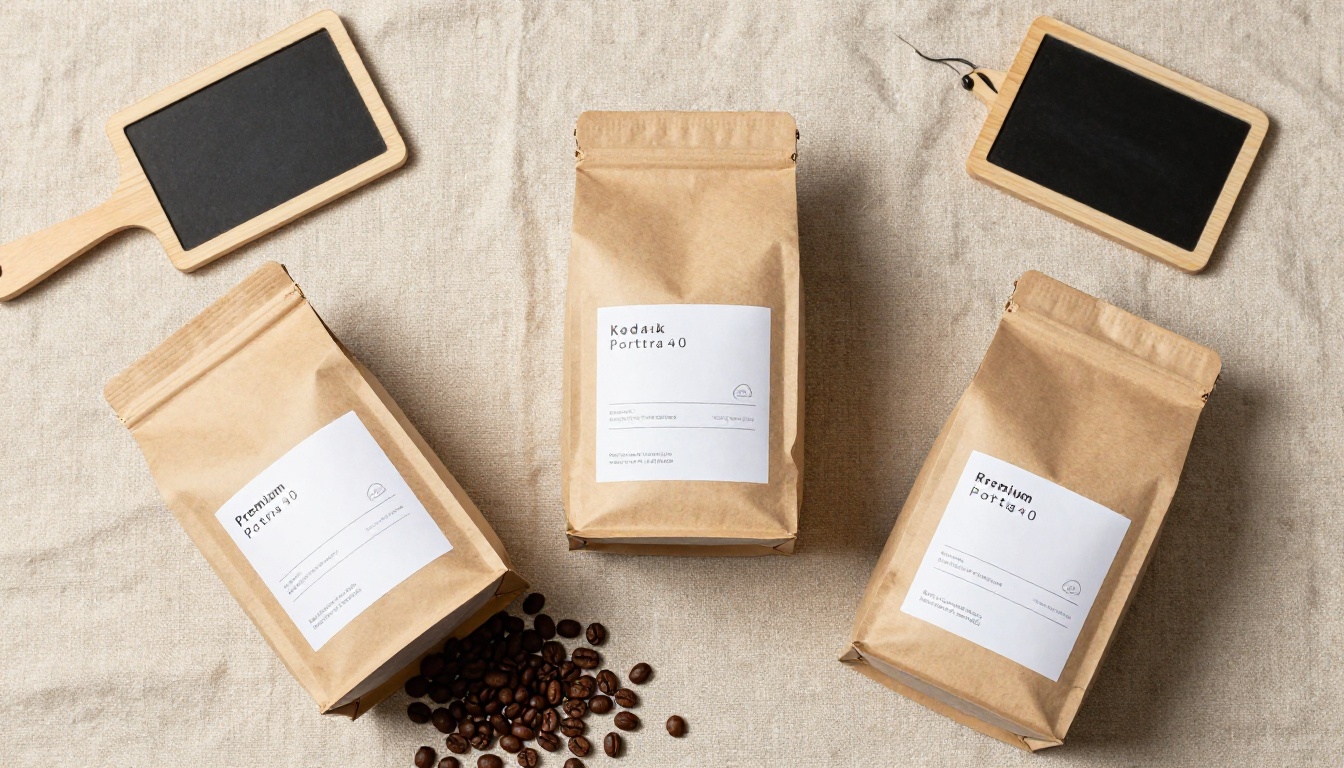
Choosing the right plan depends on your volume and the features your coffee brand needs. Here is a comparison of what each tier offers for a typical coffee business.
| Feature | Free | Standard | Professional |
|---|
| Flipbooks | 1 | Unlimited | Unlimited |
| Watermark | Yes | No | No |
| Custom branding | No | Yes | Yes |
| Password protection | No | Yes | Yes |
| Analytics | No | Basic | Full |
| Lead generation forms | No | No | Yes |
| Offline downloads | No | No | Yes |
| Embed on website | No | Yes | Yes |
| Custom domain | No | No | Yes |
For most independent coffee shops and small roasters, the Standard plan covers everything needed: unlimited flipbooks, no watermark, custom branding, and embed capability. Larger brands running wholesale operations or building a subscriber list will benefit from the Professional plan's full analytics and lead generation features.
See the full breakdown at flipbooksai.com/pricing before deciding.
Real Coffee Brand Flipbook Use Cases
The Specialty Roaster Catalog
A specialty roaster selling direct-to-consumer and through wholesale accounts needs two different documents. The retail catalog focuses on the story: the farm, the flavor notes, the roasting philosophy. The wholesale deck focuses on logistics: minimum order quantities, pricing tiers, certifications, and delivery schedules.
A roaster using Flipbooks AI can create two separate flipbooks for these audiences and embed the retail catalog directly on their shop page. Wholesale inquirers receive the password-protected deck link in their first response email. This setup eliminates back-and-forth and positions the brand as organized and professional from the very first contact.
The Coffee Shop Seasonal Lookbook
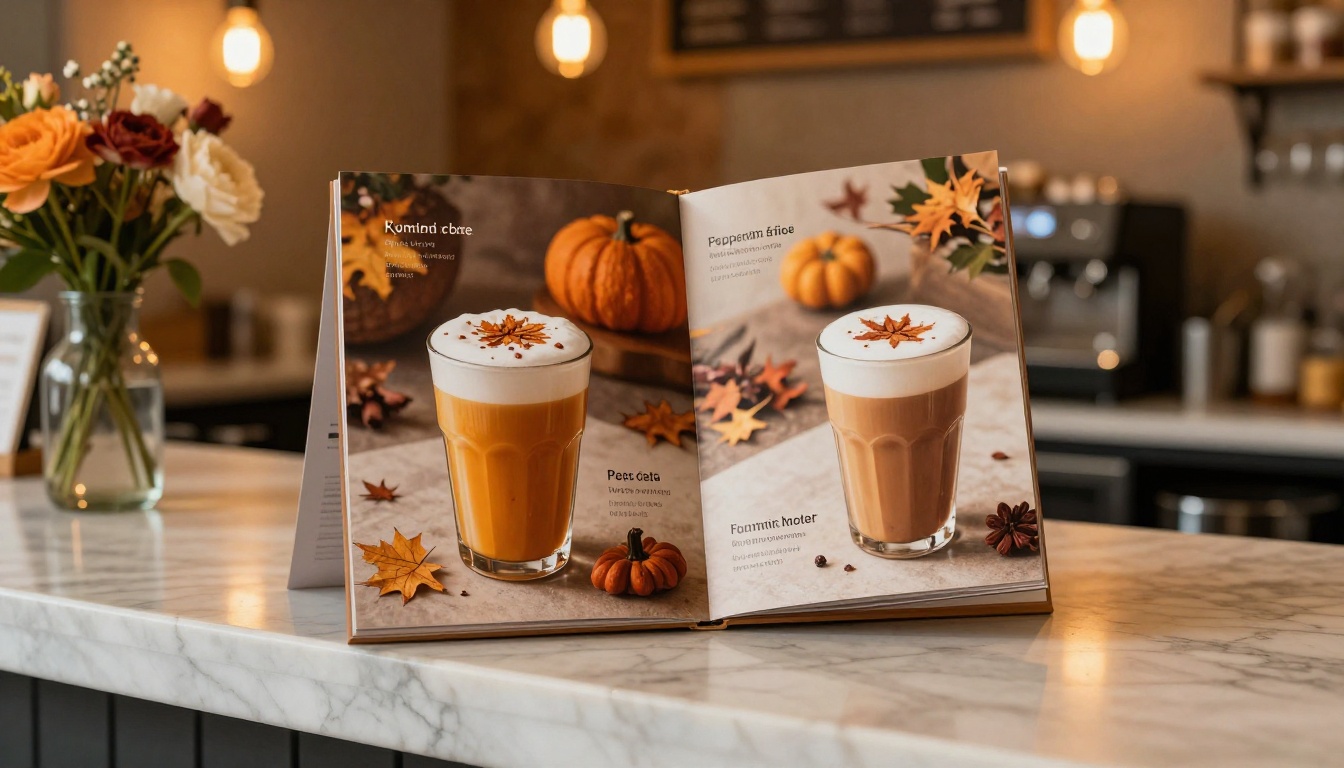
Cafes that refresh their menu seasonally face a recurring print cost. A seasonal flipbook eliminates that entirely. Design the autumn menu in Canva, upload to Flipbooks AI, and share the link via Instagram, Google Business, and the website menu page, all in one afternoon.
The Interactive Lookbook Designer tool is built specifically for this kind of visual-first content. Coffee shops can create a lookbook that pairs drinks with food items, features photography from their space, and includes the seasonal story behind each offering.
Table cards with a QR code pointing to the digital menu let in-store customers browse the full seasonal catalog on their phone. It is a tactile-to-digital connection that requires no technical setup.
Subscription Box Marketing
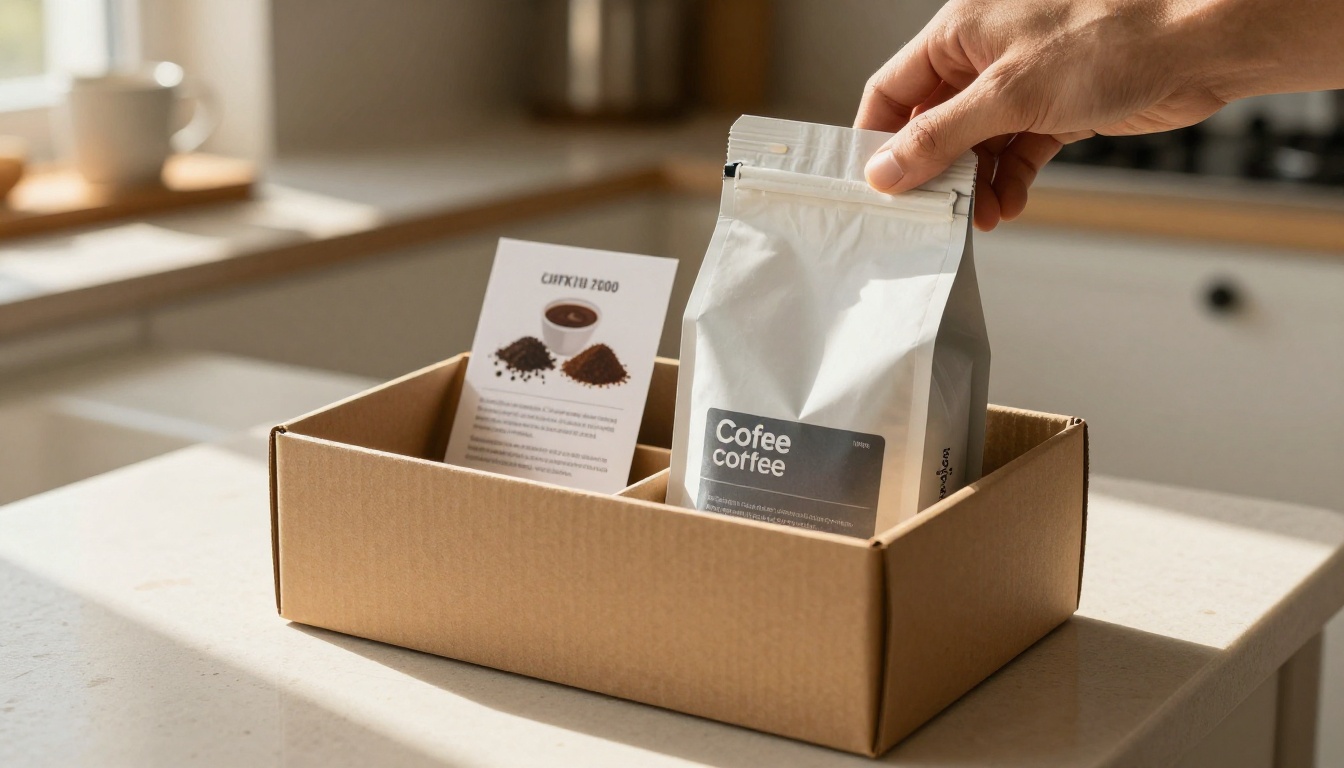
Coffee subscription brands have an ongoing content challenge: every shipment needs to feel fresh and informative. A digital tasting booklet flipbook, linked via a card insert in the box, gives subscribers a rich experience beyond the bag itself.
The flipbook can include:
- Origin story for that month's featured farm
- Tasting notes and flavor wheel
- Recommended brewing ratios for each included coffee
- A "Meet the Farmer" section with photos
- Subscriber-exclusive discount toward upcoming orders (with a lead capture form on the Professional plan)
This kind of content builds loyalty and reduces churn. Subscribers who feel connected to the source of their coffee stay longer.
5 Design Tips for Your Coffee Flipbook
The quality of your flipbook depends almost entirely on the quality of the PDF you upload. These five principles apply regardless of which design tool you use.
1. Lead with full-bleed photography
The opening spread should be a single dominant image. No text clutter. A stunning shot of your best product, your roastery, or a perfectly pulled espresso. The visual has to stop the scroll before anything else can work.
2. Limit your color palette to three tones
Coffee brands that use too many colors look unfocused. Pick your primary brand color, a neutral (cream, off-white, or kraft brown), and a single accent. Carry these three tones consistently across every page.
3. Use white space aggressively
Dense pages feel cheap. Every product spread should have breathing room. A single product shot, four lines of tasting notes, and generous margins will always outperform a cramped layout with five products per page.
4. Match your typography to your brand personality
A third-wave specialty roaster should use clean, modern sans-serifs. A heritage roaster with 50 years of history can use elegant serifs. Whatever you choose, use two typefaces maximum and stick to them across every page.
5. Include a clear action on every spread
What should the reader do after seeing this product? Every spread should have a gentle prompt: a website URL, a QR code, or a short instruction. Even a subtle nudge dramatically increases the chance a browser becomes a buyer.
✅ The Digital Catalog Maker tool includes pre-built layouts that follow these exact design principles. If you want a starting point that already looks professional, begin there.

Different formats serve different needs. Here is how a digital flipbook compares to other common ways coffee brands share their materials.
| Format | Visual Quality | Interactivity | Share-ability | Update Cost | Best Use |
|---|
| Digital Flipbook | High | High (page-turn, embed) | One link, any device | Free (re-upload PDF) | Catalogs, menus, lookbooks |
| Static PDF | High | None | Email attachment, often blocked | Resend new file each time | Internal documents |
| Printed Catalog | Very High | None | Physical distribution only | Full reprint per update | Trade shows, press kits |
| Instagram Carousel | Medium | Limited (swipe only) | Platform-dependent reach | New post each update | Product launches, campaigns |
| Website product page | High | Medium | SEO-driven traffic | Dev cost to update | Permanent product listings |
For coffee brands that need to present products to buyers, brief new customers, or run seasonal promotions, a digital flipbook sits at the intersection of high visual quality and practical shareability. It is the only format that replicates the premium feel of print without the print cost.
Your Coffee Brand Deserves Better
Every coffee brand that invests in quality beans, careful roasting, and thoughtful packaging deserves a presentation format that matches that quality. A static PDF does not do the work justice. A digital flipbook does.
Flipbooks AI gives you the tools to build that experience without a development team, without a print budget, and without starting from scratch. You already have the photography and the design. The flipbook is the final step that turns those assets into something customers actually browse, share, and remember.
Ready to create yours? Start for free on Flipbooks AI and have your first coffee brand flipbook live in under an hour. When you are ready for unlimited flipbooks and custom branding, compare plans to choose the right fit for your business.
Browse all available flipbook tools to find the format that fits your specific needs, whether that is a product catalog, a seasonal lookbook, a brew notes booklet, or a wholesale deck.



