Running a dance studio in today's world means competing for attention across Instagram feeds, school bulletin boards, and parent Facebook groups. A static PDF sitting in someone's email rarely gets opened twice. But a digital flipbook with smooth page-turning animations, embedded class photos, and a direct enrollment link? Parents share those. Students screenshot them. And prospective clients actually read them all the way through. If you want to fill your classes and make your studio look as professional as it feels, Flipbooks AI gives you the fastest path from PDF to polished digital publication.
Why Print Brochures Are Costing You Students

The average printed dance studio brochure costs between $0.50 and $2.00 per copy to produce. At 500 copies per season, that is $250 to $1,000 gone before a single class is sold. Worse, the moment your schedule changes or a new instructor joins, every copy is outdated.
Digital flipbooks cost nothing to update. You change the source PDF, re-upload it, and every shared link instantly shows the new version. No reprinting. No re-mailing. No awkward "sorry, that schedule changed" conversations at the front desk.
Beyond the cost, there is the reach problem. A printed brochure travels about as far as a parent's car will take it. A flipbook link travels as far as a WhatsApp message, a Facebook post, or a Google search result.
Print vs. Digital: The Real Numbers
| Factor | Printed Brochure | Digital Flipbook |
|---|
| Cost per update | $0.50–$2.00 per copy | $0 |
| Distribution reach | Local, physical | Global, instant |
| Analytics | None | Full view tracking (Pro plan) |
| Shelf life | One season | Indefinite |
| Mobile-friendly | No | Yes, fully responsive |
| Embed on website | No | Yes |
💡 Dance studios that switch to digital publications report spending 60–80% less on seasonal marketing materials while reaching significantly more prospective families.
What a Dance Studio Flipbook Actually Looks Like
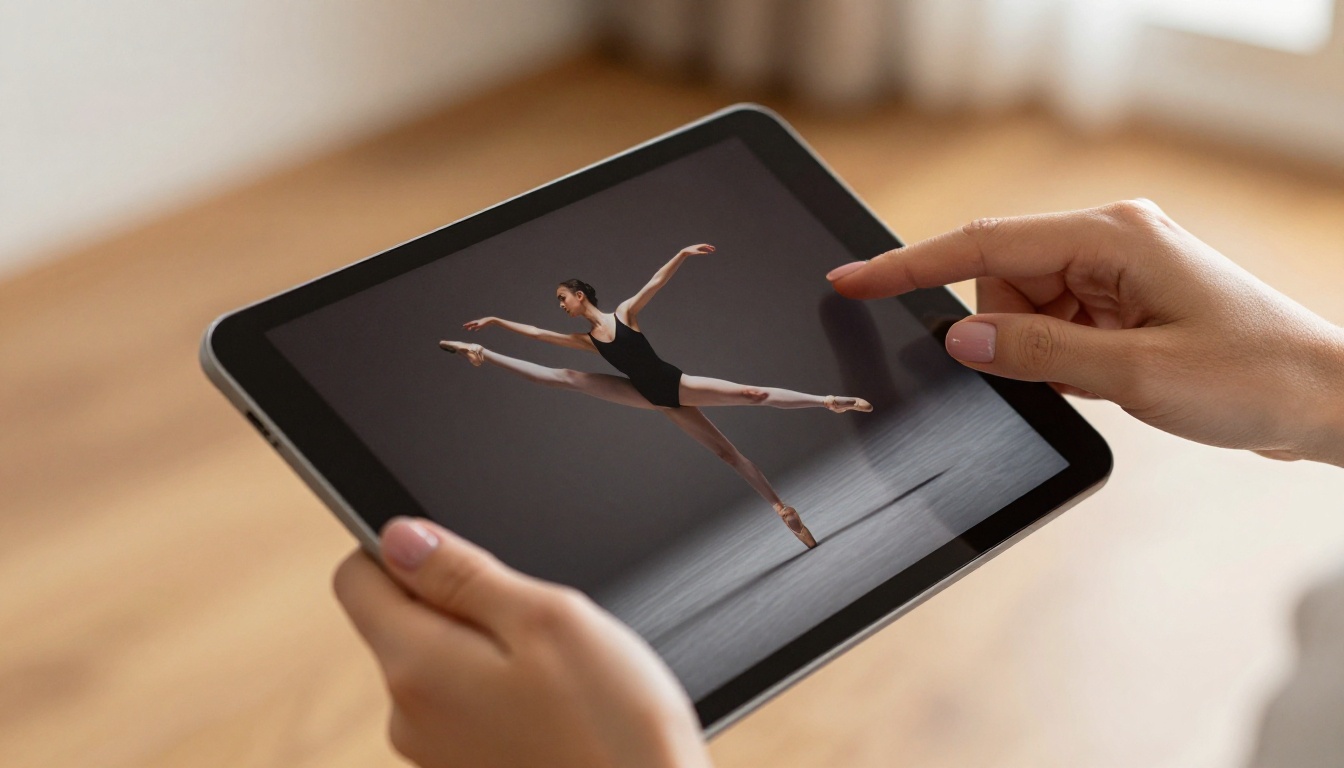
A well-made dance studio flipbook is not a PDF attached to an email. It is an interactive, browser-based publication with smooth page-turn animations, clickable links, embedded videos, and a layout that looks stunning on both a phone screen and a desktop monitor.
When a parent opens your flipbook, they see:
- Your studio's branding front and center: logo, colors, and photography
- Clickable class links that go directly to your enrollment page
- Photo galleries of your instructors, studio spaces, and past recitals
- An interactive schedule table that is easy to scan at a glance
- A contact section with a tap-to-call phone number
The experience feels closer to opening a glossy magazine than reading a document. That perception matters enormously for a business built on aesthetics and artistry.
Formats That Work Best for Dance Studios
Different materials need different formats. Here is a quick breakdown of what to create first:
| Flipbook Type | Best For | Ideal Length |
|---|
| Seasonal Class Schedule | New term enrollment campaigns | 6–10 pages |
| Recital Program | Performance night handouts | 12–20 pages |
| Studio Welcome Packet | New student onboarding | 8–12 pages |
| Instructor Showcase | Recruitment, trust-building | 6–8 pages |
| Summer Intensive Brochure | Specialized program promotion | 8–14 pages |
5 Types of Flipbooks Every Dance Studio Needs
Not all flipbooks serve the same purpose. The smartest studios build a small library of publications, each designed for a specific moment in the student journey.
1. The Seasonal Class Schedule
This is your highest-volume publication. Every fall, winter, spring, and summer term needs a fresh schedule that parents can browse without squinting at a spreadsheet. Include:
- Class name, age range, and skill level
- Day, time, and duration
- Instructor name and brief bio
- Studio room location (if you have multiple spaces)
- Direct enrollment link per class
2. The Recital Program
Recital programs are traditionally expensive to print and immediately thrown away. As a digital flipbook, they become shareable keepsakes. Parents text the link to grandparents who could not attend. Students post it to their social media. The program becomes free marketing.
A great recital program flipbook includes:
- Performance order and song titles
- Individual dancer headshots and bios (older students love this)
- Sponsor acknowledgements with clickable links
- A photo gallery from rehearsals
- A thank-you message from the artistic director
3. The Studio Welcome Packet
First impressions set enrollment expectations. A polished welcome packet delivered as a flipbook signals that your studio is professional, organized, and worth the tuition.
Include your studio policies, dress code requirements, performance calendar, fee schedule, and emergency contact forms as a clean, branded publication rather than a stack of loose papers.
4. The Instructor Showcase
Parents choose studios based on who will teach their children. An instructor showcase flipbook gives each of your teachers a proper feature: professional headshot, credentials, teaching philosophy, and a list of their current classes with enrollment links.
5. The Summer Intensive Brochure
Intensive programs command premium pricing. Premium pricing deserves premium marketing materials. A beautifully designed summer intensive flipbook with high-quality photography, a detailed curriculum outline, and testimonials from past participants justifies the investment ask before a parent even picks up the phone.
How to Create a Flipbook for Your Dance Studio with Flipbooks AI
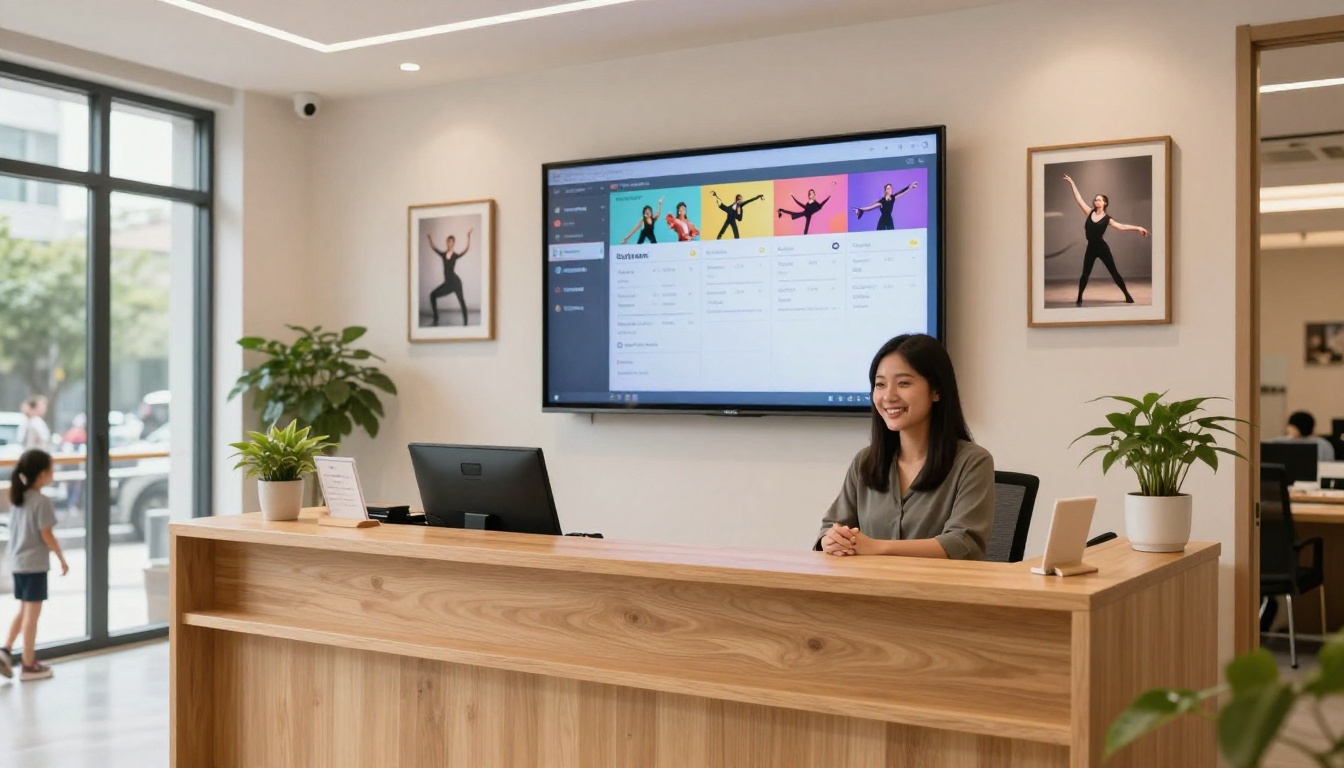
Flipbooks AI makes the process fast enough to complete on a Sunday afternoon. Here is exactly how to do it:
Step 1: Design Your PDF
Before uploading, your content needs to be in PDF format. Use Canva, Adobe InDesign, or Google Slides to design your class schedule, recital program, or welcome packet. Focus on:
- High-resolution imagery (at least 300 DPI for print quality)
- Your brand colors and logo on every page
- Readable fonts at 12pt minimum
- Clickable hyperlinks embedded directly in the PDF
✅ Design at 1920x1080px (16:9 ratio) if your primary audience will view on screens. Use standard letter size (8.5x11") if parents may also print a copy.
Step 2: Upload to Flipbooks AI
Create an account on Flipbooks AI. From your dashboard, click New Flipbook and drag your PDF into the upload zone. The platform converts your PDF into a smooth, page-turning digital publication in seconds.
You will immediately see a live preview of your flipbook with the animated page-turn effect applied. The PDF to Flipbook Converter handles everything automatically, so no technical skills are required.
Step 3: Customize Your Branding
This is where your studio's personality comes through. In the customization panel, you can:
- Upload your studio logo
- Set background color or add a custom background image
- Choose a page-turn animation style
- Add your studio's social media links to the viewer
- Set a custom domain for sharing
💡 Match your flipbook's color palette exactly to your studio's brand colors. Consistency builds trust, and trust drives enrollment decisions.
Step 4: Add Interactive Elements
Beyond static pages, you can embed:
- Videos: Add a welcome video from your artistic director, or a highlight reel from last year's recital
- Audio: Background music (keep it subtle and on-brand)
- Clickable hotspots: Link directly to your enrollment portal, social media profiles, or Google Maps listing
Step 5: Set Privacy and Sharing Options
Not every publication should be public. For welcome packets and internal documents, enable password protection so only enrolled families can access the content. For seasonal schedules and summer brochures, make it public and shareable.
Flipbooks AI generates:
- A shareable URL you can post anywhere
- An embed code for your studio website (via the Embed Flipbook on Website tool)
- A QR code you can print on posters and reception desk signage
Step 6: Track Performance with Analytics
On the Professional plan, you get full analytics showing how many people viewed your flipbook, which pages they spent the most time on, and how many clicked your enrollment links. This tells you exactly which classes are generating the most interest, so you can prioritize them in next season's marketing.
✅ The lead generation feature lets you add a contact form directly inside the flipbook. Parents can express interest without ever leaving the publication.
Pricing: What Does a Dance Studio Flipbook Cost?
One of the most common questions from studio owners is whether a digital flipbook tool fits their budget. The short answer: yes, comfortably. Here is how the plans compare:
| Feature | Free | Standard | Professional |
|---|
| Flipbooks | 1 | Unlimited | Unlimited |
| Watermark | Yes | No | No |
| Password protection | No | Yes | Yes |
| Custom branding | No | Yes | Yes |
| Analytics | No | No | Yes |
| Lead generation | No | No | Yes |
| Offline downloads | No | No | Yes |
| Embed videos/audio | No | Yes | Yes |
| Mobile responsive | Yes | Yes | Yes |
For a dance studio running seasonal publications, the Standard plan handles most needs: unlimited flipbooks, no watermarks, and full branding control. The Professional plan makes sense the moment you want to know which pages parents are actually reading and want to capture leads directly from your brochures.
Compare all pricing plans to find the right tier for your studio's volume.
⚠️ Avoid the Free plan for client-facing materials. A watermark on your class schedule signals to parents that your studio cuts corners, which is the opposite of the impression you want to make.
Real-World Results: What Studios Are Doing Right
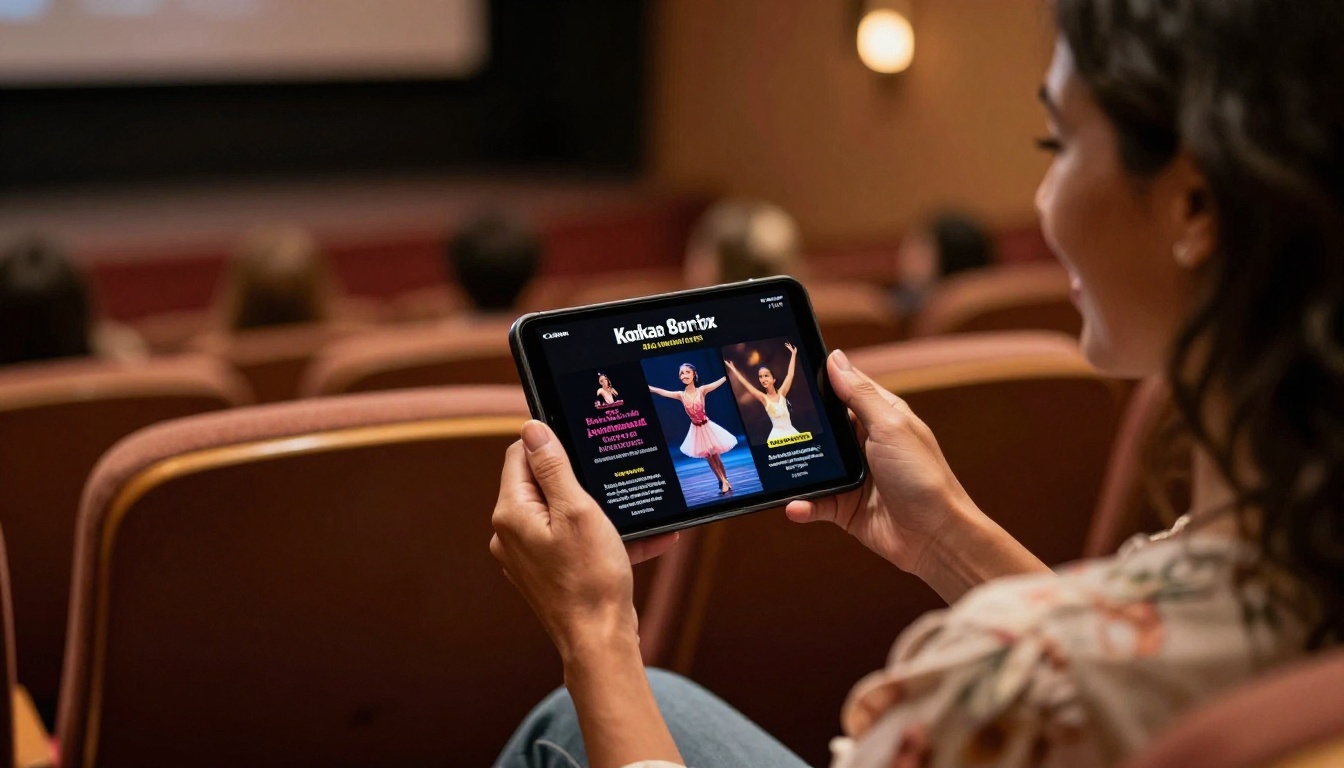
Dance studios using digital flipbooks consistently report three core wins:
1. More referrals: When a parent receives a beautiful, shareable class schedule, they forward it to friends. Each forward is a free marketing impression that would have cost $0.75 in print to generate.
2. Faster enrollment decisions: Interactive flipbooks with direct enrollment links remove friction. A parent who can click straight from "I'm interested in this class" to "I've registered" is far more likely to complete enrollment than one who has to Google your studio's website separately.
3. Professional credibility: Presentation signals quality. Studios with polished digital materials are perceived as more established and more worth the investment, even when their actual programs are identical to competitors still using paper flyers.
Studios That Get Immediate Value
- Boutique ballet academies publishing quarterly newsletters to current families
- Hip-hop studios using summer intensive flipbooks to recruit students from other cities
- Multi-discipline studios creating separate schedule flipbooks per discipline (ballet, jazz, tap, contemporary) so parents only receive relevant information
- Performing arts centers distributing recital programs digitally and collecting email addresses through the in-flipbook lead form
Sharing Your Flipbook (Without Printing a Single Page)
Generating your flipbook is only half the job. Distribution is what drives enrollment. Here are the most effective channels for dance studios:
Website Embedding
Paste a single embed code into your website and your class schedule or welcome packet appears directly on your site, no redirects. Parents browse without ever leaving your page, which keeps them in your environment and reduces drop-off.
Social Media Distribution
Share the direct flipbook URL across:
- Facebook: Parent groups, your studio's page, local community boards
- Instagram Stories: Link in bio, or "see our fall schedule" caption posts
- WhatsApp: Direct messages to current families, who then forward to their networks
Email Campaigns
Replace PDF attachments with flipbook links in your email newsletters. PDF attachments trigger spam filters and take forever to download on mobile. A flipbook link is lightweight, mobile-responsive, and far more impressive when it opens.
QR Codes at the Studio
Print your flipbook's QR code on:
- Reception desk cards
- Lobby posters
- Business cards
- The back of performance programs
Parents waiting for class to end pull out their phone, scan the code, and browse your upcoming offerings. That is a warm lead generated for free.
Google Business Profile
Add your seasonal class schedule flipbook link to your Google Business Profile posts. Parents searching for dance studios in your area see a direct link to your current offerings before they even visit your website.
Your Studio's Digital Presence Starts Here
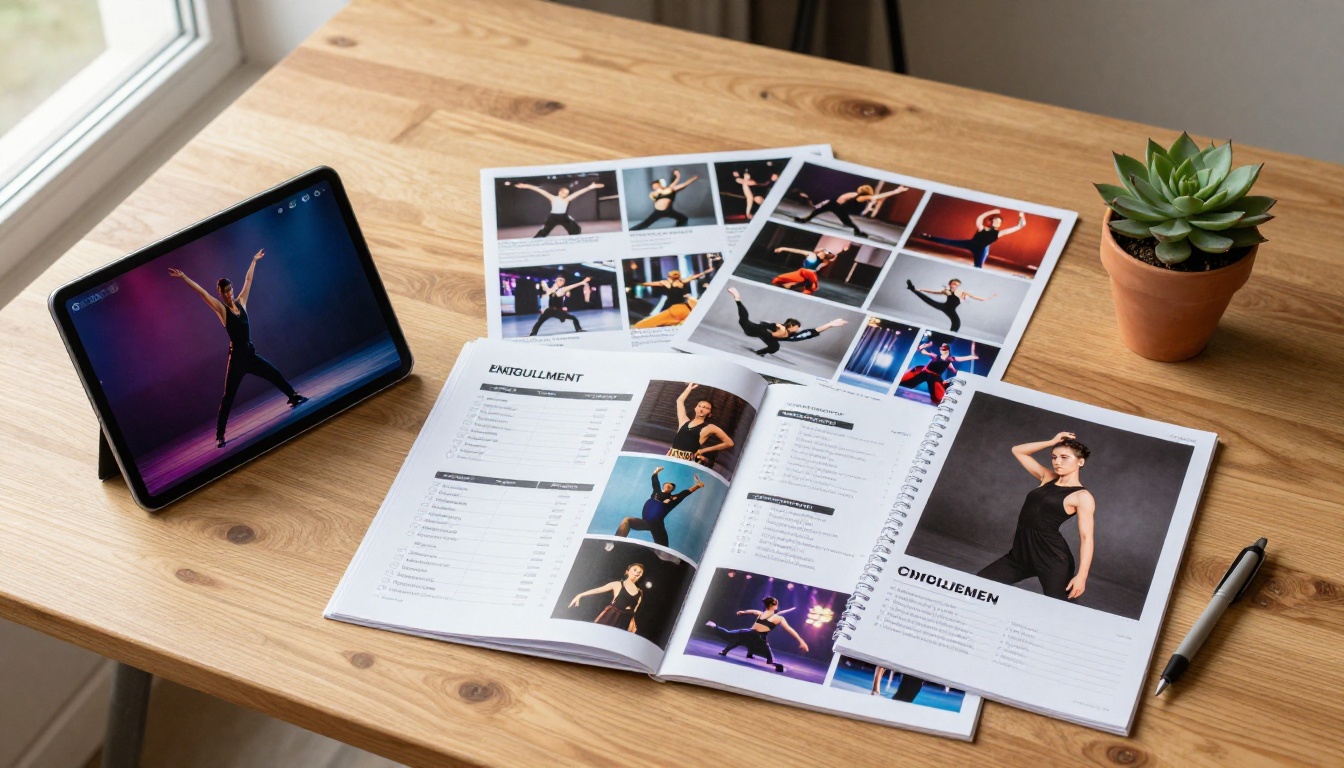
Dance studios are visual businesses. Your marketing materials should reflect the same artistry and professionalism you bring to every class. A static PDF or a printed brochure no longer matches the standard parents expect when they are making decisions about their children's extracurricular activities.
The studios filling their rosters are the ones making it easy to discover, browse, and enroll. A digital flipbook removes every point of friction in that journey: it is instantly shareable, beautiful on any device, always up to date, and linked directly to your enrollment process.
Start with your next class schedule. Upload your PDF, add your branding, turn on password protection for your current families, and set the public version live for new prospects. The whole process takes less than 30 minutes.
Ready to create your first flipbook? Get started for free on Flipbooks AI and have your dance studio's class schedule live online today.
Already know what you need? Compare pricing plans to pick the right tier for your studio's size and publication volume.
Browse all flipbook tools and templates to find the right format for every publication your studio produces, from recital programs to instructor showcases to summer intensive brochures.



