Home decor brands pour enormous time and budget into their seasonal catalogs. Styled room sets, professional photography, curated product selections. And then? A print run. A PDF emailed to a few contacts. A static file that buyers scroll through with zero excitement. The format kills what the content earned.
That is exactly why more decor brands are choosing to create a flipbook for their home decor catalog instead of, or alongside, a printed version. A digital flipbook brings the page-turn experience to any screen, keeps your brand looking polished, and gives buyers something they actually want to share.
Flipbooks AI makes this process simple for anyone from solo interior designers to large furniture retailers. No design software required. You upload your PDF, apply your branding, and your catalog is live within minutes.
Why a Static PDF Is Costing You Sales
Most home decor brands send their catalog as a flat PDF attachment. It opens in a viewer, readers scroll vertically, and within 30 seconds it gets minimized or closed. The visual storytelling you invested in gets flattened.
A digital flipbook solves this in ways a PDF simply cannot:
- Real page-turn animation keeps readers engaged longer
- Mobile-responsive design means buyers browse comfortably on any device
- Direct sharing links get forwarded between colleagues and clients
- Embedded analytics show you exactly which pages buyers spend time on
- No file size limits to worry about when emailing

💡 Pro tip: Interactive content generates up to twice the conversions of static content. A flipbook is not just a prettier PDF. It is a different category of buyer experience.
The numbers tell the story clearly. Brands using digital flipbook catalogs report measurably longer average viewing sessions compared to PDF links. When someone can flip through your rooms like a real magazine, they stay.
What Makes a Home Decor Flipbook Different
Not every flipbook use case is the same. A restaurant menu flipbook has different goals than a real estate brochure. A home decor catalog sits in a specific sweet spot: it is visual, product-driven, and needs to communicate lifestyle as much as specs.
The best home decor flipbooks share a few common traits:
- Spread-style layouts: Two-page spreads let you show full room sets without compression
- High-resolution photography: The flipbook format preserves your image quality fully
- Clickable product links: Readers tap items and go directly to your product pages
- Brand consistency: Custom colors, logo placement, and font matching throughout
- Clean navigation: Table of contents with clickable room category links

Flipbook vs. PDF vs. Printed Catalog
| Feature | Printed Catalog | Static PDF | Digital Flipbook |
|---|
| Page-turn experience | Yes | No | Yes |
| Mobile-friendly | No | Partial | Yes |
| Shareable link | No | Email only | One-click share |
| Analytics/tracking | No | No | Yes (Pro plan) |
| Password protection | No | No | Yes |
| Embed on website | No | No | Yes |
| Multimedia (video/audio) | No | No | Yes |
| Print cost | High | None | None |
| Update without reprint | No | Yes | Yes |
The case for going digital is clear. But within the digital space, not all solutions are equal.
There are several platforms in the market, but they vary significantly in what they offer for home decor specifically. When evaluating a flipbook tool for your catalog, these are the criteria that matter:
What to Look For in a Flipbook Platform
| Criteria | Why It Matters for Home Decor |
|---|
| No watermarks | Your brand looks premium, not cluttered |
| Custom domain embedding | Catalog lives on your website, not a third-party URL |
| Password protection | Wholesale buyers get exclusive catalog access |
| Analytics | Identify which collections get the most attention |
| Lead capture forms | Turn catalog browsers into registered contacts |
| Offline downloads | Buyers can reference your catalog anywhere |
| Unlimited flipbooks | Publish seasonal collections without extra cost |
Flipbooks AI checks every box on that list. The platform is built specifically for brands and creators who need professional-grade digital publications without the need for a developer or design team.
For home decor catalogs specifically, the Catalog Flipbook Creator and Interactive Lookbook Designer are the most relevant tools in the platform.

How to Create a Flipbook for Your Home Decor Catalog
This is the full process from raw PDF to a shareable, branded digital catalog.
Step 1: Prepare Your PDF
Before uploading anything, your PDF needs to be print-ready quality. That means:
- Resolution: Minimum 150 DPI, ideally 300 DPI for crisp room photography
- Page size consistency: All pages the same dimensions (A4 or US Letter work well)
- Spread pages: Design as spreads (two pages together) for the best visual result
- Embedded fonts: Flatten all text to avoid font substitution issues
- Clickable links: Add hyperlinks in your PDF before upload; they carry over to the flipbook
⚠️ Watch out: RGB color mode displays better on screens than CMYK. If your PDF was prepared for print, convert to RGB before uploading to preserve your color palette accurately.
Step 2: Upload to Flipbooks AI
Head to Flipbooks AI and create your account. The free plan lets you start immediately. Once you are in:
- Click New Flipbook on your dashboard
- Select Upload PDF and choose your catalog file
- Wait for the conversion to complete (most catalogs are ready in under 60 seconds)
- Preview the flipbook to check that all pages converted correctly
The platform automatically generates the page-curl animation and optimizes the file for web viewing. No technical configuration needed.
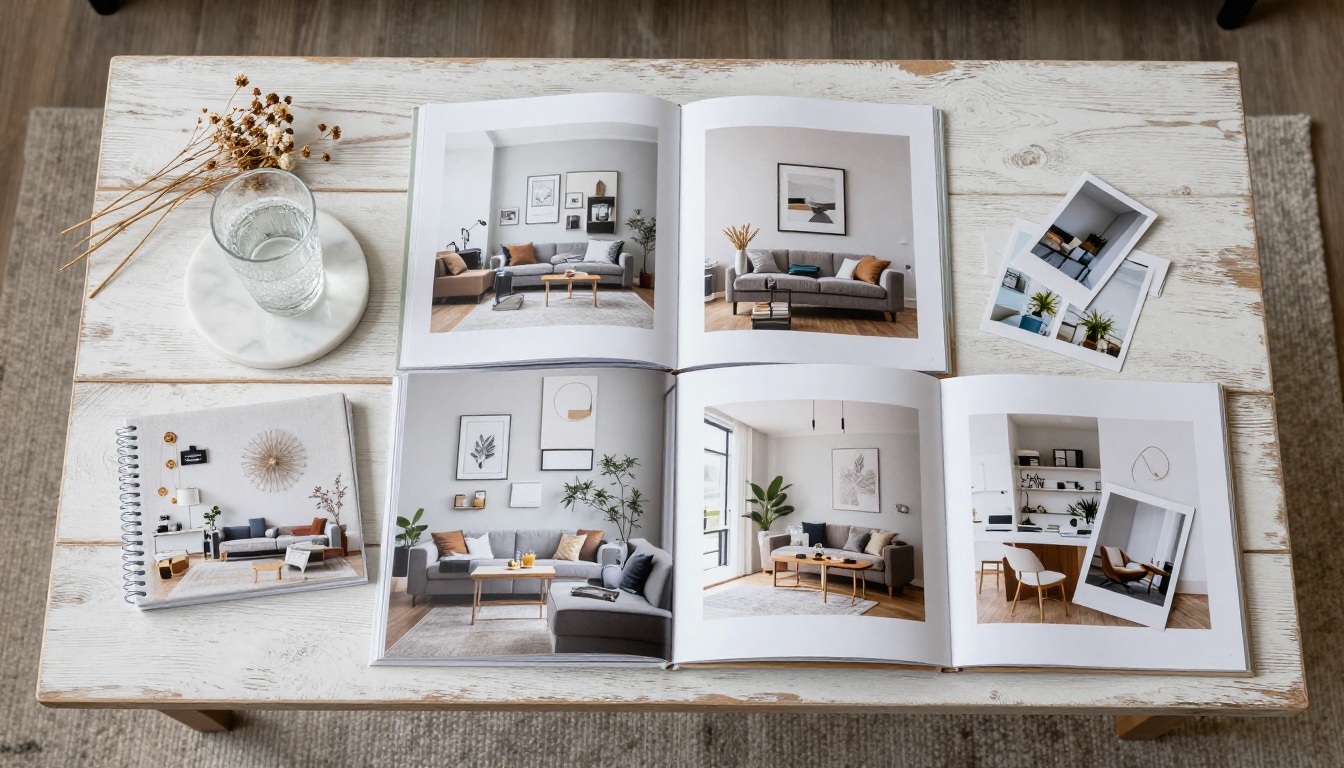
Step 3: Apply Your Branding
This is where a generic digital catalog becomes your brand's asset. In the flipbook editor:
- Upload your logo and position it on the cover or every spread
- Set your brand colors for the flipbook frame, controls, and navigation elements
- Choose background color: White or your brand's neutral works best for decor
- Add a custom title that matches your catalog edition (Spring 2026, etc.)
- Enable custom font if your brand has specific typography guidelines
✅ Best practice: Match the flipbook frame color to your catalog's background color. If your catalog has white backgrounds, set the flipbook chrome to white too. It creates a seamless, premium look.
Step 4: Add Interactive Elements
This is what separates a flipbook from a regular PDF conversion. In Flipbooks AI, you can layer interactive elements on top of your catalog pages:
- Hotspots: Clickable zones that open a product URL, video, or popup
- Embedded video: Add room tour videos directly inside specific pages
- Audio: Background music or product narration on selected pages
- Lead capture forms: Pop up a form at a specific page to collect buyer information
For a home decor catalog, hotspots are especially powerful. A reader sees a sofa they love, taps it, and lands directly on the product page on your website. That is a direct conversion pathway from catalog to checkout.

Step 5: Set Privacy and Access
Not every catalog should be public. Home decor brands often have different tiers:
- Public catalog: Available on your website, no login required
- Password-protected: For wholesale buyers or trade clients with a shared password
- Private link: Share a unique URL only with invited buyers
All three modes are available on Flipbooks AI. Password protection is available from the Standard plan. For professional-grade access controls with individual link tracking, the Professional plan adds analytics per viewer.
Step 6: Share and Embed
Once your flipbook is live, you have several distribution options:
- Direct link: A clean URL you paste into emails, WhatsApp, or social bios
- QR code: Auto-generated by the platform. Print it on packaging, at trade shows, or in store
- Embed code: A snippet that places the flipbook directly on your website with a single copy-paste
- Social share: One-click sharing to major social platforms from the flipbook itself
The Embed Flipbook on Website tool makes the embedding process straightforward even without developer support.

Real-World Use Cases for Home Decor Brands
The flipbook format is versatile. Here are the scenarios where it delivers the most value:
Seasonal Collections
Brands releasing Spring/Summer and Fall/Winter collections can publish a new flipbook for each season. With unlimited flipbooks on the Standard plan, there is no incremental cost per catalog. Archive older editions with one click.
Trade and Wholesale Catalogs
Password-protected flipbooks work perfectly for B2B buyer presentations. A furniture brand can create a wholesale-only version of their catalog with trade pricing visible, protected behind a shared password, and shared only with verified buyers.
Showroom and Retail Displays
A QR code printed on a showroom display or product tag lets in-store shoppers open the full digital catalog on their phone while standing in front of the physical item. That QR code links to your flipbook. The in-store and online experience become one.
Interior Design Presentations
Interior designers using their own curated collections can build a client presentation as a flipbook. Instead of emailing a 50MB PDF, they share a single link that works on any device.
Flipbooks AI Plan Comparison for Home Decor Brands
Choosing the right plan depends on your catalog volume and whether you need analytics or lead generation features.
| Feature | Free | Standard | Professional |
|---|
| Flipbooks | 1 | Unlimited | Unlimited |
| Watermark | Yes | No | No |
| Password protection | No | Yes | Yes |
| Custom branding | No | Yes | Yes |
| Embed on website | No | Yes | Yes |
| Analytics | No | No | Yes |
| Lead generation | No | No | Yes |
| Offline downloads | No | No | Yes |
| Hotspots/interactivity | No | Yes | Yes |
💡 For most home decor brands: The Standard plan covers everything needed for a polished, branded catalog with embed and password protection. Professional is worth it if you want to know which collections buyers actually read and want to capture leads directly from the catalog.
Explore the full breakdown on the pricing page.
Common Mistakes to Avoid
Creating a flipbook is simple, but a few common errors can undermine your catalog's impact:
- Low resolution PDFs: Blurry room photography destroys the premium feel. Always use 300 DPI source files.
- Too many pages: Catalogs over 150 pages see significant drop-off in reader completion. Consider splitting by collection.
- No clickable links: Missing the hotspot step means losing every direct conversion opportunity.
- Ignoring mobile preview: Always test your flipbook on a phone before sharing. Most buyers will open it on mobile first.
- Generic cover title: Name your flipbook specifically. "Spring Collection 2026" performs better than "Catalog."

Optimizing Your Catalog for Search and Discovery
A digital flipbook does something a printed catalog cannot: it can be found by search engines. To maximize the discoverability of your catalog:
- Add a descriptive flipbook title using your collection name and brand
- Write a flipbook description with your key products and collections mentioned
- Embed the flipbook on a dedicated catalog page on your website with surrounding descriptive text
- Share the catalog link on Pinterest: Home decor is Pinterest's top category, and flipbook link shares drive traffic back to your site
The combination of a well-titled flipbook embedded on a properly optimized web page creates a long-tail SEO asset that continues working for months after launch.
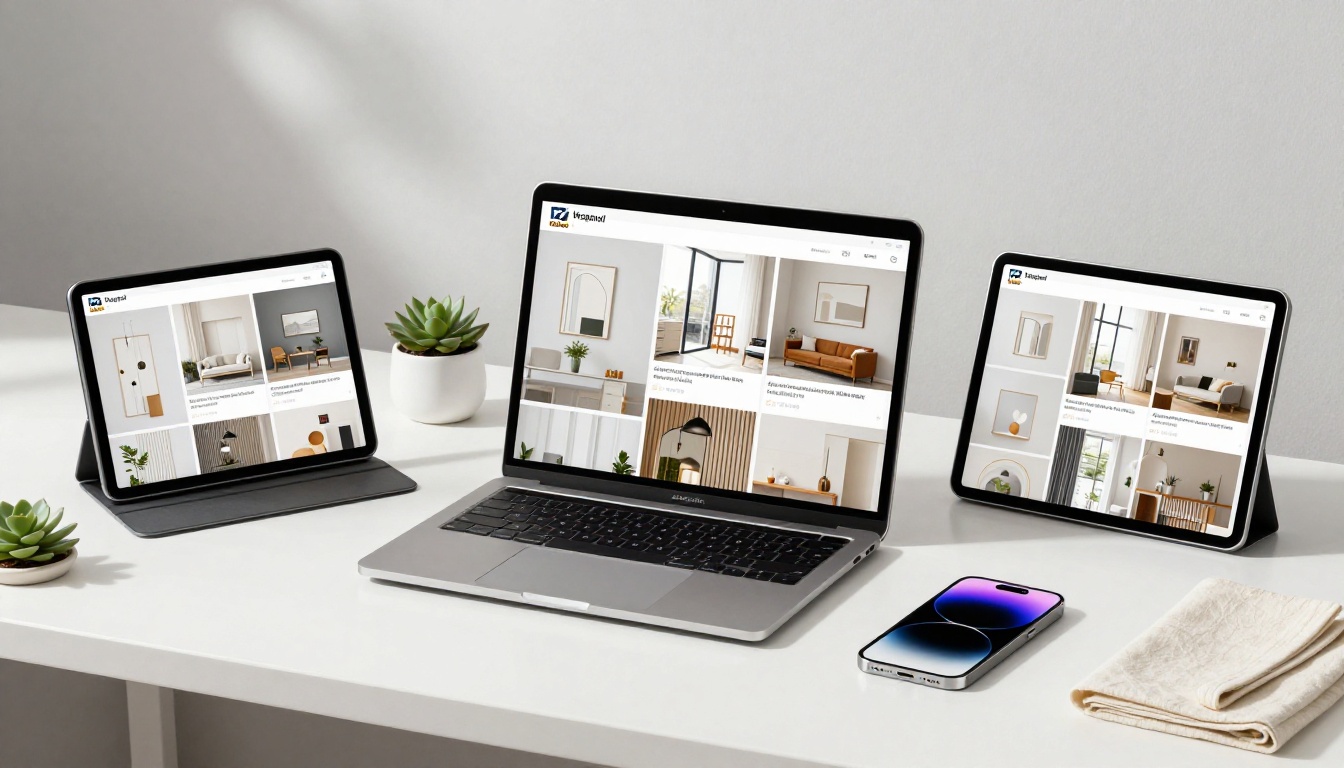
One of the most significant advantages of a digital flipbook over print is the data it generates. With the Professional plan on Flipbooks AI, you get access to:
- Total views and unique viewers: Know exactly how many people opened your catalog
- Average reading time: See how long buyers spend inside
- Page-by-page engagement: Identify which collections get the most attention
- Drop-off analysis: Find the page where readers stop and adjust future layouts accordingly
- Lead capture data: See which catalog readers converted to registered contacts
This kind of insight used to require expensive CRM integrations. Inside Flipbooks AI, it is built into the platform.
✅ Best practice: Use page-level analytics to plan your next catalog. If your living room collection consistently gets the longest reading time, lead with it in the next edition.

Beyond the core catalog flipbook, Flipbooks AI offers a range of specialized tools that home decor brands can use across their marketing mix:
Browse the full library of flipbook tools to find the ones that fit your specific use case.
Your Catalog, Working Around the Clock
A printed catalog sits on a shelf and waits. A digital flipbook on Flipbooks AI is live on your website, shared in emails, forwarded between buyers, and discoverable on search engines, at no print cost, with real performance data behind every view.
The brands winning in home decor today are not the ones with the biggest print budgets. They are the ones putting their visual content where buyers actually spend time: on screens, on phones, in shareable links that travel further than any physical catalog ever could.
Ready to turn your next catalog into an experience that works? Create your account on Flipbooks AI and have your first flipbook live today. If you want to weigh your options first, the pricing page breaks down exactly what each plan includes.
Your catalog deserves more than a PDF attachment. Give it a format that matches the work you put into it.



