Selling on Mercari has never been more crowded. There are millions of active listings at any given moment, and buyers scroll fast. If your product photos look like everyone else's, you're already losing. Creating a flipbook for your Mercari listings is one of the most effective ways to stand out, tell the full story of what you're selling, and give buyers the confidence to click "Buy Now." Flipbooks AI makes this process simple, even if you've never built a digital publication before.

Why Standard Mercari Photos Leave Money on the Table
Mercari limits how much you can communicate in a single listing. You get a title, a short description, and up to 12 photos. That sounds like enough until you're trying to sell a vintage denim jacket with unique stitching, a slight fade on one pocket, and a lining you're genuinely proud of. Photos can only do so much when they're crammed into a thumbnail grid.
Buyers Can't See the Full Story
Most buyers make their decision in seconds. If they can't immediately see the condition, the size details, the brand tag, and how the item looks styled, they move on. Single-product photos require buyers to mentally fill in the gaps, and most won't bother.
A flipbook changes the dynamic. Instead of flat images, buyers flip through an interactive, page-turning presentation that flows like a real catalog. You control the order, the context, and the story. You can dedicate one page to close-up texture shots, another to scale reference, and another to styling suggestions.
Competition Is Tighter Than Ever
The secondhand resale market is booming. More sellers are listing more items, and the platforms are getting smarter about what surfaces in search. Buyers have options. When they land on your listing and see a link to a polished interactive flipbook, that signals professionalism. It signals you care. That impression matters more than most sellers realize.

What a Flipbook Actually Does for Resellers
A flipbook is a digital publication that mimics the look and feel of a physical magazine or catalog, with realistic page-turn animations, clickable elements, and mobile-responsive design. When a Mercari buyer taps your link, they get a rich, scrollable experience rather than a static grid of photos.
| Feature | Static Mercari Listing | Flipbook Listing |
|---|
| Photos per item | Up to 12 | Unlimited pages |
| Item context | Short text description | Dedicated pages per angle |
| Styling ideas | Not possible | Full spread pages |
| Buyer trust signal | Average | High (professional feel) |
| Shareable format | Mercari app only | Direct link anywhere |
| Mobile experience | Standard | Optimized page-turn |
| Multiple items together | Separate listings | Single catalog view |
The practical impact shows up in buyer messages. Sellers who share flipbook links report fewer "Can you send more photos?" requests, because the flipbook already answers those questions before buyers even ask.
💡 Add your flipbook link directly to your Mercari listing description. Something as simple as "View full item details and more photos here: [your flipbook link]" is enough to drive clicks.

Best Item Categories for a Mercari Flipbook
Not every item benefits equally from a flipbook format, but most do. Here's a breakdown of the most popular Mercari categories and how much a flipbook adds:
| Item Category | Why a Flipbook Helps | Impact Level |
|---|
| Vintage clothing | Show stitching, labels, condition from all angles | Very High |
| Sneakers and shoes | Multiple angles, sole condition, sizing info | Very High |
| Collectibles | Provenance, serial numbers, packaging details | High |
| Electronics | All ports, condition, accessories included | High |
| Jewelry and accessories | Macro detail shots, how it looks worn | High |
| Books and media | Cover, back, condition of pages or disc | Medium |
| Home goods | Size context, all sides, lifestyle staging | Medium |
| Sports gear | Wear patterns, adjustability, full kit view | Medium |
Clothing and Accessories
Vintage clothing is where flipbooks shine brightest. A single photo of a thrifted leather jacket doesn't communicate the quality of the hardware, the feel of the lining, or the exact shade of the color in natural light. A flipbook lets you dedicate a full page to the tag, another to the front, back, and side profile, and one more to how it looks paired with an outfit. That kind of presentation builds buyer confidence instantly.
Collectibles and Vintage Finds
Collectors are cautious buyers. They want proof of authenticity, clear photos of any wear or damage, and context for the item's age and origin. A flipbook gives you space to present all of that in a logical, easy-to-follow format. Include a page for the item's history, a close-up page for signatures or stamps, and a final page for shipping and packaging details.

Electronics and Tech Gear
Electronics buyers are often the most detail-oriented. They want to see every port, the screen condition, what accessories come in the box, and proof that the device powers on. A flipbook walkthrough, structured like a product review, addresses every concern before the buyer has to ask.
How to Create a Flipbook for Your Mercari Listings
Here's exactly how to build a flipbook presentation for your resale items using Flipbooks AI. The whole process takes less than 20 minutes once you have your photos ready.
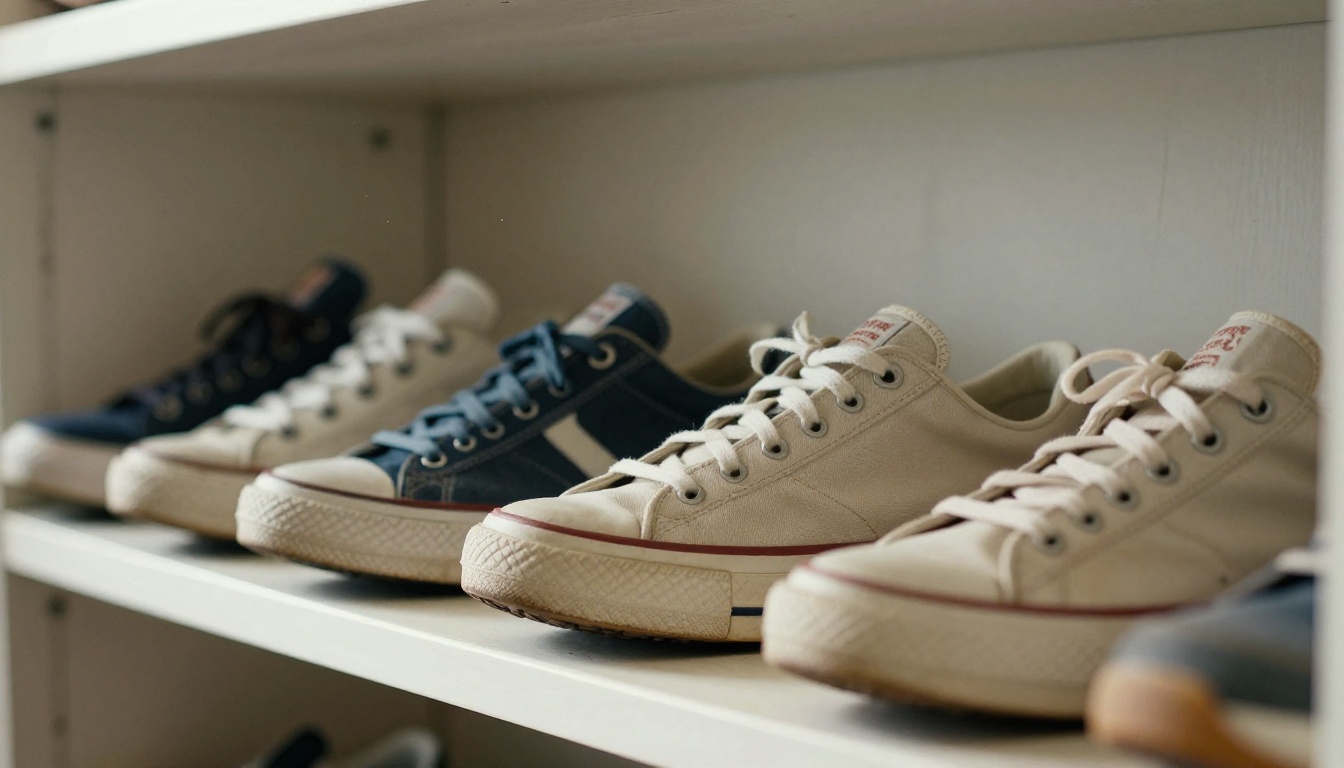
Step 1: Shoot Your Photos Right
Before you build anything, the photos have to be solid. For resale items, this means:
- Natural light whenever possible: Morning window light is flattering and free.
- Clean, neutral backgrounds: White or light grey keeps the focus on the item.
- Multiple angles: Front, back, side, close-up of details, tags, and any flaws.
- Scale reference: Include a hand or common object for size context.
- Condition shots: If there's wear, photograph it honestly. Buyers respect transparency.
⚠️ Don't skip the flaw photos. Hiding damage leads to returns, negative reviews, and disputes. Showing it upfront builds trust and attracts buyers who actually want the item as-is.
Step 2: Build Your PDF Layout
Flipbooks AI converts PDFs into interactive digital flipbooks. Your job is to create a clean PDF first. You can do this with:
- Canva (free, drag-and-drop, great for resellers)
- Google Slides (export as PDF)
- Microsoft PowerPoint (export as PDF)
- Adobe InDesign (for professional layouts)
For a single item flipbook, a simple structure works well:
- Cover page: Item name, your shop name, one hero photo
- Overview page: Full-length front and back photos side by side
- Detail pages: One or two per feature, such as tag, stitching, hardware, or lining
- Condition page: Any wear or flaws clearly photographed and labeled
- Sizing page: Measurements and brand sizing info
- Bonus page: Styling ideas or complementary items
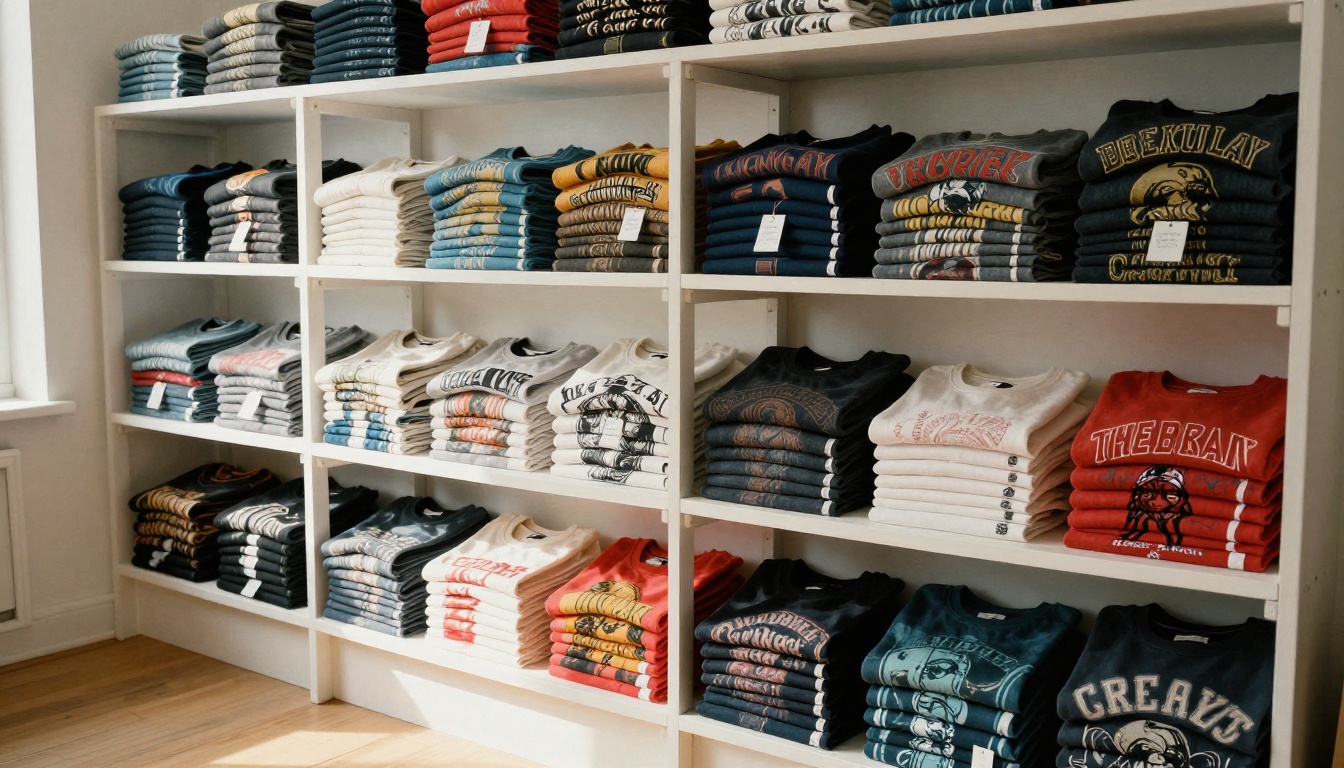
For a multi-item flipbook, such as a batch of vintage tees, give each item two pages: a hero shot and a details shot.
Step 3: Upload to Flipbooks AI
Once your PDF is ready, head to Flipbooks AI and create your account. The upload process takes under a minute:
- Click "New Flipbook" from your dashboard
- Upload your PDF file
- Wait for conversion, usually 30 to 60 seconds
- Your flipbook is live with a shareable link
The PDF to Flipbook Converter handles files of any size and maintains the quality of your photos without compression artifacts.
Step 4: Customize Branding and Look
This is where your shop identity comes in. Flipbooks AI lets you:
- Add your shop name or logo to the flipbook cover
- Choose background colors that match your shop's aesthetic
- Set a custom thumbnail for the link preview
- Enable password protection if you want to share privately with specific buyers
- Add a table of contents for multi-item flipbooks
✅ Keep your branding minimal and consistent. A clean, professional look converts better than something cluttered. Stick to two colors and one font across all your flipbooks.
Step 5: Share Your Flipbook Link in Mercari
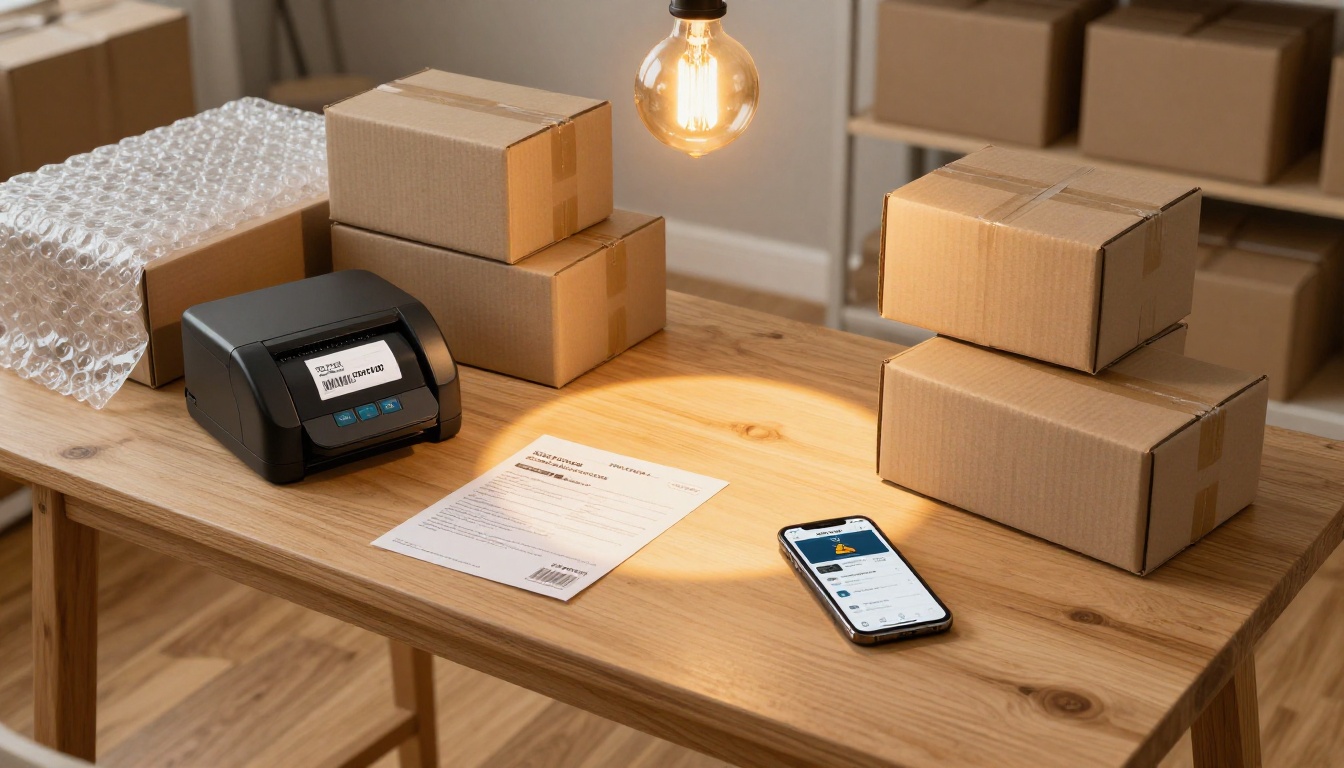
Copy your flipbook's direct link from the Flipbooks AI dashboard. Then put it to work:
- Paste it into your Mercari listing description: "See all photos and details: [link]"
- Share it in Mercari messages when buyers ask for more photos
- Post it on social media to drive traffic from Instagram, TikTok, or Pinterest
- Include it in your Mercari profile bio for shop-wide catalogs
Buyers who view a flipbook before buying have already pre-qualified themselves. They've seen every angle, every flaw, every detail. That means fewer returns, fewer disputes, and more confident purchases.
Tips for Photos That Convert
The flipbook is only as good as the photos inside it. Here's what separates forgettable listings from ones that sell within hours.
Light Is Everything
The single biggest upgrade most resellers can make is shooting in better light. Hard flash creates flat, color-distorted results. Natural window light, especially in the morning or on an overcast day, gives you soft, true-color photos that show fabric texture and material quality accurately.
If you sell regularly, a cheap softbox light kit (under $40) gives you consistent results in any room, any time of day.
Angles That Show Condition
For any item, you need at least:
- Straight-on front shot (no angle, no tilt)
- Straight-on back shot
- 45-degree side shot showing silhouette
- Close-up of the tag or label
- Close-up of the most interesting detail (buttons, sole pattern, print, etc.)
- Flaw shot if applicable
This set of six covers 90% of buyer questions for most item types.
Consistency Across Your Listings
If you're building multiple flipbooks for different listings, keep the structure the same. Same page order, same font, same color palette. Buyers who visit your flipbooks across multiple listings will immediately recognize your style. That consistency builds a brand, even on a peer-to-peer marketplace like Mercari.
Plans That Work for Resellers
Flipbooks AI offers plans at different levels. Here's how they map to common reseller needs:
| Plan | Best For | Flipbooks | Watermarks | Analytics | Offline Download |
|---|
| Free | Testing your first flipbook | Limited | Yes | No | No |
| Standard | Regular resellers | Unlimited | None | Basic | No |
| Professional | High-volume sellers | Unlimited | None | Full plus Lead Gen | Yes |
For most Mercari sellers, the Standard plan is the right starting point. No watermarks means your flipbook looks polished and professional. Unlimited flipbooks means you can create one per listing or one per batch without limits.
High-volume resellers, or those who want to track how many buyers actually viewed their flipbook, should look at the Professional plan. The analytics dashboard shows views, time spent per page, and which items got the most attention, data that helps you optimize future listings.
💡 Sellers who run their own website alongside their Mercari shop can use the Embed Flipbook on Website tool to publish their catalog directly on their own page.
Real Scenarios Where This Works
The Weekend Thrift Flipper
Someone who hits thrift stores every weekend and lists 10 to 20 items at a time. Instead of 20 separate listings with 12 photos each, they create one multi-item flipbook grouped by category: one for women's tops, one for accessories, and one for shoes. They share each flipbook in their Mercari profile and on Instagram Stories. Buyers can browse the whole collection in one sitting.
The Vintage Specialist
A seller who focuses exclusively on pre-1990 denim, leather, and band tees. Every item gets its own dedicated flipbook with detailed provenance pages, era verification, and close-up shots of hardware or printing. The flipbooks become part of their selling identity. Buyers trust them because the presentation is thorough and honest.
The Bulk Reseller
Someone who sources items in bulk from estate sales or liquidation lots. They use a single flipbook as a "lot catalog," showing each item with a price. Buyers can browse, pick what they want, and message to bundle. The flipbook replaces the need for back-and-forth photo requests and speeds up the whole negotiation process significantly.
Take Your Mercari Shop to the Next Level
Standing out on Mercari is partly about what you're selling, but more about how you present it. A flipbook gives buyers a reason to stop scrolling, a reason to spend time with your listing, and a reason to trust that what they see is exactly what they'll get.
You don't need a professional photographer or a design background. You need good natural light, an honest set of photos, a clean PDF layout, and five minutes on Flipbooks AI to turn it into something that looks genuinely impressive.
Ready to create your first one? Get started for free and have your flipbook live before your next batch of listings goes up. Browse all available tools and templates to find the right format for your shop. When you're ready to scale, compare pricing plans to choose what fits your volume.
Your items are worth a better presentation. Give them one.



