Most online courses have a materials problem. Students get a PDF, download it to their desktop graveyard, and never open it again. It is not because your content is bad. It is because a flat PDF is a dead end. No navigation, no visual hierarchy, no reason to come back.
Flipbooks AI turns your course PDFs into interactive, page-turning digital publications that students actually want to open. No design background required. No complicated software. Just upload, customize, and share with a link. This article covers everything you need to create a flipbook for your online course, from choosing what content to convert first, to setting up analytics that tell you exactly which modules students are reading.

Why Students Skip Static Course Materials
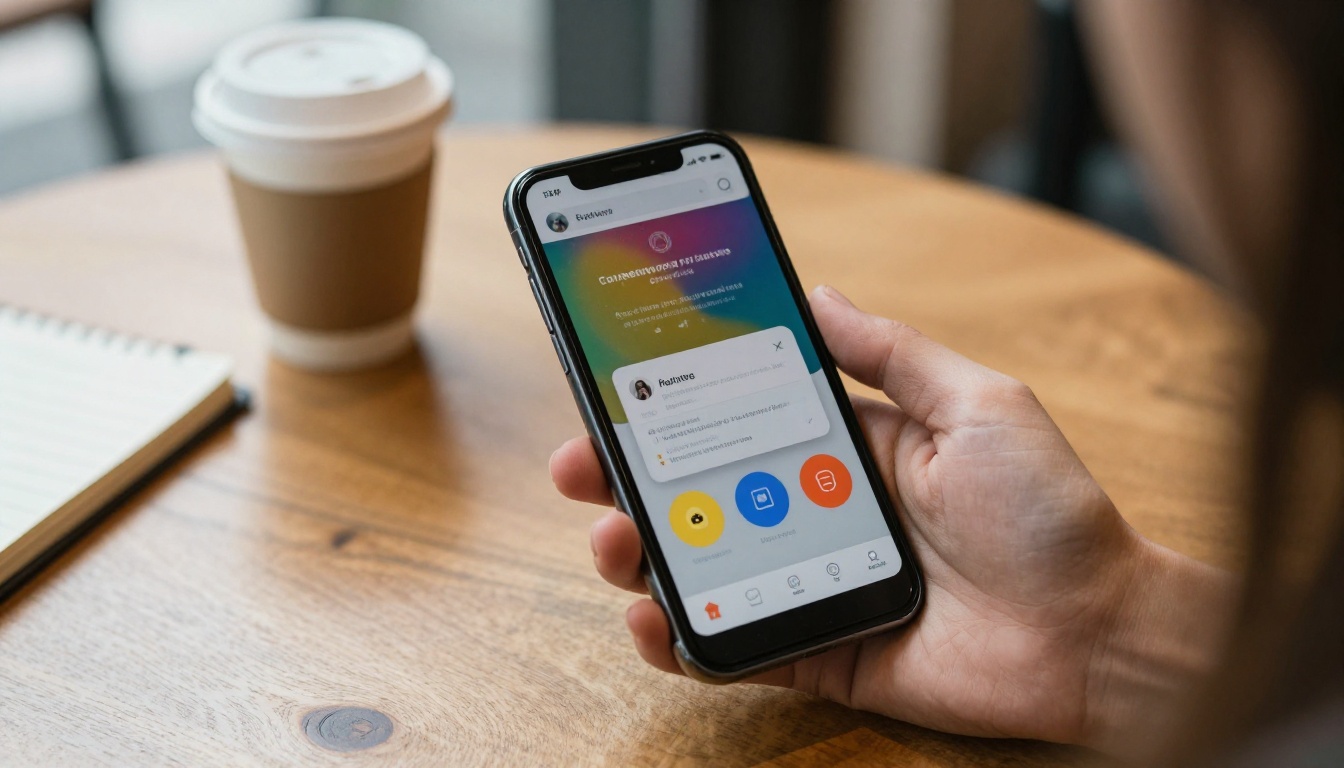
There is a reason your PDF completion rates are low. Static documents do not adapt. They look the same on a 4-inch phone screen as they do on a desktop monitor, which means on mobile they are nearly unreadable without constant pinching and zooming. Students give up fast.
What a Flat PDF Actually Costs You
When students cannot access your materials comfortably, they retain less, ask more basic questions in your community or support channels, and leave lower course reviews. The problem is not motivation. It is friction.
A document that is hard to read on the device a student actually uses is a document that does not get read. Multiply that across a 12-module course and you have a materials library nobody uses, a significant investment of your time that delivers no value after the initial download.
Interactive flipbooks remove that friction entirely. A flipbook displays your content with automatic page-by-page navigation, responsive mobile sizing, and the kind of visual polish that makes your course feel worth every cent even if you built it on a weekend.
The Expectations Gap
Students who pay for courses today have been trained by streaming platforms, interactive apps, and on-demand media. They expect polished, responsive digital experiences. A PDF attached to an email or buried in a course portal does not meet that bar. A professionally formatted, mobile-ready flipbook does.
💡 Pro Tip: The moment between a student clicking your course materials link and actually reading the content is where most drop-off happens. Every extra step or piece of friction (downloading, opening, zooming) costs you readers.

What a Flipbook Actually Does for Your Course
A flipbook is not just a prettier PDF. It is a fundamentally different reading experience. Pages turn naturally. The layout adapts to any screen size automatically. You can embed video directly into a workbook page so students watch a lesson without leaving the document.
Interactive Elements That Work
The features that matter most to course creators are not flashy extras. They are practical improvements to the student experience:
- Page animations: Realistic page-turn effects make navigation feel intuitive rather than technical
- Embedded video and audio: Drop lecture clips directly into workbook pages for context
- Clickable table of contents: Students jump to any module without scrolling through 80 pages
- Mobile-first design: Looks sharp on any device, any screen size, without zooming
- Searchable text: Students find specific concepts instantly instead of scrolling blind
- Password protection: Keep paid course content behind access control
How the Reading Experience Changes
| Experience | Static PDF | Flipbook |
|---|
| Mobile readability | Poor, requires pinch-zoom | Fully responsive |
| Page navigation | Scroll only | Click, swipe, or jump to section |
| Embedded media | Not supported | Video and audio directly on pages |
| Visual presentation | Document-style | Magazine-quality layout |
| Sharing method | File download required | Shareable link or website embed |
| Student analytics | None | Full read tracking (Professional plan) |
How to Create a Flipbook for Your Online Course
The process takes less than ten minutes for most course creators. Here is exactly how it works using the Course Material Publisher on Flipbooks AI.
Step 1: Prepare Your Course PDF
Before uploading, make sure your PDF is properly formatted:
- Use a document design tool such as Canva, Google Slides, or Adobe InDesign to create a visually structured layout with clear headings and consistent spacing
- Export at high resolution (300 DPI minimum) for crisp, readable text and sharp images throughout
- Keep file size under 200MB for faster upload and conversion speeds
- Use consistent fonts and a defined color palette throughout for a professional, cohesive look
- Structure your headings properly as the converter uses them to auto-generate your table of contents
⚠️ Important: Scanned PDFs with very low resolution will produce blurry flipbooks. If your source material is a scan, run it through a document enhancement tool first to improve clarity before uploading.
Step 2: Upload to Flipbooks AI
- Create your free account on Flipbooks AI to access the dashboard
- Click New Flipbook from your dashboard home screen
- Drag and drop your PDF onto the upload zone or select it from your device
- Wait 30 to 60 seconds while the automatic converter processes your file
- Preview the result in the built-in viewer to check formatting, page order, and text clarity
The converter handles everything automatically: page layout rendering, text quality, image sharpness, and mobile optimization. No manual adjustments needed for most files.
Step 3: Customize Your Flipbook
This is where your course materials go from generic to fully branded. From the editor panel:
- Brand colors: Apply your course or business color palette to the viewer chrome and buttons
- Custom logo: Upload your logo to display it in the flipbook header for every reader
- Page effects: Choose between a realistic page-turn animation or a smooth slide transition
- Table of contents: Edit the auto-generated menu to match your course module structure exactly
- Embed video: Paste a YouTube or Vimeo link directly onto any specific page
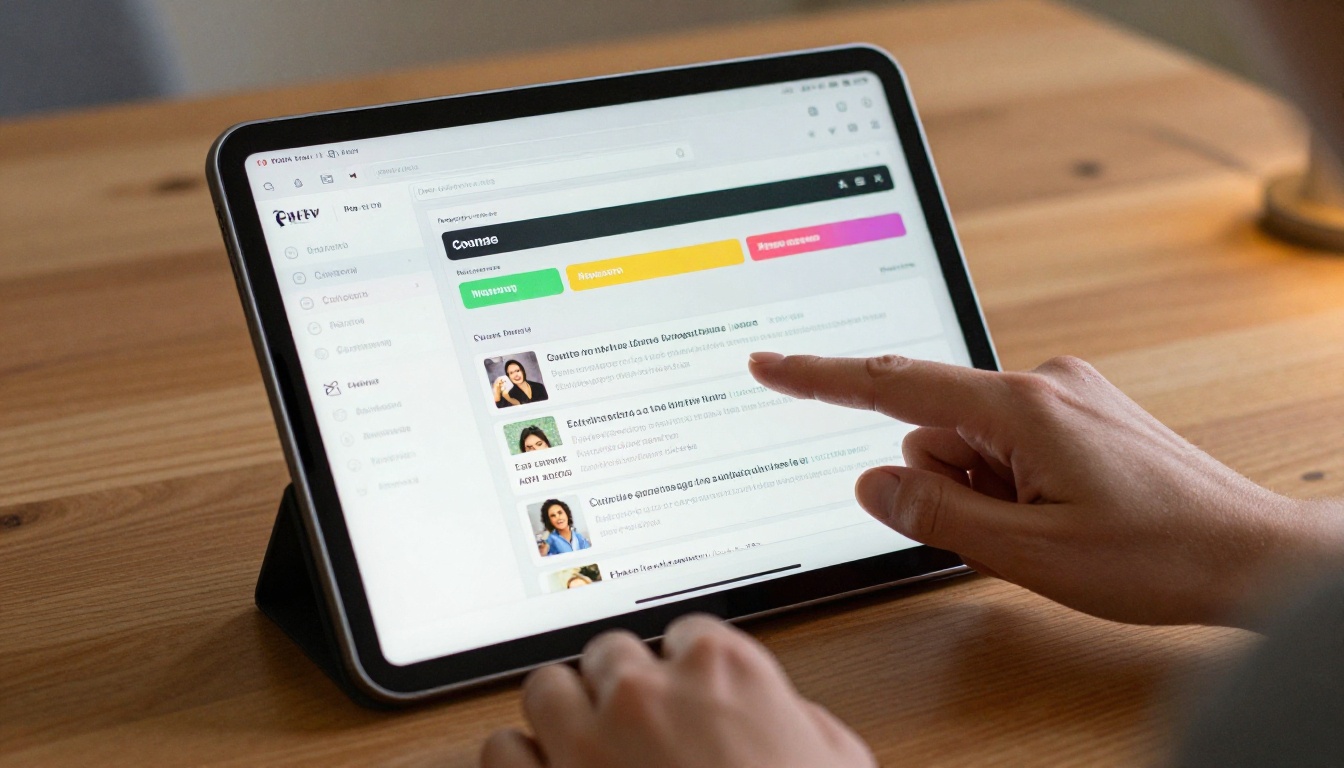
Step 4: Set Access and Sharing Options
Before you share with students, configure your access settings:
- Password protection: For paid course content, set a password so only enrolled students can open the flipbook
- Direct link: Copy the shareable URL to paste into your course portal, welcome email, or student community
- Embed code: Copy the HTML snippet to publish the flipbook directly inside your course platform page without redirects
- Download control: Decide whether students can download a copy or view only through the browser
✅ Best Practice: Use password protection for premium content and embed the flipbook inside your course platform page using the embed code. Students stay inside your ecosystem and the reading experience feels seamless.
Step 5: Publish and Track
After publishing:
- Paste your flipbook link into your course LMS, portal, or student onboarding email
- Students open it instantly in any browser on any device, no app or plugin required
- On the Professional plan, access a full analytics dashboard showing page views, time spent per page, and completion rates for each module

Best Course Content for Flipbooks
Not all course materials benefit equally from the flipbook format. Here is a breakdown of what converts best and why.
Workbooks and Worksheets
Fillable workbooks are where flipbooks shine brightest. Students view the workbook in the flipbook alongside their video lesson, reference it during exercises, and download a print version if they want to fill it in by hand. The visual layout of a well-designed workbook looks dramatically better as a flipbook than as a raw PDF attachment sitting in a downloads folder.
Lecture Slide Summaries
Slide decks export as PDFs that convert perfectly into flipbooks since they are already structured page by page. Students flip through lecture slides at their own pace, zoom into diagrams, and use the searchable text to find specific concepts they want to revisit.
Course Module Overviews
A module overview document, the kind that lists objectives, resources, assignments, and timelines for each week, reads far more naturally as a flipbook than as a multi-page PDF. The page-turn navigation makes the structure immediately clear and the table of contents lets students jump directly to week three without scrolling through weeks one and two.
Bonus Resources and Reading Lists
Supplementary content that often gets skipped in PDF form gets more attention as a flipbook. The visual presentation makes even a simple curated reading list feel intentional and worth opening.

Comparing Flipbooks AI Plans for Course Creators
Choosing the right plan depends on how many courses you run and which features matter most for your workflow. Here is how the tiers break down specifically for online educators:
| Feature | Free | Standard | Professional |
|---|
| Flipbooks created | Limited | Unlimited | Unlimited |
| Watermarks on content | Yes | None | None |
| Password protection | No | Yes | Yes |
| Custom branding and logo | No | Yes | Yes |
| Embed on website or LMS | Yes | Yes | Yes |
| Embedded video and audio | No | Yes | Yes |
| Page-level analytics | No | No | Yes |
| Lead generation forms | No | No | Yes |
| Offline download access | No | No | Yes |
💡 For most course creators: The Standard plan covers everything needed to deliver professional, branded, watermark-free course materials with password protection. Move to Professional when you want data on how students interact with your content page by page.
Browse all pricing plans to find the right fit for where your course business is today.
Real Scenarios from Online Educators
Seeing how other instructors use flipbooks makes the practical application concrete.
Language Learning Courses
A Spanish language instructor converts weekly vocabulary and grammar reference sheets into individual flipbooks, one per module. Students get a direct link each week instead of accumulating a cluttered folder of PDFs. The page-turn format makes the reference sheets feel like an actual phrasebook, which matches the learning context and increases how often students return to it.
Business Coaching Programs
A business coach running a 12-week program uses flipbooks for every workbook. Password protection ensures only paying clients can access the materials. The embed code places each workbook directly on the program's private member portal page. Using analytics on the Professional plan, the coach tracks which workbook pages get the most reading time and adjusts live coaching sessions based on where students slow down or re-read the most.
Creative Skills Courses
A watercolor painting instructor creates a supplies list, a technique reference booklet, and a project brief for each class session. All three are published as flipbooks and embedded directly in the course platform. Students flip through technique pages on a tablet while painting at their desk, which is far more practical than scrolling through a PDF on a laptop with no space.
Features That Actually Move the Needle
These are the capabilities course creators use most after publishing their first flipbook.
Analytics for Smarter Content Decisions
The Professional plan includes page-level analytics. You see exactly which pages students linger on and which ones they skip. If students consistently skip page 12 of your workbook, that page either needs rewriting or restructuring. No guesswork. No surveying students. The data tells you directly.
Lead Generation Built In
If you offer free preview content, the flipbook can include a built-in lead capture form. A prospective student browsing your free course preview fills in their email to access the full workbook. This turns your course materials into a passive list-building tool that runs without you doing anything after the initial setup.
Offline Access for High-Value Programs
Professional plan subscribers can allow students to download an offline version of the flipbook. For high-ticket programs where clients travel frequently, or for courses with students in areas with limited internet access, this is a meaningful feature that removes a real barrier to consistent progress.
Embedding Directly Inside Your Course Platform
The embed code works in any HTML-capable platform including Teachable, Thinkific, Kajabi, WordPress, and custom LMS builds. Students never leave your platform to access materials. The reading experience feels seamless and premium because it is part of the course page, not a redirect to an external document.

Choosing the Right Tool for Your Content Type
Flipbooks AI offers purpose-built tools for specific content formats. Here is a quick reference for course creators so you start with the right tool for your specific material:
Browse the complete tools directory to see every format and use case covered.

Make Your Course Materials Work as Hard as You Do
Your course content is valuable. The way you deliver it should reflect that value. A flipbook does more than make your PDFs look better. It removes friction from the student experience, keeps your content accessible on every device, and gives you real data on how students actually interact with your materials.
The best time to convert your course materials to flipbooks was when you first published them. The second best time is right now.
Ready to create your first course flipbook? Get started for free on Flipbooks AI and have your first flipbook published in under ten minutes.
Want to see which plan fits your course business? Compare your options and choose the features that match where you are today.
Browse all available tools and templates to find exactly the right format for your content type.



