Your personal brand is the first thing people Google, the last thing they remember after a meeting, and the reason someone chooses you over everyone else. Most professionals show up with a PDF link that nobody opens, a LinkedIn profile that looks like every other one, and a portfolio website that takes five clicks to find anything useful. A flipbook changes all of that in one move.
Flipbooks AI gives you a way to turn any PDF into an interactive, page-turning digital publication that feels polished, professional, and impossible to ignore. No coding. No design degree. Just your content, made into something worth sharing.
This article breaks down exactly how to create a flipbook for your personal brand, what to put inside it, which format fits your goals, and how to make it work across every platform you use.
Why a Flipbook Works for Personal Branding
Static PDFs Are Killing Your First Impression
A PDF is a dead document. You email it, it gets downloaded, it sits in a folder, and it never gets opened again. There is no way to know if anyone read it. There is no way to update it without sending a new version. There is no click-through to your contact page, your work samples, or your booking link.
When someone receives a PDF of your portfolio or bio, the experience tells them nothing about you except that you did the minimum. In competitive industries, that is not good enough.
⚠️ Studies show that average email attachment open rates hover around 20%. Most PDFs sent as personal brand assets are never opened more than once.
What a Flipbook Does Differently
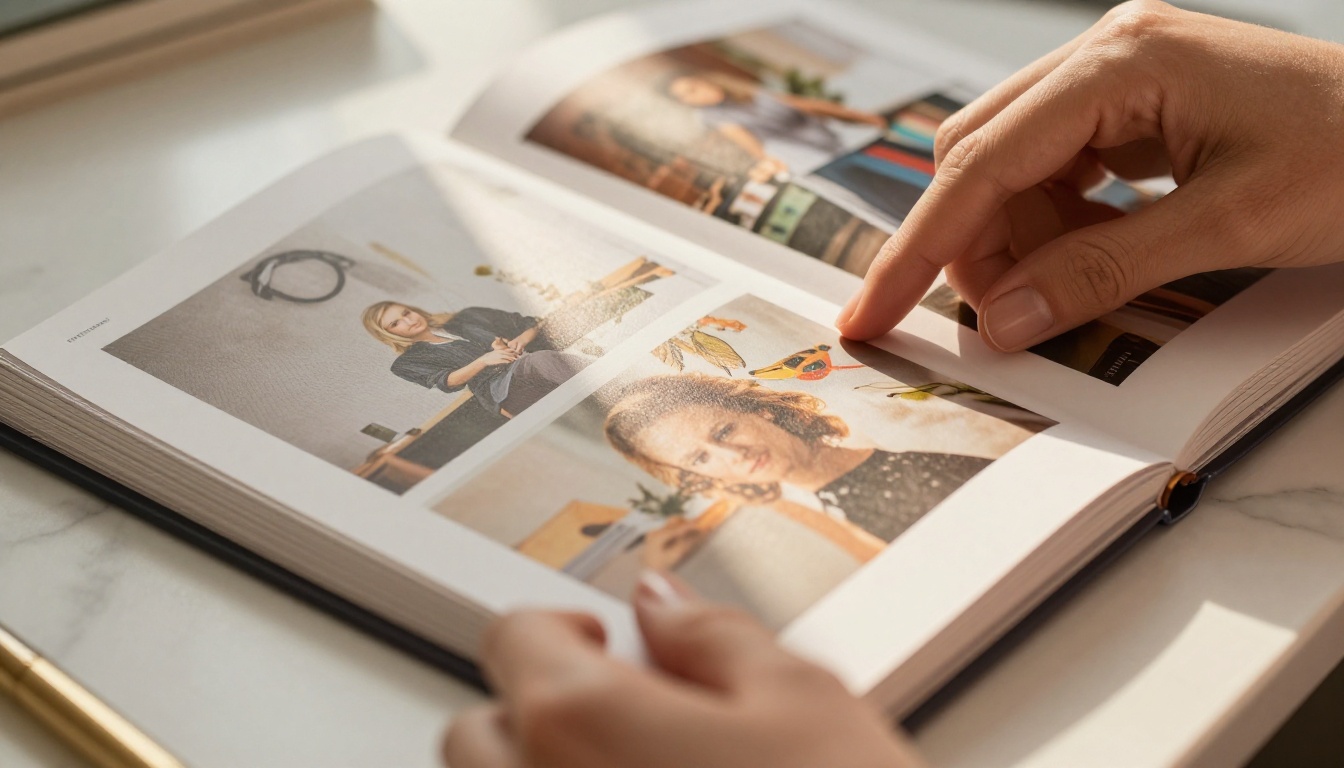
A flipbook is a living document. It loads in a browser, it animates when someone turns the page, and it lets you embed links, videos, and interactive elements directly inside the content. It works on mobile without any app download. It can be password-protected, embedded on a website, or shared as a simple URL.
More importantly: when someone opens your flipbook, you can see it. Analytics on Flipbooks AI (available on the Professional plan) show you who viewed it, how long they spent on each page, and where they dropped off. That data is worth more than any PDF feedback you could ever get.
What to Put in Your Personal Brand Flipbook
The Core Sections That Matter
The strongest personal brand flipbooks follow a clear structure. They are not CVs. They are not resumes. They are brand documents, and they should read like one.
Here is what to include:
- A strong opening page with your name, title, and one sentence that explains what you do and for whom
- Your story: two to three paragraphs about your background, values, and what makes you different
- Your work: three to five case studies, projects, or results that prove your value
- Social proof: testimonials, press mentions, or client logos (even one strong quote changes how people read everything else)
- Your services or offerings: what you actually do, framed around client outcomes
- A clear call-to-action: where to reach you, how to book a call, where to follow you
💡 Keep your flipbook between 8 and 20 pages. Shorter feels thin. Longer loses attention. The sweet spot is 12 to 16 pages of dense, purposeful content.
What to Leave Out
Just as important as what you include is what you cut. Personal brand flipbooks fail when they become everything-documents that try to include your entire life story.
Leave out:
- Your full CV or resume (that is a separate document)
- Generic phrases like "passionate" or "results-driven" with no proof behind them
- Outdated work that no longer reflects your positioning
- Filler pages that add length without adding value

Types of Flipbooks for Personal Brands
Not every professional needs the same format. Your flipbook should match your goal and your audience. Here is how the main types break down:
| Flipbook Type | Best For | Primary Goal | Ideal Length |
|---|
| Portfolio Flipbook | Designers, photographers, writers, creatives | Show work samples and results | 12-20 pages |
| Digital Press Kit | Speakers, coaches, media personalities | Get booked, get featured, get coverage | 8-14 pages |
| Interactive Resume | Job seekers, career changers | Stand out in applications | 6-10 pages |
| Personal Brand Lookbook | Fashion, beauty, lifestyle influencers | Aesthetic storytelling, sponsorships | 14-24 pages |
| Speaker One-Pager | Conference speakers, keynote presenters | Pitch to event organizers | 4-8 pages |
| Consultant Credentials Deck | Consultants, advisors, coaches | Win new clients and retainers | 10-18 pages |
✅ Use the Digital Portfolio Creator for creative work, or the Press Kit Designer if you are pitching media opportunities.
How to Create Your Personal Brand Flipbook with Flipbooks AI
This is where most people get stuck: they have the content but no idea how to make it look professional without hiring a designer or spending weeks in software they do not know. Flipbooks AI makes that process straightforward.
Step 1: Create Your Account
Go to flipbooksai.com/account and sign up for free. You do not need a credit card to start. Once inside the dashboard, you have immediate access to the upload tool and all core features.
Step 2: Upload Your PDF
Design your personal brand document in Canva, Adobe InDesign, Google Slides, or any tool you already use. Export it as a PDF, then upload it directly to Flipbooks AI. The platform converts it automatically into a page-turning flipbook with smooth animations and a mobile-responsive layout.
💡 If you do not have a design tool you are comfortable with, Canva's free templates work perfectly for personal brand documents. Design it there, export as PDF, and upload.
Step 3: Customize Your Brand Identity
This is where your flipbook becomes yours. Inside the editor, you can:
- Set your brand colors so the flipbook frame matches your visual identity
- Add your logo to appear on every page
- Choose page turn effects (classic flip, slide, or fade)
- Set a custom background behind the pages
- Add a custom favicon and share title for when the link is sent
Every element is adjustable without touching a single line of code.

Step 4: Add Interactive Elements
The biggest difference between a flipbook and a PDF is what you can add on top of the content. Inside Flipbooks AI, you can embed:
- Clickable links on any word, phrase, or image (your contact page, your Instagram, your booking link)
- Videos directly inside specific pages (a short intro video on page 2 is one of the most effective personal brand moves there is)
- Audio for testimonials or branded voice content
- Lead capture forms so people viewing your flipbook can opt into your list without leaving the page (Professional plan)
Step 5: Share and Track Performance
Once your flipbook is ready, you have several ways to distribute it:
- Direct link: Copy the URL and paste it anywhere, email, DMs, social bios
- Embed code: Drop the flipbook directly onto your website or portfolio page using the Embed Flipbook on Website tool
- Password protection: Restrict access to clients only, or to specific audiences
- Offline download: Let contacts save a copy for offline viewing (great for conferences and pitches)
With the Professional plan, the analytics dashboard shows you view counts, average time spent per page, and drop-off points. That information tells you exactly which pages are working and which need revision.
Flipbooks AI Plan Comparison
Choosing the right plan depends on how actively you use your flipbook and what features matter most to you. Here is how the plans compare for personal branding use:
| Feature | Free | Standard | Professional |
|---|
| Flipbooks per account | Limited | Unlimited | Unlimited |
| Watermarks | Yes | No | No |
| Custom branding | No | Yes | Yes |
| Password protection | No | Yes | Yes |
| Analytics | No | No | Yes |
| Lead generation forms | No | No | Yes |
| Offline downloads | No | Yes | Yes |
| Embed on website | Yes | Yes | Yes |
| Custom domain | No | No | Yes |
✅ For most freelancers and professionals just starting out, the Standard plan delivers everything needed with no watermarks and custom branding. Upgrade to Professional when you want to track views and capture leads directly inside your flipbook.
See all plan details on the pricing page.

Real-World Use Cases
Freelancers and Consultants
Freelancers who send a flipbook instead of a PDF proposal close more clients. The reason is simple: a flipbook signals that you care about presentation, which tells a potential client how you will handle their project. A consultant using Flipbooks AI can build a credentials deck, share it as a link in a cold email, and then check the analytics to see if the prospect actually read it before following up.
Real scenario: A branding consultant sends a cold outreach email to 50 prospects. Instead of attaching a PDF, she includes a single link to her flipbook credentials deck. Analytics show her that 32 of 50 opened it, and 18 spent more than three minutes reading. She follows up only with those 18 and books six discovery calls. That is data a PDF could never give her.
Speakers and Coaches
Conference organizers receive hundreds of speaker applications. A speaker one-pager sent as a flipbook link stands out instantly compared to another PDF attachment. Coaches use flipbooks as digital welcome packets for new clients, which makes onboarding feel premium even at early price points.
💡 Use the Presentation Flipbook Designer to build a speaker kit that event organizers can actually share with their team without printing anything.
Real scenario: A keynote speaker creates a 10-page flipbook with a bio, three signature talks, testimonials from past events, and a booking contact form embedded directly on the last page. She pastes the link in her Instagram bio. Over 90 days, the flipbook logs 400 views and generates 12 inbound booking inquiries, all traceable to the single shareable URL.
Creative Professionals
Photographers, designers, copywriters, and art directors live or die by their portfolio presentation. A photography portfolio flipbook with full-bleed images that turn page by page is a completely different experience than a Google Drive folder. Use the Photography Portfolio or Portfolio Flipbook Builder to create something that reflects the actual quality of your work.
Real scenario: A freelance photographer sends a portfolio flipbook to a potential commercial client. The page-turning format mirrors how a printed magazine feels, which is exactly the context her client thinks in. She gets hired. The client later says the portfolio "felt different from everyone else's."

Where to Share Your Personal Brand Flipbook
Once built, a flipbook only works if people see it. Here is where to deploy it for maximum reach:
| Platform | Placement | What to Include |
|---|
| LinkedIn | Featured section, About link | Full portfolio or press kit |
| Email signature | Linked button or URL | One-pager or credentials deck |
| Website | Homepage, About page, Work page | Embedded flipbook via iframe |
| Instagram bio | Link in bio | Portfolio or lookbook |
| Twitter / X profile | Pinned tweet | Portfolio or recent project |
| Cold email outreach | Body text link | Case study or credentials deck |
| Conference / event | QR code on name badge | Speaker kit or intro flipbook |
The email signature placement is consistently the highest ROI distribution channel for personal brand flipbooks. Every email you send is a touchpoint, and a link to your flipbook at the bottom of every message compounds over time.
⚠️ Do not share your flipbook in every channel at once without testing. Start with one or two placements, watch the analytics, see what converts, then expand from there.
The LinkedIn Featured section is the second most important placement. It sits at the top of your profile, above the fold, and it is the first thing anyone sees when they visit. A flipbook link there replaces the standard "view my website" dead end with something that actually opens and impresses.
Making Your Flipbook Work Over Time
A personal brand flipbook is not a one-time project. It is a living asset that should be updated every quarter, or whenever something significant changes in your work or positioning.
Things to revisit regularly:
- New client testimonials: Add them when they arrive, not in a batch six months later
- Updated work samples: Swap out older projects as your quality level rises
- New services or pricing tiers: Reflect any changes in what you offer and to whom
- CTAs: Test different calls-to-action and use analytics to see which page drives the most clicks
The PDF to Flipbook Converter makes updating straightforward. Design your revisions in your original document, export a new PDF, and re-upload. Your link stays the same, your branding stays intact, and the updated version goes live immediately.
💡 Set a recurring reminder every 90 days to review and refresh your personal brand flipbook. Thirty minutes of updates can completely change how new contacts perceive your work.
What separates professionals who build strong personal brands from those who do not is not talent or even visibility. It is consistency of presentation. Every time someone encounters your name, they should experience the same level of quality and intentionality. A well-maintained flipbook is one of the most reliable ways to deliver that consistently.
Your Next Move
Your personal brand already exists. People are already forming an impression of you based on whatever shows up when they look you up. The only question is whether you have given them something worth seeing.
A flipbook is the most immediate, affordable, and impactful way to take control of that impression. It takes your existing content and makes it interactive, trackable, and shareable in a format that actually gets read and remembered.
Ready to build yours? Get started for free on Flipbooks AI. The whole process takes less than an hour, and you will have something worth sharing by the end of it.
Browse all available tools and templates to find the right format for your specific goals. When you are ready to add analytics and lead capture features, compare pricing plans and choose the tier that matches where you are headed.



