Your memoir deserves better than a PDF that nobody opens twice. A personal memoir is one of the most intimate things a person can create, but the format it lives in shapes whether family actually reads it, shares it, or forgets it exists. Turning your life story into an interactive digital flipbook changes that equation entirely, and this article walks through exactly how to do it with Flipbooks AI.
Most memoirs get written, printed or exported as a PDF, and then quietly forgotten on a shared drive. The problem is not the writing. It is the container. A static PDF has no soul. There is no page turn, no feel of reading a real book, no way to embed the video from your wedding or the audio clip of your mother's voice.
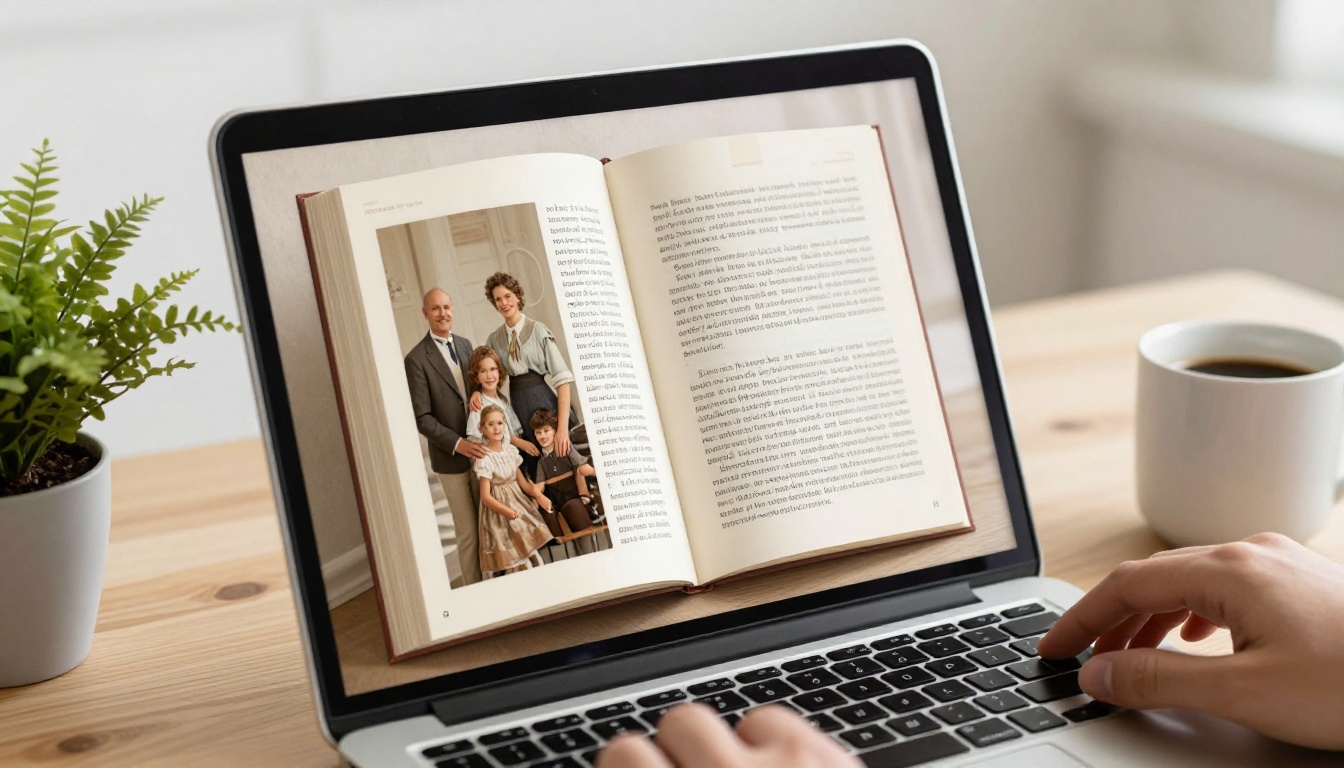
A flipbook solves that. When you create a flipbook for your personal memoir, you give the reader the physical sensation of turning pages, the ability to zoom into old photographs, and the option to share a link that works on any device, anywhere in the world.
Static PDFs Are Killing Your Story

Static documents share three fatal problems for memoir writing:
- No engagement mechanics: Readers scroll endlessly with no chapter navigation
- No multimedia: You cannot embed audio, video, or interactive elements
- No sharing story: A PDF attachment gets forgotten; a flipbook link gets forwarded to cousins, printed for grandchildren, and bookmarked for later
What Readers Actually Experience
When someone opens your memoir as a flipbook, they land on a cover page with your title and a photograph. They click or tap to turn to the next spread. The page curl animation is subtle and satisfying. On mobile it works just as well as on desktop. If you have protected the flipbook with a password, only the people you want reading it can access it.
That is a fundamentally different experience from asking someone to "open the attachment."
Before You Write a Single Word
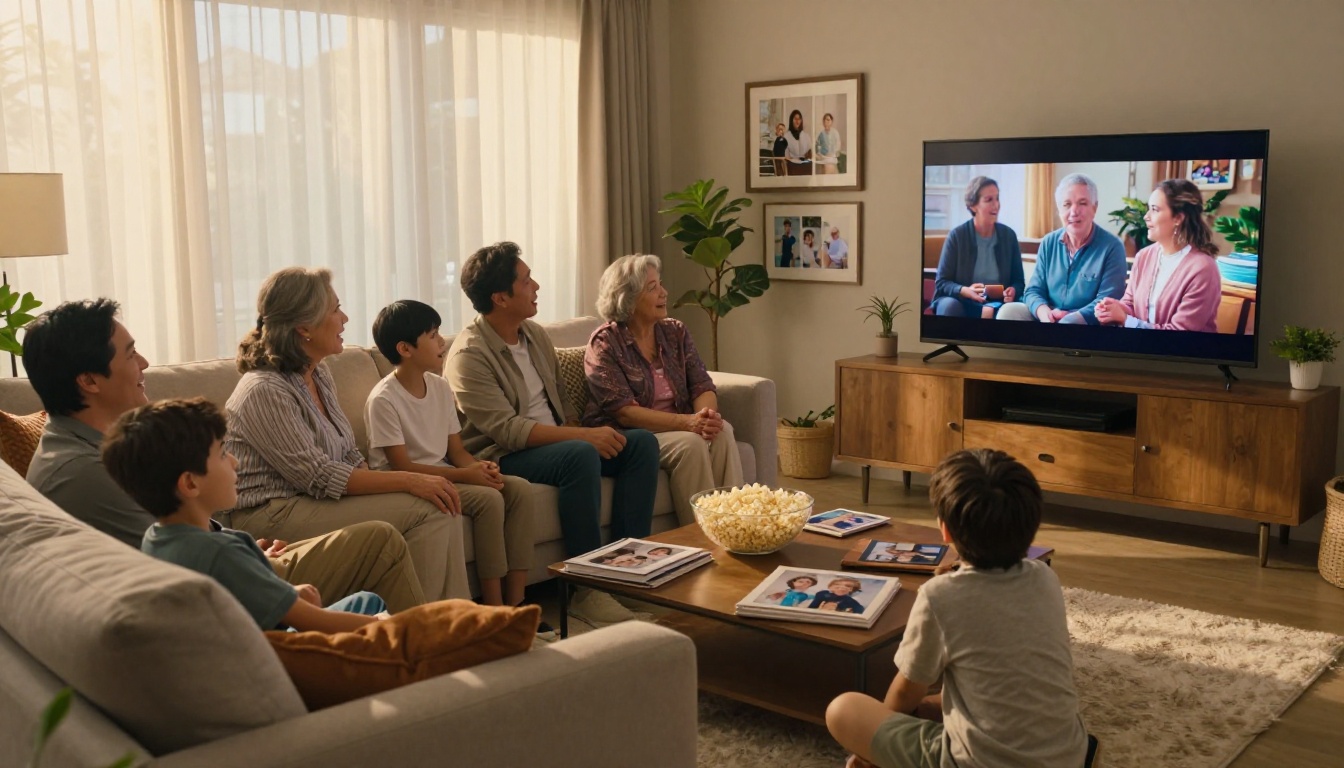
The shape of your memoir determines how well it translates to a flipbook format. Getting this right before you start writing saves significant revision time later.
Picking the Right Memoir Format
| Format | Best For | Typical Length | Flipbook Suitability |
|---|
| Chronological | Full life story | 80-200 pages | Excellent |
| Thematic | Specific periods or subjects | 40-80 pages | Excellent |
| Photo-forward | Visual storytelling with captions | 30-60 pages | Outstanding |
| Letters and correspondence | Epistolary memoir | 50-100 pages | Very Good |
| Legacy letter | Short family message | 10-20 pages | Good |
💡 Photo-forward memoirs convert especially well to flipbooks because each spread becomes a visual event. Think coffee-table book, not autobiography.
Organizing Your Life Story
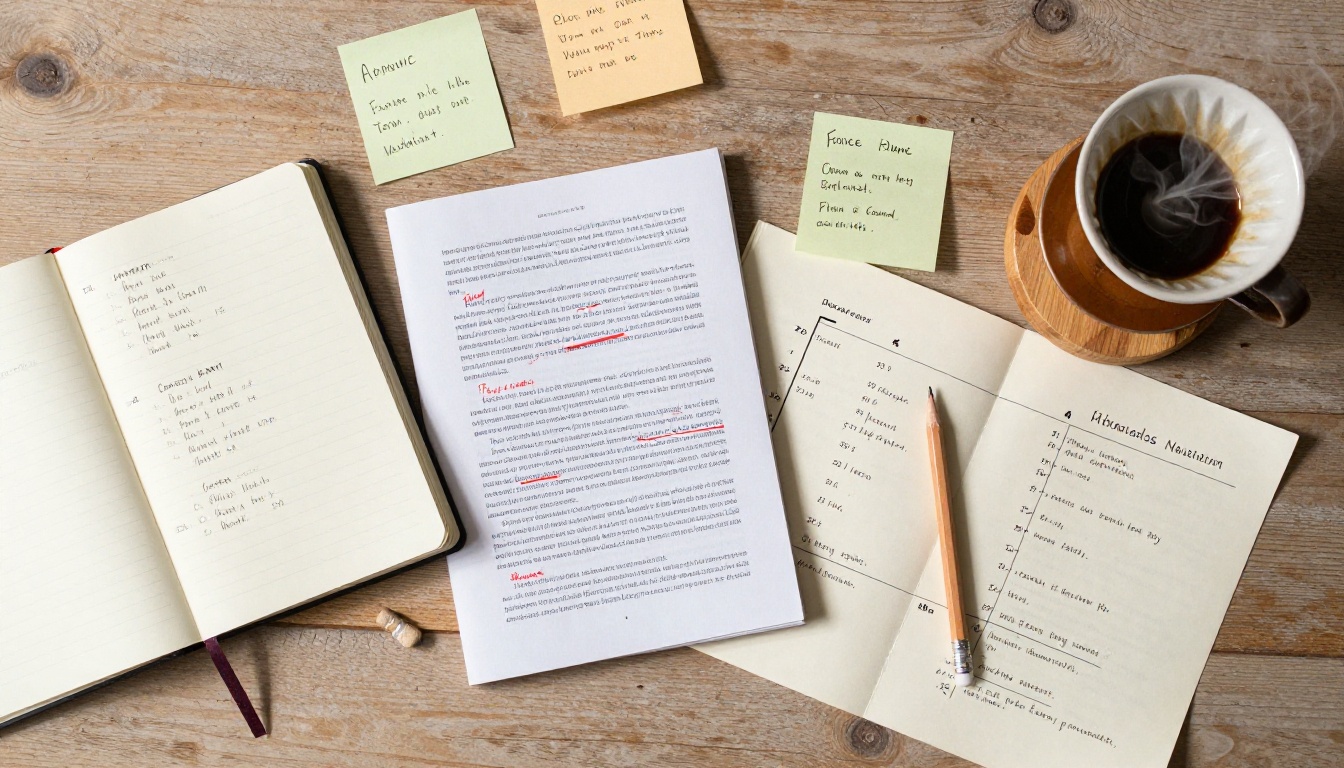
Before opening any software, lay your material out physically or in a simple document:
- Timeline pass: List every major event you want to include, in rough order
- Photo inventory: Gather every photograph you plan to use and note which chapters they belong to
- Chapter map: Group events into 6-12 chapters with short descriptive titles
- Tone decision: Decide whether this is intimate and personal, or formal for broader family distribution
Most memoir flipbooks work best at 40-80 pages of finished content. That gives you enough space for depth without overwhelming the reader.
How to Create Your Memoir Flipbook with Flipbooks AI
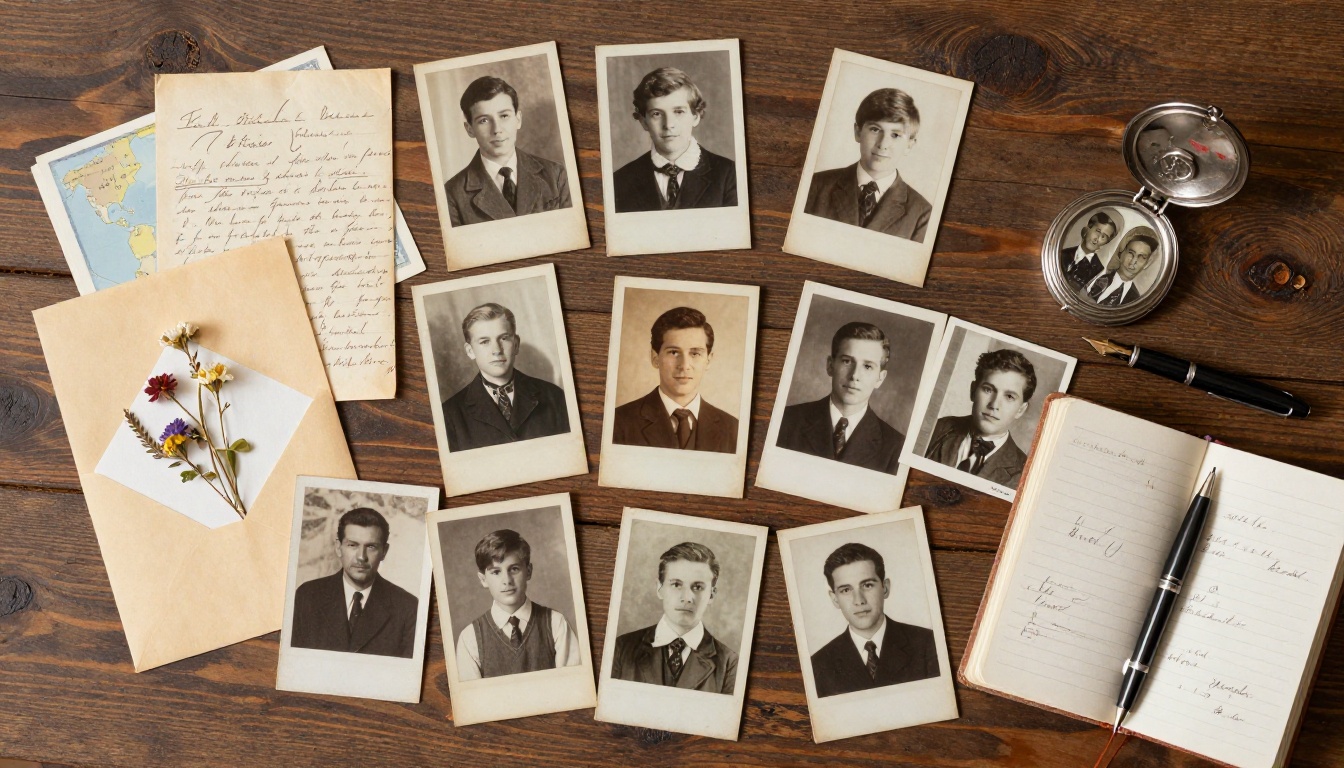
Flipbooks AI is built specifically for turning PDF documents into interactive digital flipbooks, and it handles personal memoirs exceptionally well. The workflow is straightforward even if you have never done anything like this before.
Setting Up Your Account
Head to flipbooksai.com/account and create your account. The free tier lets you test the platform before committing. For a memoir you plan to share privately with family, the Standard plan gives you unlimited flipbooks and password protection with no watermarks, ever.
Uploading Your Memoir PDF

Once your memoir is written and designed, export it as a PDF from whatever program you used (Word, Google Docs, Canva, and InDesign all work). Then:
- Log into your Flipbooks AI dashboard
- Click New Flipbook and select your PDF file
- Wait for the conversion, which typically takes 60-120 seconds depending on file size
- Your flipbook appears in your library with a live preview
✅ For best results, export your PDF at 150-300 DPI. Higher resolution means sharper photographs in the flipbook view. For memoir documents heavy with family photos, 200 DPI is the sweet spot between quality and file size.
Customizing the Look and Feel
This is where your memoir starts to feel like a real published book:
- Cover: Upload a custom cover image or use the conversion result
- Background color: Choose a paper tone (warm cream works beautifully for memoirs)
- Page flip sound: Enable or disable the satisfying page-turn audio effect
- Navigation: Add a table of contents that readers can jump to directly
- Branding: Remove all platform branding on Standard plans and above, so only your memoir shows
Adding Photos and Multimedia
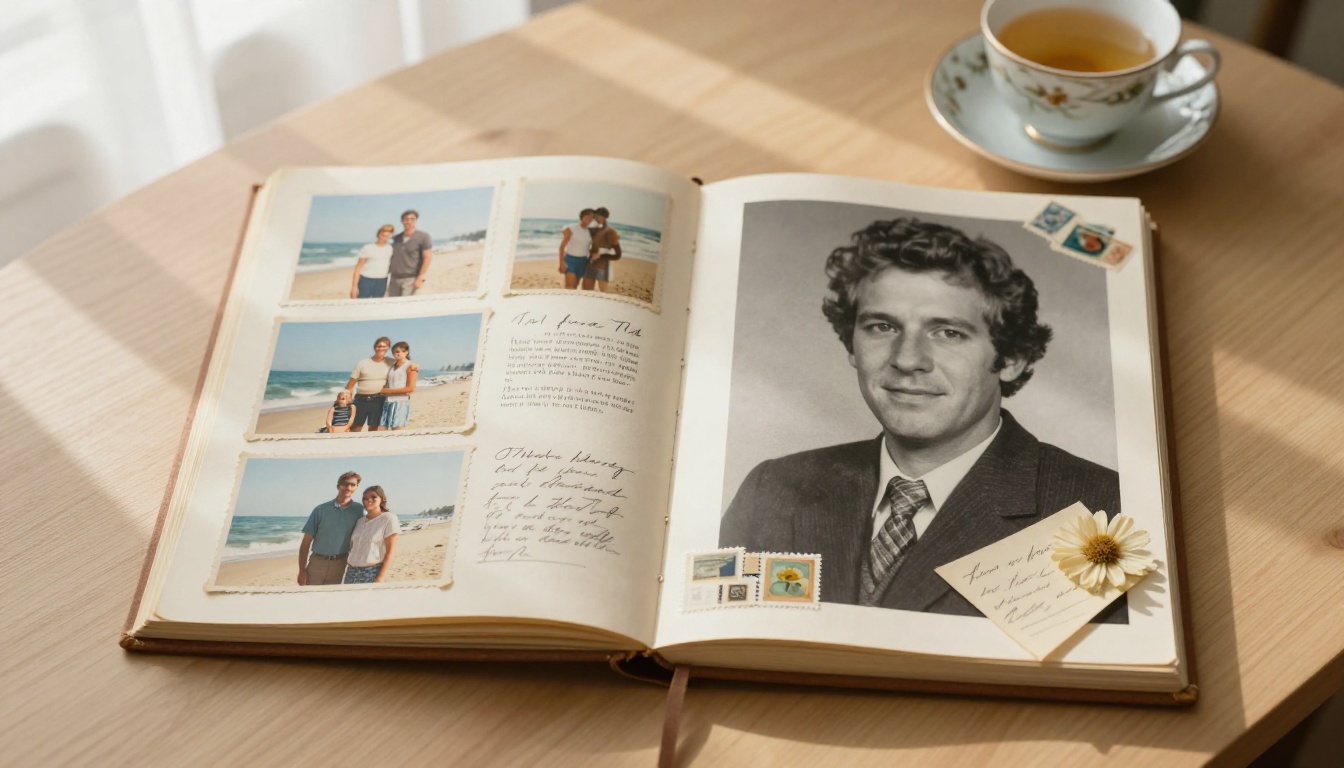
The Interactive E-Book Publisher tool takes your memoir further by allowing you to embed multimedia directly into the flipbook:
- Video clips: Embed family videos that play inline on the page
- Audio: Add a recorded voiceover narrating a chapter, or a piece of music significant to that period of your life
- Hyperlinks: Link to external resources, genealogy sites, or related family documents
⚠️ If you plan to include video, make sure the videos are hosted externally (YouTube, Vimeo, or similar) before embedding. Direct video file uploads work differently from linked embeds.
Design Tips That Make Memoirs Come Alive
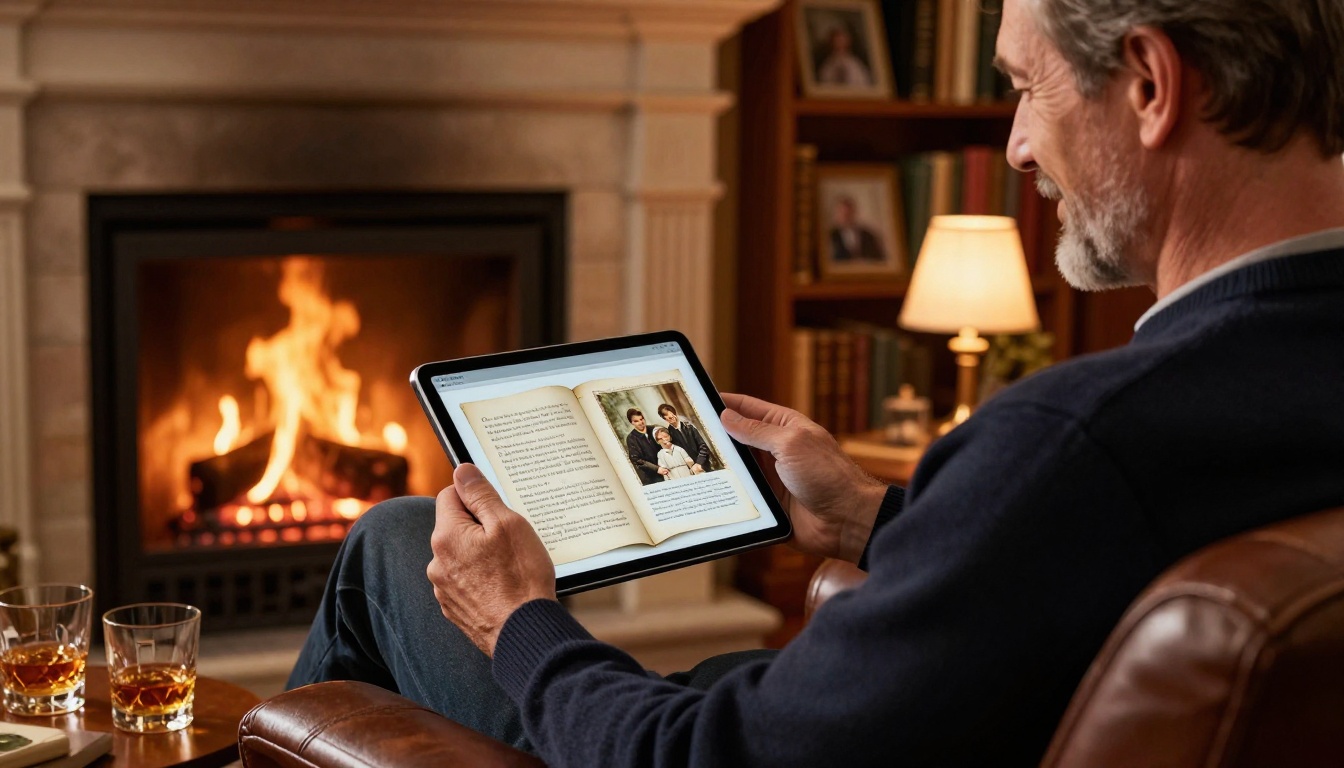
A well-designed memoir flipbook is not about flashy design. It is about clarity, warmth, and letting the content breathe.
Choosing Fonts That Feel Personal
Typography sets the emotional register of your memoir before a single word is read:
| Font Style | Emotional Feel | Best Use |
|---|
| Serif (Georgia, Garamond) | Classic, dignified, literary | Main body text, chapter titles |
| Script or Cursive | Personal, handwritten feel | Pull quotes, chapter openers |
| Sans-serif (Lato, Open Sans) | Clean, modern, accessible | Captions, sidebars, dates |
| Slab serif (Rockwell) | Warm, nostalgic, editorial | Section headers |
For most personal memoirs, a combination of a serif body font with a light script for chapter titles reads as exactly the right balance: literary without being stuffy, personal without being difficult to read.
Photo Placement That Tells the Story
Photographs in a memoir are not decorations. They are primary documents. Treat them that way:
- Full-bleed spreads: Use one powerful photograph to open each chapter, spanning both pages
- Photo grids: Group smaller snapshots from the same time period together on a single page
- Caption discipline: Every photo needs a caption with names, location, and approximate year
- Chronological mixing: Place old black-and-white photos alongside later color ones to show the passage of time visually
💡 Scan printed photographs at 600 DPI minimum before including them in your memoir. Low-resolution scans look fine on paper but become noticeably blurry when readers zoom in on the flipbook.
Sharing Your Memoir Flipbook

Once your memoir flipbook is published, you have several sharing options that a printed book simply cannot offer.
Private vs. Public Sharing
| Sharing Method | Privacy Level | Best For |
|---|
| Password-protected link | High | Close family only |
| Unlisted link (no password) | Medium | Extended family and friends |
| Public link | Open | Memoirs intended for broader sharing |
| Embedded on a website | Open | Family blogs or genealogy sites |
| PDF download | High | Offline copies for family members |
Password Protection for Family
For most personal memoirs, password protection is the right call. Your life story is intimate. You decide who reads it.
On the Standard plan at Flipbooks AI, you can set a single password for the entire flipbook. Share the link and the password with family via a simple email. On the Professional plan, available through flipbooksai.com/pricing, you can also track who has viewed your memoir, how long they spent on each chapter, and whether they downloaded a copy.
✅ Create a simple family email with the subject line "Mom's Memoir is Ready" and include the flipbook link, password, and a one-sentence invitation to read. Personal context in the email dramatically increases the chance that people actually open and stay with it.
Plan Options for Memoir Creators
Different memoir projects have different needs. Here is how the Flipbooks AI pricing tiers map to common memoir use cases:
| Plan | Best Memoir Scenario | Key Features |
|---|
| Free | Testing the format before committing | 1 flipbook, basic conversion |
| Standard | Personal memoir for family sharing | Unlimited flipbooks, no watermarks, password protection |
| Professional | Family historians or multiple memoir projects | Analytics, lead capture, offline downloads, priority support |
For a single personal memoir, the Standard plan covers everything you need. If you are a family historian working on multiple generational projects at once, the Professional plan's analytics and offline download features become genuinely valuable.
The Family History Flipbook
Spanning multiple generations, a family history memoir typically runs 80-150 pages and includes genealogy charts, family trees, historical photographs, and written accounts from multiple family members. The Digital Portfolio Creator tool provides a useful structural template for organizing multi-contributor content.
Sharing options: password-protected link distributed at family reunions, embedded on a private family website, or printed links in holiday cards.
The Travel Memoir
A travel memoir flipbook works beautifully because every spread becomes a destination. Full-bleed landscape photographs open each chapter. Captions place the reader in the moment. Maps can be included as full-page images to show the journey geographically.
The Travel Guide Flipbook tool at Flipbooks AI is designed for exactly this type of content with layouts that favor large imagery and immersive visual storytelling.
The Career Legacy Book
Professionals and executives increasingly create career legacy books as a structured memoir of their professional life: the companies they built, the decisions they made, the lessons they learned. These tend to be more formal in tone, often 40-60 pages, and are shared with colleagues, mentees, and professional networks.
The Annual Report Creator and Press Kit Designer tools can provide structural inspiration for this format, giving a career memoir a polished, publication-grade appearance.
Practical Timeline for Your Memoir Flipbook
Writing, designing, and publishing a memoir flipbook is a project, not an afternoon. Here is a realistic timeline:
| Phase | Activity | Time Estimate |
|---|
| Planning | Outline, chapter map, photo inventory | 1-2 weeks |
| Writing | First draft of all chapters | 4-12 weeks |
| Editing | Revision, proofreading, fact-checking | 2-4 weeks |
| Design | Layout in Word, Canva, or InDesign | 1-2 weeks |
| Conversion | Upload PDF to Flipbooks AI, customize | 1-2 days |
| Distribution | Set password, share with family | 1 day |
Most people find the writing phase takes longer than expected and the conversion phase takes far less time than expected. Flipbooks AI converts a 100-page memoir PDF in under two minutes.
💡 Do not wait until the memoir is "finished" to test the flipbook format. Upload a draft chapter early to see how your layout and photographs look on screen. Adjust your design before you have 80 pages to revise.
Preserving Your Story Before It Disappears
Personal memoirs are fragile things. They exist as unfinished documents on aging laptops, as boxes of photographs in attics, as stories that get told once at a dinner table and then never again. Turning your life story into an interactive flipbook is not a vanity project. It is an act of preservation.
The people who will read your memoir five, ten, or fifty years from now will thank you for making it something they can actually open, experience, and pass forward.
Ready to create yours? Get started for free at Flipbooks AI and upload your first memoir PDF today. Browse all available tools and templates to find the layout that fits your story. When you are ready to share privately with family, compare pricing plans to choose what works best for you.
Your story is worth more than a PDF sitting in a folder. Give it the format it deserves.



