Running a physiotherapy practice in 2027 means more than delivering excellent hands-on treatment. It means arming your patients with the right information, at the right moment, in a format they will actually read. Most clinics still rely on photocopied exercise sheets and tri-fold paper brochures that patients fold into their jacket pocket and forget. Flipbooks AI gives you a better option: professional, interactive digital flipbooks that your patients open on their phone, read page by page, and share with family members who help with their rehab.
Why Printed Handouts Are Failing Your Patients
There is nothing inherently wrong with printed materials. But the reality of how patients handle them tells a different story.
What Actually Happens to Paper Handouts
Research consistently shows that more than 60% of patients do not follow through with their home exercise programs. Poor recall of instructions is one of the top cited reasons. Hand someone a black-and-white printed sheet with 12 exercises listed in tiny font, and they are likely to attempt it once, misread a step, and give up.
Paper handouts also carry real costs your practice absorbs silently:
- Printing and ink expenses that add up over hundreds of patients per month
- No way to update materials once printed (outdated protocols, old clinic contact details)
- Zero visibility into whether a patient actually opened anything
- Handouts lost, damaged, or accidentally left in the clinic
The Digital Shift in Patient Education
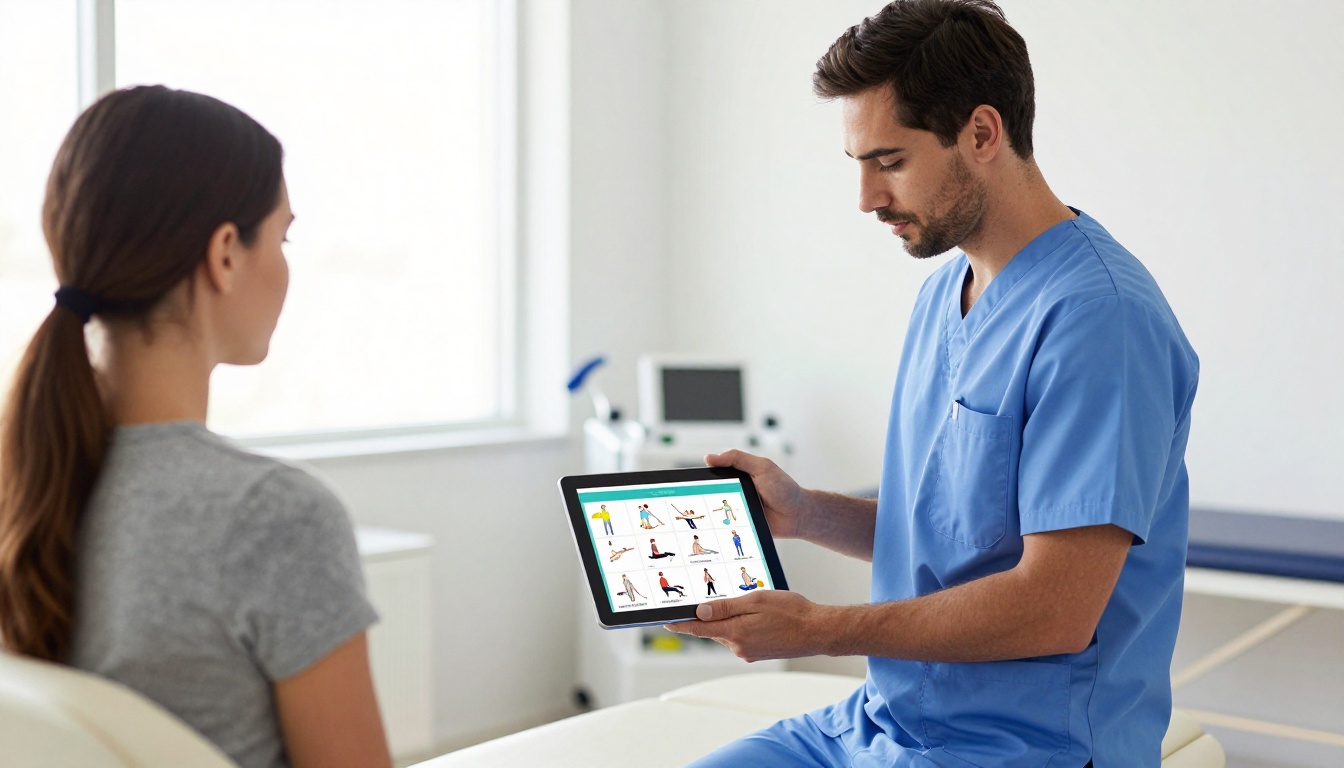
Healthcare is one of the last industries to fully embrace digital patient communication. Patients already expect to receive appointment reminders by SMS, access test results through a portal, and watch post-procedure instructions on video. A colorful, page-turning digital flipbook fits exactly into that expectation. You can send it by email, embed it on your website, share it via QR code on your waiting room wall, or link it in your patient portal.
💡 A digital flipbook keeps your materials permanently current. Update an exercise step, change your contact number, or swap a photo, and every patient with the link sees the updated version automatically.
What a Flipbook Can Do for a Physio Clinic
The term "flipbook" sounds simple, but what Flipbooks AI actually delivers is a fully interactive, mobile-responsive digital publication. Think of it as a professional magazine that lives at a URL and works on any device without an app download.
Patient-Facing Materials That Work
The types of materials a physiotherapy practice produces map almost perfectly onto flipbook use cases:
Embedding Directly on Your Website
One of the most practical wins for a physio clinic is the ability to embed flipbooks directly on any webpage. Instead of a static PDF download button, your "Services" page shows a live, turning-page brochure. The Embed Flipbook on Website tool handles all the technical side: copy one snippet of embed code, paste it into your website builder, and it works immediately.
How to Create a Physiotherapy Flipbook with Flipbooks AI
This section walks you through the exact process of turning a physiotherapy PDF into a published interactive flipbook, from first login to sharing the link with your first patient.
Step 1: Create Your Account
Head to Flipbooks AI and create your free account. No credit card is required to start. The platform runs entirely in your browser, so there is nothing to install or configure on your computer.
✅ Start with a Free account to test the workflow, then upgrade when you are ready to publish without watermarks.
Step 2: Prepare Your PDF
Before uploading, make sure your PDF is:
- Properly formatted for your target layout (A4 or US Letter both work well)
- High resolution, ideally exported at 150 DPI or above for crisp exercise illustrations
- Named clearly so you can identify it later (e.g.,
shoulder-rehab-week1.pdf)
If you do not have design software, free tools like Canva or Google Slides export clean PDFs that upload perfectly to the platform.
Step 3: Upload and Convert
- Click "New Flipbook" from your dashboard
- Select "Upload PDF" and choose your prepared file
- Wait 10 to 30 seconds for the automatic conversion (longer PDFs take slightly more time)
- Your flipbook opens in the editor with all pages rendered as interactive spreads
The PDF to Flipbook Converter handles all conversion automatically. Each page becomes a browsable spread with the characteristic page-turn animation that patients find intuitive on any device.
Step 4: Apply Your Clinic Branding
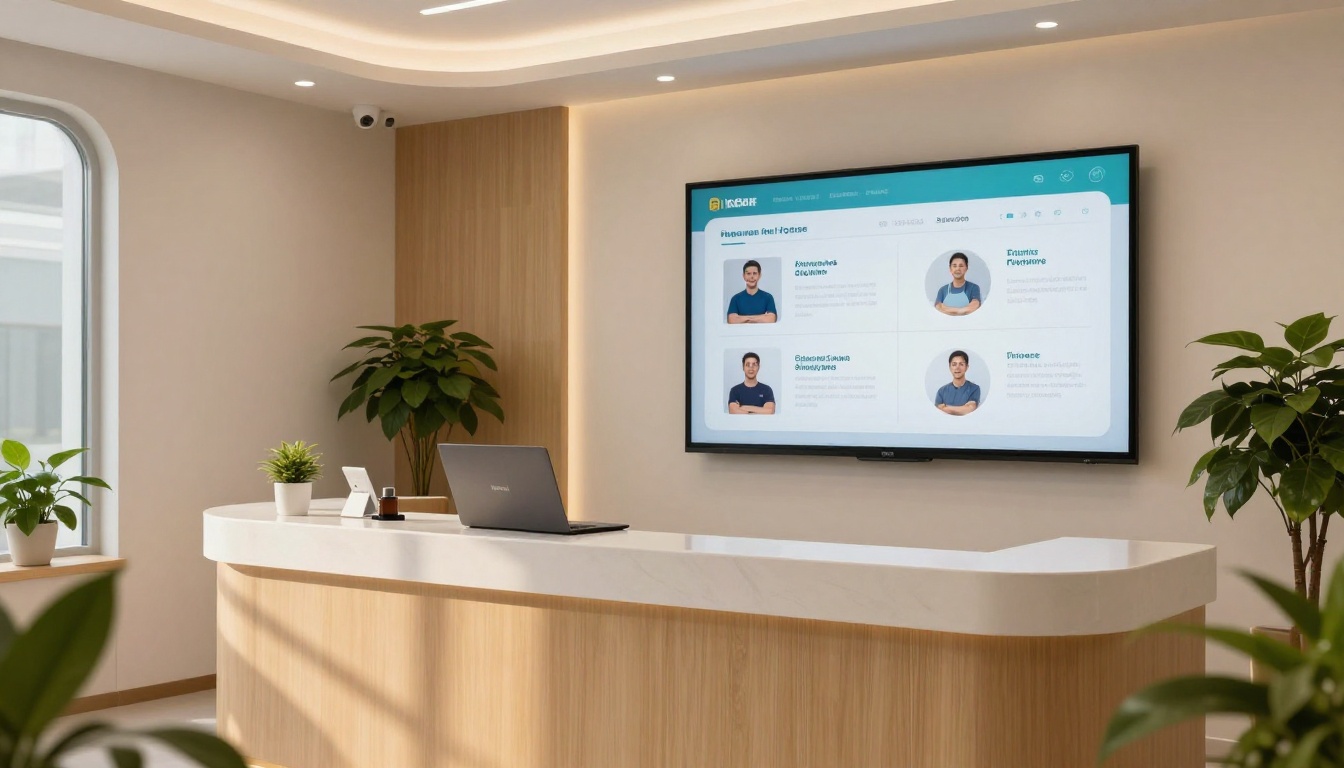
This is where your flipbook stops looking like a generic PDF and starts representing your practice professionally:
- Upload your clinic logo to appear in the header or footer
- Set brand colors to match your website palette exactly
- Choose a background: solid color, gradient, or a custom image
- Select a page-flip sound: subtle click or silent, depending on your audience preference
- Add a custom cover page if your PDF does not already have a designed front page
💡 Consistent branding across all patient materials builds trust faster than any copy can. A patient who sees your logo on an exercise sheet, your website, and their booking confirmation emails feels they are in professional hands.
Step 5: Add Multimedia
Flipbooks AI allows you to embed videos and audio directly into flipbook pages. For physiotherapy, this is a significant clinical advantage:
- Embed a short video demonstration of a complex exercise into the relevant page
- Add an audio explanation for patients who prefer listening while moving
- Insert hyperlinks to your online booking platform directly from a "Book Your Next Session" page
Step 6: Set Sharing and Privacy Options
Decide who can see your flipbook before you publish:
| Access Option | Best For |
|---|
| Public link | Clinic services brochure, general health info |
| Password-protected | Patient-specific rehab programs and records |
| Embed only | Website integration without a shareable URL |
| Download enabled | Patients who want offline access |
Password protection is available on paid plans and is ideal for individual patient programs. Each patient receives their own link with a unique password you control.
Step 7: Publish and Share
Hit "Publish" and your flipbook goes live at a permanent URL. Sharing options include:
- Direct link: copy and paste into any email or messaging app
- QR code: download and print on waiting room posters or appointment cards
- Embed code: paste into your clinic website in seconds
- Social media buttons: useful for seasonal health campaigns and new service announcements
Flipbooks AI Plans: What Works for a Physio Practice
Choosing the right plan depends on how many flipbooks you plan to create and what privacy features matter most for your patient base.
| Feature | Free | Standard | Professional |
|---|
| Watermark-free publishing | No | Yes | Yes |
| Number of flipbooks | Limited | Unlimited | Unlimited |
| Password protection | No | Yes | Yes |
| Custom branding | Partial | Full | Full |
| Video and audio embed | No | Yes | Yes |
| Analytics and lead generation | No | No | Yes |
| Offline downloads | No | No | Yes |
| Embed on website | Yes | Yes | Yes |
For most solo physiotherapy practices, the Standard plan delivers everything needed: no watermarks, unlimited flipbooks, password protection for private patient materials, and full branding. Larger multi-practitioner clinics benefit from the Professional plan to access analytics (track which patients open their materials and how far they read) and lead generation forms that can be embedded directly inside a public brochure flipbook.
✅ See exact pricing for each tier at flipbooksai.com/pricing.
Real Flipbook Use Cases for Physiotherapy Clinics
Theory is one thing. Here is how actual patient materials translate into practical flipbook formats that clinics use daily.

Home Exercise Programs
Your most-produced material by volume. Instead of printing 15 pages per patient per visit, create a condition-specific flipbook template (lower back pain, rotator cuff, knee post-op) and share the link at checkout. Patients open it on the couch, follow exercises page by page, and zoom in on images without straining to read a photocopy.
Practical workflow:
- Create your condition-specific PDF in Canva or Adobe Express
- Upload and convert in Flipbooks AI
- Generate a QR code from the published flipbook link
- Print the QR code on appointment summary cards and waiting room posters
Post-Surgery Rehabilitation Guides
Post-surgical rehab involves phased protocols that change week by week. With printed guides, you hand the patient the complete document on day one, which often overwhelms them. With a flipbook, you share phase-specific links or use password protection to reveal only the section relevant to their current recovery stage, reducing confusion and improving compliance.
New Patient Welcome Packs
First impressions matter in any healthcare setting. A polished welcome flipbook covering your clinic philosophy, what to expect on a first visit, parking instructions, payment options, and FAQs gives new patients confidence before they arrive. This can be emailed automatically as part of your booking confirmation workflow at zero extra cost per patient.
Group Class and Workshop Schedules
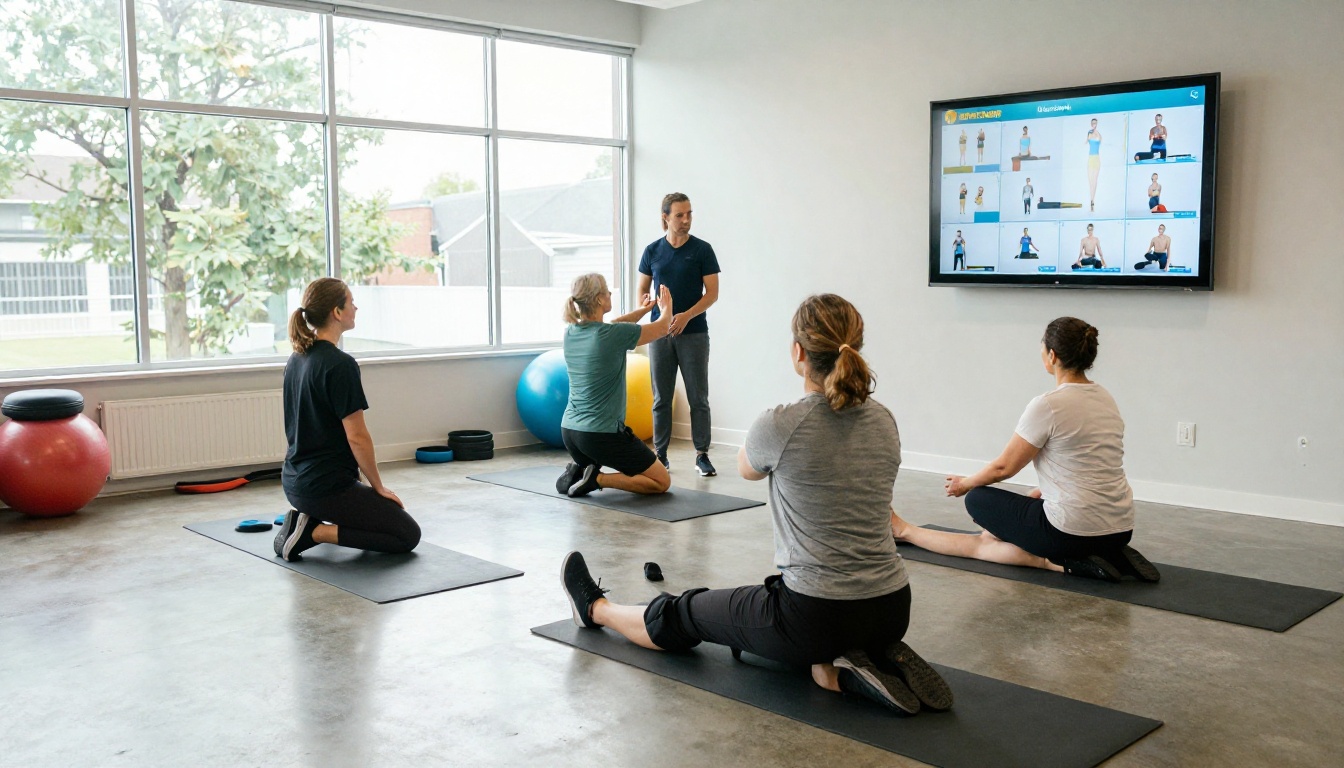
If your clinic runs Pilates sessions, hydrotherapy classes, or injury prevention workshops, a seasonal schedule flipbook shared on social media or embedded in your newsletter outperforms any flat PDF attachment. Use the Event Program Maker to create a visually engaging schedule complete with photos from previous sessions and direct booking links.
Staff Training and Clinical Protocols
Internal materials benefit from flipbook format too. Treatment protocols, emergency procedures, and staff onboarding guides become far more accessible in a searchable, page-turning format than a static Word document buried in a shared drive. Password protection keeps these appropriately internal.
What to Include in Each Type of Physio Flipbook
Not every flipbook needs the same content. Here is a practical content blueprint for each major material type your clinic produces:
| Flipbook Type | Must-Have Sections | Optional Additions |
|---|
| Home Exercise Program | Exercise name, step images, reps, sets, precautions | Video demo embed, progress tracker |
| Clinic Services Brochure | Services list, practitioner bios, booking info | Patient testimonials, FAQ page |
| New Patient Welcome Pack | What to bring, clinic policies, location map | Practitioner intro video |
| Post-Op Rehab Guide | Phase timeline, exercises per phase, red flags | Surgeon notes section |
| Group Class Schedule | Class names, times, instructor, location | Direct booking links per class |
| Staff Training Manual | Protocol steps, visual references, version date | Video walkthroughs |
Tips for Physio Flipbooks That Patients Actually Use
Getting patients to engage with their materials is a different challenge than simply producing them. A few proven approaches make a measurable difference in compliance.
Keep Exercise Pages Visual
A photo or illustration should take up at least 60% of the page. Text describes what the image shows, not the other way around. Patients following along on a phone while exercising cannot pause to read paragraphs.
Write at a Conversational Level
Write instructions at a Year 8 reading level. "Lie on your back with knees bent" beats "assume a supine position with hips flexed to 90 degrees" every single time. Your patients are not physiotherapists.

Number Pages Clearly
Patients often reference materials by page number when calling the clinic with questions. Clear, visible page numbering reduces confusion and makes phone consultations faster and more efficient for both parties.
Always Include a Contact Page
The last page of any patient-facing flipbook should feature your clinic phone number, email address, and booking link in large, tappable text. Make it frictionless for the patient to take the next step.
⚠️ Do not overload a home exercise program with every exercise in your toolkit. A focused 6 to 8 exercise flipbook gets completed. A 20-exercise PDF does not.
Build Templates Once, Reuse Indefinitely
The real time savings come from building a library of condition-specific templates. Create your shoulder impingement home program once, update it whenever protocols change, and that single flipbook serves every relevant patient indefinitely without additional cost.
Physiotherapy clinics have several options for delivering patient education. Here is how they compare across the dimensions that matter most for a busy practice:
| Format | Cost Per Patient | Update Ease | Patient Access | Analytics |
|---|
| Printed handouts | $0.10 to $0.50 per page | Reprint required | Physical only | None |
| Static PDF email | Near zero | Re-send required | Download needed | None |
| Patient portal video | High production cost | Re-upload required | Portal login needed | Basic |
| Digital flipbook | Near zero | Instant live update | Any device, no login | Professional plan |
The flipbook format wins on nearly every practical dimension for small to mid-size practices. Zero per-patient cost after setup, instant updates across all existing links, and no app download required from the patient.

Making Your Flipbooks Work Harder Online
If you embed your services flipbook on your website or share it publicly, a few simple steps make it work harder for your clinic's online visibility:
- Use a descriptive flipbook title that includes your location and specialty (e.g., "Shoulder Rehabilitation Program, Brisbane Physio Clinic")
- Write a clear flipbook description that mirrors your page meta description
- Share the flipbook link on your Google Business Profile posts regularly
- Add the flipbook to your email signature with a one-line description
A publicly shared services brochure flipbook embedded on a well-optimized clinic website page can attract organic search traffic from local patients searching for physiotherapy services in your area.
The platform is built to be accessible without technical skills, but a few features are worth knowing from day one:
- Analytics (Professional plan): See exactly which pages patients spend the most time on. If most patients drop off at page 4 of a 10-page exercise program, that is valuable clinical feedback about content clarity and layout.
- Lead generation forms: Embed a "Book a Free Consultation" form directly inside a public flipbook, turning a passive brochure into an active booking tool.
- Offline downloads: Patients in areas with poor connectivity can download the flipbook for offline reading, available on the Professional plan.
- Mobile-responsive design: Every flipbook renders perfectly on any phone, tablet, or desktop without any additional configuration.
Browse all available tools at flipbooksai.com/tools to find formats suited to your specific content type, from exercise brochures to staff manuals.
Start Publishing Smarter Patient Materials Today
Physiotherapy patients who truly understand their rehab get better outcomes. Materials that are clear, professionally presented, and easy to access on any device remove the friction between knowing what to do and actually doing it consistently at home.
Creating a flipbook for your physiotherapy practice takes less time than designing and printing your next batch of handouts, and the results follow every patient home on their phone. Your clinic looks more professional, your patients are better informed, and your admin workload drops.
Create your first flipbook for free on Flipbooks AI, or compare plans to see which tier fits your practice size and patient volume. Browse the full library of flipbook tools, including the Brochure Flipbook Maker and Online Brochure Designer, to find the right format for every material your clinic produces.



