Travel agencies that still rely on printed brochures or static PDF attachments are giving potential clients a reason to look elsewhere. Today's traveler expects an immersive experience before they ever board a plane, and the materials you hand them or email them should reflect exactly that. A digital flipbook for your travel agency solves this: it replicates the satisfying page-turn of a physical catalog while adding clickable links, embedded video, mobile responsiveness, and real-time analytics that a printed piece could never offer. Flipbooks AI makes this shift straightforward, even without a design background.
Why Printed Travel Materials Are Holding You Back
The travel industry spends billions on print every year. Glossy destination catalogs, itinerary packets, tour brochures... they look beautiful in person and are forgotten in a drawer by the time the client gets home. The economics do not hold up, either.
The Real Cost of Print
Printing 500 custom travel brochures can easily run $800 to $2,500 depending on paper weight, color fidelity, and finishing. Add shipping, storage, and reprinting every time a tour package changes its pricing, and you are looking at a line item that drains marketing budgets without a clear ROI. There is no way to track whether anyone opened the brochure, what pages they spent time on, or whether it contributed to a booking.
Digital flipbooks eliminate all of that. Upload once, update whenever you want, and share the same URL across email, social media, your website, and in-person presentations.
What Clients Notice First
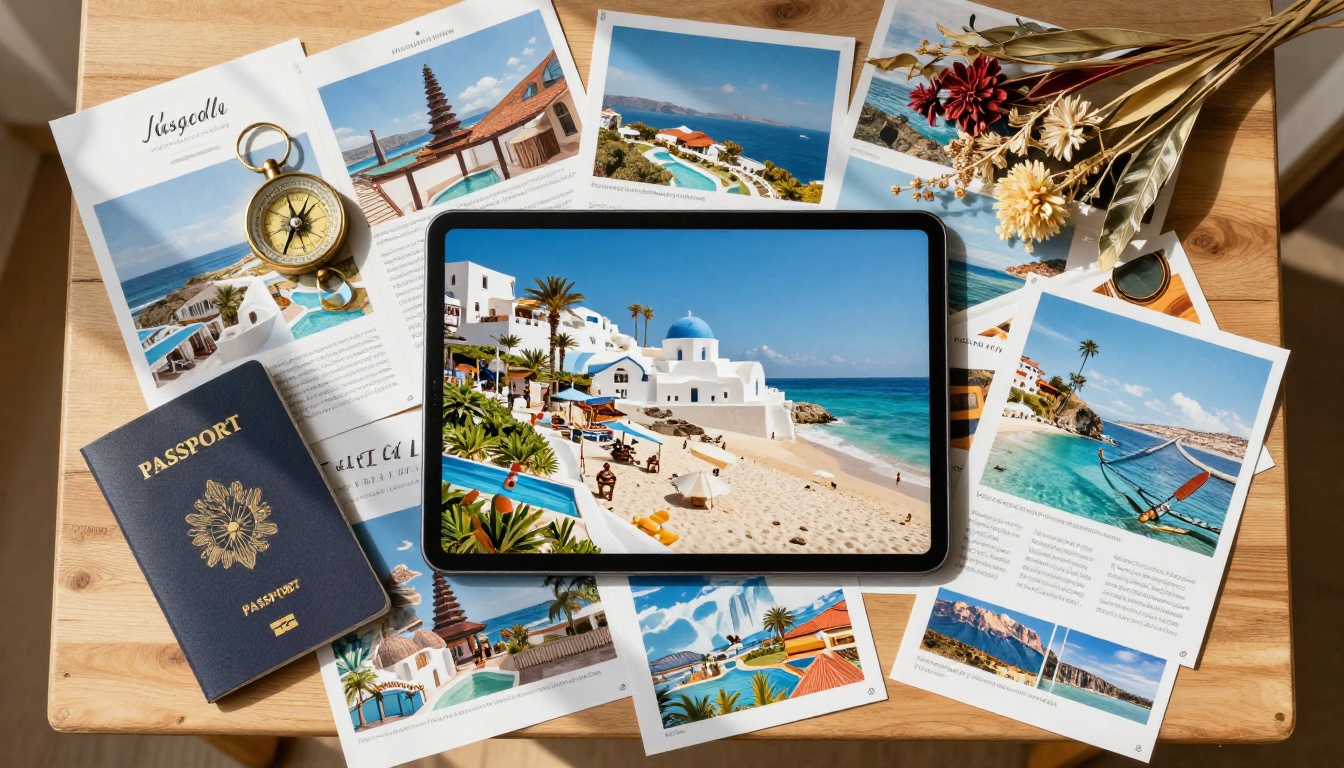
When a client receives a link to a beautifully formatted interactive flipbook instead of a PDF attachment, the perception of your agency shifts immediately. The page-turning animation signals premium quality. Clickable links to hotel websites or booking forms signal efficiency. The fact that it works perfectly on their phone signals that you understand how they actually browse content.
These micro-impressions compound quickly. Agencies that have shifted to digital presentations consistently report higher engagement times and faster follow-up responses from prospective clients.
Digital Flipbook vs. Static PDF: A Direct Comparison
Before committing to any format, it helps to see the differences laid out clearly.
| Feature | Printed Brochure | Static PDF | Digital Flipbook |
|---|
| Page-turn animation | Yes | No | Yes |
| Clickable links | No | Limited | Full support |
| Embedded video | No | No | Yes |
| Mobile responsive | No | Poor | Yes |
| Analytics and tracking | No | No | Yes (Pro plan) |
| Updateable without reprint | No | Yes | Yes |
| Cost per update | High | Free | Free |
| Password protection | No | Basic | Yes |
| Embeddable on website | No | No | Yes |
| Lead capture forms | No | No | Yes (Pro plan) |
The flipbook wins across almost every category that matters for a modern travel agency's sales process.
Types of Travel Flipbooks That Actually Drive Bookings

Not every flipbook serves the same purpose. Here are the formats that work best for travel agencies, and what each one should contain.
Destination Brochures
A destination brochure focuses on a single location: a resort, a city, a country, or a region. Effective destination flipbooks include:
- Full-bleed destination photography on every spread
- Practical information like climate charts, visa requirements, and local currency details
- Curated hotel options with photos, star ratings, and clickable booking links
- Sample itineraries that can be customized per client
- A clear call-to-action on the final page with your agency's contact details
Tour Package Catalogs
A tour package catalog presents multiple offerings in a structured format, similar to a retail catalog. The Travel Guide Flipbook tool is ideal for this, giving you a polished template to drop your content into without starting from scratch.
Seasonal Campaign Flipbooks
Summer escapes. Winter ski packages. Honeymoon collections. Seasonal flipbooks have a natural urgency built in, and because they are digital, you can update pricing and availability the moment something changes. No reprinting, no waste.
Client Itinerary Packets
Once a client books, you can create a personalized flipbook itinerary for their trip, with day-by-day breakdowns, hotel confirmations, restaurant recommendations, and packing guides. This adds a premium, concierge-level touch to your post-sale experience and significantly reduces the "where do I find my documents?" calls.
How to Create a Travel Agency Flipbook with Flipbooks AI

The process on Flipbooks AI takes most users from PDF to published flipbook in under ten minutes. Here is the exact sequence.
Step 1: Prepare Your PDF
Before uploading, make sure your PDF is set up correctly:
- Use a landscape orientation (16:9 or standard magazine format works best for travel content)
- Embed all fonts so text renders correctly across devices
- Export at 150 to 300 DPI for sharp destination photography
- Compress the file to under 50MB for the fastest upload speeds
If you do not have a PDF ready, design one in Canva, Adobe InDesign, or PowerPoint and export it as a PDF.
Step 2: Upload and Convert
- Go to flipbooksai.com/account and create your free account
- From the dashboard, click New Flipbook
- Drag and drop your PDF into the upload area
- The platform automatically converts each page into a high-quality interactive spread with a realistic page-turn effect
Conversion usually completes within 30 to 60 seconds depending on file size.
Step 3: Brand It to Your Agency
This step is where your agency's identity takes over the presentation:
- Logo placement: Upload your agency logo and position it on the cover or in the footer of every page
- Brand colors: Set your primary and accent colors to match your agency's visual identity
- Custom domain: Link your flipbook to your own domain for a seamless branded URL
- Background and spine color: Match the reader interface to your color palette
💡 Agencies that match their flipbook's color scheme to their website report noticeably higher brand recall in client surveys.
Step 4: Add Interactive Elements
This is what separates a flipbook from a PDF:
- Clickable hotspots: Add tap-and-click zones over hotel names that link directly to booking pages
- Embedded videos: Drop in a destination highlight reel or a virtual hotel tour directly on the page
- Pop-up information panels: Highlight pricing, inclusions, or availability without cluttering the page design
- Lead capture forms: On the Professional plan, add a contact form right inside the flipbook so interested clients never need to leave to reach out
Step 5: Share or Embed Anywhere
Once published, your flipbook is instantly accessible via:
- Direct link: A clean URL you can paste into emails, WhatsApp messages, or social posts
- Embed code: Drop a snippet into your website so the flipbook loads inline on any page. The Embed Flipbook on Website tool handles the technical side for you.
- QR code: Print a QR code on business cards or window displays that opens the flipbook on a client's phone
- Password protection: For exclusive packages or client-specific itineraries, set a password so only the intended recipient can view it
✅ Always test your flipbook link on mobile before sending it to clients. Over 60% of travel research starts on a smartphone.
Flipbooks AI Plans: What Each Tier Offers Travel Agencies
Different agencies have different needs. Here is how the plan tiers compare for the most common travel agency use cases.
| Feature | Free Plan | Standard Plan | Professional Plan |
|---|
| Number of flipbooks | Limited | Unlimited | Unlimited |
| Watermarks | Yes | No | No |
| Custom branding | No | Yes | Yes |
| Password protection | No | Yes | Yes |
| Analytics | No | No | Yes |
| Lead generation forms | No | No | Yes |
| Offline downloads | No | No | Yes |
| Embed on website | Basic | Yes | Yes |
| Custom domain | No | No | Yes |
For agencies sending brochures regularly, the Standard plan removes watermarks and enables unlimited flipbooks. The Professional plan adds analytics and lead capture, which are genuinely powerful tools for tracking which packages generate the most interest. See full details on the pricing page.
⚠️ If you are presenting to corporate clients or luxury travelers, watermarks on your materials send the wrong signal. Always upgrade past the free tier for client-facing content.
Real-World Use Cases for Travel Agency Flipbooks
Honeymoon Package Presentations
A boutique agency specializing in honeymoons creates a separate flipbook for each destination tier: budget-romantic, mid-range luxury, and ultra-premium. Each flipbook features curated resort photography, romantic dining recommendations, and a "request a quote" button on the final page that feeds directly into their CRM. Conversion rates on this approach consistently outperform email-only proposals.
Group Tour Operator Catalogs
A tour operator running small-group adventure trips through Southeast Asia publishes a seasonal catalog as a flipbook each quarter. They embed short video clips from previous groups, include a FAQ page with interactive hotspots, and share the link across their social channels. Click-through rates on the flipbook link triple compared to PDF attachments in their mailing list.
Luxury Villa and Resort Agency
An agency specializing in villa rentals sends clients a personalized flipbook after an initial consultation. The flipbook contains five properties matched to the client's stated preferences, with pricing, availability calendars linked as hotspots, and a contact form on the last page. The page-turn presentation elevates the perceived value of the entire service.
What Makes a Travel Flipbook Actually Convert
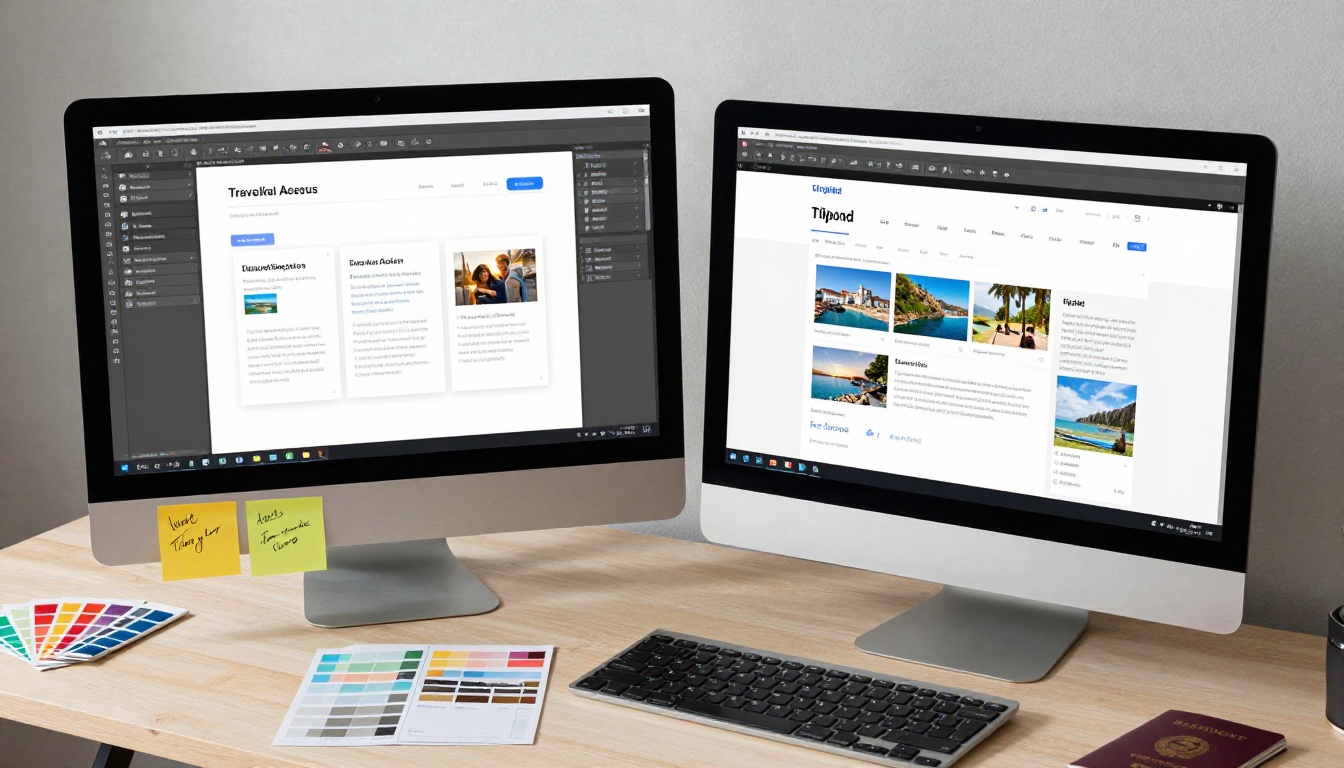
Creating a flipbook is the easy part. Making it perform takes a bit of strategic thinking.
Front Load Your Best Imagery
The first two spreads decide whether a client keeps reading. Use your absolute best destination photography in that space. Save logistics and details for the middle pages where interest is already established.
Include Social Proof Early
A short testimonial from a previous traveler on page 3 or 4 sets the credibility frame for everything that follows. Two sentences from a real client carry significant weight, especially for first-time visitors to your agency.
One Clear Action Per Flipbook
The most effective travel flipbooks have one primary call-to-action, whether it is "Book a consultation call," "Request a custom quote," or "Download the full itinerary." Make it visible on at least two pages and prominently again on the final spread.
Keep Packages Distinct and Comparable
If you are presenting multiple tour options, use a comparison table within the flipbook itself to show differences at a glance. Clients making travel decisions are comparing options; making that comparison easy for them directly accelerates the decision.

Tips From Agencies That Made the Switch
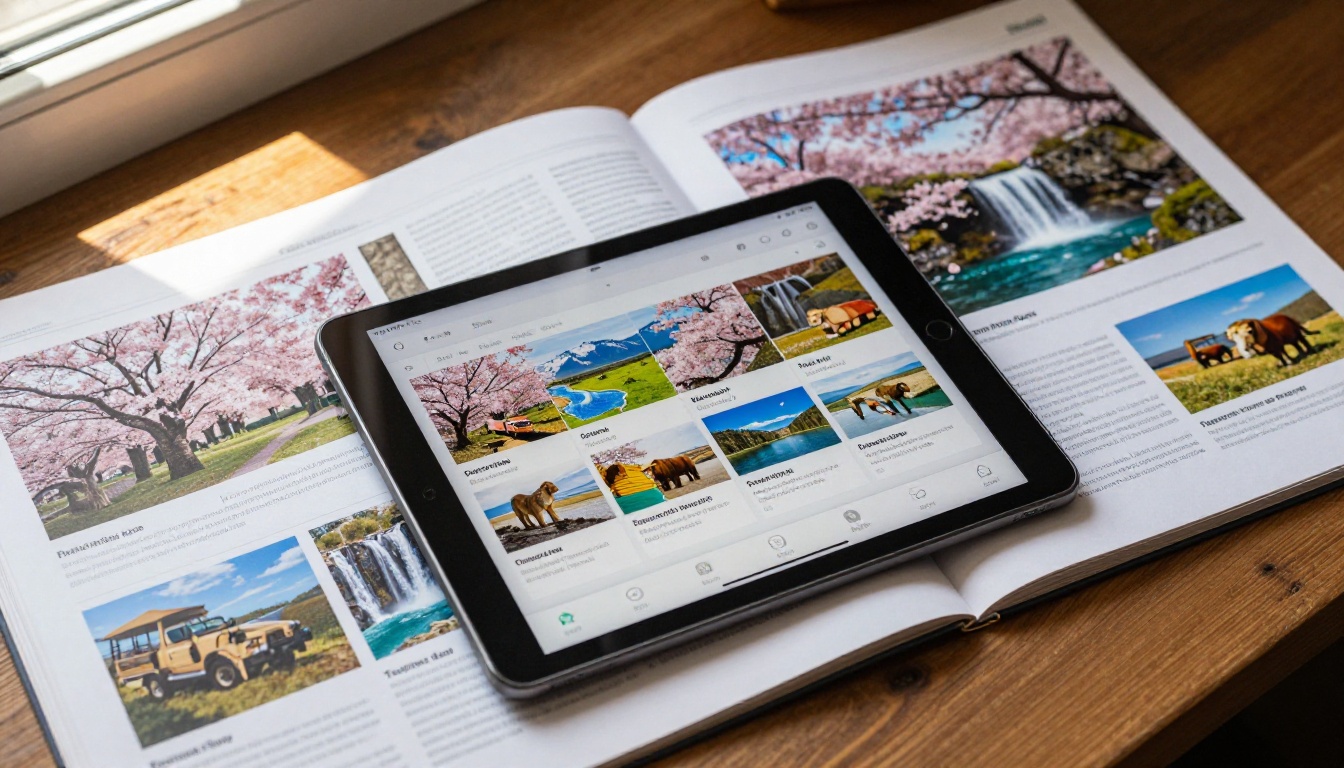
Agencies that have moved from print to digital flipbooks share a few consistent observations:
- Response time drops: Clients who receive a flipbook link respond faster than those who receive PDF attachments, because the flipbook opens instantly in a browser with no download friction
- Sharing happens organically: When a client loves a destination flipbook, they forward the link to their travel companion. Flipbooks get forwarded with enthusiasm because they feel genuinely shareable
- Seasonal updates become painless: Updating prices or swapping out a package takes minutes. No reprint. No leftover stock to discard.
- Premium positioning pays off: Clients who receive a polished, branded flipbook before their first consultation often arrive with higher trust and a clearer picture of their options
Start Booking More Clients with a Travel Flipbook
If your current sales process involves sending PDF attachments or handing out printed brochures, there is a better way available to you right now. A well-built flipbook for your travel agency is not just a presentation tool; it is a client experience that starts before the first conversation does.
Flipbooks AI gives you everything needed to build professional, branded, interactive travel flipbooks without a designer or a development team. The Travel Guide Flipbook tool is a natural starting point, or browse all flipbook tools to find the format that matches your agency's workflow.
Ready to replace your static PDFs with something clients actually remember? Create your first flipbook for free and see the difference in how clients respond. When you are ready to add analytics, remove watermarks, or enable lead capture forms, check the pricing plans built to scale with a growing agency.



