The moment a potential customer opens a beautifully designed digital catalog that flips like a real magazine, you have their full attention. That first impression is worth everything, and with Flipbooks AI, creating one takes less time than your morning coffee break.
Printed catalogs are expensive, go out of date the moment they're printed, and end up in recycling bins. Digital catalogs, on the other hand, are always current, infinitely shareable, and measurable. The only question is: how fast can you get yours live?
The answer is faster than you think.

What a Digital Catalog Actually Does
A digital catalog is an interactive online publication that looks and behaves like a physical booklet. Pages flip with realistic animation, images are zoomable, links are clickable, and the whole thing opens instantly in any browser on any device.
That is fundamentally different from a PDF. A PDF is a static file. A digital catalog is an experience.
PDF vs. Interactive Catalog
| Feature | PDF File | Digital Catalog |
|---|
| Page-flip animation | No | Yes |
| Mobile-responsive | Rarely | Always |
| Clickable hyperlinks | Limited | Fully interactive |
| Embeddable on website | No | Yes |
| Analytics and tracking | No | Yes (Professional plan) |
| Password protection | Complex | One-click |
| Always current and updateable | No | Yes |
| Shareable via link | Clunky | Clean URL, instant |
💡 A digital catalog shared via link gets opened 3-5x more often than a PDF attachment sent by email. People click links. Nobody downloads random PDFs from strangers.
The difference in engagement is not small. It is the difference between a catalog that gets read and one that gets ignored.

Who Actually Uses Digital Catalogs
Before diving into the how, it helps to see the full range of businesses already winning with digital catalogs. This is not a niche tool for large corporations.
| Industry | Use Case | Key Benefit |
|---|
| Retail and fashion | Seasonal collections, lookbooks | Visual storytelling, shareable |
| Real estate | Property listings, development brochures | Always-updated inventory |
| Restaurants | Menu presentation, seasonal specials | No reprint costs |
| B2B wholesale | Product catalogs for buyers | Easy distribution to clients |
| Home furnishing | Room sets, product specifications | Zoomable detail images |
| Automotive | Model comparisons, dealer inventory | Multimedia integration |
| Education | Course catalogs, school materials | Accessible on all devices |
| Travel and hospitality | Resort guides, tour packages | Immersive imagery |
Every business that currently produces any kind of printed material is a natural fit for digital catalogs. The savings on printing alone often justify the switch within the first quarter.

How to Create a Digital Catalog in Minutes
This is the core of what makes Flipbooks AI different. You do not need graphic design skills, coding knowledge, or special software installed on your computer. You need your PDF and about five minutes.
Step 1: Set Up Your Account
Go to flipbooksai.com and create your free account. The signup process takes under 60 seconds. No credit card required to get started.
Step 2: Upload Your PDF
From your dashboard, click "Create New Flipbook" and drag your PDF file into the upload area. Flipbooks AI accepts files up to several hundred megabytes, so even high-resolution catalogs with full-bleed photography upload without issues.
✅ Best practice: Export your PDF at 150-300 DPI for the optimal balance of image quality and upload speed. Higher resolution is always better for product photography.
The system automatically converts each page into a high-fidelity digital spread. Most catalogs convert in under two minutes. A 100-page product catalog typically processes in three to four minutes.
Step 3: Apply Your Branding
Once converted, you enter the customization panel. This is where your catalog transforms from a generic flipbook into an on-brand experience:
- Cover styling: Choose from multiple cover layouts or set a custom cover image
- Brand colors: Apply your primary and accent colors to the interface chrome, loading screen, and navigation controls
- Logo placement: Upload your logo to appear on the viewer toolbar
- Background: Set a solid color, gradient, or custom texture behind the catalog pages
- Font selection: Match your brand typography for any overlay elements
The result is a catalog viewer that looks like it was built specifically for your brand, not a third-party tool.
Step 4: Add Interactive Elements
This is where digital catalogs go from "nice to have" to genuinely powerful. Within the editor, you can add:
- Clickable hotspots: Link any area of any page to a product page, external website, or contact form
- Embedded video: Drop a product demo video directly onto a page
- Audio narration: Add ambient music or voice-over to specific pages
- Popup notes: Add annotation bubbles with additional product information
💡 For product catalogs, adding clickable hotspots on every featured product that link directly to your e-commerce product page can measurably increase conversion. Readers go from browsing to buying in one click.
Step 5: Configure Sharing and Privacy
Under the "Share" settings, choose how your catalog goes out into the world:
- Public link: A clean, shareable URL anyone can open
- Password protection: Require a password before viewing, ideal for wholesale price lists and private client presentations
- Domain restriction: Limit access to viewers from specific domains
- Embed code: One-click HTML snippet to drop the catalog directly into any webpage
Step 6: Publish and Share
Hit "Publish" and your catalog is live. Copy the link and share it via email, WhatsApp, LinkedIn, or embed it directly on your website. Your catalog is now viewable on any device, in any browser, without plugins or downloads required.
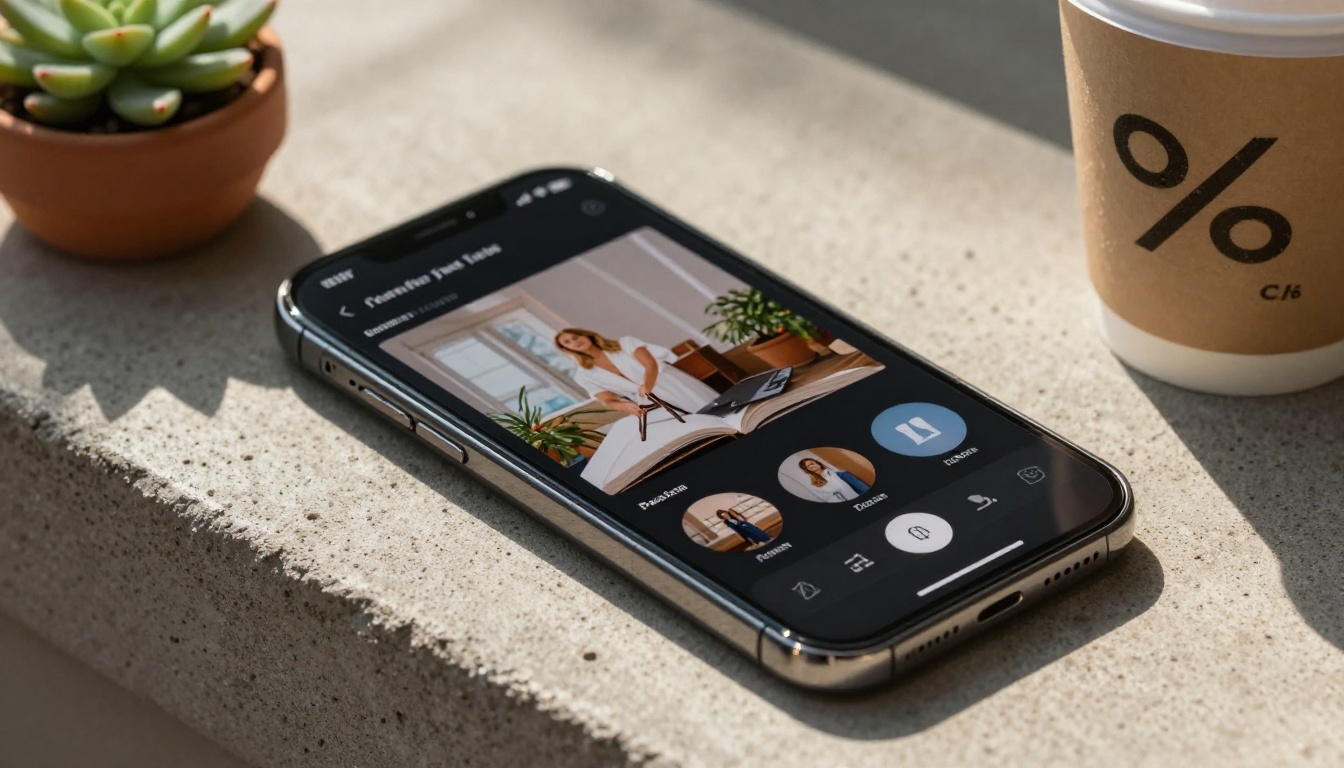
Customization That Makes Your Catalog Stand Out
Generic digital catalogs get scrolled past. Branded, polished ones get saved, shared, and revisited. Flipbooks AI gives you the tools to build something that genuinely represents your brand at its best.
Branding and Visual Consistency
Every element of the viewer is customizable. This matters more than most people realize. When a buyer opens your catalog and sees your exact brand colors on the loading screen, your logo on the toolbar, and your typography throughout, it signals professionalism before they have even read a single page.
- Remove all third-party branding with no watermarks on any paid plan
- Set custom favicon for bookmarked links
- Create a branded catalog URL (Professional plan)
- White-label the viewer completely for a seamless brand experience
Multimedia That Prints Cannot Do
The single biggest advantage of a digital catalog over a printed one is the ability to embed living content:
- Product videos: A 30-second video of a sofa's fabric texture sells better than three static photos
- 360-degree product views: Embed interactive product spins directly on catalog pages
- Background music: Luxury brands often add ambient audio to set the mood
- GIF animations: Subtle animated elements draw the eye to featured products
These are not gimmicks. They are the features that make buyers spend more time with your catalog, which directly correlates with higher order values.

Sharing and Distribution Options
A catalog that nobody sees is worthless. Flipbooks AI gives you multiple distribution channels built directly into the platform.
Sharing by Link
Every published catalog gets a unique, shareable URL. This link:
- Opens instantly in any browser with zero friction
- Requires no app download from the recipient
- Works on all screen sizes from mobile to 4K desktop
- Can be customized to include your brand name (Professional plan)
Share it in an email signature, a WhatsApp message to a wholesale buyer, a LinkedIn post announcing your new collection, or a QR code on your business card that links directly to your digital catalog.
Embedding on Your Website
The embed code option drops your full interactive catalog directly into any website page. Visitors can flip through your entire product range without ever leaving your site. This increases dwell time, reduces bounce rate, and keeps potential buyers in your ecosystem.
⚠️ If you embed a catalog on your website, make sure it is set to autofit the container width. This ensures it looks clean on both desktop and mobile viewports without horizontal scrolling.
Password-Protected Distribution
For wholesale catalogs with trade pricing, client-specific presentations, or pre-launch product previews, password protection is essential. Set a single password that you share only with intended recipients. Change the password at any time without re-publishing the catalog.
Offline Downloads
Professional plan subscribers can enable offline PDF downloads directly from the catalog viewer. This is useful for trade show contexts where reliable internet is not guaranteed, or for clients who prefer to reference catalogs without a connection.

Choosing the Right Plan
Flipbooks AI offers clear pricing tiers that scale with your business needs. Here is how the plans compare for catalog-focused use cases:
| Feature | Free | Standard | Professional |
|---|
| Flipbooks included | Limited | Unlimited | Unlimited |
| Custom branding | No | Yes | Yes |
| No watermarks | No | Yes | Yes |
| Password protection | No | Yes | Yes |
| Analytics dashboard | No | No | Yes |
| Lead generation forms | No | No | Yes |
| Offline downloads | No | No | Yes |
| Custom domain | No | No | Yes |
| Embed on website | Yes | Yes | Yes |
| Mobile responsive | Yes | Yes | Yes |
💡 For most small-to-medium businesses creating product catalogs, the Standard plan covers everything needed. Professional becomes essential when you need to track who is reading your catalog, how long they spend on each page, and where they drop off.
View the full breakdown at flipbooksai.com/pricing to choose the plan that fits your catalog volume and analytics requirements.
Digital vs. Printed Catalogs
The debate is effectively settled for most modern businesses, but the numbers are worth seeing clearly.
| Factor | Printed Catalog | Digital Catalog |
|---|
| Production cost | $2-$15 per unit | Near zero after setup |
| Update cost | Reprint entire run | Edit and republish instantly |
| Distribution reach | Geographic, physical | Global, instant |
| Analytics | None | Full page-level data |
| Environmental impact | High (paper, ink, shipping) | Minimal |
| Shelf life | Fixed until next reprint | Indefinite, always current |
| Multimedia capability | None | Video, audio, links, animation |
| Time to distribute | Days to weeks | Seconds |
For high-frequency catalogs (seasonal, monthly specials, promotional), the cost difference between print and digital is substantial within the first year. A fashion retailer printing a 48-page seasonal lookbook four times per year at a 1,000-copy run spends thousands on printing and distribution before accounting for design revisions.
That same retailer using Flipbooks AI publishes four fully interactive, analytics-tracked seasonal catalogs for a fraction of that cost, updated in real time when items sell out or prices change.

Industries with the Most to Gain
Retail and Fashion
Fashion catalogs live and die by visuals. A digital catalog lets buyers zoom into fabric textures, flip between colorways on the same garment, and click directly to the product page to place an order. Use the Fashion Catalog Creator to build seasonal lookbooks that actually convert. New collection? Published in minutes. Sold-out item? Removed in seconds.
Real Estate
Real estate agents benefit by giving buyers a full property portfolio experience without scheduling multiple viewings. A digital catalog with floor plans, neighborhood photography, and embedded property tour videos qualifies buyers before the first in-person meeting. The Real Estate Brochure Creator is built specifically for this workflow.
Restaurants and Hospitality
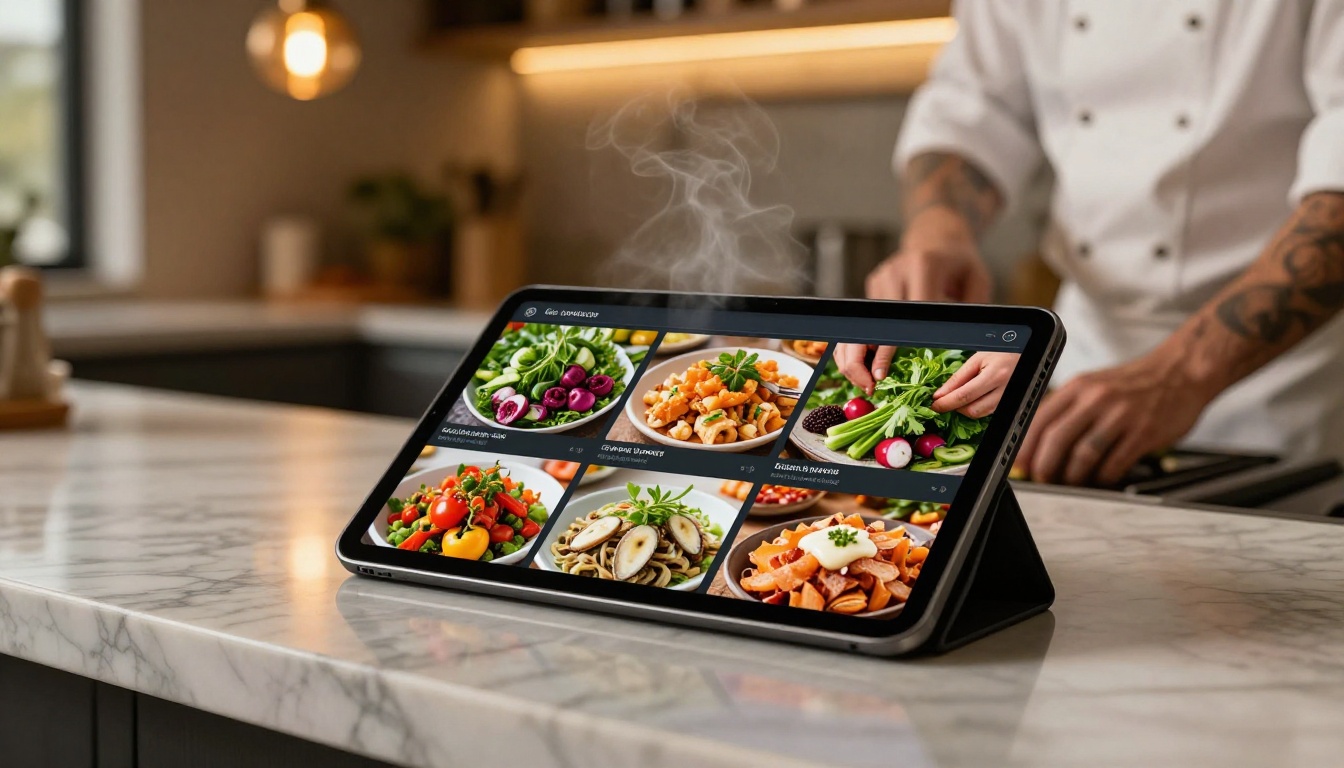
Printed menus are a constant reprint expense. A digital menu catalog shared via QR code at each table eliminates that entirely. Seasonal updates take minutes. High-quality food photography drives higher average order values. The Restaurant Menu Creator handles this end-to-end.
B2B Wholesale
Wholesale buyers want accurate pricing, product specifications, and minimum order quantities. A password-protected digital catalog shared with trade accounts gives them everything in one clean document, accessible from any device. Update pricing or stock status without reprinting and redistributing anything.
Track What Your Catalog Actually Does
One of the most underrated features of digital catalogs on the Professional plan is analytics. You can see:
- Total views: How many times your catalog was opened
- Page-level engagement: Which pages readers spend the most time on
- Drop-off points: Where readers stop engaging and close the catalog
- Geographic data: Where in the world your catalog is being read
- Lead capture: Collect name and email from readers before they access gated content
This data is invaluable for improving future catalogs. If readers consistently drop off at page 12, that page needs work. If your pricing pages get the most attention, buyers are serious about purchasing.
Access the full analytics suite and lead generation tools on the Professional plan.

Flipbooks AI has purpose-built tools that go beyond a generic PDF converter. Each tool is optimized for a specific content type:
Browse all available tools at flipbooksai.com/tools to find the exact fit for your catalog type.
✅ If you are not sure which tool to use, start with the Digital Catalog Maker. It handles the widest variety of content types and gives you the full customization suite.
Your Catalog Is Costing You Without You Knowing It
Every week you spend distributing static PDFs or waiting on print runs is a week your competitors are publishing interactive digital catalogs that buyers actually read. The technology to do this has never been more accessible, and the time investment has never been lower.
Whether you sell furniture, run a restaurant, manage a real estate portfolio, or ship wholesale fashion to buyers across the country, a digital catalog is the single highest-leverage publishing decision you can make this quarter.
Create your first digital catalog on Flipbooks AI today. The free plan gets you started without any commitment. When you are ready to scale with unlimited catalogs, custom branding, and full analytics, compare plans at flipbooksai.com and choose what fits your business.
Your next catalog should be live before the end of today.



