Your photos deserve better than a camera roll nobody scrolls through. Every year, billions of moments get captured on phones and cameras, and nearly all of them stay buried in app folders, unseen and unsorted. A digital photo album changes that. It pulls your best shots into one organized, shareable space that anyone can view on any device, without printing a single page. Flipbooks AI makes the whole process take minutes, not hours, even if you've never touched a design tool in your life.
This is not about complicated software or design degrees. It's about taking what you already have and turning it into something worth showing off.
Why Printed Albums No Longer Cut It
Printed photo albums had their moment. They sat on coffee tables, collected dust on shelves, and eventually fell apart at the binding. The real problem? They're locked. Once printed, you can't update them, share them remotely, add a video clip, or show them to someone across the country. A digital photo album solves every one of those problems at once.
The Real Cost: Physical vs. Digital
| Feature | Printed Album | Digital Album |
|---|
| Average cost | $30 to $150+ | Free to $15/mo |
| Sharing | In-person only | Instant link or embed |
| Updates | Impossible | Anytime |
| Video support | No | Yes |
| Storage space | Physical shelf | Cloud |
| Duplicates for family | Reprint and repay | Send one link |
| Interactive features | None | Flipbook pages, links, audio |
The numbers alone tell you which direction makes sense. But cost is only part of it. The real shift is in access. A digital album can reach your grandmother in another country and your best friend's inbox at the same time, seconds after you publish it.
What Digital Albums Actually Do Better
- Instant sharing via link, QR code, or embed code
- No fading or physical deterioration over time
- Unlimited pages without weight or printing costs
- Page-turning animations that feel like holding a real book
- Embedded video and audio directly within album pages
- Password protection for private family collections
- Analytics showing who viewed it and which pages they lingered on
- Mobile-responsive design so it looks perfect on every screen size
💡 A digital photo album is not just a gallery. It's an interactive experience that readers can flip through, share instantly, and return to repeatedly without any friction.
What Makes a Digital Photo Album Worth Viewing
Not every digital album is worth sharing. The ones people actually open twice have a few things in common: clear visual hierarchy, consistent photo quality, and a narrative thread that makes the collection feel intentional rather than accidental.
Photo Selection That Actually Matters
Before you open an editor, the photos you choose will make or break the album. Here's a simple process that works every time:
- Start with quantity: pull everything from your camera roll related to the topic (a trip, a wedding, a year of family life)
- Cut ruthlessly: remove duplicates, blurry shots, anything where someone's eyes are closed
- Look for variety: mix wide environmental shots, close-up detail shots, and candid people moments
- Find your anchor images: pick 3 to 5 photos strong enough to carry a full page on their own
⚠️ Resist the urge to include every photo you have. Albums with 200 average photos lose viewers far faster than albums with 40 exceptional ones.
Layout and Visual Flow
The best photo albums tell a story. That means the photos should follow a logical sequence: arrival, events unfolding, people connecting, a closing moment. If your album jumps randomly between subjects and moments, viewers lose the thread within the first few pages.
Good layout principles:
- Open with your strongest single image, not a group of thumbnails
- Group related moments together on the same spread
- Use white space intentionally to let strong photos breathe
- Close with an emotional moment: a quiet scene, a sunset, a final group shot
How to Create a Digital Photo Album in Minutes with Flipbooks AI
Flipbooks AI is built specifically for this. The workflow is direct: you upload your photos as a PDF or directly through the platform, choose your layout style, customize the look, and publish. No design background needed, no waiting for renders, no software to install.
Step 1: Create Your Account
Go to flipbooksai.com/account and sign up. The free plan gets you started immediately without entering payment details. Once you're in, you'll see a clean dashboard where all your albums live, organized and accessible from any browser.
Step 2: Prepare and Upload Your Photos
For a photo album, the fastest approach is to compile your photos into a PDF first using any free tool (Canva, Google Slides, or even Microsoft Word). Arrange your photos on the pages exactly the way you want them to appear in the final album. Then upload the PDF directly to Flipbooks AI.
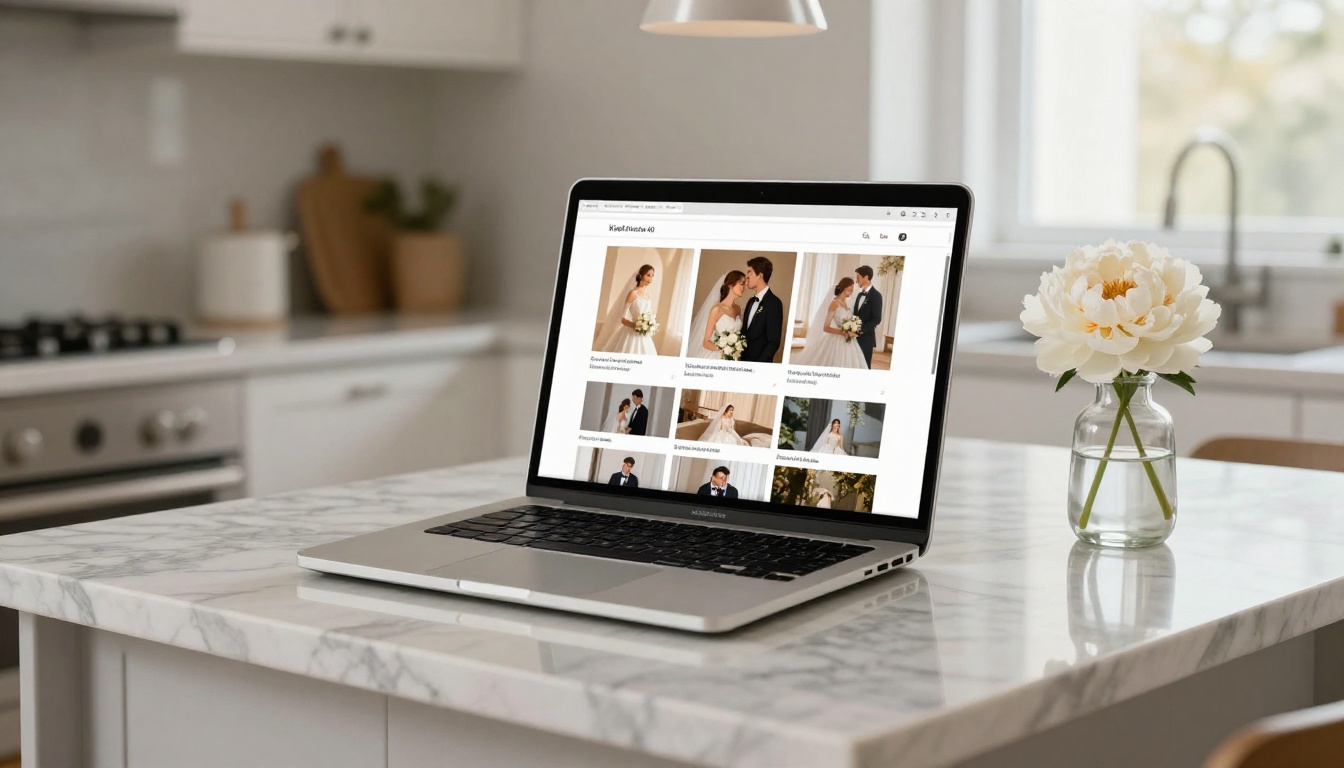
Alternatively, use one of the specific tools built for this purpose. The Photography Portfolio tool is particularly well-suited for photo-heavy projects, and the Wedding Album Flipbook tool handles romantic, multi-page photo collections with ready-made layouts.
✅ PDF uploads convert in seconds. A 30-page photo album typically processes in under a minute, ready to share.
Step 3: Customize Your Album
Once uploaded, the editor gives you full control over the visual experience:
- Custom branding: add your name, logo, or a personal watermark
- Page effects: choose between realistic page-curl animations or smooth slide transitions
- Background colors: match the mood of your photos (white for clean, dark for dramatic)
- Custom front page: set a specific photo as the face of the album that viewers see before they open it
- Embedded media: add video clips, background music, or audio notes directly to any page
The platform supports no watermarks on Standard plans and above, which means your album looks completely professional when shared with anyone.
Step 4: Share It Everywhere
When your album is ready, Flipbooks AI gives you multiple ways to distribute it:
- Direct link: a clean URL you can send via text, email, or social media instantly
- Embed code: paste a single line of HTML to embed the flipbook on any website or blog
- QR code: download a printable QR code for invitations, thank-you cards, or wedding programs
- Password protection: set a password so only invited family members or guests can view the album
💡 For family albums with sensitive photos, always use password protection. You control access completely while the link stays clean and shareable.
Step 5: Track Who Viewed It
On the Professional plan, the analytics dashboard shows you exactly who opened the album, which pages they spent the most time on, and how many unique viewers accessed it. This is especially useful for wedding photographers sharing proofs with clients, or families wanting to confirm grandparents actually clicked the link.
Digital Photo Album Ideas for Every Occasion
A photo album is not a one-size-fits-all product. Different moments call for different structures, pacing, and visual approaches.
Wedding and Family Albums
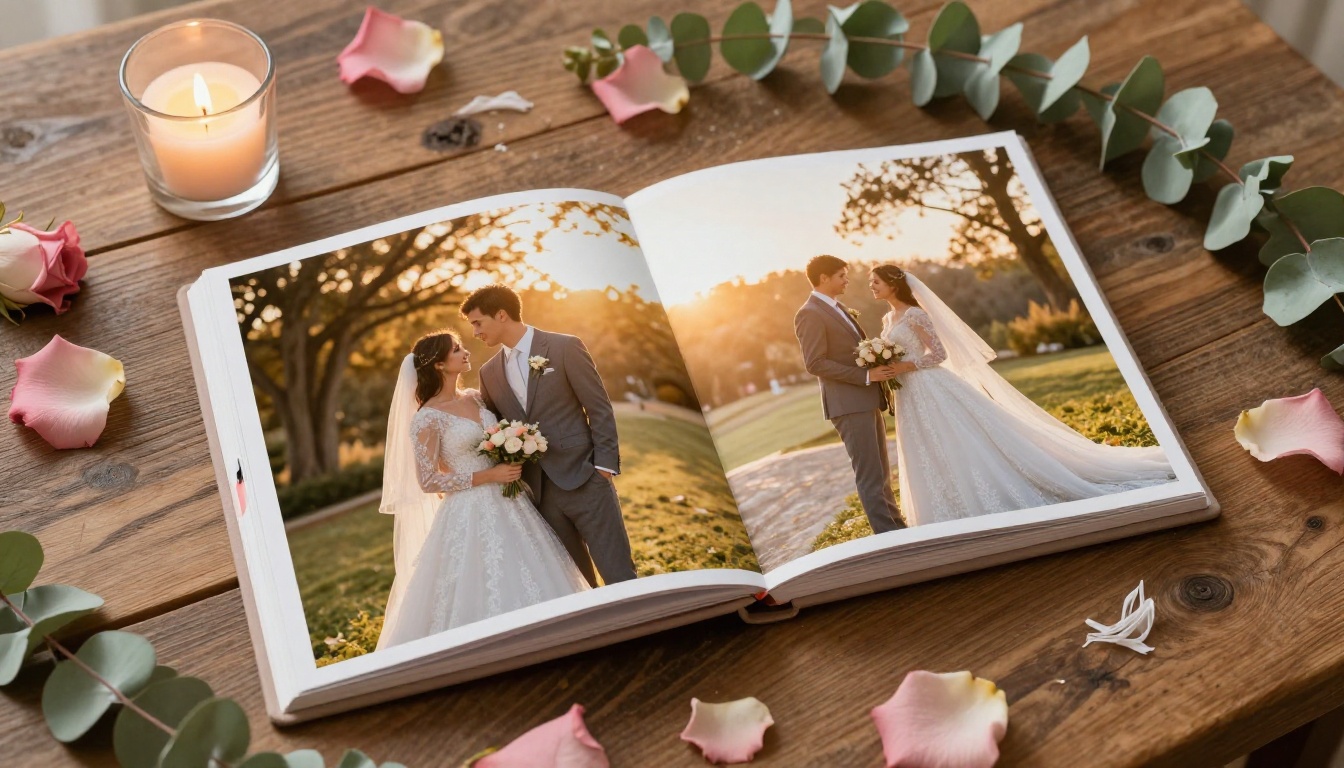
Wedding albums are the most sentimental use case. The focus is sequencing: ceremony, reception, first dances, candid tables, late-night moments. The Wedding Album Flipbook tool has layouts designed specifically for this emotional flow.
Family year-in-review albums work similarly. Pick one strong photo per month, write a single caption per page, and you have a 12-page flipbook that tells the entire year's story in under three minutes of viewing time.
Travel Photo Albums
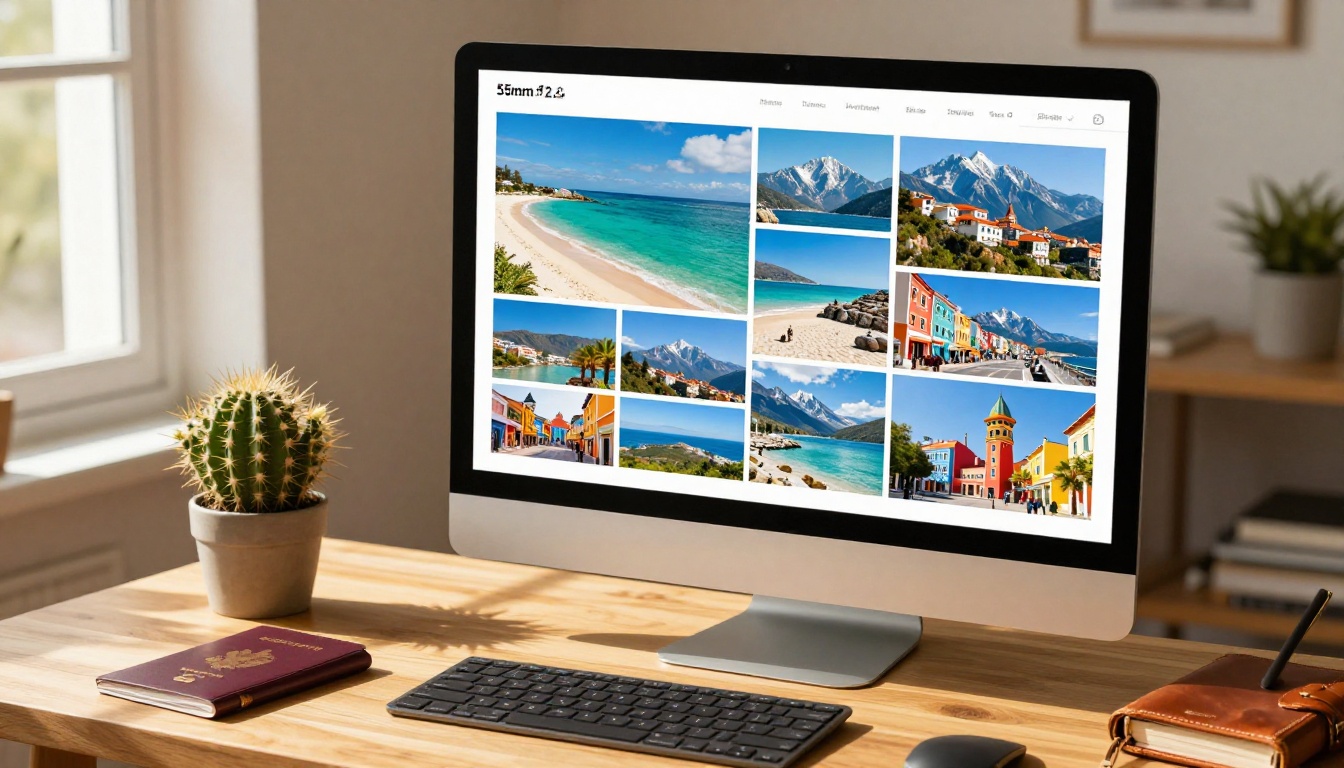
Travel albums live and die by geography and sequence. Open with arrival, move chronologically through places visited, close with the journey home or a final sunset. The Travel Guide Flipbook tool adds destination headers and editorial formatting that give travel albums a real magazine feel.
Travel album essentials:
- Location names as simple page headers for context
- Mix of landscapes, food, street scenes, and candid people moments
- At least one full-page spread per major destination
- A final "highlights" page with your single strongest shot from the entire trip
Professional Photography Portfolios
For photographers, a digital album doubles as a sales tool. The Photography Portfolio tool creates presentations that impress clients during consultations. Instead of showing a phone screen or sending a Google Drive link, you hand over a URL to a professional, branded flipbook that flips through your work with real page-turning animation.
✅ Photographers using portfolio flipbooks report higher client conversion rates simply because the presentation format feels more intentional and premium than a static image gallery.
Not all tools are equal. Here's how the main options stack up for someone who wants to create a photo album quickly without technical headaches.
| Platform | Ease of Use | Page-Turning | Video Support | Embedding | No Watermarks | Price |
|---|
| Flipbooks AI | Very Easy | Yes | Yes | Yes | Yes (Standard+) | Free to $15/mo |
| Google Photos | Easy | No | Yes | Limited | Yes | Free |
| Canva | Moderate | No | Yes | Yes | Yes | Free / $13/mo |
| Issuu | Moderate | Yes | Limited | Yes | Paid only | $19/mo+ |
| Smilebox | Easy | Limited | No | Limited | Paid | $8/mo+ |
Flipbooks AI is the only platform that combines realistic page-turning animation, video embedding, no watermarks, and embeddable albums in a single affordable package. Google Photos is excellent for storage but it's not a presentable album format. Canva handles design beautifully but doesn't produce a flipbook reading experience.
Flipbooks AI Plans at a Glance
| Plan | Flipbooks | Watermarks | Analytics | Password Protection | Offline Download |
|---|
| Free | Limited | Yes | No | No | No |
| Standard | Unlimited | No | No | Yes | No |
| Professional | Unlimited | No | Yes | Yes | Yes |
See the full breakdown at flipbooksai.com/pricing to choose the plan that fits your volume and privacy needs best.
Sharing Your Album Without the Awkwardness
The best album in the world fails if sharing it feels clunky. Here's how to distribute a digital photo album in a way people will actually click and enjoy.
The Direct Link Method
A direct link is the fastest option. Copy the album URL from your Flipbooks AI dashboard and paste it anywhere: iMessage, WhatsApp, email, Instagram story. When someone taps it, the album opens immediately in their browser with no app download required.
Sharing tips that actually work:
- Add a one-line context message before the link ("Here's the album from the trip")
- Send it in the group chat rather than individual messages so everyone gets it simultaneously
- For large families, send via email so older relatives have it permanently accessible in their inbox
Embedding on a Website or Blog
If you run a photography blog, personal site, or family hub, embedding the album is the cleanest option. Flipbooks AI generates an embed code that you paste into any WordPress page, Squarespace site, or plain HTML editor. The album appears inline as a fully interactive flipbook, no redirect or external app required.
💡 Embedded albums load fast and stay fully responsive on mobile. Visitors can flip through pages without ever leaving your website.
QR Codes for Physical Sharing
Print a QR code on a wedding invitation, a party favor, or a thank-you card. When guests scan it at the event or later at home, they open the album instantly on their phone. This approach bridges physical and digital sharing in a way that feels thoughtful rather than purely tech-driven.
5 Mistakes That Ruin a Digital Photo Album
Even with a great tool, some common errors consistently damage the viewer experience.
1. Too many photos
More is not better here. Albums with 200+ photos fatigue viewers within the first few pages. Aim for 40 to 80 well-curated shots with clear intention behind each one.
2. No front image strategy
The front page is the first thing anyone sees before they decide to keep flipping. Using a random group shot or a blurry landscape kills first impressions immediately. Pick your single most emotionally impactful photo for the front.
3. Inconsistent editing style
Photos shot in different lighting conditions with different color treatments look jarring side by side. Run a simple batch edit in Lightroom or Snapseed to unify the color tone across all your photos before uploading.
4. Missing captions on significant moments
Not every photo needs text, but the 3 to 5 most significant moments in any album benefit from a one-line caption. First look at a wedding, arrival in a new city, a milestone birthday: these deserve a sentence.
5. Skipping password protection for private albums
A link shared once can be forwarded indefinitely. If the album contains photos you only want specific people to see, enable password protection before you share the link the first time.
Turning a Photo Album into a Professional Portfolio
For photographers and creative professionals, the same principles that make a great personal photo album also build a compelling client portfolio. The difference is intent. Personal albums tell your story. Portfolio albums make a business case.
The Digital Portfolio Creator and Photography Portfolio tools are built with this distinction in mind. They add clean front pages, category separators, and professional formatting that positions your work as premium rather than casual.
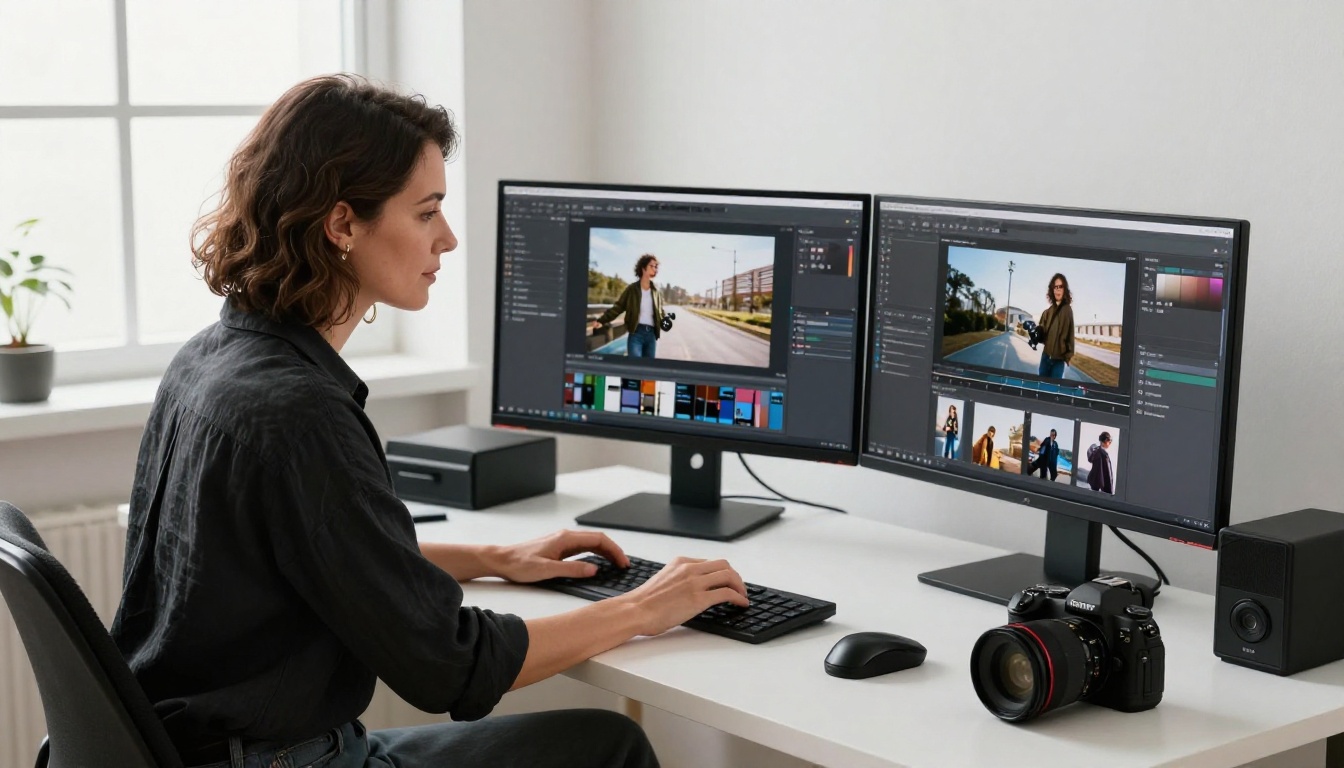
A portfolio flipbook works particularly well for:
- Wedding photographers showing curated sample galleries to engaged couples during consultations
- Real estate photographers presenting property photo packages to agents and agencies
- Travel photographers pitching editorial packages to magazine publications
- Family portrait photographers displaying style samples directly on their websites
The page-turning format adds a tactile quality that static websites and Instagram feeds simply lack. When a potential client flips through your portfolio like a magazine, it signals craft and intentionality before they've even assessed a single photo.
✅ Pair your portfolio flipbook with the Embed Flipbook on Website tool to place it directly on your contact or services page for maximum impact.
Your Photos Are Ready. Now Make Them Visible.
Every photo you've ever taken was worth something to you in that moment. A digital photo album is the simplest way to preserve that value and share it without friction. The process from raw photos to a published, shareable album takes minutes, not days, and the result is something people will actually view, revisit, and pass along.
Create your first album on Flipbooks AI and see how fast the process actually is. Browse all available tools to find the right format for your specific use case, whether that's a wedding collection, a travel series, or a professional photography portfolio. When you're ready to remove watermarks or add analytics, check the pricing plans to pick what works for your volume.
Your memories are already there. It takes minutes to make them worth showing.



