Running a barber shop means clients walk in with one question in mind: what's this going to cost me? If your answer is a photocopied sheet on the wall or a faded laminated card by the register, you're losing clients before they even sit down. A digital price flipbook changes that completely, giving your barber shop a polished, shareable, and always up-to-date price menu that clients can browse on their phone, send to a friend, or save for later. Flipbooks AI makes it genuinely simple to convert your barber shop price list into an interactive digital experience, without hiring a designer or knowing a single line of code.
Why a Static Price List Fails Your Clients
The problem with paper menus
Paper price lists, chalkboards, and laminated cards all share the same flaw: they exist in one place. A potential client can't take your price list home, send it to their partner, or check it at midnight before booking. The moment your prices change, every physical copy becomes outdated and wrong.
There's also the branding problem. A handwritten chalkboard can feel charming in person, but it doesn't travel. When someone screenshots your Instagram post and DMs their friend asking "where should we go?", your price list isn't in that conversation.
What clients actually want
Modern clients want to see prices before they commit. Research consistently shows that transparent pricing builds trust faster than any marketing copy. A clean, professional price document that a client can browse, zoom into, and share is not a luxury, it's an expectation.
A flipbook solves this by giving your price list a living, shareable format. It loads on any phone, looks beautiful on a desktop, and can be embedded directly in your website or Instagram bio link.
💡 A price flipbook also removes awkward chair-side pricing conversations. Clients who already know what they're paying sit down with confidence.
What a Barber Shop Price Flipbook Actually Does
More than a PDF
A PDF is static. It doesn't track who viewed it, doesn't look great on mobile, and can't be embedded into a webpage without extra software. A flipbook created on Flipbooks AI turns that same PDF into a page-turning, mobile-responsive document with real analytics behind it.
You can see how many times your price list was opened, which pages received the most attention, and where clients dropped off. That's data a laminated card will never give you.
Real-world booking impact
Consider how a new client finds your shop. They see your Instagram, click your bio link, land on your price list flipbook, flip through your services, see your work photography between pages, and book right from there. That entire journey takes under two minutes and never requires a phone call.
Barber shops that share a price flipbook via WhatsApp status, Facebook posts, and their Google Business profile give clients a consistent, professional touchpoint that competes with chain salons on presentation, even if they're a one-chair operation.
Services to Include in Your Flipbook
Core haircut categories
Your price flipbook should open with your most-requested services. Lay them out clearly with the service name, a one-line description, and the price. Avoid vague entries like "haircut" with no context. Clients don't know if that means a skin fade or a trim with clippers.
Here's a typical barber shop service breakdown that converts well in a flipbook format:
| Service | Description | Starting Price |
|---|
| Skin Fade | Bald to skin at the sides, any length on top | $28 |
| High Fade | High taper with fade blend | $25 |
| Scissor Cut | Full scissor cut, any length | $30 |
| Buzz Cut | All-over clipper cut, one guard | $18 |
| Kids Cut | Under 12, any style | $20 |
| Shape Up | Edges and hairline only | $15 |
Beard and grooming services
Beard services are often the highest-margin items in any barber shop, yet they're frequently buried at the bottom of a price list or left off entirely. In a flipbook, you can give beard services their own full page, complete with a striking photo and a clear breakdown.
| Service | Description | Starting Price |
|---|
| Beard Trim | Shape and define, any length | $15 |
| Full Beard Design | Sculpt, line, and style | $22 |
| Hot Towel Shave | Straight razor, hot towel, aftershave | $35 |
| Beard Coloring | Full beard tint or gray coverage | $40 |
| Mustache Trim | Shape and clean up | $10 |
Add-on upgrades
Smart barber shops upsell with add-ons. A flipbook is the perfect place to present these because clients flip through them naturally, see them as part of the experience, and are far more likely to say yes than when asked verbally mid-service.
- Scalp Treatment: Moisturizing treatment applied post-cut, $12
- Hair Wash and Blow Dry: Full shampoo, condition, and blow-dry, $15
- Gray Coverage: Color application to blend or cover, from $25
- Beard Oil Finish: Premium oil applied after beard service, $8
- Relaxer or Texturizer: Chemical texture service, from $45
⚠️ Always mark which services require a consultation. Clients who book chemical services without a prior conversation can create scheduling problems. A small note in your flipbook sets the right expectations before they walk through the door.
How to Build Your Price Flipbook on Flipbooks AI
Flipbooks AI is built for exactly this use case. The Digital Price List Generator tool takes your existing PDF price list and converts it into a polished, interactive flipbook in minutes. Here's exactly how to do it.
Step 1 - Build your PDF price list
Before uploading, you need a clean PDF. You don't need a designer for this. Canva, Google Slides, or Microsoft Word all export to PDF. Use your brand colors, add your logo, and lay out your services clearly using the table structure from the examples above. Keep the font readable at small sizes since clients will often browse on a phone screen.
Include in your PDF:
- Your shop name and logo at the top
- A professional photo of your work, at least one per two pages
- Clean service categories with clear descriptions and prices
- Your booking link or phone number on the last page
- Any seasonal promotions or package deals
Step 2 - Upload to Flipbooks AI
Go to Flipbooks AI and create your account. Once inside, click New Flipbook and upload your PDF file. The platform converts it automatically, turning each page into a smooth, page-turning digital document.
The conversion takes seconds. You'll immediately see a preview of how your price list looks as a flipbook. Zoom in, check your fonts, and confirm your prices are reading correctly before moving on.
Step 3 - Customize your brand
This is where Flipbooks AI separates itself from basic PDF viewers. In the customization panel, you can:
- Apply your brand colors to the flipbook player shell
- Add your logo to the top of the viewer
- Set a custom background behind the pages
- Enable page flip sound effects for a premium feel
- Add a table of contents so clients can jump straight to beard services or kids cuts
✅ Use the custom branding options to match your flipbook to your shop's aesthetic. A retro barbershop should feel different from a modern fade specialist's price list. Both can be set up in minutes with no design experience.
Step 4 - Share and embed everywhere
Once your flipbook is live, you get multiple distribution options right from your dashboard:
Direct link: Copy your flipbook URL and paste it anywhere. Instagram bio, WhatsApp, text message, Google Business profile.
Embed code: Drop your flipbook directly into your website using the Embed Flipbook on Website tool. Paste one snippet of code and your price list lives inside your site, fully interactive.
QR code: Generate a QR code from your flipbook link and print it on your business cards, reception desk card, or shop window. Clients scan and browse on the spot.
Password protection: If you run a members-only or appointment-only shop with custom pricing, lock your flipbook so only your regulars see the real rates.
Flipbooks AI Plans at a Glance
When choosing which plan fits your barber shop, the decision usually comes down to how many flipbooks you need and whether you want analytics to track how clients interact with your price list.
| Feature | Free | Standard | Professional |
|---|
| Flipbooks | 1 | Unlimited | Unlimited |
| Watermark | Yes | No | No |
| Custom Branding | No | Yes | Yes |
| Password Protection | No | Yes | Yes |
| Analytics | No | No | Yes |
| Lead Generation | No | No | Yes |
| Offline Downloads | No | No | Yes |
| Embed on Website | Limited | Yes | Yes |
💡 For most barber shops, the Standard plan covers everything: unlimited flipbooks, no watermark, custom branding, and website embedding. Upgrade to Professional when you want to track exactly which clients viewed your price list and capture appointment leads directly from the document.
Check pricing plans to find the right fit for your budget and shop size.
Where to Share Your Price Flipbook
Social media and DMs
Your price flipbook link is most powerful when it replaces the "how much is a fade?" DM. Instead of typing out prices every time someone asks, pin a comment or set up your auto-reply with your flipbook link. Clients get a far better experience and you save hours every month.
On Instagram, use the link-in-bio slot for your flipbook. On Facebook, pin a post with the link so it's the first thing clients see on your page. For WhatsApp Business, add it to your away message and your service catalog.
Your website and Google Business
If you have a website, embedding your price flipbook on your "Services" or "Prices" page instantly makes that page more engaging. Clients spend more time on the page, which signals quality to search engines.
For Google Business Profile, add your flipbook link as a website link in your posts or menu section. Google Business lets service businesses add a menu link, and a flipbook URL works perfectly there.
✅ Update your Google Business "Services" section with your prices and link to your flipbook. Clients who find you on Google Maps see your pricing immediately, which increases the chance they call or walk straight in.
QR codes in the shop
Print your flipbook QR code on:
- A small card at the reception desk
- The back of your business card
- A sticker on your barber chair headrest
- Your window display next to the barber pole
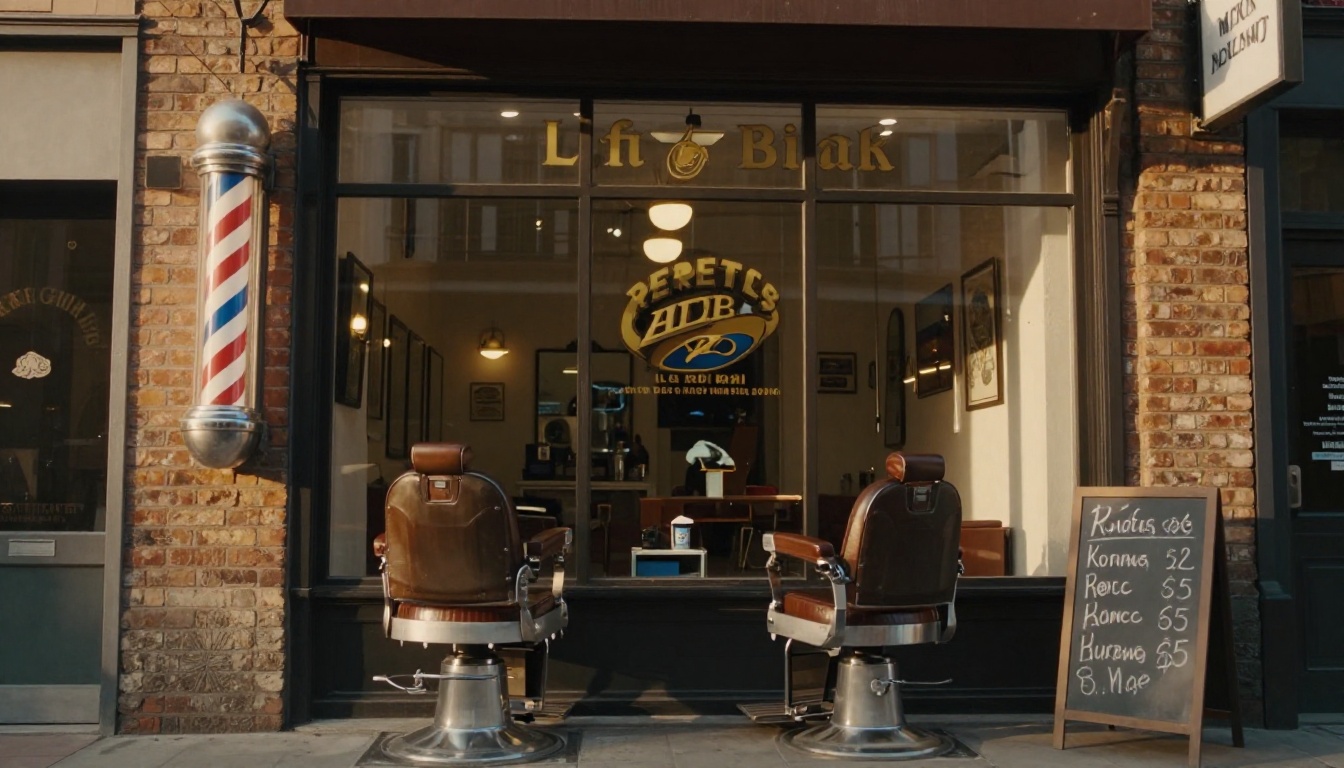
Clients waiting for their appointment will scan it, browse your full menu, and often add a beard service or treatment they didn't initially plan on. This is passive upselling at its most effective, and it works consistently.
Common Barber Shop Price Flipbook Mistakes
Pricing too vague
"Haircut from $20" creates confusion and sometimes resentment at the register. In your flipbook, break down exactly what's included at each price point. A client paying $20 wants to know they're getting a buzz cut, not a skin fade. Use the table format from the service sections above so every service has its own row with a clear description and a firm starting price.
No photos between pages
A price list with only text and numbers is a boring price list. In your PDF, include at least one strong photo per two pages. Before-and-after shots of your actual work, close-ups of a clean fade line, or a wide shot of your shop interior all add credibility. In a flipbook, clients flip through as much for the visual experience as for the pricing information.
Not updating after price changes
The single biggest advantage a digital flipbook has over a paper menu is that it's editable. When you raise prices, you don't reprint anything. Upload a revised PDF to Flipbooks AI and your existing link automatically serves the updated version. Every QR code, every bio link, every website embed refreshes instantly.
Forgetting a booking call-to-action
Your last page should never just end with a price. Include your phone number, a booking link, your address, and your hours. Add a clear line directing clients to book, and if your PDF supports hyperlinks, make it clickable. In the flipbook, this final page becomes the moment that converts a browser into a confirmed appointment.
Your Price List, Done Right
A price list that lives only on a wall or a crumpled printout is leaving money on the table. Clients want to know what they're paying before they show up, want to share your services with friends, and want to browse at 11pm when the thought to book strikes them.
A flipbook built on Flipbooks AI gives your barber shop a digital presence that matches the quality of your cuts. It takes less than 30 minutes to go from a Word document to a live, embeddable, shareable price list that represents your shop exactly the way it deserves to be seen.
Ready to build yours? Create your flipbook for free and have your price list live before your next shift.
Looking for the right tool for your shop type? Browse the Digital Price List Generator and all available flipbook tools to find the perfect starting point for your barber shop.
Pick the plan that fits your goals at Flipbooks AI pricing and get your price list working for you around the clock.



