If you have ever stared at a blank page wondering how to produce a professional digital publication fast, the answer is simpler than you think. Combine ChatGPT for writing with a PDF tool for layout, and you have a full production pipeline that takes you from idea to interactive flipbook in under an hour. Flipbooks AI handles the final conversion, turning your PDF into a page-turning digital experience that works on any device, with no watermarks and no design software required.
Most people treat content creation and publication as two separate problems. ChatGPT solves the first one: it writes, structures, and refines text at a speed no human can match. A PDF tool solves the second: it packages that text into a properly formatted, shareable document. When you connect these two with a flipbook converter, you get a publication workflow that is both fast and polished.
What ChatGPT Does for Your Content
ChatGPT is not just a writing assistant. It is a structural thinker. You can ask it to produce a full table of contents, write section headers, draft body paragraphs with consistent tone, suggest calls-to-action, and even rewrite sections in a more conversational or formal register. For flipbook content specifically, this means you can generate a full 10-page product catalog in the same time it used to take to write one page.
What ChatGPT handles well:
- Writing entire articles, brochures, and reports from a single prompt
- Matching a brand's tone of voice when given examples
- Structuring content into sections that map naturally to flipbook pages
- Generating multiple headline and caption variations to test
- Producing multilingual versions of the same document
What the PDF Tool Does for Your Layout
Once your content is written, a PDF tool (Google Docs, Canva, Adobe Express, or Microsoft Word) gives you visual structure. It arranges your ChatGPT-written text into a designed page, adds images, controls fonts and spacing, and exports a file that a flipbook converter can process reliably.
💡 Pro tip: Keep pages consistent in size. A4 or US Letter landscape works best for flipbook conversions because it mirrors the natural spread of a physical book.
What You Need Before You Start
You do not need expensive software or a design background. The entire stack below is either free or available on low-cost plans.
| Tool | Purpose | Cost |
|---|
| ChatGPT (Free or Plus) | Write and structure all content | Free / $20/mo |
| Google Docs or Canva | Design and format your PDF | Free |
| Flipbooks AI | Convert PDF to interactive flipbook | Free plan available |
⚠️ Note: ChatGPT Free is sufficient for most content tasks. You only need ChatGPT Plus if you want image generation or GPT-4o for longer documents.
Browser and internet connection are the only technical requirements. No app installs, no plugins, no command line.
Step 1: Write Your Content in ChatGPT
Open ChatGPT and think about your flipbook as a series of pages rather than one long document. A well-structured prompt will get you a well-structured first draft.
Prompts That Actually Work
The quality of your ChatGPT output depends entirely on the specificity of your prompt. Vague prompts produce generic text. Specific prompts produce content you can use immediately.
Weak prompt:
"Write a product catalog for my furniture brand."
Strong prompt:
"Write a 6-page product catalog for a Scandinavian furniture brand targeting urban professionals aged 28-40. Each page features one product category: sofas, tables, chairs, shelving, lighting, and accessories. For each category, write a 60-word description that emphasizes minimalism, durability, and natural materials. Add a tagline per category. Tone: warm, confident, editorial."

Structuring for a Flipbook Format
Flipbooks work best when each page has a single clear focus. Ask ChatGPT to output its content with explicit page breaks in mind.
Useful ChatGPT instructions for flipbook structure:
- "Divide the content into sections, each no longer than 120 words."
- "Each section should start with a short bold headline."
- "Add a one-sentence summary at the bottom of each section, suitable for a caption."
- "Use bullet points where appropriate to improve visual scannability."
Once your content is drafted and reviewed, copy it into your PDF tool of choice.
💡 Pro tip: Ask ChatGPT to generate a table of contents first, then write each section separately. This prevents the AI from losing context mid-document.
Step 2: Turn Your Content Into a PDF
This is where your written content gets visual structure. Google Docs is the simplest option for most people. Canva gives you more design control. Adobe Express sits between the two.
Formatting Rules That Matter
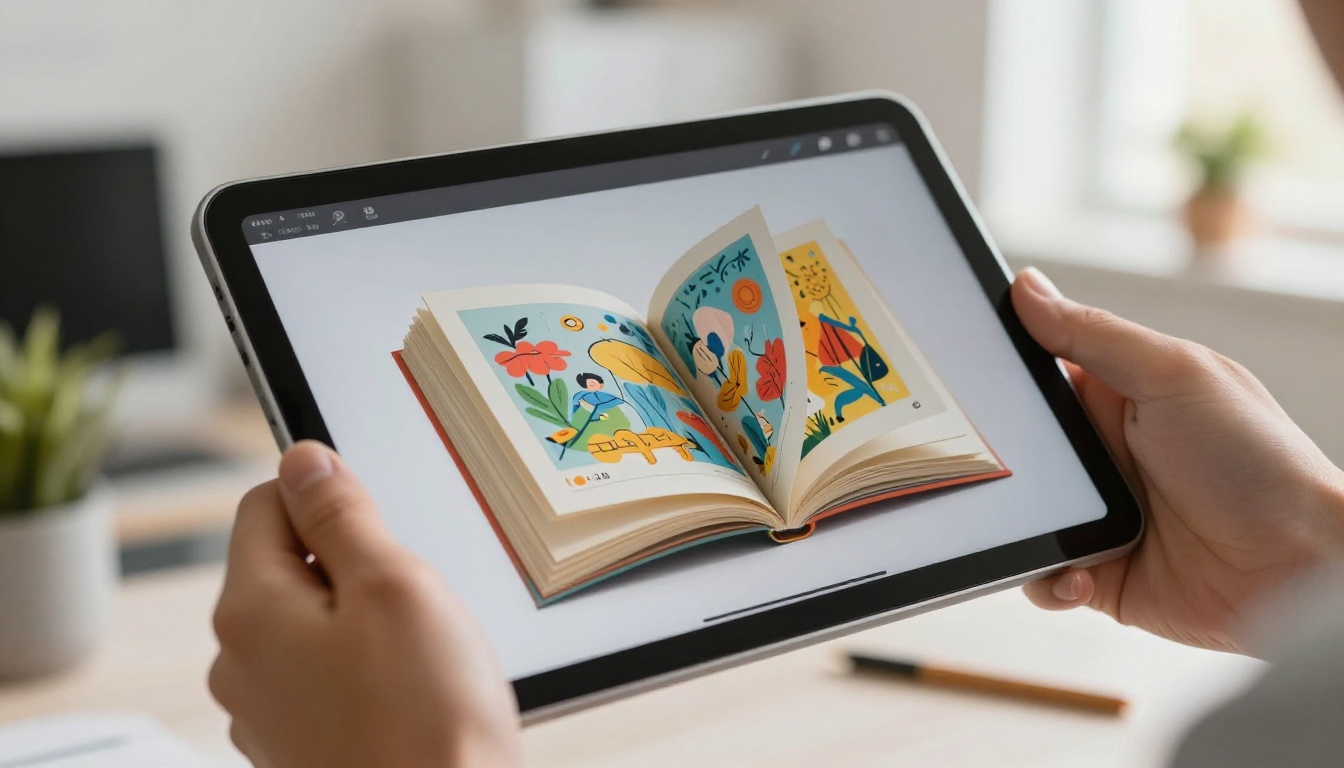
The way you format your PDF directly affects how it looks after conversion to a flipbook. Some formatting choices that work well in Word do not survive the PDF-to-flipbook process cleanly.
Formatting do's:
- Use clean, readable serif or sans-serif fonts (Lato, Merriweather, Georgia)
- Set comfortable margins (at least 15mm on all sides)
- Use high-resolution images (300 DPI minimum)
- Embed fonts before exporting
Formatting don'ts:
- Avoid text boxes that overlap images (they can shift after conversion)
- Skip complex multi-column layouts on pages with heavy imagery
- Do not rely on background colors that bleed to the edge unless your PDF supports full bleed
Best PDF Export Settings
| Setting | Recommended Value | Why It Matters |
|---|
| Page size | A4 Landscape or Letter Landscape | Mirrors natural book spread |
| Resolution | 150-300 DPI | Sharp text and images in flipbook |
| Color mode | RGB | Optimized for screens |
| Font embedding | Enabled | Prevents font substitution |
| File size | Under 100MB | Faster upload and conversion |
✅ Best practice: Export as "PDF/A" format when available. It ensures all fonts and images are self-contained in the file.
Step 3: Create Your Flipbook with Flipbooks AI
With your PDF ready, head to Flipbooks AI and create your account. The upload and conversion process takes less than two minutes.
How to Upload Your PDF
- Go to flipbooksai.com/account and sign in or create a free account.
- Click "New Flipbook" from your dashboard.
- Drag and drop your PDF file or click to browse and select it from your computer.
- Wait for the conversion to finish (typically 15-60 seconds depending on file size).
- Preview your flipbook in the built-in viewer to confirm pages rendered correctly.
💡 Pro tip: If any page looks misaligned after conversion, go back to your PDF tool, adjust the margins on that specific page, and re-export. One or two alignment passes are normal.
Customizing Your Flipbook
This is where Flipbooks AI separates itself from basic PDF viewers. After uploading, you can:
- Add your brand: Upload a logo and set a custom domain or subdomain for the flipbook link
- Choose page flip effects: Soft page curl, hard-cover, or flat slide transitions
- Set a front page: Use the first page as-is or upload a dedicated high-resolution front image
- Embed multimedia: Add YouTube videos or audio directly into specific pages
- Enable password protection: Lock private content like internal reports or early-access catalogs
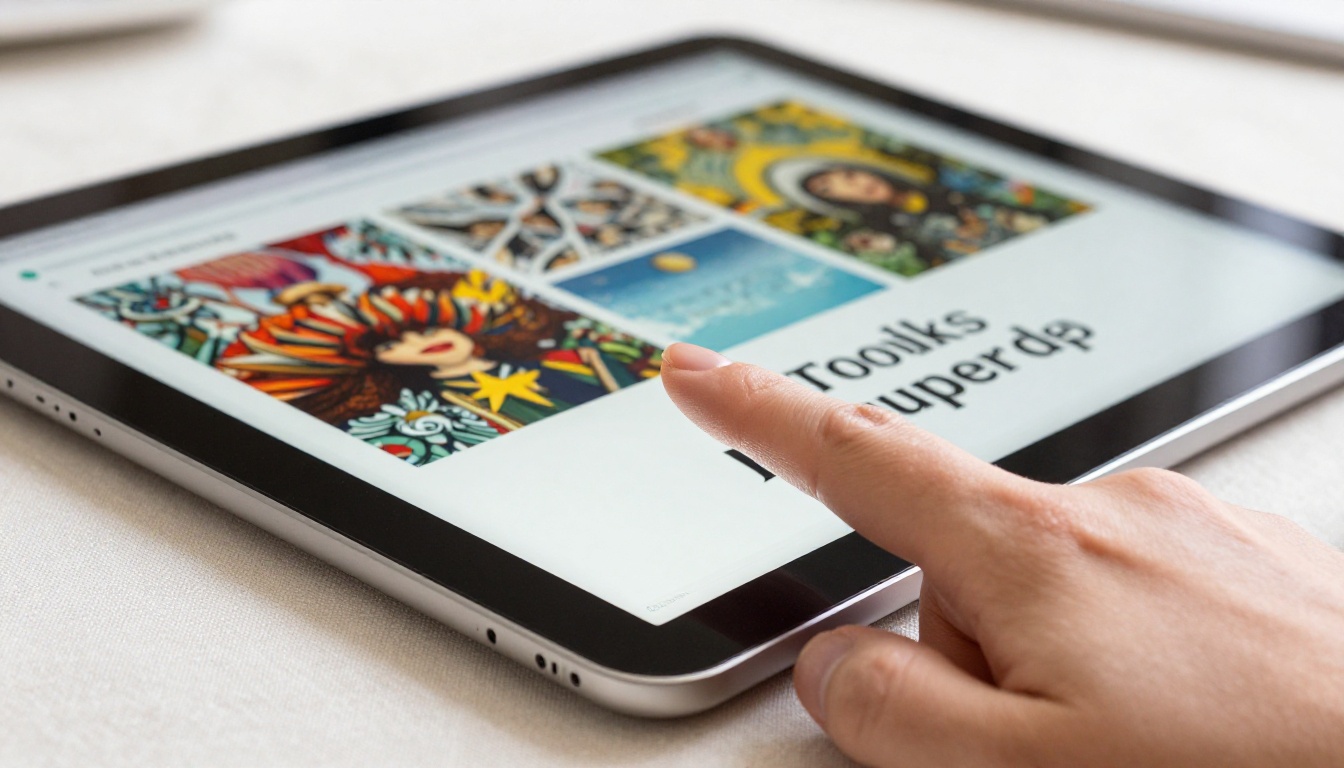
No watermarks appear on any published flipbook, even on the free plan. This matters for professional use where watermarked documents look unpolished.
Sharing and Embedding
Once your flipbook is live, Flipbooks AI gives you several distribution options:
- Direct link: Share a URL that opens the flipbook instantly in any browser
- Embed code: Paste a single iframe snippet into any website, WordPress, Wix, or Squarespace page using the Embed Flipbook on Website tool
- QR code: Download a QR code for print materials, packaging, or event signage
- Social sharing: One-click share to LinkedIn, Twitter, and Facebook with a preview thumbnail
✅ Best practice: Use the embed option for landing pages. A flipbook embedded directly on a product page keeps visitors engaged significantly longer than a static PDF link.

Real-World Use Cases
The ChatGPT-to-PDF-to-flipbook workflow is not just for content writers. It applies across industries in practical, revenue-generating ways.
Restaurant and Retail Menus
A restaurant owner can prompt ChatGPT to write a seasonal menu with descriptions for 20 dishes, including pairing suggestions and allergen notes. Format it in Canva with professional food photography, export as PDF, and publish a shareable interactive menu using the Restaurant Menu Creator tool on Flipbooks AI. Customers scan a QR code at the table and flip through a beautifully designed digital menu instead of handling a laminated card.
Real workflow timing:
- ChatGPT content: 10 minutes
- Canva formatting: 20 minutes
- Flipbooks AI upload and publish: 5 minutes
- Total: 35 minutes
Digital Portfolios and Lookbooks
Photographers, designers, and stylists use ChatGPT to write bio pages, project descriptions, and case study summaries. Combined with a visual layout in Canva, the result is a portfolio PDF that converts into a professional interactive lookbook. The Interactive Lookbook Designer makes this easy to set up, and the Digital Portfolio Creator offers templates designed specifically for creatives.
💡 Pro tip: Use ChatGPT to write three different versions of your bio (short, medium, long) and place all three in the same PDF. Clients who flip through will always find the right level of detail.
Business Reports and Presentations
Quarterly reports, sales decks, and investor presentations are exactly where this workflow shines. ChatGPT can draft a full annual report narrative, including executive summary, financial commentary, and department highlights. Format it properly and use the Annual Report Creator or Sales Presentation tool to publish a flipbook that stakeholders can read on any device.
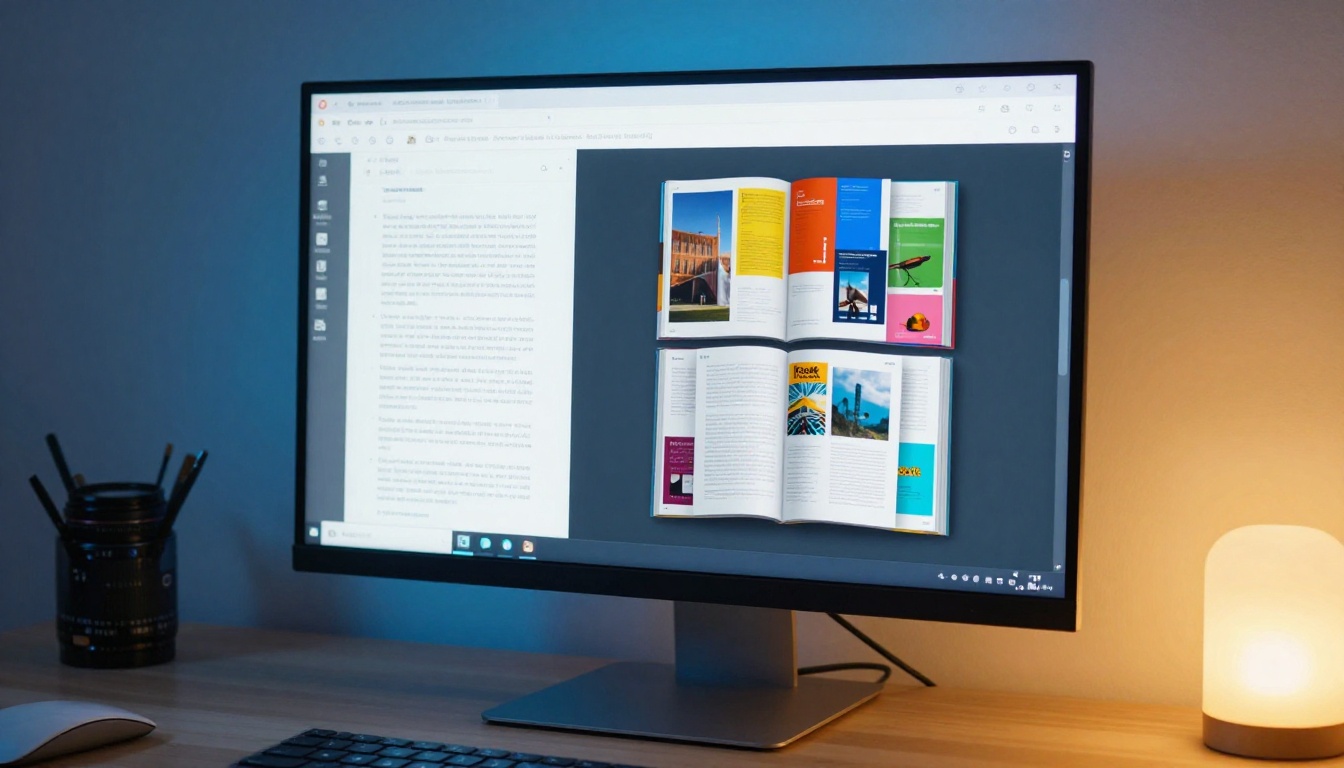
For teams that share reports internally, the password protection feature on Flipbooks AI keeps sensitive content private while still delivering a polished flipbook experience.
How Flipbooks AI Handles Multiple Use Cases
One of the practical advantages of using Flipbooks AI is that the same PDF-to-flipbook workflow works across very different content types. The platform has purpose-built tools for each vertical:
Flipbooks AI Plans at a Glance
Flipbooks AI offers plans that scale with your usage. Whether you are a solo creator or running publications for a large organization, the pricing page breaks down exactly what each tier includes.
| Feature | Free | Standard | Professional |
|---|
| Watermarks | No watermarks | No watermarks | No watermarks |
| Number of flipbooks | Limited | Unlimited | Unlimited |
| Custom branding | Partial | Full | Full |
| Password protection | No | Yes | Yes |
| Analytics | No | No | Yes |
| Lead generation | No | No | Yes |
| Offline downloads | No | Yes | Yes |
| Multimedia embed | No | Yes | Yes |
💡 Pro tip: Start on the free plan to test your first flipbook. Upgrade to Standard when you need offline downloads or password protection. Move to Professional when lead generation and analytics become priorities for your campaigns.
Start Creating Your Flipbook Today
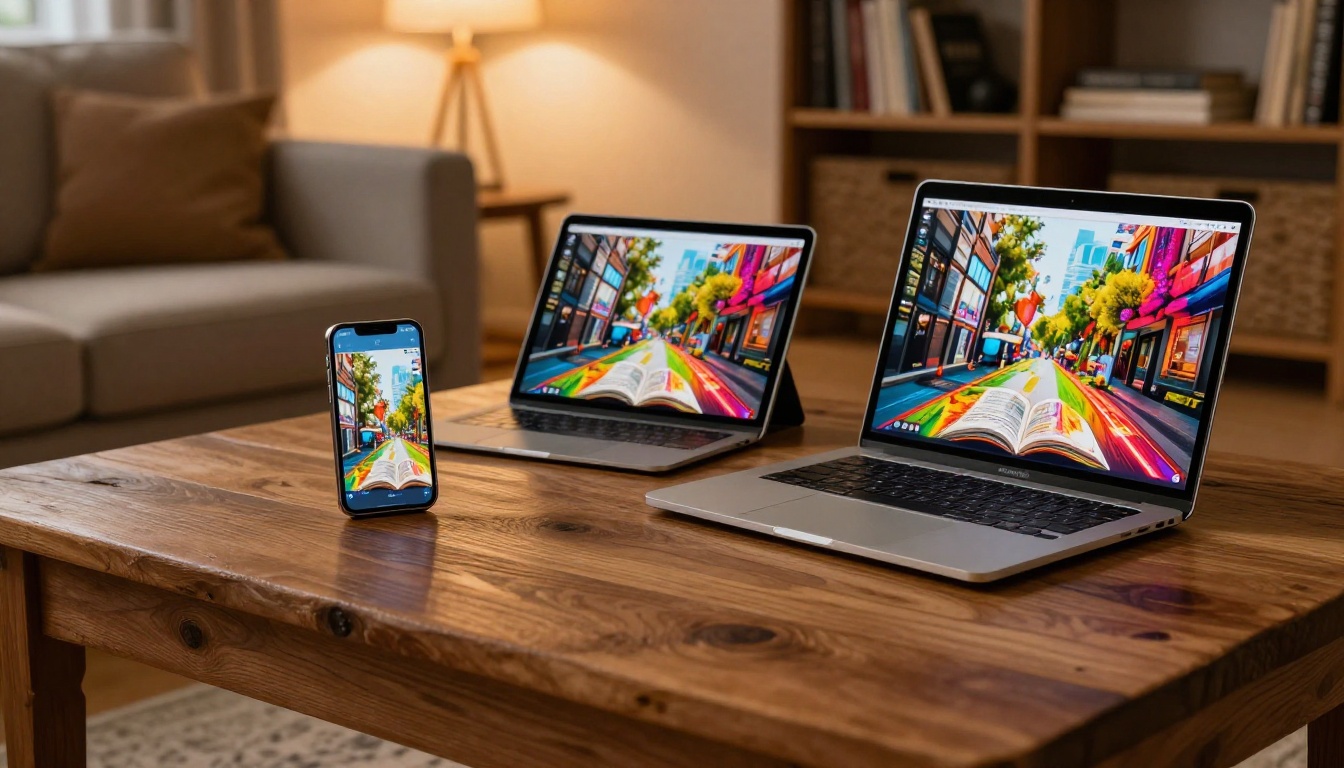
The workflow is simple: prompt ChatGPT with a specific, structured brief, format the output in your PDF tool of choice, and upload the result to Flipbooks AI for instant conversion. In under an hour, you have a professional interactive flipbook that works on desktop, tablet, and mobile with no design experience required.
Whether you are building a product catalog, a digital menu, a portfolio, or a business report, this three-tool pipeline handles it all. The content comes from ChatGPT. The layout comes from your PDF tool. The interactive experience comes from Flipbooks AI.
Ready to build your first one? Create your free account and upload your first PDF today. Browse all flipbook tools to find the template that fits your specific use case. When you are ready to access analytics and lead generation, compare plans and choose the tier that works best for you.



