Most copywriters send the same thing: a Google Drive link, a PDF attachment, or a plain website with a wall of links. Clients click through reluctantly, if at all. Your writing is sharp, your results are real, but the format is working against you. Creating a flipbook for your copywriting portfolio changes that dynamic entirely. It turns passive samples into an experience clients actually want to browse, one that positions you as someone serious about your craft before they read a single word.
Flipbooks AI is one of the fastest ways to turn a well-organized PDF into a professional interactive portfolio, no technical skill required. This article walks you through every decision: what to include, how to structure it, how to build it, and how to share it so it actually gets read.
The PDF problem nobody talks about
PDFs are fine. But "fine" is not what wins premium clients. The problem with a standard PDF portfolio is friction. The prospect downloads it, files it away somewhere, forgets it exists. Or worse, they open it on mobile and the layout breaks. You followed up twice, they meant to look at it, life got busy.
The format you choose signals something about how you work. A writer who sends a polished, interactive, mobile-optimized flipbook communicates professionalism before the client reads a headline.
What clients actually do with your portfolio
Here is the honest picture. Most clients skim your portfolio in under two minutes. They are not reading every word of your long-form copy samples. They are checking three things:
- Can this person write for my audience?
- Do they have relevant category experience?
- Does this look like someone I want to work with?
A flipbook built with the Portfolio Flipbook Builder gives clients a smooth, visual experience that answers those three questions fast. Page-turn navigation feels intuitive. Sections are easy to jump between. The whole thing works on any device without reformatting.

What Goes Into a Winning Copywriting Portfolio
The must-have samples for every niche
There is no single correct portfolio structure. What matters is relevance. A direct response copywriter needs to show different samples than a B2B SaaS content strategist. That said, every strong copywriting portfolio should include:
- 3 to 5 of your best samples in the client's vertical, if possible
- At least one long-form piece showing depth (blog post, white paper, email sequence)
- At least one short-form piece showing efficiency (ad copy, subject lines, landing page)
- Context for each sample: what was the brief, what was the result, what problem you solved
- A bio section that is specific, not generic
💡 Add a one-paragraph case note before each sample. Explain the goal, your angle, and any measurable result. Even "open rate increased 18%" turns a sample into proof.
Organizing your work for maximum impact
The order matters. Put your single strongest sample first. Not your longest, not your most recent: your best. Clients often make a judgment in the first 30 seconds. Give them your best work immediately.
A logical structure for a copywriting portfolio flipbook:
- Cover page with your name, specialty, and contact info
- Table of contents with clickable sections
- Featured work: 2 to 3 flagship samples with case notes
- Supporting work: additional samples by category
- Services and rates page (optional but effective)
- Contact page with clear next steps
Print vs. Digital vs. Flipbook
Before committing to a format, it is worth understanding what each actually delivers. This is not about which format is fanciest. It is about what serves the client relationship best.
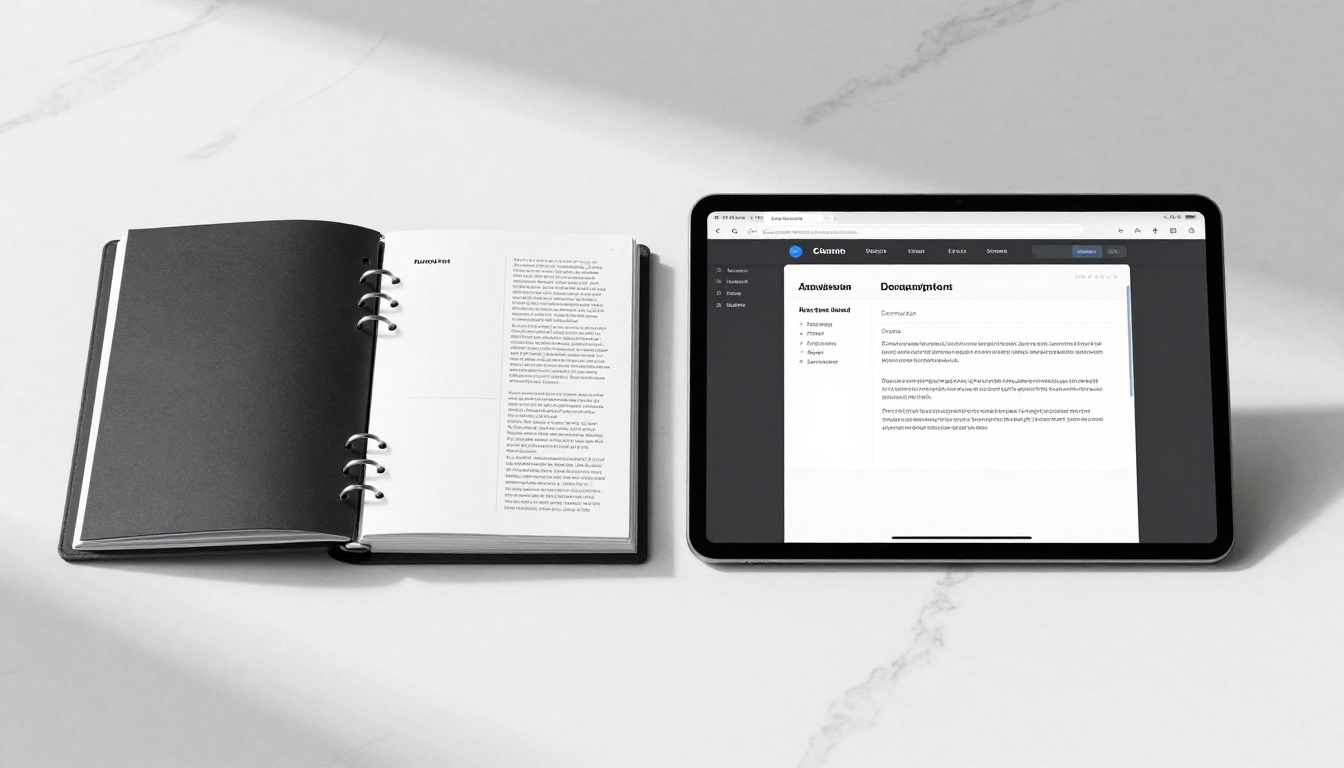
| Feature | Printed Portfolio | Standard PDF | Flipbook (Flipbooks AI) |
|---|
| Mobile-friendly | No | Inconsistent | Yes, fully responsive |
| Page-turn navigation | Physical only | No | Yes, interactive |
| Analytics and view tracking | No | No | Yes (Professional plan) |
| Shareable via link | No | Yes (download required) | Yes (no download needed) |
| Password protection | No | Limited | Yes |
| Embeddable on website | No | No | Yes |
| Updatable after sending | No | No | Yes |
| First impression | High (if executed well) | Medium | High |
The clearest advantage of a flipbook portfolio is the updatable row. When you win a new client or add a better sample, you update the flipbook once. Every link you have ever shared now points to the updated version. No more sending version 3 to someone who already has version 1.
⚠️ Sending a PDF with "updated" in the filename is a bad signal. It implies you are not organized. A single shareable flipbook link solves this permanently.
How to Create a Flipbook for Your Copywriting Portfolio with Flipbooks AI
This is where the work happens. The Digital Portfolio Creator at Flipbooks AI is built for exactly this use case. Here is the full process from start to finish.

Step 1: Build your portfolio PDF first
Before you upload anything, the portfolio needs to exist as a PDF. Use Canva, Adobe InDesign, Google Slides (export as PDF), or any document editor. Follow these rules:
- Keep it clean: Heavy layouts with too many decorative elements distract from the writing
- Use consistent fonts: One heading font, one body font, nothing more
- Leave white space: Dense pages are hard to read on screen
- Format consistently: Do not mix portrait and landscape orientations
The PDF is your raw material. The flipbook is what clients experience.
Step 2: Set up your account
Go to Flipbooks AI and sign up. The free plan lets you test the tool before committing. For a professional portfolio, the Standard plan or above gives you unlimited flipbooks with no watermarks.
✅ Use a professional email address, not a personal Gmail. Your account name may appear in your flipbook URL.
Step 3: Upload and convert your PDF
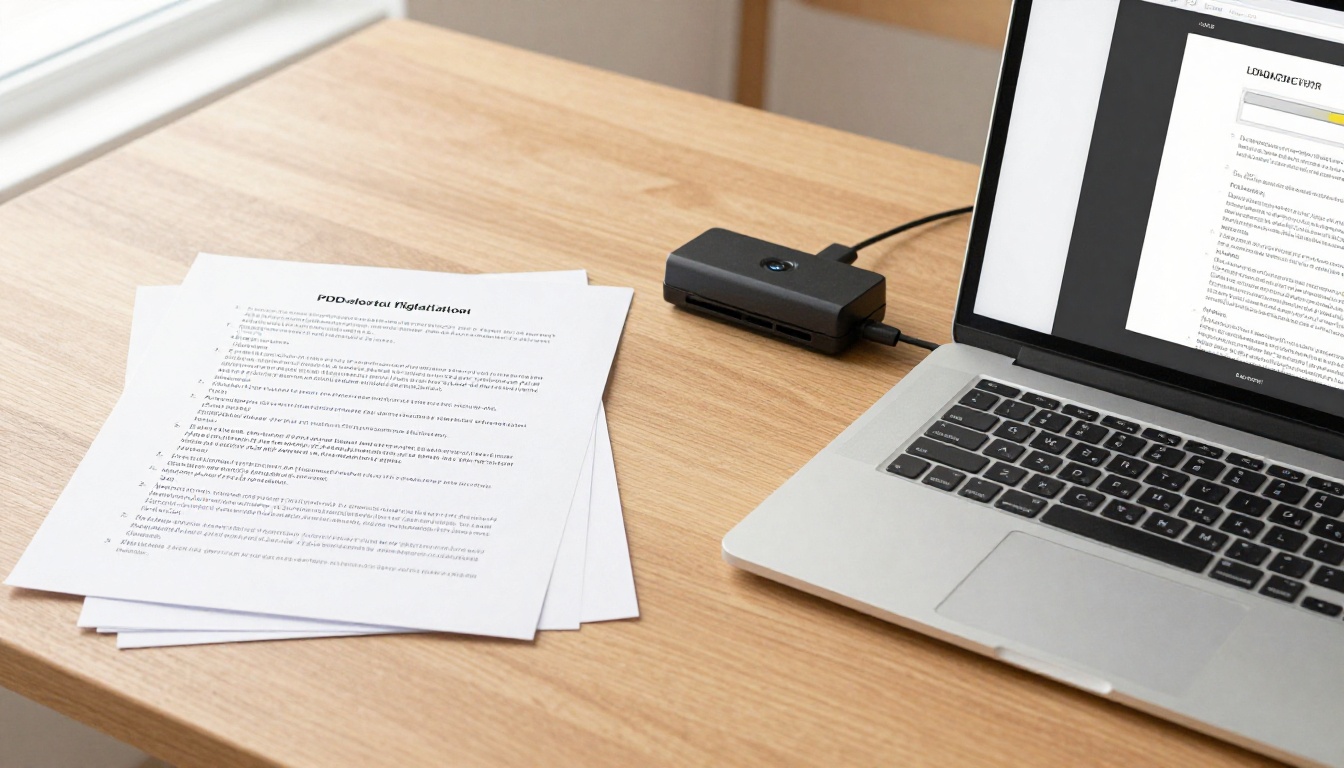
Once inside the dashboard, click to create a new flipbook and upload your PDF. The platform converts it automatically, preserving all formatting and fonts. This typically takes under a minute for a standard portfolio PDF.
The result is a page-turning interactive document that works on any device.
Step 4: Customize your branding
This is where a generic PDF becomes your portfolio. Inside the editor:
- Set your brand colors on the viewer chrome
- Add your logo to the flipbook header
- Customize the URL slug to something memorable (e.g.,
yourname-portfolio)
- Write a descriptive title and meta description in case the page gets indexed by search
- Add page labels for easy navigation between sections
Spend time here. The customization options are what separate a flipbook that looks professional from one that looks like a converted file.
Step 5: Set your sharing preferences
Before sending the link to a client:
- Decide on access: Public link, password-protected, or unlisted
- Enable analytics (Professional plan) to see when and how often clients view it
- Prepare an embed code if you want it on your website or LinkedIn
For most freelancers, an unlisted direct link is the right default. Shareable with anyone who has the link, not publicly indexed.

Step 6: Share with clients
Copy the link from your Flipbooks AI dashboard and include it in your emails, proposals, and cold outreach. No attachments, no download prompts: a direct URL that opens in any browser and looks polished on every device.
💡 Include the flipbook link in your email signature. Every email you send becomes a soft portfolio touchpoint.
Flipbooks AI Plans at a Glance
Choosing the right plan depends on how actively you are prospecting. Here is a breakdown of what each tier offers for copywriters:
| Plan Feature | Free | Standard | Professional |
|---|
| Number of flipbooks | Limited | Unlimited | Unlimited |
| Watermark | Yes | No | No |
| Custom branding | No | Yes | Yes |
| Password protection | No | Yes | Yes |
| Analytics and view tracking | No | No | Yes |
| Lead capture forms | No | No | Yes |
| Offline download | No | No | Yes |
| Embed on website | Limited | Yes | Yes |
| Custom domain | No | No | Yes |
For most freelancers actively pitching clients, Standard is the practical entry point. It removes watermarks, allows unlimited flipbooks, and includes custom branding. If you do volume prospecting or want to know exactly when a client has viewed your portfolio, Professional adds analytics and lead capture. See full details on the pricing page.
Which Samples to Include By Niche
B2B copywriters
B2B buyers are risk-averse. They want to see category experience and an understanding of buying committees. Your portfolio should show:
- White papers or long-form thought leadership
- Email sequences: especially nurture sequences or sales outreach
- Case studies: with clear problem, solution, and result structure
- Landing pages: for software products, services, or events
💡 If you have NDA'd work, include a redacted or anonymized version with a note explaining the context. Clients respect discretion.
Direct response copywriters
Results are everything in direct response. Your portfolio should show:
- Sales pages: with any conversion rate data you can share
- Email campaigns: click rates, revenue generated, open rates
- Facebook or Google ad copy: with performance notes
- VSL scripts or advertorial samples
Numbers make your samples credible. Even relative numbers ("this email had 3x the CTR of the control") communicate that you think like a direct response writer.
Content and brand writers
This category covers SEO content, brand storytelling, and editorial writing. Your portfolio should show range and voice:
- Long-form blog posts: showing both SEO structure and readability
- Brand voice guides: if you write them, include sanitized examples
- Social copy: short-form writing demonstrates concision
- Newsletter issues: showing recurring voice and audience relationship

Sharing Your Portfolio Flipbook
Direct link vs. embed
The direct link from Flipbooks AI works anywhere: email, LinkedIn messages, proposals, invoices, your website bio. It opens immediately in the browser with no friction.
Embedding the flipbook on your website using the iframe embed code gives clients a seamless experience without leaving your site. This is especially effective if you have a strong personal brand site or agency-style portfolio page. You can find the embed option inside your Flipbooks AI dashboard under sharing settings, or browse the Embed Flipbook on Website tool for setup details.
Password-protecting client-specific versions
Here is a tactic most copywriters miss. Create a tailored version of your portfolio for a high-value prospect. For example, if you are pitching a SaaS company, duplicate your main flipbook, remove samples that are not relevant, add a custom cover with their industry focus, and set a simple password.
Send them a personalized link: "I put together a version of my portfolio focused on SaaS content specifically for you."
That level of attention is rare. Flipbooks AI makes it easy to create multiple versions at no extra cost on Standard and above.
3 Common Portfolio Mistakes
Too many samples
More is not better. Ten mediocre samples weaken a portfolio that has three strong ones. Clients do not have time to read everything. Curate ruthlessly. Show only the work you would be proud to replicate for this specific prospect.
The rule: If you are not sure whether to include it, leave it out.
No context for the work
A sample without context is just content. A sample with a brief case note becomes proof. Even one sentence helps: "This landing page was written for a cold traffic audience unfamiliar with the brand, targeting small business owners running paid ads."
Context answers the question the client is already asking: Can this writer handle my situation?
Ignoring mobile viewing
Over 60% of professional emails are opened on mobile. If a client taps your portfolio link on their phone and the experience is broken or hard to navigate, you have already lost momentum. Flipbooks built with Flipbooks AI are mobile-responsive by default. This is one of the strongest reasons to move away from PDF attachments.

Your Portfolio Is a Sales Asset
Your portfolio is doing a job every time you share it. The format either supports that job or fights against it.
Creating a flipbook for your copywriting portfolio takes a few hours of focused work: organize your best samples, build the PDF, upload it to Flipbooks AI, customize your branding, and share the link. You will have a portfolio that looks sharper than 95% of what clients see in their inbox.
Ready to build yours? Get started for free on Flipbooks AI and see what your samples look like as an interactive flipbook.
When you are ready to go further, compare pricing plans to access analytics, lead capture, and unlimited versions. For copywriters who prospect consistently, knowing when a client views your portfolio changes how you follow up.
Browse all the available tools to find templates built for portfolios, digital publications, and creative showcases. The Portfolio Flipbook Builder is the right starting point for most writers.



