If you run a daycare or preschool, you already know the challenge: parents are busy, inboxes are overloaded, and a flat PDF attachment rarely gets opened twice. A digital flipbook changes that. It turns your welcome packet, weekly newsletter, or enrollment brochure into a page-turning experience that feels alive, looks professional, and actually gets read. This article is your full roadmap to create a flipbook for your daycare or preschool, from choosing what to include to publishing and sharing it with families.
Why Daycares and Preschools Need Digital Flipbooks
Static PDFs are functional, but they do not inspire confidence in prospective parents or keep current families engaged. A digital flipbook replicates the physical sensation of flipping through a booklet, but with the added power of hyperlinks, embedded photos, and instant mobile access.
The Problem with Flat PDFs
When a parent receives a 12-page PDF welcome packet, the experience is entirely passive. There is no visual hierarchy, no page-turning satisfaction, and no way to track whether anyone opened it. Most attachments go unread after the first page.
What a Flipbook Does Differently
A digital flipbook created with a tool like Flipbooks AI converts your existing PDF into a fully interactive publication. Parents swipe or click through pages, see smooth page-turn animations, click hyperlinks directly, and access it from any device without downloading a thing. The difference in perceived professionalism is immediate.
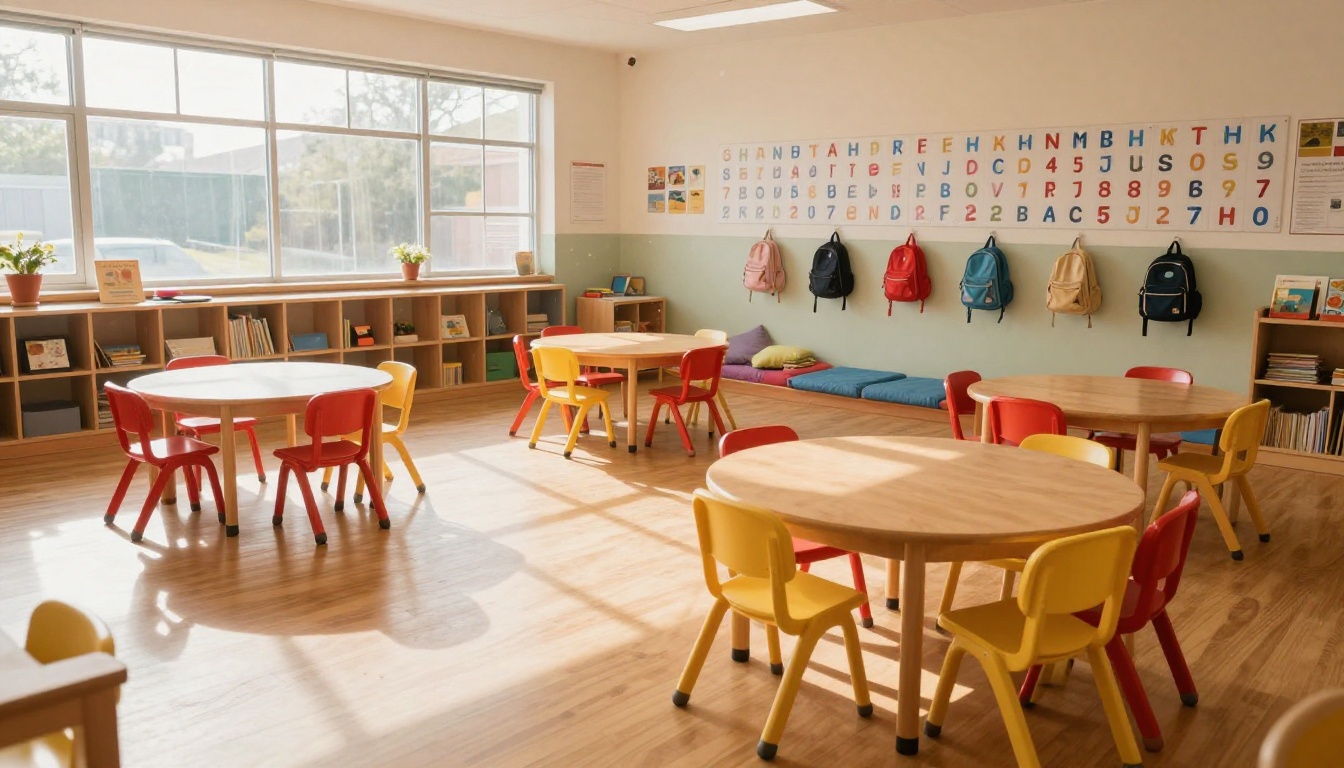
How Parents Actually Engage
Research consistently shows that visual, interactive content holds attention far longer than plain text documents. For daycare directors, this means:
- Higher open rates for newsletters and updates
- Better retention of enrollment policies and daily schedules
- More referrals when parents share your beautifully designed materials with friends
- Stronger first impressions during enrollment season
💡 Send your flipbook link via WhatsApp or email instead of attaching a PDF. Parents can open it instantly on mobile without downloading anything.
What to Put in Your Preschool Flipbook
Before you build anything, you need to decide what type of flipbook serves your current goal. Different materials work best for different purposes.
The Welcome Packet
This is the most valuable flipbook a preschool can create. A welcome packet flipbook typically includes:
- School philosophy and curriculum overview (your values, not bullet points)
- Daily schedule with photos of each activity period
- Staff introductions with photos and brief bios
- Policies: drop-off/pick-up, illness, emergency contacts
- Parent communication expectations
- What to bring on the first day
A welcome packet in flipbook format tells a story. Parents flip through and see your classroom, your team, and your care, all before they ever visit in person.
The Enrollment Brochure
An enrollment brochure is your marketing document. It answers the question every parent asks: "Why should I choose your school?" Include:
- Program highlights (ages served, hours, curriculum)
- Tuition and pricing overview
- Available spots or enrollment timeline
- Testimonials from current families
- Photo tour of your facility
- Contact information and next steps
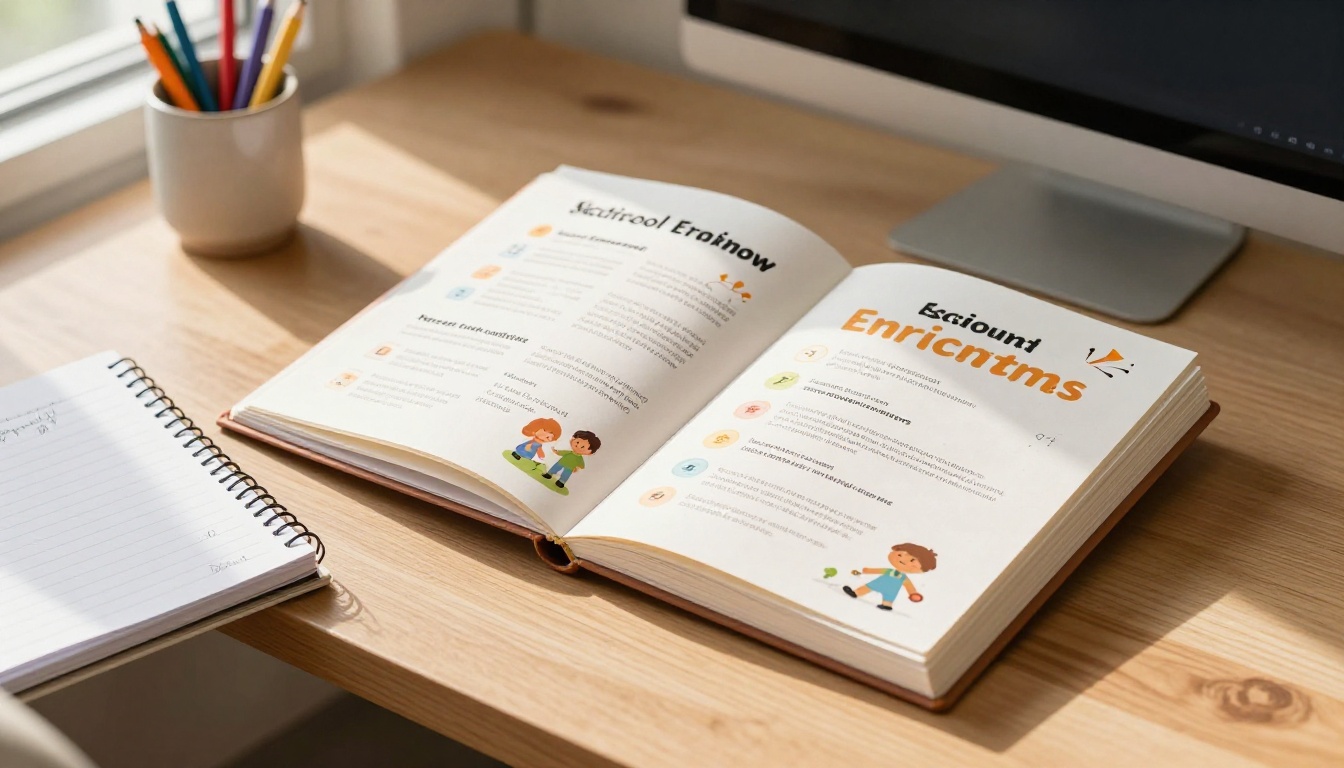
The Weekly or Monthly Newsletter
Newsletters in flipbook format replace the tired email digest. Parents swipe through classroom photos, upcoming events, learning themes, and reminders. A flipbook newsletter feels like a magazine, not a bulletin.
Activity Books and Learning Materials
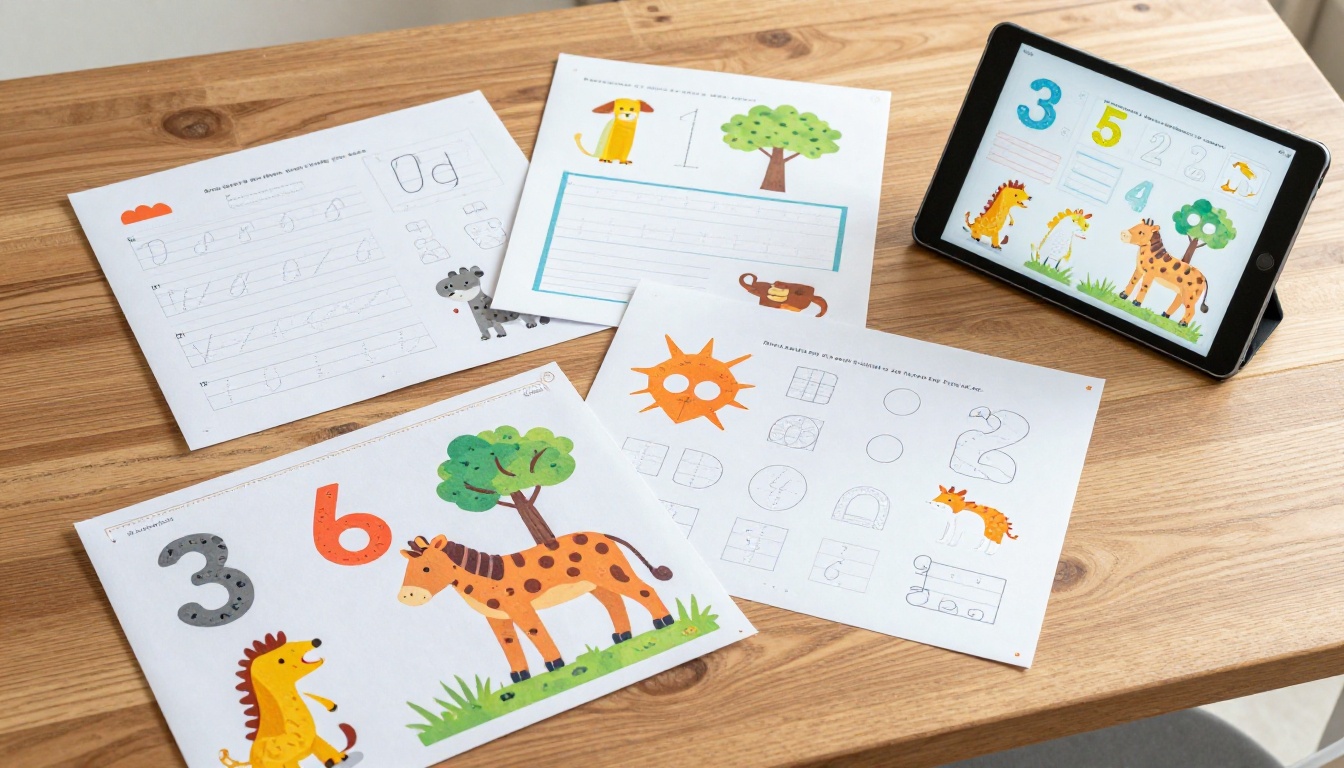
Some daycares create seasonal activity flipbooks: coloring pages, letter tracing, number games, and crafts for at-home use. These are shareable assets that reinforce your curriculum and keep families connected between sessions.
| Flipbook Type | Best For | Ideal Length |
|---|
| Welcome Packet | New family onboarding | 10-20 pages |
| Enrollment Brochure | Prospective parent marketing | 6-12 pages |
| Monthly Newsletter | Current family communication | 4-8 pages |
| Activity Book | At-home learning | 8-16 pages |
| Event Program | Open houses, graduations | 4-8 pages |
How to Create a Flipbook for Your Daycare or Preschool with Flipbooks AI
Flipbooks AI is the fastest way to convert your existing PDF materials into professional interactive flipbooks. You do not need design skills or technical knowledge. Here is exactly how to do it.
Step 1: Prepare Your PDF
Before uploading, make sure your document is print-ready:
- Export at high resolution (300 DPI recommended for crisp images)
- Embed all fonts to prevent text rendering issues
- Use standard page sizes (A4 or US Letter work best)
- Keep file size reasonable (under 50MB for fastest upload)
If you do not have a designed document yet, tools like Canva or Google Slides let you create beautiful templates and export them as PDFs in minutes.
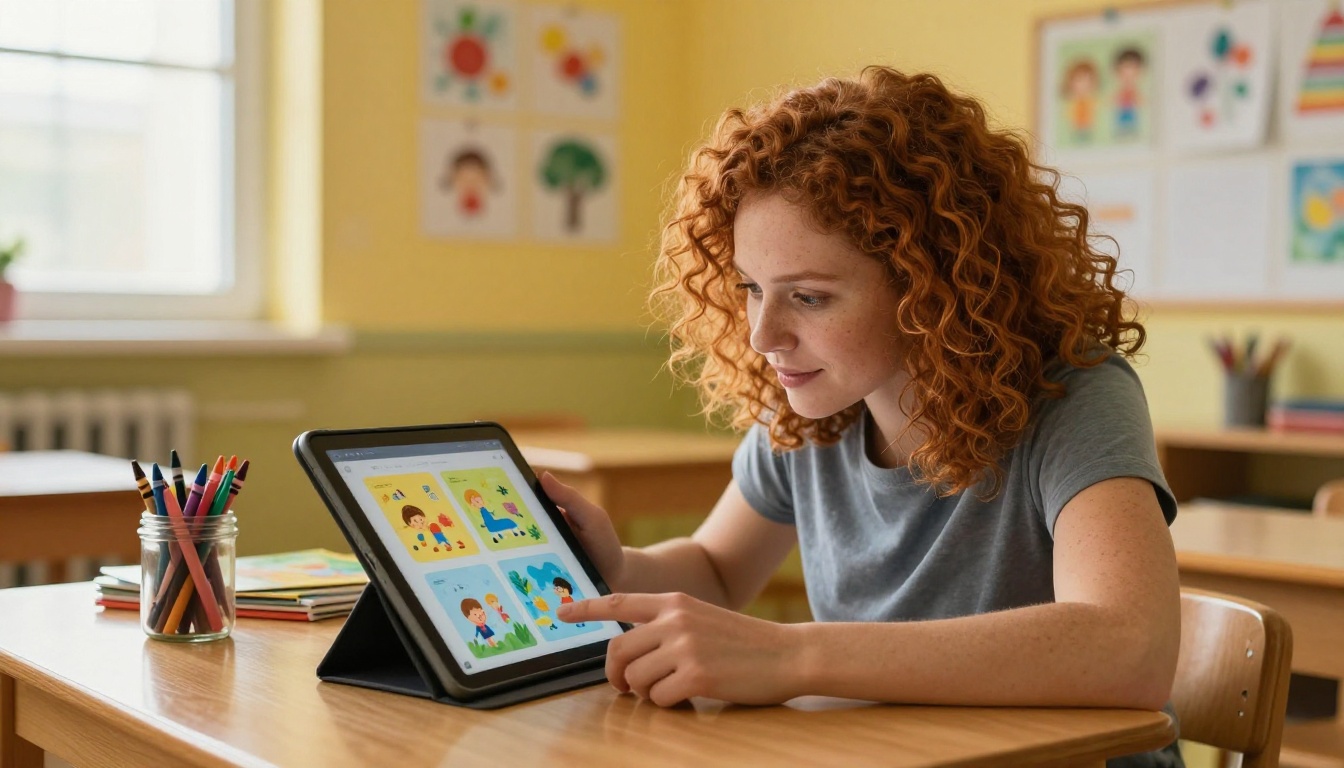
Step 2: Upload and Convert
- Go to Flipbooks AI and create your free account
- Click "New Flipbook" from your dashboard
- Drag and drop your PDF file into the upload area, or click to browse
- Wait for the conversion, typically under 60 seconds for most documents
- Preview your flipbook in the editor
The PDF to Flipbook Converter handles everything automatically. Your pages become interactive, page-turning content the moment the upload completes.
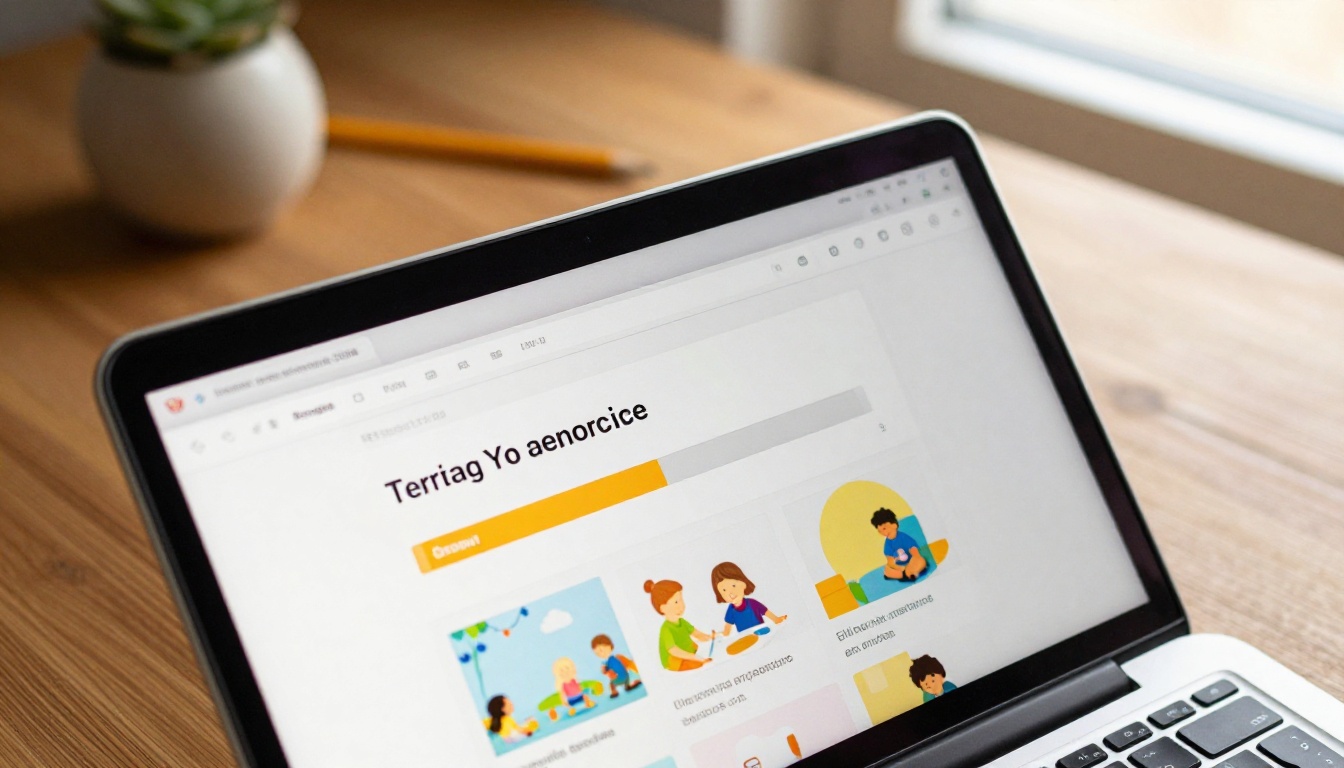
Step 3: Customize Your Flipbook
This is where your school's personality comes through. In the Flipbooks AI editor you can:
- Set your school colors for the flipbook background and toolbar
- Add your school logo to the viewer header
- Choose a page-turn style: classic flip, slide, or fade
- Add a custom cover title and thumbnail
- Embed video (great for a virtual tour of your classroom)
- Link table of contents entries to specific pages
✅ Use your school's brand colors for the flipbook UI. When parents share the link, they see a cohesive branded experience, not a generic viewer.
Step 4: Configure Sharing Settings
Once customized, decide how you want families to access your flipbook:
- Public link: Anyone with the URL can view it (best for enrollment brochures)
- Password protection: Restrict access to enrolled families (ideal for welcome packets with sensitive policy information)
- Embed on your website: Use the Embed Flipbook on Website tool to paste a single code snippet into your school's site
⚠️ For documents containing children's photos, personal schedules, or emergency contact policies, use password protection to keep content within your enrolled family community only.
Step 5: Share with Families
With your flipbook live, sharing is instant:
- Copy the direct link and paste it into your email or WhatsApp group
- Share to social media directly from your dashboard (great for enrollment brochures)
- Embed on your school website for always-available access
- Download an offline version for families with limited internet access (available on Professional plan)

Flipbooks AI Plans: Which One Is Right for You?
For most small daycares and preschools, the Standard plan covers everything needed. Here is how the plans compare:
| Feature | Free | Standard | Professional |
|---|
| Number of flipbooks | 3 | Unlimited | Unlimited |
| Watermark | Yes | No | No |
| Custom branding | No | Yes | Yes |
| Password protection | No | Yes | Yes |
| Analytics | No | No | Yes |
| Lead capture forms | No | No | Yes |
| Offline downloads | No | No | Yes |
| Embed on website | Yes | Yes | Yes |
💡 If you run open enrollment periods, the Professional plan's lead capture forms let you collect parent inquiries directly from your flipbook, with no separate contact form needed.
Check pricing plans to see what fits your school's budget and needs.
Real-World Use Cases for Daycare Flipbooks
Understanding how other early education programs use flipbooks gives you a practical blueprint to follow.
Enrollment Season Marketing
Every spring, competition for spots is real. A polished enrollment brochure flipbook shared on Facebook groups and local parenting forums puts your school in a completely different category from competitors still emailing PDFs. Parents share links in community groups, and the flipbook link works as a direct referral tool.
Open House Events
At open house nights, place a QR code at the entrance that opens your flipbook. Parents waiting for a tour can flip through your curriculum overview, meet-the-teacher pages, and daily schedule without needing printed copies. After the event, they take the link home to review with their partner.

Parent Communication All Year Long
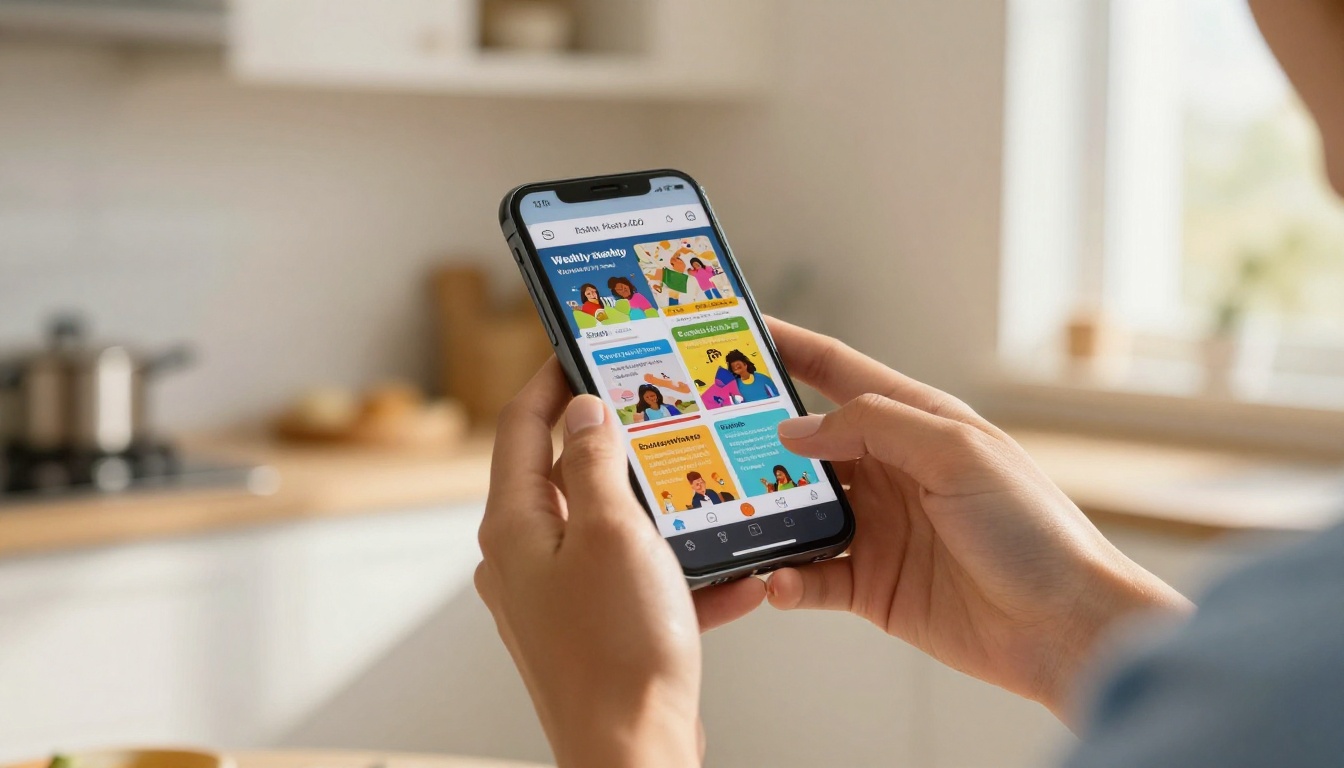
Monthly newsletters in flipbook format replace the stack of printed pages stuffed into backpacks that never make it home. Send the flipbook link via your parent communication app or email list. Parents read it on their phones. It shows up beautifully on any screen.
Staff Training Manuals
New staff need onboarding materials too. A password-protected training manual flipbook covers your protocols, child safety procedures, daily routines, and educational philosophy. It is always up-to-date because you edit the source PDF and re-upload. No reprinting, no outdated binders.
| Use Case | Sharing Method | Privacy Setting |
|---|
| Enrollment brochure | Public link, social media | Public |
| Welcome packet | Email to enrolled families | Password protected |
| Monthly newsletter | Parent app, WhatsApp group | Public or password |
| Staff training manual | Internal email | Password protected |
| Open house materials | QR code at event | Public |
| Activity books | Email or website embed | Public |
Tips for Designing Preschool Flipbooks That Actually Work
The best flipbooks are not just converted PDFs. They are designed with the flipbook format in mind.
Keep Pages Visual
Parents scroll fast. Each page should anchor around one strong image and minimal text. Think magazine spreads, not word documents. Use large fonts, plenty of white space, and photos of real children (with proper permissions) doing real activities in your classrooms.
One Message Per Page
Resist the urge to pack every policy onto a single page. Use the natural page-turn rhythm to pace information. Each page or two-page spread should deliver exactly one idea: "This is our reading corner," "This is our daily schedule," "This is our team."
Use Consistent Branding
Your flipbook should look like it belongs to your school. Use your school's fonts, colors, and logo consistently. If your school brand colors are navy and yellow, the flipbook background and accent color should match. Flipbooks AI lets you apply custom branding across all your publications.
Test on Mobile First
Over 70% of parents will open your flipbook on a phone. Before publishing, preview it on a mobile device. Check that text is readable without zooming, images are not cropped awkwardly, and page navigation feels smooth. Flipbooks AI flipbooks are fully mobile-responsive by default, but your original PDF design choices still matter.
✅ Design your original PDF in a landscape (16:9) format when creating enrollment brochures. This matches how flipbooks render on widescreen displays and looks exceptional on tablets.
Beyond the core PDF converter, Flipbooks AI offers tools specifically useful for education-focused publications:
Measuring What Works
If you are on the Professional plan, Flipbooks AI provides analytics that tell you exactly how families interact with your content:
- Total views: How many parents opened your flipbook
- Pages read: Which sections get the most attention
- Time on page: Where parents linger or skip quickly
- Lead forms filled: How many prospective families submitted contact info
This data is genuinely useful for refining your enrollment brochure. If analytics show that parents read pages 1-4 and then stop, your content on page 5 needs reworking. This level of insight is impossible with a static PDF.
What Parents Say About Digital Flipbooks
The feedback from daycare directors who have switched from static PDFs to digital flipbooks is consistent:
- "Parents actually read it now." The interactive format holds attention in a way that email attachments never did.
- "We get more questions from new families", which signals that prospective parents are engaging more deeply with the content.
- "It makes us look more professional." First impressions matter, and a polished flipbook signals that your school takes quality seriously in every detail.
- "Sharing is so easy." One link works on every device. No printing, no emailing attachments.
Your First Flipbook Starts Here
Your families deserve communication materials that match the quality of care you provide every day. A digital flipbook takes your existing documents and turns them into something parents actually want to open, read, and share.
Start today at Flipbooks AI. Upload your first PDF, see it transform in under a minute, and share the link with your parent community. If you want to compare what each plan includes before signing up, browse pricing options to find the right fit for your school's needs.
For educators specifically, explore the full tools directory to find templates built for newsletters, training manuals, yearbooks, and more. Your first flipbook is free, and it takes less time to create than writing a single email update.



