Your front desk hands a new patient a glossy trifold brochure. They glance at it for three seconds, set it on the chair beside them, and scroll through their phone instead. Sound familiar? That brochure cost you $1.50 to print and it is doing nothing. A flipbook for your dental practice solves this at the root: it lives online, loads instantly on any device, and patients actually browse it because it behaves like something they already know how to use. Flipbooks AI makes it possible to build one in under an hour, without a designer on payroll.

Why Printed Brochures Are Holding Your Practice Back
The Hidden Price of Paper Marketing
Most dental offices spend between $800 and $3,000 per year on printed brochures, pamphlets, and treatment documents. That number rarely includes the time spent writing copy, coordinating with a printer, waiting for delivery, and then watching half the inventory go out of date after a fee change or a new service launch. Every update means another print run. Every print run means more money out the door.
Digital flipbooks eliminate that cycle entirely. Change a price, add a new service, or swap a team photo, and the update goes live immediately across every link and embed you have ever shared. No reprinting. No disposal of outdated stock. No lag between when your practice changes and when patients see the current information.
What Patients Expect From a Modern Practice
Patients choose dental practices the same way they choose restaurants: they research online first, then decide. A widely cited patient behavior study found that over 70% of prospective patients review a provider's website or digital materials before booking an appointment. If your online presence consists of a static PDF buried on a services page, you are leaving that first impression untouched.
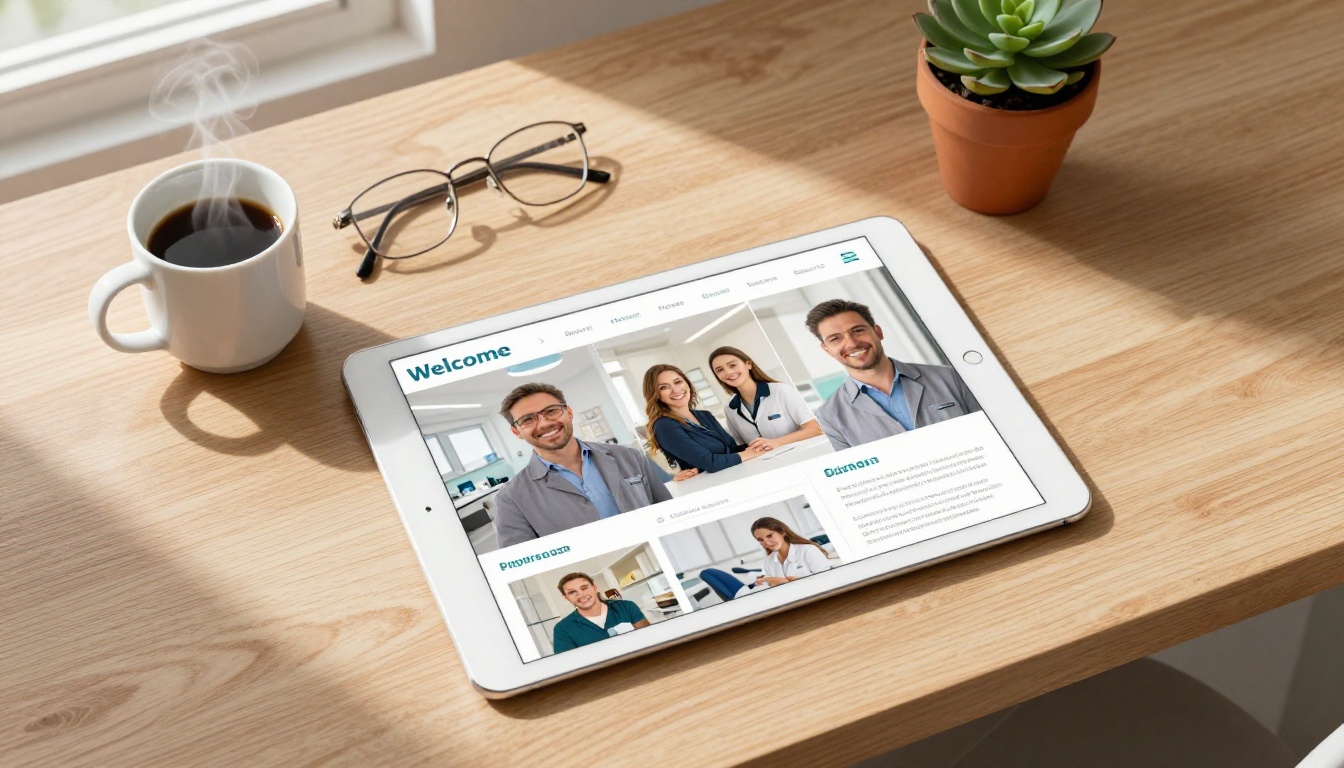
A well-built dental flipbook gives prospective patients a reason to stay on your site longer. Interactive page-turning, embedded photos of your team and clinic, and clearly organized service sections communicate professionalism before they have ever sat in your chair. It signals that your practice pays attention to details, including the details that make patients feel comfortable and informed.
What a Dental Flipbook Actually Does
More Than a PDF
A flipbook is not just a PDF with a fancier viewer. The difference is interaction. Pages turn with a realistic animation that mimics printed media. Readers can click embedded links, jump to specific sections, zoom into images, and share individual pages directly from the viewer. On mobile, the experience is fully optimized without pinching and zooming.
For a dental practice, this means:
- A services overview that patients can browse at their own pace before their first appointment
- A pricing document that is easy to update without reprinting anything
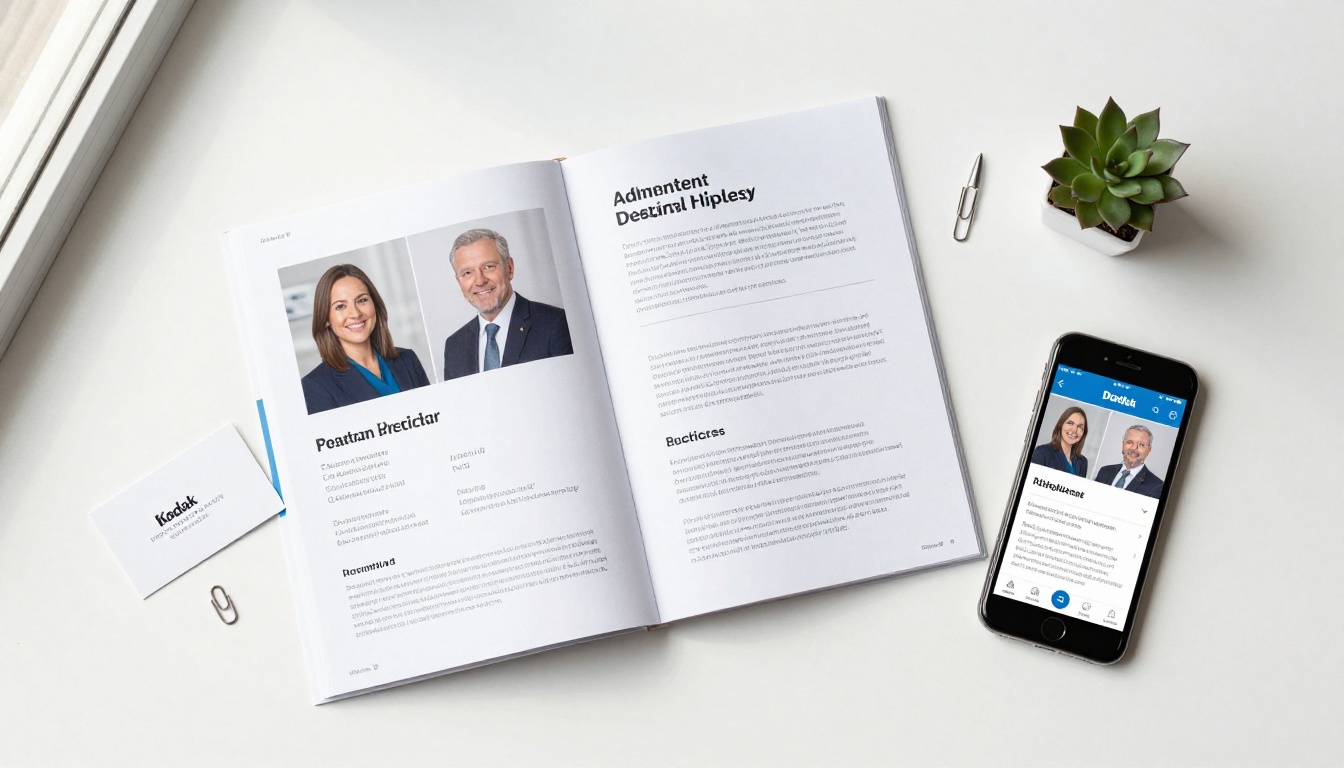
- A team bio section that builds trust and familiarity before anyone walks through the door
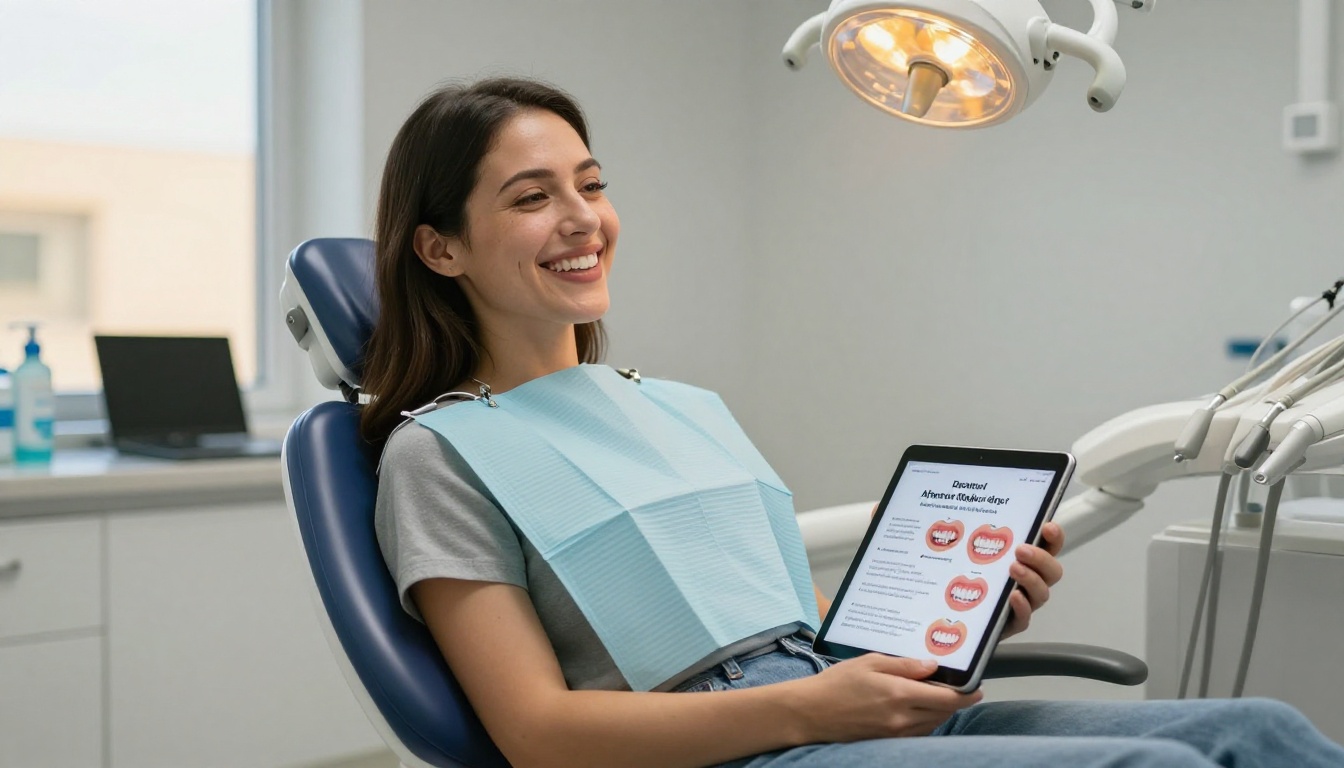
- Aftercare instructions patients can reference from any device, weeks after their procedure
- Before-and-after galleries with smooth page transitions that make cosmetic results look their best
5 Types of Dental Flipbooks That Work
| Flipbook Type | Best Use | Ideal Length |
|---|
| New Patient Welcome | Replace the paper welcome packet | 8-12 pages |
| Services and Pricing | Transparent fee communication | 6-10 pages |
| Aftercare Instructions | Post-procedure patient education | 4-6 pages |
| Team and Practice Introduction | Build trust before the first visit | 6-8 pages |
| Seasonal Promotions | Whitening specials, back-to-school checkups | 4-6 pages |
Each of these flipbook types solves a different communication problem. A new patient welcome flipbook reduces anxiety. A services and pricing document reduces front-desk questions. An aftercare flipbook reduces callback volume. A promotions flipbook drives appointment bookings. You do not need to build all five on day one, but having two or three active flipbooks positions your practice head and shoulders above competitors still relying on paper.

How to Build Your Dental Practice Flipbook
Flipbooks AI is purpose-built for this kind of use case: taking a PDF you already have, or one you quickly assemble, and converting it into a polished, shareable digital flipbook in minutes. Here is the full process from start to publish.
Step 1: Prepare your PDF
Start with whatever you have. A Word document, a Canva design, an existing printed brochure, any of these can be exported as a PDF. Aim for clean layouts with large text, high-quality photos of your team or clinic, and one topic per page. Keep your document between 6 and 16 pages for best readability across devices. Remove any dense paragraphs. Patients scan, they do not read word by word.
Step 2: Create your account
Go to Flipbooks AI and set up a free account. No credit card is required to start. You can publish your first flipbook and share it the same day.
Step 3: Upload and convert your PDF
From your dashboard, click New Flipbook and upload your PDF file using the PDF to Flipbook Converter. The tool converts your document in seconds and renders it with the interactive page-flip effect automatically. No design work required on your end.
Step 4: Apply your branding
Use the customization panel to:
- Set your practice's primary and secondary colors using exact hex codes
- Add your logo to the flipbook cover and header
- Choose a background style, clean white works best for healthcare settings
- Select your preferred font pairing for headers and body text
- Enable or disable page-turn sound effects
💡 Pro tip: Pull your practice's exact brand colors from your existing logo or website. Consistency across all patient touchpoints, from your website to your flipbook to your appointment reminders, is what makes a practice feel polished and trustworthy.
Step 5: Add multimedia content
Embed a short welcome video from your lead dentist directly into page 1. Patients who see a friendly face before their first appointment arrive with measurably lower anxiety. You can also embed audio, links to online booking, or interactive appointment request forms directly within the flipbook pages. This feature is available on Standard plans and above.
Step 6: Configure your sharing options
Once satisfied with the result:
- Copy the direct link to paste into emails, your Google Business profile, or your website contact page
- Use the embed code to place the flipbook directly inside your website using the Embed Flipbook on Website tool
- Enable password protection for internal staff documents or sensitive treatment cost breakdowns
- Activate analytics on the Professional plan to see which pages patients spend the most time on and where they drop off
✅ Best practice: Send your new patient welcome flipbook in the appointment confirmation email, not just as a link on your website. Patients who receive it before they arrive show up prepared, on time, and with far fewer questions.
What to Put Inside Your Dental Flipbook
Services and Pricing Pages
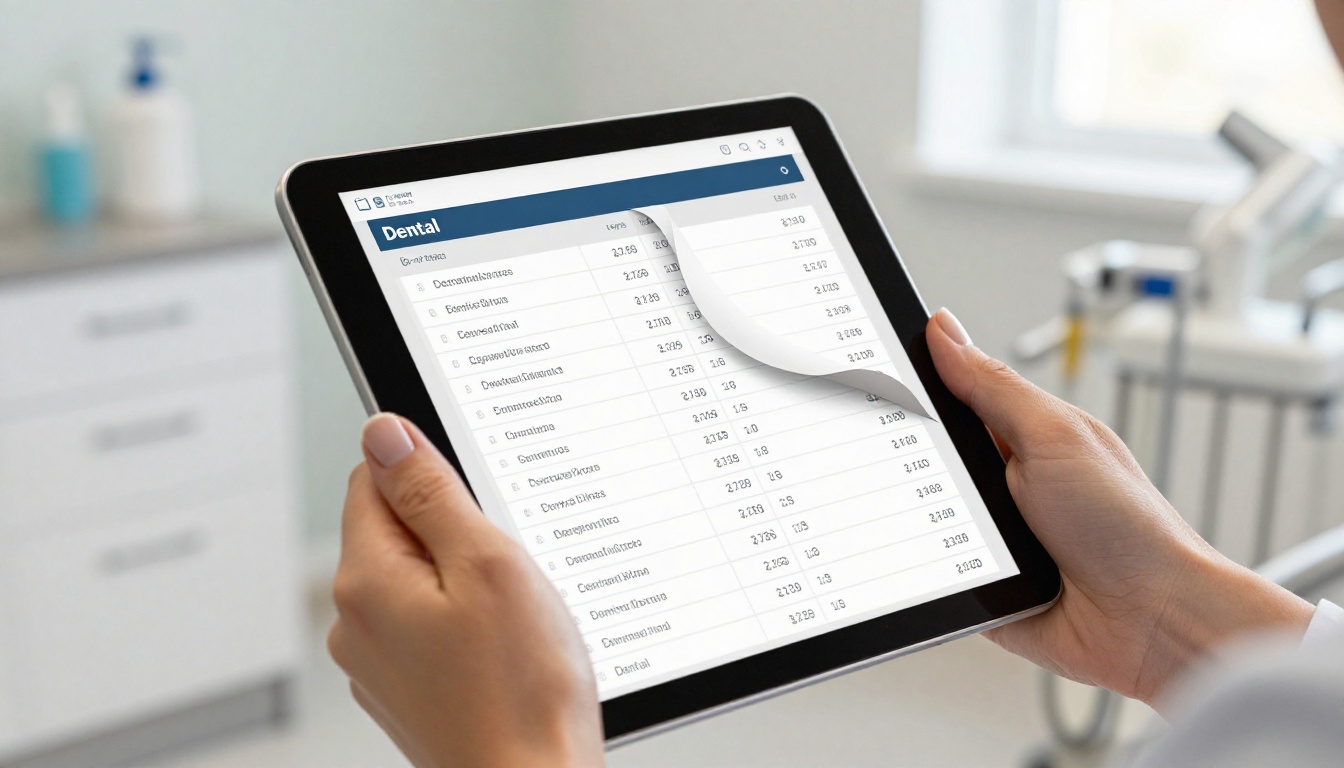
This is the section patients care most about before booking. Be specific. Instead of "cosmetic dentistry," list the actual procedures: teeth whitening, porcelain veneers, Invisalign clear aligners, composite bonding, dental implants. Include price ranges where you can. Practices that are transparent about pricing attract more self-pay patients and reduce awkward front-desk pricing conversations that sometimes end with the patient leaving.
A clean layout that works consistently:
- Spread 1: Service name with a one-sentence description of what it involves and who it is for
- Spread 2: Price range with what is included, typical duration, and insurance notes
- Spread 3: A before-and-after photo or a patient testimonial relevant to that procedure
Team Bios and Credentials
Trust is the primary currency in healthcare. Patients want to know who is treating them. A dedicated team section with professional headshots, dental school credentials, specialty training, and one or two personal sentences converts passive browsers into booked appointments. Something like "Dr. Ramirez has treated anxious patients with gentle, judgment-free care since 2011" does more work than a list of credentials. It makes the dentist a person, not a title.
Before-and-After Galleries
Nothing communicates the quality of cosmetic dental work like visual proof organized by procedure. A flipbook lets you group before-and-after photos by treatment category so a patient researching whitening sees whitening results, not implants. Each page spread works naturally as a before-on-left, after-on-right comparison with the physical page turn acting as a reveal.
⚠️ Important: Always obtain written patient consent before including any identifiable photos in digital or printed marketing materials. Store your consent forms securely and reference them when updating your gallery pages.
Aftercare Instructions by Procedure
Printed aftercare sheets get lost in purses and pockets and thrown away within a week. A dedicated aftercare flipbook sent via text or email immediately after a procedure means patients always have access to their instructions, no matter when they need them. Build separate aftercare flipbooks for:
- Post-extraction recovery care
- Teeth whitening aftercare and sensitivity management
- Orthodontic adjustment care after tightening appointments
- Post-filling and post-crown sensitivity instructions
- Implant recovery and oral hygiene protocols
These are fast to build, typically 4-6 pages each, and they dramatically reduce the volume of "what do I do now?" phone calls that pull your front desk away from incoming patient calls.

Where to Share Your Dental Flipbook
On Your Website
Embed your services flipbook directly on your homepage or a dedicated Services page using the iframe embed code from Flipbooks AI. Visitors see a live, interactive document without leaving your site. This keeps them on the page longer, signals quality to search engines through increased dwell time, and gives prospective patients a full picture of your practice before they decide to call.
In Email Campaigns
Link to your flipbooks in:
- New patient welcome emails: "Here is everything you need to know before your first visit" with a link to your welcome flipbook
- Appointment reminders: "Review your preparation instructions" with a link to the relevant procedure flipbook
- Re-engagement campaigns: "It has been a while. Here is what is new at our practice" with a link to your updated services flipbook
Patients who receive visual, interactive content in emails click through at significantly higher rates than those receiving text-only messages. A flipbook link in an email stands out in an inbox full of plain text.
In the Waiting Room via QR Code
Place a printed QR code card on your waiting room table, desk, or chair backs that links directly to your digital new patient flipbook. Patients waiting for their appointment can browse it on their own phone, reinforcing your professionalism while keeping them occupied and informed. It also eliminates the need to maintain a physical brochure rack that goes out of date and requires regular restocking.
On Your Google Business Profile
Your Google Business listing accepts posts with links and call-to-action buttons. Add your services flipbook as a recurring post with a "View Our Services" call-to-action. Patients searching for dentists in your area see an interactive brochure alongside your reviews, hours, and location. It is one of the few ways to insert rich, dynamic content directly into a Google search result at no cost.
Flipbooks AI Plans for Dental Practices
Different practice types have different needs. Here is how the plans map to real dental use cases:
| Feature | Free | Standard | Professional |
|---|
| Number of flipbooks | 1 | Unlimited | Unlimited |
| Watermarks on flipbooks | Yes | No | No |
| Password protection | No | Yes | Yes |
| Custom branding and colors | No | Yes | Yes |
| Video and audio embedding | No | Yes | Yes |
| Offline downloads for patients | No | Yes | Yes |
| Analytics and page tracking | No | No | Yes |
| Lead generation forms | No | No | Yes |
| Custom domain integration | No | No | Yes |
Most solo dental practices and small group practices find the Standard plan covers all core needs: unlimited flipbooks for every document type, no watermarks on patient-facing materials, custom branding for professionalism, and password protection for internal documents. Multi-location groups or practices running active patient acquisition campaigns benefit most from the Professional plan's analytics dashboard and built-in lead capture forms.
Compare full details and current pricing on the Flipbooks AI pricing page.
💡 If you run seasonal promotions like back-to-school checkups or whitening specials, the Professional plan's analytics let you see exactly which pages drive the most appointment inquiries, so you can optimize future promotions with real data.
What Most Dental Practices Get Wrong With Digital Materials
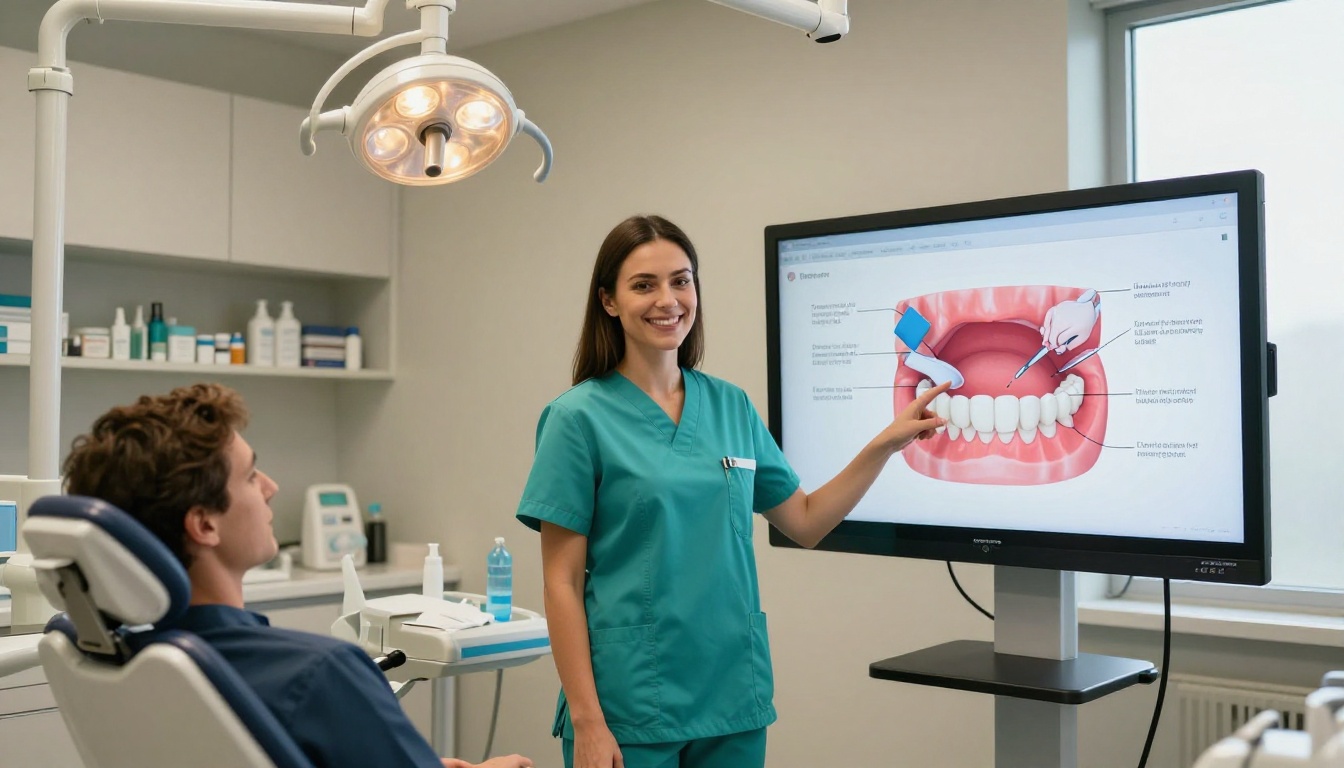
Most dental websites share the same fundamental problem: they describe services in flat, generic text without giving prospective patients a real sense of what to expect, what things cost, or who will be treating them. A flipbook bridges that gap because it is immersive. It mimics the experience of browsing a printed magazine, which the brain processes differently, and more favorably, than reading a standard webpage.
Practices using digital flipbooks consistently report three improvements:
- Fewer front-desk questions about services, pricing, and procedures because patients arrive already informed
- Higher new patient conversion rates from website visitors who interact with a flipbook versus those who only read text
- Reduced printing costs with no loss in perceived professionalism or patient experience quality
The comparison between approaches is straightforward:
| Approach | Annual Cost | Update Process | Patient Reach | Interactivity |
|---|
| Printed trifold brochure | $800 to $3,000 | Full reprint required | In-office only | None |
| Static PDF on website | Low one-time | Manual re-upload | Web visitors only | None |
| Digital flipbook | Low monthly subscription | Instant, at no extra cost | Anywhere online | Full interactive |
| Embedded video | Medium to high | Requires new recording | Web visitors only | Passive viewing |
The digital flipbook is the only format that delivers full interactivity, instant updatability, and broad reach at a predictable, low monthly cost.
Patient Education Flipbooks That Drive Real Results
Beyond marketing, flipbooks serve a clinical communication purpose that is easy to overlook. Informed patients are better patients. They follow post-op instructions more reliably, show up to follow-up appointments more consistently, and report higher satisfaction scores, not because the care was different, but because they felt prepared and supported throughout the process.
Consider building a flipbook library that covers:
- Oral hygiene basics for patients who need a refresher on brushing and flossing without a lecture
- Sedation dentistry overview for anxious patients considering their first experience with dental sedation
- Implant process walkthrough so implant candidates can understand each phase before committing
- Children's first visit for parents preparing young children for their initial appointment
These are evergreen documents. Once built, they work for every relevant patient indefinitely. You share them once and the flipbook does the explaining.
Start Building Your Dental Practice Flipbook
Every day your practice relies on printed materials or static PDFs is a day you are working harder than you need to. A digital flipbook from Flipbooks AI takes an afternoon to set up and works for your practice indefinitely after that, no reprinting, no design fees, no outdated information sitting in a brochure rack gathering dust.
Here is where to start:
When you are ready to add analytics, lead capture forms, and advanced sharing options, review the Professional plan options to find what fits your practice's current growth goals.
Your patients are already digital. They book flights, read menus, and review medical providers entirely on their phones. Your practice materials should meet them there.



