Drone service businesses are built on stunning visuals, yet most operators still send static PDFs or plain email attachments to potential clients. That approach undersells everything you have to offer. When you create a flipbook for your drone services, you transform a flat document into an interactive, page-turning experience that clients actually read, share, and remember. Flipbooks AI makes it straightforward to convert any PDF into a polished digital brochure your prospects can flip through on any device, no app required.
Why Drone Businesses Lose Clients Before the Call
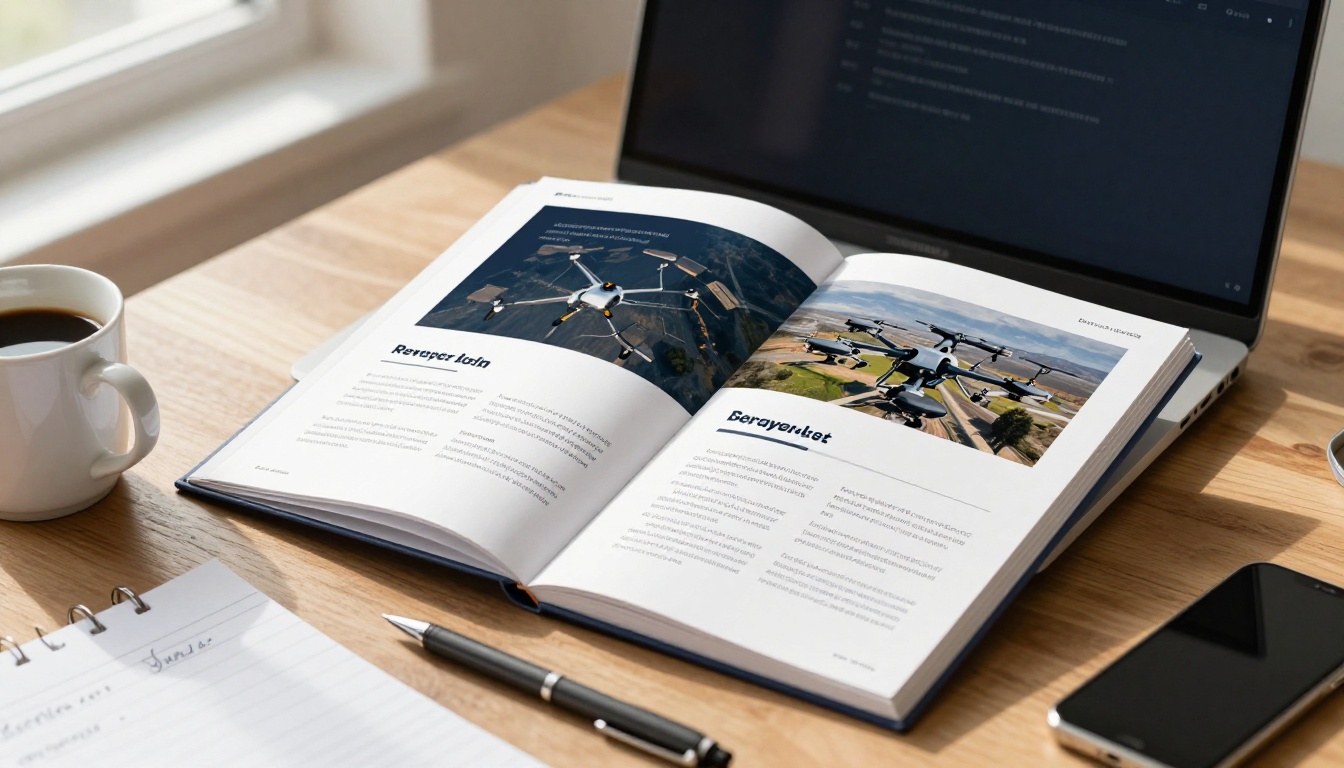
The first impression you make on a prospective client is almost always digital. A potential real estate agency or construction firm receives dozens of emails from service providers. If yours arrives as a generic attached PDF with a file name like "DronePricing_v3_FINAL.pdf," it gets filed away or deleted. The problem is not your work quality. The problem is how you present it.
Static PDFs Feel Amateur
Static PDFs open in a separate viewer, scroll awkwardly on mobile, and offer no interactivity. There is no way to embed sample footage previews, no clickable service menu, and no mechanism for a client to fill in a lead form directly inside your portfolio. These are not minor inconveniences. They are friction points that reduce your conversion rate.
Clients Want to Experience the Work
A drone services portfolio needs to convey altitude, motion, and scale. Those qualities are impossible to communicate in a flat document. An interactive flipbook can embed video links, use smooth page-turn animations, and let clients navigate directly to the section most relevant to them: real estate, events, construction inspections, or agricultural surveys.
💡 Pro tip: Prospects who spend more time interacting with your portfolio are significantly more likely to book a call. Interactive content drives dwell time in a way static documents cannot.
What Your Drone Flipbook Must Include
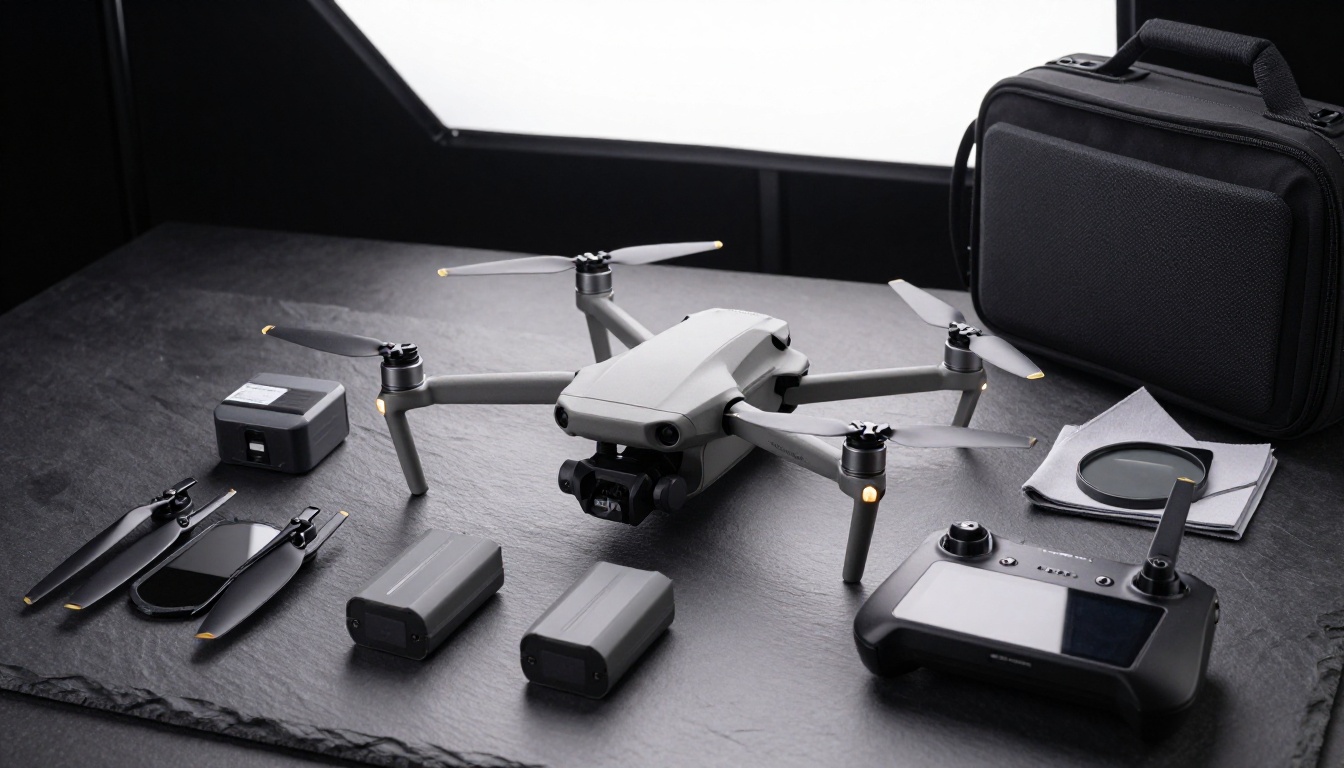
Not every drone operator covers the same verticals. Your flipbook should be tailored to the types of clients you are actively pursuing. That said, there are sections every drone services flipbook needs to include to be taken seriously.
Service Packages with Clear Pricing
Clients want to know what they get and what it costs before they pick up the phone. Present your packages in a table format. Vague "contact us for pricing" language pushes indecisive buyers away. Even a starting-from price anchors expectations and separates casual inquiries from serious prospects.
| Package | Deliverables | Best For | Starting Price |
|---|
| Basic Aerial | 10 edited photos, 1 highlight reel (60s) | Real estate listings | From $299 |
| Pro Property | 25 photos, 3-min cinematic video, virtual tour link | Premium real estate, hotels | From $599 |
| Survey & Mapping | Orthomosaic map, point cloud, progress report | Construction, agriculture | From $899 |
| Event Coverage | Full-day shoot, 5-min edit, raw footage | Weddings, corporate events | From $750 |
Portfolio Gallery by Vertical
Organize your best shots by industry. Real estate clients do not want to scroll past wedding footage to find what matters to them. Create distinct sections for each service vertical, each introduced with a short paragraph that speaks directly to that client's specific pain point.
Certifications and Equipment
Clients care about liability and professionalism. A dedicated page listing your FAA Part 107 certification, insurance coverage, and primary drone models builds immediate trust. Name the specific drone you use for each service type. A client hiring you for a construction survey wants to know you are using a professional-grade platform, not a consumer toy.
Client Testimonials
Short, specific quotes beat generic five-star reviews every time. "Their aerial survey saved us two weeks on the project timeline" is worth twenty "Great service!" lines. Ask past clients to speak to one specific, measurable outcome rather than general satisfaction.
Service Verticals That Benefit Most from a Flipbook
Different drone sectors have different presentation needs. Here is how an interactive flipbook helps each one stand out.
Real Estate Aerial Photography
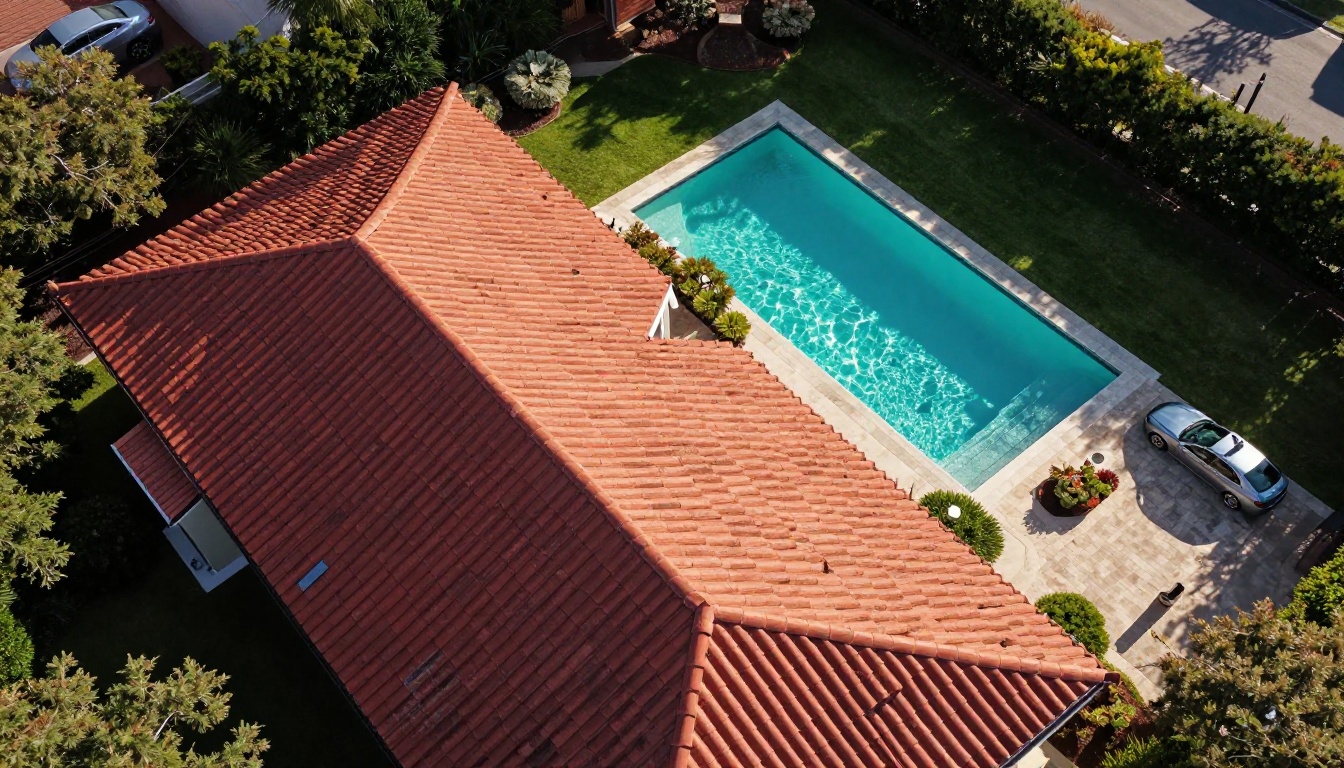
Real estate agencies need to see range, not just quality. A flipbook lets you present a curated selection of property types: luxury residential, commercial buildings, rural land, and multi-family complexes. Each property can get its own spread with before-and-after comparisons, shot list details, and a QR code linking to the full virtual tour video. The Digital Portfolio Creator is purpose-built for exactly this kind of curated visual showcase.
✅ Best practice: Include a page showing the same property photographed at different times of day. Twilight shots command premium rates, and demonstrating that range signals clear expertise to discerning agencies.
Construction and Site Inspection

Construction firms and civil engineers hire drone operators for progress documentation, topographic surveys, and infrastructure inspections. These clients are analytical. They respond to data and methodology, not aesthetics alone. Your construction-focused flipbook section should include:
- Sample orthomosaic maps with scale references
- A side-by-side comparison of ground-level vs. aerial perspectives
- Your reporting workflow: frequency, file formats, and delivery timeline
- A case study showing how aerial data identified a site discrepancy early in a project
Weddings and Events
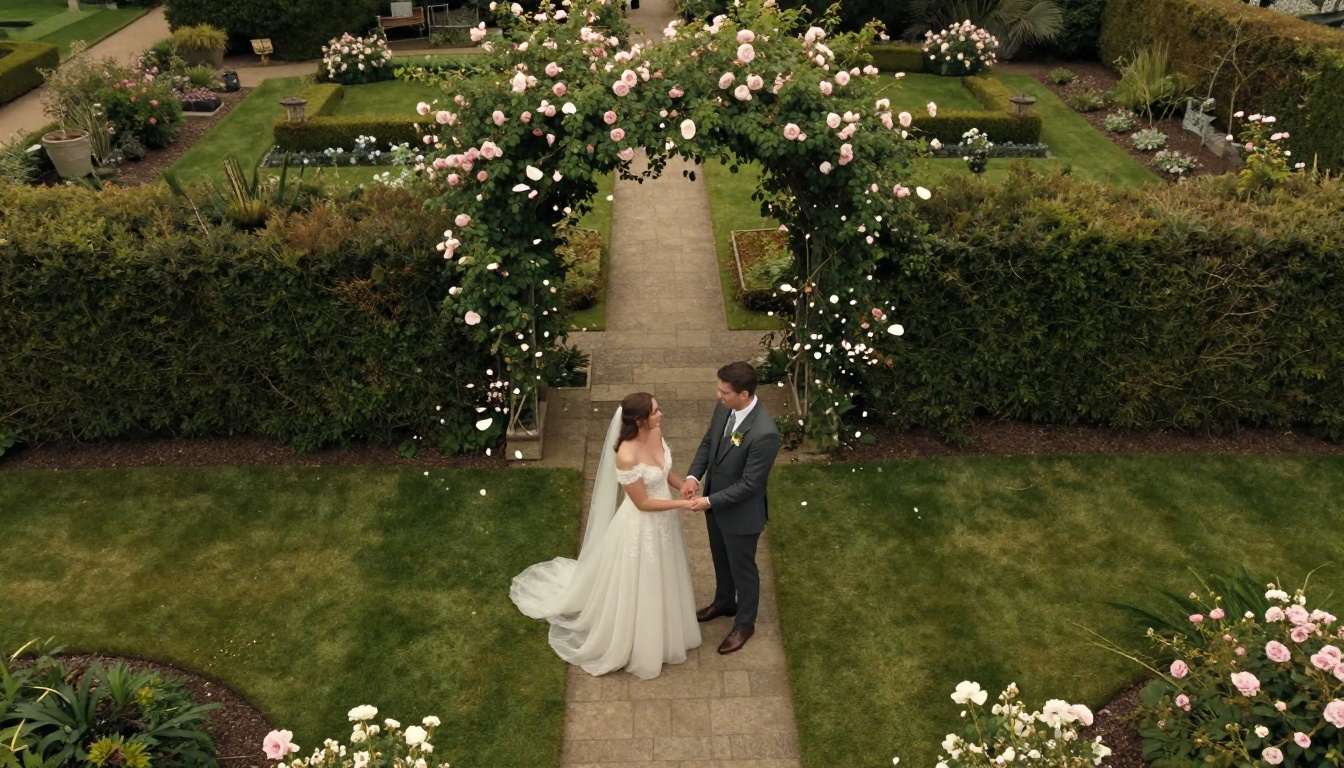
Wedding and event clients are emotionally driven. They are buying a feeling, not a technical specification. The events section of your flipbook should lead with cinematic imagery and personal storytelling. Include a sample shot list, which weather scenarios you can accommodate, and sample reel links via QR code or embedded hyperlink. The Photography Portfolio Flipbook template works well as a starting point for this audience.
Commercial and Advertising Production

Ad agencies and video production houses expect a different level of polish. For this audience, your flipbook functions more as a capabilities deck. Include:
- Camera sensor specs and ND filter system
- Color grading workflow and color science notes
- FAA waivers you hold, such as night operations or beyond visual line of sight
- Previous brand or agency clients (with permission to name them)
- Average turnaround time from shoot to final delivery
Agricultural Surveys and Mapping
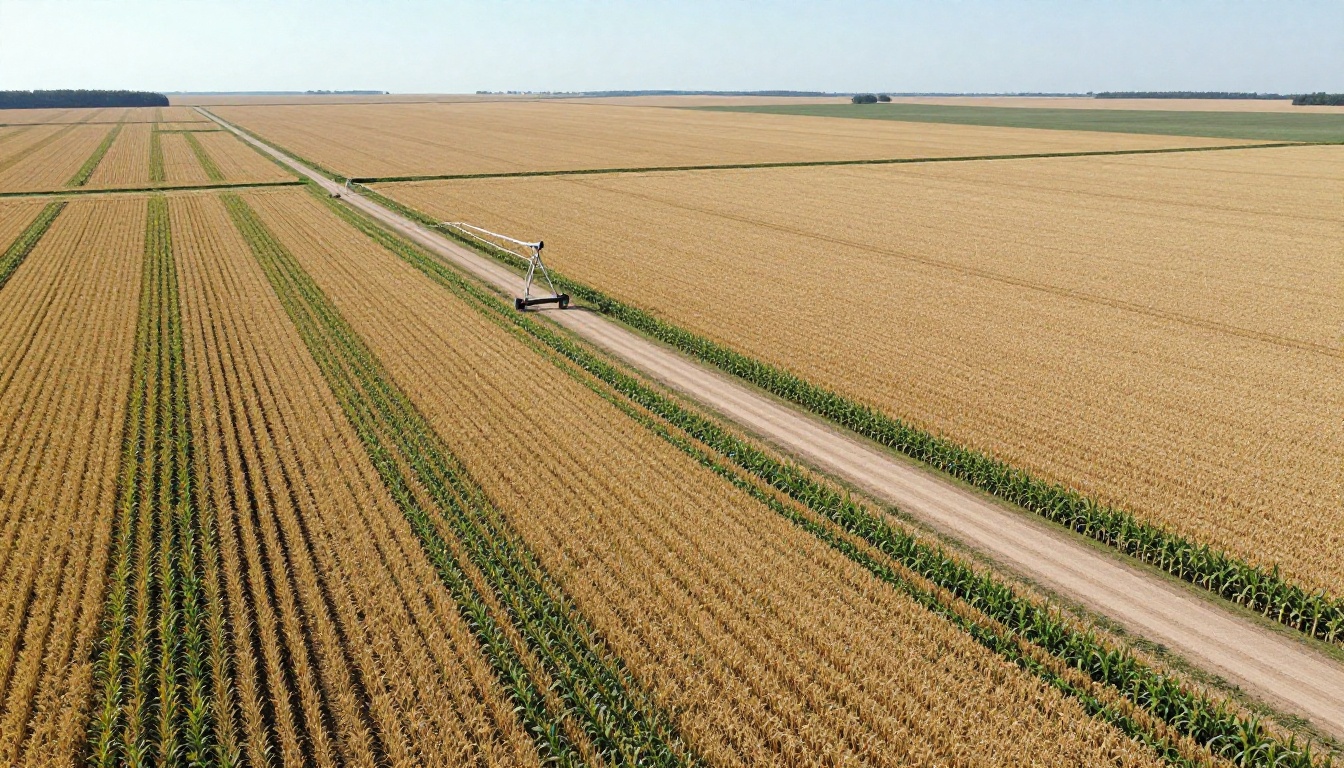
Precision agriculture is one of the fastest-growing drone verticals. Crop health mapping, irrigation analysis, and soil sampling all rely on consistent aerial data collection. Farmers and agronomists reviewing your services want to see your NDVI imaging capability, your flight planning software, and how you format deliverable reports.
⚠️ Note: For agricultural clients, pricing per acre is far more intuitive than pricing per hour. If your flipbook shows only per-hour rates, you may lose this audience before they finish reading your first page.

Before committing to any format, it helps to understand what each option actually delivers for a drone business seeking to win consistent work.
| Format | Mobile Friendly | Interactive | Embeddable | Analytics | Cost |
|---|
| Static PDF | Partial | No | No | No | Free |
| Google Slides | Yes | Limited | Limited | No | Free |
| PowerPoint | No (requires app) | No | No | No | Free/Paid |
| Website portfolio page | Yes | Partial | N/A | Basic | Medium |
| Interactive Flipbook | Yes | Yes | Yes | Yes (Pro) | Low |
An interactive flipbook wins on every dimension that matters for converting new clients. It works on any device, it can be embedded directly into a proposal email or your website via the Embed Flipbook on Website tool, and with a Professional plan, analytics show exactly which pages clients spent the most time reading.
How to Build Your Drone Services Flipbook with Flipbooks AI
Creating your drone services flipbook on Flipbooks AI takes less time than most operators expect. Here is the full process from a blank PDF to a shareable, interactive brochure.
Step 1: Design Your PDF in Canva or Adobe
Your flipbook starts as a designed PDF. Use Canva, Adobe InDesign, or Google Slides exported to PDF. Structure your document with clear sections: cover page, about your business, service packages, portfolio by vertical, certifications, and a contact page with a call-to-action. Design it as a horizontal (landscape) document for the best flipbook reading experience.
Recommended page count: 12 to 20 pages. Shorter than 12 and the flipbook feels thin. Longer than 20 and clients may not reach your pricing pages at all.
Step 2: Upload and Convert
Head to Flipbooks AI and create your account. From the dashboard, click New Flipbook and upload your PDF. The PDF to Flipbook Converter processes your file and renders it as an interactive, page-turning document within seconds.
💡 Pro tip: Use a high-resolution PDF (300 DPI for images) so your aerial photography displays crisply on retina screens and large monitors.
Step 3: Add Your Branding
Once converted, open the editor and apply your brand identity:
- Upload your logo to appear on every page
- Set your brand colors for the viewer toolbar and background
- Choose a page-turn animation style that matches your aesthetic
- Add your business name and website URL to the reader footer
For drone businesses with a strong visual identity, the custom branding options signal professionalism before a client reads a single word.
Step 4: Embed Videos and Audio
Your aerial videos are your strongest sales asset. Flipbooks AI lets you embed video links directly into any page. Place a video thumbnail on your portfolio pages with a play button overlay. When a client clicks, the video plays inline without leaving the flipbook. This is the closest thing to showing your reel inside a brochure.
Step 5: Set Sharing and Privacy Options
Before sending to a client, decide on your sharing approach:
- Public link: Anyone with the URL can view. Good for your website and social media profiles.
- Password protected: Ideal for proposals sent to specific clients. Each client gets a unique password, keeping your pricing and strategy confidential from competitors.
- Embedded on your website: Use the embed code to place the flipbook directly on your services page. No additional plugins needed.
✅ Best practice: Create one public version of your general portfolio and separate password-protected versions for each active proposal. Tailor the cover page copy to speak directly to that client's industry.
Step 6: Track Client Activity with Analytics
With the Professional plan, you get page-by-page analytics. You can see how long a prospect spent on your pricing page, whether they made it to the testimonials section, and what device they used. This data is genuinely actionable. If a prospect viewed your pricing page four times but has not responded to your follow-up email, that is a clear signal worth acting on immediately.
Pro Tips for a High-Converting Drone Portfolio

Generating the flipbook is step one. Making it actually win clients requires attention to a few specific details most operators overlook.
Lead with Your Single Best Shot
The cover page of your flipbook is either earning or losing you the next five minutes of a prospect's attention. Do not use a logo-only cover. Use a full-bleed aerial photograph that represents the type of work you most want to attract. If you want more real estate clients, lead with your sharpest property shot. Let the work speak immediately and without explanation.
Write to the Prospect, Not About Yourself
Most drone operators write their portfolios entirely in first person: "We use a DJI Mavic 3," "We offer three packages," "We are based in Dallas." Flip the framing. Write toward the client's outcome: "Your property listed with aerial photography sells 32% faster on average" or "Your construction project documented weekly means fewer disputes at final inspection."
Include a Lead Capture Form
The Professional plan on Flipbooks AI includes built-in lead generation forms that appear inside the flipbook. This means a client can request a custom quote without ever leaving the document. For drone operators running paid advertising or cold outreach campaigns, this feature alone can justify the plan upgrade.
| Flipbooks AI Plan | Flipbooks | Analytics | Lead Forms | Custom Domain | Offline Download |
|---|
| Free | 3 | No | No | No | No |
| Standard | Unlimited | No | No | Yes | No |
| Professional | Unlimited | Yes | Yes | Yes | Yes |
Keep It Current
A flipbook with last year's portfolio shots and outdated pricing is worse than no flipbook at all. Set a quarterly reminder to open your flipbook, swap in new portfolio images, and verify your pricing is still accurate. With Flipbooks AI, updates are instant. You do not need to resend a link because the URL stays the same after every edit.
Where to Put Your Flipbook to Work
Once built, there are multiple channels where your drone services flipbook can actively generate leads:
- Email signature: Add a "View my portfolio" hyperlink below your name on every outgoing email
- Cold outreach emails: Replace the PDF attachment with a flipbook link. Open rates and read rates both increase when there is no attachment to block or ignore
- Instagram or LinkedIn bio: One link, always current, accessible on mobile without downloading anything
- Your website's services page: Embed it directly so visitors engage with it in place
- Client proposal emails: Paste the link into your proposal with one context sentence: "Here is our full capabilities brochure for your review."
Drone operators who move from static PDF attachments to interactive flipbooks consistently report that prospects ask fewer basic questions before a discovery call. The flipbook does the work of qualifying and educating the lead before you ever get on the phone.
Ready to stop sending forgotten attachments? Create your drone services flipbook on Flipbooks AI in about an hour. Check the pricing plans to see which tier fits your business, or browse the full list of portfolio and brochure tools built for visual service businesses like yours.



