Embroidery patterns live and die by how well they're presented. A pattern buried in a PDF attachment doesn't sell itself. A pattern inside a beautifully formatted digital flipbook, with realistic page-turning animations and instant sharing links, absolutely does. If you've been looking for a smarter way to package and distribute your needlework designs, creating a flipbook for your embroidery patterns is one of the most effective moves you can make right now.
Flipbooks AI makes this process straightforward, no design degree required. You upload your PDF, customize the look, and get a professional-grade interactive publication that works on every device. Whether you're sharing a collection of cross-stitch charts with your community, selling a seasonal stitch-along kit, or building a digital portfolio of your original designs, a flipbook gives your work the presentation it deserves.
Why Embroidery Patterns Work Better as Flipbooks
Most embroidery designers distribute their patterns as static PDFs. That works, but it leaves a lot of value on the table. A flipbook changes the entire reading experience from passive to interactive, from forgettable to shareable.
The Problem with Flat PDFs
When someone downloads your embroidery pattern PDF, the experience ends there. There's no way to track how many people opened it, whether they reached page 12 where your premium designs live, or if they shared it with others. You also can't update the file after delivery without re-sending it to everyone.
Static PDFs feel passive. Flipbooks feel alive.
What a Flipbook Actually Does
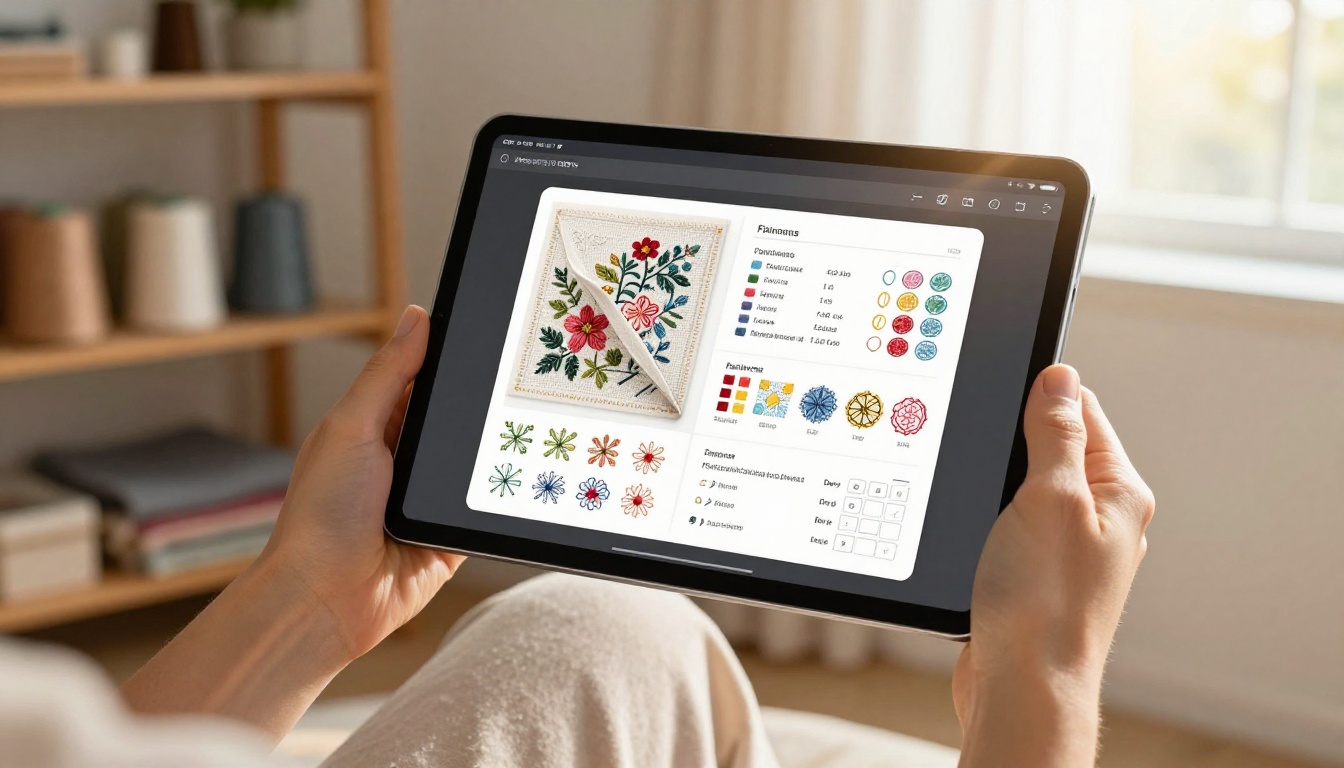
A digital flipbook mimics the tactile experience of flipping through a real book, complete with page-curl animations, smooth transitions, and a browsable table of contents. For embroidery patterns specifically, this means:
- Readers can zoom in on stitch charts without losing clarity
- Color charts are vivid and render correctly on any screen
- Navigation is instant, jumping directly to the pattern or section they want
- No download required: readers access it through a browser link on any device
💡 A flipbook link is far more shareable than a PDF attachment. One click, any device, instant open.
Formats That Work Well for Embroidery
Not all pattern content translates into the flipbook format equally. Some types perform exceptionally well:
| Pattern Type | Why It Works in a Flipbook |
|---|
| Cross-stitch charts | Zoomable grids preserve every symbol with full clarity |
| Crewel embroidery instructions | Multi-page step sequences read naturally like a magazine |
| Stitch dictionaries | Indexed sections allow instant navigation to any technique |
| Seasonal pattern collections | Curated sets feel like beautifully produced craft magazines |
| Color palettes and thread keys | High-res rendering keeps DMC and Anchor colors accurate |
What to Put in Your Embroidery Pattern Flipbook
Before you convert anything, it helps to think carefully about what makes a flipbook compelling versus merely functional. The goal is to create something a reader genuinely wants to flip through, not just reference once and forget.
Core Pattern Content
The essential content for any embroidery pattern flipbook includes:
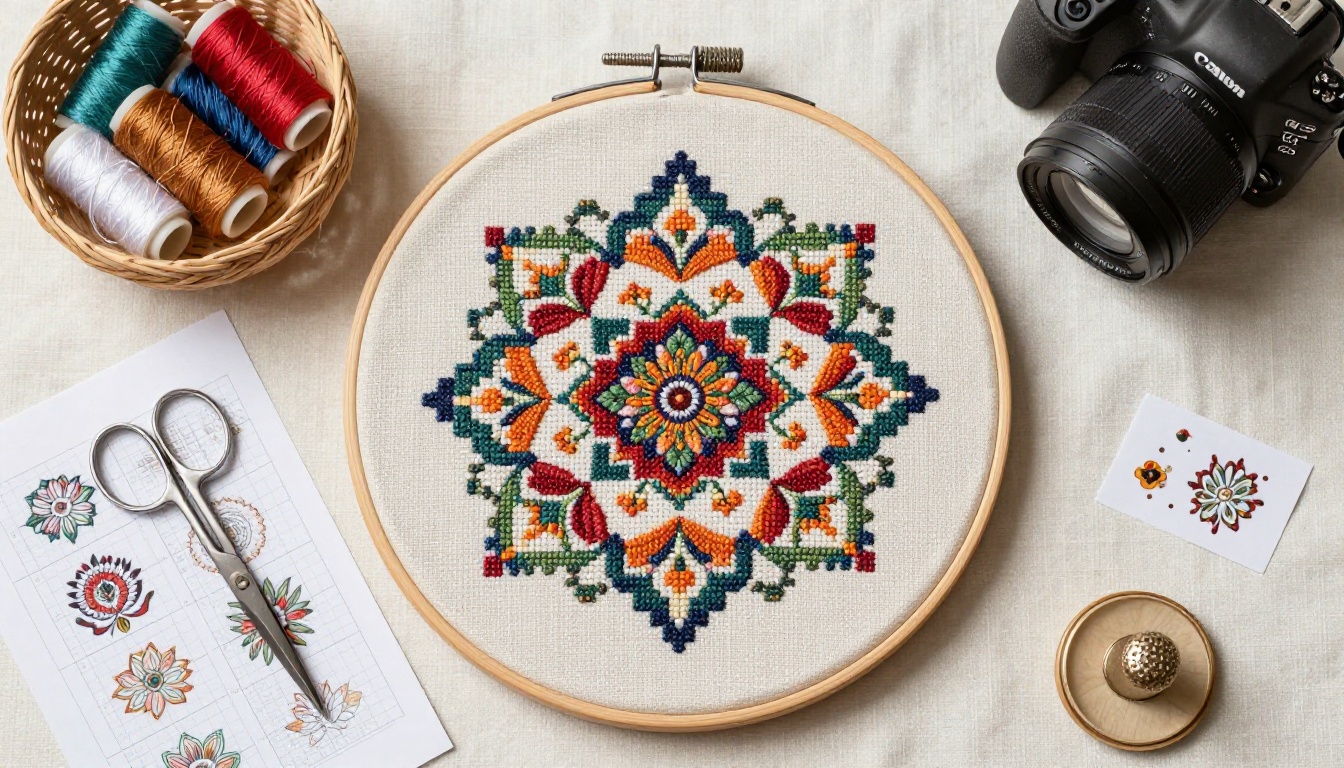
- Cover page with a high-quality photo of the finished stitched piece
- Materials list: fabric type, thread colors with DMC or Anchor codes, needle size, and hoop dimensions
- Full-size pattern chart with clear grid lines and a complete symbol key
- Stitch guide: clear descriptions or step photos of each stitch used in the design
- Step-by-step instructions broken into logical, manageable stages
- Finishing notes: framing, washing, blocking, or mounting tips for the completed piece
Bonus Content That Adds Real Value
Readers appreciate extras that feel generous. Consider adding these to any pattern flipbook:
- Inspiration photos showing the finished pattern stitched in multiple colorways
- Variation ideas: the same design interpreted in autumn tones vs. spring pastels
- Behind-the-design notes: what inspired the piece, why you chose specific stitches
- FAQ section covering common mistakes specific to that pattern
- Links to your shop or social profiles for continued connection with your audience
✅ Embroidery flipbooks that include inspiration photos and color variation suggestions consistently drive more repeat buyers than bare-bones pattern files alone.
Organizing Multiple Patterns Into One Book
If you're packaging a collection rather than a single pattern, organization is everything:
- Group patterns by difficulty level (beginner, intermediate, advanced)
- Use chapter divider pages with full-bleed photography between sections
- Include a clickable table of contents so readers jump straight to their desired pattern
- End with a "next in the series" teaser page to drive ongoing engagement and repeat purchases
How to Create a Flipbook for Your Embroidery Patterns
This is where it comes together. Flipbooks AI gives you everything you need to go from PDF to polished interactive flipbook in minutes, with no technical skills required.
Step 1: Prepare Your PDF
Before uploading, make sure your pattern PDF is production-ready:
- Resolution: Export at minimum 300 DPI for print-quality clarity on every screen
- Page size: Use a consistent format throughout (A4 or US Letter both work well)
- Fonts embedded: Ensure any custom fonts are embedded so they render correctly for every reader
- File size: Aim for under 50MB for fast loading; compress images if your file is oversized
⚠️ Blurry pattern charts are the fastest way to lose a buyer's trust. Always export from your design software at the highest available resolution before uploading.
Step 2: Upload to Flipbooks AI

Go to Flipbooks AI and create your account. Once inside your dashboard:
- Click "Create New Flipbook" from your main dashboard
- Drag and drop your embroidery pattern PDF into the upload zone
- Wait for the automatic conversion, typically under 60 seconds for most pattern files
- Preview each page carefully to confirm stitch charts and color keys rendered with full fidelity
The PDF to Flipbook Converter handles multi-page files seamlessly, preserving your layout, typography, and every color exactly as designed in your source file.
Step 3: Customize Your Flipbook
This is where your flipbook goes from functional to fully branded. Key customization options include:
- Brand colors: Match the flipbook UI chrome to your shop's color palette
- Logo placement: Add your embroidery brand logo to the reader's top navigation bar
- Background style: Choose from clean white, warm linen texture, or dark studio tones
- Page-flip animation: Realistic curl or smooth slide, depending on your brand's aesthetic
- Cover thumbnail: Upload a high-quality photo of your finished embroidery piece for the cover preview
For embroidery designers with a strong visual identity, these details matter. A cohesive, branded presentation reinforces professional credibility and makes your work instantly recognizable across every channel.
Step 4: Configure Sharing and Privacy
Flipbooks AI gives you complete control over who sees your content and how they access it:
- Public link: Share freely on social media, in newsletters, or on your website with zero friction
- Password protection: Perfect for paid pattern releases or exclusive subscriber-only content
- Embed code: Drop the flipbook directly into your shop page or personal blog
- Direct link: Include in email campaigns for seamless, one-click access
The Embed Flipbook on Website tool makes it trivial to add an interactive pattern preview directly to your Etsy listing description or personal portfolio site.
Step 5: Share and Track Performance
Once your flipbook is live, it starts generating data you can actually use. With the Professional plan, available through Flipbooks AI pricing, you gain access to:
- Analytics: Page views, time-on-page metrics, and unique visitor counts
- Lead generation: Collect email addresses directly from inside the flipbook
- Offline downloads: Allow paying customers to save a local copy for offline reference
💡 Use page-level analytics to see which patterns in a collection attract the most attention. That data is your most honest market research for deciding what to design next.
Selling Your Embroidery Patterns Online
A flipbook isn't just a prettier PDF. It's a sales asset. When you use Flipbooks AI to package your designs, you create something that simultaneously functions as a product preview and the product itself.
Flipbooks as Digital Products
Rather than selling a raw PDF download, sell access to a beautifully hosted, branded flipbook. The advantages over traditional delivery methods are significant:
| Selling Method | Customer Experience | Your Control After Sale |
|---|
| Raw PDF email attachment | Downloads, no tracking possible | None after delivery |
| PDF on file-sharing site | Generic interface, no branding | Minimal |
| Password-protected flipbook | Branded, interactive, instant access | Full, updateable anytime |
| Embedded flipbook on product page | Seamless preview converts browsers to buyers | Complete |
A password-protected flipbook means you can update your patterns after purchase, fix errors, add bonus pages, or improve photography without re-sending anything to existing customers. Their link always shows the current version automatically.
Pricing Tiers and Pattern Bundles
Flipbooks make tiered pricing intuitive and easy to execute:
- Free preview flipbook: First 5 pages of a collection, publicly accessible, zero account needed to view
- Paid single pattern: One complete pattern as a password-protected flipbook, link delivered post-purchase
- Bundle collection: 10 to 20 patterns in a single themed flipbook, organized by season or skill level
- Subscription tier: Monthly flipbook releases for members, with new content added each cycle
The Interactive E-Book Publisher is particularly well-suited for embroidery designers building a subscription-style digital pattern library with regular new releases.
Building Your Pattern Brand Through Flipbooks
Every flipbook you publish reinforces your creative identity. Consistent cover design, typography choices, and photography style across your entire pattern collection builds instant recognition. A repeat buyer browsing Pinterest knows it's your work before they even see your name attached to it.
✅ Include a brief designer bio and a personal photo in every flipbook. Personal connection drives loyalty in the craft market more powerfully than almost any other factor.
Flipbook Features That Crafters Actually Use
Not every feature in a publishing platform matters equally to embroidery designers. Here's an honest look at what gets used most consistently by active pattern creators.
Must-Have Features for Pattern Publishers
- Zoom functionality: Non-negotiable for stitch charts. Readers need to inspect grid symbols, color codes, and symbol keys in fine detail
- Mobile responsiveness: The majority of craft community browsing happens on phones, not desktops
- Custom cover image: First impressions determine click-through rates from social media link previews
- Password protection: Essential for any content you're charging customers to access
- No watermarks: Your patterns should look impeccably clean and professional at all times
💡 Flipbooks AI includes no watermarks across every plan, including the free tier. Your branding stays front and center, never the platform's.
Valuable Features for Growing Designers
- Analytics dashboard: Know precisely which patterns in a collection attract the most reads
- Lead generation forms: Build your mailing list directly from inside the flipbook, without third-party tools
- Custom domain: Host flipbooks at your own URL for complete brand consistency
- Embedded multimedia: Add short stitching tutorial clips directly into the pattern book pages
Plan Features at a Glance
| Feature | Free | Standard | Professional |
|---|
| Flipbooks created | Limited | Unlimited | Unlimited |
| Watermarks | None | None | None |
| Password protection | Yes | Yes | Yes |
| Analytics | No | No | Yes |
| Lead generation | No | No | Yes |
| Offline downloads | No | Yes | Yes |
| Custom branding | Partial | Full | Full |
Browse all pricing plans to choose the tier that fits where your embroidery business is today.
The craft community thrives on sharing. A flipbook is significantly more shareable than a PDF because it opens instantly in any browser, with no download, no app install, and no account required to view.
Where to Share Your Embroidery Flipbook
Pinterest: Create a pin linking directly to your flipbook. The cover thumbnail becomes the pin visual, and the link takes viewers straight into the interactive reading experience.
Instagram: Share the flipbook link in your bio, reference it in Stories, or use it as the landing destination in sponsored posts where you want to convert browsers into buyers.
Embroidery Facebook Groups: Drop a free preview flipbook link. Group members can browse it immediately without any friction or sign-up requirements, which dramatically increases engagement versus a PDF attachment.
Your Email Newsletter: A flipbook link in a newsletter performs measurably better than a PDF attachment in terms of open rates, click-through, and time spent with the content. No spam filters triggered, instant browser open.
Your Own Website or Etsy Shop: Embed the flipbook directly on your product listing page. Buyers can preview patterns before purchasing, which consistently raises conversion rates and reduces buyer hesitation.
Collaboration and Pattern Swaps
Flipbooks work exceptionally well for group creative projects. A seasonal stitch-along featuring 12 different designers each contributing one original pattern becomes a beautiful multi-designer flipbook that every collaborator can share and promote to their own audience. Cross-promotion is built into the format naturally, and the flipbook holds everything together in a unified, professional presentation.
Building a Long-Term Pattern Library
The most successful embroidery designers treat their digital pattern library as a growing asset, not a static file collection. A flipbook library grows with you over time and compounds in value.
Publishing Rhythms That Work
- Monthly release: One new pattern or small collection every month keeps your audience consistently engaged and returning
- Seasonal collections: Spring florals, summer botanicals, winter holiday motifs packaged as themed flipbooks
- Annual compilations: Bundle the year's best patterns into one flagship flipbook as a premium end-of-year release
Each flipbook you publish becomes a permanent, shareable asset in your library. Unlike social media posts that disappear from feeds within days, a flipbook link works indefinitely and continues generating traffic long after publication.
Keeping Flipbooks Updated
One of the most practical advantages of a hosted flipbook over a distributed PDF is the ability to update the source file without breaking any existing shared links. Fix a stitch count error, add a bonus pattern, improve photography on a flat-looking page, improve color accuracy on a chart — readers automatically see the updated version without any action on their part. This is particularly valuable for stitch-along patterns that evolve as each phase of the project launches over multiple weeks.
From Hobby Sharing to Creative Business
Many embroidery designers start sharing their work informally and gradually realize they've built a genuine audience that wants to pay for their patterns. A flipbook-based distribution model is one of the cleanest ways to make that transition. You already have the patterns. You already have the community. A Flipbooks AI account bridges the gap between generous creative sharer and professional pattern publisher.
The Digital Portfolio Creator is worth exploring if you want to build a dedicated showcase flipbook of your finest work to attract commissions, wholesale buyers, or collaboration partners.
Your Patterns Deserve Better Than a Static File
Embroidery is a tactile, precise, deeply beautiful craft. The way you present your patterns should reflect the care and skill that went into creating them. A plain PDF sitting in someone's downloads folder doesn't do justice to the hours you invested in designing, testing, and refining each stitch. A beautifully presented digital flipbook with zoomable charts, vivid color rendering, and a professional page-turning experience tells buyers something important before they've even read a word: you take your work seriously.
Ready to create your first embroidery pattern flipbook? Get started for free on Flipbooks AI and have your first flipbook live in under 10 minutes.
Browse all flipbook tools to find the right format for your pattern collection, from single-pattern releases to full seasonal stitch libraries.
Compare pricing plans to choose the plan that fits where your creative business is today.



