Selling on Etsy means competing against thousands of listings with nearly identical thumbnails. Your product photos might be gorgeous, but when they're stacked inside a static gallery, they rarely communicate the care, craft, and detail that went into each piece. That's where a flipbook changes everything. Flipbooks AI lets you package your Etsy product photography into an interactive, page-turning experience that buyers actually want to browse, rather than skip past.
Why Static Product Galleries Fall Short
Most Etsy listings give you a handful of image slots. That's not enough to show:
- Multiple colorways of the same product displayed side by side
- Scale and proportion relative to familiar everyday objects
- Lifestyle context that helps buyers picture the item in their home
- Process shots that build trust in your craftsmanship and authenticity
- Care instructions or packaging that add real perceived value to each listing
A flipbook solves all of this at once. Buyers flip through your photos like a mini catalog, spending more time on your listing and arriving at checkout more confident in what they're buying.
💡 Shops that give buyers more visual context see fewer returns and lower "not as described" disputes, which directly protects your seller rating over time.
What a Flipbook Does That a Slideshow Cannot
A flipbook is not a slideshow. It's a tactile, interactive digital format where pages animate with a realistic page-turn effect. Unlike a simple image carousel, a flipbook:
- Feels premium and intentional, which signals quality craftsmanship to first-time buyers
- Keeps shoppers engaged longer with a browsing experience they control at their own pace
- Can be shared as a direct link or embedded into any webpage
- Works perfectly on mobile, where the majority of Etsy traffic originates
- Positions your shop as professional, even if you're a one-person studio
| Format | Buyer Control | Mobile Friendly | Shareable Link | Page Turns |
|---|
| Etsy photo gallery | Limited | Yes | No | No |
| Instagram carousel | Swipe only | Yes | No | No |
| PDF attachment | Scroll only | Poor | Yes | No |
| Flipbook | Full navigation | Yes | Yes | Yes |
The difference in buyer experience is significant. A flipbook signals that the seller takes their presentation seriously, which influences purchasing decisions before a single word of the listing description is read.
Which Etsy Sellers Benefit Most
Flipbooks aren't equally useful for every shop. Here's a breakdown of who sees the strongest return on the time invested:
| Shop Type | Why It Works |
|---|
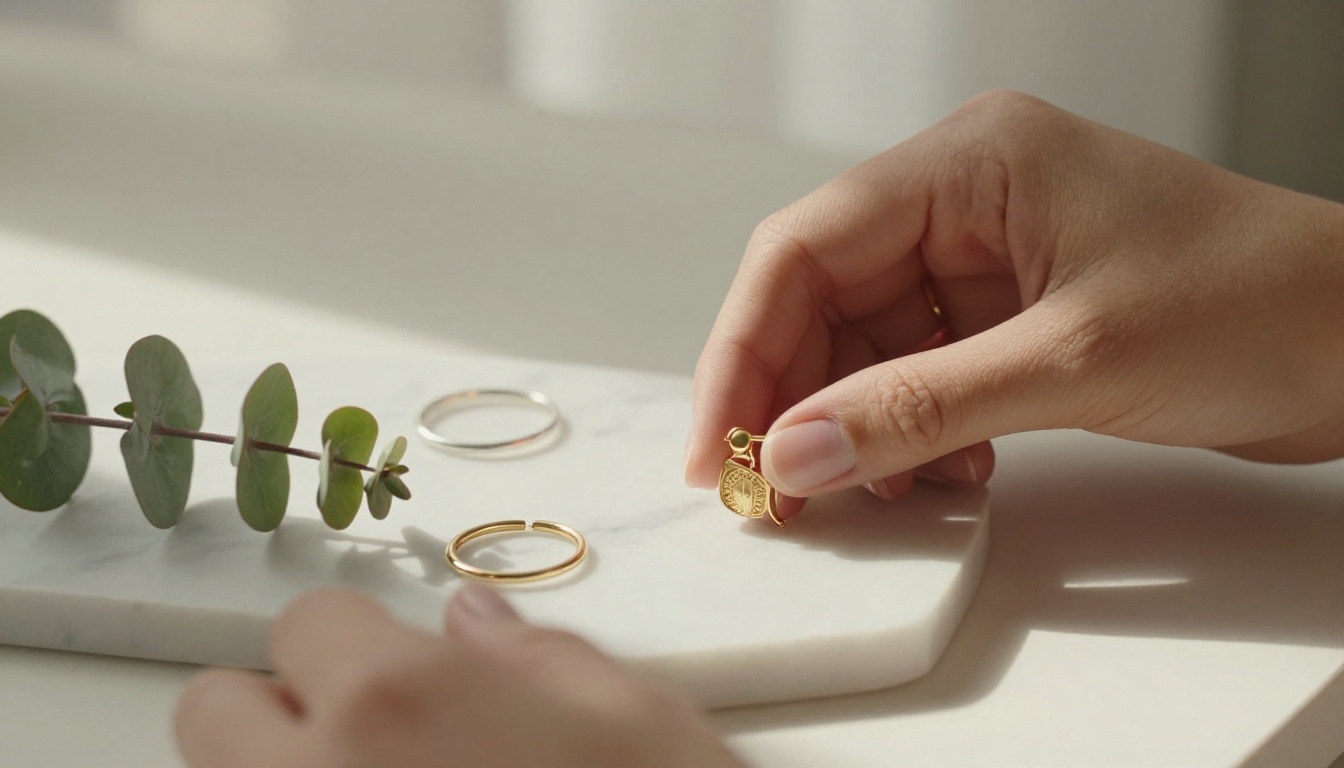
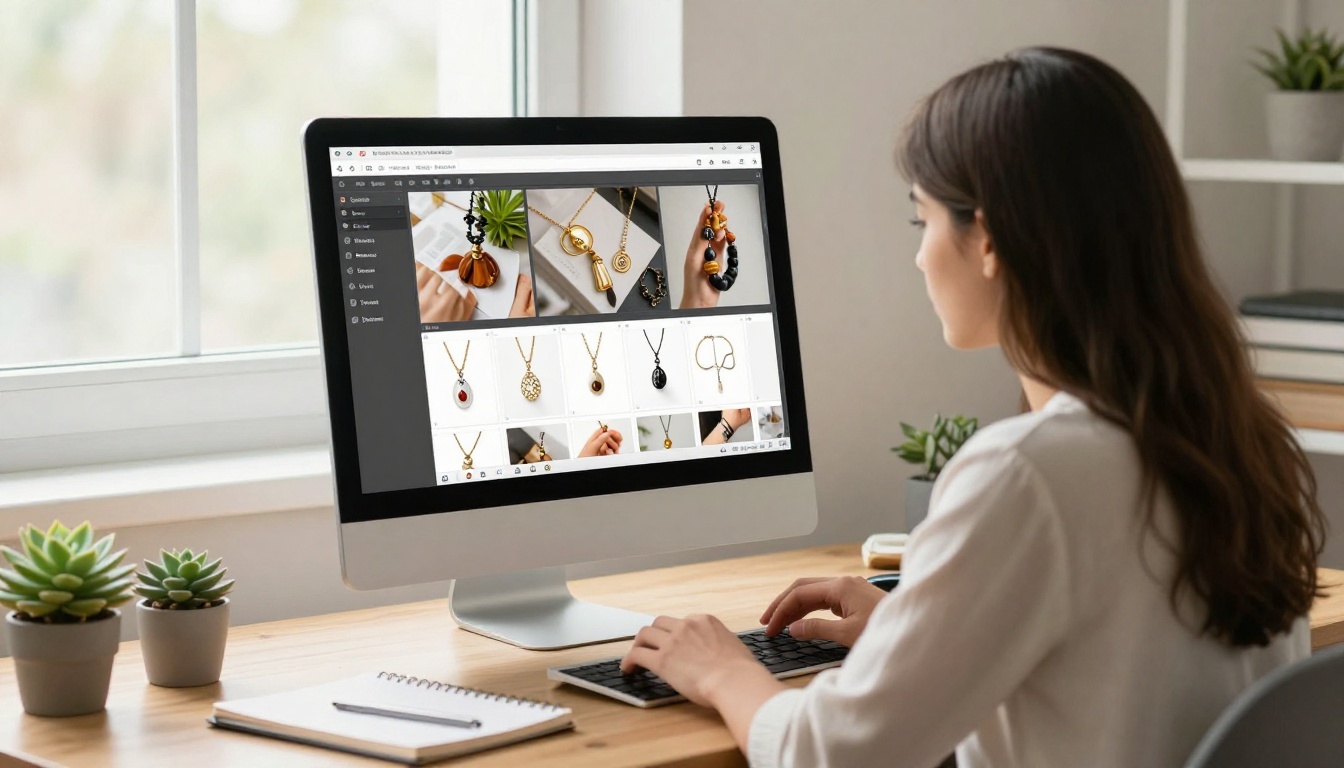
| Handmade jewelry | Show every angle and metal finish side by side |
| Pottery and ceramics | Demonstrate scale, glaze variation, and texture in sequence |
| Candles and home goods | Build lifestyle stories around each scent or collection |
| Art prints | Present full collections and room mockups in one place |
| Clothing and textile | Show garment details, fit, and fabric closeups in order |
| Vintage finds | Tell the story of each piece with detail photos and provenance |
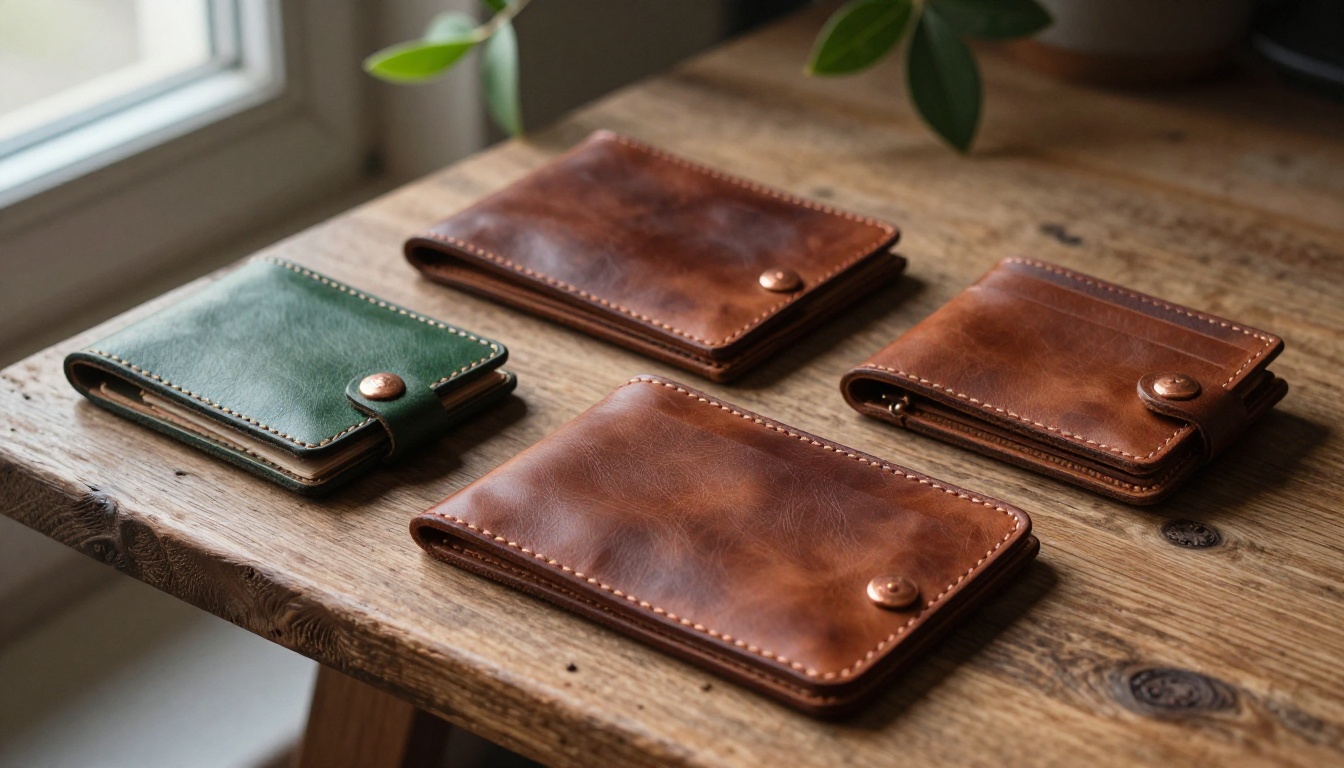
| Leather goods | Highlight hand-stitching, hardware, and patina in sequence |
If your products have rich visual stories to tell, a flipbook is the right format. If you sell digital downloads with no physical object to photograph, a flipbook is less critical.
How to Prepare Your Photos Before You Build
Before uploading anything, your raw material needs to be ready. A flipbook is only as strong as the photos inside it, so investing 30 minutes in preparation saves hours of rebuilding later.
Shoot With a Consistent Visual Style
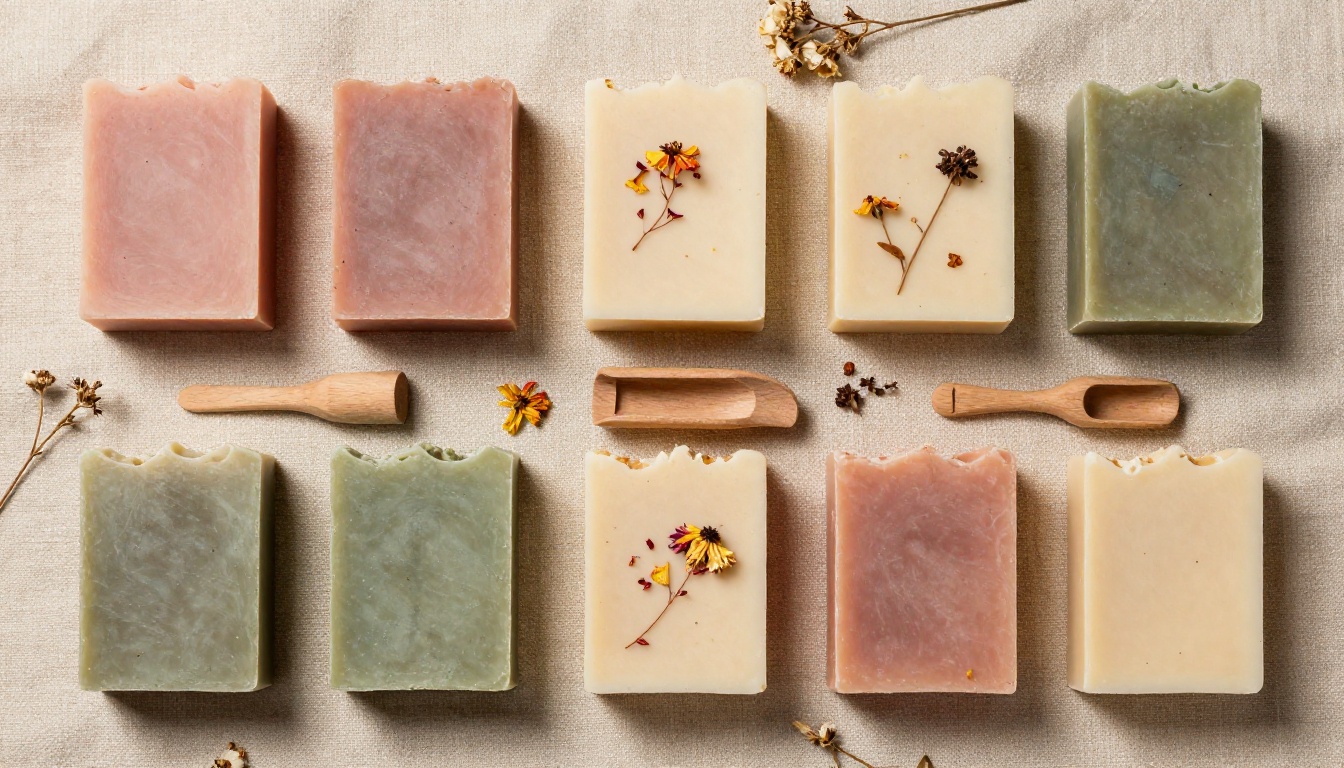
All images in a single flipbook should feel like they belong together. That means:
- Same light source: Natural window light or consistent artificial lighting throughout the shoot
- Same background: White seamless, natural linen, raw wood, or marble; pick one and maintain it
- Same color grade: Adjust all images to the same warmth and contrast in post-processing before export
- Same focal length: Shooting all images at 50mm or 85mm prevents distortion differences between pages
Plan Your Photo Sequence Like a Story
A flipbook reads from page to page, so the order of images matters as much as the images themselves. Structure your shots this way:
- Hero shot: The most flattering, aspirational angle of the product
- Detail shots: Texture, stitching, glaze, grain, or hardware closeups
- Scale reference: The item next to a hand, coffee mug, or ruler
- Lifestyle shot: The product in use or styled in a real room setting
- Colorway options: Every available variation shown individually
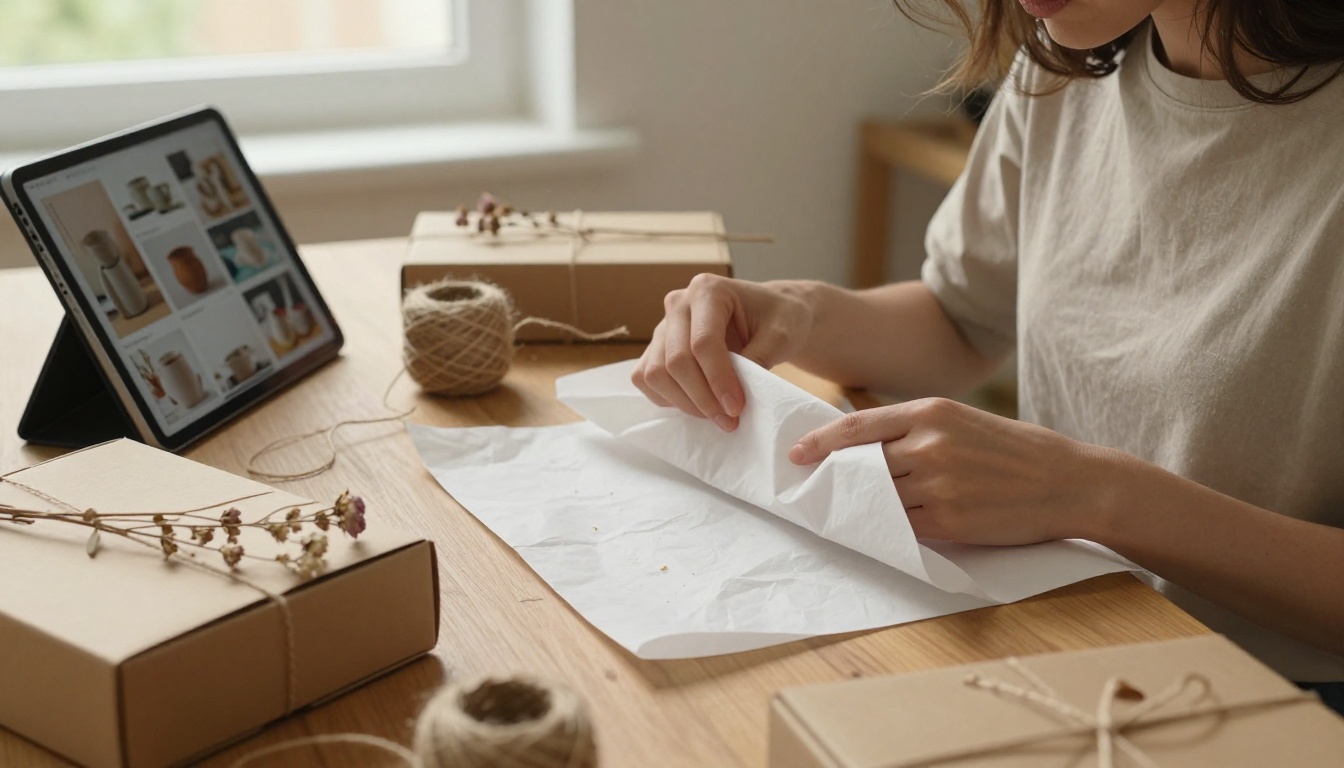
- Packaging shot: The unboxing experience to set buyer expectations
- Materials or care card: A flat-lay with printed info clearly visible
✅ Plan for at least 8 to 12 photos per product flipbook. Fewer than 6 pages rarely builds enough buyer confidence to convert browsers into purchasers.
Export Settings That Work
Format your images for web delivery before uploading:
| Setting | Recommended Value |
|---|
| File format | JPG for photos, PNG for text-heavy pages |
| Minimum width | 1500px |
| Color profile | sRGB |
| File size | Under 3MB per image |
| Aspect ratio | Consistent throughout (16:9 or 4:3) |
Inconsistent aspect ratios are the most common technical mistake. Half-landscape, half-portrait pages break the visual rhythm of the flipbook immediately and signal a lack of attention to detail.
How to Create a Flipbook for Your Etsy Product Photos with Flipbooks AI
Flipbooks AI makes this workflow straightforward. Here's how to go from a folder of product photos to a shareable, interactive flipbook in an afternoon.

Step 1: Create Your Account
Go to flipbooksai.com/account and sign up. No credit card required to start. Your dashboard organizes all your flipbook projects and provides direct access to every tool and setting.
Step 2: Build a PDF From Your Photos
Flipbooks AI converts PDFs into interactive flipbooks. Here's the fastest workflow:
- Open Canva, Adobe InDesign, or Google Slides
- Create a document in your chosen aspect ratio (16:9 for widescreen or A4 for portrait)
- Place one product photo per page in your planned sequence
- Add minimal text only where needed: product name, dimensions, or material callouts
- Export as PDF at high quality, minimum 150dpi
💡 You can also use the Photography Portfolio or Digital Portfolio Creator tools directly inside Flipbooks AI for ready-made templates built for product showcases.
Step 3: Upload and Convert
Inside your Flipbooks AI dashboard:
- Click "New Flipbook"
- Upload your PDF file
- The conversion processes automatically, usually in under 60 seconds for a 12-page document
- Preview the page-turn effect immediately inside the built-in viewer
- Navigate through every page to confirm all images loaded correctly
The conversion is fully automatic. Every PDF page becomes an interactive spread with realistic page-turn physics that buyers can control with a click or swipe.
Step 4: Apply Your Shop Branding
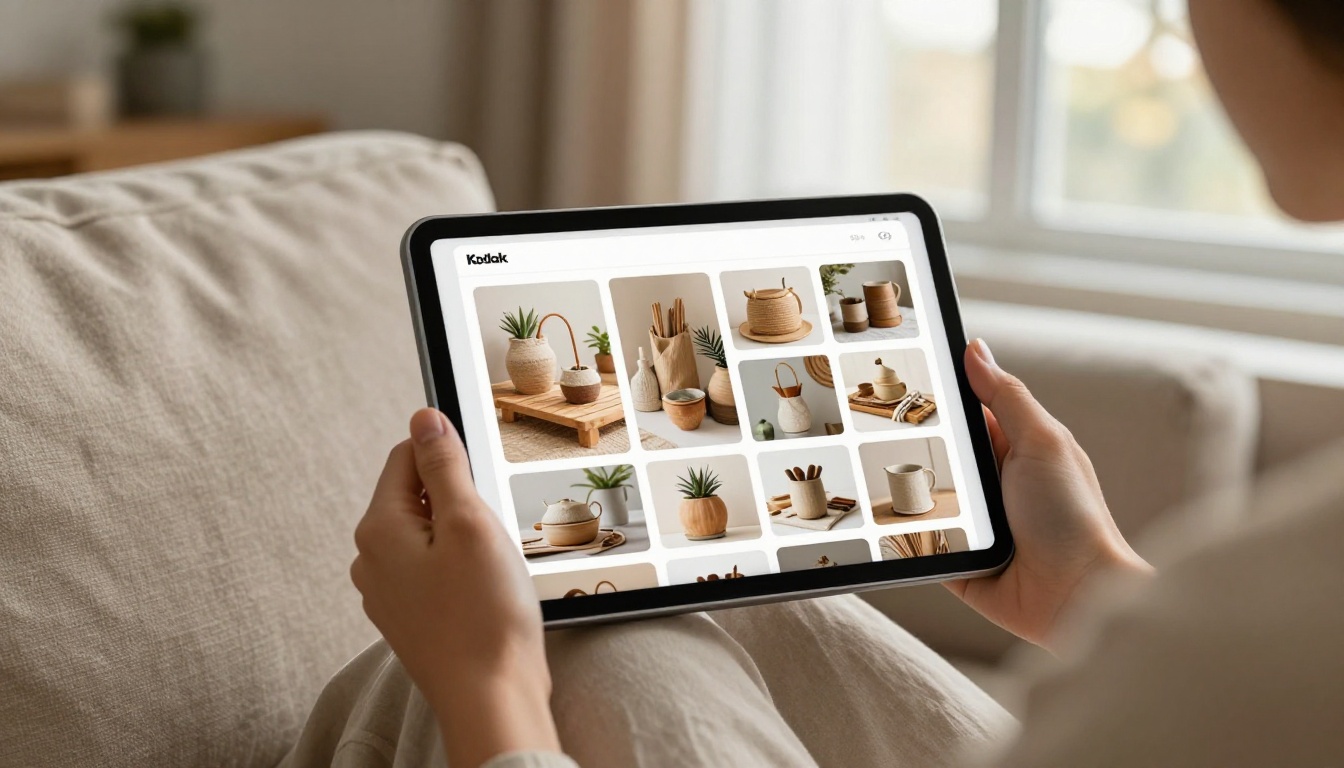
This is where your flipbook stops feeling generic and starts feeling like your store:
- Custom header page: Upload a branded opening image with your shop name or seasonal theme
- Background color: Match your Etsy shop's visual palette for a cohesive experience
- Page flip sound: Toggle on or off depending on your aesthetic
- Auto-flip mode: Configure for self-playing display at craft fairs or markets
- Logo placement: Add your shop logo to the corner of every page spread for consistent brand presence
✅ Custom branding with no watermarks is available from the Standard plan onward. Check the pricing page to compare what each tier includes for your shop's stage.
Step 5: Configure Sharing Options
Once your flipbook looks exactly right, choose how it reaches buyers:
- Direct link: Copy a permanent URL to paste into your Etsy shop bio, social media profiles, or email newsletters
- Embed code: Drop it onto a Squarespace, Shopify, or Wix page to display it inline
- Password protection: Lock a wholesale catalog so only pre-approved wholesale buyers can access it
- QR code: Print on packaging inserts so customers can browse your full range after their order arrives
⚠️ Etsy doesn't render clickable hyperlinks inside listing descriptions, but you can include plain-text URLs in your listing text, shop bio, and announcement banner where they remain visible and copyable.
Creative Ways to Use Your Product Flipbook
Going beyond a simple photo gallery opens up real marketing opportunities that most Etsy sellers leave untapped.
Seasonal Collection Catalogs
Group 6 to 8 related products into one flipbook instead of showcasing them individually. A "Fall Candle Collection" flipbook performs better on Pinterest and Instagram than a single product post because it gives the platform algorithm more content to surface and gives viewers more reason to stay.

"How It's Made" Narratives
Document your process across 8 to 10 pages: raw materials, work in progress, finished product, and final packaging. A ceramics seller who shows clay, wheel, kiln, glaze, and finished mug builds the emotional connection that drives repeat purchases and word-of-mouth referrals.
This type of process flipbook works particularly well in your shop bio or as a pinned post on Instagram, where it acts as a standing introduction to your craft rather than a time-sensitive promotional post.
Styled Lookbooks for Wearable Products
For jewelry, textile, and clothing sellers, a styled seasonal lookbook outperforms standalone product shots consistently. Showing products worn together or arranged in a styled flat lay tells buyers what pairs well and encourages larger cart sizes. The Interactive Lookbook Designer and Lookbook Flipbook Builder are built specifically for this format.
Wholesale Buyer Packets
If you sell wholesale, a password-protected flipbook with your full product range, pricing, and minimum order terms is far more professional than a PDF attachment in a cold outreach email. It communicates that you've invested in your business presentation, which wholesale buyers take as a signal of reliability.
Holiday Shopper Lists
Build a "Gifts Under $50" flipbook featuring 12 to 15 of your products with brief descriptions and price callouts per page. Send it to your email list in October and November. The browsable format converts better than a static grid image because buyers can take their time deciding, and the shareable link turns every subscriber into a potential promoter.
Managing Your Flipbook Library Over Time
The most effective sellers build flipbook creation into their regular content rhythm rather than treating it as a one-off project:
| Season | Flipbook to Build |
|---|
| January | New year collection or best-sellers recap |
| April | Spring launch catalog |
| July | Summer sale or seasonal lookbook |
| October | Holiday shopper list and gift sets |
| Ongoing | Individual product flipbooks as new items are listed |
This cadence produces 8 to 12 flipbooks per year, which builds a growing content library that works for your shop passively over time. Each flipbook you create is a permanent asset that can be refreshed and reshared without starting from scratch.
Tracking What Actually Works
On the Professional plan, analytics give you data that Etsy's native shop dashboard cannot provide:
- Total views per flipbook over any date range
- Average time spent browsing, which signals how much buyers are actually engaging with your photos
- Page-by-page attention showing exactly which products or images hold viewer interest longest
- Lead generation forms to capture buyer emails from interested visitors before they leave
This data directly informs which products to prioritize in future collections, what photography styles hold attention, and which seasonal catalogs drove the most interest. It's the feedback loop most Etsy sellers never have access to.
Once you're comfortable with product flipbooks, the format opens up additional business uses that go beyond Etsy:
- Shop policies in flipbook format: More readable and visually appealing than a dense text block in your shop info section
- Custom order portfolio: Show past commissions with buyer permission to attract new custom requests
- Craft fair booth display: Run a flipbook on a tablet at markets so visitors browse your full range without handling fragile inventory
- Press outreach: A flipbook press kit stands out when pitching to gift blogs or product roundup features
The Press Kit Designer is worth using when you start pitching to editorial features, gift roundups, or wholesale buyers who expect polished materials.
Mistakes That Kill the Effect
Even great product photos fail inside a badly built flipbook. Avoid these:
- Mixing aspect ratios across pages: Half-landscape, half-portrait pages break visual rhythm immediately
- Too much text per page: Flipbooks are a visual medium; one short line of text per page is the absolute maximum
- Low-resolution exports: Always export at 150dpi or higher so pages stay sharp when buyers zoom in
- No branded opening page: Your first page is a first impression; treat it like a real storefront, not a placeholder
- Skipping the mobile preview: Check your flipbook on a phone before sharing it anywhere, since most buyers will view it on mobile
⚠️ A flipbook built from inconsistent, poorly lit, or low-resolution photos will reflect badly on your shop regardless of how well the flipbook itself is set up. The format amplifies quality in both directions.
From Photo Folder to Shareable Flipbook
Your Etsy product photos already tell a story. What they've been missing is a format that lets buyers experience that story on their own terms, at their own pace, on any device, without navigating through separate listings or opening attachments.
A flipbook solves that with a format buyers actually enjoy spending time with. The interactive page-turn experience signals craft and intention before a single word of your listing is read, and the shareable link means your product photos can travel far beyond Etsy's own platform.
Ready to turn your product photos into something buyers flip through instead of scroll past? Start building your first flipbook free on Flipbooks AI. No design experience needed, no watermarks on your published flipbook, and no guesswork on where to start.
Browse all flipbook tools and templates to find the right format for your shop type, from product catalogs to styled lookbooks to wholesale packets. Compare pricing plans to choose the tier that fits where your business is right now.
Your buyers are already browsing. Give them something worth flipping through.



