Financial advisors spend thousands of hours building trust with clients, and yet many still share their most important materials as static PDFs or worse, printed sheets that end up buried in a file cabinet. If your investment summaries, onboarding packets, or retirement planning materials are living as flat documents, you are leaving a real impression gap on the table. Flipbooks AI changes that by turning your PDFs into interactive, page-flipping digital publications that feel as polished as the advice you give.
This is not about adding bells and whistles for the sake of it. It is about matching the professionalism of your practice with the quality of the materials clients actually hold in their hands, or in this case, scroll through on a screen.

Why Static PDFs Are Holding You Back
The Problem with Flat Documents
Most financial advisors rely on the same delivery methods that existed twenty years ago: printed brochures, email attachments, and PDF downloads. The problem is not the content. The problem is the format. A PDF sent via email has roughly a 20% chance of being opened. A printed brochure handed during a meeting has a near-zero chance of being referenced again after the client leaves the room.
Static documents cannot be updated without re-sending them. They do not track whether anyone actually read them. They cannot be embedded on your website, protected by a password, or built out with interactive elements. For a profession built on precision and trust, that is a significant disconnect.
What Clients Expect Now
The clients walking into your office today, whether they are millennials planning their first investment or baby boomers approaching retirement, are accustomed to digital experiences that feel seamless and interactive. They read digital magazines, browse interactive product catalogs, and expect the same quality from their financial advisor's materials.
When you hand someone a well-designed digital flipbook instead of a clunky PDF, you signal something important: you pay attention to detail. That matters in a trust-driven profession.
💡 A digital flipbook is not just a format upgrade. It is a client experience upgrade. Every touchpoint with your practice either builds or erodes confidence.

What a Flipbook Delivers for Financial Advisors
More Than a Visual Upgrade
A flipbook created on Flipbooks AI is not simply a prettier version of your PDF. It is a living, shareable, trackable document that works across devices. Here is what you actually get:
- Interactive page-turn animations that mimic a real physical document
- Embeddable on your website with a simple embed code
- Password protection for confidential client materials
- Mobile-responsive design that works perfectly on phones and tablets
- Analytics showing who opened it, how long they spent on each page, and where they dropped off
- No watermarks on any plan level
- Offline downloads so clients can access materials without internet
Real-World Use Cases for Your Practice
The applications across a financial advisory practice are broad. Here are the scenarios where flipbooks deliver the most impact:
| Document Type | Why a Flipbook Works | Audience |
|---|
| Client onboarding packet | Interactive, trackable, no printing needed | New clients |
| Investment portfolio summary | Professional visual format, easy to share | Existing clients |
| Retirement planning materials | Can be updated and reshared without reprinting | Pre-retirees |
| Annual financial review | Clean multi-page format with charts and graphs | All clients |
| Market outlook report | Magazine-style layout that feels authoritative | Prospective clients |
| Fee disclosure document | Password-protected for compliance | All clients |
| Service brochure | Embeddable on website for lead generation | Website visitors |
| Seminar handout | Shareable link replaces printed copies | Event attendees |

How to Create a Flipbook for Your Financial Advisor Practice
This is where the actual process begins. Creating a professional flipbook on Flipbooks AI takes less time than you might expect, and the result is immediately shareable with clients.
Step 1: Prepare Your PDF
Before uploading anything, make sure your PDF is presentation-ready. This means:
- Use a consistent font throughout (one serif for headings, one sans-serif for body text works well)
- Include your firm logo on the title page and footer
- Optimize images in the document to keep file size reasonable
- Check page order carefully before uploading
- Use a 16:9 or letter format for best display results
⚠️ Flipbooks render your PDF page by page. A poorly formatted PDF will produce a poorly formatted flipbook. Spend five extra minutes on the source file before uploading.
Step 2: Upload to Flipbooks AI
- Go to Flipbooks AI and create your account or log in
- Click Create New Flipbook from your dashboard
- Drag and drop your PDF file into the upload area
- Wait for the conversion to complete (usually under 60 seconds for standard documents)
- Preview your flipbook in the editor before making any changes
The PDF to Flipbook Converter handles the heavy lifting automatically. Your pages become interactive flip-through content immediately.

Step 3: Customize Your Brand
This step separates a generic flipbook from a practice-branded one. In the editor:
- Upload your logo to appear on the flipbook viewer
- Set your brand colors for buttons, background, and navigation elements
- Add your firm name to the flipbook title and metadata
- Set a custom thumbnail with a professional image
- Choose page transition effects (classic page-flip or smooth slide)
✅ Financial advisors should use their firm's primary color palette to reinforce brand recognition. Clients who see your branded flipbook on their phone immediately know who sent it.
Step 4: Set Privacy and Sharing Options
Financial documents often contain sensitive information. Flipbooks AI gives you granular control:
- Password protect any flipbook containing personal financial data
- Set expiry dates for time-sensitive offers or market reports
- Restrict downloads if you want view-only access
- Enable lead capture to collect contact information before access (Professional plan)
- Generate a direct link or embed code for your website
For general marketing materials like service brochures or market outlooks, you may want to leave them open and embed them on your practice's website using the Embed Flipbook on Website tool. For anything client-specific, password protection is the professional standard.
Step 5: Share and Track
Once your flipbook is live:
- Copy the direct link and send via email or text
- Embed it on your website in seconds with a copy-paste code
- Share to LinkedIn for thought leadership content
- Monitor analytics to see exactly which pages clients read most carefully
- Update the source PDF and re-upload without changing the share link

Choosing the Right Plan
Flipbooks AI pricing is structured around the scale of your practice. Here is a clear breakdown of what each tier offers:
| Feature | Free | Standard | Professional |
|---|
| Number of flipbooks | Limited | Unlimited | Unlimited |
| Watermarks | Yes | No | No |
| Custom branding | No | Yes | Yes |
| Password protection | No | Yes | Yes |
| Analytics | No | Basic | Full |
| Lead generation | No | No | Yes |
| Offline downloads | No | Yes | Yes |
| Embed on website | Yes | Yes | Yes |
| Custom domain | No | No | Yes |
For a solo financial advisor, the Standard plan covers most everyday needs: unlimited flipbooks, no watermarks, custom branding, and password protection. Larger firms or advisors who use flipbooks for lead generation should consider the Professional plan, which adds full analytics and lead capture forms directly into the flipbook experience.
💡 If you regularly host seminars or send market reports to prospect lists, the lead generation feature in the Professional plan can turn every flipbook into a client acquisition tool.

Compliance and Professionalism
Password Protection for Sensitive Materials
Regulatory frameworks around financial services, including those from FINRA and SEC, place significant expectations on how advisors handle client information. While a flipbook is not a compliance solution by itself, using password-protected links for client-specific documents is a straightforward way to add a meaningful layer of access control.
Instead of attaching a PDF with a client's portfolio allocation to an email (where it can be forwarded, screenshotted, or stored indefinitely), a password-protected flipbook link can be:
- Set to expire after a specific date
- Revoked at any time from your dashboard
- Tracked to confirm client access
This does not replace your firm's compliance infrastructure, but it does make your document delivery more intentional and professional.
Analytics That Actually Help
Most advisors send materials and never know if they were read. The analytics dashboard in Flipbooks AI changes that completely. You can see:
- Total views per flipbook
- Time spent per page (which sections clients read carefully)
- Geographic location of viewers
- Device type (mobile vs. desktop)
- Returning vs. new viewers
For a financial advisor, this data is genuinely useful. If a client consistently spends 30 seconds on your fee disclosure page but skips your investment philosophy section entirely, that tells you something about the conversation you need to have next.

Client Communication Gets an Upgrade
Onboarding New Clients Properly
The first 90 days of a client relationship set the tone for everything that follows. Most advisors hand new clients a stack of paperwork. That experience can be replaced with a well-designed onboarding flipbook that includes:
- A welcome letter with your photo and contact info
- Your firm's investment philosophy
- An overview of the services they signed up for
- Next steps and what to expect in the first year
- A glossary of terms they will encounter
Send this as a password-protected flipbook link before the first meeting. Clients arrive informed and the conversation starts at a higher level.
Quarterly Reviews and Annual Reports
Quarterly reviews are one of the highest-value touchpoints in any advisory relationship. Presenting a beautifully formatted annual report or quarterly summary as a flipbook, rather than a spreadsheet or flat PDF, communicates that you have invested in the presentation as much as the analysis.
Clients are more likely to share a well-designed flipbook with a spouse or family member. That organic sharing is word-of-mouth marketing your practice does not have to pay for.
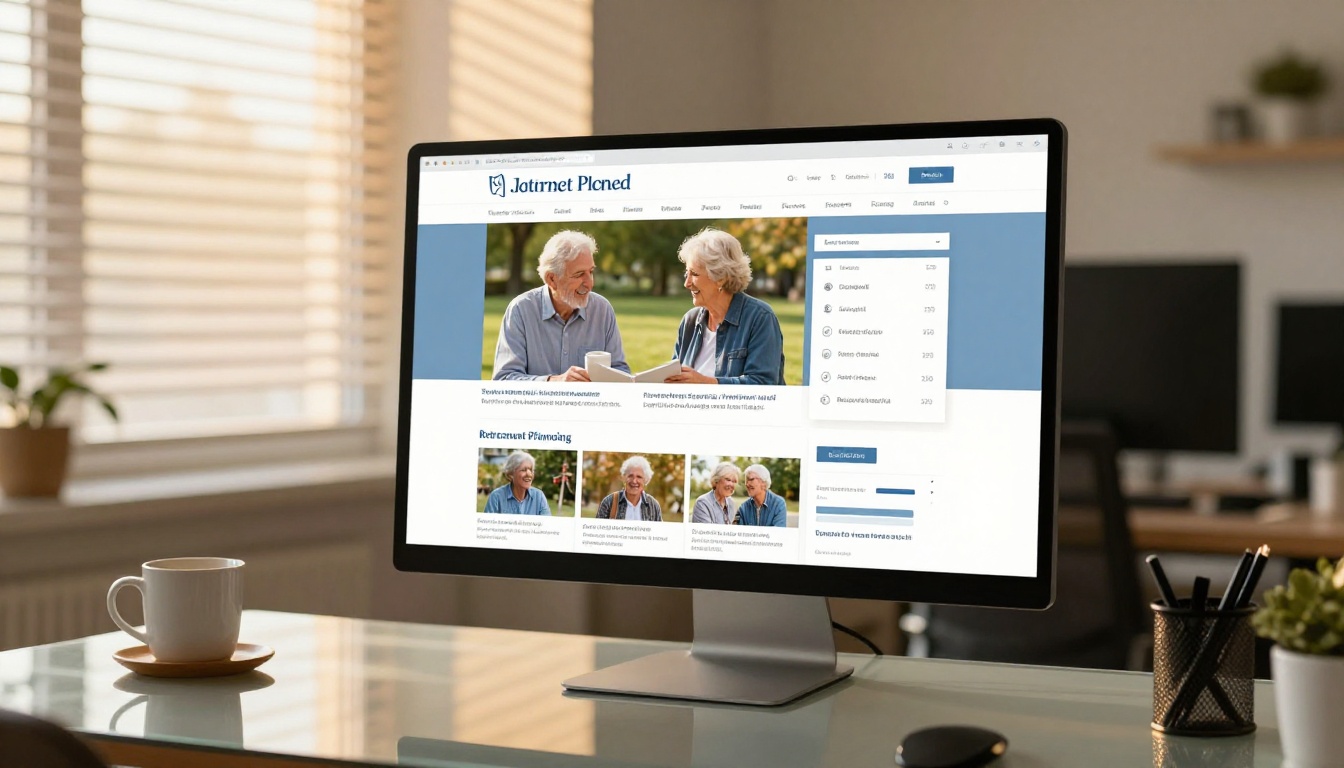
Digital vs. Print: A Clear Comparison
Format Performance at a Glance
| Criterion | Printed Brochure | Email PDF | Flipbook |
|---|
| Trackable activity | No | No | Yes |
| Updateable after sending | No | No | Yes |
| Mobile-friendly | No | Partial | Yes |
| Password protection | No | No | Yes |
| Embeddable on website | No | No | Yes |
| Lead capture | No | No | Yes (Pro) |
| Environmental impact | High | Low | Low |
| Perceived professionalism | Moderate | Low | High |
| Cost over time | High (printing) | Low | Low |
The numbers speak for themselves. Print has a role in specific, high-touch moments. But for day-to-day client communication, digital flipbooks outperform on every measurable dimension.
Tools Built for Financial Professionals
Beyond basic flipbook creation, Flipbooks AI offers specific tools that map directly to financial advisory workflows:
Each tool is pre-configured for its specific use case, which cuts down on setup time and gets you to a professional result faster.

Your Practice Deserves Better Materials
The financial advisor profession runs on credibility. Every document you send a client is a reflection of how seriously you take your work. Switching from static PDFs and printed brochures to interactive, trackable, branded flipbooks is one of the most straightforward upgrades a practice can make.
The process takes less than an hour to set up. The ongoing time investment per flipbook is under ten minutes. The impact on how clients perceive your practice is immediate and lasting.
Ready to create your first financial advisor flipbook? Get started for free on Flipbooks AI and have your first client-ready document live before the end of the day.
Browse all available flipbook tools and templates to find the right fit for every use case in your practice.
Compare pricing plans to choose the level that matches where your practice is headed.



