Your Instagram feed is more than a grid of squares. Behind every post is a story, a mood, a moment that took effort to capture and edit. But Instagram is designed for scrolling, not for preserving. Posts get buried, algorithms shift what gets seen, and that beautiful archive of your creative work quietly fades into the background. Turning your Instagram posts into a flipbook solves all of that in one move.
A flipbook gives your photos a physical, tactile presentation in a digital format that people actually interact with. Instead of tapping through an app feed, viewers flip through pages. The experience is slower, more intentional, and far more memorable. Whether you are a content creator, a photographer, a small business owner, or someone who just loves documenting life, transforming your Instagram content into a flipbook is one of the best ways to repurpose what you have already made.
Flipbooks AI makes this process straightforward. You do not need design software, a print budget, or technical skills. What you need is your photos and a few minutes.
Why Your Instagram Feed Deserves More Than a Grid
The Problem with Instagram's Native Archive
Instagram keeps your posts visible, but it does not make them easy to share or present. There is no built-in way to send someone your entire photo collection in a clean, organized format. Highlighting posts on your profile takes manual effort. Story archives disappear after 24 hours unless you save them to Highlights. And your grid as a whole has no shareable link that presents it the way you intended.
For photographers, the grid looks great as a portfolio when viewed on your profile. But the moment you want to share that portfolio with a client, embed it on your website, or present it in a meeting, the Instagram grid falls apart. You are locked into the app's interface.
For personal branding, the same problem applies. Your feed tells a story, but you cannot hand that story to someone outside of the app in a clean, scrollable format.
What a Flipbook Changes
A flipbook built from your Instagram content gives you full control over how your photos are seen and shared. You choose the page order. You set the layout. You decide who gets access, whether that is the public or a password-protected audience. And the result is a professional, interactive digital publication that works everywhere, from email links to website embeds.
💡 Flipbooks created from Instagram posts also make excellent leave-behind materials for brand pitches, client presentations, and media kits.
The difference between an Instagram grid and a flipbook is the difference between a store display and a curated catalog. One is functional. The other is designed to impress.
Picking the Right Instagram Content
Curated vs. Complete Archives
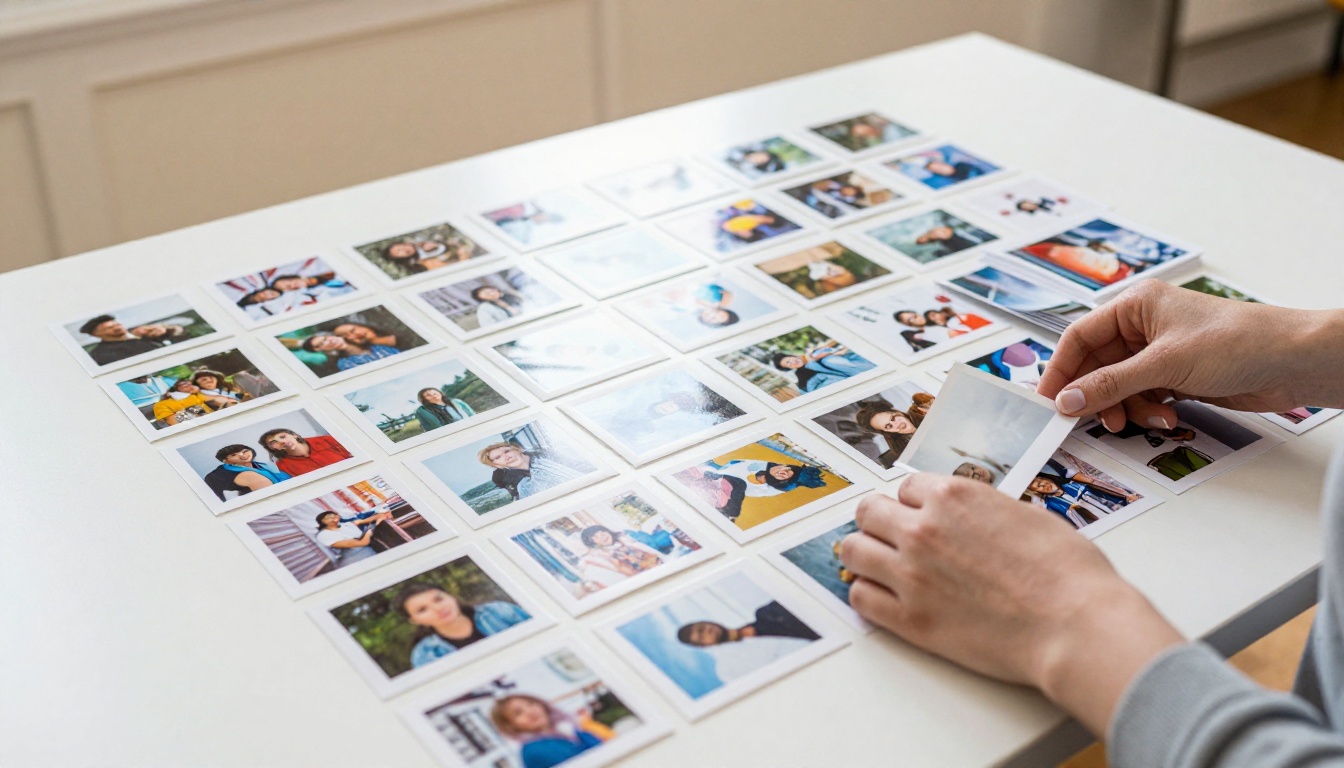
Not every Instagram post needs to go into your flipbook. In fact, the best flipbooks are highly curated. Before you start downloading anything, it is worth deciding what the flipbook is actually for.
| Flipbook Purpose | Best Instagram Content to Include |
|---|
| Personal portfolio | Best 20-40 photos, consistent aesthetic |
| Travel archive | Trip-specific posts, chronological order |
| Brand lookbook | Product shots, lifestyle images, brand colors |
| Event recap | Event day photos, behind-the-scenes content |
| Monthly highlights | Top posts from a specific period |
| Client presentation | Project-specific photos, before and after |
Choosing a theme before you download keeps the final flipbook focused and tells a cleaner story. A flipbook with 200 mixed photos from five years of posts is harder to sit with than one with 30 photos from a single trip or creative project.
Portrait vs. Landscape Considerations
Instagram originally enforced square crops, but the platform now supports portrait (4:5) and landscape (1.91:1) formats as well. When building a flipbook, this matters because your page layout will need to accommodate different aspect ratios.
The cleanest approach is to stick to one format throughout your flipbook. If your posts are a mix, consider cropping them to a consistent ratio during the preparation stage. Most flipbook tools, including those at Flipbooks AI, work best with a consistent layout across all pages.
⚠️ Avoid mixing portrait and landscape photos randomly in the same flipbook. It creates a disjointed reading experience. Group them intentionally or standardize the crop.
Downloading Your Instagram Photos
The Official Instagram Data Export
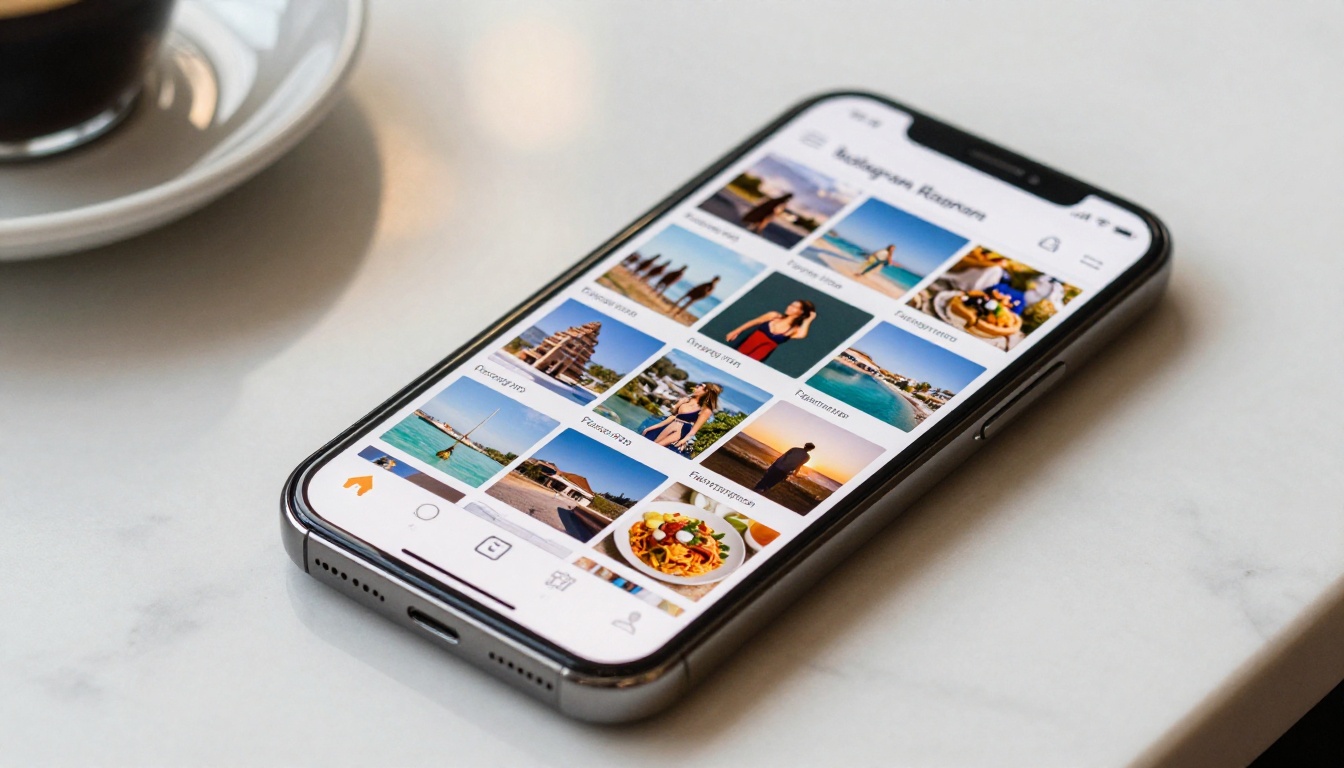
Instagram provides a built-in data download tool that gives you access to all your photos at original quality. Here is how to use it:
- Open Instagram and go to Settings
- Tap Your Activity, then Download Your Information
- Select Photos and Videos and choose your preferred date range
- Set format to HTML and quality to High
- Tap Request Download and wait for the email link
Instagram typically sends the download link within a few hours, sometimes faster. The ZIP file contains your photos in their original resolution, organized by date.
Organizing Before You Build
Once you have the download, open the folder and sort through the photos. The goal is to select only what goes into your flipbook and arrange them in the order you want them to appear.
A few practical tips:
- Rename files sequentially (01, 02, 03...) to control page order automatically
- Remove duplicates and low-quality shots before adding them to your layout
- Group by color or theme if you want the flipbook to have visual flow
- Keep a separate folder for each flipbook project so your files stay organized
This step takes the most time, but it is what separates a mediocre flipbook from a polished one. The curation is the craft.
How to Build Your Instagram Flipbook with Flipbooks AI
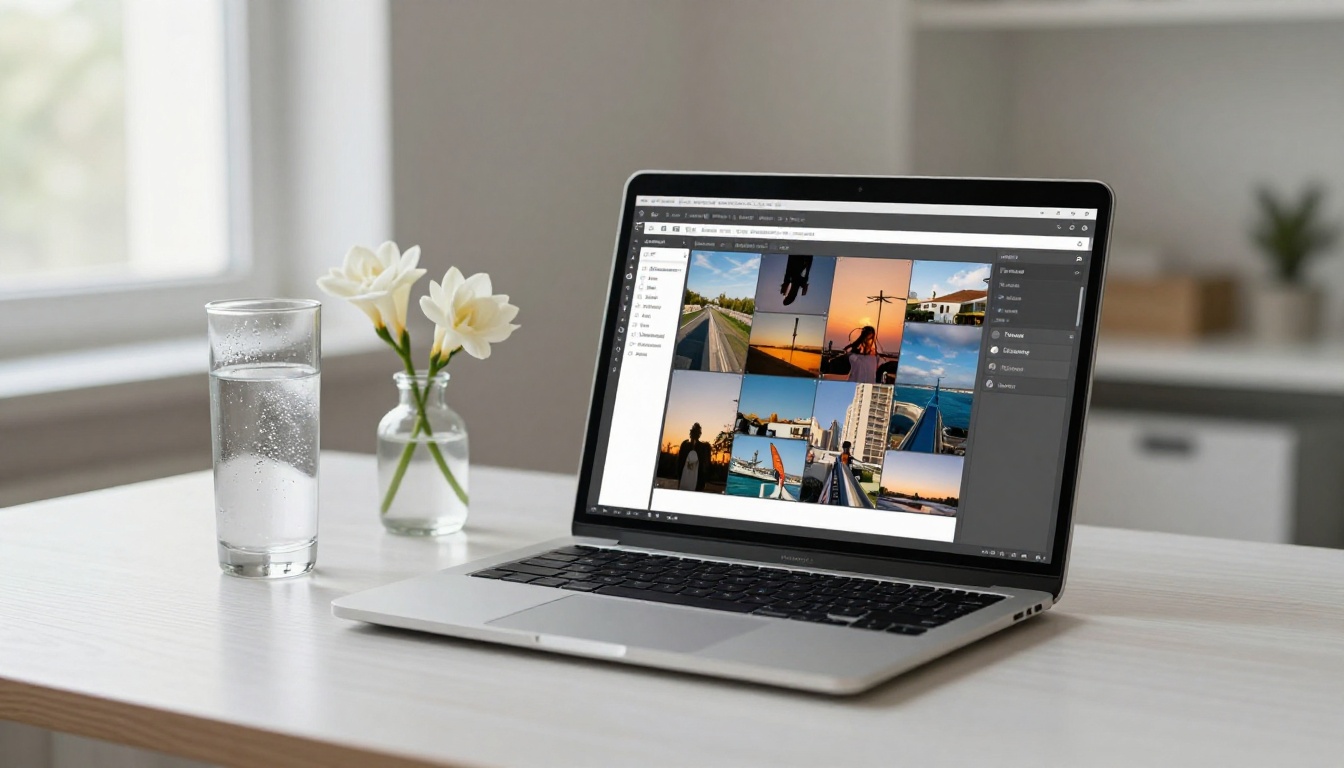
This is where your curated photo collection becomes a real, shareable publication. Flipbooks AI converts your photos into a flipping digital book that anyone can view in a browser, with no app download required.
Step 1: Prepare Your PDF
Flipbooks AI works with PDF files, so the first step is converting your photos into a single PDF document. You can do this with:
- Google Slides or PowerPoint: Create a presentation, insert one photo per slide, export as PDF
- Canva: Use a custom document size, place your photos, and download as PDF
- Adobe Acrobat or Preview (Mac): Merge image files directly into a PDF
- Online converters: Free tools like Img2PDF can batch-convert photo folders to PDF in seconds
Set your document size to match your photo aspect ratio. For square Instagram photos, a 1080x1080px or equivalent square canvas works perfectly. For portrait posts, use 1080x1350px. For landscape, 1080x566px.
💡 Use Canva's free plan to batch-place your Instagram photos into a clean grid presentation. Export the whole thing as a single PDF and you are ready to upload.
Step 2: Upload to Flipbooks AI
Once you have your PDF, head to Flipbooks AI and create a free account.
- Click New Flipbook from your dashboard
- Drag and drop your PDF or click to browse and select it
- Wait for the conversion to process (most files convert in under a minute)
- Your flipbook is now live with a default page-turning animation
The PDF to Flipbook Converter handles everything automatically. The pages flip with a realistic animation, the layout stays exactly as you designed it, and the result is immediately viewable on any device.
Step 3: Customize Your Flipbook
This is where the flipbook becomes yours. From the editor, you can:
- Change the background color to match your brand or aesthetic
- Add your logo in the header or footer
- Set a custom domain or branded URL for the flipbook link
- Enable password protection if the content is private or for clients only
- Add a background music track for immersive presentations
- Embed videos into specific pages alongside photos
For a personal Instagram archive, the customization options let you make the flipbook feel personal. For a professional portfolio, they let you match it to your brand identity without any coding.

Step 4: Share, Embed, and Distribute
Once your flipbook is ready, sharing is immediate. You have several options:
| Sharing Method | Best For | How to Use |
|---|
| Direct link | Social media, email, DMs | Copy the flipbook URL and share anywhere |
| Embed code | Website, blog, portfolio | Paste the iframe code into your site's HTML |
| Password-protected link | Client work, private portfolios | Enable password in settings before sharing |
| QR code | Print materials, events | Generate from the share panel |
| PDF download | Offline viewing | Enable in flipbook settings |
The Embed Flipbook on Website tool makes website integration seamless. You get a responsive iframe that adjusts to any screen size and works on mobile without breaking the layout.
✅ For Instagram creators sharing their portfolio, the direct link is the fastest option. Pin it in your bio, add it to your link-in-bio page, or include it in collaboration pitches.
Step 5: Track Your Flipbook Performance
On the Professional plan, you get access to analytics that show you how many people viewed your flipbook, which pages they spent the most time on, and where they dropped off. For client presentations or brand pitches, this data is genuinely useful. It tells you what resonated and what did not.
The Professional plan also includes lead generation tools, letting you add a contact form or email capture directly inside the flipbook. For photographers using a flipbook as a client portfolio, this turns a simple photo presentation into an active lead funnel.
Real Use Cases That Work
Personal Brand Portfolios
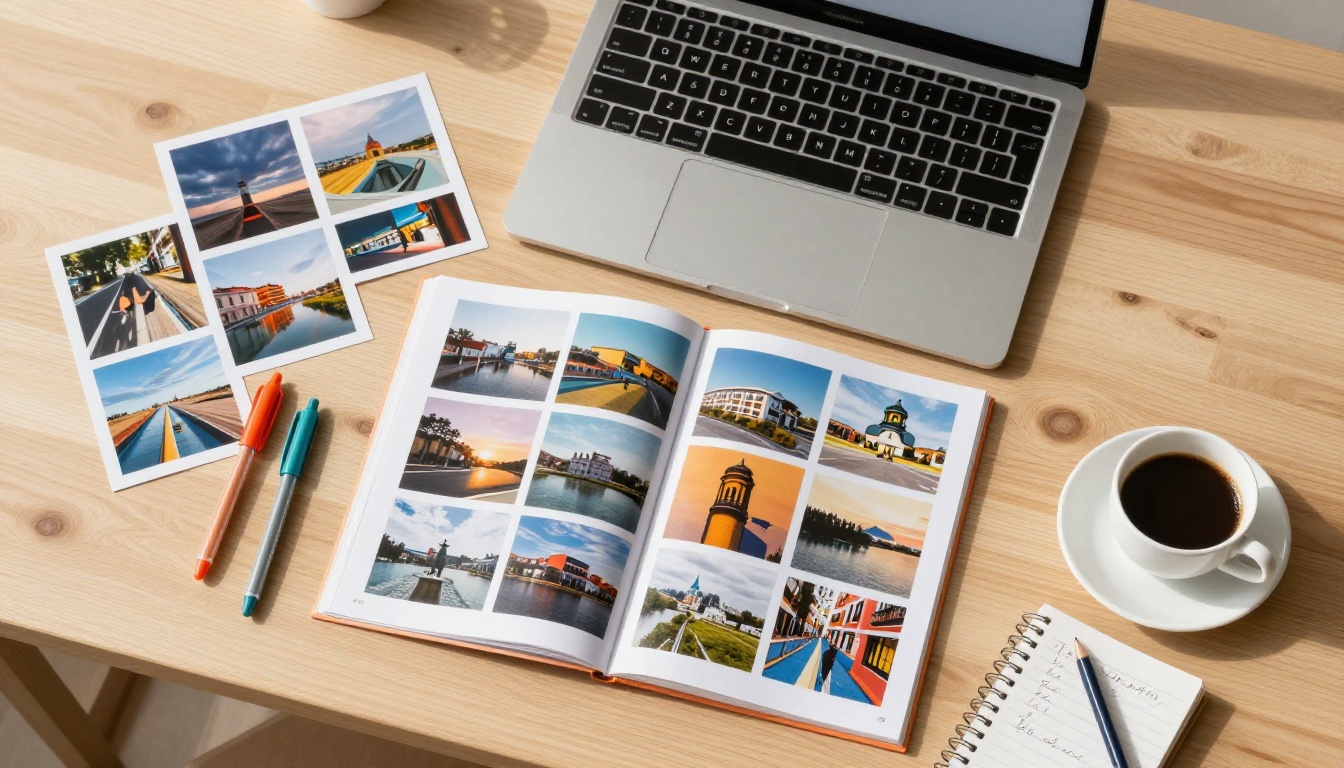
Content creators and influencers often need to share their work with brands for collaboration pitches. A media kit is the standard format, but a flipbook goes further. Instead of a static PDF with a few screenshots, you present an interactive experience that shows the full range of your Instagram aesthetic.
The Digital Portfolio Creator is built for exactly this. You upload your best posts, structure them by theme or campaign, and share a single link that brands can bookmark and return to whenever they want.
Travel and Event Archives
Travel photographers who post consistently on Instagram often end up with hundreds of photos from a single trip. A flipbook gives those photos a proper home, organized by location or date, with the feel of a travel magazine rather than a social feed.
For event documentation, the same logic applies. Wedding photographers, event planners, and brands running pop-up events can compile their Instagram coverage into a polished recap flipbook and share it with attendees, clients, or press.
💡 The Photography Portfolio Flipbook tool is specifically designed for photo-heavy publications with clean, minimal layouts that let the images speak.
Business and Product Showcases
Small businesses that use Instagram for product photography have a ready-made catalog hiding in their feed. Pull your product photos, organize them by category, and build a digital catalog that you can send to wholesale clients, share on your website, or include in your email newsletter.
The result is a professional presentation that would take a designer hours to build, done in minutes with your existing Instagram content.

What Makes a Great Instagram Flipbook
Image Consistency is Everything
The most visually striking flipbooks have a consistent color palette, lighting style, and compositional approach across all pages. Instagram creators who shoot with a consistent aesthetic already have this sorted. Those who do not will notice the inconsistency immediately when viewing their content as a flipbook.
If your Instagram content varies significantly in style, consider grouping photos into chapters or sections within the flipbook. This turns inconsistency into intentional variety rather than visual noise. A chapter for travel, a chapter for food, a chapter for portraits works far better than one long random sequence.
Page Order Tells a Story
Flipbooks are read sequentially, unlike Instagram grids which are scanned spatially. This means page order matters in a way that grid order simply does not. Think about the opening image (make it strong), the pacing through the middle (vary close-ups and wide shots), and the final page (leave an impression).
A flipbook that opens with a striking photo, builds through a visual narrative, and ends with a standout image will be remembered. One that drops photos randomly will be closed early.
✅ Treat the first and last pages of your flipbook with the same care you would give to a magazine's opening and closing pages. Both carry disproportionate weight on how the whole thing is remembered.

Flipbooks AI Plans at a Glance
Before you start, here is a quick breakdown of what each plan offers so you can choose what fits your needs:
| Feature | Free | Standard | Professional |
|---|
| Flipbooks | 1 | Unlimited | Unlimited |
| No watermarks | No | Yes | Yes |
| Custom branding | No | Yes | Yes |
| Password protection | No | Yes | Yes |
| Embed on website | Yes | Yes | Yes |
| Analytics | No | No | Yes |
| Lead generation | No | No | Yes |
| Offline download | No | Yes | Yes |
| Embed video and audio | No | Yes | Yes |
For most Instagram creators, the Standard plan is the right starting point. It removes watermarks, gives you unlimited flipbooks, and lets you customize branding however you want. The Professional plan is worth the step up if you are using flipbooks for client work or building them into a lead generation flow.
See the full breakdown on the pricing page to compare what each plan includes.
Once you have built your first flipbook from Instagram content, the natural next step is seeing what else you can create. The same PDF-to-flipbook workflow works for a wide range of use cases:
Browse all flipbook tools to find the format that fits your next project.
From Feed to Flipbook: Your Next Step
Your Instagram feed already contains the raw material for something more impressive than a social media profile. The photos are there. The story is already told in your posts. All that is missing is a format that does them justice.
A flipbook takes what you have already made, gives it structure, and presents it in a way that commands attention. Whether you are pitching a brand, presenting a portfolio, archiving a trip, or just wanting to give your photos a better home than a grid, the process starts with a single upload.
Ready to turn your Instagram content into something people will actually want to flip through? Create your account on Flipbooks AI and build your first flipbook today. No design experience needed, no watermarks on paid plans, and your content stays exactly as you created it.
Want to see what is possible before committing? Start with the free option to see how your photos look in flipbook format, then check the pricing plans when you are ready to remove the limitations.



