Your furniture designs tell a story that flat PDFs and static images simply cannot. When a potential client opens your portfolio on their phone, waits for images to load, and cannot zoom into that hand-stitched upholstery detail or the grain of your solid walnut joinery, you have already lost the room. A digital flipbook changes that entirely, and Flipbooks AI makes it possible in minutes, not days.
Why Static PDFs Are Costing You Clients
The furniture industry runs on visual trust. Buyers need to feel your work before they buy it. When your only sales tool is a PDF attachment that gets buried in email or refuses to load on mobile, you are creating friction at the exact moment you need to inspire confidence.
Here is what a static presentation costs furniture studios every day:
- No interactivity: Clients cannot click to request quotes, watch video walkthroughs, or zoom into detail shots
- No tracking: You have no idea who opened your catalog, which pieces they spent time on, or how many times they returned
- No sharing: A PDF is a dead end. A digital flipbook is shareable with a single link, embeddable on your website, and accessible on any device
- No brand experience: A PDF looks identical to every competitor's. A branded flipbook with your studio's colors, logo, and custom cover creates an impression that lasts

💡 Interior designers and architects, who make up a significant share of B2B furniture buyers, routinely share digital catalogs with their own clients. If your portfolio is not easily forwardable, it simply will not travel.
What a Furniture Design Flipbook Actually Does
A flipbook for your furniture studio is not just a prettier PDF. It is an interactive design portfolio that behaves more like a website than a document. Think of it as your online showroom: open 24/7, fully branded, and built to convert browsers into buyers.
The best furniture flipbooks include:
- Page-turn animations that mimic the tactile experience of flipping through a printed catalog
- Embedded video showing a sofa being assembled or a chair under different lighting conditions
- Clickable hotspots that link to pricing pages, product spec sheets, or a contact form
- Password protection for exclusive collections or wholesale pricing tiers
- Lead capture forms built directly into the flipbook experience
- Analytics dashboards showing which pages attract the most attention
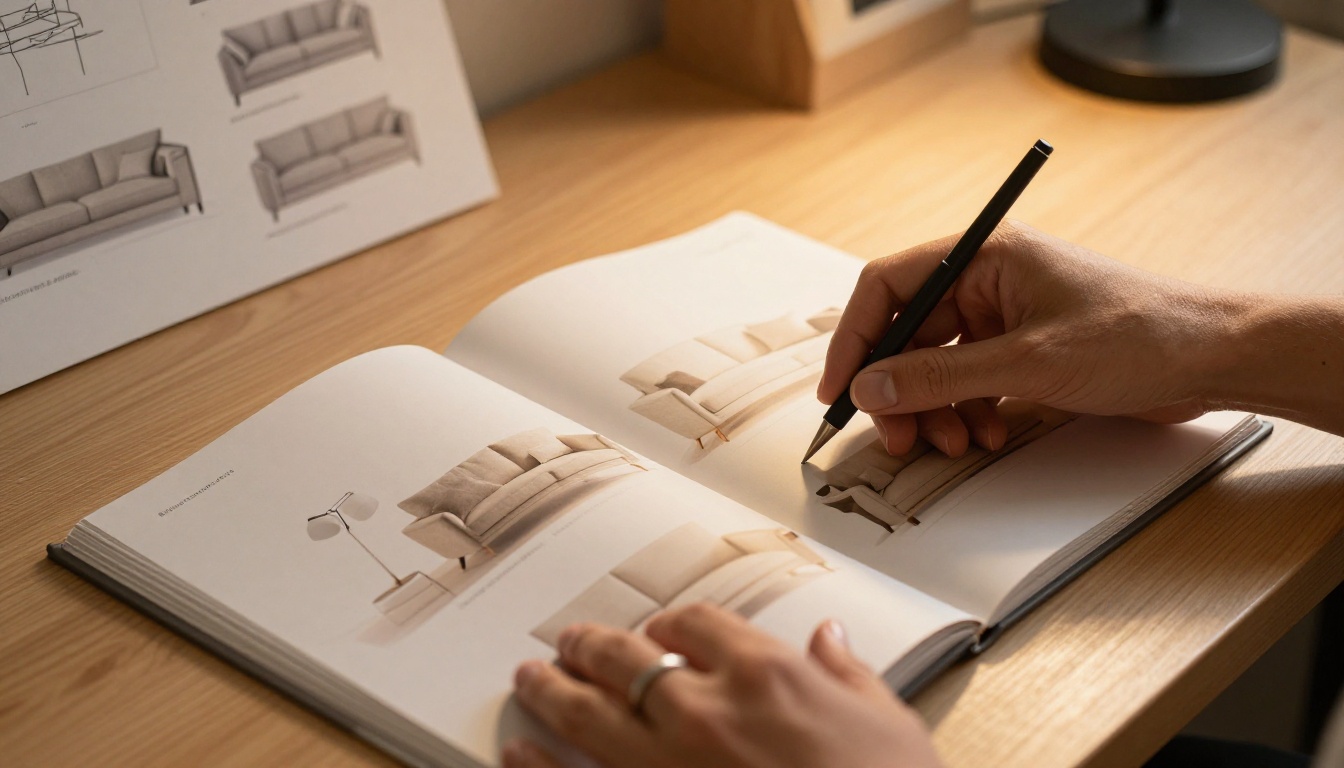
Before committing to any format, it is worth comparing what is actually available to furniture studios today.
| Format | Mobile Friendly | Shareable | Interactive | Analytics | Branding |
|---|
| PDF | Partial | Yes | No | No | Minimal |
| Printed Catalog | No | No | No | No | Full |
| Instagram Feed | Yes | Limited | Basic | Basic | Partial |
| Personal Website | Yes | Yes | Partial | Yes | Full |
| Digital Flipbook | Yes | Yes | Full | Full | Full |
| PowerPoint | No | Limited | Basic | No | Partial |
The flipbook format wins across every dimension that matters for client acquisition and retention. It combines the polish of a printed catalog with the measurability and reach of a digital channel.
✅ Use your digital flipbook as the primary asset in email pitches to interior designers, architects, and commercial clients. Send a single trackable link instead of a heavy attachment.
Which Collections Belong in Your Flipbook
Not every piece deserves the same real estate. A furniture studio flipbook works best when it is curated, not comprehensive. Structure your content around buyer intent:
For residential clients:
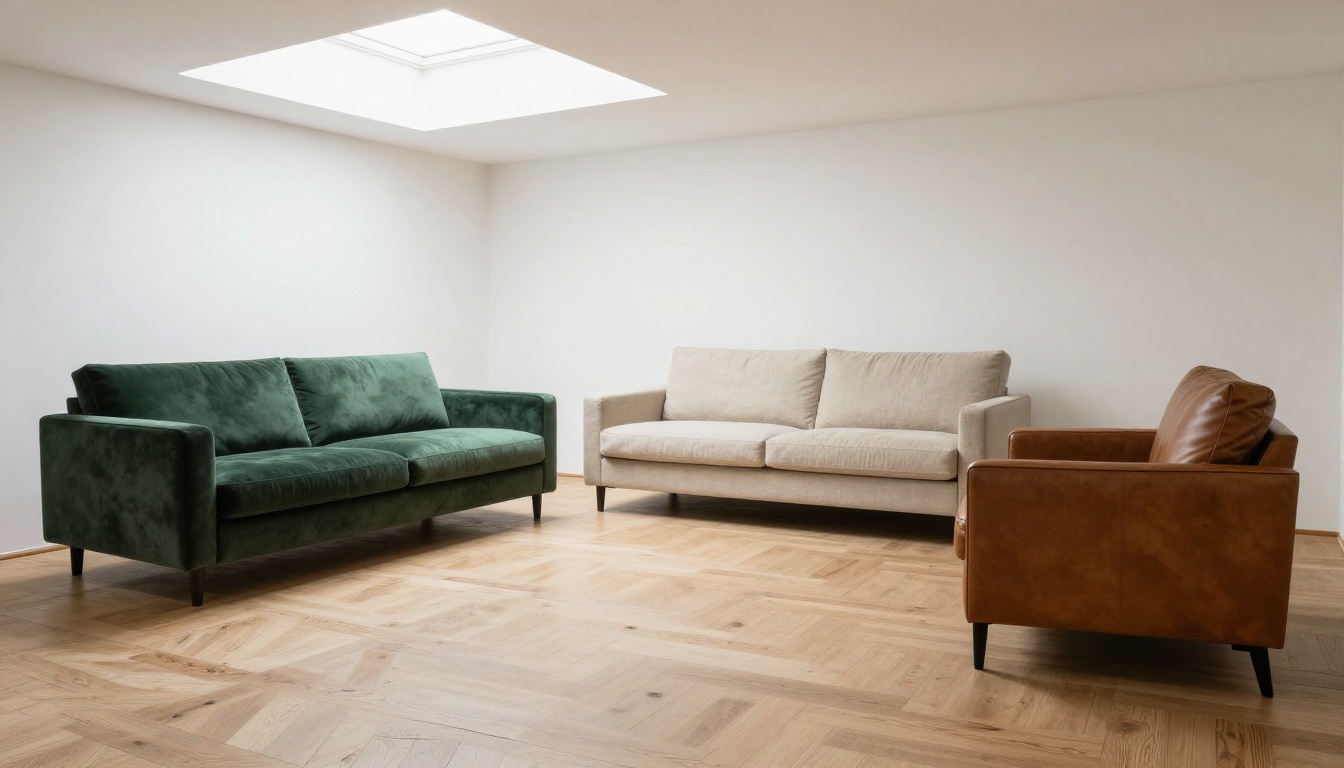
- Living room collections with full sofa, armchair, and coffee table pairings
- Bedroom suites with all material finish options shown side by side
- Dining sets with chair upholstery variations in swatches
- Custom piece showcase with before-and-after project photography
For commercial and contract clients:
- Office furniture systems with configuration and modular options
- Hospitality collections covering lobbies, restaurant seating, and guest rooms
- Outdoor and weather-resistant ranges with technical durability specs
- Lead time tables, minimum order quantities, and custom finish references
For trade professionals (interior designers, architects):
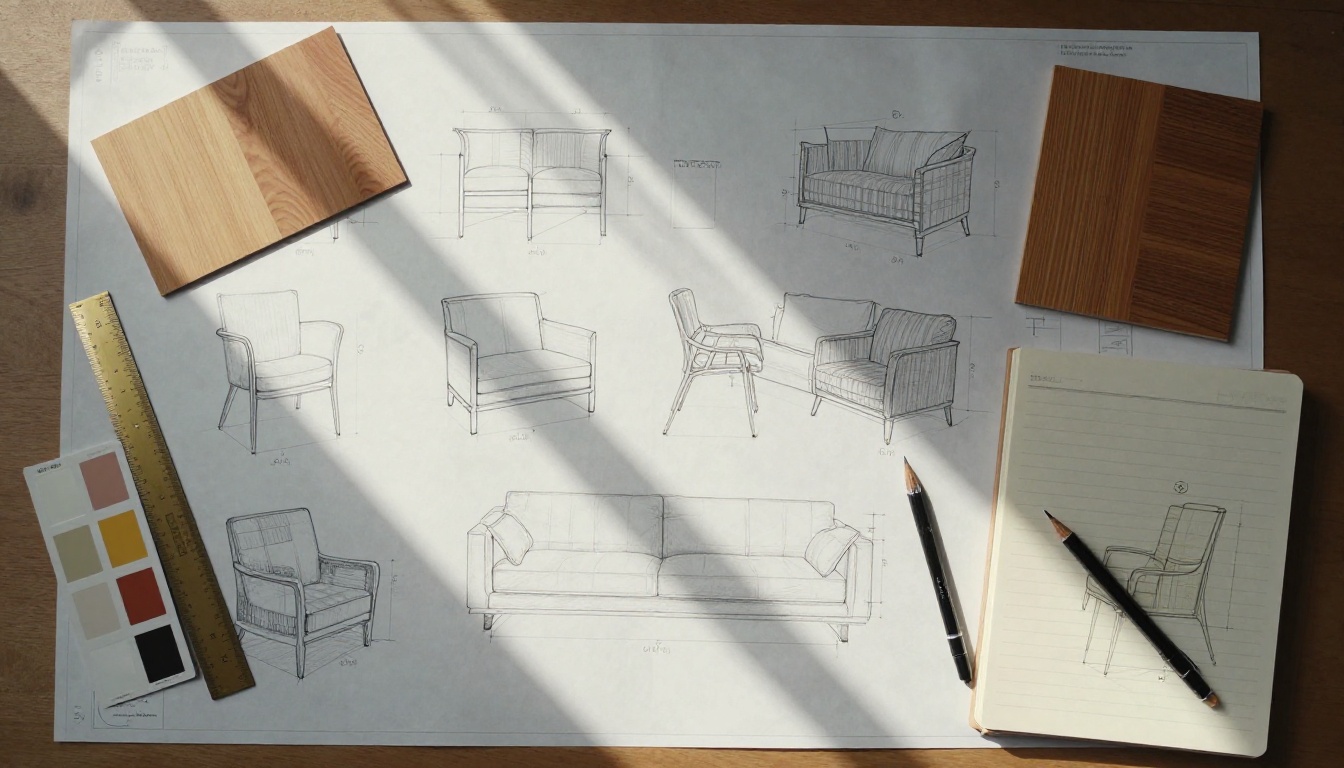
- Technical specifications with dimensioned elevations and plan views
- Full material libraries with finish codes and supplier references
- Project case studies with styled room photography and client testimonials
- Sample request forms and NDA workflow links embedded directly
How to Create a Furniture Flipbook with Flipbooks AI
This is where it gets practical. Flipbooks AI takes your existing PDF catalog and converts it into a fully interactive flipbook in seconds. No developer, no expensive software, no steep learning curve. Here is the full process:
Step 1: Prepare Your PDF
Before uploading, make sure your PDF is client-ready:
- Export at 300 DPI minimum for crisp image rendering on retina displays
- Embed all fonts so text renders correctly across every device and operating system
- Use 16:9 or A4 page ratios for the best flipbook viewing experience
- Include a strong cover page with your studio name, collection name, and season year
- Add a back page with your contact details, website, and social handles
⚠️ Low-resolution PDFs exported at 72 DPI will appear blurry when clients zoom into product detail pages. Always export from your design software at full print quality.
Step 2: Upload to Flipbooks AI
- Go to flipbooksai.com and create your account
- Click "New Flipbook" from your dashboard
- Drag and drop your PDF or click to upload (supports files up to 500MB)
- The platform converts your PDF automatically, page by page, preserving all image quality
- Preview the full flipbook before publishing to catch any layout issues
The Furniture Catalog Maker tool is purpose-built for this use case, with templates optimized for product-heavy, image-led layouts.
Step 3: Brand Your Flipbook
This is where your studio's identity comes through:
- Upload your logo to appear on the flipbook cover and player interface
- Set your brand colors for buttons, backgrounds, and interactive elements
- Add a custom domain so the link reads as your studio's URL, not a third-party platform
- Choose page-turn effects: classic paper flip, slide, or fade to match your brand tone
- Set a custom thumbnail for link previews on WhatsApp, LinkedIn, and email clients
Step 4: Add Interactive Elements
Static pages become living content when you layer in interactivity:
- Embed product videos: Link YouTube or Vimeo walkthroughs directly on relevant collection pages
- Add clickable links: Connect product names to your e-commerce store or quote request pages
- Insert a lead capture form: Collect name, email, and project type before granting access to pricing
- Set up password protection: Create separate password-protected flipbooks for wholesale or trade-only collections
- Add audio narration: Record a brief introduction from your lead designer that plays when the flipbook opens
Step 5: Share and Track
Publishing is where most furniture studios leave performance data on the table. Flipbooks AI gives you multiple sharing options:
- Direct link: Share instantly via email, WhatsApp, or LinkedIn
- Embed code: Drop your flipbook directly onto any page of your website with one snippet
- QR code: Print on business cards, trade show stands, or inside physical catalog covers
- Social share: One-click sharing to Facebook, Instagram, Pinterest, and X
For studios on the Professional plan, the analytics dashboard shows exactly which pages clients dwell on longest, how many times they return, and where they drop off. This data is invaluable for refining future catalog layouts and photography investment decisions.
💡 Create a separate flipbook for each furniture collection or season. This lets you track which ranges generate the most engagement and tailor your production budget accordingly.

Flipbooks AI Plans for Furniture Studios
Choosing the right plan depends on how many collections you manage and how heavily you rely on analytics and lead generation.
| Feature | Free | Standard | Professional |
|---|
| Flipbooks | 1 | Unlimited | Unlimited |
| Watermark | Yes | No | No |
| Custom branding | No | Yes | Yes |
| Password protection | No | Yes | Yes |
| Embed on website | No | Yes | Yes |
| Analytics | No | No | Yes |
| Lead generation forms | No | No | Yes |
| Offline downloads | No | No | Yes |
| Custom domain | No | No | Yes |
Small studios launching their first digital catalog should start with the Standard plan to remove watermarks and enable website embedding. Move to Professional once you are actively using analytics to drive production and sales decisions.
See the full breakdown at flipbooksai.com/pricing.
Real Furniture Studio Use Cases
Independent Artisan Studios
A small joinery studio in Portland created a 24-page flipbook for their custom furniture line. Rather than sending JPEGs in email threads, they now share a single link in initial client inquiries. The password-protected trade version includes material spec sheets and lead times, while the public version focuses entirely on finished photography. First-contact response rates increased noticeably within the first month.
Contract Furniture Manufacturers
A mid-sized contract furniture manufacturer uses separate flipbooks for hospitality, healthcare, and office segments. Each one is embedded on the relevant section of their website and updated quarterly. The analytics reveal that hospitality clients spend significantly longer on lounge seating pages than on workstation configurations, directly informing where they invest in new product photography each season.
Showroom-Based Studios
Studios with a physical showroom use QR codes printed on product tags that link to the relevant flipbook page, letting clients who visit in person continue their research at home. The flipbook becomes the bridge between the physical and digital experience, keeping your studio top of mind long after the showroom visit.
Trade Show Presence
At furniture trade shows, where internet connectivity is unreliable, studios using the Professional plan's offline download feature distribute flipbooks that can be viewed without wifi. This is a significant advantage over web-only portfolios that fail the moment the venue signal drops.
What Makes a High-Converting Furniture Flipbook
Publishing a flipbook is only half the job. Making it work for your studio requires attention to a few specific details most designers overlook.
Photography Is Everything
Your flipbook is only as good as its images. High-resolution product photography shot in a controlled environment, with varied angles (full room views, close-up detail shots, lifestyle context shots), dramatically increases the time clients spend with your catalog. Invest in at least one professional product shoot per collection before building your flipbook.
Keep Pages Focused
Resist the urge to put everything on a single spread. A two-page layout featuring one hero product image on the left and clean specifications on the right outperforms a cluttered layout every time. White space is a design decision, not wasted space.
Write for Skimmers
Most clients flip through a catalog in under two minutes on first viewing. Short product names, brief descriptors of three to five words maximum, and clear material callouts are what stop fingers mid-flip. Save detailed specification text for linked spec sheets that interested buyers can download separately.
Update Without Reprinting
A catalog dated two seasons ago signals that your studio is not active. Build a rhythm of quarterly updates, or maintain separate "current collection" and "archive" flipbooks. The ability to update instantly without reprinting is one of the most significant advantages of going digital, and one of the most underused.
| Tool | Flipbook Output | Custom Branding | Analytics | Price Range |
|---|
| Flipbooks AI | Yes | Yes | Yes | Free to Pro |
| Issuu | Yes | Limited | Paid only | Freemium |
| Flipsnack | Yes | Yes | Paid only | Freemium |
| Adobe PDF | No | Minimal | No | Subscription |
| Canva Website | No | Yes | Basic | Freemium |
| Custom website | No | Full | Yes | High cost |
Flipbooks AI stands out for furniture studios specifically because the Furniture Catalog Maker tool is purpose-built for product-heavy layouts. The Digital Portfolio Creator offers the same interactivity for design-led studios that prefer a portfolio feel over a catalog format. For seasonal presentations, the Interactive Lookbook Designer adds editorial flair to new collection launches.
Building Your Studio's Digital Presence
A flipbook is not just a catalog. It is a pillar of your studio's digital presence. When embedded on your website, shared on LinkedIn, and distributed at trade events, it works for you around the clock. The Portfolio Flipbook Builder handles creative-led studios that want their work to feel curated and personal, while the PDF to Flipbook Converter gives studios that already have polished design files an instant digital publishing solution.
The furniture industry is increasingly decided online before a single showroom visit takes place. Clients research, compare, and shortlist from their phones and laptops. Your digital catalog is often the first real impression of your studio's quality, precision, and taste. Make it worth flipping.
Ready to put your furniture collections in front of more clients? Start free on Flipbooks AI and have your first digital catalog live today. Browse all available tools and templates to find the right format for your studio, or compare pricing plans to choose the features that match where your business is right now.



