Personal trainers who still email flat PDF workout plans are leaving client results on the table. Not because the programming is bad, but because the delivery is. A static file buried in someone's downloads folder gets checked once and forgotten. When you create a flipbook for your personal trainer plan, you give your clients something they actually want to open, something that feels as professional and polished as your coaching itself.
Flipbooks AI makes this process straightforward. You upload your existing PDF plan, and within minutes it becomes an interactive, page-turning digital flipbook that clients can access on any device, share with training partners, and revisit whenever they need it.
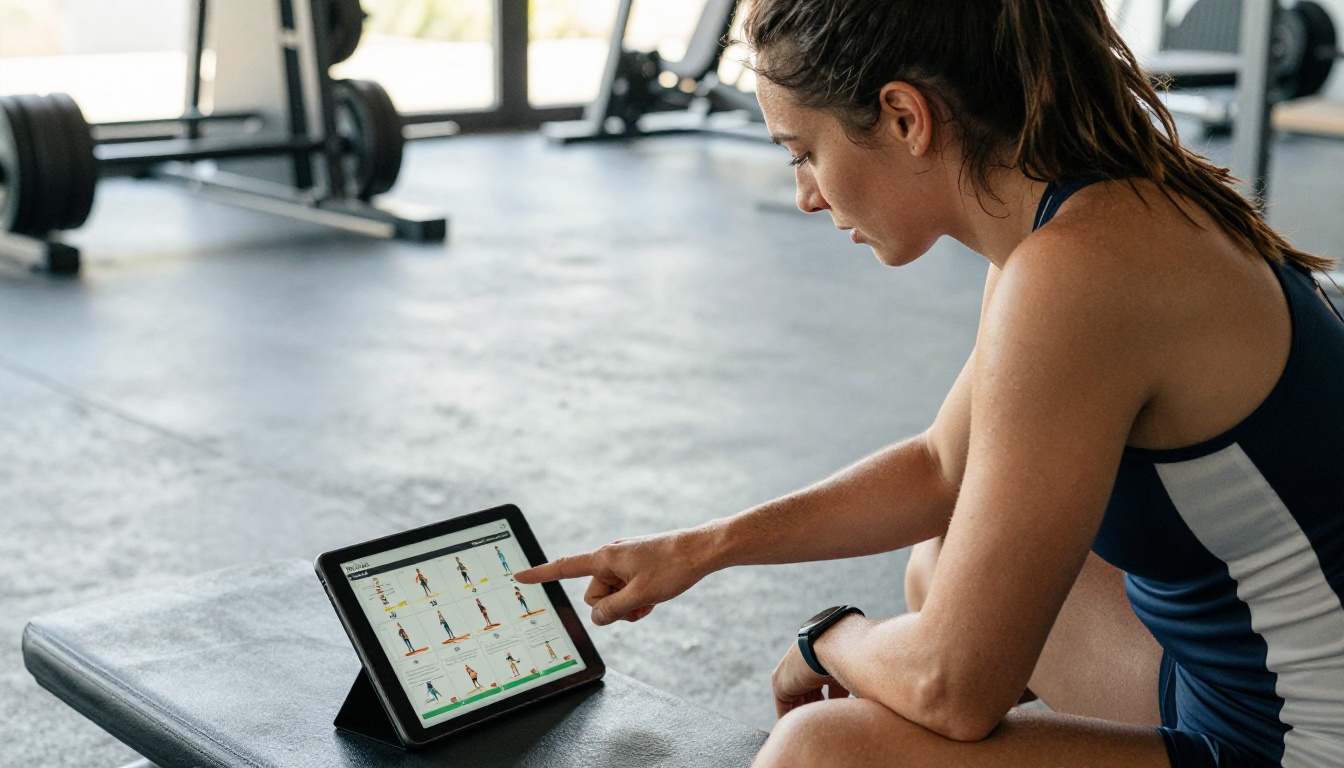
Why PDF Plans Stop Working After Day Three
The Attention Problem with Static Files
A PDF is a document. A flipbook is an experience. That distinction matters more than most trainers realize. When a client receives a flat PDF, the engagement arc is predictable: they open it, scroll through it, maybe print the first few pages, and then forget where they saved it.
The visual monotony of a static document kills motivation before the first squat. No page transitions, no interactivity, no sense of progress as they move through the plan. It all looks the same from week one to week twelve.
💡 Research consistently shows that presentation format directly affects behavioral compliance. Clients follow plans they understand clearly and can access easily.
What Digital Flipbooks Change
When a client opens a flipbook personal trainer plan, the experience shifts completely:
- Page-turn animations create a sense of navigating a real training document
- Mobile-responsive layout means it works on a phone mid-workout
- Shareable links replace email attachments that get lost
- Password protection keeps your intellectual property secure while sharing with specific clients
- Embed options let you place the flipbook directly on your coaching website
These are not aesthetic extras. They are the difference between a client who follows the plan and one who disappears after week two.
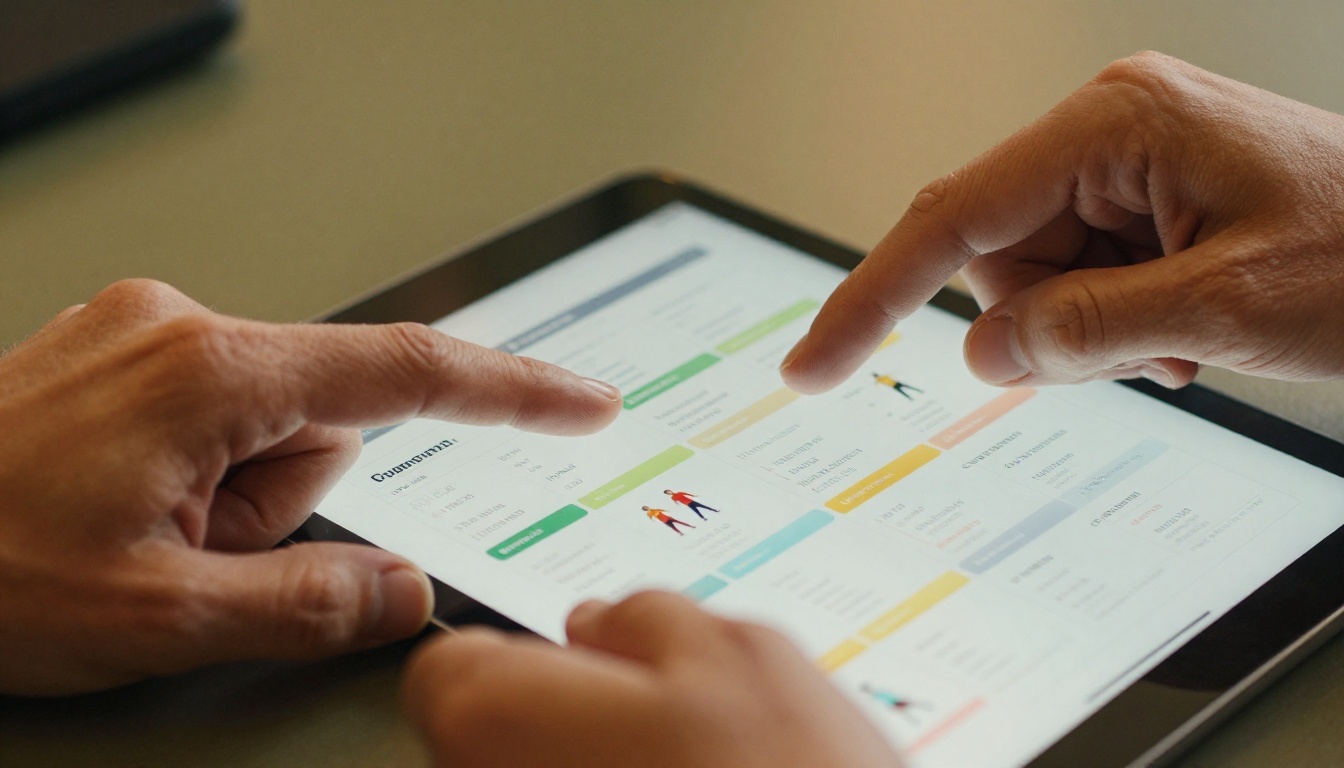
What Goes Into a Strong Personal Trainer Plan Flipbook
The Essential Sections Every Client Needs
Before you upload anything, your source PDF needs to be structured properly. A well-built personal trainer plan flipbook should contain:
- Program Overview: Goals, timeline, training frequency, and equipment needed
- Weekly Training Schedule: Day-by-day breakdown with session types
- Exercise Library: Photos or illustrations, sets, reps, tempo, and form cues
- Nutrition Basics: Daily calorie targets, macro splits, and meal timing guidance
- Progress Benchmarks: How to measure success at weeks 4, 8, and 12
- Recovery Protocols: Sleep, mobility work, and deload week structure
- FAQ Section: Common questions preemptively answered
✅ The more thorough your flipbook, the fewer "quick question" messages you receive during the week. A great plan is also great customer service.
Organizing Workouts by Training Phase
Structure your flipbook around training phases rather than just weeks. Clients understand phases intuitively:
| Phase | Duration | Focus | Volume |
|---|
| Foundation | Weeks 1-3 | Movement quality, habit formation | Low to moderate |
| Build | Weeks 4-8 | Progressive overload, strength gains | Moderate to high |
| Peak | Weeks 9-11 | Intensity, conditioning | High |
| Deload | Week 12 | Recovery, reassessment | Low |
Each phase becomes a natural chapter in your flipbook, giving clients a sense of the journey they are on rather than just a list of exercises to complete.
Adding Nutrition Without Overwhelming Clients
Nutrition content works best when it is practical rather than academic. In your flipbook, include:
- One-page macro targets per training day versus rest day
- Sample meal templates (not rigid meal plans)
- Grocery list pages organized by food group
- Simple supplement guidance if relevant to the program
Keep nutrition pages visual. Use simple tables, icons, and color coding. Dense paragraphs in a nutrition section are a fast path to a client who skips every nutrition page entirely.
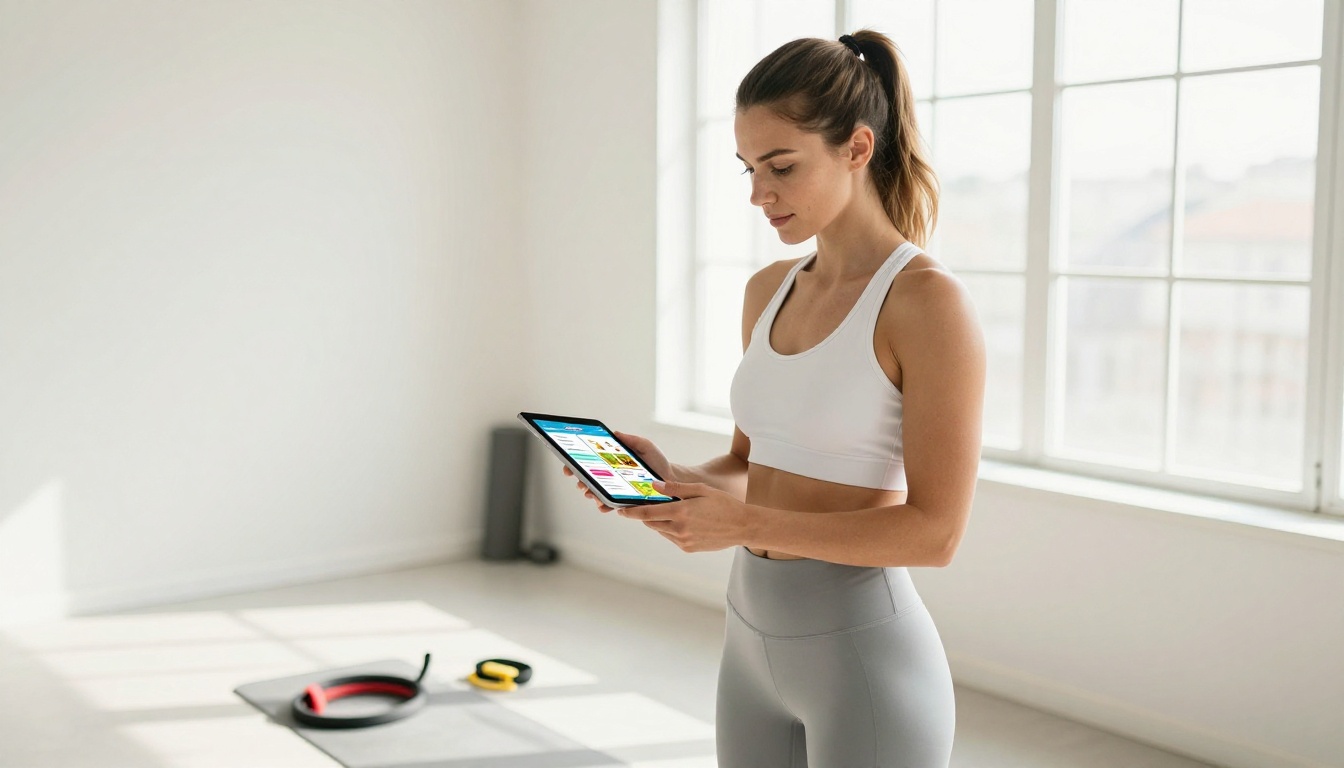
How to Create a Flipbook for Your Personal Trainer Plan with Flipbooks AI
This is where the workflow gets practical. Flipbooks AI is built specifically for converting existing PDFs into professional interactive publications. Here is how to do it from start to finish.
Step 1: Build Your Plan as a PDF First
Design your personal trainer plan in Canva, Google Slides, Microsoft Word, or any tool that exports to PDF. Focus on:
- Clear visual hierarchy: Use large headings, readable body text at minimum 12pt, and consistent color coding per section
- Horizontal orientation: 16:9 or landscape format typically displays better as a flipbook than portrait
- High-resolution images: Any exercise photos or infographics should be at 300 dpi or higher for crisp display
Export as a PDF. That is all Flipbooks AI needs to work with.
Step 2: Upload and Convert
- Go to Flipbooks AI and create your account
- Click New Flipbook from your dashboard
- Drag and drop your PDF into the upload zone
- Wait for the conversion, typically under 60 seconds for a standard training plan
- Preview the initial flipbook to verify all pages rendered correctly
⚠️ If your PDF uses custom fonts not embedded in the file, some text may render differently. Always preview before sharing with clients.
Step 3: Customize Branding and Appearance
This is where your flipbook stops looking generic and starts looking like your brand:
- Upload your logo to appear on every page header or footer
- Set brand colors for the interface chrome, including page edges and navigation buttons
- Choose page effects: Classic flip, slide, or fade transitions
- Add a custom cover: Design a full-bleed cover page that appears as the flipbook thumbnail

Step 4: Share Your Plan with Clients
Once branded and reviewed, sharing options include:
- Direct link: Copy a URL and paste it anywhere, from email to WhatsApp to a client portal
- Password protection: Set a unique password per client for private, personalized plans
- Embed code: Drop your flipbook directly onto your coaching website
- QR code: Generate a QR code clients can scan at the gym to open their plan instantly
- Offline download: Clients on the Professional plan can download for offline access during travel or when connectivity is limited
Step 5: Track Engagement with Analytics
One feature that separates Flipbooks AI from simply emailing a PDF: built-in analytics. With the Professional plan, you see:
- How many times a client opened their plan
- Which pages they spent the most time on
- Where they dropped off in the document
If a client completes every workout session but never opens the nutrition section, you now have actionable data for your next coaching call.

Flipbooks AI Plans at a Glance
Choosing the right pricing plan depends on how many clients you manage and which features matter most to your business:
| Feature | Free | Standard | Professional |
|---|
| Flipbooks created | 1 | Unlimited | Unlimited |
| Watermark | Yes | No | No |
| Custom branding | No | Yes | Yes |
| Password protection | No | Yes | Yes |
| Analytics | No | No | Yes |
| Offline downloads | No | No | Yes |
| Lead generation | No | No | Yes |
| Embed on website | Limited | Yes | Yes |
| Custom domain | No | No | Yes |
💡 For personal trainers managing 10 or more active clients, the Professional plan pays for itself within the first week simply by eliminating the time spent resending lost PDF files and answering questions that a well-built flipbook plan already answers.
Real-World Use Cases for Personal Trainer Flipbooks
Solo Trainers and Independent Coaches
For independent trainers, a flipbook plan is a direct revenue and retention tool. Clients who receive a polished, interactive plan perceive higher value in the coaching relationship. This perception justifies premium pricing and reduces client churn over time.
Practical scenario: A solo trainer with 20 clients creates one master template flipbook for each of their three program tiers (beginner, intermediate, advanced). They personalize the cover and a few key pages per client, export to PDF, upload to Flipbooks AI, and share a unique password-protected link within 10 minutes. No printing, no email attachments, no follow-up messages asking where the plan went.
Gym-Based Coaches and Fitness Studios
For gym-employed trainers or boutique fitness studios, flipbooks serve a dual purpose: client delivery and brand marketing. A beautifully branded training plan that clients can show their friends functions as quiet word-of-mouth advertising for your facility.
Studios can also use the Training Manual Flipbook tool for standardizing staff training protocols, and the Course Material Publisher for fitness education and certification programs.
Online Coaching Businesses
Online coaches operate at scale. Managing 50 to 100 clients remotely means every inefficiency multiplies. Flipbooks solve three recurring problems for online coaches:
- Version control: Update the flipbook once and every client sees the latest version via the same link, no need to re-send anything
- Onboarding: New clients receive a professional welcome flipbook covering expectations, communication protocols, and first-week programming
- Upselling: A beautiful 12-week transformation plan presented as a flipbook is far easier to sell at a premium price point than a Word document
✅ Online coaches can also use Flipbooks AI for lead magnets: a free 4-week beginner plan presented as a flipbook, gated behind an email capture form using the Professional plan's lead generation feature.
The Client Experience Difference
What Clients Actually Say
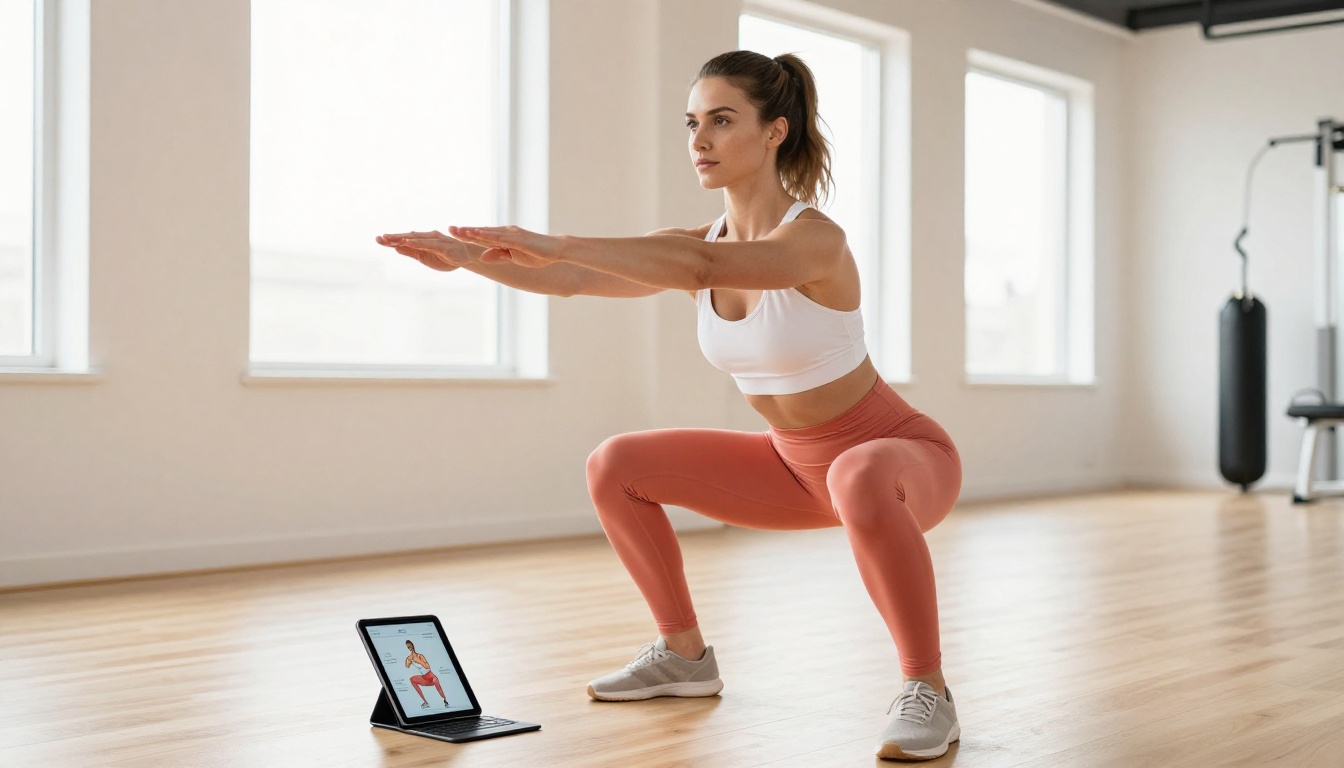
The feedback from clients who receive flipbook plans versus PDF plans follows a consistent pattern. Words that come up repeatedly for flipbook recipients: professional, easy to use, organized, motivating. Words that come up for PDF recipients: confusing, can't find it, which file was it.
This is not a minor distinction. Client perception of your professionalism directly affects how seriously they take the programming you provide. If the delivery feels careless, the content gets treated as less authoritative regardless of its quality.
How Interactive Plans Increase Follow-Through
There are three psychological reasons flipbooks outperform PDFs on client adherence:
- Perceived effort signals value: A polished flipbook communicates that the trainer invested real effort. Clients reciprocate by investing more effort themselves.
- Ease of access removes friction: When the plan is one tap away via a link or QR code, there is no barrier to checking it at the gym between sets.
- Progress feels tangible: Flipping through a well-structured plan gives clients a concrete sense of how far they have come and how much of the program remains.
Using Analytics to Coach Smarter
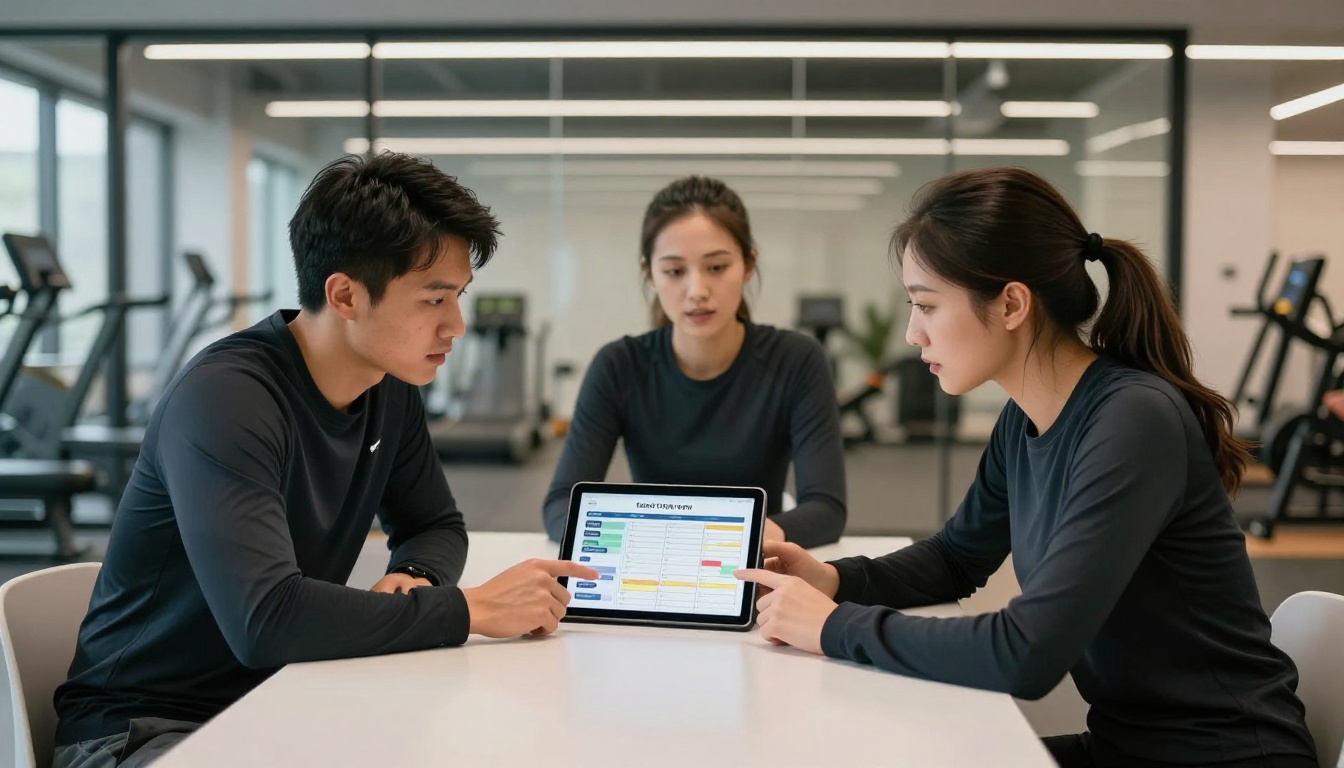
With Professional plan analytics, trainers can have genuinely different coaching conversations. Instead of asking "did you look at the nutrition section?", you already know. Instead of guessing which exercises clients struggle to understand, the data shows which pages they return to most frequently.
This transforms coaching check-ins from general accountability calls into targeted, data-informed interventions that save time and produce better results.
Comparing Delivery Methods for Personal Trainer Plans
Not all delivery methods are equal. Here is how the most common options compare:
| Delivery Method | Client Experience | Professionalism | Trackable | Updatable | Mobile-Friendly |
|---|
| Email PDF attachment | Poor | Low | No | No | Partial |
| Google Drive link | Average | Low | No | Yes | Partial |
| Printed plan | Good in-person | Medium | No | No | No |
| Coaching app | Good | High | Yes | Yes | Yes |
| Flipbook via Flipbooks AI | Excellent | High | Yes | Yes | Yes |
The flipbook method matches coaching app quality on client experience while requiring no app download, no proprietary platform lock-in, and no per-client monthly fee.
Building Templates That Scale Your Business
Once you have created one strong flipbook plan, the real efficiency gain begins: templates. The structure of a 12-week hypertrophy program does not change drastically from client to client. What changes are:
- Starting weights and volume landmarks per individual
- Specific exercise substitutions for injuries or equipment limitations
- Calorie and macro targets based on body composition goals
- The cover page personalized with the client's name
Create a master template for each of your program types. When onboarding a new client, duplicate the template, make the relevant personalizations, export to PDF, upload to Flipbooks AI, and share. The complete process takes under 20 minutes once the system is in place.
That is a scalable, professional delivery system. Not a one-off effort for each new client.

What to Include on Your Flipbook Cover Page
The cover is what a client sees before they open the plan. It sets the tone for everything inside. A strong flipbook cover for a personal trainer plan includes:
- Client's full name: Personalization signals genuine care and attention
- Program title: Something specific like "12-Week Strength Foundation Program" or "8-Week Fat Loss Protocol"
- Start date and end date: Creates accountability and a defined commitment window
- Trainer's name and logo: Reinforces your brand on every share
- A direct, earned tagline: Something specific to what this program achieves
💡 Consider including a short personal message on page two: a brief note from you to the client about what this program is designed to achieve and what you expect from them. It takes two minutes to write and dramatically increases the client's sense of personal investment before they even begin.
Ready to Stop Sending Forgettable PDFs?
Your programming is already world-class. Make sure the delivery matches.
Get started for free on Flipbooks AI and convert your first plan today. The free tier lets you test the full conversion and preview workflow before committing to a paid plan.
When you are ready to remove watermarks, add your branding, and unlock password protection, compare pricing plans to find the right fit for your coaching business. Most trainers working with more than five active clients find the Standard plan pays for itself within the first month.
Browse all flipbook tools and templates to see what else you can create for your fitness business, from training manuals and course materials to digital portfolios that showcase your coaching credentials and client results.
The clients who follow through are the ones who feel supported. A flipbook plan is one of the clearest signals you can send that you take their results as seriously as they do.



