Senior living communities run on communication. When families choose a care facility for someone they love, they want regular updates, clear activity schedules, beautiful photos of the environment, and accessible information they can read on a phone from across the country. The problem is that most communities still rely on printed newsletters, mailed brochures, and PDF attachments that nobody opens. That is where Flipbooks AI comes in, turning your existing materials into interactive, page-turning digital flipbooks that families actually read and share.
Why Printed Materials Are Failing Senior Communities
The average family member of a senior resident checks in digitally. They want to see what mom is doing this week, whether the community has upcoming health workshops, or how the new dining menu looks. A folded paper newsletter sitting on a desk does not serve them. A digital flipbook does.
The Real Cost of Print
Printing costs for senior living communities add up fast. Monthly newsletters, seasonal brochures, welcome packets, and event programs all require design time, printing fees, and physical distribution. For a mid-sized community of 100 residents, this can mean thousands of dollars annually in materials alone before accounting for staff time.
| Cost Category | Print | Digital Flipbook |
|---|
| Monthly newsletter (100 copies) | $80–$200 per issue | $0 after setup |
| Welcome brochure per new resident | $5–$15 each | Instant link share |
| Activity calendar distribution | Staff time plus paper | Automatic link or embed |
| Family access from out of town | Mail only | Anywhere, any device |
| Update frequency | Monthly at best | Real-time, anytime |
What Families Actually Want
Families with loved ones in senior care communities have specific expectations. They want:
- Frequent updates on activities, health programs, and community news
- Visual content that shows the environment and social life
- Easy mobile access from smartphones and tablets
- Shareable content they can forward to siblings and relatives across different cities
- Professional presentation that reinforces their trust in the facility
A digital flipbook checks every one of those boxes. A PDF attachment does not.

Not every community needs the same content. Below are the most impactful flipbook types based on the communication needs of assisted living, independent living, and memory care facilities.
Monthly Activity Calendars
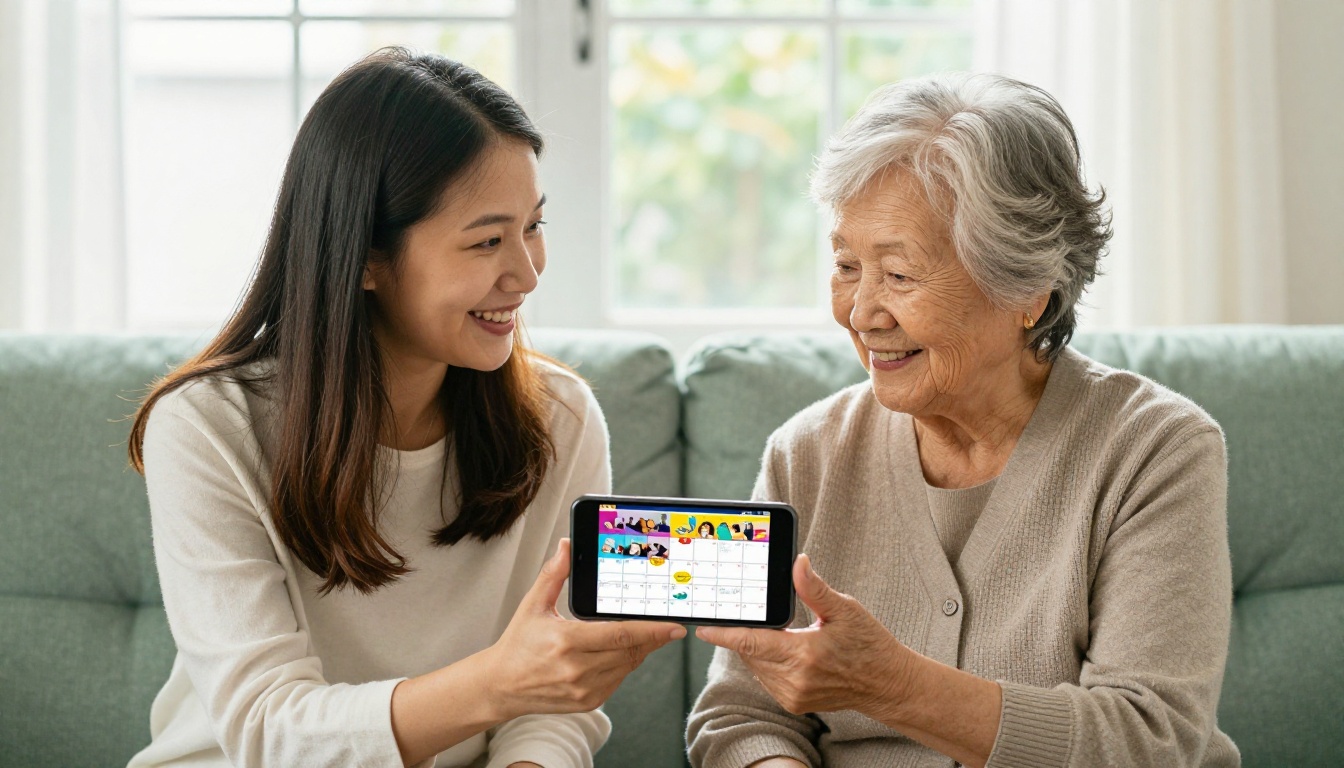
Activity directors spend hours each month creating printed calendars. A digital flipbook version can include photos from past events, descriptions of upcoming programs, and direct links to RSVP or contact the activities desk. Families appreciate seeing a polished, photo-rich calendar rather than a plain printed grid.
Welcome and Orientation Brochures
First impressions matter enormously in senior living. When a new resident and their family arrive, a digital welcome flipbook can cover dining menus, amenity descriptions, staff introductions, floor plans, and community policies all in one interactive document. Using the Online Brochure Designer makes this straightforward for any team member without design experience.
Resident and Family Newsletters
A monthly newsletter is the backbone of senior living communication. It can cover health tips, staff spotlights, resident achievements, upcoming events, and seasonal programming. In digital flipbook format, families can read it on their commute, share it in a family group chat, or bookmark individual pages for later reference.
Health and Wellness Resources
Seasonal wellness programming deserves its own publication. Flu prevention, fall fitness classes, nutrition workshops, and mental health resources all work beautifully in a dedicated digital wellness document. The Training Manual Flipbook format works equally well for staff-facing health and safety content.
Annual Reports and Community Highlights
For leadership teams and ownership groups, an annual report in flipbook format presents occupancy rates, community achievements, staff growth, and resident satisfaction data in a professional, shareable format. The Annual Report Creator is built specifically for this kind of institutional publishing.

What Makes a Senior Living Flipbook Stand Out
Creating a flipbook is not just uploading a PDF and calling it done. The best senior living flipbooks share specific characteristics that make them genuinely useful rather than just digital paper.
Large, Readable Typography
Senior audiences and their family members often read on mobile devices. Flipbooks with small text, dense columns, or cluttered layouts create friction. The ideal senior living flipbook uses clear visual hierarchy: large headings, readable body text, and generous spacing between sections.
High-Quality Photography
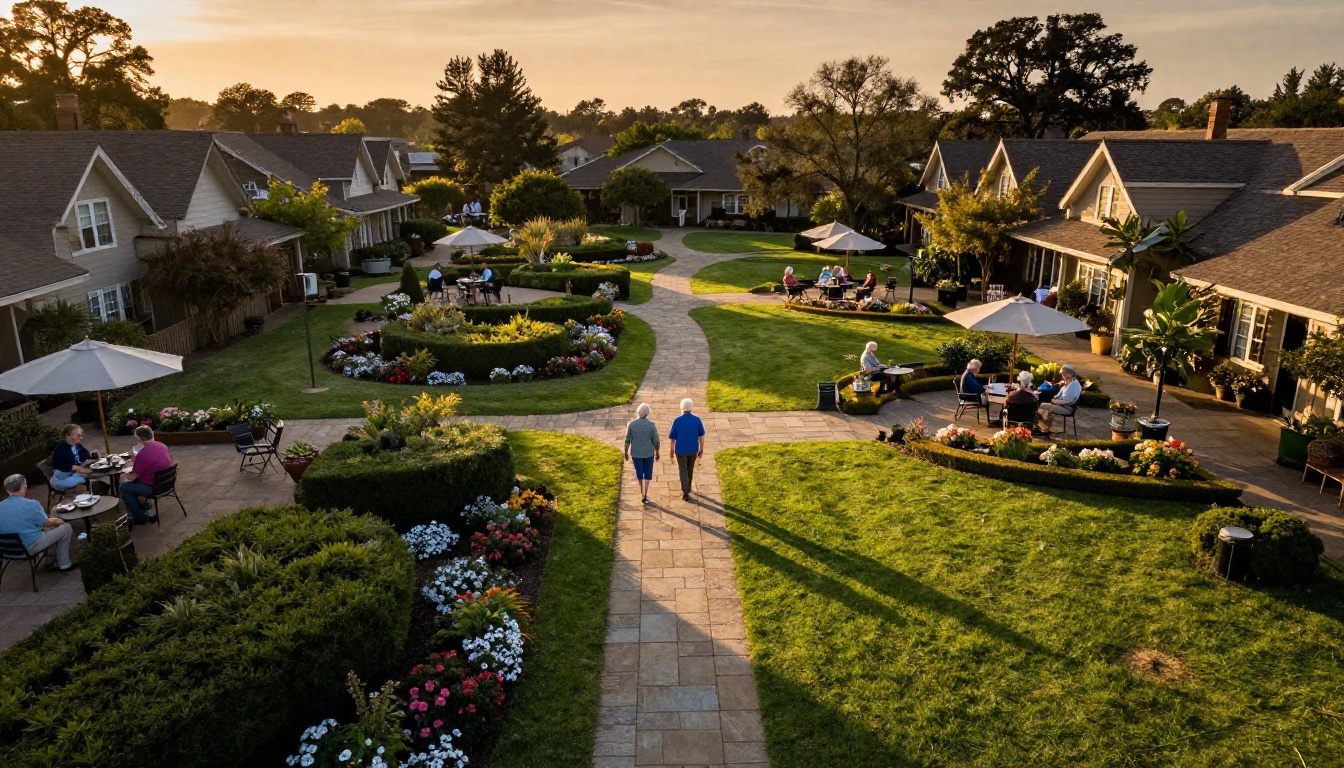
Nothing builds trust in a senior living facility faster than real, warm photography of actual residents in genuine moments. Families respond to candid photos of art classes, garden walks, and dining events far more than generic stock images. A flipbook is a visual medium, and the photography carries the emotional weight.
Mobile-Responsive Design
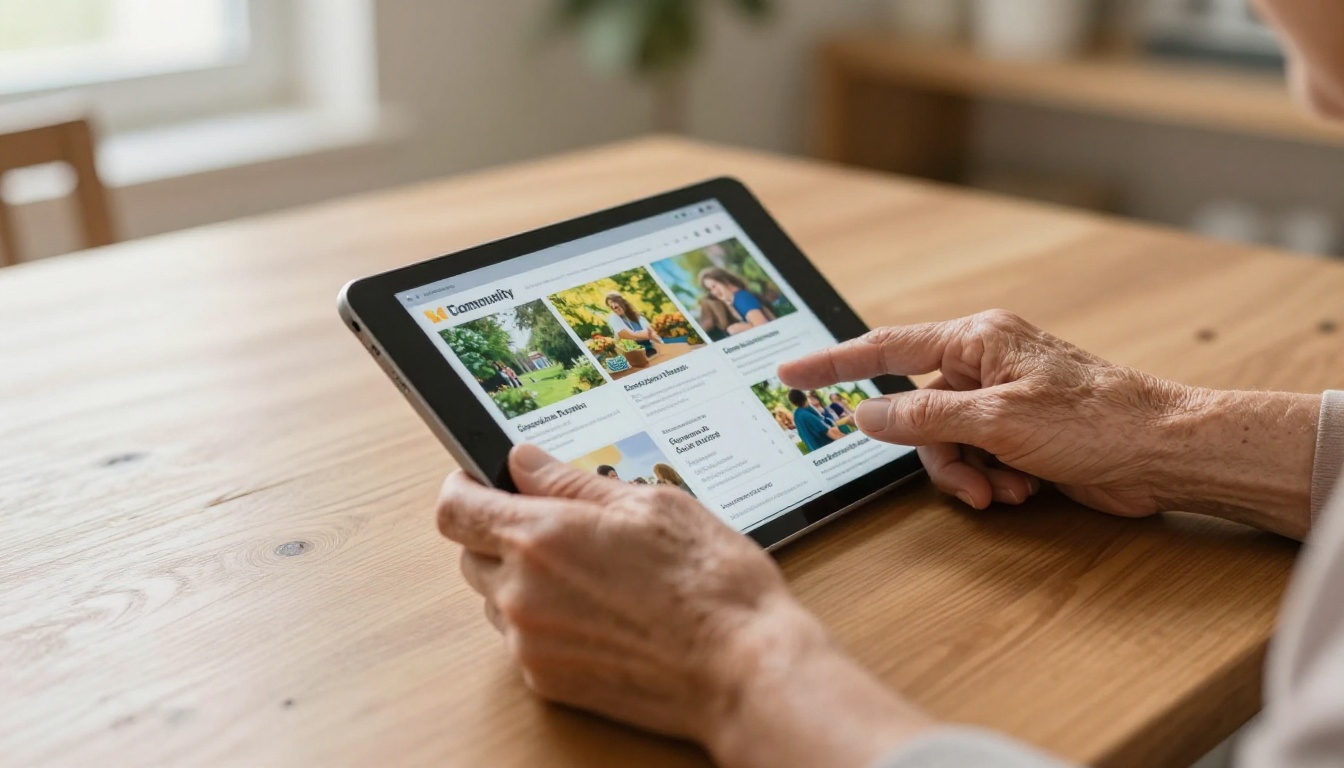
More than 60% of family members access senior living communications on a smartphone. A flipbook that works perfectly on mobile, with easy pinch-to-zoom and page-swipe navigation, removes a major barrier to consistent readership.
💡 Pro tip: Test your flipbook on both desktop and mobile before sharing. What looks perfect on a large monitor may need layout adjustments for a phone screen.
Clear Calls to Action
Every flipbook should tell the reader what to do next. Schedule a tour. Call the activities director. RSVP for the Thanksgiving dinner. Embed links directly into your flipbook pages so families can take action immediately without hunting for contact information.
How to Create Your Senior Living Flipbook with Flipbooks AI
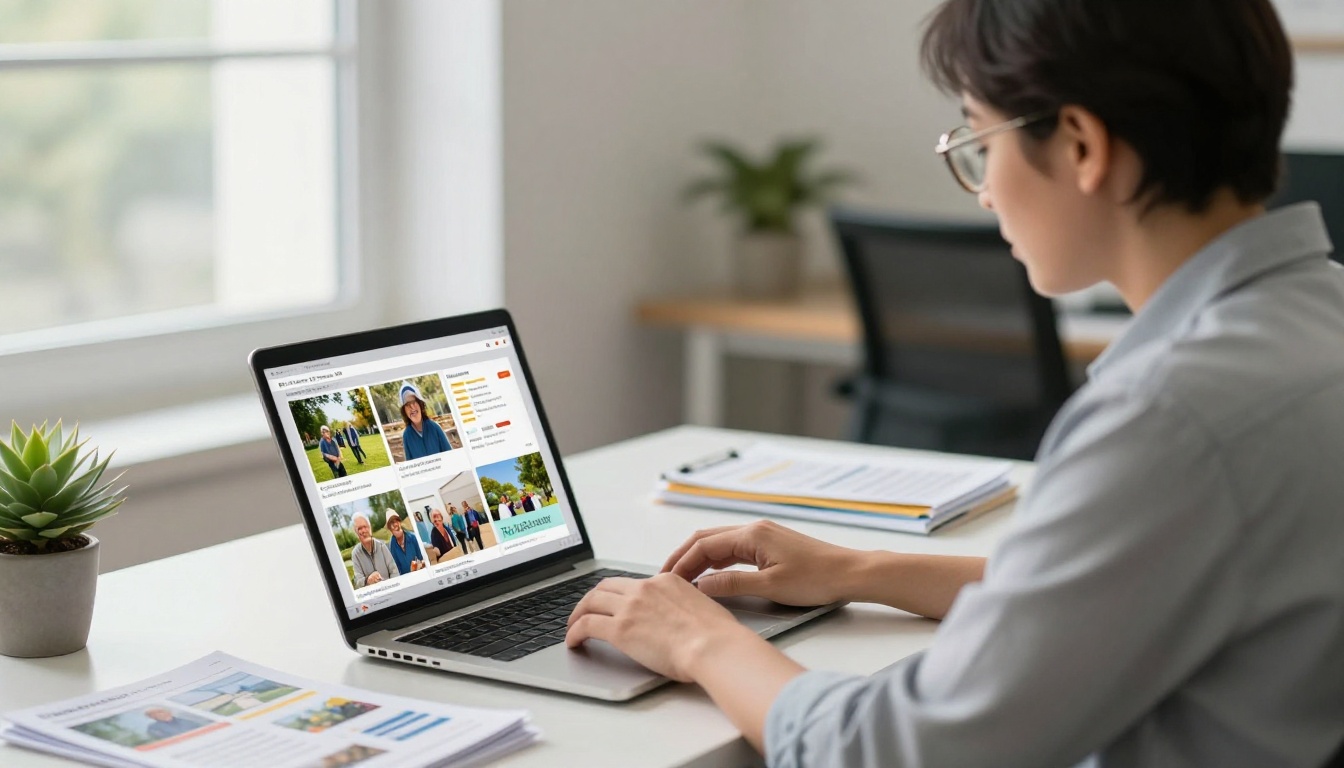
Flipbooks AI makes it straightforward to turn any PDF into a polished, page-turning digital flipbook without technical skills. Here is exactly how to do it.
Step 1: Set Up Your Account
Go to Flipbooks AI and sign up for a free account. No credit card is required at signup. Once you are in the dashboard, you will see the option to create a new flipbook immediately.
✅ Best practice: Use your community's official email address when registering so multiple team members can collaborate on the same account without confusion.
Step 2: Prepare Your PDF
Before uploading, make sure your PDF is polished. Check that:
- All photos are high resolution (150 DPI minimum for digital, 300 DPI if the document may also be printed)
- Text is embedded, not rasterized, so it remains sharp on all screen sizes
- Page dimensions are consistent throughout the document
- Your community's branding colors, logo, and fonts are applied consistently across all pages
If you are starting from scratch, tools like Canva or Adobe InDesign export clean, optimized PDFs that convert perfectly.
Step 3: Upload and Convert
In the Flipbooks AI dashboard:
- Click New Flipbook
- Select Upload PDF
- Drag and drop your file into the upload zone
- Wait for the conversion, typically under 60 seconds for most community documents
- Preview the page-turning effect immediately in the live viewer
The PDF to Flipbook Converter handles the entire conversion automatically, including the realistic animated page-flip effect that makes digital flipbooks so much more engaging than static PDFs.
Step 4: Customize Your Branding
This is where your flipbook goes from generic to professional:
- Logo: Upload your community logo to appear in the flipbook viewer interface
- Colors: Set your brand color palette for the flipbook controls and background
- Cover thumbnail: Choose a strong hero photo for the flipbook preview image
- Title and description: Add metadata so the flipbook is easy to search and identify internally
💡 Pro tip: Use a warmly lit photo of your community's exterior or a welcoming common area as the cover thumbnail. Families form strong first impressions before they even open the first page.
Step 5: Add Multimedia
Flipbooks AI supports embedded videos and audio directly within pages. Consider adding:
- A short welcome message from the executive director recorded on any smartphone
- A virtual tour video embedded on the facilities and amenities page
- Audio descriptions of monthly activities for residents with vision impairments
- Photo galleries embedded within individual pages
Step 6: Share with Families and Residents
Once your flipbook looks exactly right, sharing options include:
- Direct link: Copy a clean URL to include in email newsletters or text message updates
- Website embed: Use the Embed Flipbook on Website tool to place the flipbook directly on your community's family portal page
- Password protection: For private documents like individualized care summaries or financial statements, restrict access so only authorized family members can view
- Download for offline use: Let families save the flipbook for offline reading during travel or in areas with poor connectivity
Print vs. Digital Flipbooks for Senior Communities
Many community directors ask whether to completely replace print or run both in parallel. The answer depends on your resident demographics and how families prefer to receive information.
| Factor | Print Only | Digital Flipbook Only | Hybrid Approach |
|---|
| Cost per issue | High (printing plus distribution) | Very low | Moderate |
| Family access | Limited to physical copy | Anywhere, any device | Both channels |
| Update speed | Slow (reprint required) | Instant edits | Near-instant |
| Environmental impact | High paper and ink use | Minimal | Reduced |
| Accessibility options | Limited | Zoom, screen readers | Mixed |
| Readership analytics | None | Full data (Professional plan) | Partial |
| Ideal for | On-site residents with low digital access | Remote families and prospects | Most mid-size communities |
⚠️ Note: For residents with limited digital access or low comfort with devices, a printed backup of core materials like the activity calendar remains valuable. A hybrid approach serves both audiences without leaving anyone behind.
Flipbooks AI offers plans suited to single locations and multi-property groups. Here is how the tiers compare for senior living use cases.
| Feature | Free | Standard | Professional |
|---|
| Flipbooks per month | Limited | Unlimited | Unlimited |
| Watermarks | Yes | No | No |
| Custom branding | No | Yes | Yes |
| Password protection | No | Yes | Yes |
| Analytics and reporting | No | No | Yes |
| Lead generation forms | No | No | Yes |
| Offline downloads | No | Yes | Yes |
| Website embed | Limited | Yes | Yes |
For most senior living communities, the Standard plan covers all core needs: unlimited flipbooks, no watermarks, custom branding, and password protection for private family documents. Communities that want to track which families are reading their newsletters or capture inquiry leads from digital brochures will benefit most from the Professional plan's analytics dashboard.
💡 Pro tip: A multi-location senior care group can use one Professional account across all properties, centralizing branding while giving each community its own flipbook library.
Real-World Uses That Actually Work
The most effective implementations go beyond simply digitizing existing PDFs. Here are scenarios where flipbooks create genuine impact in senior care settings.
New Resident Orientation Packets
When a family commits to placing a loved one in your community, the orientation packet sets the tone for the entire relationship. A flipbook that covers a welcome letter from the executive director, a photo tour of the residence and dining areas, the current month's activity calendar, a staff directory with photos and roles, and a clear FAQ page with contact information replaces a stack of papers handed over at check-in with a polished, shareable digital document the whole family can reference for weeks afterward.
Monthly Family Newsletters
The activities team publishes a newsletter each month. In flipbook format, it can include photo spreads from recent resident events, upcoming activities with descriptions and dates, health and wellness tips from the nursing team, a staff spotlight introducing new team members, and a resident recognition section celebrating birthdays and milestones.
Families who live out of state consistently report that receiving a monthly flipbook newsletter makes them feel genuinely connected to the community their parent calls home.
Seasonal Marketing Brochures for Prospects
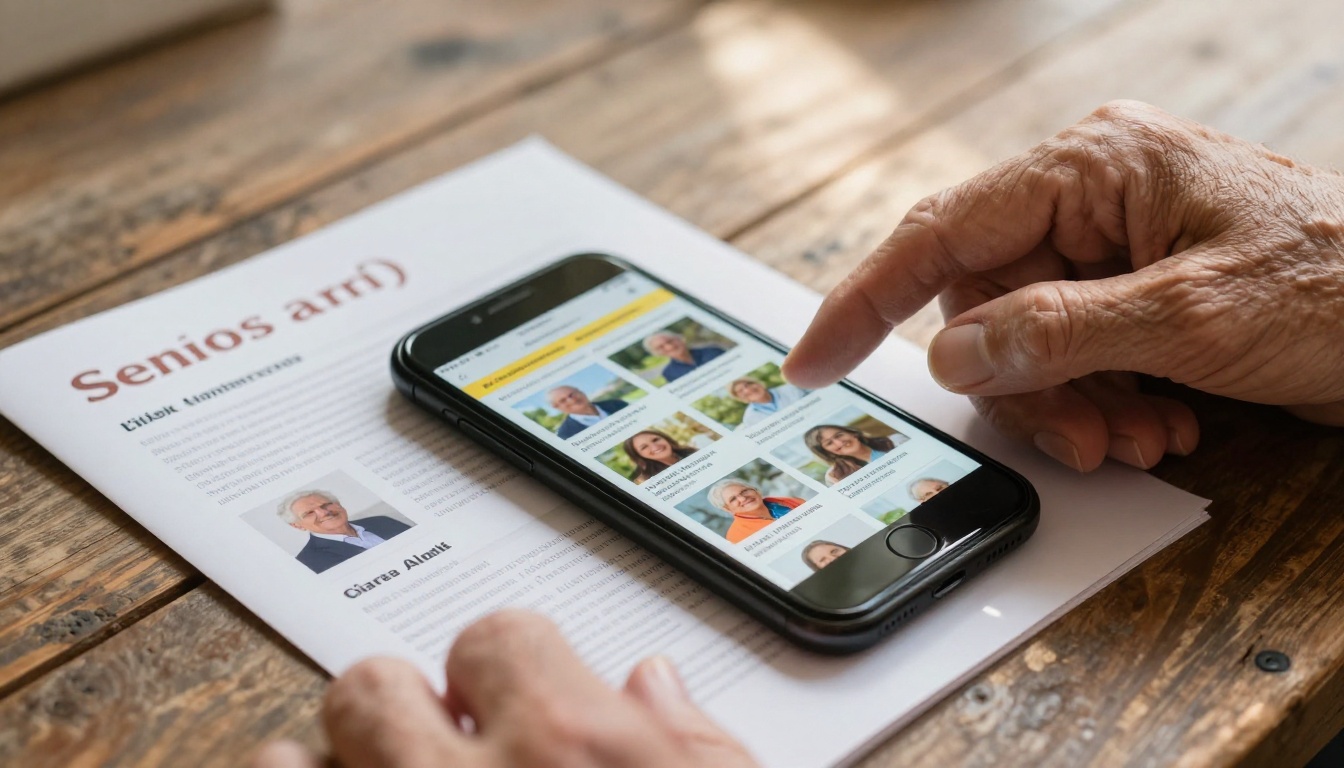
Independent and assisted living communities compete for prospects. A digital brochure in flipbook format is far more compelling than a static PDF email attachment. Prospects can page through it on a smartphone, share it with family members involved in the decision, and click embedded links to schedule tours directly. The Brochure Flipbook Maker provides professional templates designed for exactly this kind of service-sector marketing.
Best Practices for Flipbooks That Get Read
Publish on a Consistent Schedule
Families who expect a newsletter on the first of each month will look for it. Inconsistent publishing erodes the habit and the trust. Pick a schedule and commit to it. Monthly works well for community newsletters; quarterly suits welcome packets and seasonal program highlights.
Use Real Photos, Not Stock Images
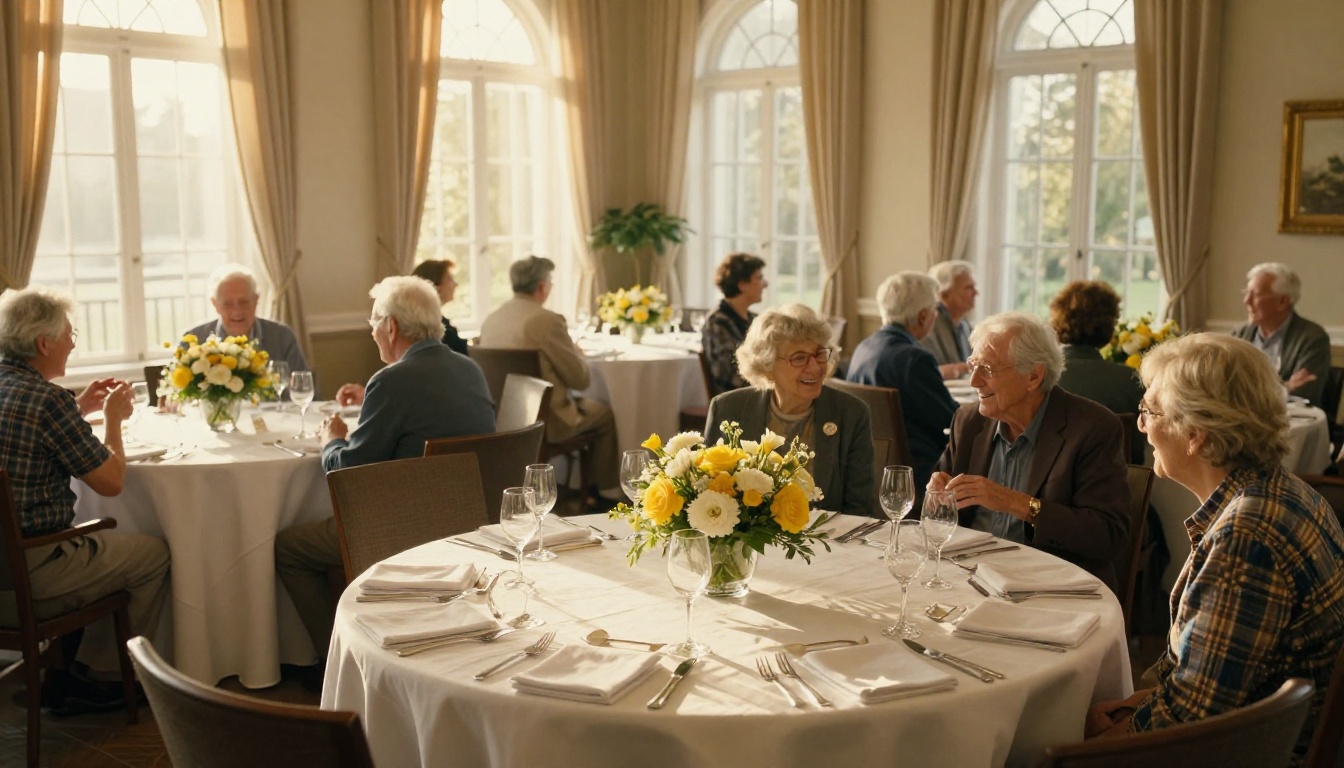
Every stock photo of smiling seniors looks identical. Real photos of your residents in your spaces, with proper consent documented, build genuine credibility that no stock library can replicate. Families recognize authentic environments immediately.
Serve Two Audiences at Once
The best senior living flipbooks serve two distinct audiences simultaneously. Residents want activity schedules, dining menus, and community news. Families want reassurance, transparency, and ways to feel connected. Structure your content to address both groups, with clear sections that speak directly to each.
Make Sharing Effortless
Include the flipbook link in every family email update, on your website's family resources page, and in your social media bio. When it is easy to find and simple to forward, readership multiplies without extra staff effort.
Analytics: Knowing What Is Actually Working
One of the most underused advantages of digital flipbooks over print is built-in readership data. With a Professional plan on Flipbooks AI, you can see exactly how many people opened each flipbook, which pages receive the most time and attention, where readers stop scrolling, and what devices and geographic locations your audience uses.
For a marketing director at a senior living community, this data is genuinely valuable. If the dining section of your welcome brochure gets the most read time, you know that food quality is a primary concern for prospective families. If the activities page gets consistently skipped, the content may need fresher photos or a reorganized layout. Print materials can never tell you any of this.

Take the First Step Today
Senior living communication does not need a complete overhaul to improve dramatically. Start with one document, either the monthly activity calendar or the new resident welcome brochure, and convert it to a digital flipbook. Share it with a handful of families and ask for feedback. Their response will tell you everything you need to know about whether to expand the approach across your entire communications strategy.
Flipbooks AI offers a free starting point with no technical setup required. Create your first flipbook at flipbooksai.com/account, browse the full range of publishing tools at flipbooksai.com/tools, and when you are ready for unlimited flipbooks and custom branding, review pricing plans to find the option that fits your community's size and budget.
Families that feel informed feel confident. Confident families become loyal advocates for your community. A digital flipbook is a small investment with a lasting impact on the relationships that matter most.



