Sponsors don't browse PDFs anymore. They scroll, skim, and click away in seconds if your pitch doesn't grab their attention immediately. A well-built interactive flipbook for your Twitch channel can be the difference between a brand deal that lands and one that goes unanswered. Flipbooks AI makes it possible to build a sponsor deck that looks like it was produced by a professional agency, in under an hour.
Before building anything, think like the brand manager on the other side of your pitch email. They receive dozens of media kits every week. Most look the same: a Google Doc with some screenshots and a Canva-designed PDF that no one clicks past page two.
What actually gets attention is specificity and presentation. A brand wants to know that you understand their audience, that your viewers match their customer profile, and that you've thought about the partnership as a business transaction, not just a payday.
The 5 Data Points That Close Deals
A strong Twitch sponsor flipbook leads with data, not aesthetics. These are the five metrics every serious brand will look for:
- Average concurrent viewers (ACV): More telling than follower count. Brands pay for eyeballs, not subscribers.
- Peak viewer count: Shows your ceiling and your best-case scenario for branded content.
- Audience demographics: Age range, gender split, and top geographic regions. Most brands have a specific target customer.
- Chat activity rate: High chat-to-viewer ratios signal an invested community, which matters more than passive view counts.
- Content niche and tone: Brand-safe categories perform differently. A cooking streamer and an FPS streamer attract different sponsor types.
💡 Pull your stats directly from the Twitch Analytics dashboard and update them monthly. Stale numbers torpedo deals before they start.
Why Static PDFs Lose to Interactive Decks
A PDF is a closed object. You send it, and it either gets opened or sits in a downloads folder forever. An interactive flipbook is a living document with a shareable link, clickable navigation, and a page-turning experience that makes it feel worth reading.
The psychological difference is real. When a brand manager opens a flipbook link, they interact with it. They flip pages, click through your packages, and spend more time absorbing your content. Time spent with your document directly correlates with reply rates.
| Format | Shareable Link | Interactive Pages | Analytics | Branding |
|---|
| Google Doc | No | No | No | Minimal |
| PDF | Partial | No | No | Limited |
| Canva Presentation | Yes | No | No | Yes |
| Interactive Flipbook | Yes | Yes | Yes | Full |
Think of your flipbook as a pitch deck crossed with a magazine spread. It should be visually rich but data-dense. Every page should earn its place.
Page Structure That Converts
Here is a proven page-by-page structure for a Twitch sponsor flipbook that gets responses:
- Opening page: Channel name, a high-quality branded photo, and a single tagline. Nothing else.
- About the channel: Two paragraphs max. Who you are, what you stream, how long you've been doing it.
- Audience statistics: ACV, peak viewers, total watch hours in the last 30 days, subscriber and follower count.
- Audience demographics: A visual breakdown with charts. Age, gender, top countries, top cities.
- Content schedule: Days and times you stream, average stream length, upload frequency if you clip to YouTube or TikTok.
- Past brand work: Screenshots, clips, or testimonials from previous sponsors. If you don't have any yet, skip this page for now.
- Sponsorship packages: Tiers with clear deliverables and pricing. This is the most important page.
- Contact page: Your email, business manager contact if applicable, and links to your social profiles.
✅ Always include a table of contents page in longer flipbooks. It makes navigation instant and looks professional.
Sponsor Package Tiers That Actually Work
One of the biggest mistakes streamers make is offering a single sponsorship option. Brands have different budgets, different goals, and different timelines. Offering three tiers gives you more ways to close a deal.
| Tier | What's Included | Best For |
|---|
| Bronze | 1 stream shoutout, logo overlay for 30 min | Small brands testing the waters |
| Silver | 3 stream integrations, dedicated clip, social post | Mid-size brands with content budgets |
| Gold | Full campaign (5+ streams), branded segment, post-campaign report | Major brands with influencer budgets |
Pricing varies based on channel size, but a general starting point is $5-$15 per concurrent viewer per stream. A streamer averaging 200 concurrent viewers might price a basic shoutout at $150-$300 and a full campaign at $1,500-$3,000.

This is where the practical process begins. Building a sponsor flipbook with Flipbooks AI requires no design experience and no expensive software. The entire workflow runs in a browser.
Step 1: Design Your PDF First
Flipbooks AI converts PDFs into interactive flipbooks, so your first step is building the underlying document. Use Canva, Adobe Express, or Google Slides to design your sponsor deck following the page structure above. Export it as a PDF when you're done.
Keep your design clean. White or dark backgrounds work best. Use your channel's brand colors consistently. Include high-resolution images of your stream setup and screenshots from your Twitch dashboard.
Step 2: Upload to Flipbooks AI
Head to Flipbooks AI and create your account. Once you're in the dashboard:
- Click New Flipbook and select your PDF file.
- The platform automatically converts each page into a high-quality interactive spread.
- Preview the conversion to check that your fonts, images, and colors rendered correctly.
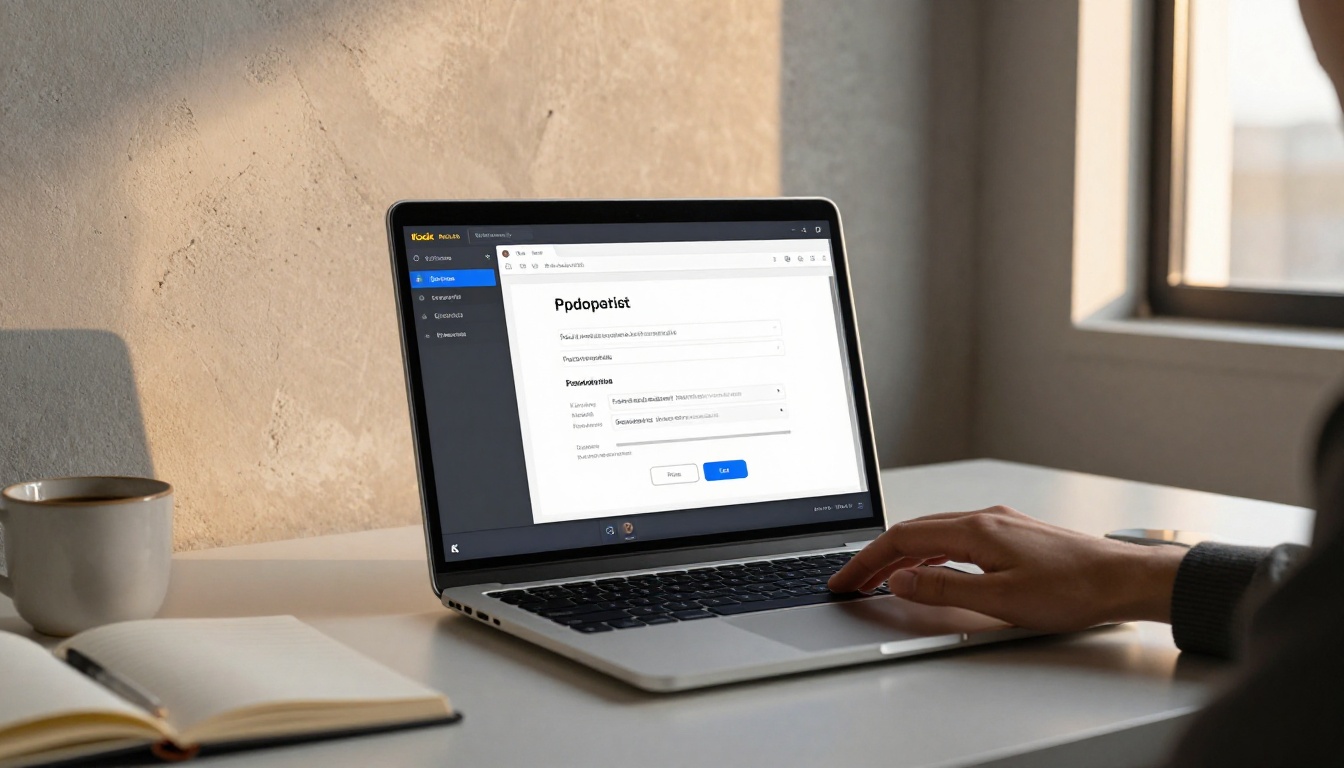
The conversion process typically takes under a minute for a standard 8-10 page sponsor deck. The PDF to Flipbook Converter handles complex layouts, embedded fonts, and vector graphics without quality loss.
Step 3: Customize Your Flipbook
After conversion, use the Flipbooks AI editor to:
- Add custom branding: Set your channel colors, upload your logo, and customize the viewer interface.
- Enable page effects: The signature page-flip animation makes your deck feel premium and polished.
- Embed multimedia: Add your highlight reel as an embedded video directly into the flipbook. Sponsors can watch a sample of your content without leaving the document.
- Set a custom URL: Instead of a generic link, use something that reflects your channel name and looks clean in an email.
💡 Use the Press Kit Designer tool if you want a ready-made template built specifically for media kits and brand presentations.
Step 4: Control Access and Share
Not every sponsor deck should be publicly accessible. Flipbooks AI gives you full control:
- Set password protection for decks you only want specific brands to see.
- Generate a shareable link that works on any device, including mobile.
- Embed the flipbook directly into a website or landing page using the Embed Flipbook on Website tool.
- Track sponsor activity with analytics (Professional plan) to see exactly which pages receive the most attention, letting you refine your deck based on real behavior.

When you send a pitch email, include a direct link to your flipbook rather than a PDF attachment. Attachments get flagged by spam filters and feel impersonal. A link that opens a beautiful interactive deck immediately signals professionalism.
Flipbooks AI Plans: What You Actually Need
For most streamers building their first sponsor deck, the Standard plan handles everything. If you want to track sponsor activity and use data to iterate on your pitch, the Professional plan pays for itself with a single closed deal.
| Feature | Free | Standard | Professional |
|---|
| Flipbooks | 1 | Unlimited | Unlimited |
| Watermarks | Yes | No | No |
| Password Protection | No | Yes | Yes |
| Custom Branding | No | Yes | Yes |
| Embedded Video/Audio | No | Yes | Yes |
| Analytics | No | No | Yes |
| Lead Generation | No | No | Yes |
| Offline Downloads | No | No | Yes |
Check pricing plans to pick the right tier for your sponsorship workflow.
Even a beautiful flipbook can fail if you make these errors:
- Padding with irrelevant stats: Twitch rank, total followers from three years ago, or Discord member counts don't impress brands. Only include recent, relevant data.
- Missing pricing: Some streamers leave pricing out to "discuss on a call." Brands interpret this as not knowing your own value. Include at least a starting price range.
- No clear call to action: Every flipbook should end with a specific next step. "Email us to reserve Q3 availability" beats a generic contact page every time.
- Using generic templates: If your sponsor deck looks exactly like every other creator's, there's no visual reason for a brand to choose you. Customize your Flipbooks AI template to match your channel identity.
- Sending the same deck to every brand: A gaming peripheral brand and a meal delivery service have different goals. Tailor at least the opening page and sponsor packages section for each major outreach target.
⚠️ Never fabricate or round up statistics in a sponsor deck. Brands verify. Getting caught with inflated numbers permanently damages your reputation in the brand partnership space.
Flipbooks by Channel Size: What to Prioritize
The right approach to a Twitch sponsor flipbook changes based on where you are in your streaming career.
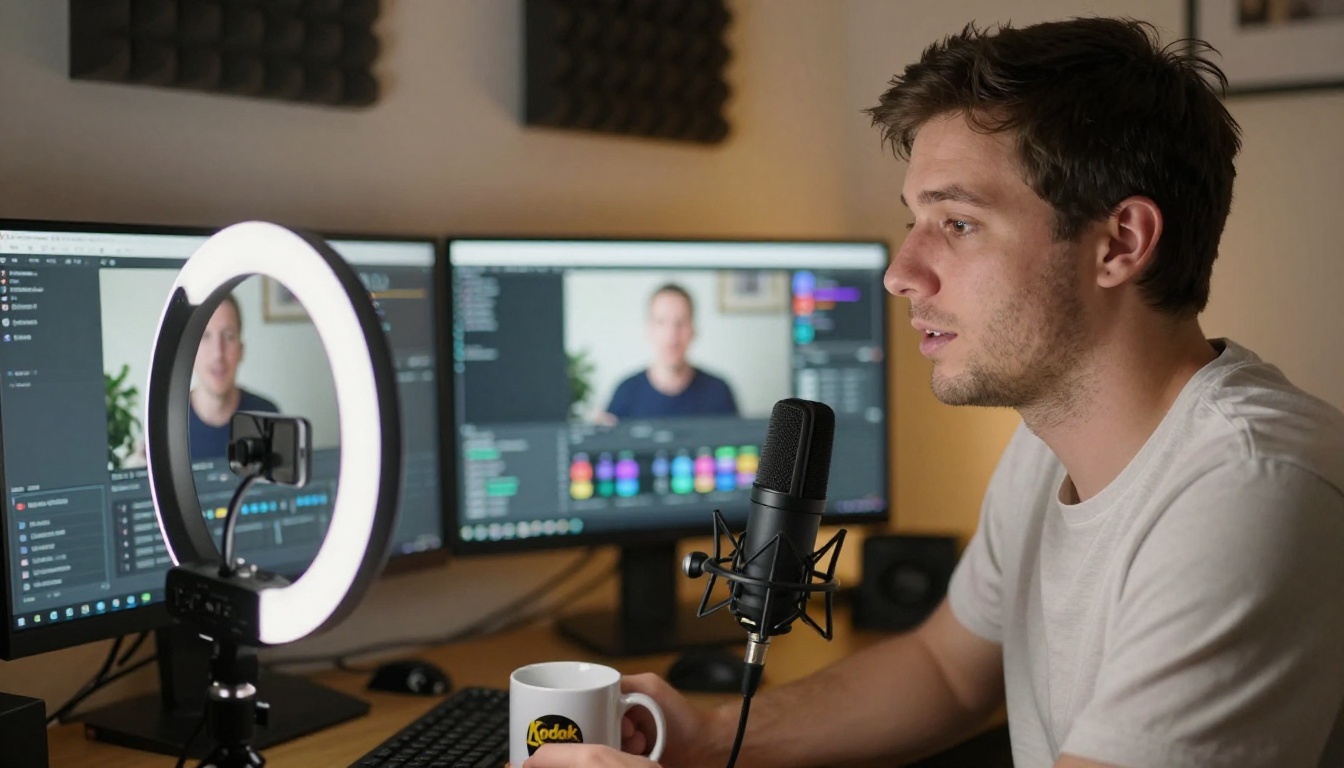
Small channels (under 100 ACV):
Focus on audience quality over quantity. A small channel with highly invested viewers in a specific niche (hunting, cooking, retro gaming) can still attract relevant brands. Highlight community loyalty, chat activity, and niche specificity. Offer low Bronze-tier packages to build your sponsorship portfolio.
Mid-size channels (100-500 ACV):
You now have enough data to tell a compelling story with charts and trends. Include month-over-month growth data. Brands want to know if you're on a trajectory, not just where you are today. Offer all three package tiers and include one or two past sponsor case studies if available.
Larger channels (500+ ACV):
At this scale, your flipbook functions more like a formal media kit. Include brand safety policies, content restrictions you maintain, audience affinity scores, and a campaign reporting framework. Brands investing at this level expect a professional process from inquiry to post-campaign report.
| Channel Size | ACV Range | Primary Pitch Angle | Recommended Tier |
|---|
| Emerging | 0-100 | Niche specificity and chat activity | Bronze / Silver |
| Growing | 100-500 | Growth trajectory and community | Silver / Gold |
| Established | 500+ | Reach, brand safety, reporting | Gold / Custom |
Getting More Responses After You Send
Building the flipbook is only half the work. Getting responses requires a follow-up strategy.
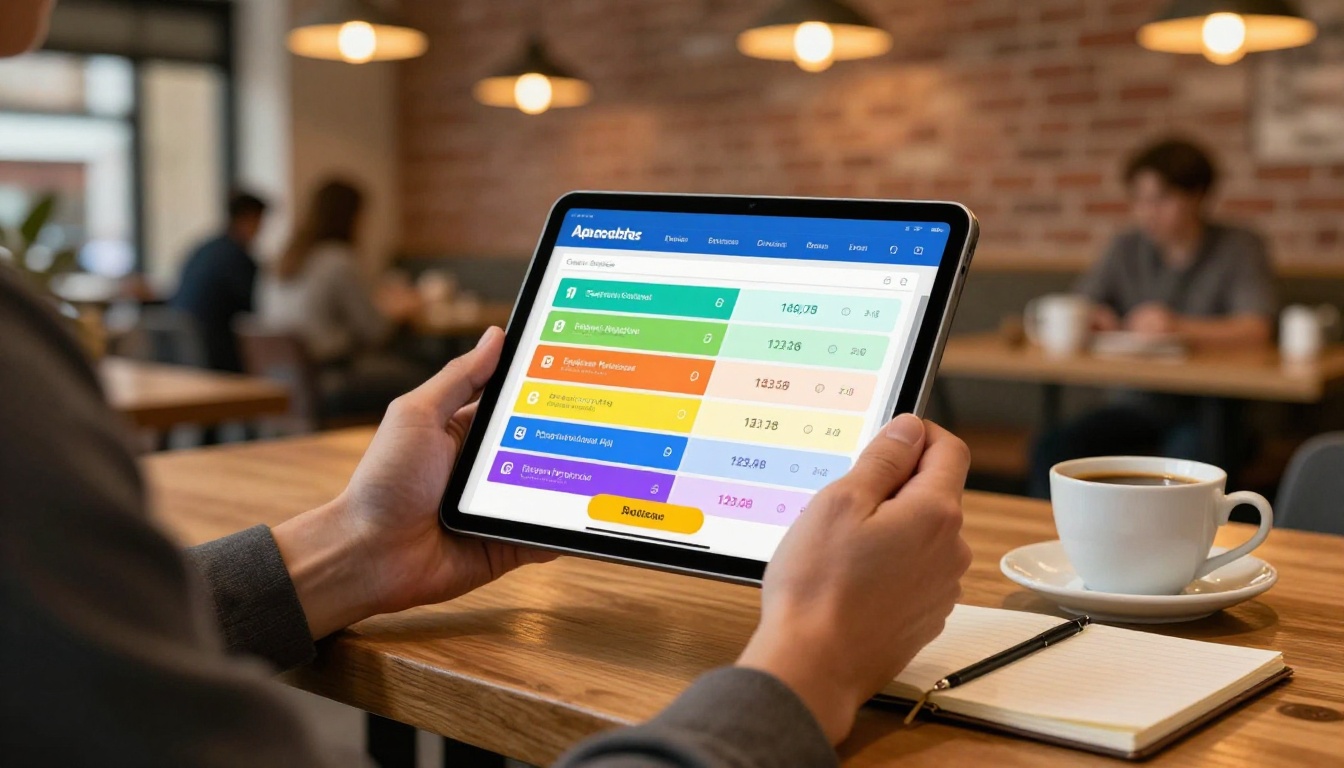
Send your first outreach email with the flipbook link and a two-sentence pitch. Then follow up exactly seven days later if you haven't heard back. A single follow-up email doubles reply rates in most outreach campaigns. Keep it short: "Just checking if you had a chance to review my media kit. Happy to jump on a quick call this week."
If you're on Flipbooks AI's Professional plan, the analytics dashboard tells you exactly when a recipient opened your flipbook and which pages they spent the most time on. If they lingered on your pricing page but didn't reply, you know pricing is the sticking point, and you can address it directly in your follow-up.
💡 Create separate flipbook versions for different brand categories (gaming, food and beverage, fashion, tech) and track which version performs best using Flipbooks AI analytics.
Why this matters for iterating quickly:
Most creators send one version of their sponsor deck and never change it. The streamers who close the most deals treat their flipbook like a product, updating stats monthly, testing different package structures, and retiring offers that don't convert. Analytics make this possible without guesswork.
A few small wins compound fast. A streamer who closes two $500 deals in their first quarter using a polished flipbook has more credibility and data than one who spent the same time chasing deals with a Google Doc. Each campaign adds a case study to the next version of the deck.
When someone opens your Twitch sponsor flipbook, the first five seconds decide whether they keep reading. A flipbook that starts with a high-quality hero image, your channel's name in clean typography, and a single compelling headline creates immediate credibility. The page-flip animation reinforces that this is a real, professional document, not something thrown together overnight.

That first impression is entirely within your control. Flipbooks AI gives you the tools to make it count without needing a designer or a big budget. Every feature, from password protection to embedded video to real-time analytics, is designed to make your outreach more professional and your sponsor relationships more durable.
Your next brand deal might be one flipbook away. Start by gathering your last 30 days of Twitch analytics, sketch out your three sponsorship packages, and design your PDF deck. Then upload it to Flipbooks AI and convert it in under a minute.
If you want to see what's possible before committing, browse all flipbook tools to find templates and builders suited for media kits, press kits, and digital presentations. When you're ready to scale your sponsorship workflow with analytics and lead generation, check the pricing plans to find what fits your stage.
The brands you want to work with are looking for creators who take the business side seriously. A well-built sponsor flipbook is the clearest possible signal that you do.



