There is something irreplaceable about flipping through a book of real, printed memories, and a Mother's Day photo flipbook takes that feeling to an entirely new level. Unlike store-bought gifts that fade from memory, a custom photo flipbook carries the weight of every milestone, every laugh, and every quiet Tuesday that made your family what it is today. Flipbooks AI makes the whole process surprisingly simple, even if you have never designed anything in your life.
Why a Photo Flipbook Beats Every Other Gift
More Personal Than Anything in a Store
Candles, wine, and jewelry are perfectly fine. But your mother does not need more stuff. She needs proof that you were paying attention. A photo flipbook says: I noticed. I collected the moments. I turned them into something you can hold.
The physical act of flipping through pages, each one landing on a face or a place she loves, creates an emotional experience that no gift card can replicate. It is tactile, visual, and deeply personal.
The Real Cost Comparison
| Gift Type | Personalization | Estimated Cost | Shelf Life |
|---|
| Photo Flipbook | Very High | $0 with digital tools | Permanent |
| Flower Bouquet | Low | $40 - $80 | 1 week |
| Jewelry | Medium | $50 - $200 | Years (if worn) |
| Spa Gift Card | Low | $75 - $150 | One use |
| Printed Photo Book | High | $30 - $60 + shipping | Permanent |
A digital photo flipbook created on Flipbooks AI costs nothing to create, looks stunning on any device, and can be shared within minutes.
💡 A digital flipbook is also instantly shareable. Send it to aunts, cousins, and siblings who live far away so everyone can experience it together.
What to Include in Your Mother's Day Photo Flipbook
Picking the Right Photos
Do not try to include everything. The most powerful flipbooks are curated, not exhaustive. Aim for 20 to 40 photographs that tell a specific story. Here are the types of images that tend to hit the hardest:
- Candid moments: The unposed shots where Mom is laughing mid-sentence or squinting in the sun
- Milestone photos: Birthdays, graduations, weddings, first days of school
- Generational portraits: Mom with her own mother, or as a grandmother now
- Everyday moments: Saturday morning breakfasts, holiday dinners, road trips
- Old photos: Childhood photos of Mom herself if you can get your hands on them
⚠️ Avoid blurry or low-resolution photos. When images get displayed in a flipbook they are enlarged, and a bad photo will stand out immediately.
Organizing by Theme or Timeline
Two approaches work really well:
Chronological: Start from the earliest available photo and move forward in time. This works beautifully for a milestone year, like a 50th birthday, or a "Life of Mom" tribute.
Thematic: Group photos by chapters like "Summers Together," "The Kitchen," "Road Trips," or "Everyone She Loves." This feels more like a curated magazine and less like a photo dump.
💡 Add a short handwritten-style caption for each section opener. Even two or three words like "Then and Now" or "Every Summer" can add enormous emotional weight.
How to Create a Mother's Day Photo Flipbook with Flipbooks AI

Flipbooks AI is the fastest way to go from a folder of photos to a polished, shareable flipbook. Here is how to do it from start to finish.
Step 1: Create Your Account
Go to Flipbooks AI and sign up for free. No credit card required. You get access to the full platform immediately.
Step 2: Design Your Photo Pages as a PDF
Flipbooks AI works with PDF files, so you need to arrange your photos into a PDF first. Here are your options:
- Canva (free): Drag photos into preset layouts, download as PDF
- Google Slides (free): Add one photo per slide, export as PDF
- Microsoft Word (free with Office): Insert photos into pages, save as PDF
- Adobe Express (free tier): More design control, same export process
Use a 16:9 or A4 page ratio. Keep the layout clean: one or two photos per page with enough white space to breathe.
💡 Add an opening page with Mom's name and the year. Something like "For Mom, 2026" on a clean background sets the tone beautifully.
Step 3: Upload and Convert
In your Flipbooks AI dashboard, click New Flipbook and upload your PDF. The platform converts it into a fully interactive flipbook with realistic page-turning effects in under a minute.
You can also use the PDF to Flipbook Converter directly if you want a dedicated tool for this step.
Step 4: Customize It
This is where it goes from good to extraordinary. Inside the editor you can:
- Set a custom thumbnail using your best photo
- Choose a background color or texture behind the flipbook
- Add a title and subtitle visible on the share page
- Enable music or audio if you want background sound
- Set a password if this is meant to be a private family gift
Step 5: Share or Download
Once you are happy, hit Publish. You get:
- A shareable link you can text or email to Mom
- An embed code if you want to put it on a family website or blog
- Options to download for offline viewing
✅ Test the link on both mobile and desktop before sending. Flipbooks AI is fully mobile-responsive, so it looks perfect on a phone screen.
5 Photo Flipbook Ideas for Mother's Day
You do not have to stick to a generic "family photos" format. These five ideas produce the most memorable results:
1. The Childhood Memories Collection
Scan or photograph old physical prints from Mom's childhood and her years raising you. Combine them with modern photos of the same people. The contrast between decades is genuinely moving.
2. The Family Milestones Book
Build a timeline of every major milestone: graduations, marriages, births, moves, promotions. Include small text captions with the year and location. This becomes a family archive over time.
3. Travel Memories Flipbook
If your family travels together, a trip-specific flipbook works incredibly well. "Summers in Portugal" or "Ten Years of Family Vacations" organized by destination creates something that feels like a travel magazine. The Travel Guide Flipbook tool has design layouts built for exactly this type of content.
4. Grandma's Photo Album
If Mom is now a grandmother, put together a flipbook of her with her grandchildren only. Grandmothers are particularly moved by this because it shows a side of themselves they rarely see documented.
5. Letters to Mom Photo Book
Combine photos with short written messages from each person in the family. Each "chapter" is a different family member's tribute: one page of text followed by their favorite photo with Mom. It reads like a love letter in book form.
Flipbooks AI Plans for Personal Projects

For a personal Mother's Day project, the free tier gets you very far. Here is a quick breakdown of what each plan offers:
| Feature | Free | Standard | Professional |
|---|
| Flipbooks | 1 | Unlimited | Unlimited |
| Watermark | None | None | None |
| Password Protection | No | Yes | Yes |
| Custom Branding | No | Yes | Yes |
| Analytics | No | No | Yes |
| Lead Generation | No | No | Yes |
| Offline Download | No | Yes | Yes |
| Embed on Website | Yes | Yes | Yes |
| Mobile Responsive | Yes | Yes | Yes |
💡 For a single Mother's Day flipbook, the free plan is completely sufficient. If you want to create flipbooks for multiple family members or add password protection for a private family-only share, the Standard plan is worth it.
See full details at flipbooksai.com/pricing.
Tips for a Stunning Photo Flipbook
Photo Quality Matters More Than Quantity
A flipbook with 25 stunning photos beats one with 80 mediocre ones every time. Before uploading, do a quick quality pass:
- Remove duplicates or near-duplicates
- Delete anything blurry, underexposed, or unflattering
- Favor photos where people are looking at the camera OR captured in a natural candid moment
- Include at least one full-bleed portrait per "chapter"
Add a Personal Touch
The details that seem small are the ones Mom will talk about for years:
- A handwritten-style font for captions (Canva has dozens for free)
- A color palette that matches Mom's taste (she loves navy blue? Use navy accents throughout)
- A quote she says often, or one that describes her, on the inside opening page
- A final page that simply says "We love you, Mom" with every family member's name
✅ Print the flipbook link on a card and place it inside a small physical gift. The unboxing moment of scanning a QR code or typing a short URL adds ceremony to the reveal.
Digital vs. Printed Photo Albums

Both have real value. Here is an honest comparison:
| Aspect | Digital Flipbook | Printed Photo Book |
|---|
| Cost | Free to low-cost | $30 - $80 |
| Creation Time | 1 to 2 hours | 2 to 4 hours + shipping |
| Sharing | Instant via link | Physical only |
| Durability | Permanent cloud storage | Can fade, wear, or be lost |
| Interactivity | Page-turn effects, video, audio | Static |
| Last-Minute Option | Yes, same day | No, 5 to 10 day shipping |
| Feel | Digital on any device | Tactile, physical |
The strongest approach combines both: create a digital flipbook with Flipbooks AI first (fast, shareable, beautiful), then order a printed copy if there is time. That way Mom gets both the instant surprise and a physical keepsake.
The Right Moment to Give It
Timing the reveal matters. A few ideas:
- Morning of Mother's Day: Include it with breakfast in bed. Hand her a card with the link printed inside
- Family video call: Share your screen while she opens the link on her phone. Everyone watches together
- At dinner: Pull it up on a tablet or laptop at the table and flip through it as a group
- Send it early: If you will not see her in person, send the link with a voice note or short video of yourself explaining why you made it
💡 Record a short 60-second video of yourself telling her you made this and why. Attach it to the message when you share the link. That video will be watched more times than you expect.

Once you see how powerful a photo flipbook is, you will find yourself reaching for it again:
- Grandmother's birthday: Same concept, more generations
- Parent's anniversary: Photos from their entire marriage
- New baby announcement: A flipbook of the pregnancy journey and early days
- Family reunion: Document the event and share with everyone who attended
- Loss and tribute: A memorial flipbook to honor someone who passed
The Wedding Album Flipbook and Photography Portfolio tools are worth checking out for related projects. Browse all available flipbook tools to see what fits your next occasion.
Make This Mother's Day One She Remembers
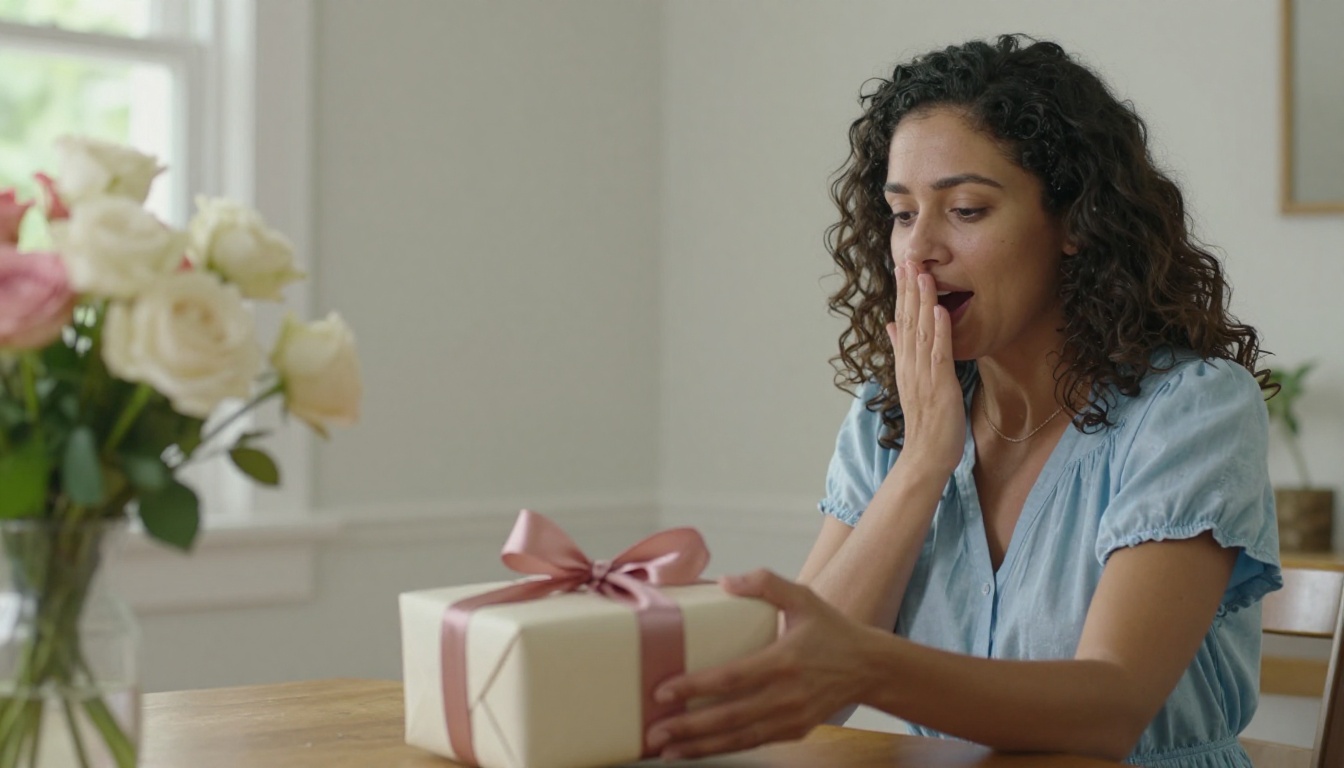
The best gifts are not expensive. They are specific. A photo flipbook says exactly what is hard to put into words: I see you, I remember, and I am grateful.
Flipbooks AI gives you everything you need to build something real in an afternoon. No design skills required, no expensive software, no waiting on shipping.
Start yours today at Flipbooks AI and give Mom something she will open again and again. Check out available pricing plans if you want to add password protection or share it with the whole family privately. And if you need more tools for other occasions, browse the full tools library.



